




 here!
I’m your shopping assistant for PC builds, upgrades, and everything tech.
Got questions? Ask away!
Start a conversation
here!
I’m your shopping assistant for PC builds, upgrades, and everything tech.
Got questions? Ask away!
Start a conversationShipped by Newegg
 Top Rated
 Hot Seller Top Rated

Make informed decisions with expert advice. Learn More


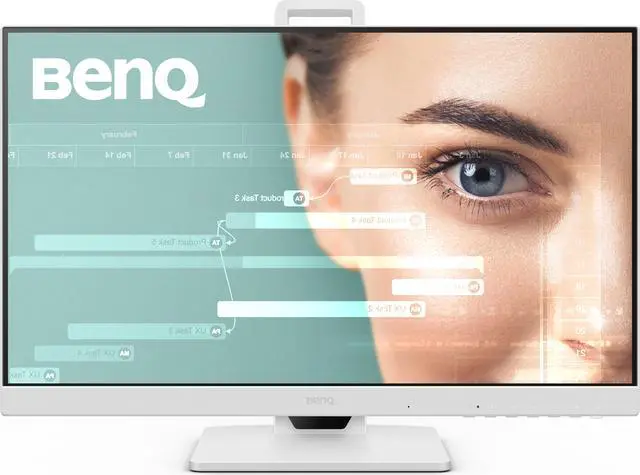
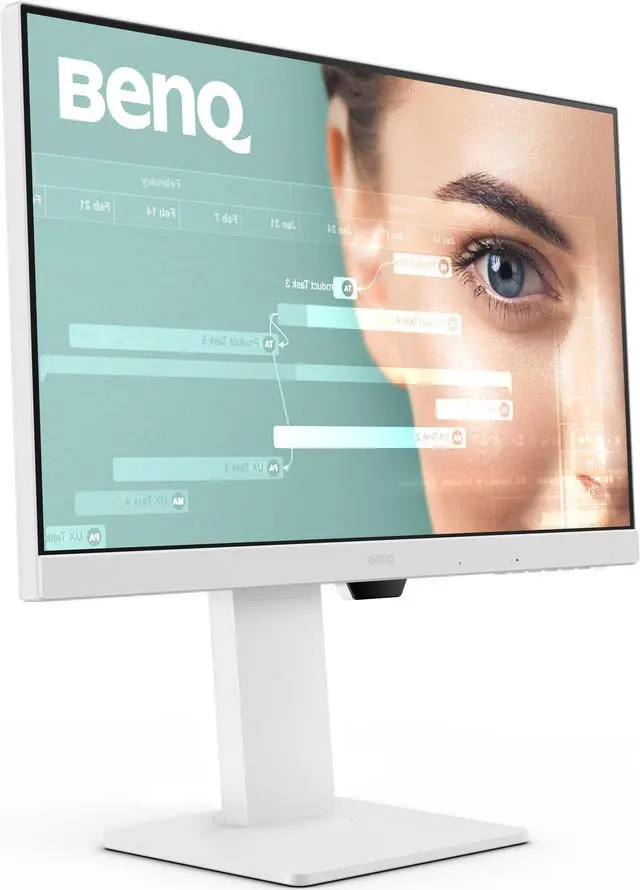
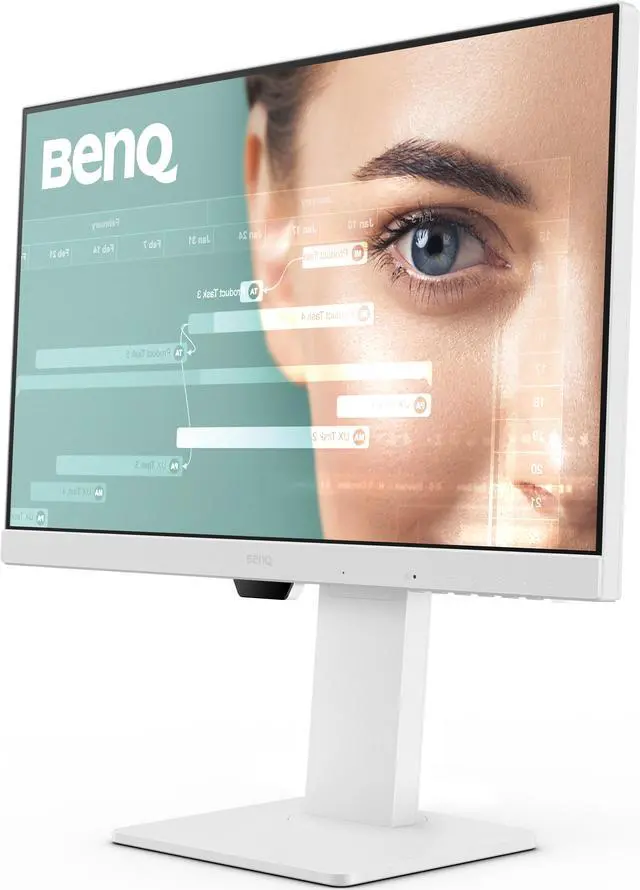
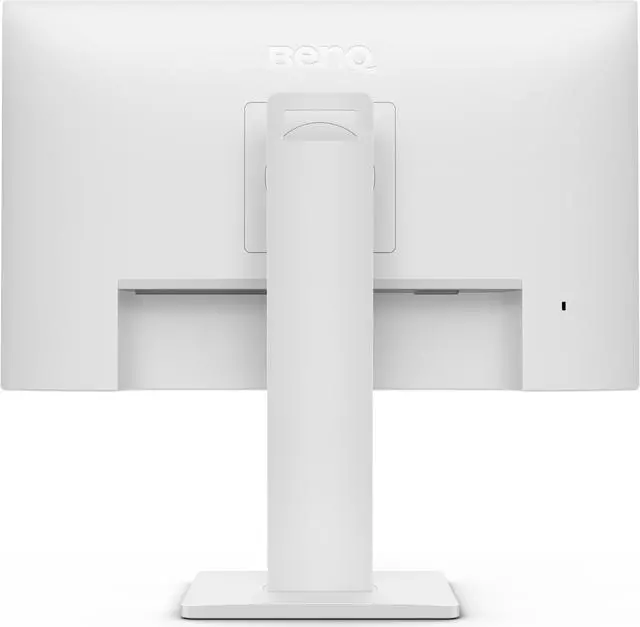




Any questions? Ask CelesteSM will help you find out quickly.


With 65W power delivery
Color Gamut
Refresh Rate
Technology

With the GW2486TC, providing USB Type-C All-in-One connectivity with 65W power delivery and relishing a smooth viewing experience at 100Hz refresh rate. Customize your preferences with its ergonomic design. Tailored coding mode ensures readability and efficiency, while Eye-Care and compatible software, Eye-CareU, deliver comfort and protection during extended sessions.

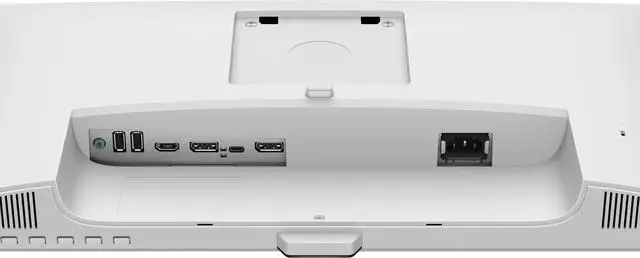
GW2486TC delivers fast audio, video, and 65W quick charging over a single USB-C cable. There are two extra USB-A ports make it easy to connect your peripherals.

GW2486TC creates a multi-monitor setup for extra screen real estate and a decluttered workspace.

The built-in noise-cancellation microphone filters ambient sound in your environment for your smooth communication.

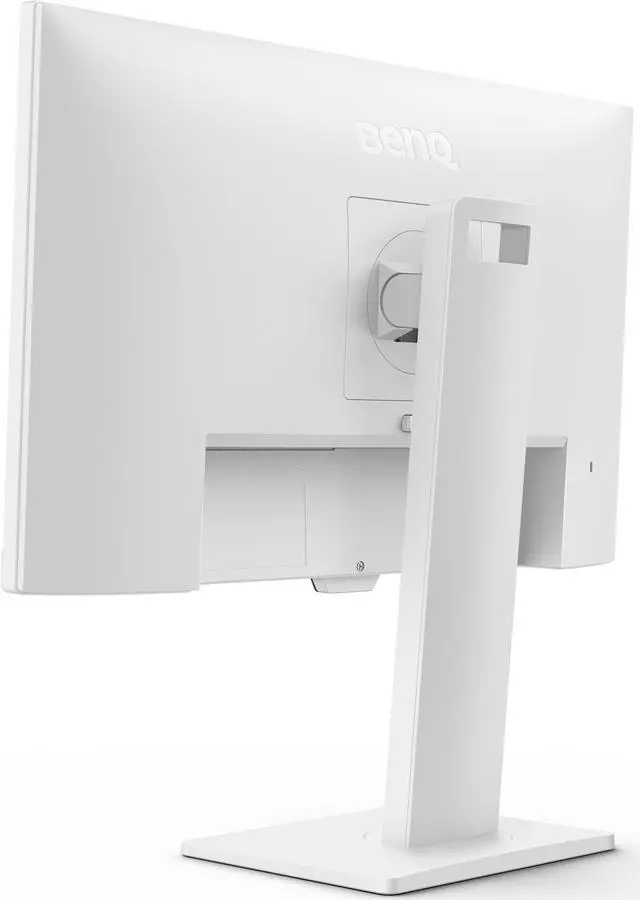
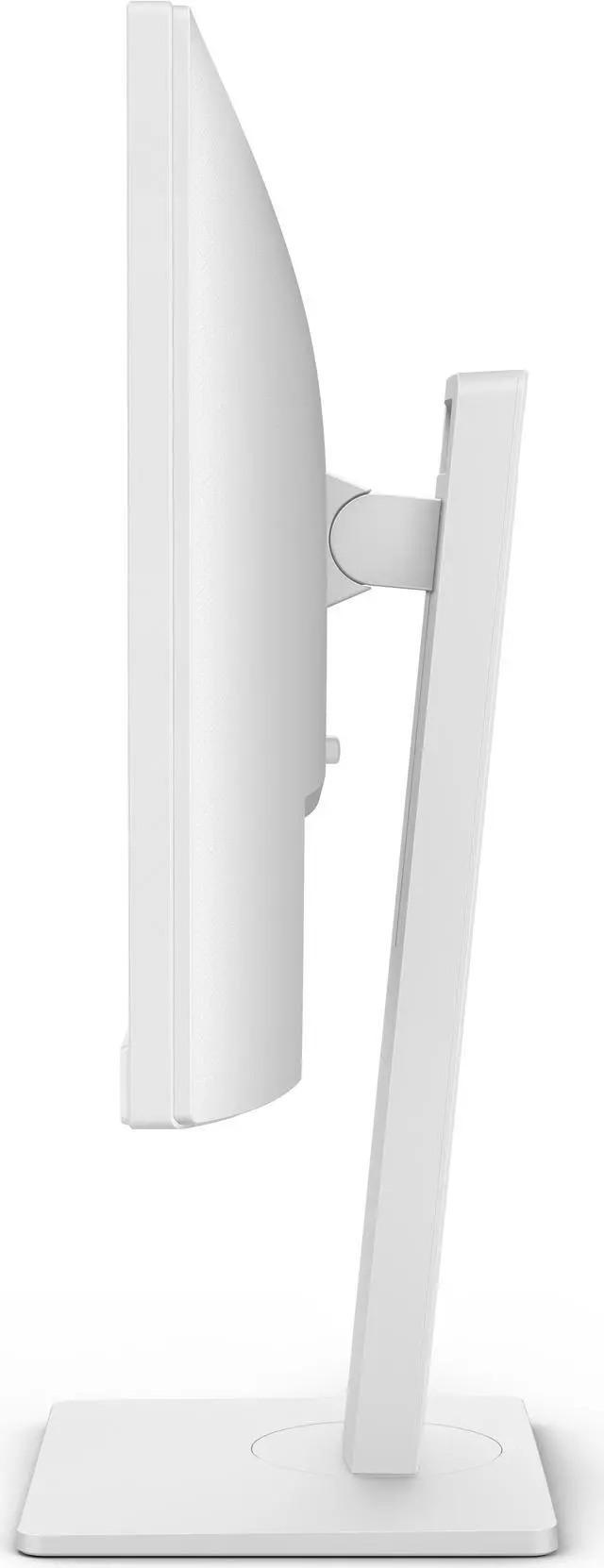
The monitor has tilt, pivot, swivel, and height adjustment to offer customization for flexibility.

100Hz refresh rate reacts more quickly to changes, for a clearer and smoother user experience.

With Coding Mode, and ePaper Mode ensuring effortless readability and eye comfort across your needs.

BenQ Eye-Care technologies safeguard your eye health with multiple features, ensuring that you see every image with clarity and comfortability.

The Brightness Intelligence Tech avoids overexposure and maintains clear visibility.

Keep vivid color while filtering out shorter, higher energy blue-violet radiation harmful to eyes.

Eliminate flickering at all brightness levels to reduce eye strain, fatigue, and headaches.

The filters on the monitor help individuals with color deficiency distinguish colors more easily.
We want to ensure your holiday shopping this year is hassle-free. That’s why we’re automatically extending our return policies on almost every product! For purchases placed between November 1st, 2026 and December 31, 2026 you will have until January 31, 2027 to return your product.
The BenQ GW2486TC is a 24-inch Full HD IPS office monitor with a height-adjustable stand, USB-C laptop connectivity, and eye-care features, making it a strong fit for home-office workers and programmers who want a comfortable everyday display.
| Attribute | Value |
|---|---|
| Best For | Business and desktop setups, including photo and video editing, with USB-C display and charging, built-in USB hub, and daisy-chain support |
| Panel And Resolution | 24-inch flat IPS display with 1920 × 1080 FHD resolution, 16:9 aspect ratio, anti-glare screen, 178° horizontal and vertical viewing angles, 250 cd/m² brightness, 1,300:1 typical contrast ratio, 16.7 million colors, and 99% sRGB coverage |
| Refresh Rate And Response | 100Hz refresh rate, 5ms GtG response time, and FreeSync adaptive sync |
| Ports And Connectivity | HDMI 1.4, DisplayPort 1.2, DisplayPort out with MST daisy-chain support, USB-C with DisplayPort Alt Mode and 65W power delivery, two USB 3.2 Gen 1 Type-A ports, and headphone output |
| Stand And Ergonomics | Height-adjustable stand with 130mm travel, -5° to 20° tilt, 45° swivel in either direction, and 90° pivot in either direction |
| Eye Care Features | Brightness Intelligence Technology (B.I. Gen2), Low Blue Light Plus, flicker-free technology, e-Paper, and Color Weakness modes |
| Audio And Webcam | Two 2W built-in speakers and a noise-cancellation microphone; no built-in webcam |
| Mounting And Physical Details | 100 × 100mm VESA mount compatible; white cabinet; weighs 13.67 lb |
| Power | 100–240 VAC input; power consumption is 14.6W typical, under 0.5W in standby, and 115W maximum |
| Model Identifiers | BenQ GW2486TC |
Q: BenQ GW2486TC vs. GW2485TC: what changed?
A: The GW2486TC is BenQ’s successor to the GW2485TC. Choose the GW2486TC for its 100Hz refresh rate and 65W USB-C power delivery; both models offer a 23.8-inch Full HD display, USB-C connectivity, and daisy chaining.
Q: Should I choose the BenQ GW2486TC or GW2786TC for work?
A: Both are 100Hz Full HD IPS monitors with 65W USB-C power delivery. Choose the GW2486TC for a 23.8-inch screen and the GW2786TC when you prefer a larger 27-inch display; both support an ergonomic setup and laptop-focused USB-C connectivity.
Q: BenQ GW2486TC vs. GW2790TC: which fits a laptop-based desk setup?
A: Choose the GW2486TC for a 23.8-inch workspace with 65W USB-C power delivery, two USB-A ports, and DisplayPort daisy chaining. Choose the GW2790TC if you want a 27-inch screen and a 144Hz refresh rate; it also has USB-C connectivity with 20W power delivery.
Q: Can I connect my laptop with one USB-C cable and charge it at the same time?
A: Yes, the GW2486TC’s USB-C port carries video and data and provides up to 65W of power delivery. The laptop’s USB-C port must support video output and charging; 65W may not meet every laptop’s power needs.
Q: Is this monitor suitable for office work and video meetings?
A: It suits everyday office work, with a 23.8-inch Full HD IPS screen, height adjustment, built-in speakers, and a noise-cancelling microphone. The microphone works with a computer connected by USB-C. It has no built-in webcam, so use a laptop camera or an external webcam for video calls.
Q: Can I adjust the screen height and position?
A: Yes. The included stand has 130 mm of height adjustment, tilt, swivel, and pivot, so you can set the screen position for your desk and viewing needs.
Q: Is this a good monitor to carry between work locations?
A: It is better suited to a desk than frequent travel: it is a full-size 23.8-inch monitor with a stand and weighs about 13.67 lb. Consider a smaller portable display if you need a screen to pack and carry regularly.
Q: Is the GW2486TC a good fit for MacBook Air study and everyday use?
A: It can suit study, journaling, and video use if 24-inch 1080p is sufficient. Its USB-C port supports display and data plus up to 65W power delivery. A Reddit discussion raised concerns about text sharpness at 1080p; if crisp text is a priority, compare it with a 4K display before buying.
Q: Does the built-in microphone work when the monitor is connected by DisplayPort?
A: No. The product information says the microphone works with a laptop or other external PC when connected via USB-C. A DisplayPort connection alone does not meet that requirement.
Q: Will two daisy-chained GW2486TC monitors stay at the same brightness with auto-brightness enabled?
A: Not necessarily. A Reddit discussion reports that Brightness Intelligence adjusts each monitor independently using its own light sensor, so the screens can choose different brightness levels. For a closer match, disable auto-brightness and set both screens manually.
Q: Is the GW2486TC a reasonable choice for an office or front desk?
A: It is worth considering for office tasks if Full HD resolution meets your needs. The 24-inch IPS screen, USB-C connection, USB-A hub, height-adjustable stand, and DisplayPort daisy-chain support match common desk setups. A Reddit user specifically noted its hub and daisy-chain features as relevant to a clinic front desk; the discussion does not provide long-term performance feedback.


