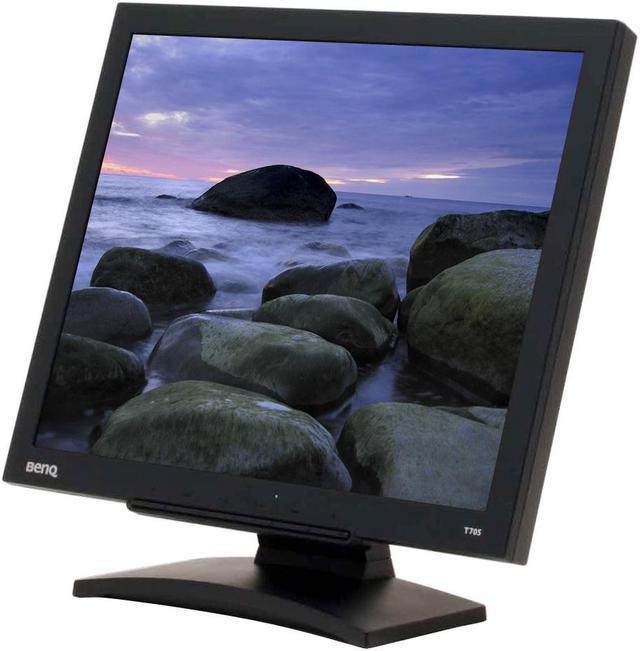
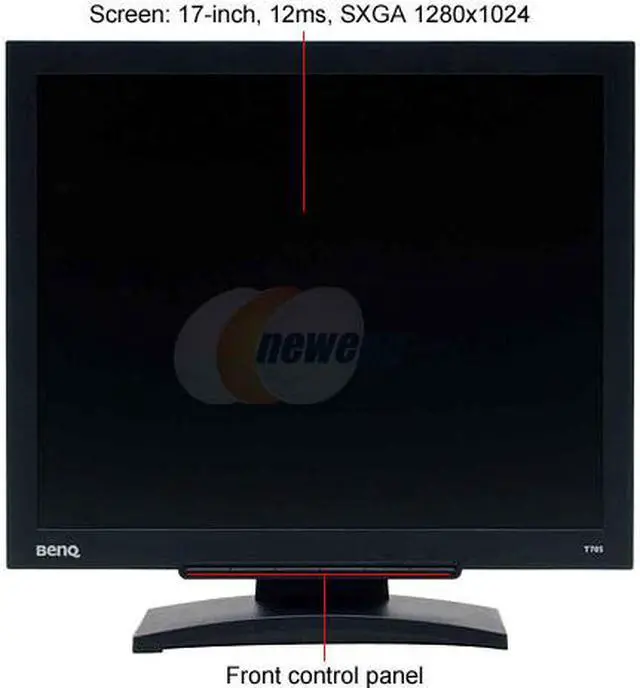
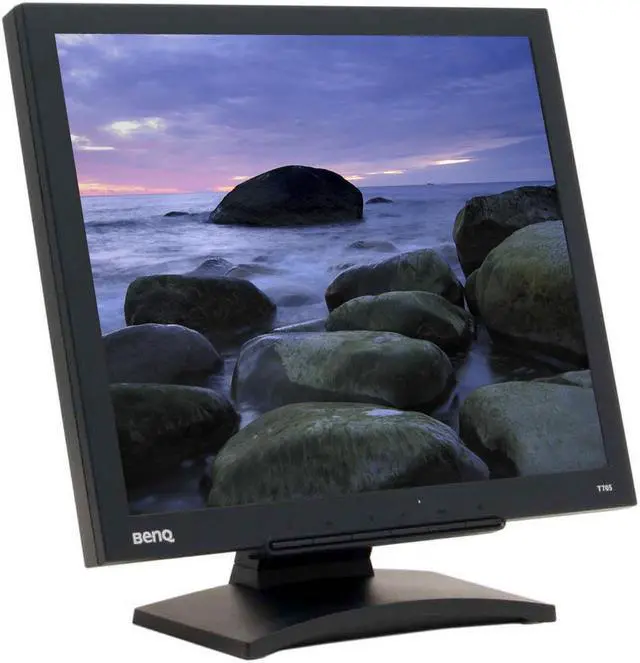
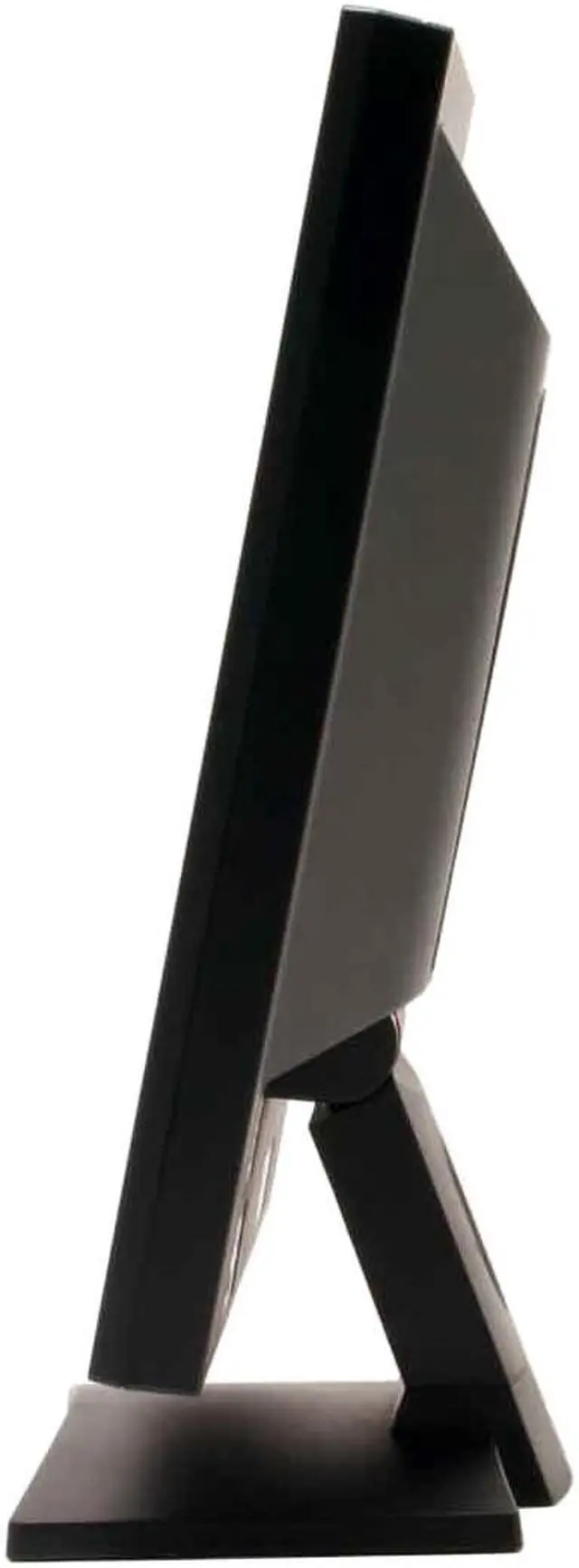
The BenQ T705 looks good before you ever turn it on. With a sleek black finish and elegant frame, it is a complement to any decor. The 1280 x 1024 resolution and quick response time give you clear pictures with no ghosting, even in multimedia and advanced gaming. Startling color and brightness are a treat to the eye at all levels.
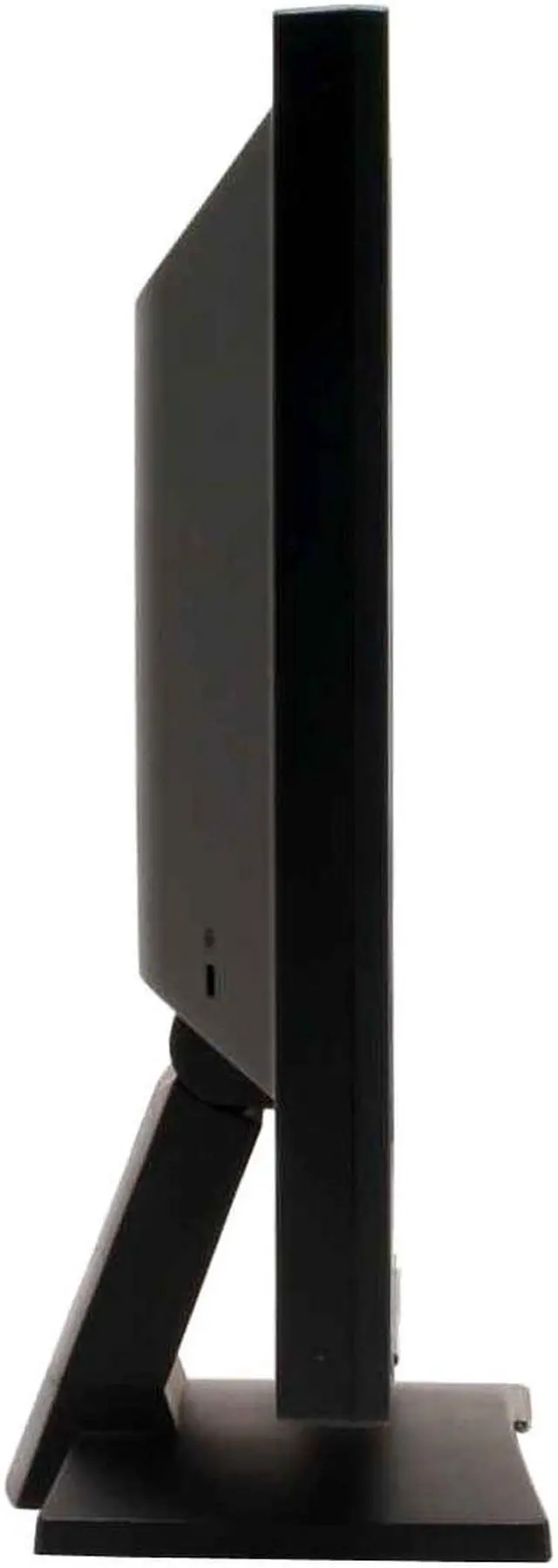
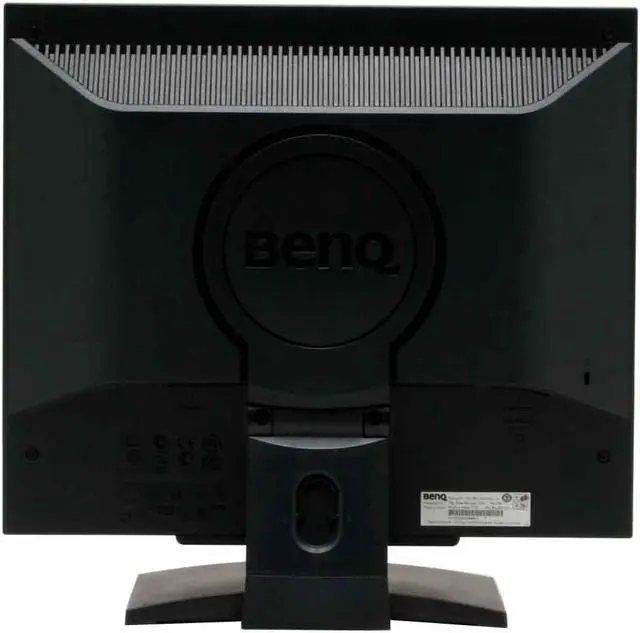
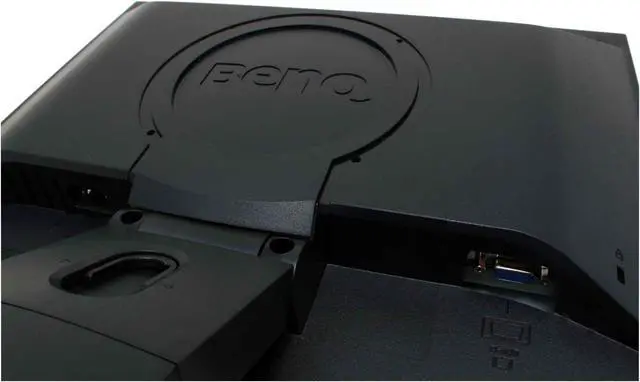
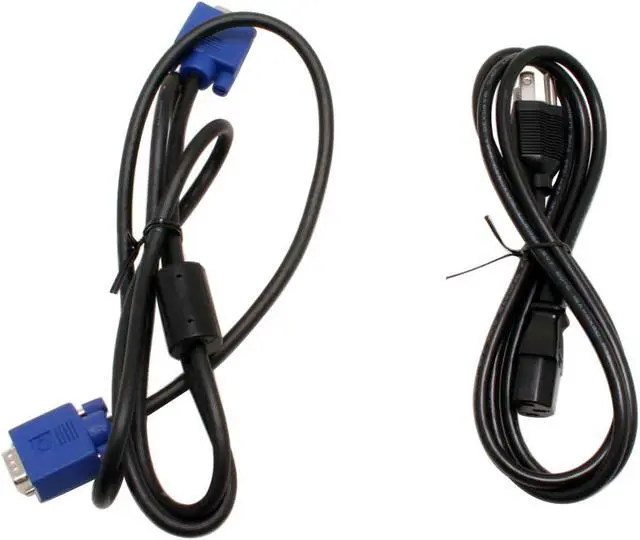
This versatile monitor supports 1 D-Sub analog connector for connecting to different devices, and is VESA Mounting compliant, to free up valuable desk space. It has a built-in power supply, and an energy-efficient power consumption of only 40 watts. The monitor also enables a video bandwidth of up to 135 MHz for better quality of picture, and the menu display comes in 8 different OSD languages. For the security conscious (and who isn't these days?) it has a Kensington lock to safeguard against theft. BenQ has made a monitor that in comfortable in any environment, from corporate to consumer.
The BenQ T705 looks good before you ever turn it on. With a sleek black finish and elegant frame, it is a complement to any decor. The 1280 x 1024 resolution and quick response time give you clear pictures with no ghosting, even in multimedia and advanced gaming. Startling color and brightness are a treat to the eye at all levels.
This versatile monitor supports 1 D-Sub analog connector for connecting to different devices, and is VESA Mounting compliant, to free up valuable desk space. It has a built-in power supply, and an energy-efficient power consumption of only 40 watts. The monitor also enables a video bandwidth of up to 135 MHz for better quality of picture, and the menu display comes in 8 different OSD languages. For the security conscious (and who isn't these days?) it has a Kensington lock to safeguard against theft. BenQ has made a monitor that in comfortable in any environment, from corporate to consumer.
 "A" Grade PanelThe BenQ T705 features an "A" grade panel to deliver outstanding panel and image quality.
 BenQ i Key Auto AdjustmentThe BenQ T705 monitor settings can be automatically adjusted to the optimum values by a simple click of the i Key on the monitor's front panel.




 "A" Grade PanelThe BenQ T705 features an "A" grade panel to deliver outstanding panel and image quality.
 BenQ i Key Auto AdjustmentThe BenQ T705 monitor settings can be automatically adjusted to the optimum values by a simple click of the i Key on the monitor's front panel.
