here!
here!
I’m your shopping assistant for PC builds, upgrades, and everything tech.
Got questions? Ask away!
Start a conversation
here!
I’m your shopping assistant for PC builds, upgrades, and everything tech.
Got questions? Ask away!
Start a conversation



Any questions? Ask CelesteSM will help you find out quickly.
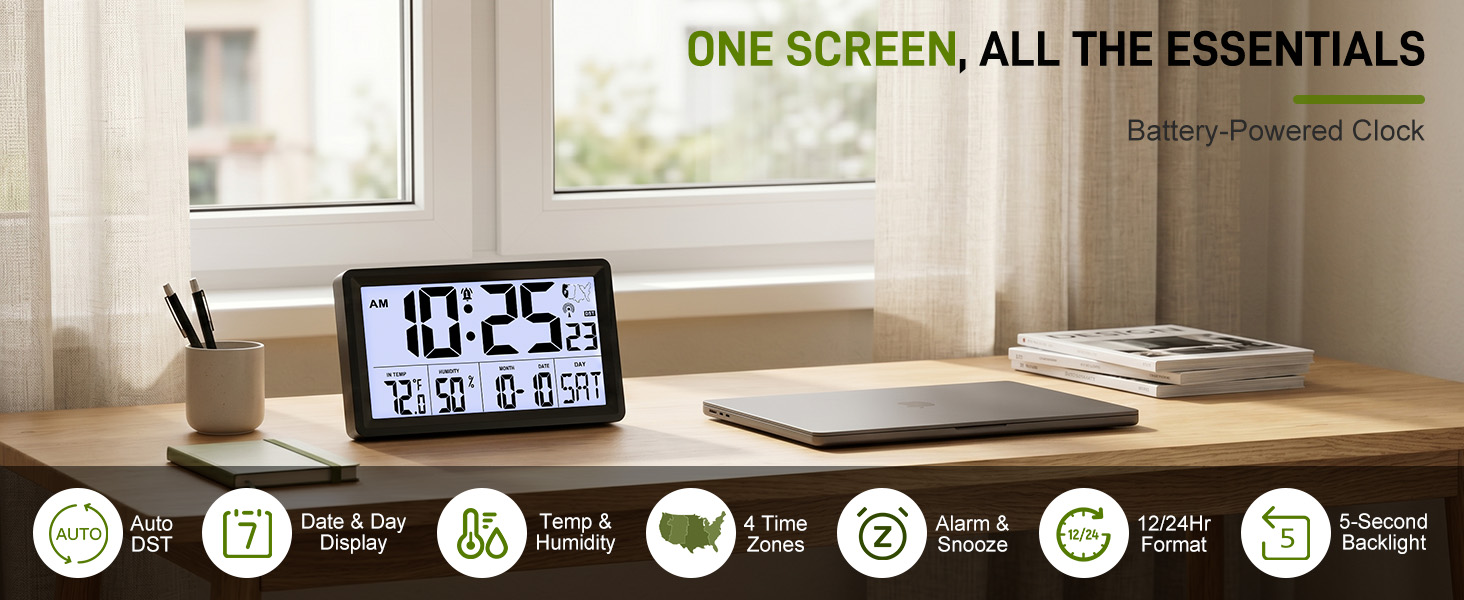
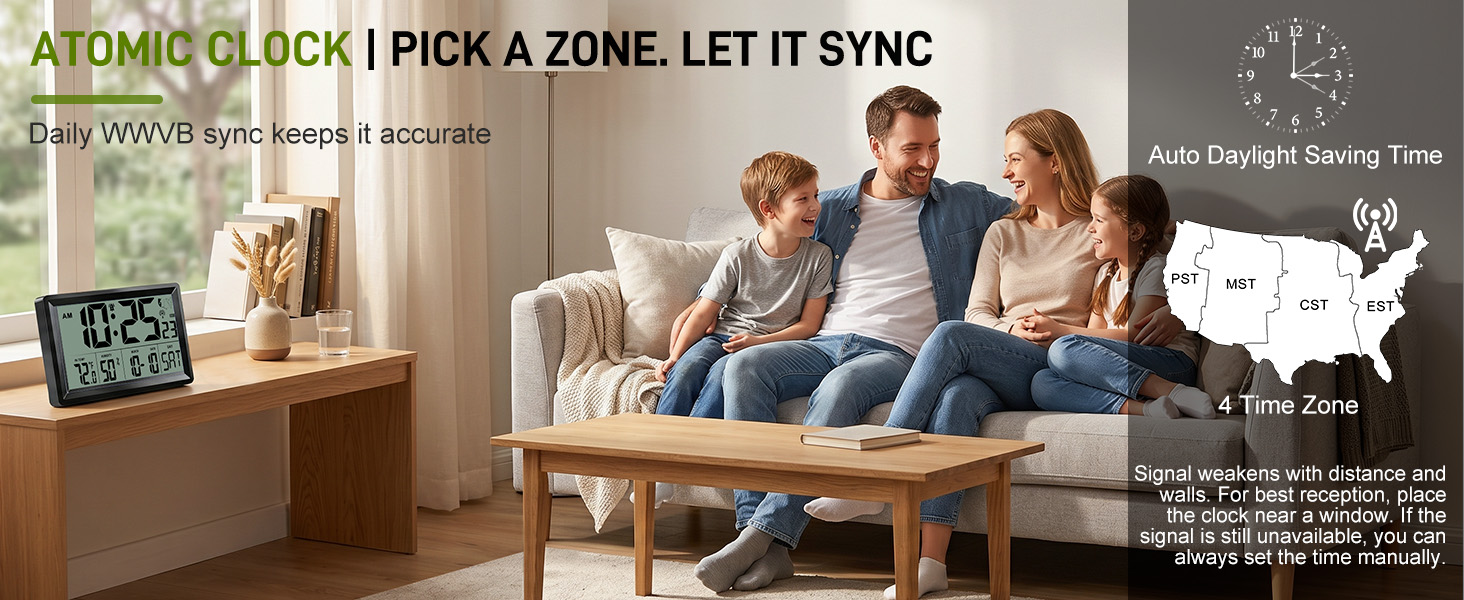
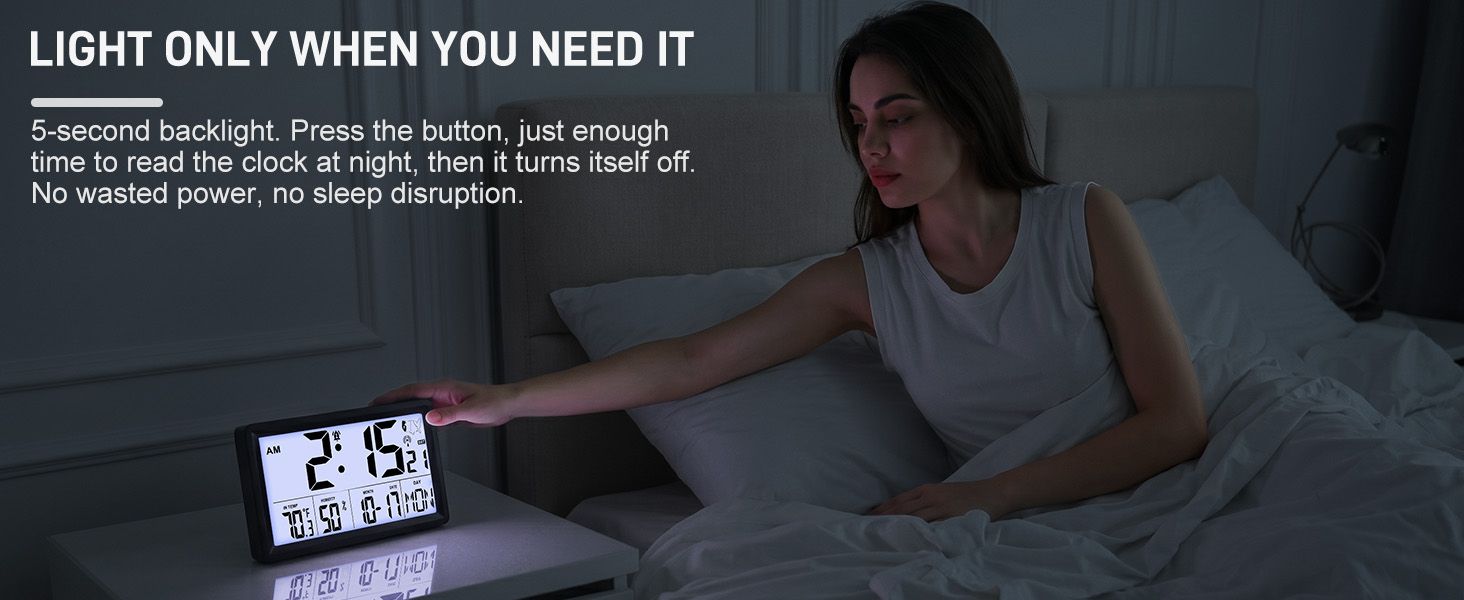
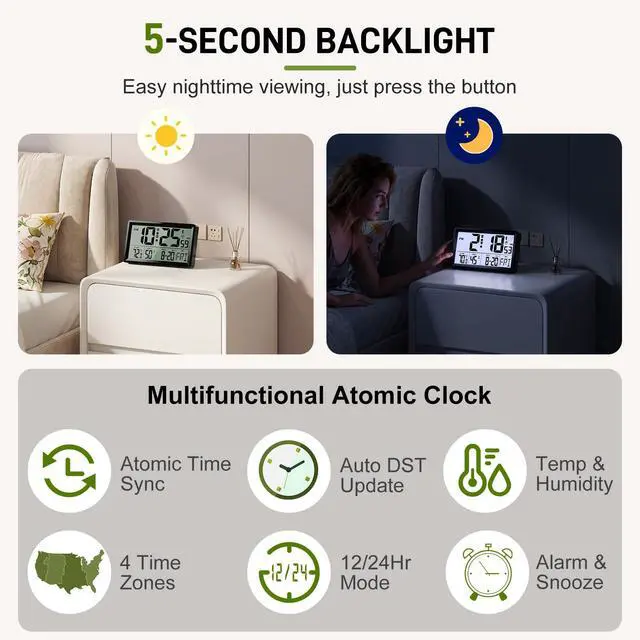
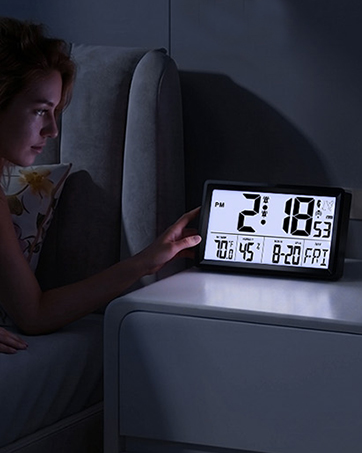
When the room is dim or dark, press the button to light up the display for 5 seconds, making the time and other information easier to see. The backlight then turns off to help conserve battery power.
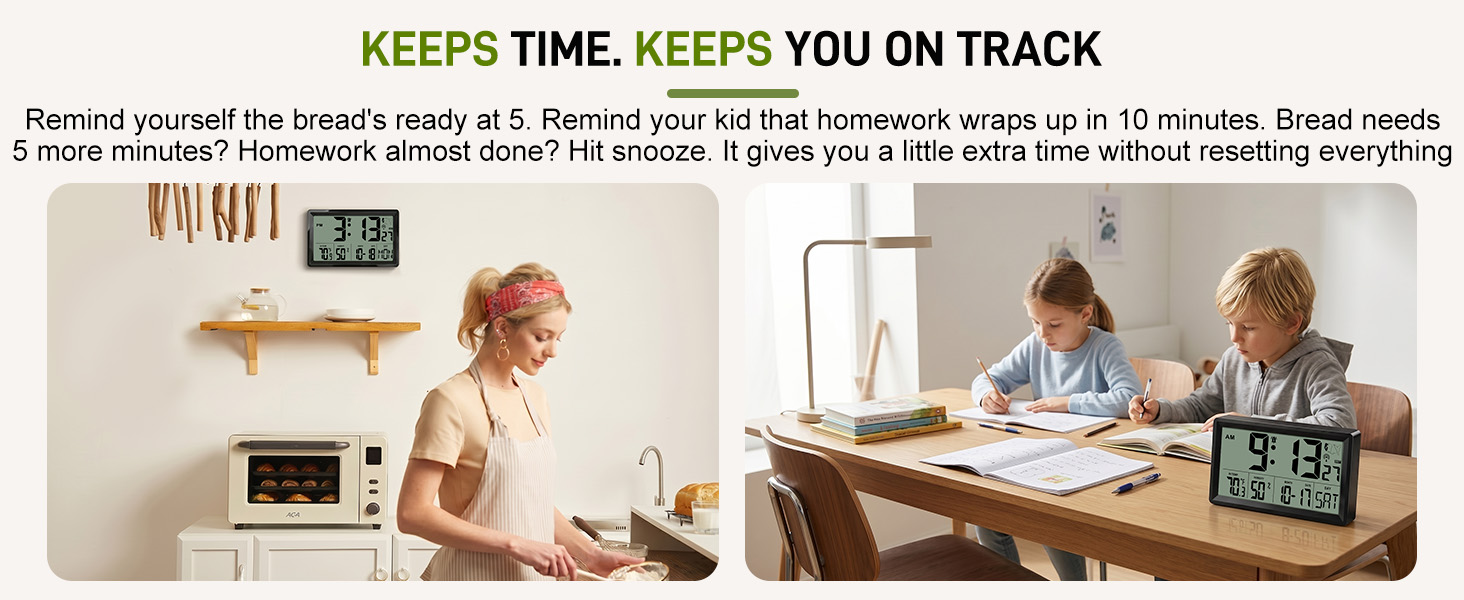
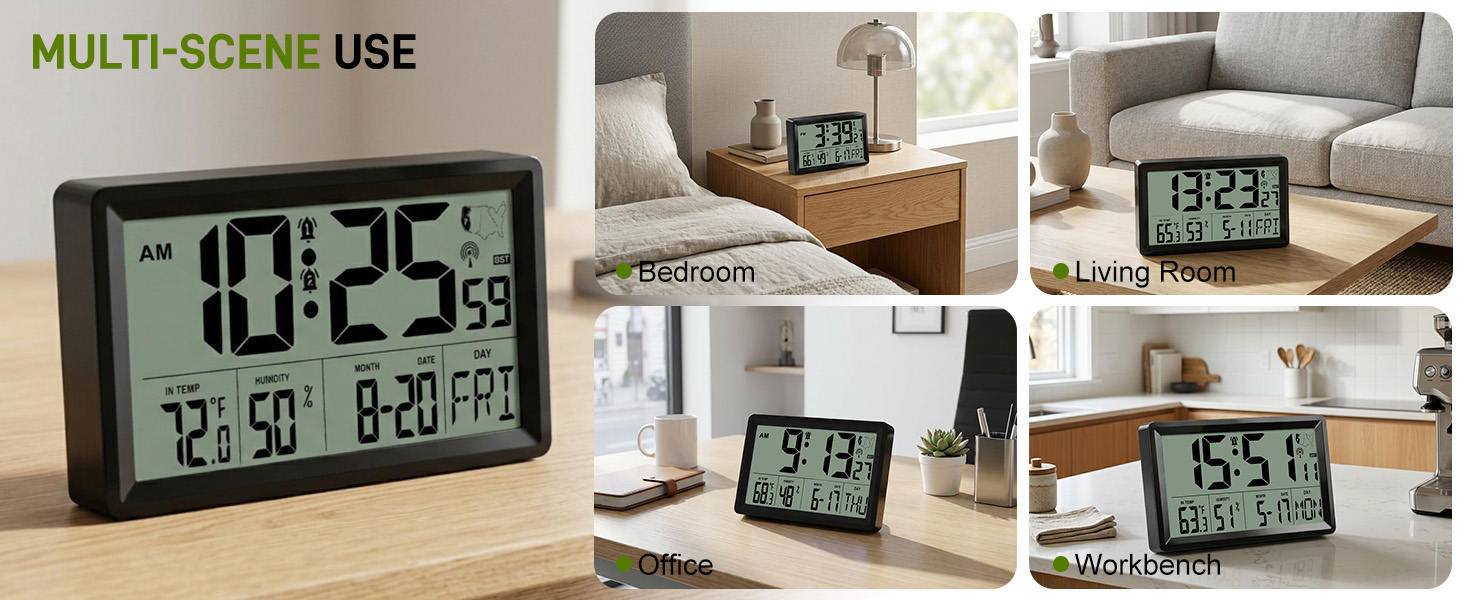
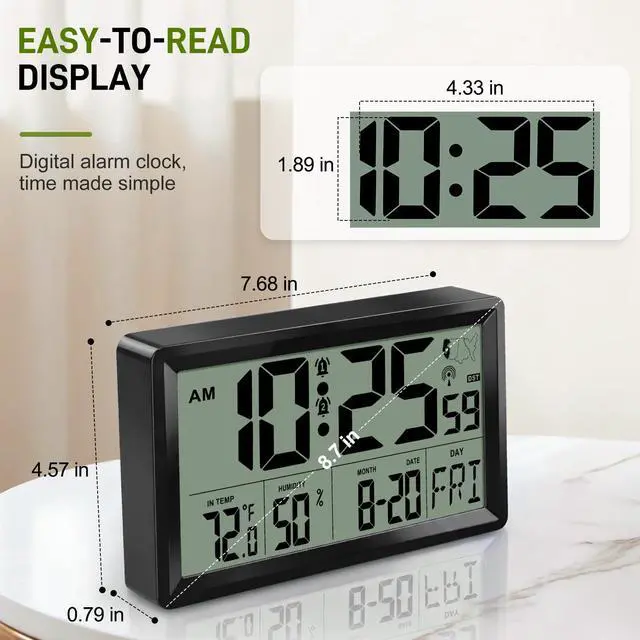
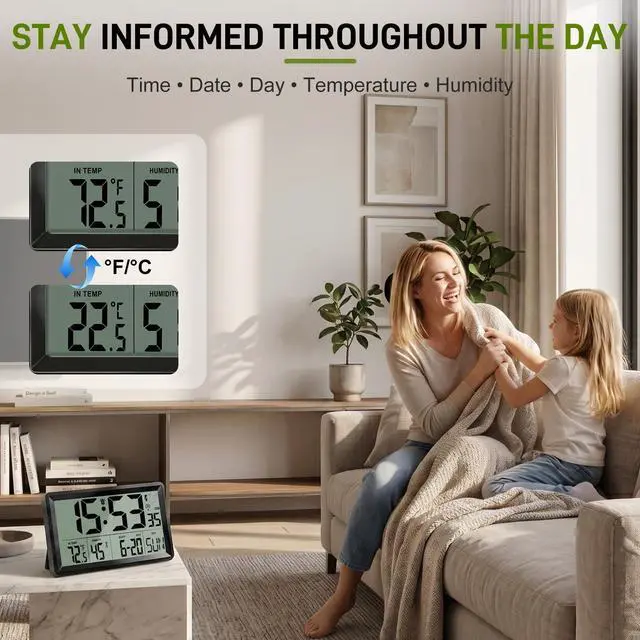
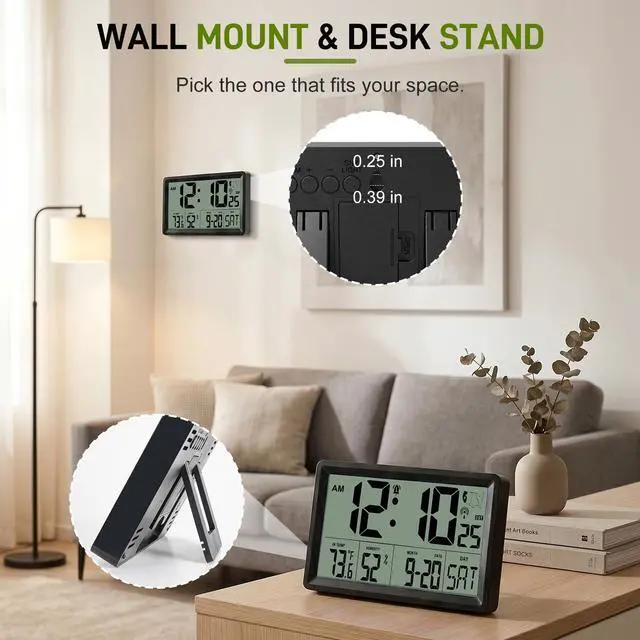
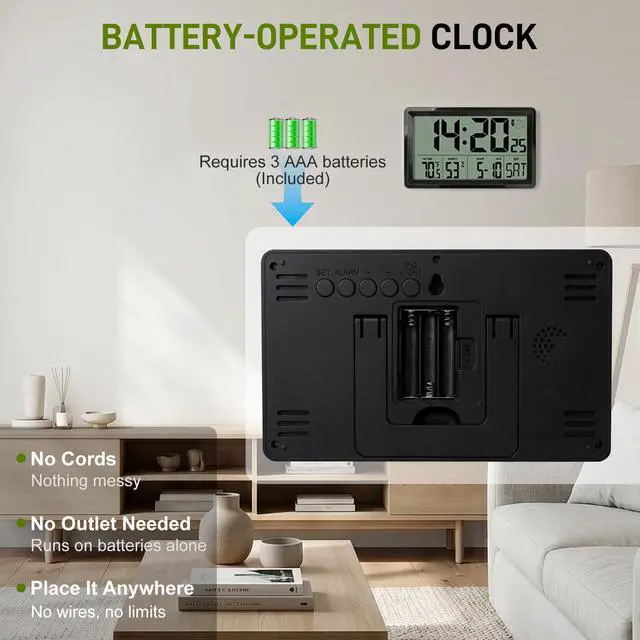
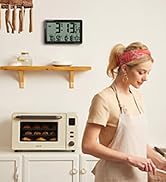
From the kitchen and home office to the bedroom and living room, keep time and indoor information within easy reach. The battery-powered design gives you the flexibility to place the clock where it works best for your space.
Helpful Tips
Setup Tips
Setting the Time Zone:
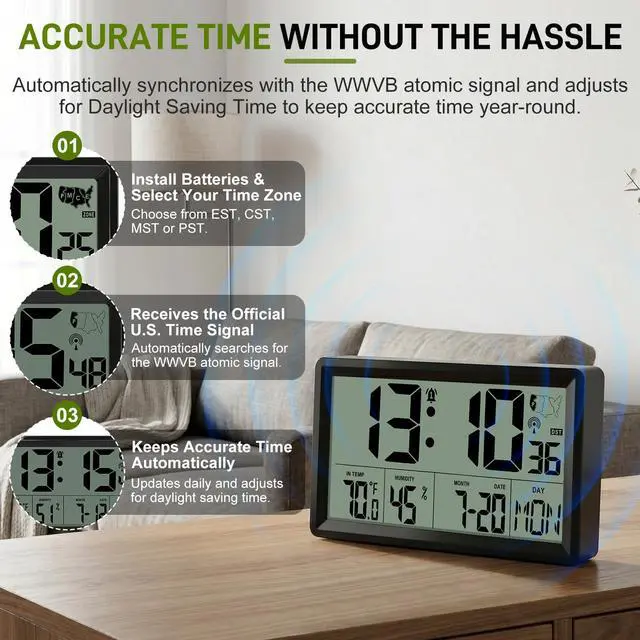
Press and hold SET for 2 seconds to enter the settings. Press SET to cycle through the options: 12/24H ? RCC ON/OFF ? Time Zone ? Hour ? Minute ? Date Format ? Year ? Month ? Day. The currently selected item will flash to indicate that it is active.
When the weekday (DAY) area starts flashing, you are in the Time Zone setting. Use + / - to select PST, MST, CST, or EST. Press SET to continue through the remaining settings.
While the clock is searching for the WWVB atomic time signal, all other buttons are disabled. This is normal. To stop the synchronization, briefly press the “-” button.
Does the clock adjust automatically for Daylight Saving Time?
Yes. When Auto DST is enabled, the clock automatically adjusts one hour forward or backward during Daylight Saving Time changes, so no manual reset is required.
How can I receive the atomic signal faster?
For best reception, place the clock near a window, away from metal objects and electronics. The signal is usually strongest at night, so leave it undisturbed overnight. Sync time varies by location and signal conditions.
What happens if the clock cannot receive the WWVB signal?
The clock will continue operating using its internal quartz movement and maintain normal timekeeping. It will automatically attempt to receive the atomic signal again later.
Does the clock have a backlight?
Yes. Press the SNOOZE/LIGHT button to activate the 5-second backlight for easy nighttime viewing.
Does the backlight stay on all the time?
No. The backlight is designed for quick nighttime viewing. Press the button to activate the light for 5 seconds, helping you check the time while conserving battery power. This design extends battery life significantly.

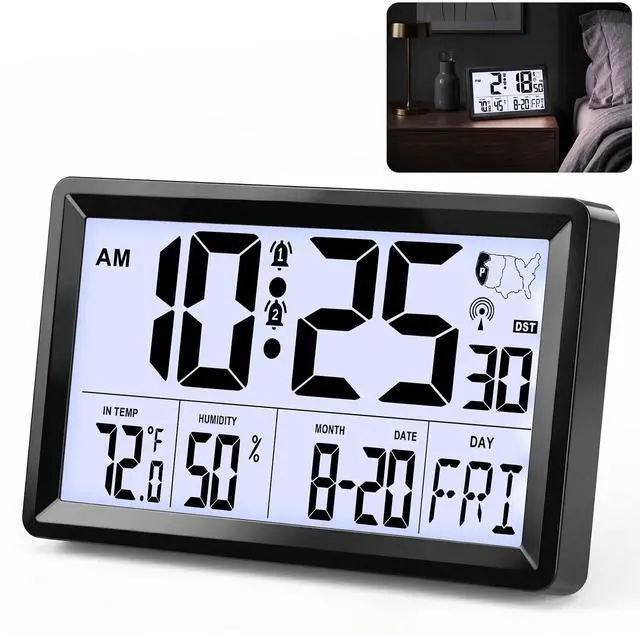
Automatically receives the WWVB signal to keep accurate time without complicated setup.

From swimming goggles to home and outdoor essentials, we create products designed to make everyday life easier and more enjoyable. Every product reflects our focus on quality, functionality, and everyday value.
Since day one, we've been committed to delivering reliable products and a smooth shopping experience. Our mission is simple—to provide products our customers can enjoy and service they can trust.
Founded in 2024, we are committed to developing high-quality products that combine performance, design, and affordability. Our goal has been to deliver a satisfying and reliable online shopping experience for every customer.
We strive to combine elegance and technology to design things we want to use, and we love sharing this expertise with you.
Automatically receives the WWVB signal to keep accurate time without complicated setup.
From swimming goggles to home and outdoor essentials, we create products designed to make everyday life easier and more enjoyable. Every product reflects our focus on quality, functionality, and everyday value.
Since day one, we've been committed to delivering reliable products and a smooth shopping experience. Our mission is simple—to provide products our customers can enjoy and service they can trust.
Founded in 2024, we are committed to developing high-quality products that combine performance, design, and affordability. Our goal has been to deliver a satisfying and reliable online shopping experience for every customer.
We strive to combine elegance and technology to design things we want to use, and we love sharing this expertise with you.
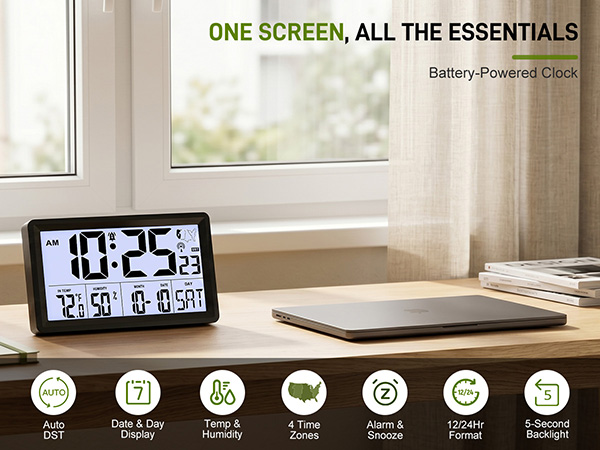
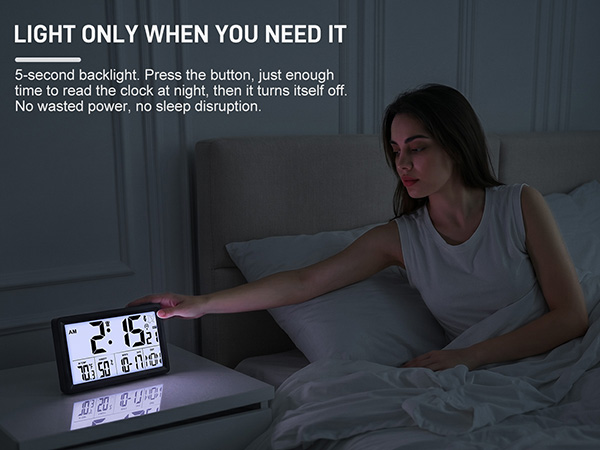
When the room is dim or dark, press the button to light up the display for 5 seconds, making the time and other information easier to see. The backlight then turns off to help conserve battery power.
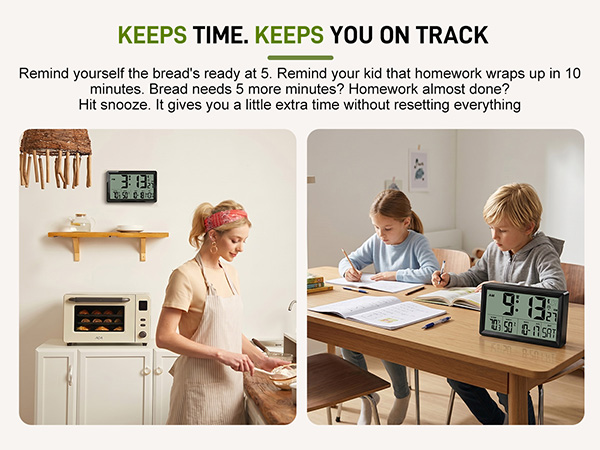
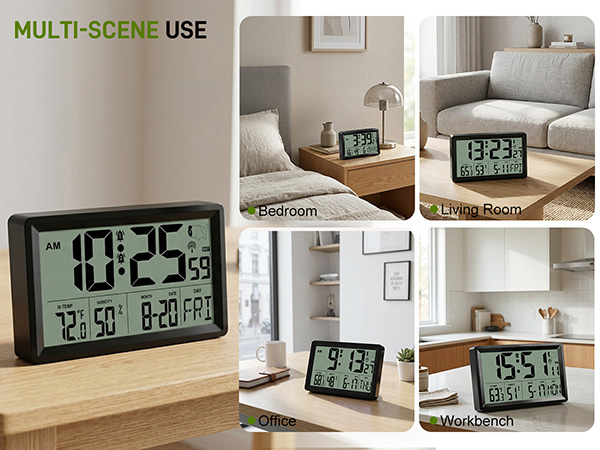
From the kitchen and home office to the bedroom and living room, keep time and indoor information within easy reach. The battery-powered design gives you the flexibility to place the clock where it works best for your space.
Helpful Tips
Setup Tips
Setting the Time Zone:
Press and hold SET for 2 seconds to enter the settings. Press SET to cycle through the options: 12/24H ? RCC ON/OFF ? Time Zone ? Hour ? Minute ? Date Format ? Year ? Month ? Day. The currently selected item will flash to indicate that it is active.
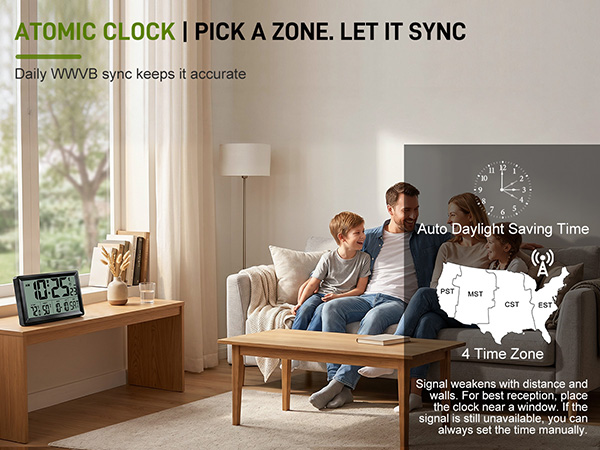
When the weekday (DAY) area starts flashing, you are in the Time Zone setting. Use + / - to select PST, MST, CST, or EST. Press SET to continue through the remaining settings.
While the clock is searching for the WWVB atomic time signal, all other buttons are disabled. This is normal. To stop the synchronization, briefly press the “-” button.
Does the clock adjust automatically for Daylight Saving Time?
Yes. When Auto DST is enabled, the clock automatically adjusts one hour forward or backward during Daylight Saving Time changes, so no manual reset is required.
How can I receive the atomic signal faster?
For best reception, place the clock near a window, away from metal objects and electronics. The signal is usually strongest at night, so leave it undisturbed overnight. Sync time varies by location and signal conditions.
What happens if the clock cannot receive the WWVB signal?
The clock will continue operating using its internal quartz movement and maintain normal timekeeping. It will automatically attempt to receive the atomic signal again later.
Does the clock have a backlight?
Yes. Press the SNOOZE/LIGHT button to activate the 5-second backlight for easy nighttime viewing.
Does the backlight stay on all the time?
No. The backlight is designed for quick nighttime viewing. Press the button to activate the light for 5 seconds, helping you check the time while conserving battery power. This design extends battery life significantly.