• $88.74
  • Free 30-day Returns
  • Price alert
    Shop it at NeweggBusiness.

    Meet Your Seller

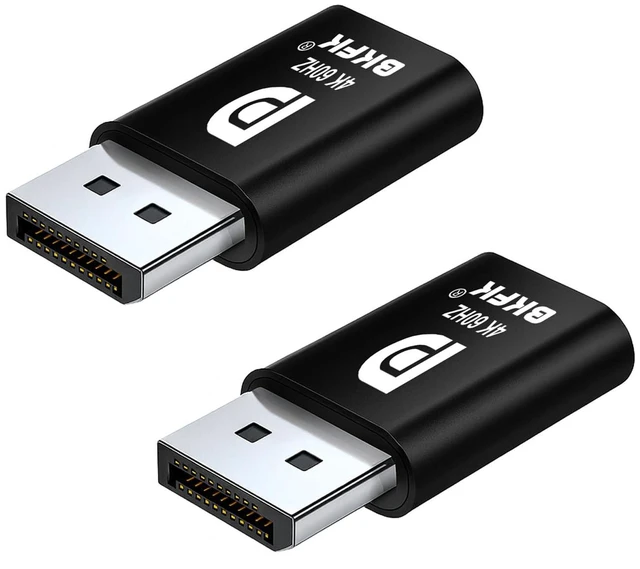
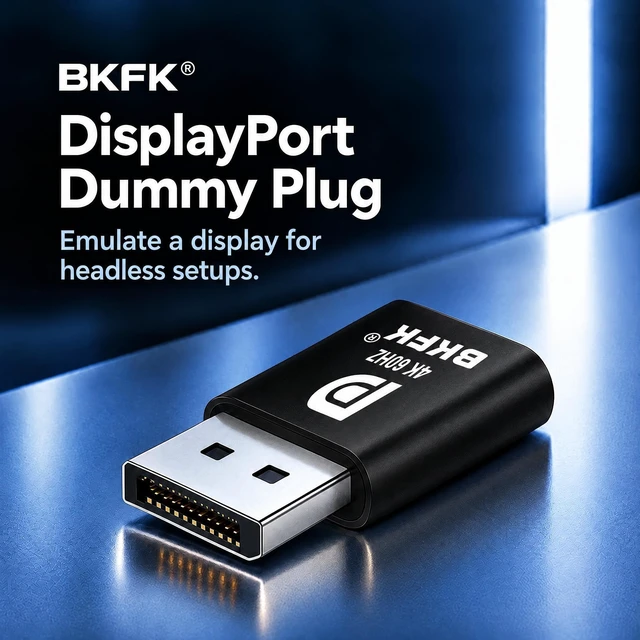
    BKFK 4K DisplayPort Headless Dummy Plug - Supports 1080p-240Hz EDID Emulator Dongle 60Hz for Crypto Mining, Remote Servers, and Virtual Desktops(DP-4K-2P)

    • Support for high resolution: This device is compatible with all devices and graphics cards with DisplayPort interface. The supported resolutions include: 1920x1080P@60Hz ~120Hz 2560x1440@60Hz 3840x2160@60Hz , able to achieve maximum 4096x2160@60hz The resolution allows your computer to fully utilize the power of the graphics card.Support DP1.1a, 1.2a, 1.3, 1.4 input formats, HDMI 2.0 transmitter, up to 6.0Gbit / sec per TMDS data channel.
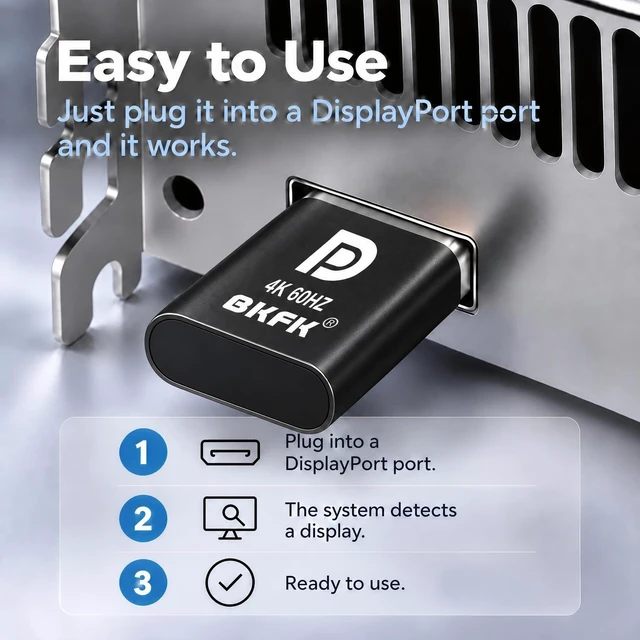
    • No driver and external power required: This device has plug and play functionality, does not require the installation of any drivers or software, and does not require external power supply. It Support hot plug technology HPD and HDCP1.4, 2.3 protection and has low energy consumption, making it suitable for applications such as cryptocurrency mining, video rendering, and analog display mirroring.
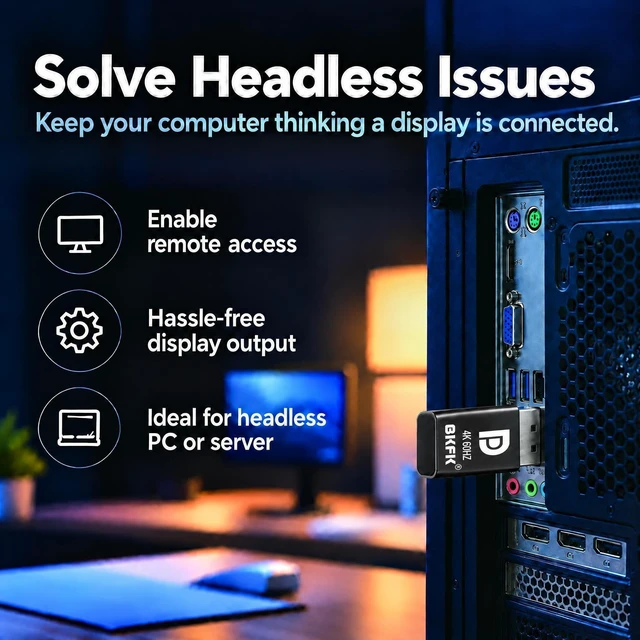
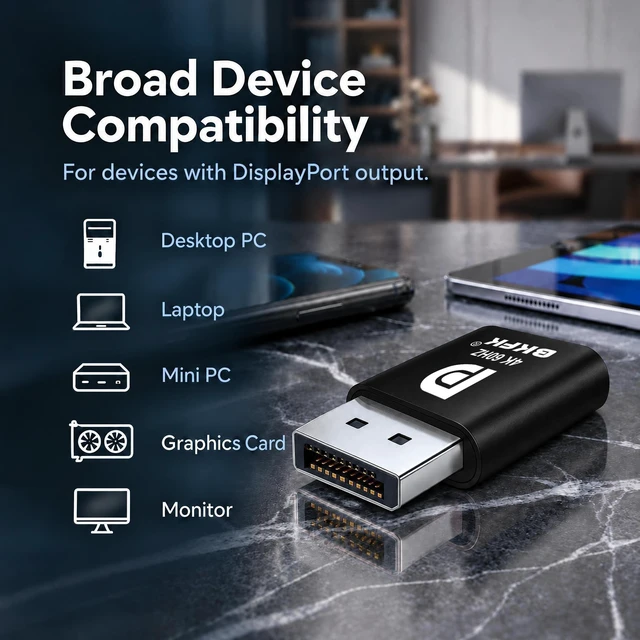
    • Widely compatible with multiple operating systems: not only compatible with mainstream operating systems such as Windows PC, macOS, and Linux, but also applicable to other operating systems. Very suitable for application scenarios such as streaming games, virtual reality, and mini servers, as well as occasions that require screen sharing functionality.
    • Embedded MCU and SPI flash, can better communicate with the device, so that it can play the maximum efficiency, working state micro heat.Not hot to the touch Hand.
    +
    +
    Overview
    Specs
    Reviews

    Any questions? Ask CelesteSM will help you find out quickly.

    4K DisplayPort Dummy Plug - Headless Emulator Dongle 60Hz

    Display Virtual Window Home EDID Emulator | DisplayPort Headless Emulator Dongle 60Hz

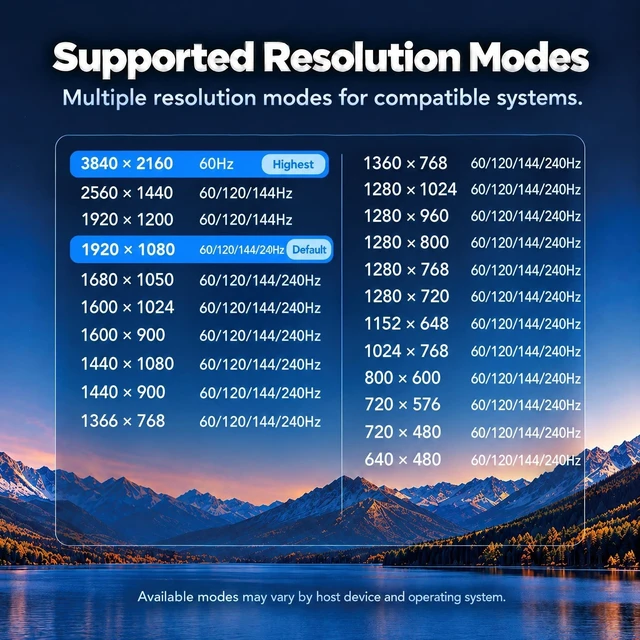
    Support for High Resolution: This device is compatible with all devices and graphics cards featuring a DisplayPort interface. Supported resolutions include:

    • 4096 x2160@60Hz
    • 3840 x2160@60Hz
    • 2560x1440@60Hz
    • 2560 x1080@60Hz
    • 1920 x1080@60/120Hz(Recommended)
    • 1680 x1050@60/120Hz
    • 1600 x1024@60/120Hz
    • 1600 x900@60/120Hz
    • 1440x1080@60/120Hz
    • 1366 x768@60/120Hz
    • 1360 x768@60/120Hz
    • 1280 x1024@60/120Hz
    • 1280 x960@60/120Hz
    • 1280x800@60/120Hz
    • 1280x768@60/120Hz
    • 1280x720@60/120Hz
    • 1176 x664@60/120Hz
    • 1152 x864@60/120Hz
    • 1024x768@60/120Hz
    • 800 x600@60/120Hz

    These resolutions allow your computer to fully utilize the power of the graphics card, ensuring clear and smooth visuals for all your applications.

    No Driver and External Power Required: Enjoy hassle-free setup with plug and play functionality. This device does not require the installation of any drivers or software, nor does it need an external power supply. Simply connect the Dummy Plug to your DisplayPort and start using it immediately.

    Hot Plug Technology & Enhanced Protection:

    • Supports Hot Plug Detection (HPD): Seamlessly connect and disconnect without disrupting your system.
    • HDCP 1.4 and 2.3 Protection: Ensures secure and reliable data transmission, protecting your content from unauthorized access.

    Low Energy Consumption: Designed to be energy-efficient, making it ideal for continuous operation in various applications.

    Versatile Applications:

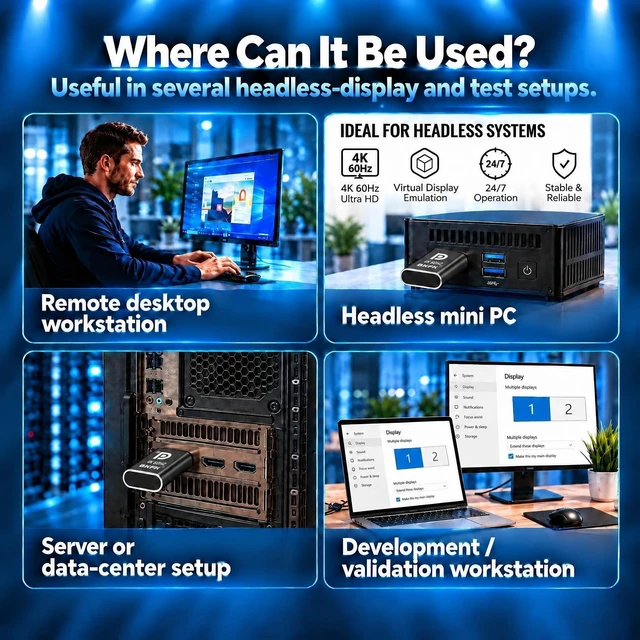
    • Cryptocurrency Mining: Optimize your mining rigs for better performance and reduced power consumption, ensuring stable and long-term operation.
    • Video Rendering: Enhance your video rendering workflows by maintaining high-resolution outputs without the need for a physical monitor.
    • Analog Display Mirroring: Perfect for mirroring displays in environments where a physical monitor is not feasible.
    • Remote Desktops & Mini Servers: Manage your remote desktops and mini servers efficiently without the need for attached displays.
    • Streaming Games & Virtual Reality: Ideal for gaming streamers and VR setups that require consistent display output.
    • Screen Sharing Functionality: Facilitates seamless screen sharing in collaborative and virtual environments.

    Warranty & Returns

    Warranty, Returns, And Additional Information

    Warranty

    • Please contact the Seller directly for warranty information. Warranty information may also be found on the Manufacturer's website.
    • CONTACT

    Return Policies

    Manufacturer Contact Info

    LOADING...