

Your Browsing History

Meet Your Seller


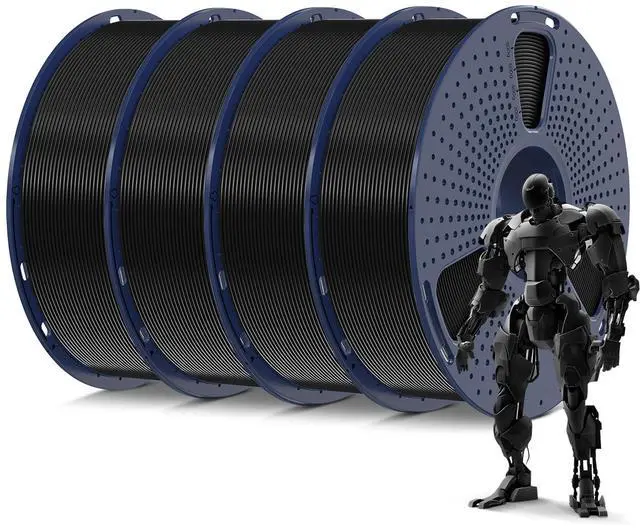
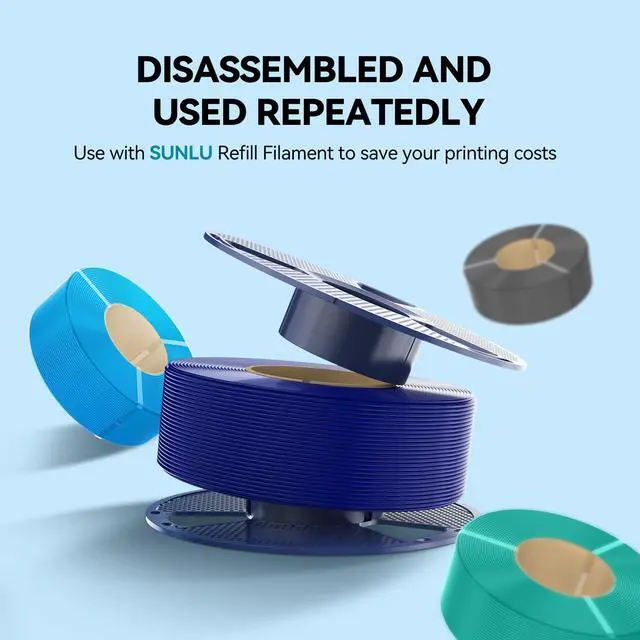
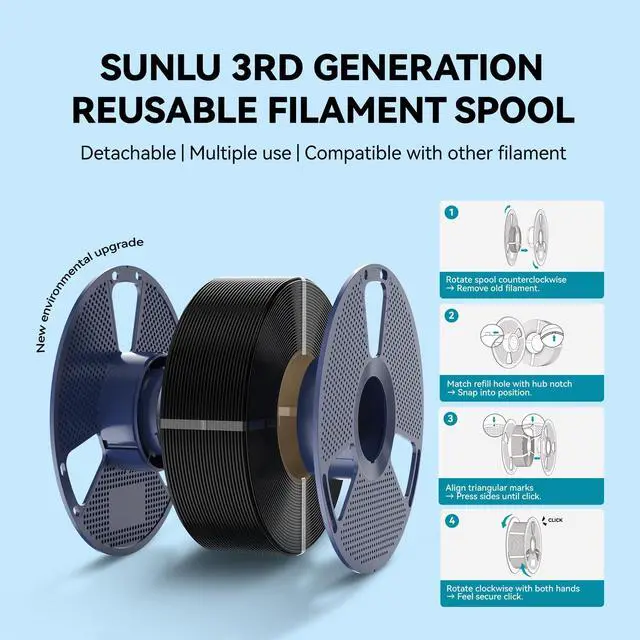


SUNLU PLA 3D Printer Filament, Black, 4KG | PLA Filament 1.75mm, 4 Individual 1KG Spools, Vacuum Packed, Neatly Wound, ±0.02mm Accuracy
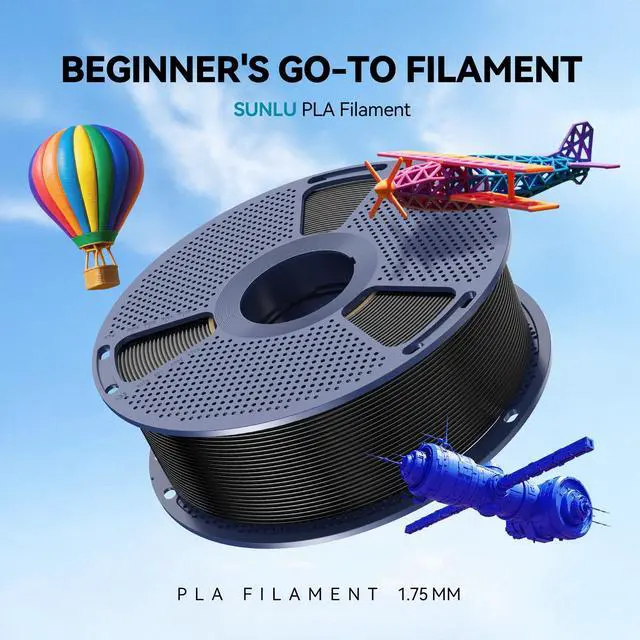
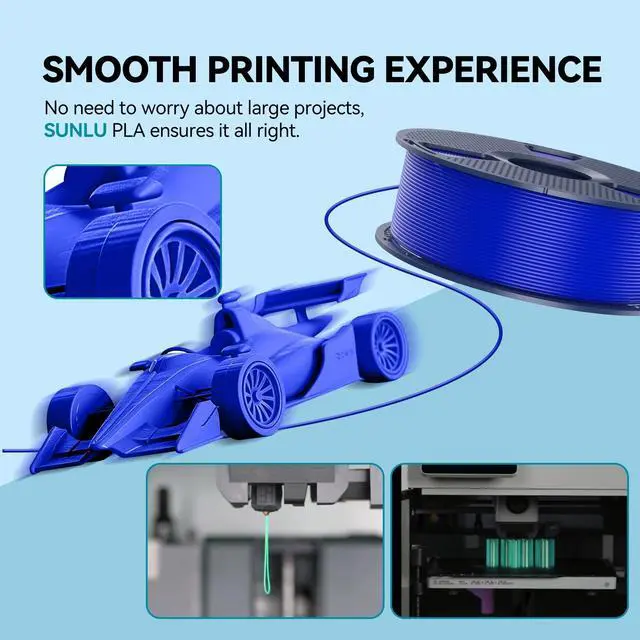
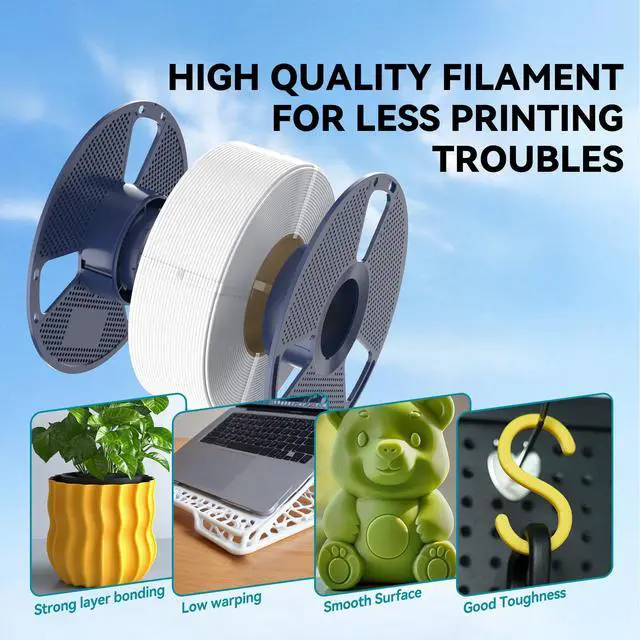
- SUNLU PLA 3D Printer FilamentPLA material is the perfect choice for 3D printing enthusiasts! SUNLU PLA filament is reliable, versatile, and easy to use. No clogs, bubbles, or tangles, its excellent layer adhesion ensures high-quality prints every time. Ideal for beginners and experienced users.
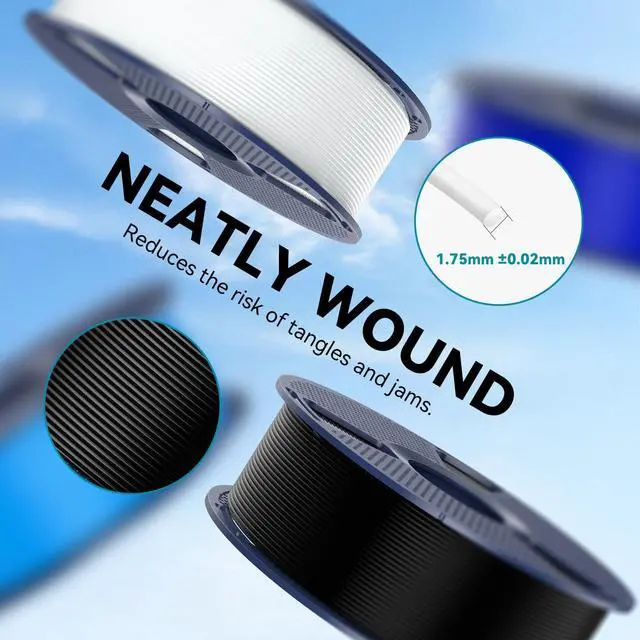
- Neatly Wound 3D Filament SpoolSUNLU's self-developed neat winding device ensures that the filament is easy to use, with a 100% neat rate that reduces the risk of tangles and jams, and provides a smoother and more efficient 3D printing experience.
- PLA Filament 1.75 mmSUNLU 3D printer filament dimensional Accuracy +/- 0.02mm. SUNLU filament has wide compatibility due to the small diameter error, making it suitable for almost all 1.75mm FDM 3D printers.
- Filament Spool DiameterSpool Diameter: 8.00", Spool Width: 2.50", Spool Hub Hole Diameter: 2.20". The size of the SUNLU filament spool is suitable for hanging on a lot of FDM 3D printers.
- PLA Recommend SettingsTo achieve the best printing results with SUNLU PLA filament, we recommend printing at a nozzle temperature of 200-230°C, a bed temperature of 50-65°C, and a printing speed of 50-100mm/s.
+
+
Overview
Specs
Reviews

Any questions? Our AI mode will help you find out quickly.
Try me now
PLA 3D printer filament is the most basic, the most used filament, no clog, no bubble, no tangle, SUNLU PLA filament has good layer adhesion, very easy to use.
Recommend Settings
- Nozzle/Extrusion temperature: 200-230;
- Bed/Platform temperature of 50-65;
- Printing speed: 50-100mm/s;
- These settings are for 0.4mm nozzle, it may be different with different diameters nozzle.
3 Steps Checking: Why is the Filament Not Sticking to the build bed?
- Temperature Checking - Please check the temperature(bed and nozzle) settings before printing and set it suitable;
- Building Bed Checking - Please check if the bed is level, make sure the nozzle doesn't too far or too close to the bed;
- Speed Checking - Please check if the printing speed of the first layer is too fast.
Notes
- Please insert the filament into the side holes after use to avoid tangles;
- Please store the 3D printer filament in a sealed bag or box after using it.
Warranty & Returns
Warranty, Returns, And Additional Information
Warranty
- Please contact the Seller directly for warranty information. Warranty information may also be found on the Manufacturer's website.
- CONTACT
Return Policies
- Return for refund within: 30 days
- Return for replacement within: 30 days
- This item is covered by Temonick shop Return Policy
Manufacturer Contact Info
- For a directory of all our manufacturers, please click below.
- Manufacturers Directory
LOADING...