



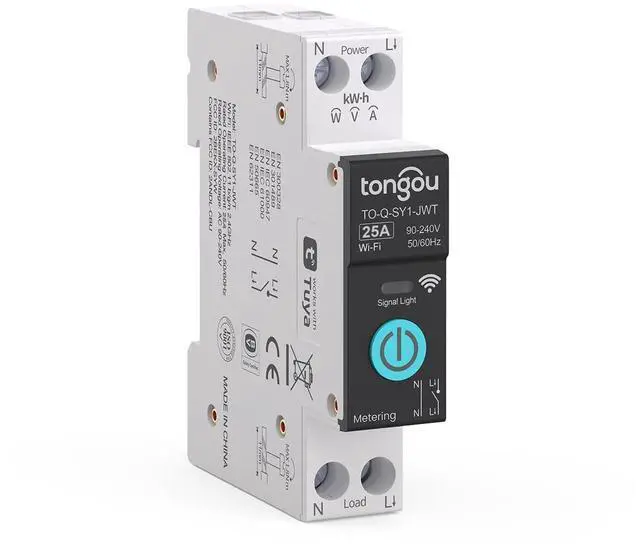


Technical Specifications for TO-Q-SY1-JWT WiFi Smart Switch
| Brand/ Manufacturer | TONGOU/ Changyou Technology (Zhejiang) Co.,Ltd. |
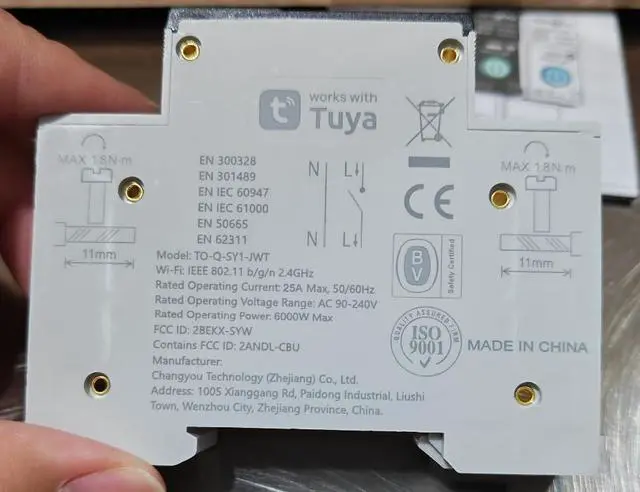
| Model | TO-Q-SY1-JWT |
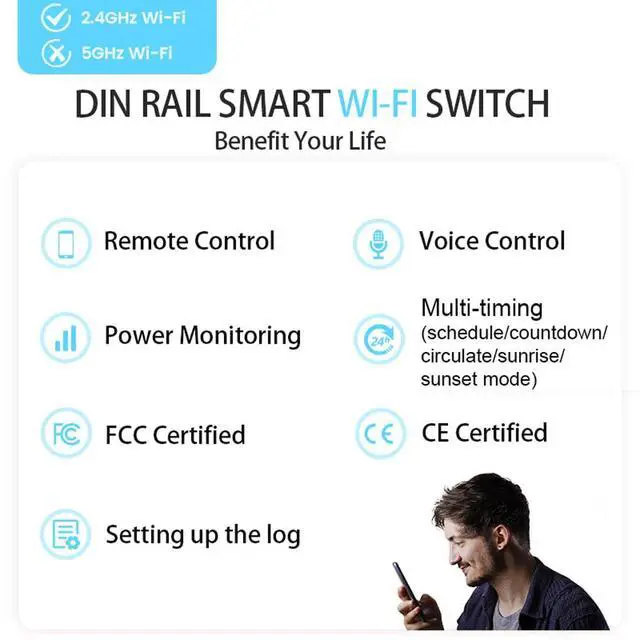
| Connection Protocol Type | Only for Wi-Fi IEEE 802.11 b/g/n 2.4GHz |
| Relay Type | Latching relay type |
| Rated Operating Voltage | AC 90-240V, 50/ 60Hz (work with AC loads no DC loads) |
| Rated Operating Current | 6/ 10A/ 16A/ 20A/ 25A/ 32A/ 40A/ 50A/ 63A |
| Poles Description | 1P+N (N pole cannot be cut off) |
| Circuit Type | Single-phase |
| Max Wiring Capacity | Power side: 10mm²; Load side: 10mm² |
| Current Scenario | AC1, AC electricity positive import |
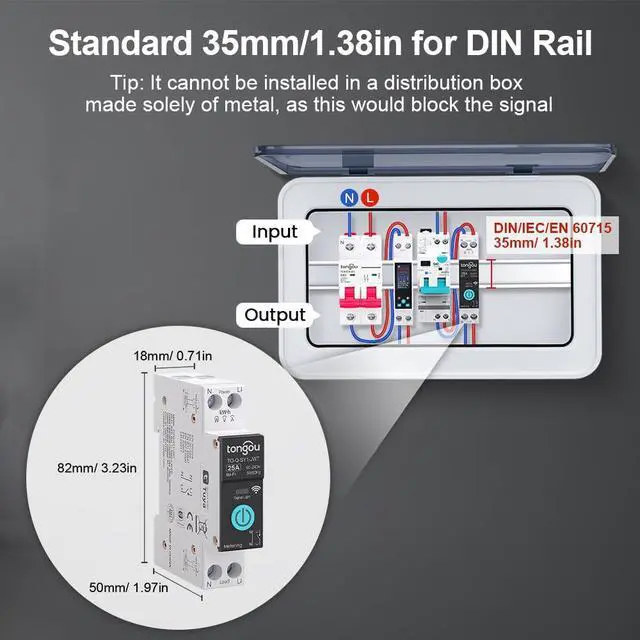
| Mounting Type | 35mm DIN rail |
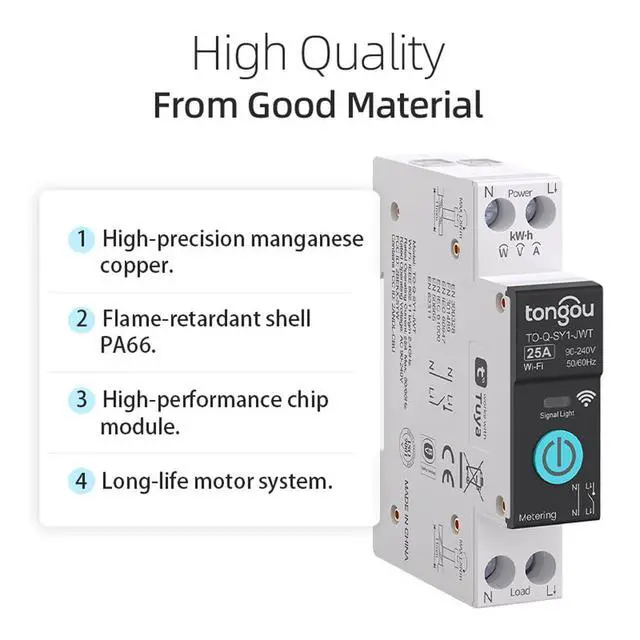
| Shell Material | Nylon PA66 |
| Accuracy | ±2% |
| Certification & Standard | FCC, CE & IEC 60947 standard (without any protection such as overcurrent or leakage) |
| Operation Type | Mechanical control, remote control via "Smart Life" and "Tuya" APP |
| Mobile Phone Support System | Android/ iOS |
2.4GHz Wi-Fi Smart Switch
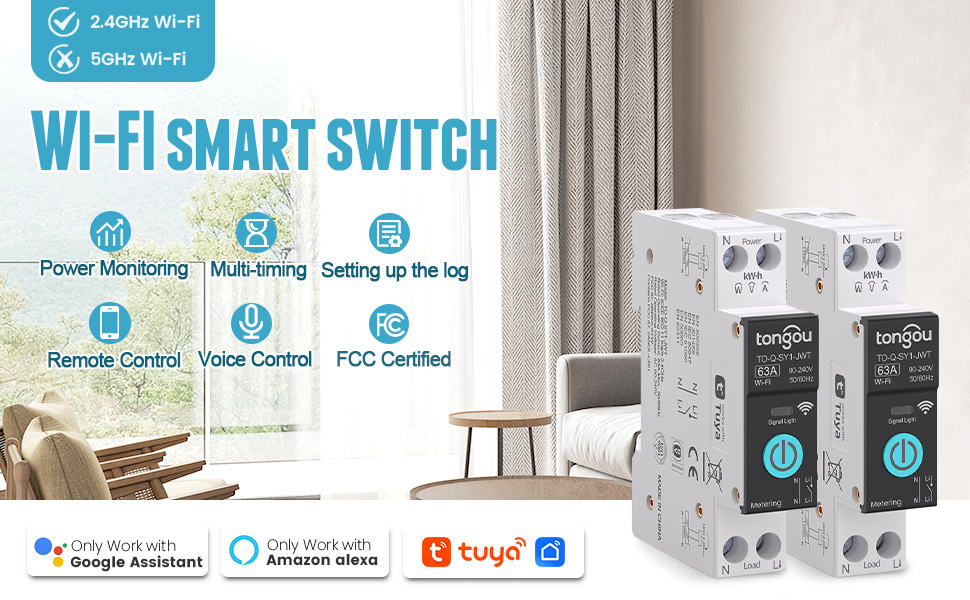
Multi-Functional

Remote Control
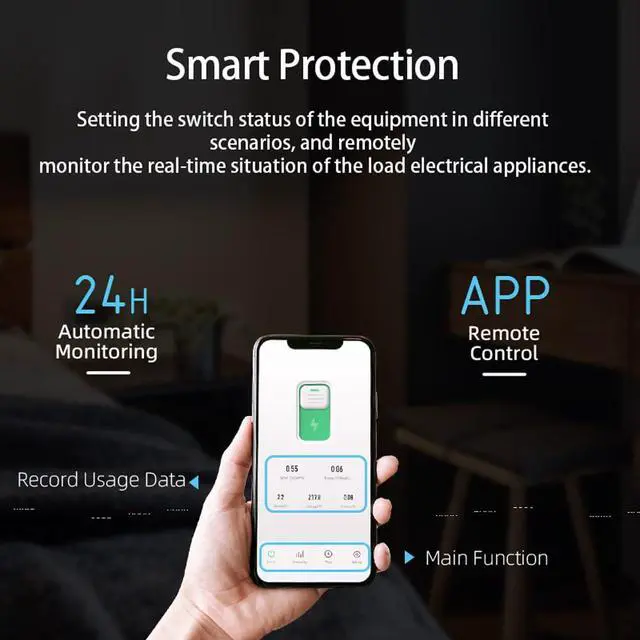
You can control household appliances via the "Smart Life" or "Tuya" APP. There are no restrictions regarding distance and time.
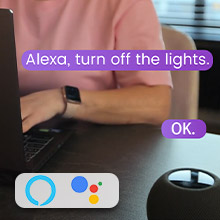
Voice Control
The connected WiFi switch is compatible with voice control from Alexa and Google Assistant. You can turn devices on or off via voice commands to the SY1. With the SY1 switch, you can free your hands
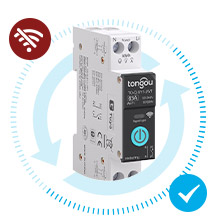
Auto Reconnection
After Wi-Fi loss, Internet interruption, or power outage, the smart switch will automatically try to reconnect.
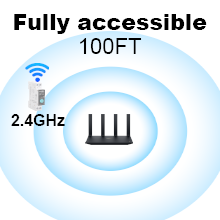
Fully Accessible 100FT
- Normally, the fully accessible distance between SY1 and WiFi router is 100 FT.
- If connection issues arise, please check if the router is the cause, as it may affect SY1's WiFi reception.
- If the router supports both 5GHz and 2.4GHz, please switch to 2.4GHz first to ensure sufficient 2.4GHz residual capacity for stable device access, and then reconnect.
Product Details
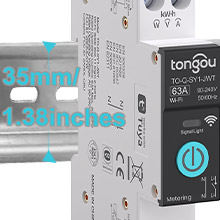
Standard 35mm for Din Rail
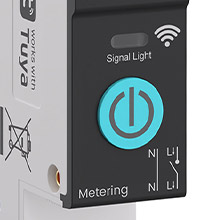
Touch Handle
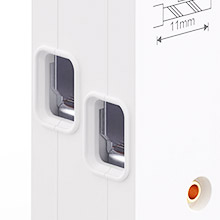
Single Channel Wiring
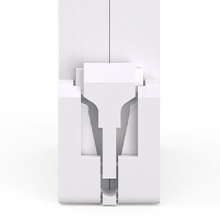
Positioning Clip
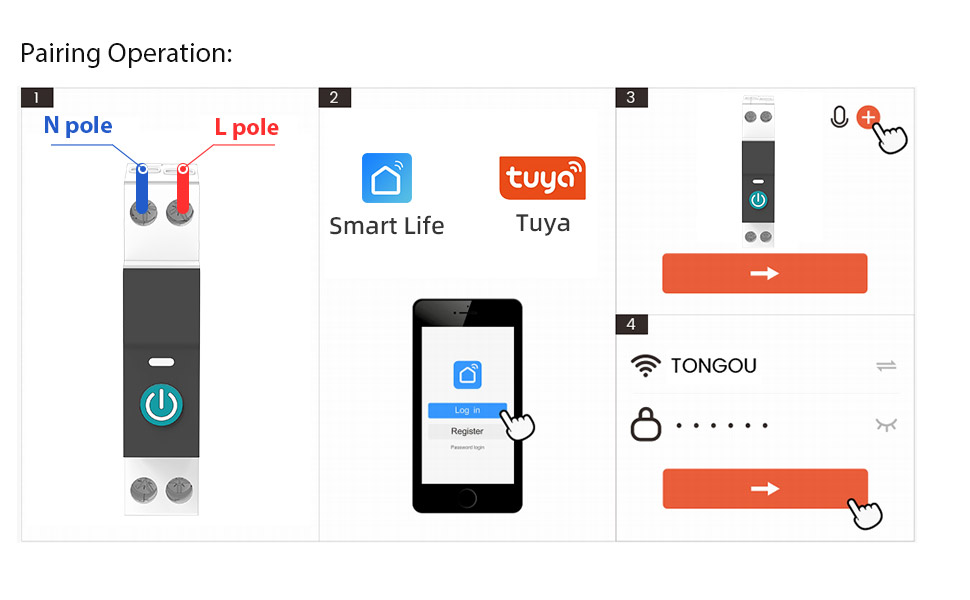
1. First, please connect the wire from the top side of the WIFI Din rail switch. Then connect the live wire to the L pole and the neutral wire to the N pole.
Please make sure that the wiring is correct and that there is a strong WiFi signal.
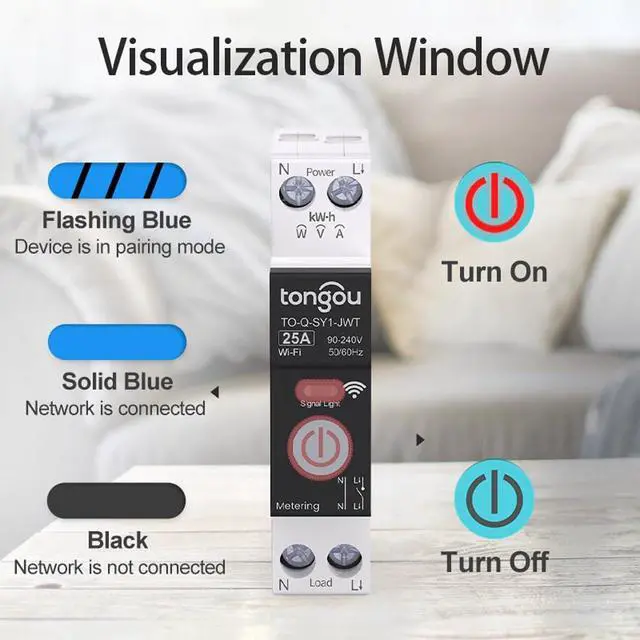
2. First, please turn on your phone's bluetooth and WiFi. Then open the APP and keep pressing the power button. Wait for about 5-10 seconds, the LED indicator will flash slowly blue lights.
3. Wait for a moment, the graphic will be displayed on the APP. Or you can click the "+" in the upper right corner and select the "Add Device" button. You can click the “Add” button after waiting for the device to be detected.
4. Please enter the WLAN account and password and click "Next Step". Wait for the switch to connect to the network. After successful connection, the LED indicator will change from the slow flashing blue light to the steady blue light.
Wiring Diagram
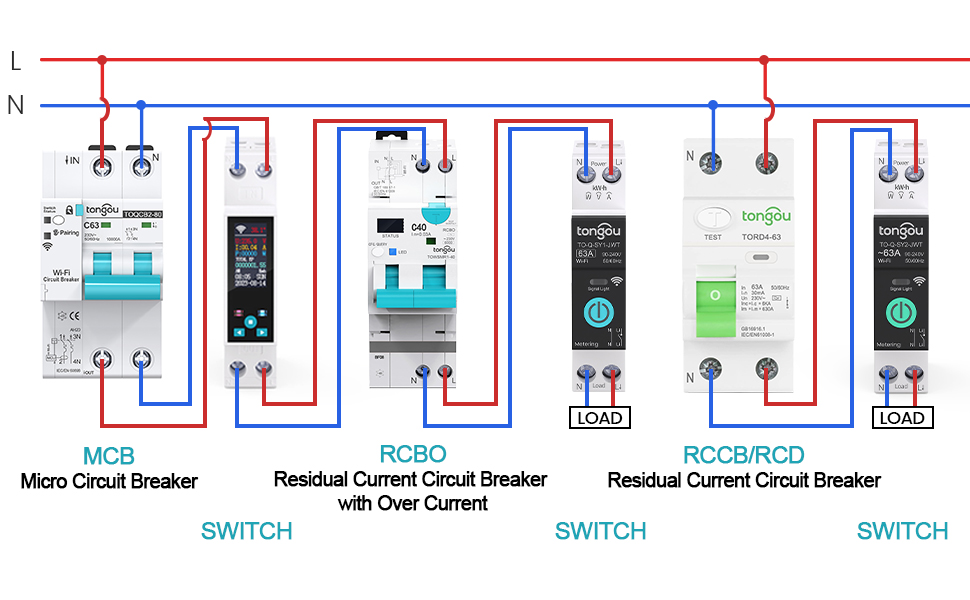
Note:If the load side is used for Led lights, rated current = 16A, total power = 4000W. (work with AC loads no DC loads)
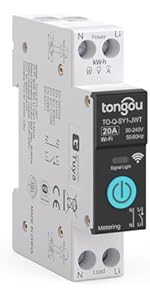 TONGOU DIY 1P+N Smart Wi-Fi Switch, Work with Alexa and Google Assistant for ... | 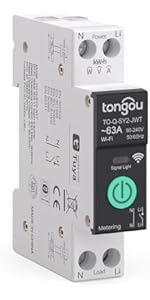 TONGOU 1P+N Smart Wi-Fi Switch,Over-Current Protection,Work with Alexa &Googl... | 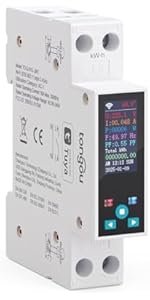 TONGOU Smart Wifi Switch, 1P+N AC90-240V 1-50A, Smart Life/Tuya APP Remote Co... | |
|---|---|---|---|
| Customer Reviews | — | — | — |
| Price | — | — | — |
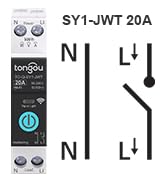
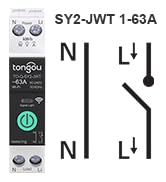
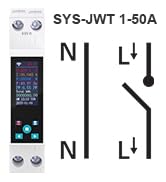
| Type | Smart Wi-Fi Switch TO-Q-SY1-JWT | Smart Wi-Fi Switch TO-Q-SY2-JWT | Smart Wi-Fi Switch TO-Q-SYS-JWT |
| Rated Operating Current | 20A | 1-63A | 1-50A |
| Remote Control | ? | ? | ? |
| Voice Control | ? | ? | ? |
| Multi-timing | ? | ? | ? |
| Real-time Power Monitoring | ? | ? | ? |
| Clear/Export Electricity Data | no data | no data | ? |
| Multiple Protections | no data | ? | ? |
| Reclosing Functions | no data | no data | ? |
| Password Protection | no data | no data | ? |

Provide Online Consult
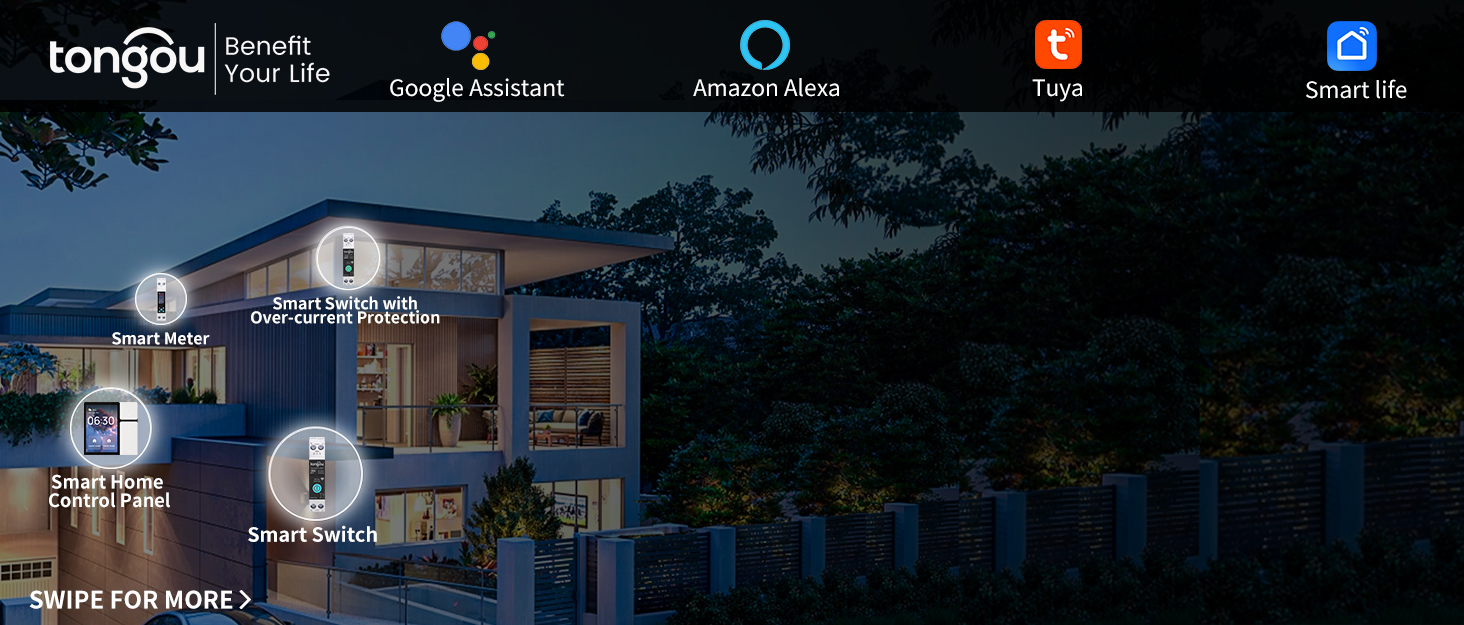
tongou was established in 1993 and is the brand of Changyou Technology.
We position ourselves as providers of intelligent product solutions for high and low voltage electrical systems, taking on solving customers’ pressures and challenges as our responsibility and creating value for them.
We utilize intelligent products to serve global customers, making life smarter and more convenient to benefit your life.


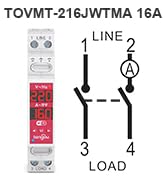
WiFi Smart Switch
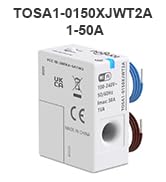
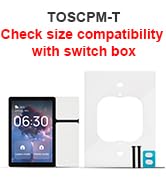
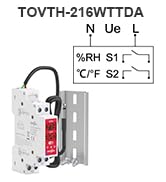
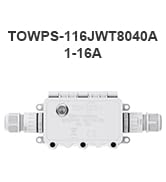
New WiFi Series
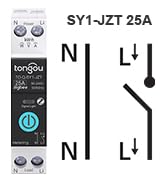
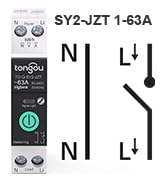
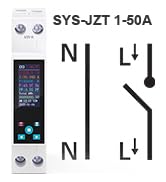
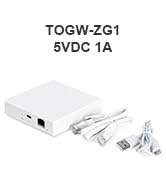
ZigBee Smart Switch & Gateway
Technical Specifications for TO-Q-SY1-JWT WiFi Smart Switch
| Brand/ Manufacturer | TONGOU/ Changyou Technology (Zhejiang) Co.,Ltd. |
| Model | TO-Q-SY1-JWT |
| Connection Protocol Type | Only for Wi-Fi IEEE 802.11 b/g/n 2.4GHz |
| Relay Type | Latching relay type |
| Rated Operating Voltage | AC 90-240V, 50/ 60Hz (work with AC loads no DC loads) |
| Rated Operating Current | 6/ 10A/ 16A/ 20A/ 25A/ 32A/ 40A/ 50A/ 63A |
| Poles Description | 1P+N (N pole cannot be cut off) |
| Circuit Type | Single-phase |
| Max Wiring Capacity | Power side: 10mm²; Load side: 10mm² |
| Current Scenario | AC1, AC electricity positive import |
| Mounting Type | 35mm DIN rail |
| Shell Material | Nylon PA66 |
| Accuracy | ±2% |
| Certification & Standard | FCC, CE & IEC 60947 standard (without any protection such as overcurrent or leakage) |
| Operation Type | Mechanical control, remote control via "Smart Life" and "Tuya" APP |
| Mobile Phone Support System | Android/ iOS |
2.4GHz Wi-Fi Smart Switch
Multi-Functional
Remote Control
You can control household appliances via the "Smart Life" or "Tuya" APP. There are no restrictions regarding distance and time.
Voice Control
The connected WiFi switch is compatible with voice control from Alexa and Google Assistant. You can turn devices on or off via voice commands to the SY1. With the SY1 switch, you can free your hands
Auto Reconnection
After Wi-Fi loss, Internet interruption, or power outage, the smart switch will automatically try to reconnect.
Fully Accessible 100FT
- Normally, the fully accessible distance between SY1 and WiFi router is 100 FT.
- If connection issues arise, please check if the router is the cause, as it may affect SY1's WiFi reception.
- If the router supports both 5GHz and 2.4GHz, please switch to 2.4GHz first to ensure sufficient 2.4GHz residual capacity for stable device access, and then reconnect.
Product Details
Standard 35mm for Din Rail
Touch Handle
Single Channel Wiring
Positioning Clip
1. First, please connect the wire from the top side of the WIFI Din rail switch. Then connect the live wire to the L pole and the neutral wire to the N pole.
Please make sure that the wiring is correct and that there is a strong WiFi signal.
2. First, please turn on your phone's bluetooth and WiFi. Then open the APP and keep pressing the power button. Wait for about 5-10 seconds, the LED indicator will flash slowly blue lights.
3. Wait for a moment, the graphic will be displayed on the APP. Or you can click the "+" in the upper right corner and select the "Add Device" button. You can click the “Add” button after waiting for the device to be detected.
4. Please enter the WLAN account and password and click "Next Step". Wait for the switch to connect to the network. After successful connection, the LED indicator will change from the slow flashing blue light to the steady blue light.
Wiring Diagram
Note:If the load side is used for Led lights, rated current = 16A, total power = 4000W. (work with AC loads no DC loads)
TONGOU DIY 1P+N Smart Wi-Fi Switch, Work with Alexa and Google Assistant for ... | TONGOU 1P+N Smart Wi-Fi Switch,Over-Current Protection,Work with Alexa &Googl... | TONGOU Smart Wifi Switch, 1P+N AC90-240V 1-50A, Smart Life/Tuya APP Remote Co... | |
|---|---|---|---|
| Customer Reviews | — | — | — |
| Price | — | — | — |
| Type | Smart Wi-Fi Switch TO-Q-SY1-JWT | Smart Wi-Fi Switch TO-Q-SY2-JWT | Smart Wi-Fi Switch TO-Q-SYS-JWT |
| Rated Operating Current | 20A | 1-63A | 1-50A |
| Remote Control | ? | ? | ? |
| Voice Control | ? | ? | ? |
| Multi-timing | ? | ? | ? |
| Real-time Power Monitoring | ? | ? | ? |
| Clear/Export Electricity Data | no data | no data | ? |
| Multiple Protections | no data | ? | ? |
| Reclosing Functions | no data | no data | ? |
| Password Protection | no data | no data | ? |
Provide Online Consult
tongou was established in 1993 and is the brand of Changyou Technology.
We position ourselves as providers of intelligent product solutions for high and low voltage electrical systems, taking on solving customers’ pressures and challenges as our responsibility and creating value for them.
We utilize intelligent products to serve global customers, making life smarter and more convenient to benefit your life.
WiFi Smart Switch
New WiFi Series
ZigBee Smart Switch & Gateway