





How to connect to Alexa and Google Home
1.Modify device name so your Alexa can easily recognize the name.
2.Use Alexa App or Computer to set up your Alexa.
3.In the menu bar, go to 'Skills' and search for 'Smart Life'.
4.Ask Alexa to discover devices.
Trouble Connecting? Try AP (Slow-Blinking) Mode
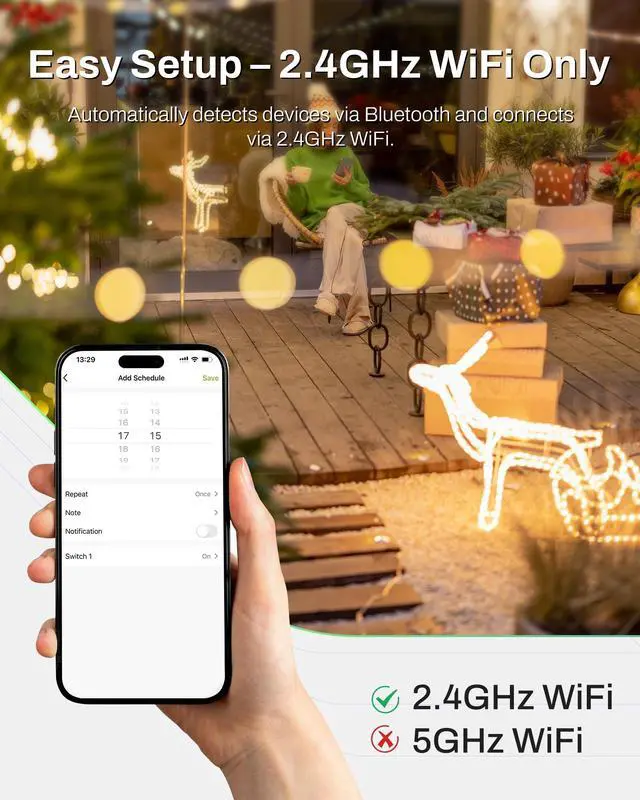
Tap “+” symbol (top right corner)>“Add Manually” >”Electrician”> “Socket (Wi-Fi)”
Tap “Net Pairing Mode” on the top right corner of the screen >Select “AP Mode”
Press the power button for 5 sec.
Tap “Confirm indicator slowly blink”
Does the app control each plug separately?
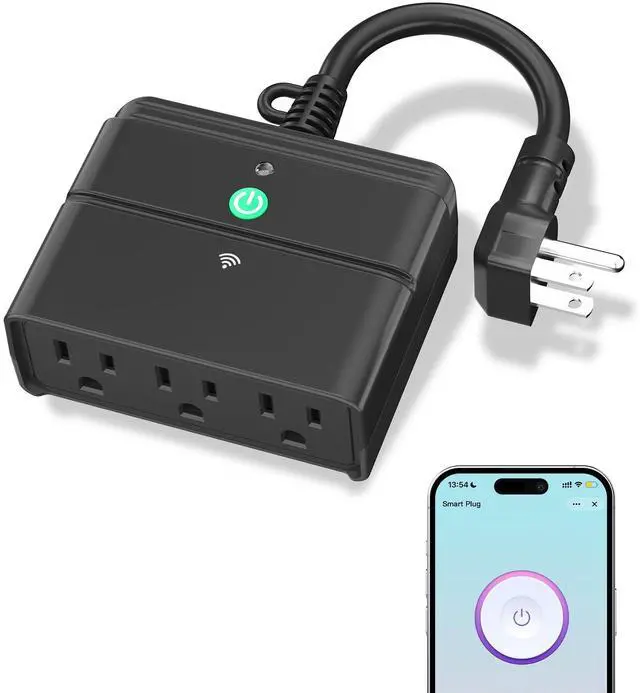
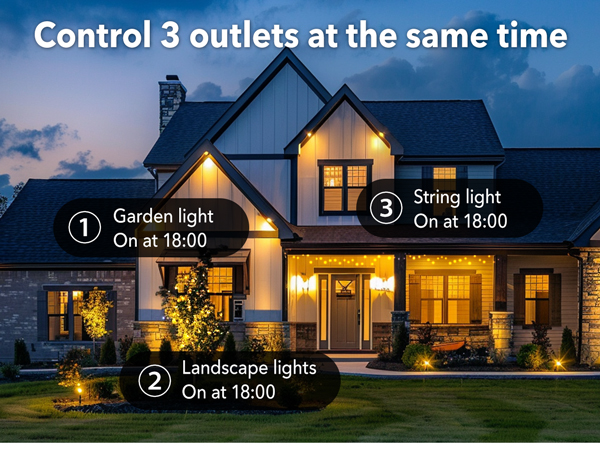
No, the app controls all the plugs together at the same time.
Why can't I download the BN-LINK Smart APP?
During the APP upgrade, some Android users may not be able to download the BN-LINK Smart APP. Customers can choose to use Smart life or Tuya smart APP.

About BN-LINK: A direct distributor of premium quality home improvement products. We strive to provide better products and after-sales service to help every customer's life easier and more convenient.
Our Products: remote control outlets, indoor & outdoor timers, smart plugs, heating & cooling thermostat controllers.
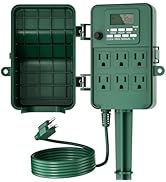
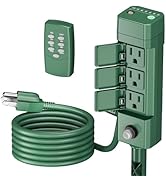
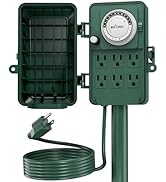
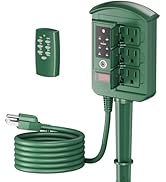
Outdoor Power Stake Timer
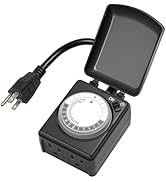
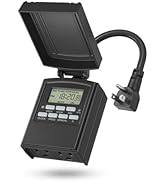
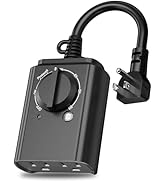
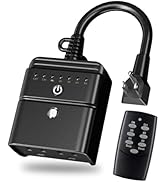
OUTDOOR TIMER OUTLET
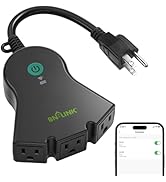
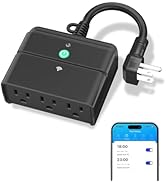
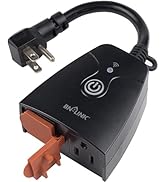
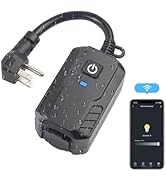
Outdoor Wi-Fi timer
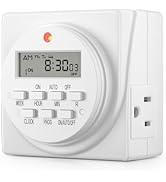
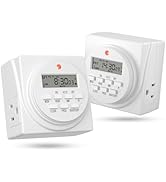
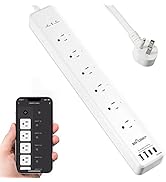
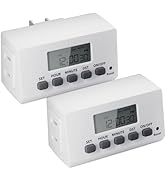
Indoor Digital Timer
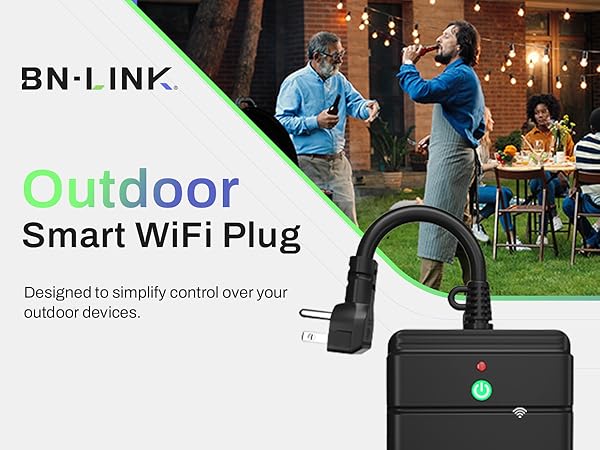
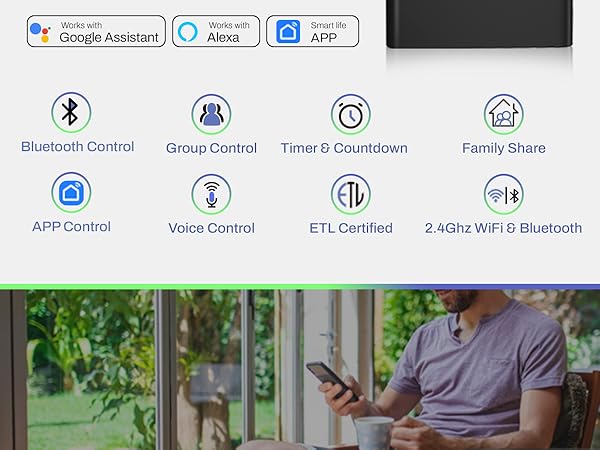
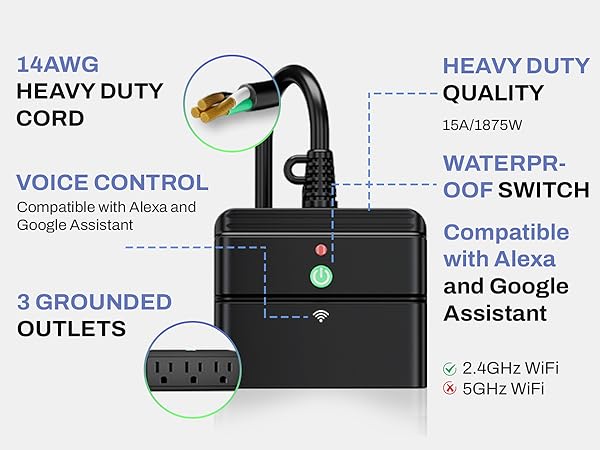
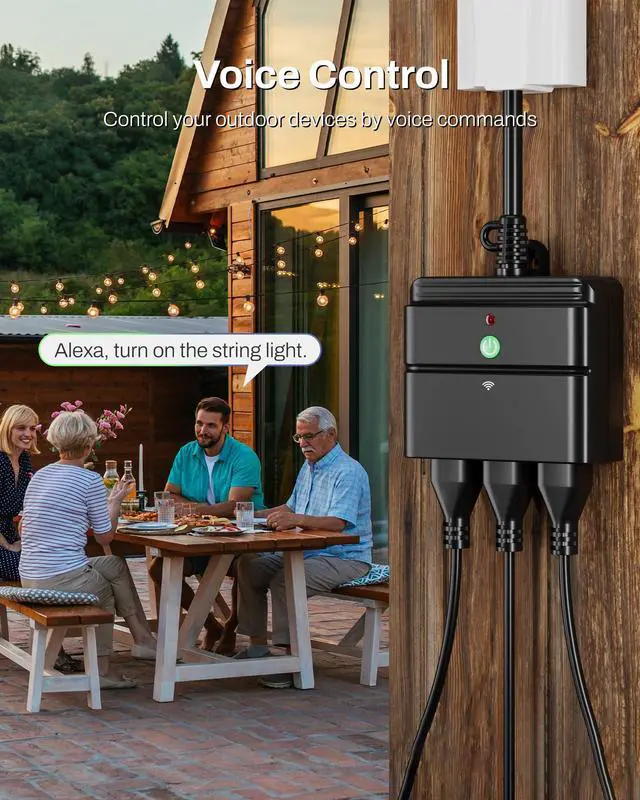
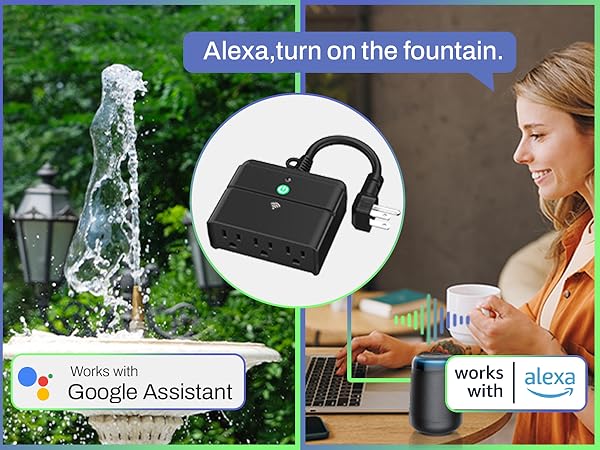
Voice Control
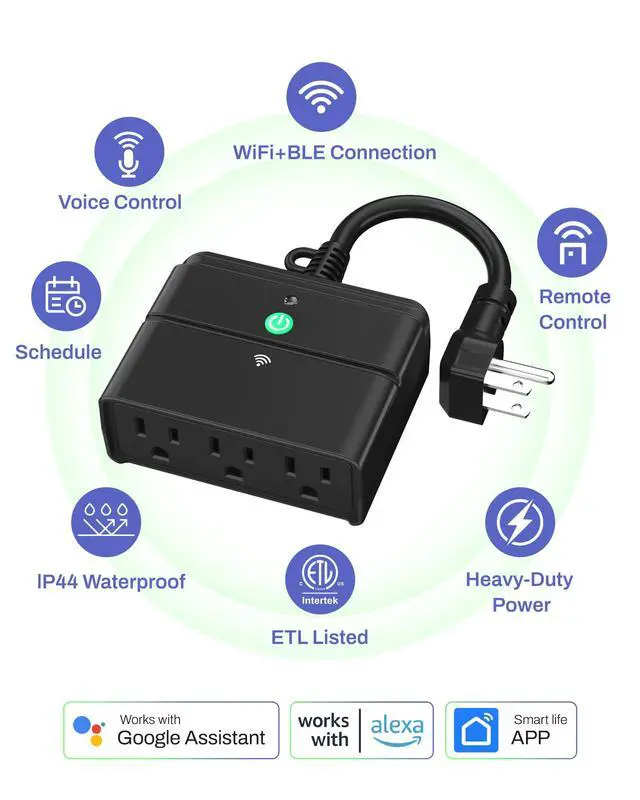
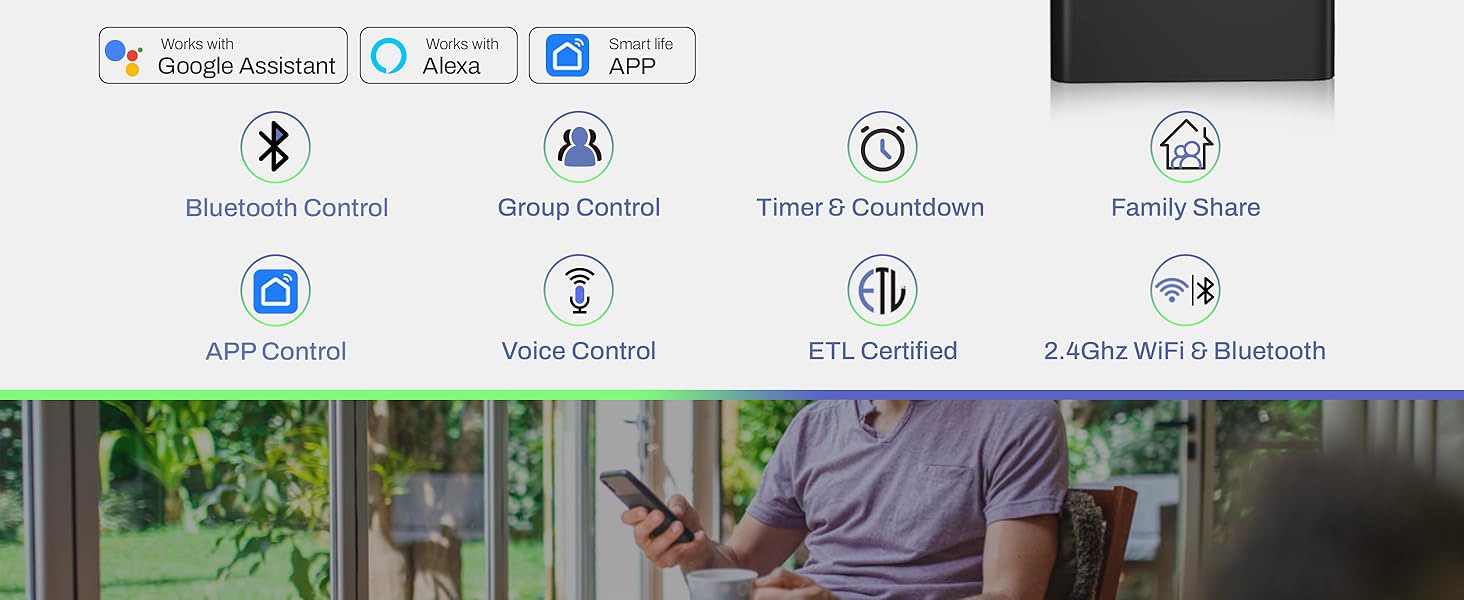
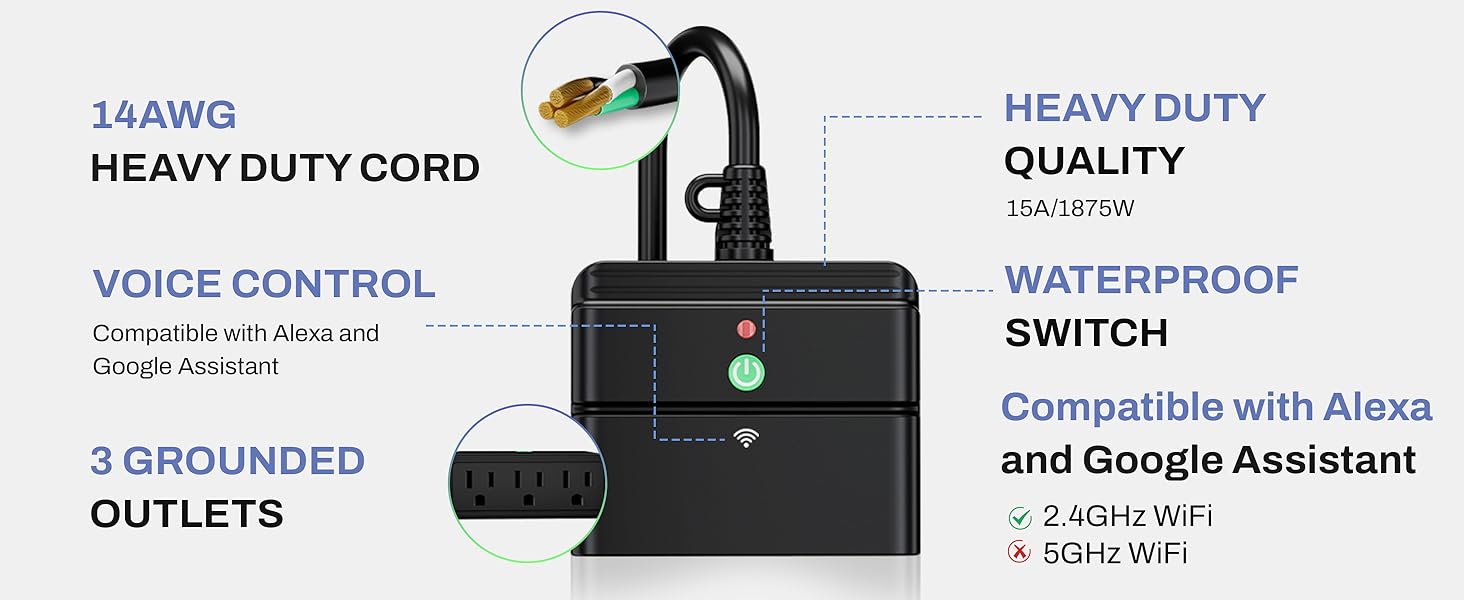
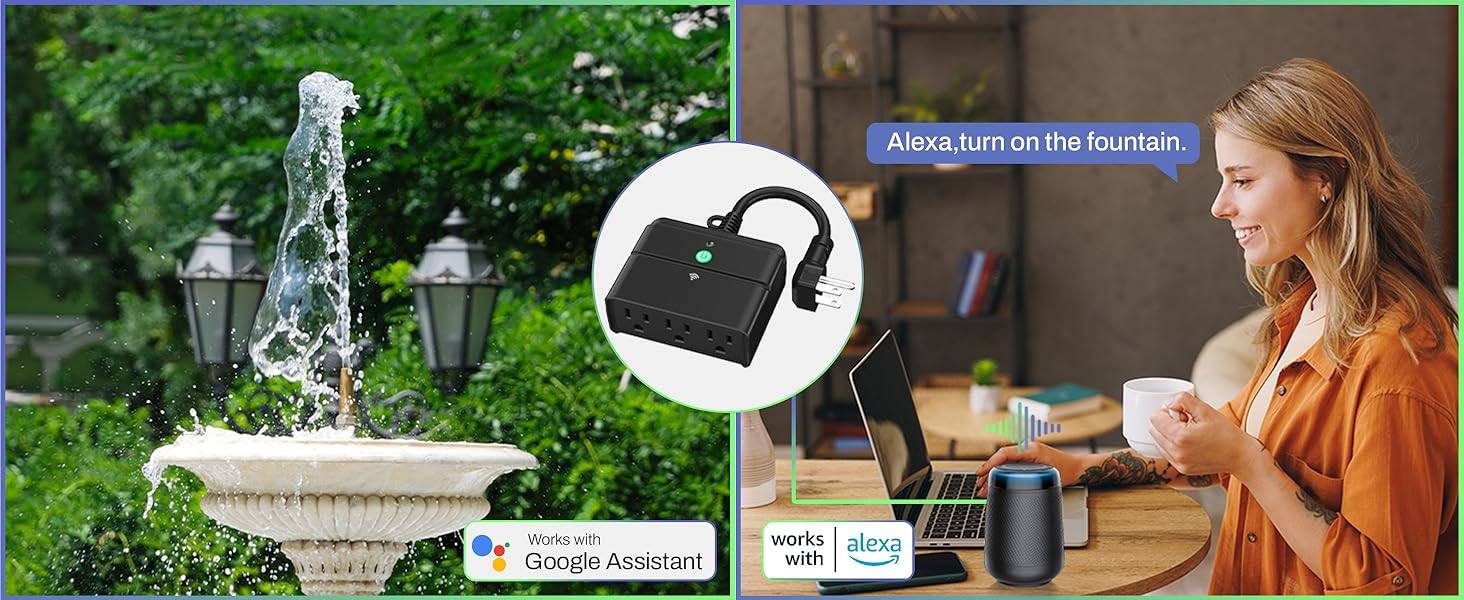
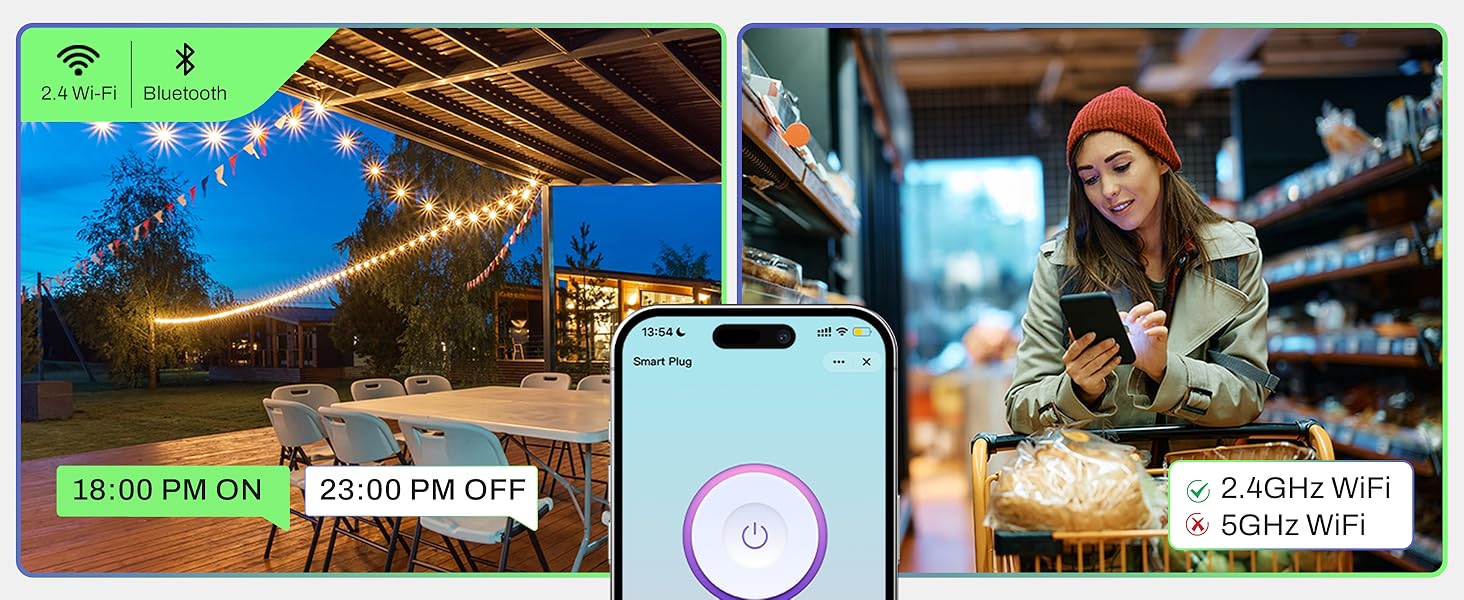
Compatible with Alexa, Google Home Assistant, control your devices on or off via voice demand
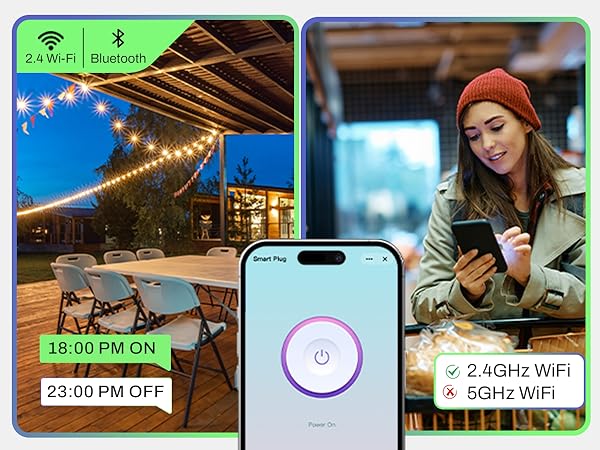
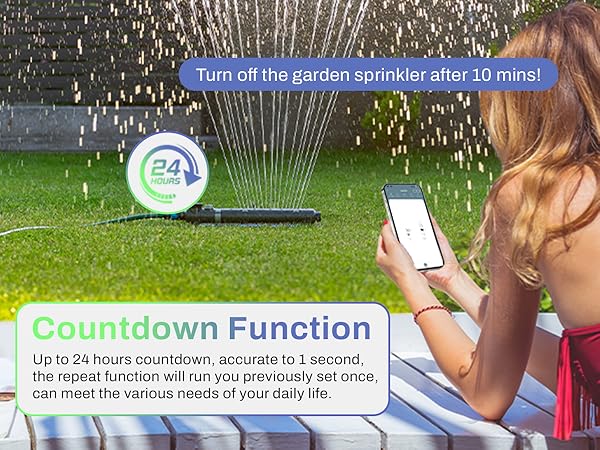
How to connect to Alexa and Google Home
1.Modify device name so your Alexa can easily recognize the name.
2.Use Alexa App or Computer to set up your Alexa.
3.In the menu bar, go to 'Skills' and search for 'Smart Life'.
4.Ask Alexa to discover devices.
Trouble Connecting? Try AP (Slow-Blinking) Mode
Tap “+” symbol (top right corner)>“Add Manually” >”Electrician”> “Socket (Wi-Fi)”
Tap “Net Pairing Mode” on the top right corner of the screen >Select “AP Mode”
Press the power button for 5 sec.
Tap “Confirm indicator slowly blink”
Does the app control each plug separately?
No, the app controls all the plugs together at the same time.
Why can't I download the BN-LINK Smart APP?
During the APP upgrade, some Android users may not be able to download the BN-LINK Smart APP. Customers can choose to use Smart life or Tuya smart APP.
About BN-LINK: A direct distributor of premium quality home improvement products. We strive to provide better products and after-sales service to help every customer's life easier and more convenient.
Our Products: remote control outlets, indoor & outdoor timers, smart plugs, heating & cooling thermostat controllers.
Outdoor Power Stake Timer
OUTDOOR TIMER OUTLET
Outdoor Wi-Fi timer
Indoor Digital Timer