here!
I’m your shopping assistant for PC builds, upgrades, and everything tech.
Got questions? Ask away!
Start a conversation
here!
I’m your shopping assistant for PC builds, upgrades, and everything tech.
Got questions? Ask away!
Start a conversationShipped by Newegg
 Top Rated
 Hot Seller






Any questions? Ask CelesteSM will help you find out quickly.


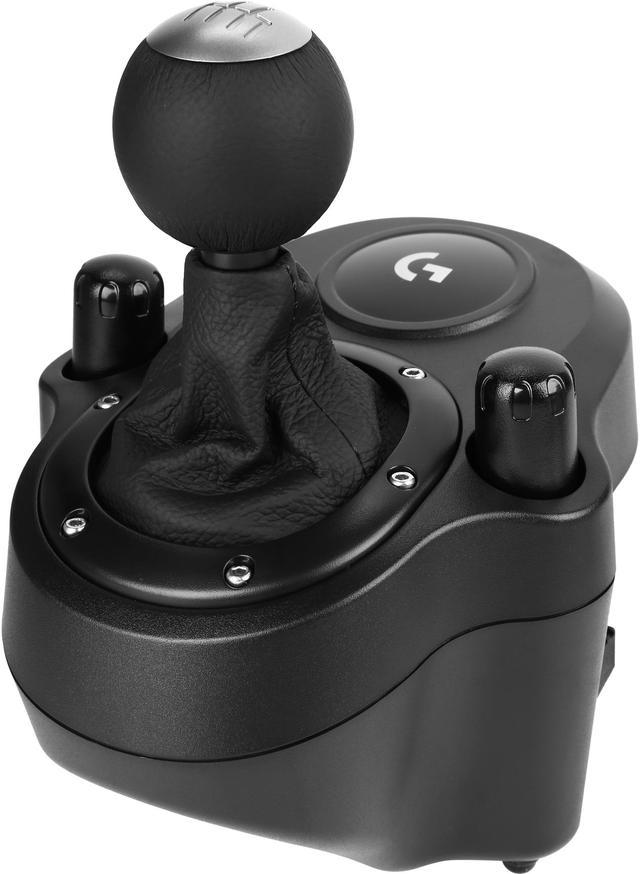
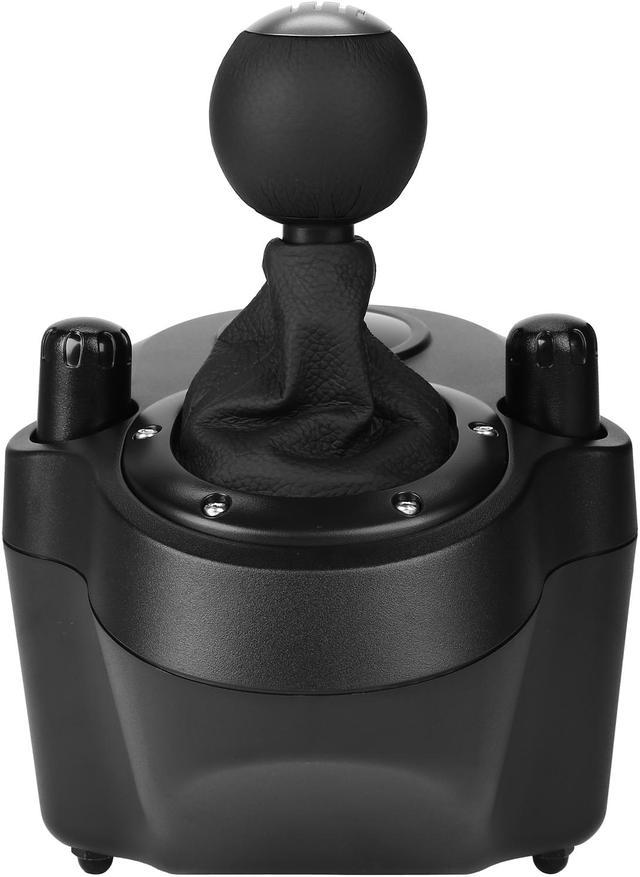
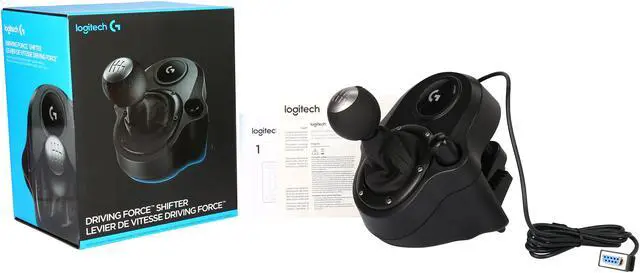
Logitech® G Driving Force™ Shifter is a high performance 6-speed short-throw gearbox featuring a solid steel gear shaft plus a leather knob and boot sim ensuring your driving experience is precise and reliable. Pair the Driving Force Shifter with compatible G923, G29, and G920 wheel and pedals.
Driving Force Shifter is designed for the G923, G29 (for PlayStation® and PC) and G920 (for Xbox and PC) racing wheels. Add Driving Force Shifter to your racing wheel setup to complete your racing rig for a more realistic experience. Vroom vroom.


Driving Force Shifter is constructed of high quality materials, including a solid steel gear shaft for long-lasting reliability. The knob and boot are covered in high-quality, hand-stitched leather, giving it a look and feel similar to a high-performance race car. As a result, you’ll unlock a comfortable yet precise driving experience that has you feeling like you’re shifting gears in Monaco.

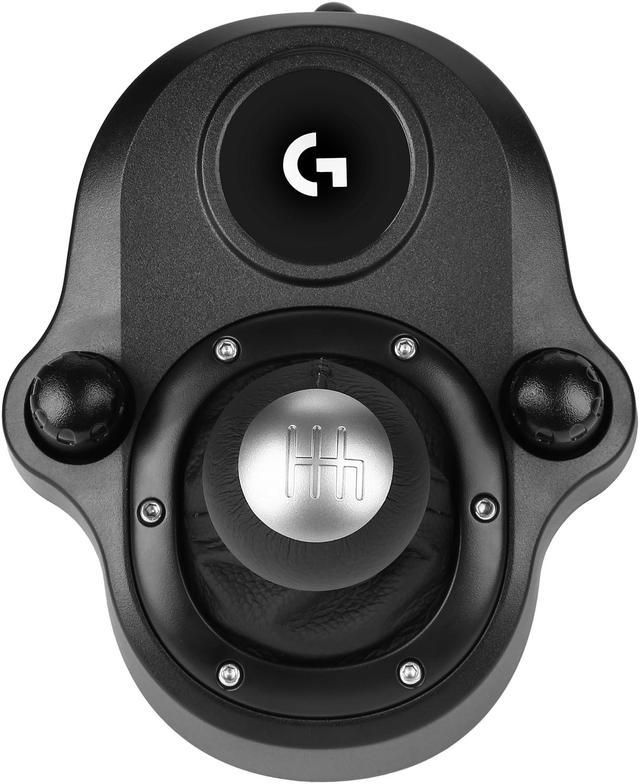
The six-speed “H”-pattern shifter with push-down reverse shifts fluidly and clicks solidly into each gear. It’s designed to ensure smooth, accurate gear shifts during racing or casual Sunday drives.

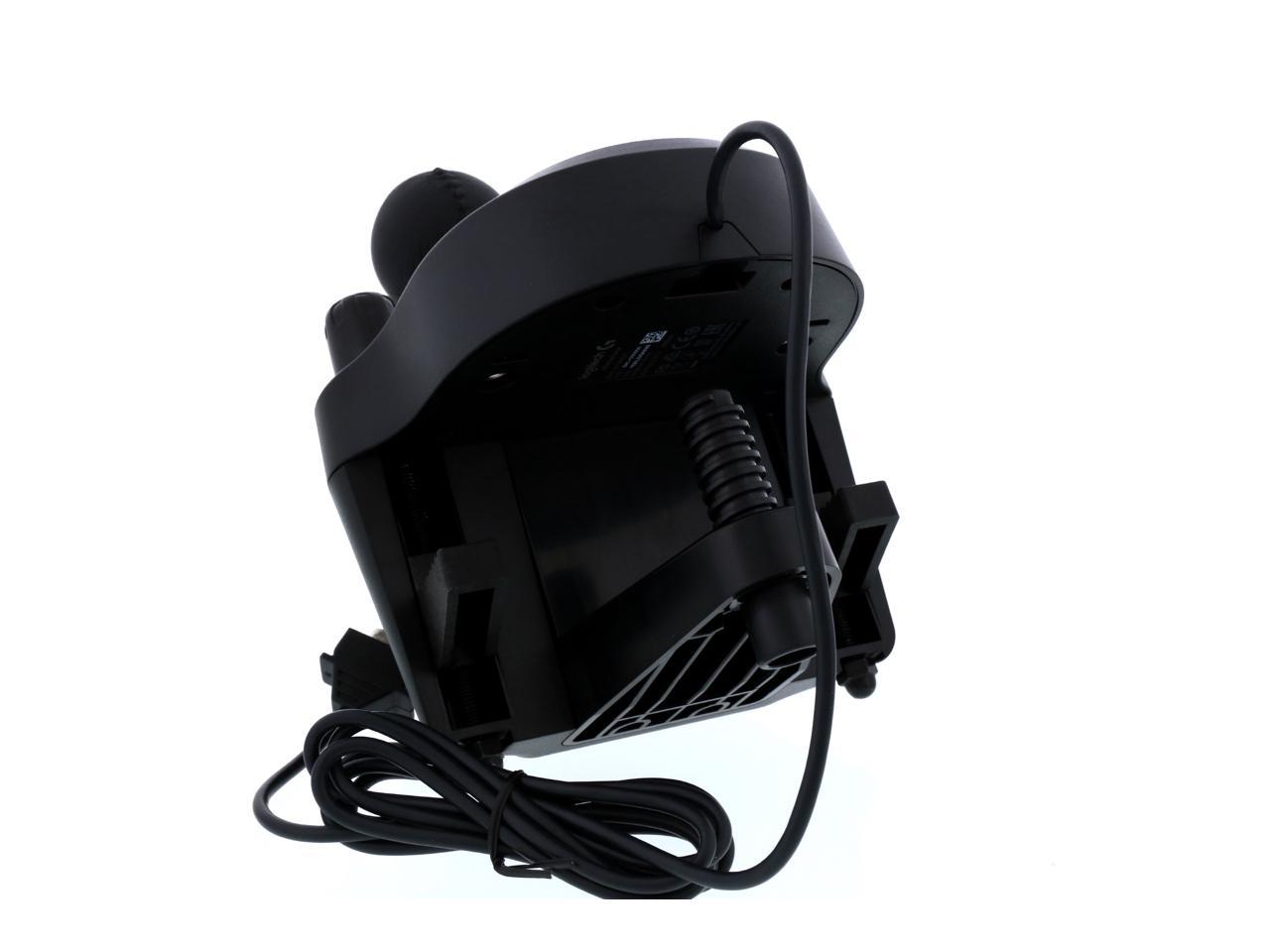
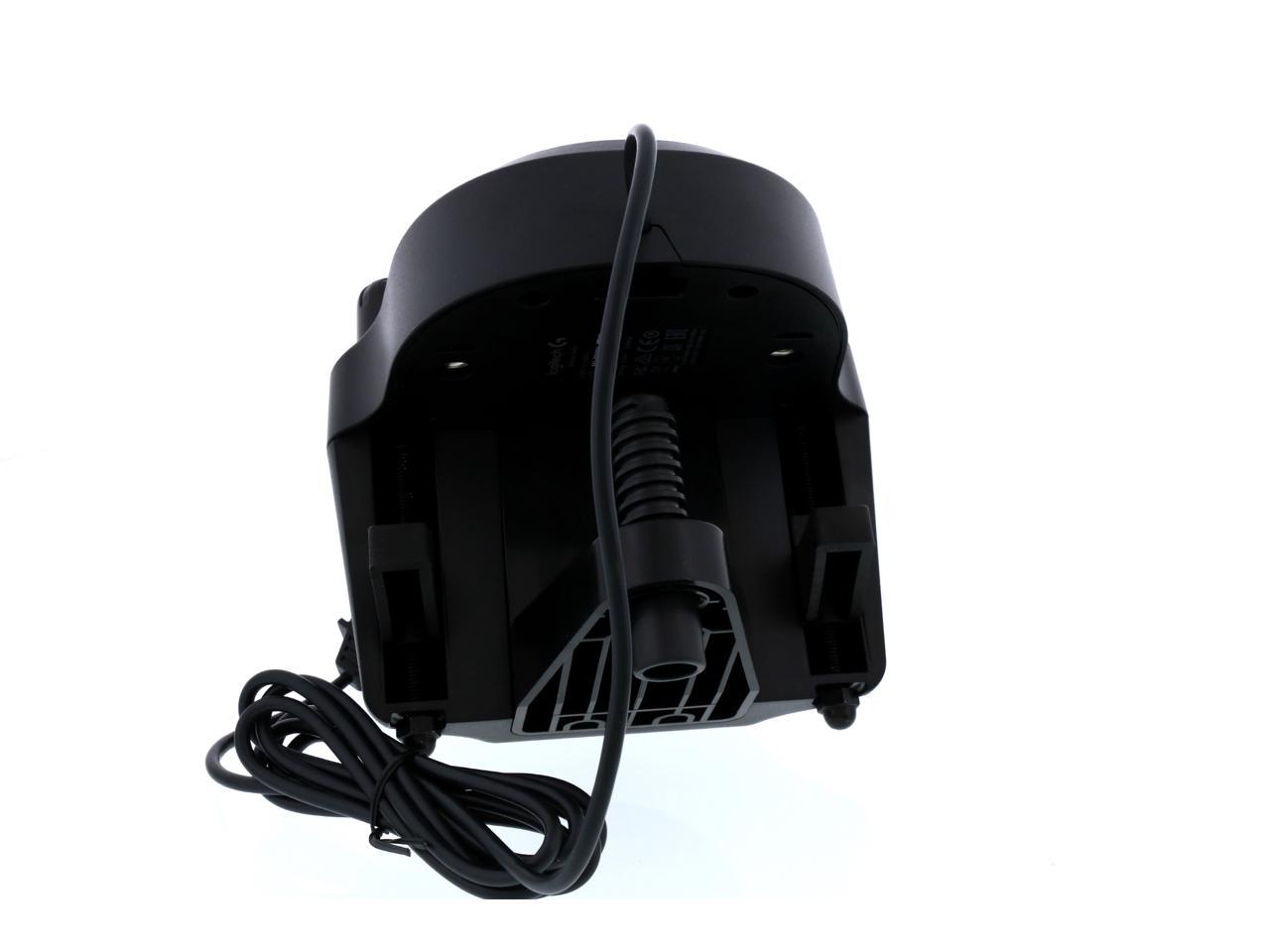
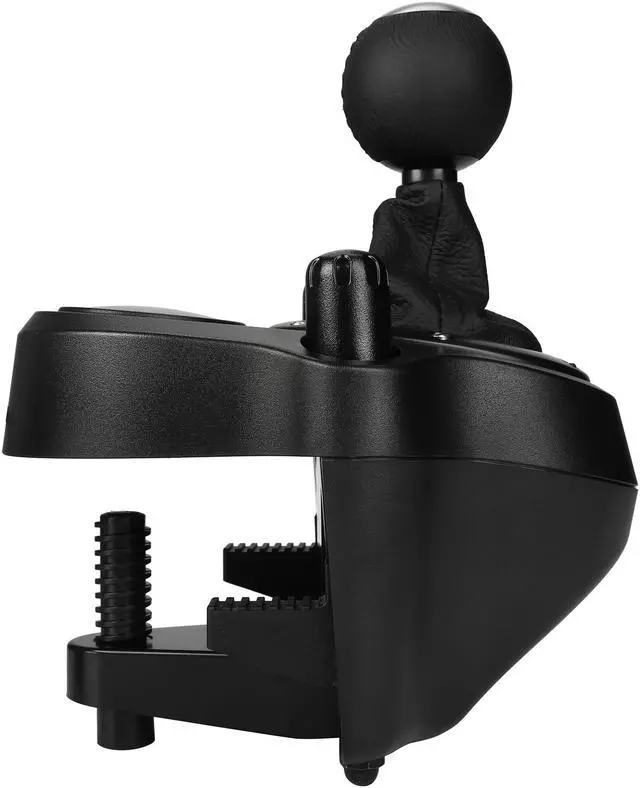
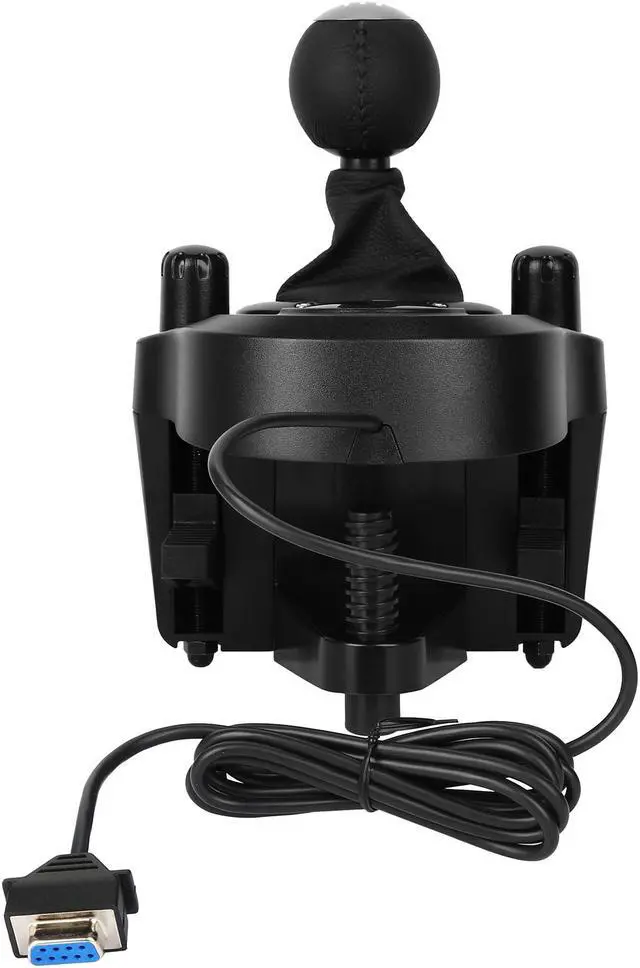
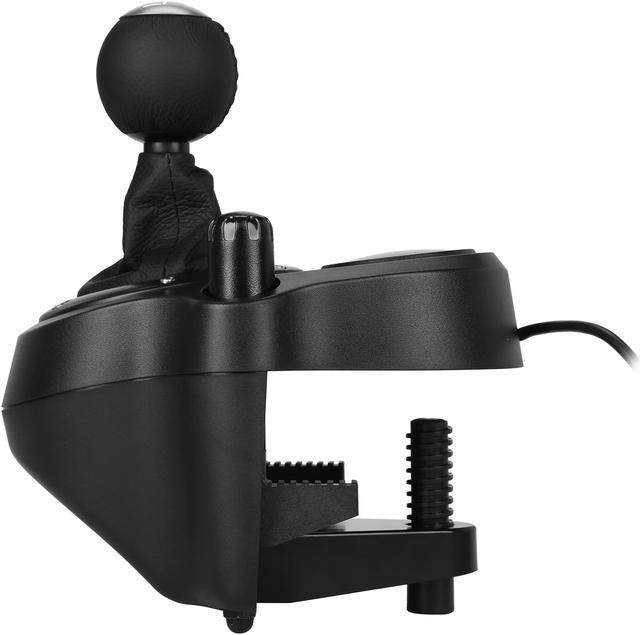
Durable built-in clamps allow Driving Force Shifter to be mounted securely to a table or racing rig to minimize shifting or wobbling during aggressive race maneuvers.

Mix, match and upgrade your sim setup with a variety of Logitech G racing gear. The Racing Adapter also lets you control your brake force pressure on-the-fly.

Elite drivers use PRO sim racing gear to sharpen their competitive edge and turn their gaming nook into a full blown automotive marvel.
We want to ensure your holiday shopping this year is hassle-free. That’s why we’re automatically extending our return policies on almost every product! For purchases placed between November 1st, 2026 and December 31, 2026 you will have until January 31, 2027 to return your product.
The Logitech G Driving Force Shifter is a six-speed H-pattern shifter with push-down reverse for sim racers using a compatible G923, G29, or G920 racing wheel. Its built-in clamps secure it to a table or racing rig.
| Attribute | Value |
|---|---|
| Best For | PC, Xbox, and PlayStation racing, truck, or farming simulator setups using an H-pattern shifter |
| Compatible Platforms And Devices | PC running Windows 10 or 11, Xbox One and Series X|S, and PlayStation 4 and 5 |
| Shifter Design And Controls | H-pattern configuration with 13 buttons and an ergonomic design |
| Connectivity And Power | Wired, corded connection |
| Physical Specifications | Graphite finish; item weight 2 lb |
| Model Identifiers | Logitech G Driving Force, model 941-000119 |
Q: Logitech Driving Force Shifter or Thrustmaster TH8S for a G923, G29, or G920?
A: Choose the Logitech Driving Force Shifter for a straightforward match with a G923, G29, or G920, especially on console. It has six forward gears and push-down reverse. The TH8S adds a seventh gear plus reverse and works with racing wheels from different brands on PC, but on consoles it is designed to connect with compatible Thrustmaster wheels.
Q: Is the Logitech Driving Force Shifter or Thrustmaster TH8A a better upgrade?
A: Choose the Logitech if you want a six-speed shifter designed to pair directly with a G923, G29, or G920. The TH8A is the more versatile option for PC setups or future equipment changes: it has an all-metal mechanism, a 7+1 H-pattern, and a separate sequential mode. On consoles, the TH8A is intended for compatible Thrustmaster wheels, so check your setup before choosing it.
Q: Should I use the Logitech Driving Force Shifter or the paddles on my wheel?
A: Choose the Driving Force Shifter when you want to select gears with a six-speed H-pattern lever, such as for manual-driving or truck-simulation setups. Use the wheel paddles when you prefer quick sequential gear changes or the game and car are configured for paddle shifting; the two controls serve different shifting styles.
Q: Will this shifter work with my racing wheel and platform?
A: It is designed to connect to compatible Logitech G923, G29, and G920 racing wheels. The shifter connects to the wheel, not directly to a PC or console, and the game must support it.
Q: Can I clamp the shifter to a desk or racing rig?
A: Yes. Built-in clamps are designed to secure it to a table or racing rig. A firm mounting surface can help keep it stable while shifting.
Q: Does the shifter require a clutch pedal?
A: Not necessarily. Whether you need to use a clutch depends on the game and its settings; some games allow shifting without one. Check the game’s shifter and clutch options before buying.
Q: Is this a good fit if I want manual gear shifting in racing games?
A: It provides a six-speed H-pattern gear layout with push-down reverse, so it suits players who want manual gear selection. It is an add-on for a compatible wheel setup, rather than a standalone controller.
Q: Will the Driving Force Shifter work with a G923 if it was bought for a G29?
A: Yes. The provided product information lists compatibility with the G923, G29, and G920, and a Reddit discussion specifically confirms that the G29 shifter works with the G923.
Q: Is the Logitech shifter a good choice for casual sim racing?
A: It may suit casual use if you want a basic six-speed H-pattern shifter that works with a compatible Logitech wheel. Reddit discussions describe it as adequate for basic or casual use, while noting that its shifting feel may seem less substantial than more expensive alternatives.
Q: Should a beginner buy the shifter right away?
A: Not necessarily. Reddit discussions suggest starting with the wheel and pedals can be enough, then adding the shifter if you find you want manual H-pattern shifting. It is more relevant when your games or preferred driving style make stick shifting part of the experience.
Q: Is six speeds enough, or is this shifter limiting for truck simulators?
A: The shifter has six forward gears and reverse, which can suit many manual-car games. For truck simulations or vehicles with more complex gear ranges, six speeds may be limiting; Reddit discussions raise this concern when comparing it with higher-gear options.