




 here!
I’m your shopping assistant for PC builds, upgrades, and everything tech.
Got questions? Ask away!
Start a conversation
here!
I’m your shopping assistant for PC builds, upgrades, and everything tech.
Got questions? Ask away!
Start a conversation Top Rated





Any questions? Ask CelesteSM will help you find out quickly.
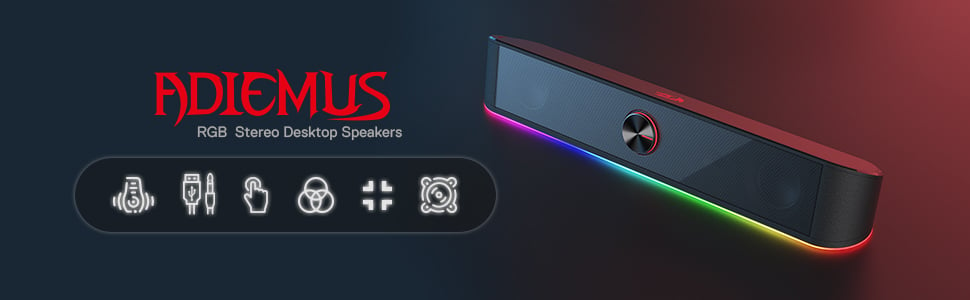
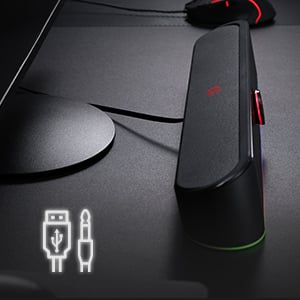
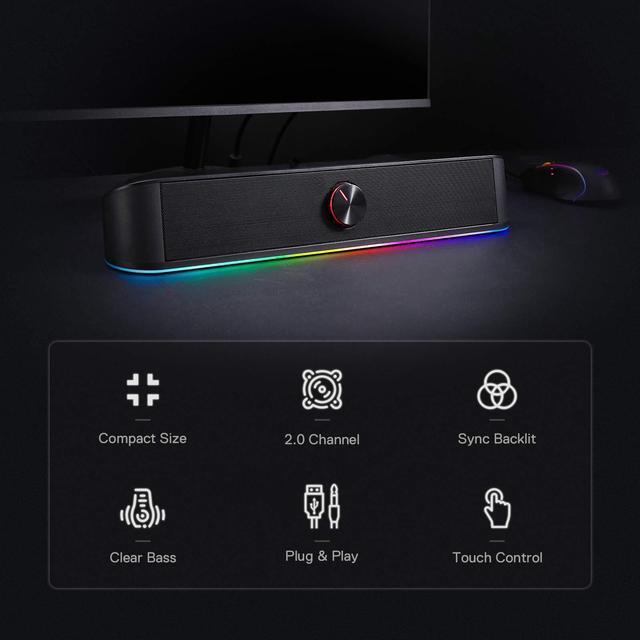
Connect to any device with a 3.5 mm and USB input including your television, computer, smartphone, tablet and music player.
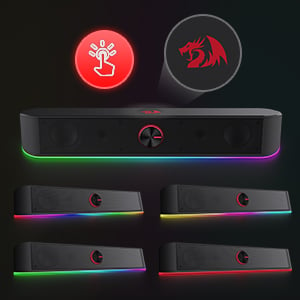
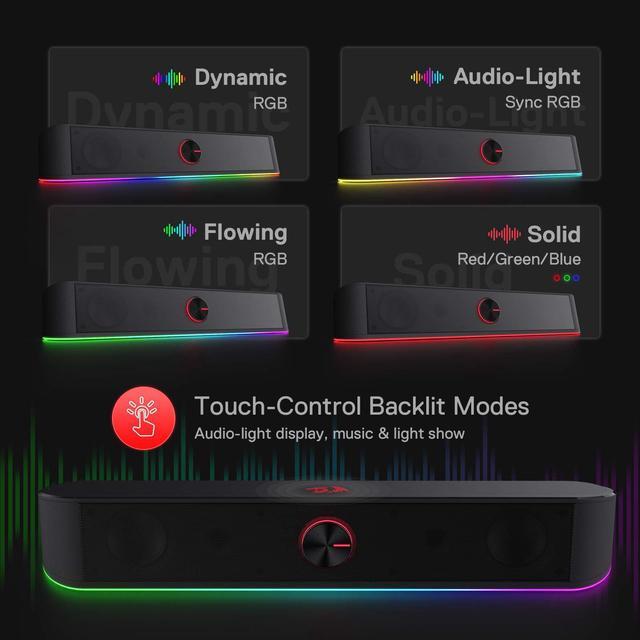
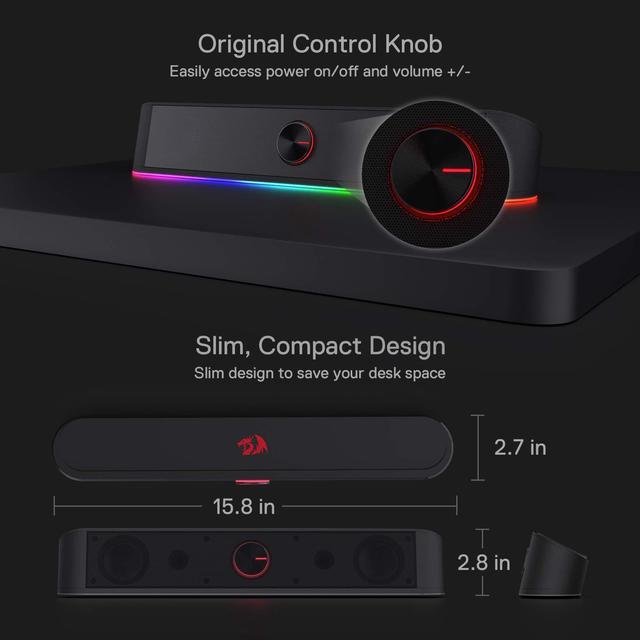
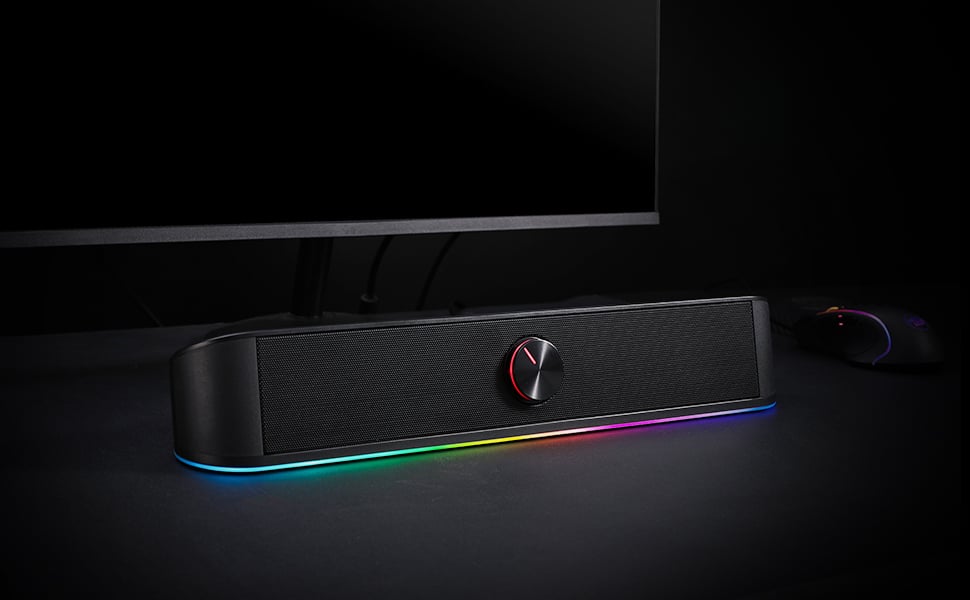
With a light touch, the backlit mode of the RGB lighting bar can be switched with 4 modes. The volume can be precisely adjusted via the classic sound knob adjustment.
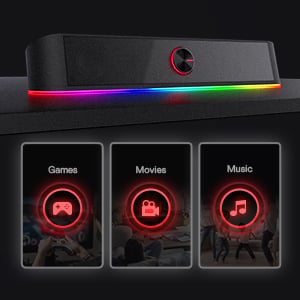
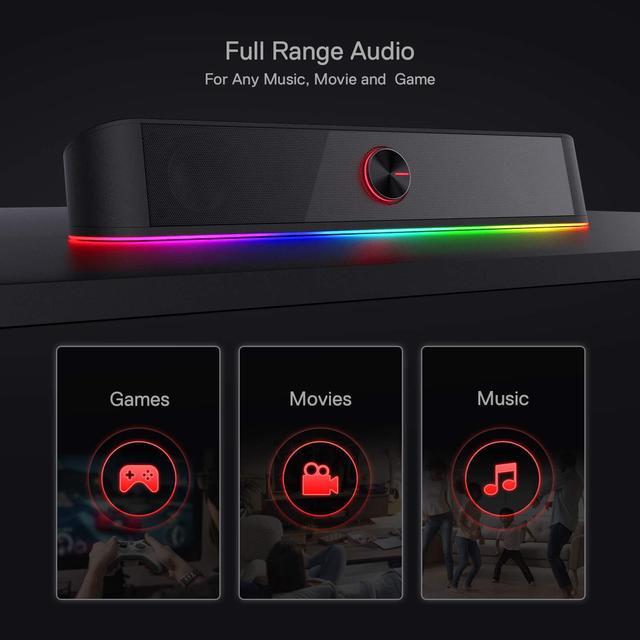
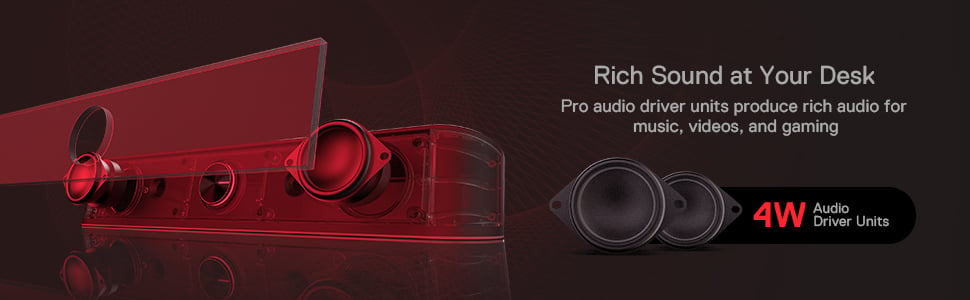
Full range 2.0 channel enhanced stereo core with 4 Watts power produces rich and crystal audio for gaming, music and movie.
We want to ensure your holiday shopping this year is hassle-free. That’s why we’re automatically extending our return policies on almost every product! For purchases placed between November 1st, 2026 and December 31, 2026 you will have until January 31, 2027 to return your product.
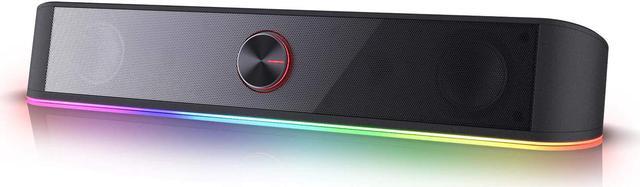
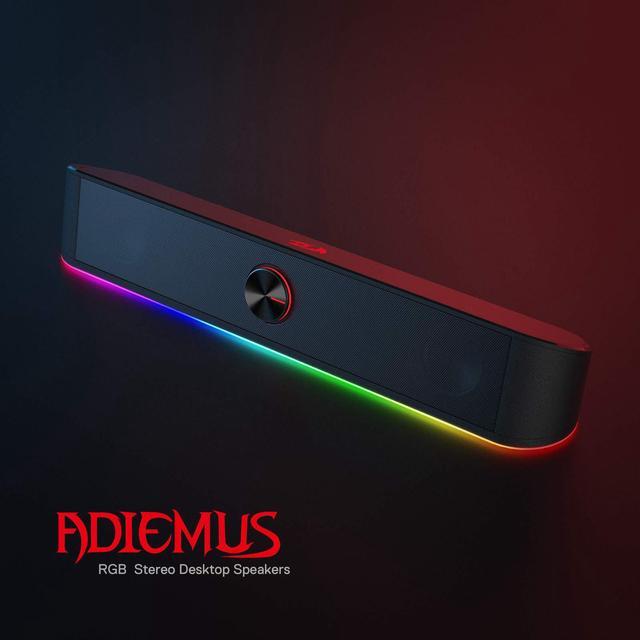
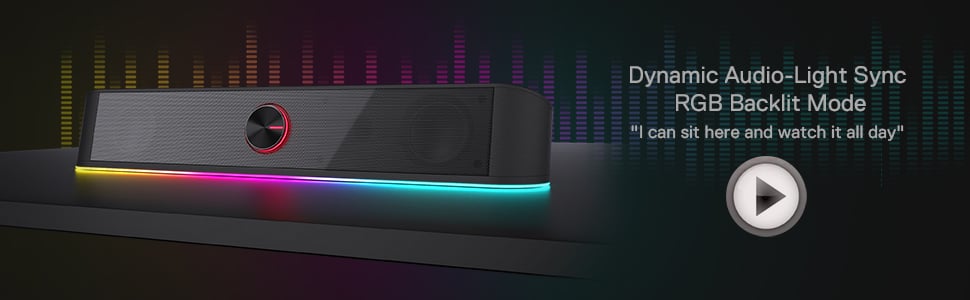
The Redragon GS560 Adiemus is a wired 2.0 desktop soundbar with RGB audio-sync lighting, clear stereo sound, and a compact 15.8-inch design, making it a good fit for PC users who want an easy under-monitor speaker for everyday music, videos, and casual gaming.
| Attribute | Value |
|---|---|
| Best For | Compact desktop tabletop setups for indoor home entertainment, gaming, office and personal use with PCs, laptops, TVs and smartphones |
| Model Identifiers | Redragon Adiemus GS560 wired 2.0 soundbar (model GS560, Adiemus series) |
| Audio & Performance | 2.0-channel stereo with dynamic driver(s); listed 4 W output and 65 dB signal-to-noise ratio; frequency response indicated as 20 kHz |
| Controls & Lighting | Touch controls with backlit RGB lighting and a physical volume knob; two power levels reported |
| Power & Batteries | USB-powered (5 V) corded electric; no batteries required or included |
| Connectivity & Compatibility | Wired connections via USB and 3.5mm audio; compatible with PC, laptop, television and smartphone; subwoofer connection listed as wired |
| Physical & Mounting | Dimensions listed as 15.8 x 2.7 x 2.8 in (speaker size listed as 16 in); item weight 885 g; enclosure made of plastic and metal; tabletop mount intended for indoor use |
| Package & Contents | Packaged as a single unit; includes the soundbar and a user manual; package quantity 1 |
| Safety & Limits | Not waterproof |
Q: Should I buy the Redragon GS560 or Creative Pebble V3 for a small PC desk?
A: Choose the Redragon GS560 if your main priority is a single-bar layout that fits neatly under a monitor and adds RGB lighting with simple front access volume control. Choose the Creative Pebble V3 if you care more about stereo separation, broader connectivity, and audio-first desktop use. Across official specs, reviews, and community discussion, the common trade-off is convenience and aesthetics for the GS560 versus wider left-right imaging and more flexible everyday listening on the Pebble V3.
Q: Is the Redragon GS560 better than basic monitor speakers or laptop speakers?
A: Yes, the GS560 is usually the better choice when you want a simple upgrade from built-in monitor or laptop audio without moving to a larger speaker setup. It gives you a dedicated external 2.0 speaker bar, physical volume control, and more presence than typical built-in speakers. The trade-off is that it is still a compact USB-powered soundbar, so users focused on stereo width or fuller sound often step up to separate desktop speakers instead.
Q: Should I choose the Redragon GS560 or Logitech Z207 for mixed PC and phone use?
A: Choose the GS560 if you want a wired, under-monitor soundbar with minimal desk clutter and you mainly listen at your desk. Choose the Logitech Z207 if mixed-device convenience matters more, especially if you want Bluetooth and easier switching between devices. The GS560 is more about compact placement and visual integration, while the Z207 is the more practical pick for users who regularly swap between PC and mobile audio sources.
Q: When should I upgrade from the Redragon GS560 to speakers like the Edifier MR3?
A: Upgrade from the GS560 to the Edifier MR3 when sound quality becomes more important than compactness. The GS560 makes more sense for tidy gaming or office setups where a single soundbar footprint is the main goal. The MR3 is the stronger fit if you want a larger driver platform, more input options, and a more speaker-focused setup for music, content creation, or more critical listening. The trade-off is size: the MR3 takes more desk space and is less minimalist than the GS560.
Q: Is the Redragon GS560 a good choice for basic desktop audio, gaming, and everyday office use?
A: Yes, if you want a compact wired speaker mainly for near-field desk use. The GS560 is a 2.0 desktop soundbar with USB power, 3.5 mm audio, a physical volume knob, and a slim under-monitor form factor, so it fits common PC, laptop, and casual gaming setups well. The trade-off is that it is still a small 2.0 speaker, so it is better for everyday listening, videos, calls, and light gaming than for room-filling sound or deep bass.
Q: Will the Redragon GS560 work with a TV, monitor, laptop, or phone?
A: Usually yes, but only when the device can provide analog audio over 3.5 mm and power over USB. The GS560 uses separate connections for power and audio, so it is compatible with many PCs, laptops, monitors, TVs, and some phones, but it is not a single-cable USB audio speaker. Devices without a 3.5 mm headphone or audio-out jack may need an adapter, and some consoles may require you to connect through the monitor or TV instead of directly.
Q: Is this better than a 2.1 speaker system or just a simple budget desktop soundbar?
A: The GS560 is the simpler, lower-clutter option, not the fuller-sounding one. It makes more sense if you want a slim all-in-one speaker bar for a small desk, basic music, videos, and gaming, plus RGB lighting. A 2.1 system is usually the better pick if bass depth and overall output matter more, because a dedicated subwoofer typically gives stronger low-end performance than a compact 2.0 bar.
Q: Is the Redragon GS560 a good pick if I care about RGB lighting and desk aesthetics?
A: Yes, if lighting is part of the buying decision. The GS560 is more appealing than plain office speakers for users who want visible RGB effects, including audio-reactive lighting, while still keeping a compact footprint under a monitor. The trade-off is that the lighting is a design feature, not a sound upgrade, so buyers focused purely on audio quality may get more value from non-RGB speakers at a similar price.
Q: Who is the Redragon GS560 not ideal for?
A: It is not the best fit for buyers who need strong bass, large-room volume, wireless audio, or minimal-cable setup. The GS560 is wired, 2.0, and designed for compact desktop use, so it is a better fit for smaller setups than for home-theater use, bass-heavy listening, or users who want Bluetooth convenience.
Q: Is the Redragon GS560 worth buying for casual PC use like music, podcasts, and light gaming?
A: It can make sense if you want a compact, low-cost desktop speaker with simple wired setup and RGB lighting. Reddit discussions describe it as acceptable for casual use at the price, but not ideal if you expect strong bass, high volume headroom, or more refined sound.
Q: Who is the Redragon GS560 most suitable for?
A: The GS560 is best suited to buyers who want a small wired soundbar for a desk setup, especially under a monitor, and who care about appearance as much as basic audio. It is a better fit for casual gaming and everyday computer audio than for critical listening, room-filling volume, or bass-heavy playback.
Q: What are the main trade-offs of the Redragon GS560?
A: The main trade-offs are audio performance versus size and style. Community discussion repeatedly points to limited bass and only moderate loudness, while the product itself prioritizes a compact one-piece form factor, USB power, 3.5 mm audio, and RGB lighting. It is a convenience-focused desktop speaker rather than a high-performance audio upgrade.
Q: Is the Redragon GS560 a good replacement for separate desktop speakers?
A: It is a reasonable replacement if your priority is saving desk space and keeping setup simple. It is less suitable if you are replacing larger speakers mainly to improve sound quality, because user discussion around the GS560 more often centers on convenience, compactness, and looks than on clear audio gains over better traditional speakers.
Q: Are there any usability downsides buyers should know before choosing the GS560?
A: Yes. One repeated complaint is that the illuminated volume knob remains visibly lit even when users turn off the main RGB effects, which may matter if you want a darker setup. Buyers should also note that this is a wired model using USB power and 3.5 mm audio, so it is not the right choice if you want Bluetooth or a cleaner single-cable digital audio connection.


 Redragon Direct