




 here!
I’m your shopping assistant for PC builds, upgrades, and everything tech.
Got questions? Ask away!
Start a conversation
here!
I’m your shopping assistant for PC builds, upgrades, and everything tech.
Got questions? Ask away!
Start a conversation



Any questions? Ask CelesteSM will help you find out quickly.

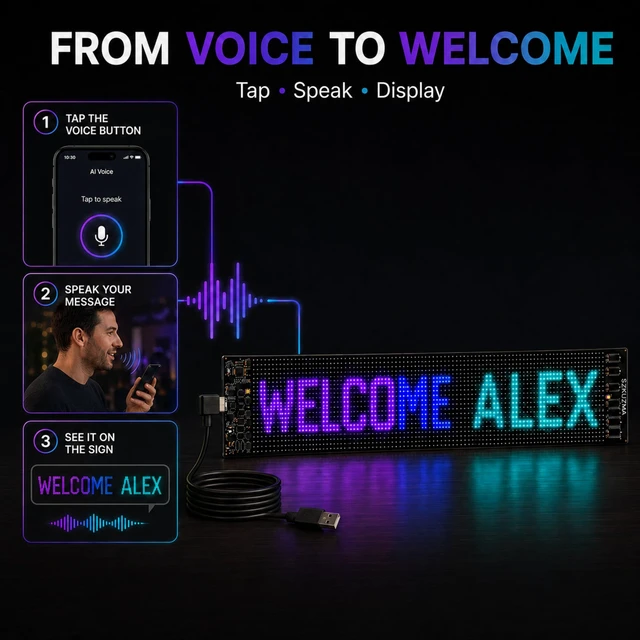
Tap the voice button in the app and speak. Your words are converted to text and sent to the flexible full-color LED matrix sign, while app creation tools and remote presets give you more ways to change the message.

Tap the voice button and speak. The app converts your words to text and sends the message to the LED display.

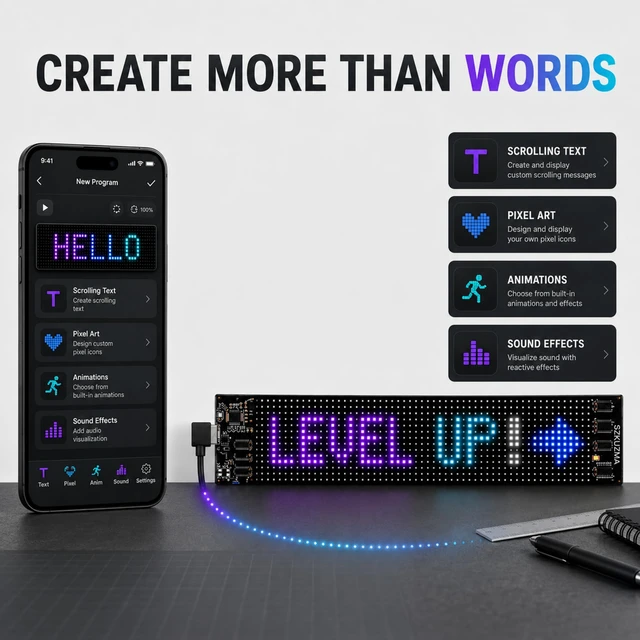
Create scrolling text, pixel drawings, images, and multi-frame animations in the app.

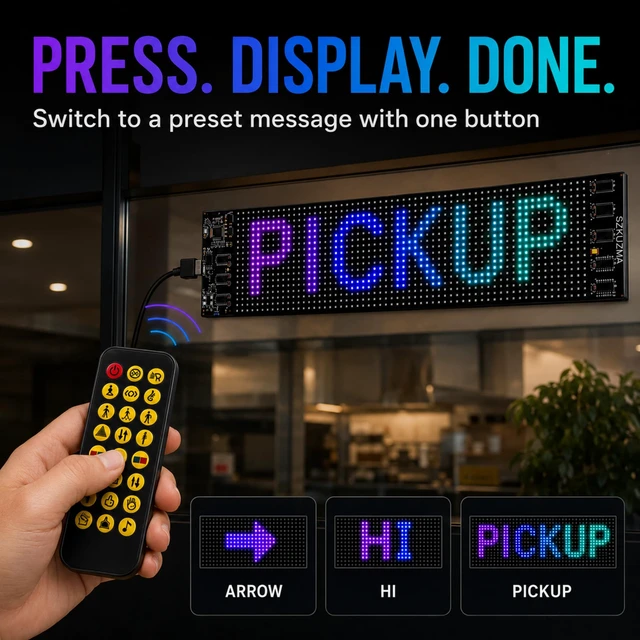
Point the included remote and press a shortcut button to call up a preset message or pixel effect.

Choose music or mic-reactive visual effects via the app for sound-activated pixel animations, perfect for desks, events and display spaces.

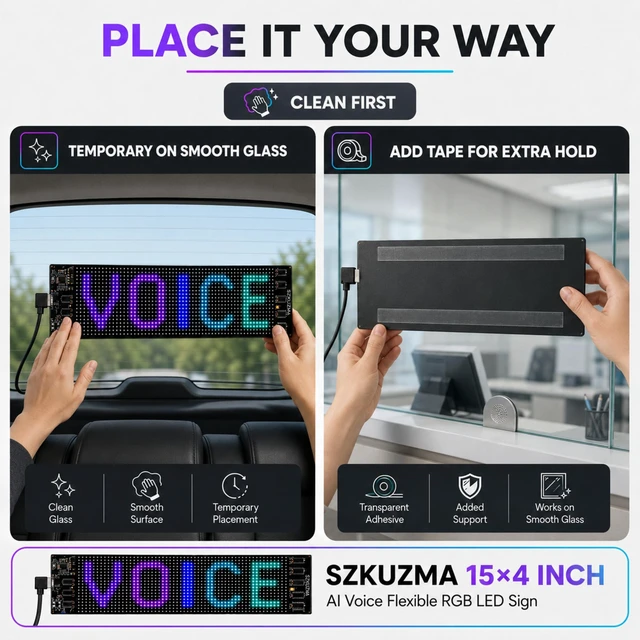
Press the grippy front surface against clean smooth glass for temporary placement.

Apply the included double-sided tape to the back when added support is preferred.

Open voice input, tap the button, and say the message. The app converts your words into text and automatically sends them to the panel, while the standard editor remains available.
 7" × 3" AI Voice |  15" × 4" AI Voice |  23" × 5" AI Voice |  23" × 9.5" AI Voice | |
|---|---|---|---|---|
Display Shape | Compact | Long & Slim | Extra Wide | Taller Widescreen |
Best For | Desks & Counters | Pickup & Small Windows | Events & Service | Entrances & Check-In |
Voice Input | ? | ? | ? | ? |
App Creation | ? | ? | ? | ? |
Remote Presets | ? | ? | ? | ? |
Adhesive Included | 2 Rolls | 2 Rolls | 2 Rolls | 2 Rolls |

Tap the voice button in the app and speak. Your words are converted to text and sent to the flexible full-color LED matrix sign, while app creation tools and remote presets give you more ways to change the message.
Tap the voice button and speak. The app converts your words to text and sends the message to the LED display.
Create scrolling text, pixel drawings, images, and multi-frame animations in the app.
Point the included remote and press a shortcut button to call up a preset message or pixel effect.
Choose music or mic-reactive visual effects via the app for sound-activated pixel animations, perfect for desks, events and display spaces.
Press the grippy front surface against clean smooth glass for temporary placement.
Apply the included double-sided tape to the back when added support is preferred.
A Faster Way to Change Text
Open voice input, tap the button, and say the message. The app converts your words into text and automatically sends them to the panel, while the standard editor remains available.
7" × 3" AI Voice | 15" × 4" AI Voice | 23" × 5" AI Voice | 23" × 9.5" AI Voice |
|---|---|---|---|
| Display Shape | |||
| Compact | Long & Slim | Extra Wide | Taller Widescreen |
| Best For | |||
| Desks & Counters | Pickup & Small Windows | Events & Service | Entrances & Check-In |
| Voice Input | |||
| ? | ? | ? | ? |
| App Creation | |||
| ? | ? | ? | ? |
| Remote Presets | |||
| ? | ? | ? | ? |
| Adhesive Included | |||
| 2 Rolls | 2 Rolls | 2 Rolls | 2 Rolls |
SPEAK IT, DISPLAY IT: AI VOICE-TO-TEXT SMART SIGN
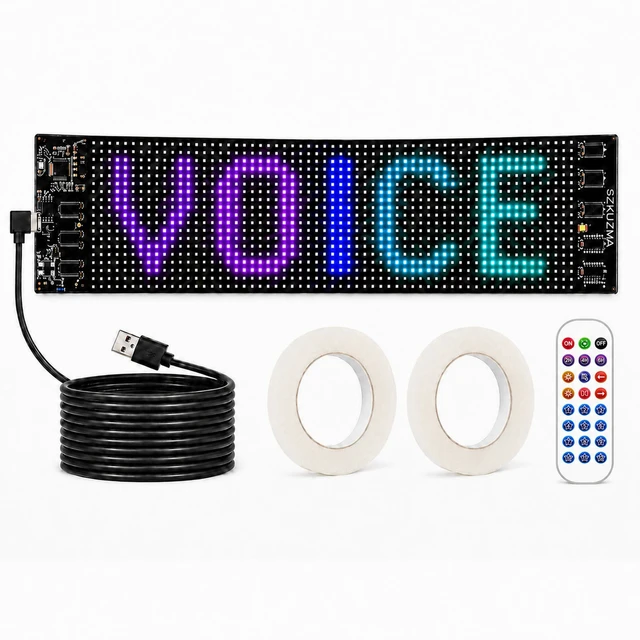
Say your message and put it on display instantly with the SZKUZMA AI Voice custom LED sign. Simply tap the voice button in the app, speak, and watch as the app seamlessly converts your words to text, automatically sending them to the flexible, full-color LED matrix panel.
APP CUSTOMIZATION & INSTANT REMOTE CONTROL
Unleash your creativity. Connect via Bluetooth to build scrolling text, pixel drawings, images, multi-frame animations, and sound-reactive effects right from your phone. For quick changes on the fly, point the included remote at the panel and press one of the 10+ shortcut buttons to call up preset messages or pixel effects instantly.
VERSATILE PLACEMENT & CONVENIENT POWER
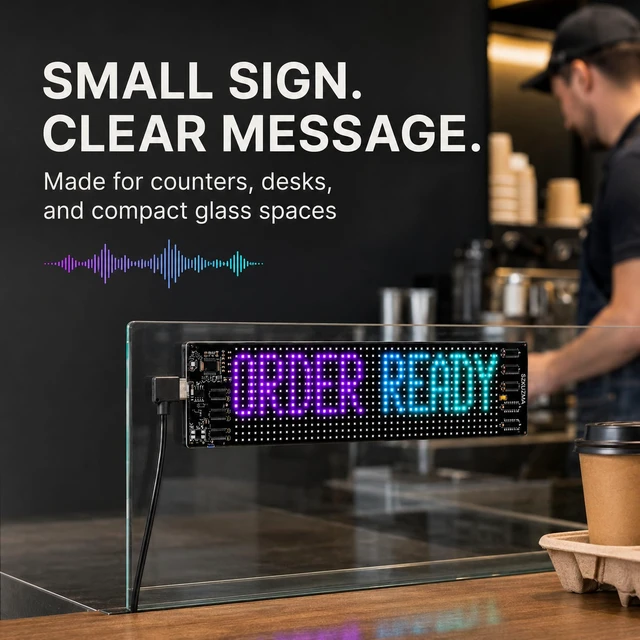
Transform any space into a programmable digital canvas. Use this flexible LED sign for car windows, as a custom light-up sign for storefront glass, or as a dynamic changing message display for desks and events. The universal USB power cable features a built-in inline on/off switch for effortless daily operation.
HASSLE-FREE INSTALLATION
Clean your glass surface thoroughly before mounting, then choose your preferred setup:
SIZES & PACKAGE CONTENTS
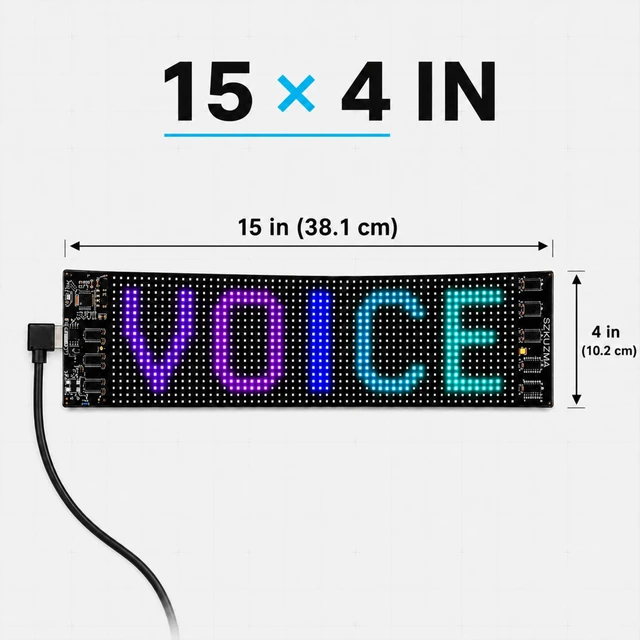
Available in 4 tailored sizes (7 x 3, 15 x 4, 23 x 5, or 23.5 x 9.5 inches). Your complete package includes the flexible LED panel, wireless remote, user manual, USB power cable, and double-sided tape matched perfectly to your selected size.


