


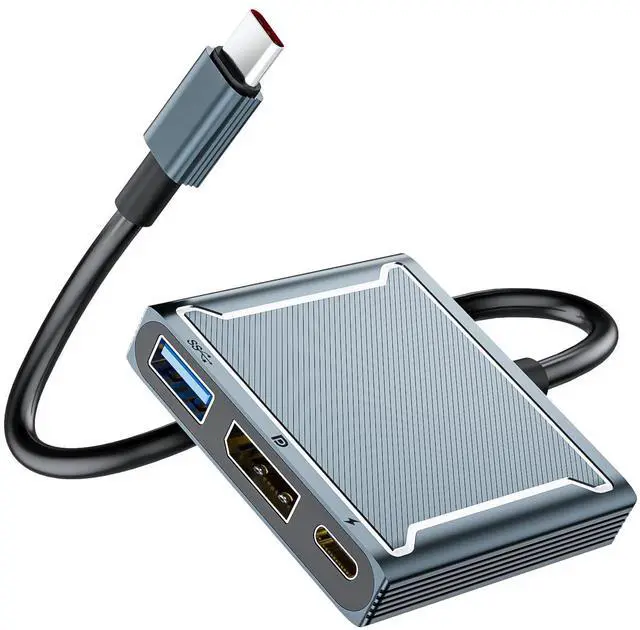


BolAAzuL USB-C to DisplayPort Multi-Function Adapter Dongle

1 to 3 expansion: save the problem of the type-C laptop extension interface.
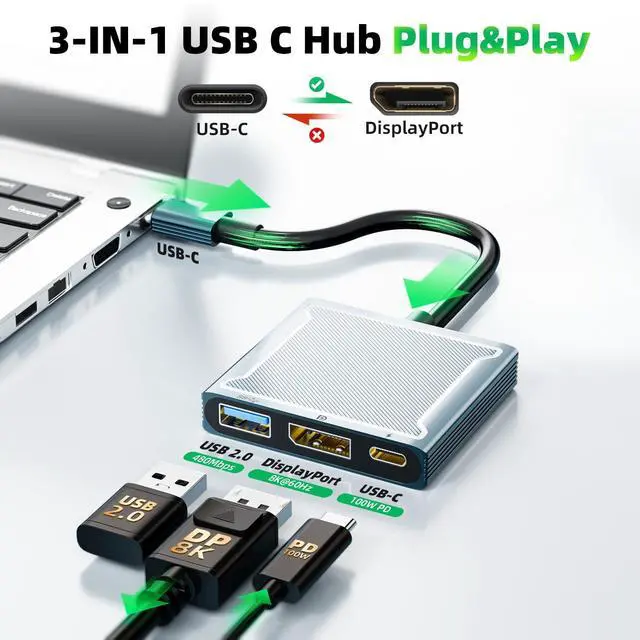
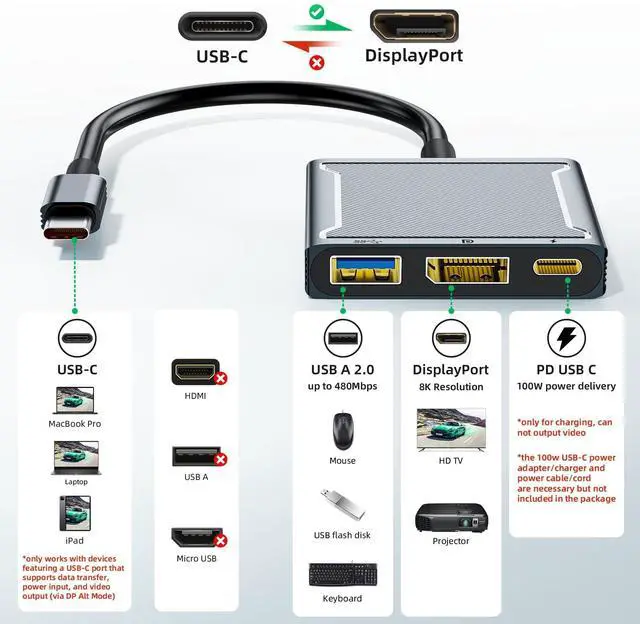
Male Interface: 1 x USB-C standard interface
Female Interfaces: 1 x Displayport interface ;1 x USB-C PD Charging interface ;1 x USB 2.0 interface
Important Checking: You must check if your USB-C port supports ??DP Alt Mode

Features:
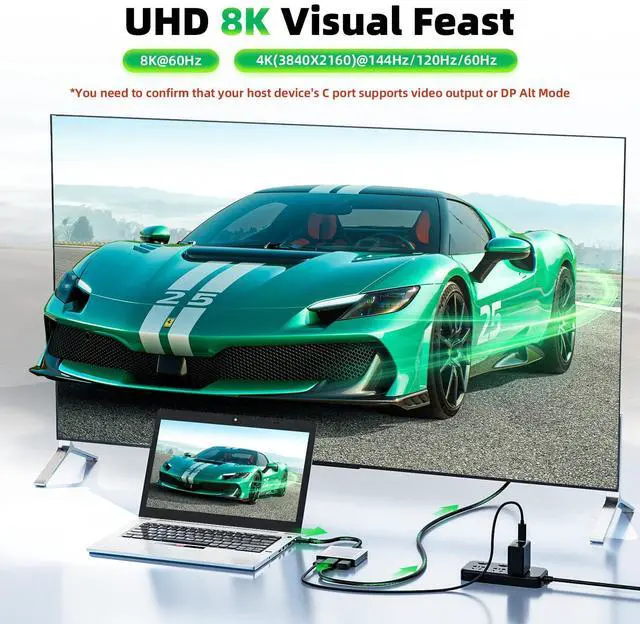
8K 60Hz ultra HD Video output
Intelligent recognition voltage current
PD 3.0 quick charge, USB Power Delivery 3.0 Supported, backward compatible with USB PD 2.0 Deliver power up to 100W ;High-speed data transfer up to 480Mbps ;Multi-system & multi-model compatible with
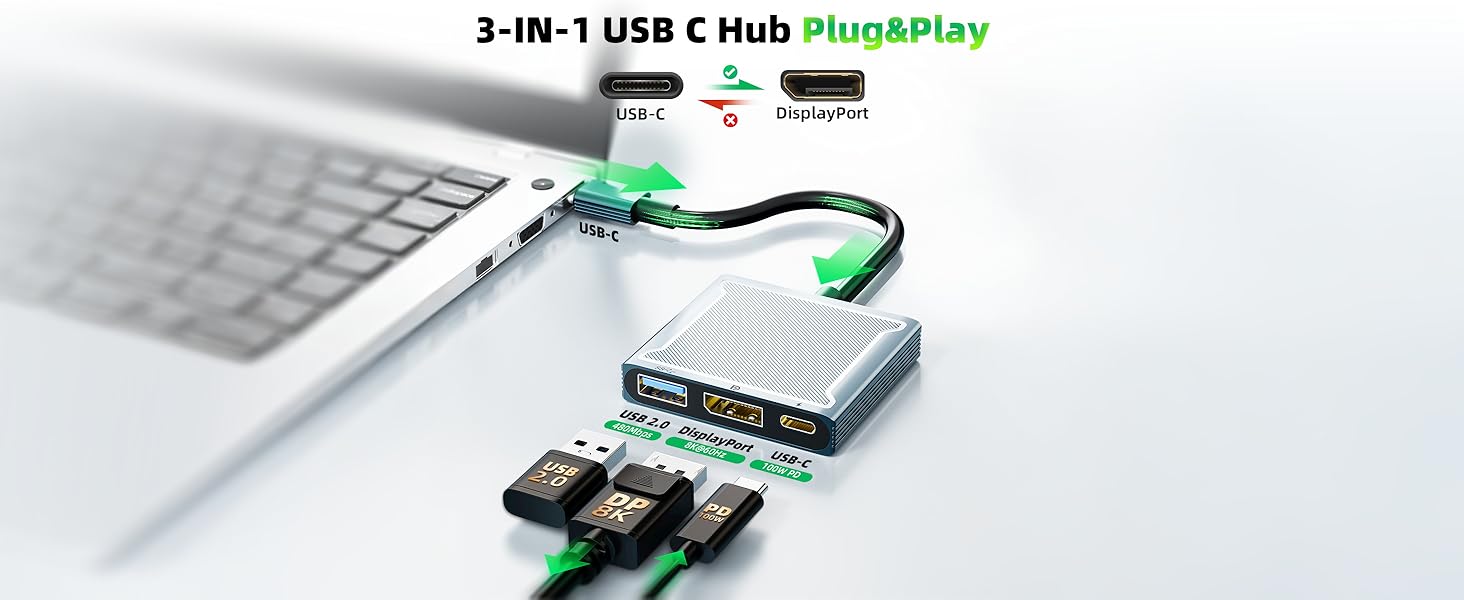
USB-C 3-IN-1 Dock
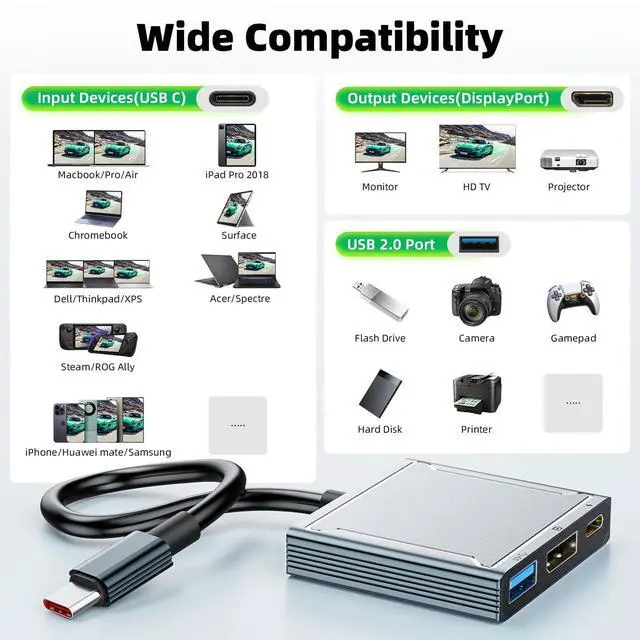
Compatible with MacBook Pro, MacBook Air, iPad Pro, Surface Book, Dell XPS, and more
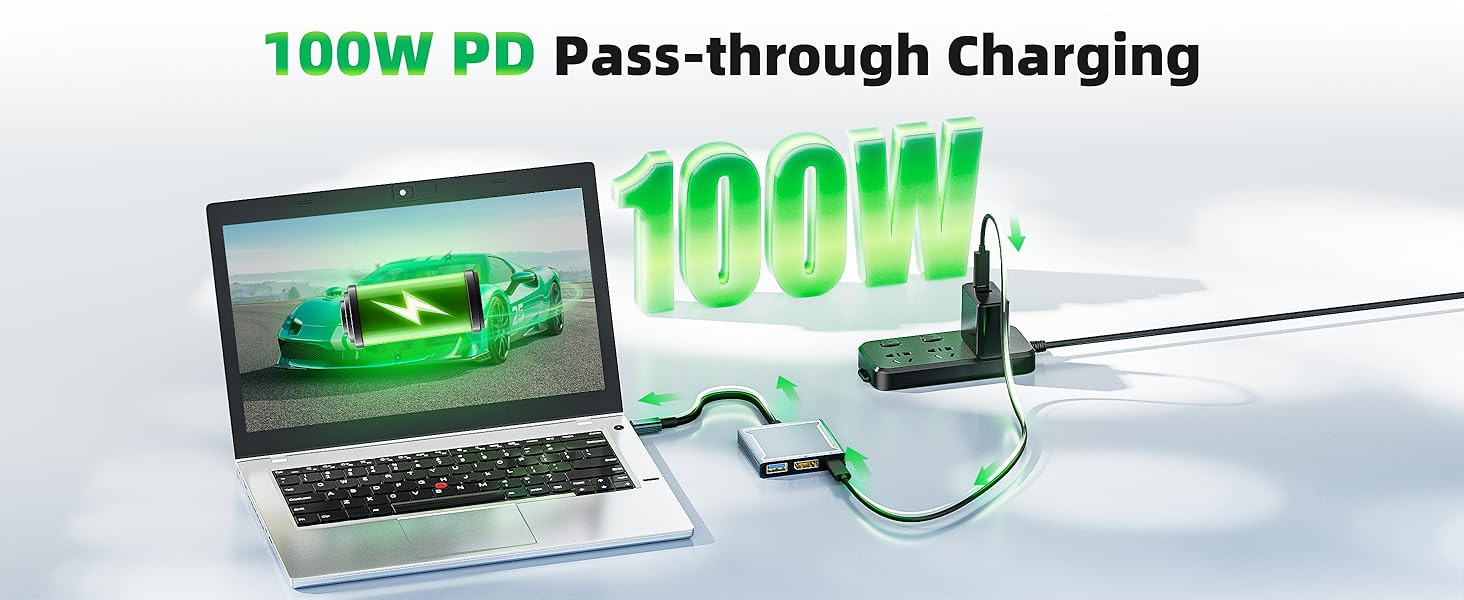
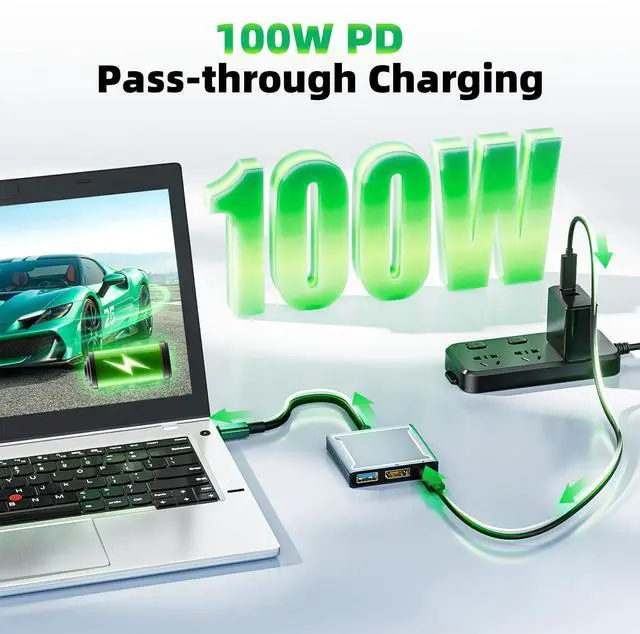
power pass-through
USB C to Displayport Adapter with 100W PD Charging
Power the whole setup through the laptop's power adapter instead of draining power from the laptop
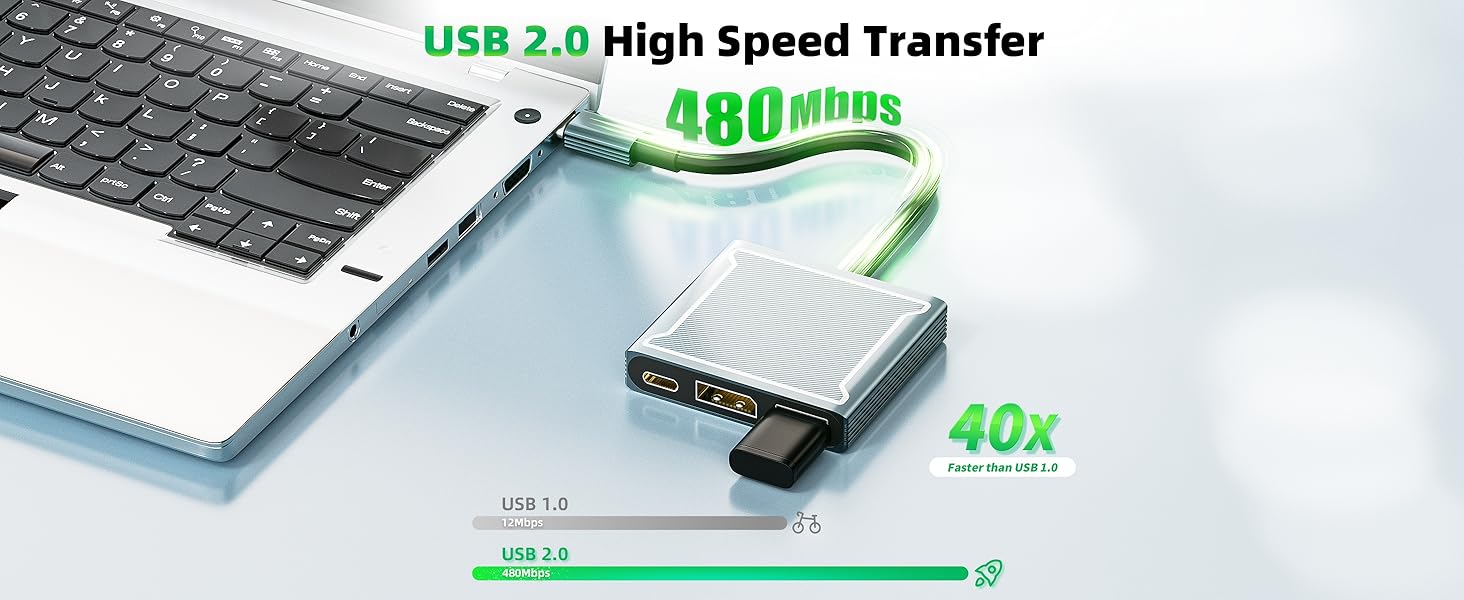
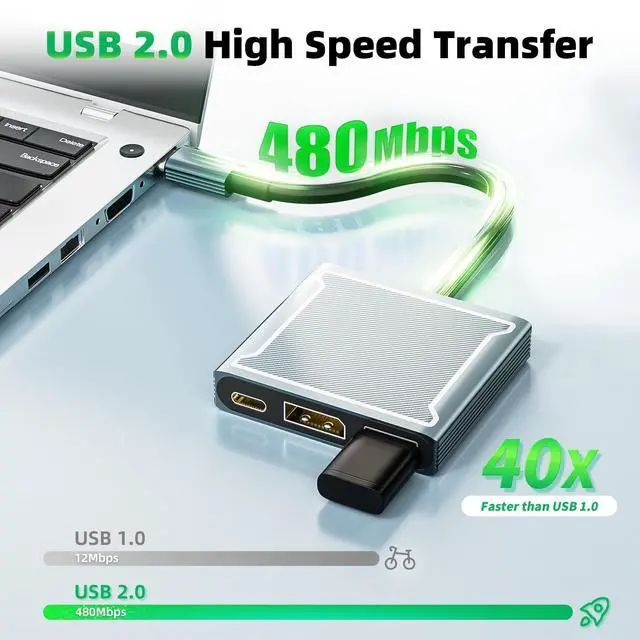
USB 2.0 Type-A port
USB C to Displayport Adapter with USB 2.0 Port
Up to 480Mbps, for connecting to other USB peripherals, such as flash drives
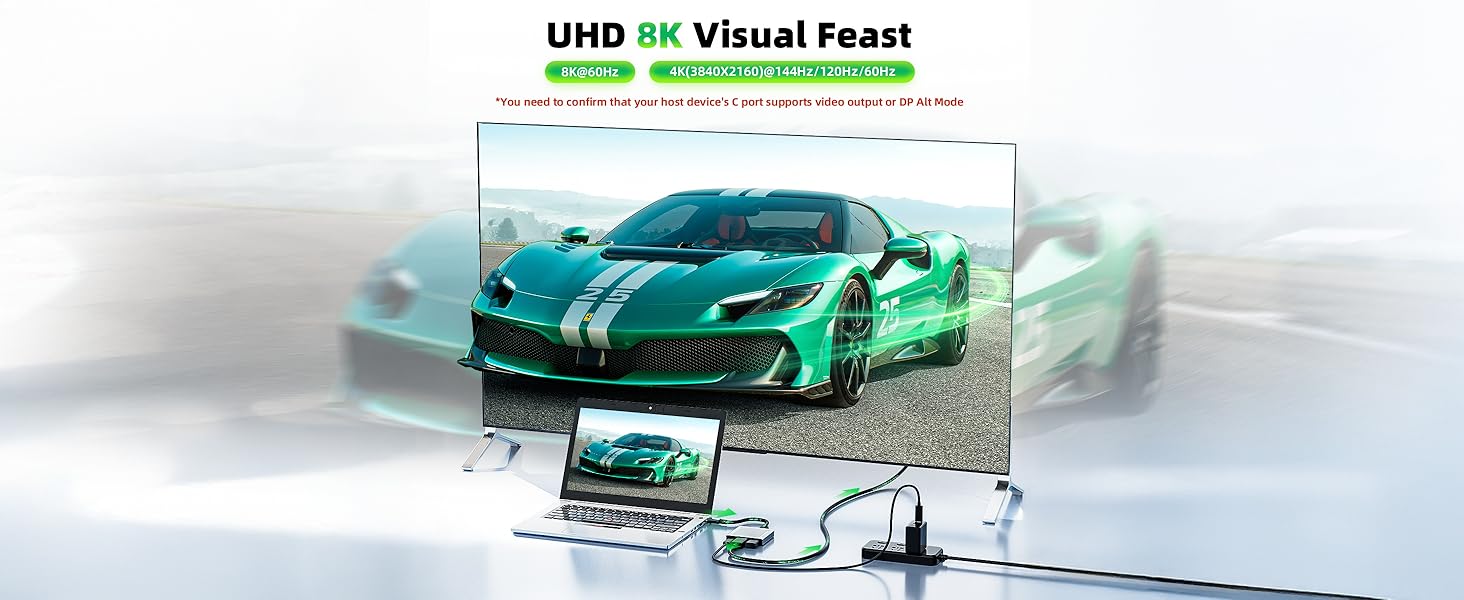
USB C to Displayport 1.4
8K@60Hz, 4K@144Hz, 4K@120Hz Supported
Extend or mirror your USB-C laptop’s display in 8K, or 4K to a DisplayPort monitor/TV

Note:
1. this adapter only works with DP cable and is not compatible with HDMI cable
2. unidirectional, only works from a USB-C port with DisplayPort Alt Mode to a DisplayPort monitor


IMPORTANT COMPATIBILITY NOTES – PLEASE READ BEFORE PURCHASE:
- USB-C DP Alt Mode Required: Please confirm your device's USB-C port supports Video Output (DP Alt Mode). Not all USB-C ports on laptops, tablets, or Single Board Computers (e.g., LattePanda) support video signal.
- Not for Apple Cinema Displays: This adapter is NOT recommended for use with older Apple Cinema/LED Displays that require a secondary adapter (DisplayPort to Mini DisplayPort). The signal conversion often fails or limits resolution to 1080p.
- 8K Resolution Requirements: To achieve 8K@60Hz or 4K@144Hz, your source device, the connected DisplayPort cable, and the monitor MUST all support DP 1.4 and DSC. Using older DP 1.2 cables will result in lower resolution or pixelated images.
- iPad & Tablet Limitations: Output resolution on iPad Pro/Air depends on iPadOS limitations and the monitor's aspect ratio. Some combinations may default to 2K/1080p due to system software scaling, not adapter capability.
User-friendly Design

Plug and Play: no extra driver or software needed
Compact and Lightweight: small and portable, pocket-sized multi-port adapter, easy to use and carry, space-saving
- Package Content:
USB-C to DisplayPort Multi-port Dock x1
BolAAzuL USB-C to DisplayPort Multi-Function Adapter Dongle

1 to 3 expansion: save the problem of the type-C laptop extension interface.
Male Interface: 1 x USB-C standard interface
Female Interfaces: 1 x Displayport interface ;1 x USB-C PD Charging interface ;1 x USB 2.0 interface
Important Checking: You must check if your USB-C port supports ??DP Alt Mode

Features:
8K 60Hz ultra HD Video output
Intelligent recognition voltage current
PD 3.0 quick charge, USB Power Delivery 3.0 Supported, backward compatible with USB PD 2.0 Deliver power up to 100W ;High-speed data transfer up to 480Mbps ;Multi-system & multi-model compatible with
USB-C 3-IN-1 Dock
Compatible with MacBook Pro, MacBook Air, iPad Pro, Surface Book, Dell XPS, and more
power pass-through
USB C to Displayport Adapter with 100W PD Charging
Power the whole setup through the laptop's power adapter instead of draining power from the laptop
USB 2.0 Type-A port
USB C to Displayport Adapter with USB 2.0 Port
Up to 480Mbps, for connecting to other USB peripherals, such as flash drives
USB C to Displayport 1.4
8K@60Hz, 4K@144Hz, 4K@120Hz Supported
Extend or mirror your USB-C laptop’s display in 8K, or 4K to a DisplayPort monitor/TV


Note:
1. this adapter only works with DP cable and is not compatible with HDMI cable
2. unidirectional, only works from a USB-C port with DisplayPort Alt Mode to a DisplayPort monitor


IMPORTANT COMPATIBILITY NOTES – PLEASE READ BEFORE PURCHASE:
- USB-C DP Alt Mode Required: Please confirm your device's USB-C port supports Video Output (DP Alt Mode). Not all USB-C ports on laptops, tablets, or Single Board Computers (e.g., LattePanda) support video signal.
- Not for Apple Cinema Displays: This adapter is NOT recommended for use with older Apple Cinema/LED Displays that require a secondary adapter (DisplayPort to Mini DisplayPort). The signal conversion often fails or limits resolution to 1080p.
- 8K Resolution Requirements: To achieve 8K@60Hz or 4K@144Hz, your source device, the connected DisplayPort cable, and the monitor MUST all support DP 1.4 and DSC. Using older DP 1.2 cables will result in lower resolution or pixelated images.
- iPad & Tablet Limitations: Output resolution on iPad Pro/Air depends on iPadOS limitations and the monitor's aspect ratio. Some combinations may default to 2K/1080p due to system software scaling, not adapter capability.
User-friendly Design

Plug and Play: no extra driver or software needed
Compact and Lightweight: small and portable, pocket-sized multi-port adapter, easy to use and carry, space-saving
- Package Content:
USB-C to DisplayPort Multi-port Dock x1