



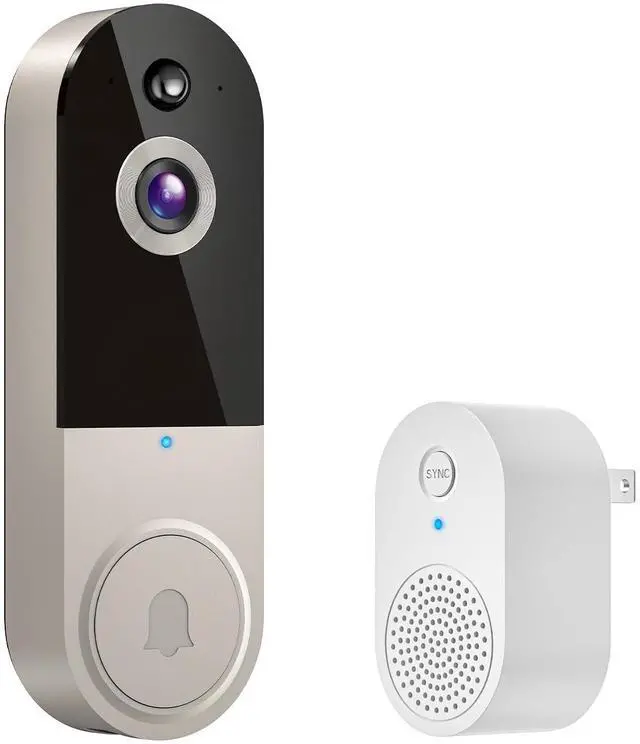
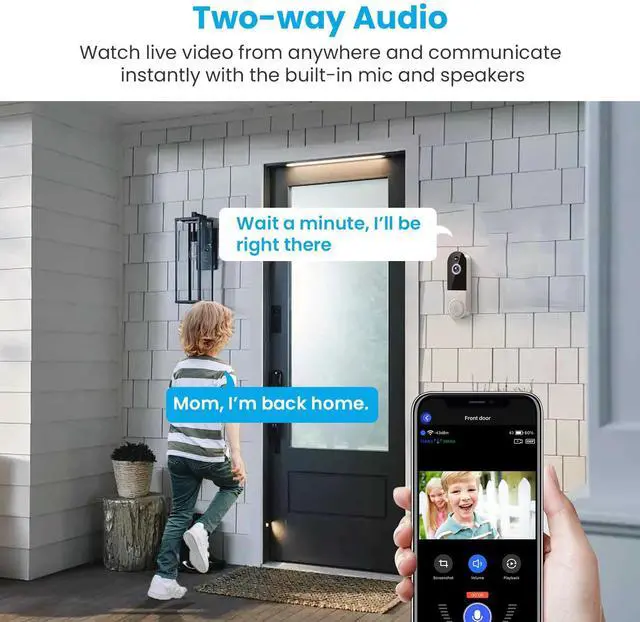
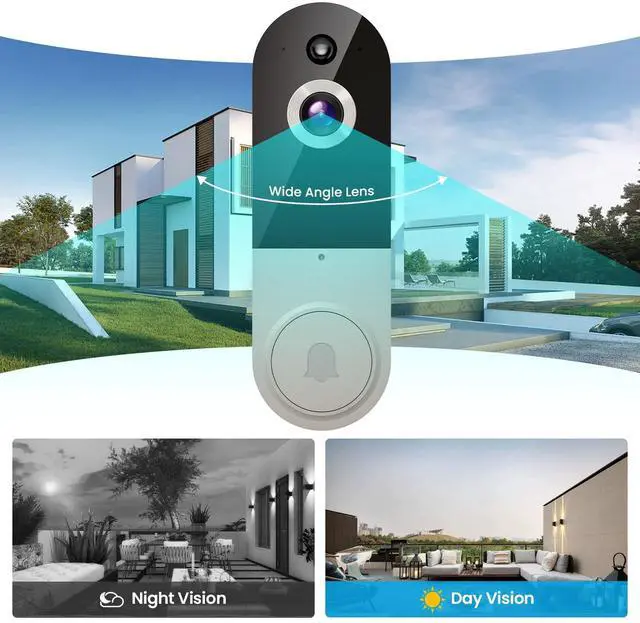


BoomChill Wireless Video doorbell Camera

Security for the Whole Family
Grant access to family members – everyone stays in the know, and your home stays safer.
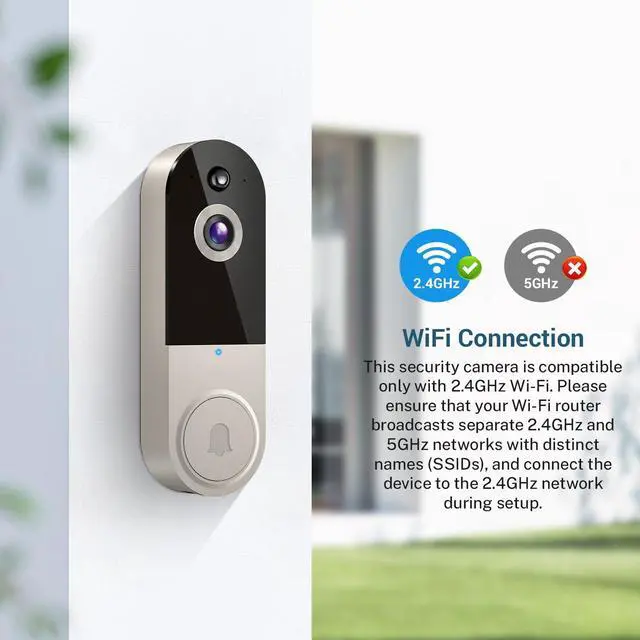
2.4GHz Wi-Fi Only – This device operates solely on 2.4GHz Wi-Fi and does not support 5GHz networks.

Personalized Doorbell Receiver Experience
Place the indoor receiver wherever you need – hear every visitor whether you’re cooking, relaxing, or working.

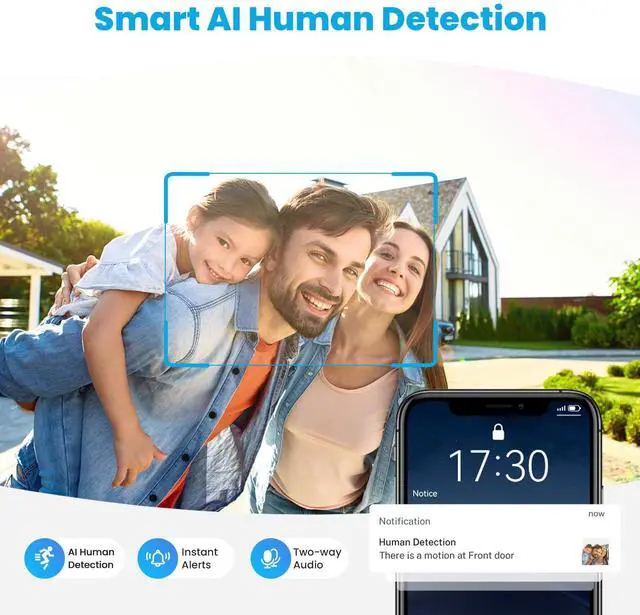
AI-Powered Alerts that Know the Difference
No more unnecessary pings. Smart AI filters out cars, pets, and distractions – sending alerts only when people matter.

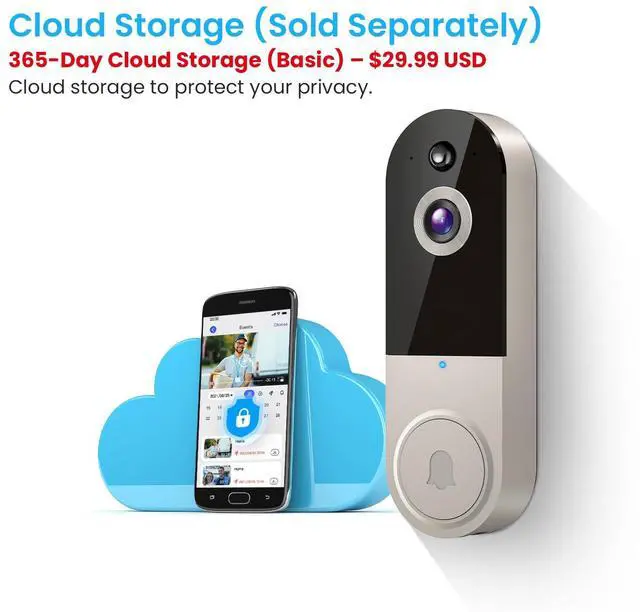
Safe Footage, Locked in the Cloud
Your memories, your security – store recordings with optional AES 128-bit encrypted cloud storage. Available anytime, only for you (sold separately).
Note: Cloud storage subscription is not mandatory. With a subscription, you can save and replay recordings, without a subscription, you can still use features like two-way audio, human detection,and real-time notifications.

Troubleshooting network connection issues:
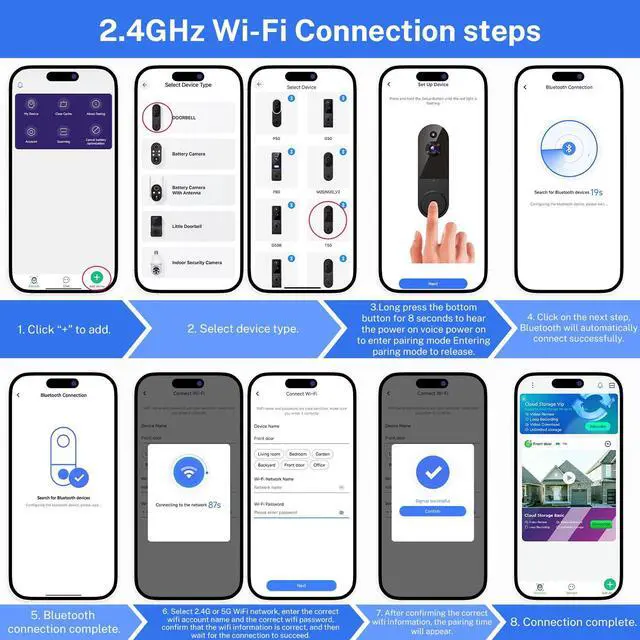
(1) The doorbell camera only works with 2.4GHz Wi-fi. Please connect it to a 2.4GHz network.
(2) Double-check that you are entering the correct Wi-Fi name and password.
(3) Verify the distance between the camera and the Wi-fi router; the camera should be within 33 feet (10 meters) of the router
(4) Please enable Bluetooth on your phone, but you don't need to connect Bluetooth with the device, just ensure the Bluetooth is on.
(5) If you changed your Wi-Fi password, or your camera got disconnected, please reset the Wi-fi connection with the camera:
Press and hold the ring button until the camera was reset, and then add the camera again back to the same App account.

BoomChill Wireless Video doorbell Camera
Security for the Whole Family
Grant access to family members – everyone stays in the know, and your home stays safer.
2.4GHz Wi-Fi Only – This device operates solely on 2.4GHz Wi-Fi and does not support 5GHz networks.
Personalized Doorbell Receiver Experience
Place the indoor receiver wherever you need – hear every visitor whether you’re cooking, relaxing, or working.
AI-Powered Alerts that Know the Difference
No more unnecessary pings. Smart AI filters out cars, pets, and distractions – sending alerts only when people matter.
Safe Footage, Locked in the Cloud
Your memories, your security – store recordings with optional AES 128-bit encrypted cloud storage. Available anytime, only for you (sold separately).
Note: Cloud storage subscription is not mandatory. With a subscription, you can save and replay recordings, without a subscription, you can still use features like two-way audio, human detection,and real-time notifications.
Troubleshooting network connection issues:
(1) The doorbell camera only works with 2.4GHz Wi-fi. Please connect it to a 2.4GHz network.
(2) Double-check that you are entering the correct Wi-Fi name and password.
(3) Verify the distance between the camera and the Wi-fi router; the camera should be within 33 feet (10 meters) of the router
(4) Please enable Bluetooth on your phone, but you don't need to connect Bluetooth with the device, just ensure the Bluetooth is on.
(5) If you changed your Wi-Fi password, or your camera got disconnected, please reset the Wi-fi connection with the camera:
Press and hold the ring button until the camera was reset, and then add the camera again back to the same App account.