here!
here!
I’m your shopping assistant for PC builds, upgrades, and everything tech.
Got questions? Ask away!
Start a conversation
here!
I’m your shopping assistant for PC builds, upgrades, and everything tech.
Got questions? Ask away!
Start a conversation
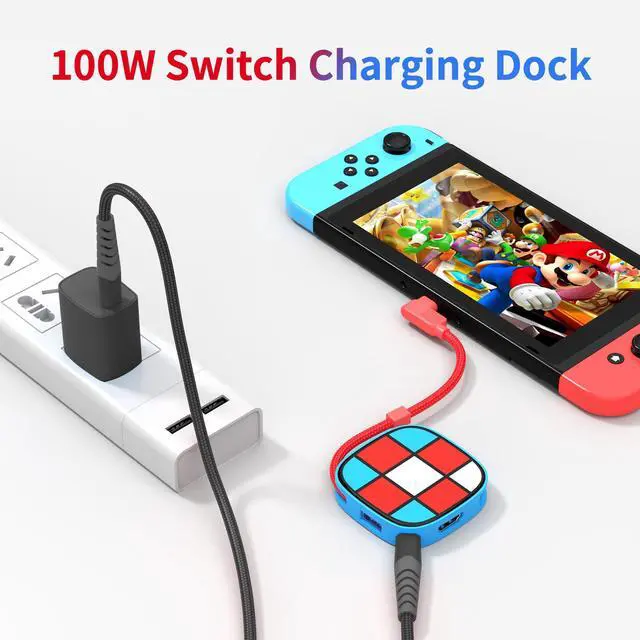



Any questions? Ask CelesteSM will help you find out quickly.
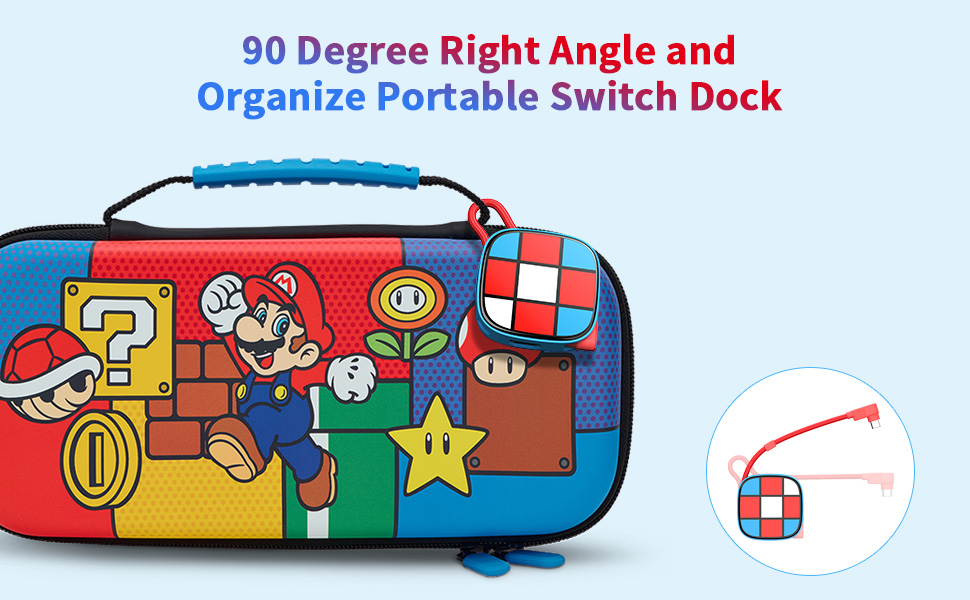
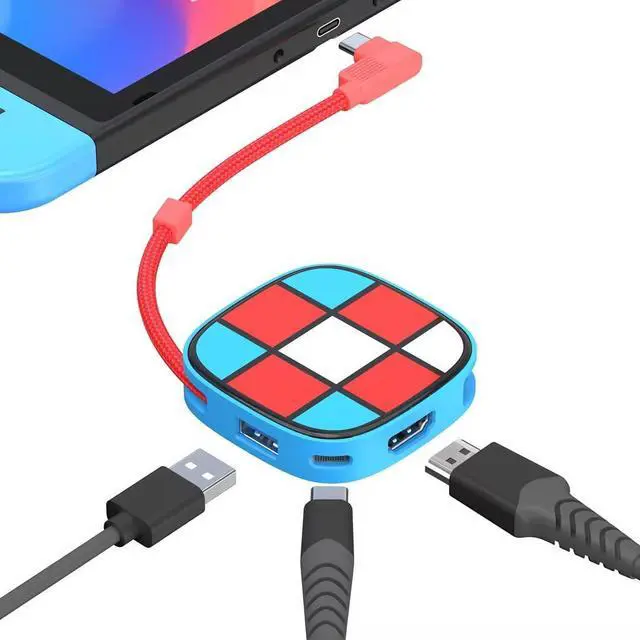
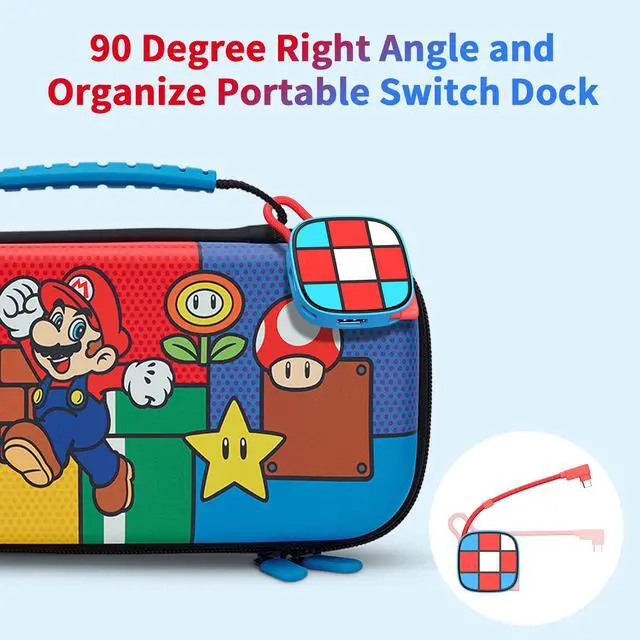
When you don't need to use Switch Dock, the nylon braided cable connects the right-angle elbow directly to the elbow storage port and then hangs the storage box, which is portable and convenient to organize
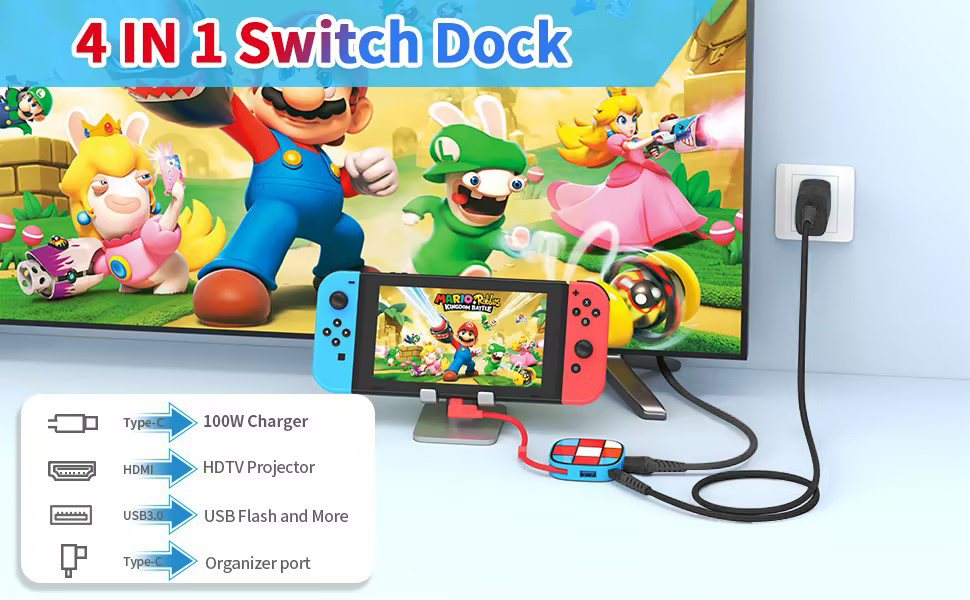
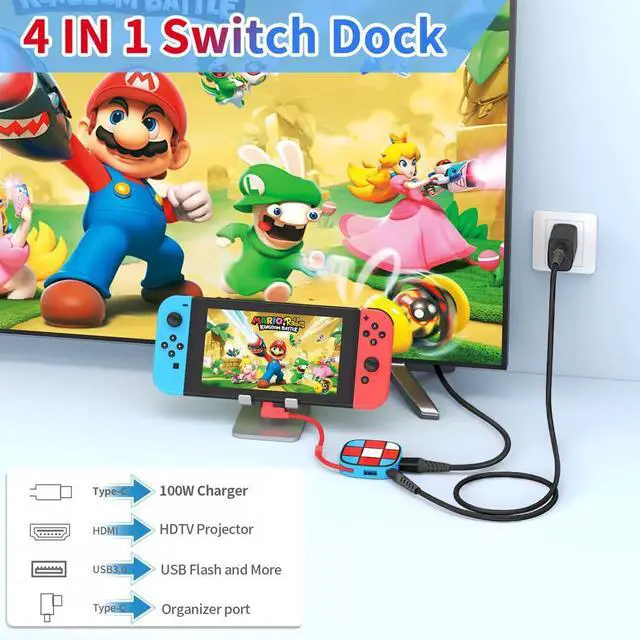
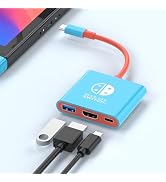
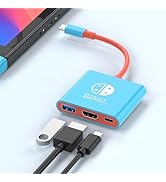
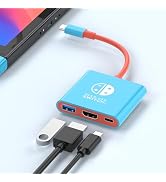
USB C PD Port: Power charging interface, up to PD100W, not support data transfer
4K HDMI Port: Support 4K@30Hz, down compatible 1080P, connect HD-TV/Monitor/ Projector, the Switch itself only supports 1080P/60Hz
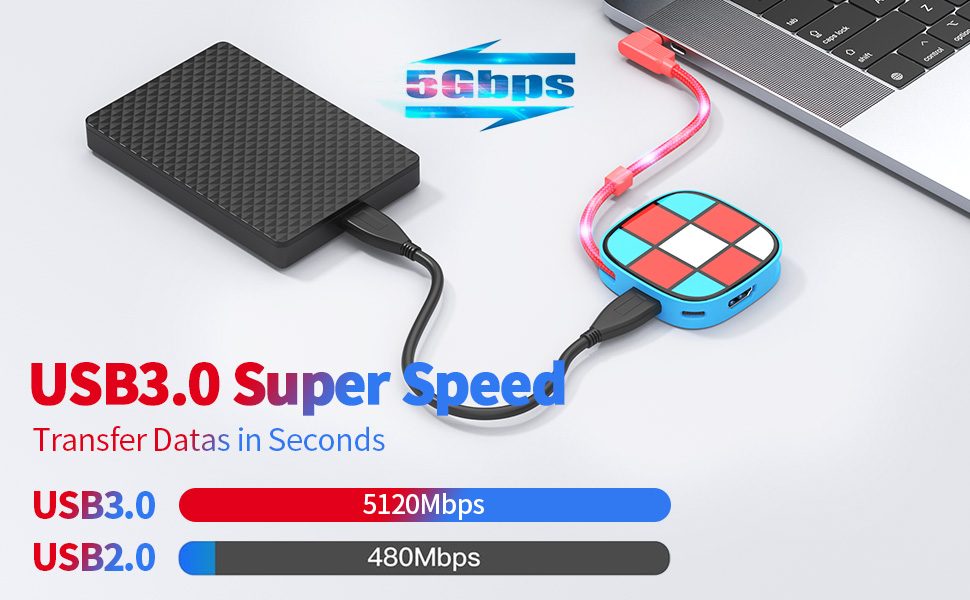
USB 3.0 Port: Up to 5 Gbps, transfer data / External device/ external audio /USB Flash/Phone OTG/mouse/keybord/USB to network cable interface
Right Angle Female Port: Only organizer Function, no other else
Not Compatible with Nintendo switch 2
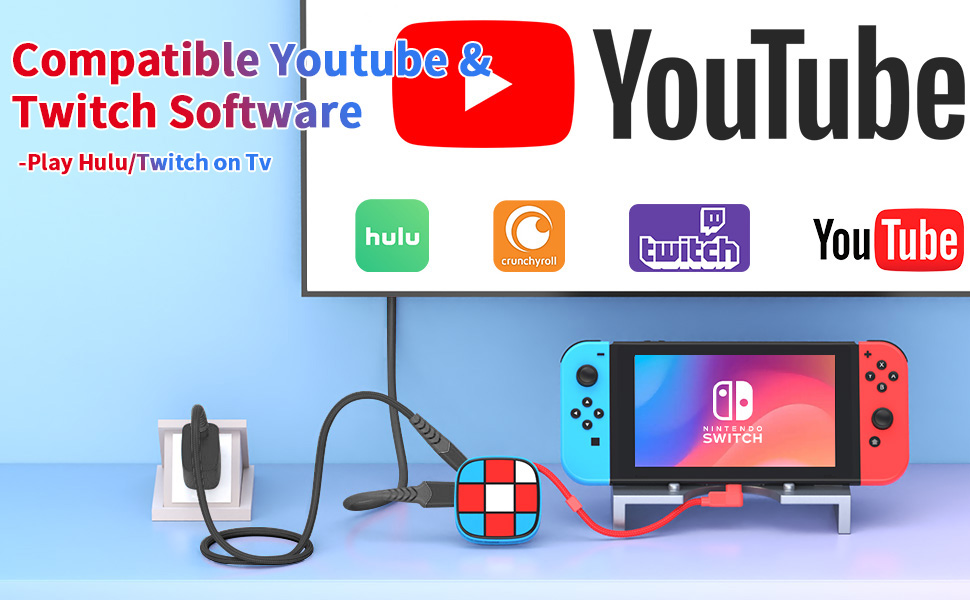
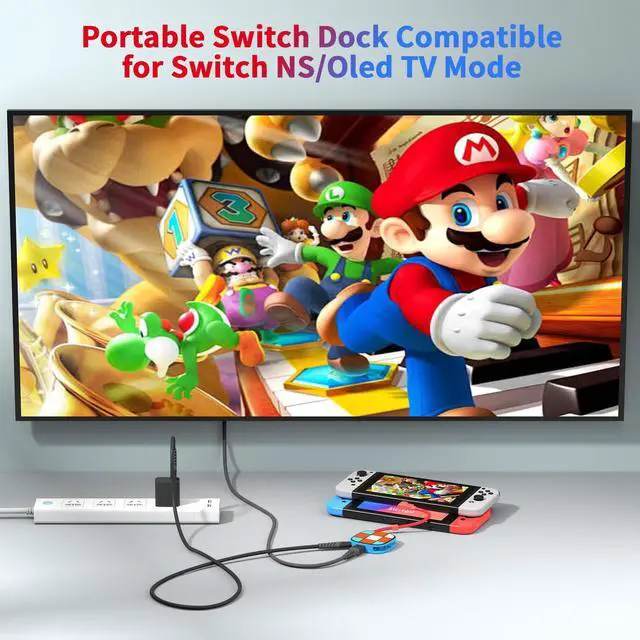
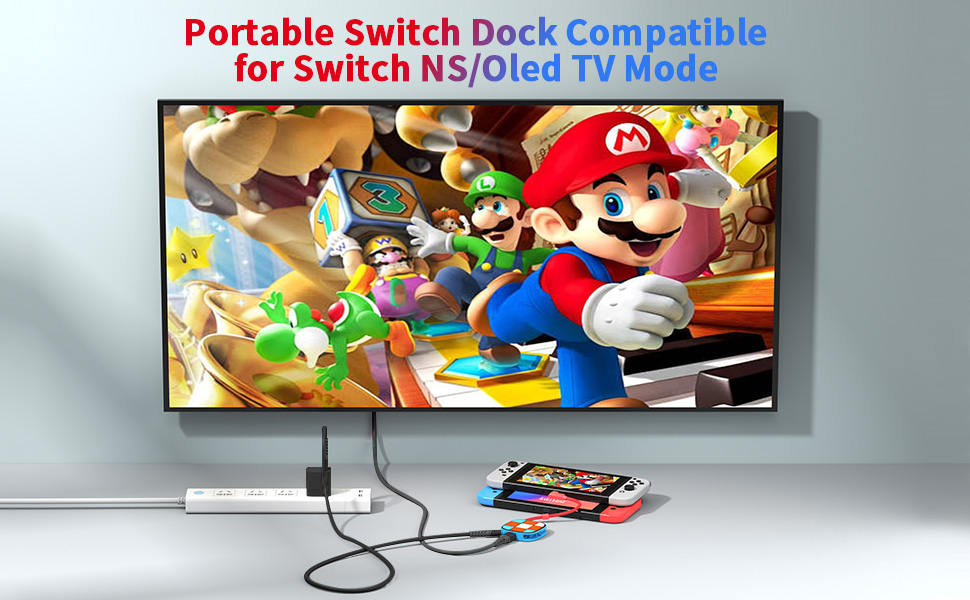
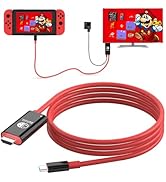
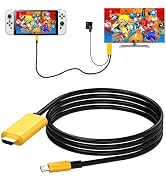
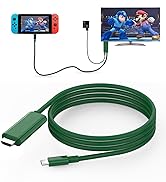
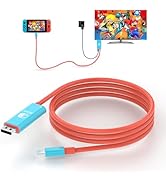
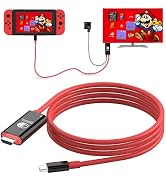
1:Type c connected with switch NS/Oled, Not for Switch Lite and DS
2:Connect with HDMl cable
3:Connect with 15V/2.6A power
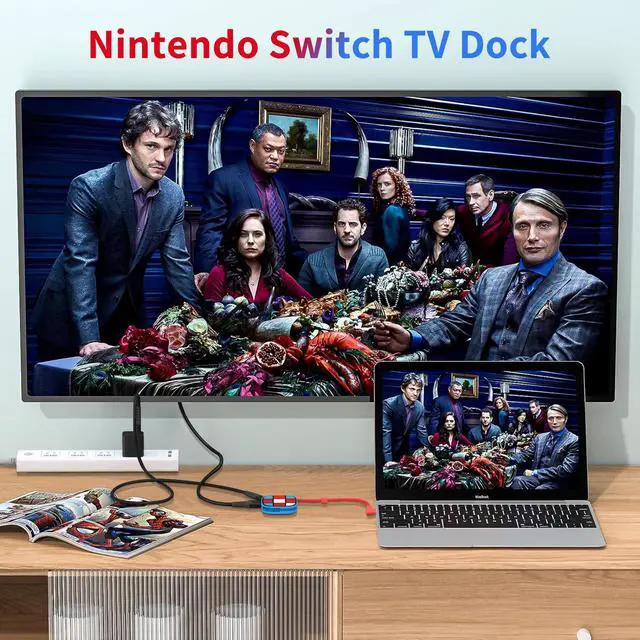
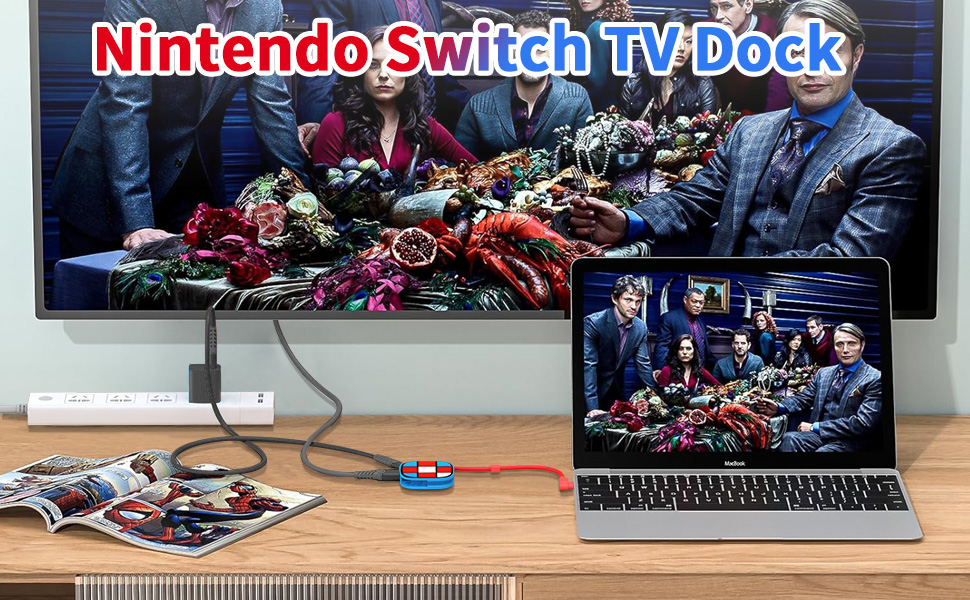
4: Plug in HDMI channel 1 on the back of your monitor/TV, then select HDMI channel 1 on your monitor/TV accordingly
For a better experience, please use Official Switch Original 39W charger or 15V/2.6A charger.
Remark: The AC Charger Adapter and USB C charger Cable HDMI cable are not include, only one Right Angle Switch Dock in the package!!!
Not Compatible with Nintendo switch 2
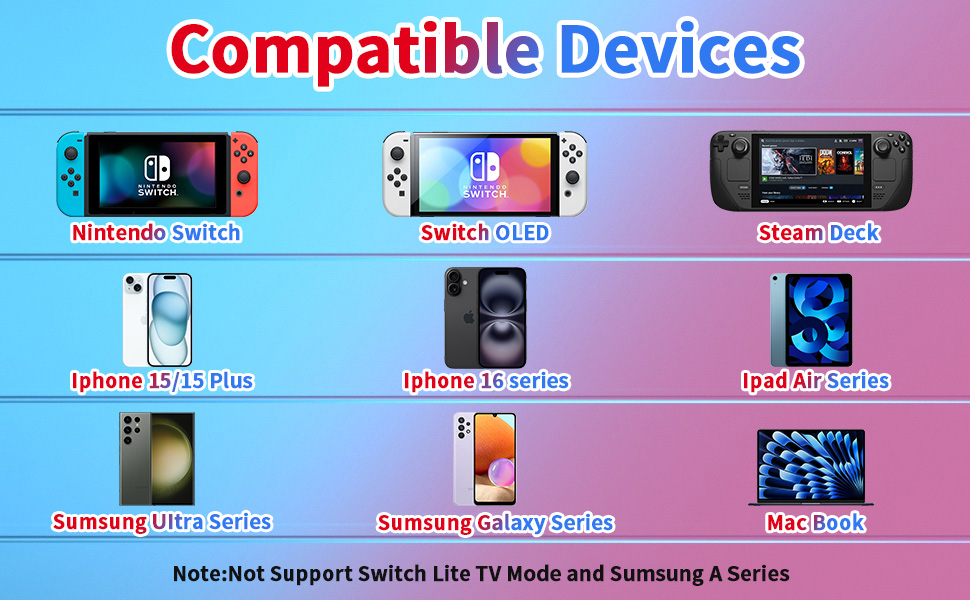
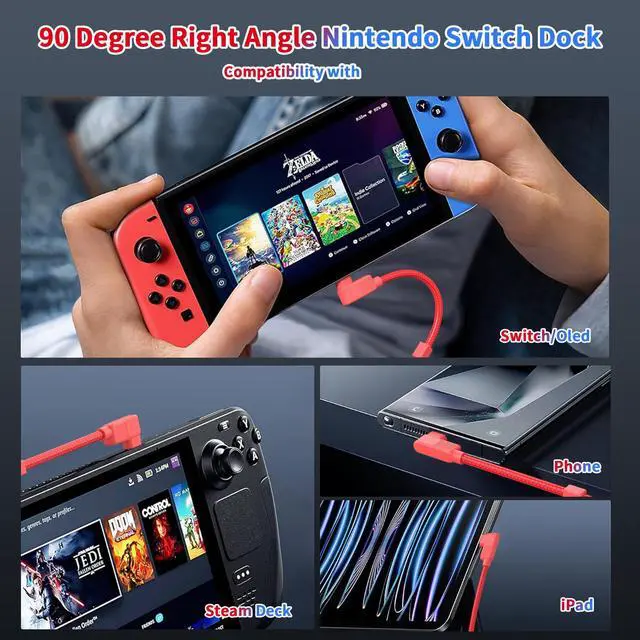
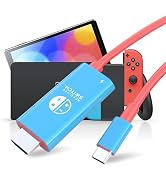
Game Player: Nintendo Switch NS/OLED mode, Steam deck, Not for Switch Lite and Not for DS
Apple: foriPhone 16/15/ iPhone 15 Plus/ iPhone 15 Pro/ iPhone 15 Pro Max;
Apple: MacBook Pro 2016-2022, MacBook Air 2018-2022, Mac mini 2018/2020; iMac 2017-2021, iPad Pro 2018 - 2021, iPad Air 2020-2022, Mac Pro 2019
Samsung: Galaxy S23/ S22 / S21 / S20 / S10 / S9 / S8 / Note 20/ Note 10/ Note 9 / Note 8/ Fold / A90 5G , Samsung Galaxy Book, Galaxy Tab S4 / S5e / S6/ S7 / S8 and their plus versions;
Microsoft: Surface Book 2 / 3, Surface Go / Go 2 / Go 3, Surface Laptop 3 / 4 / SE / Go / Go 2 / studio, Surface Pro 7 / 7+ / 8 / X, Surface Studio 2, Surface Dock 2 - only works for Dock 2 rear ports;
Dell: XPS 15 9575 / 9570 / 9560 / 9550, XPS 13 9375 / 9370 / 9360 / 9350, XPS 12 9250, Latitude 7373 / 7280 / 7480 / 5570 / 5490, Insiron 5570, Inspiron 13 7000 2-in-1, Alienware 17 r3 / r4 / r5;
?Not for Samsung:All Samsung Galaxy A Series; Samsung S6 / S7 / J6 / J7 / M20 / M30, Samsung Galaxy Tab A / 10.1 / 10.5, Galaxy Tab S3 etc;
?Not for Other: Lenovo V15G2-ALC Type 82KD; GoPro; MacBook Air 7.2, ???????????? ????????????, ???????????? Fire-Tablet, Surface Dock 2 etc;
?Not for Handy: OnePlus 2/3/3T/5/5T/6/6T; All Motos Handy, Moto G60; Lg Stylo; iPhone (lightning), Google Pixel 7 pro, Pixel 3 etc;
Not Compatible with Nintendo switch 2
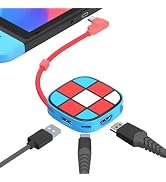
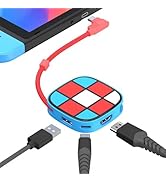
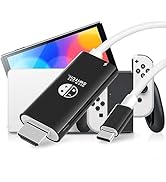
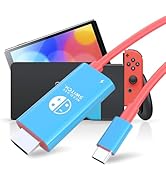
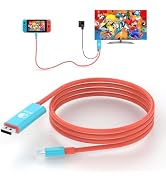
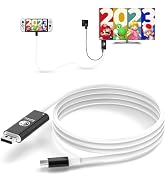
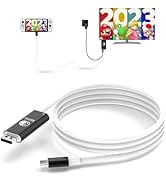
When you don't need to use Switch Dock, the nylon braided cable connects the right-angle elbow directly to the elbow storage port and then hangs the storage box, which is portable and convenient to organize
USB C PD Port: Power charging interface, up to PD100W, not support data transfer
4K HDMI Port: Support 4K@30Hz, down compatible 1080P, connect HD-TV/Monitor/ Projector, the Switch itself only supports 1080P/60Hz
USB 3.0 Port: Up to 5 Gbps, transfer data / External device/ external audio /USB Flash/Phone OTG/mouse/keybord/USB to network cable interface
Right Angle Female Port: Only organizer Function, no other else
Not Compatible with Nintendo switch 2
1:Type c connected with switch NS/Oled, Not for Switch Lite and DS
2:Connect with HDMl cable
3:Connect with 15V/2.6A power
4: Plug in HDMI channel 1 on the back of your monitor/TV, then select HDMI channel 1 on your monitor/TV accordingly
For a better experience, please use Official Switch Original 39W charger or 15V/2.6A charger.
Remark: The AC Charger Adapter and USB C charger Cable HDMI cable are not include, only one Right Angle Switch Dock in the package!!!
Not Compatible with Nintendo switch 2
Game Player: Nintendo Switch NS/OLED mode, Steam deck, Not for Switch Lite and Not for DS
Apple: foriPhone 16/15/ iPhone 15 Plus/ iPhone 15 Pro/ iPhone 15 Pro Max;
Apple: MacBook Pro 2016-2022, MacBook Air 2018-2022, Mac mini 2018/2020; iMac 2017-2021, iPad Pro 2018 - 2021, iPad Air 2020-2022, Mac Pro 2019
Samsung: Galaxy S23/ S22 / S21 / S20 / S10 / S9 / S8 / Note 20/ Note 10/ Note 9 / Note 8/ Fold / A90 5G , Samsung Galaxy Book, Galaxy Tab S4 / S5e / S6/ S7 / S8 and their plus versions;
Microsoft: Surface Book 2 / 3, Surface Go / Go 2 / Go 3, Surface Laptop 3 / 4 / SE / Go / Go 2 / studio, Surface Pro 7 / 7+ / 8 / X, Surface Studio 2, Surface Dock 2 - only works for Dock 2 rear ports;
Dell: XPS 15 9575 / 9570 / 9560 / 9550, XPS 13 9375 / 9370 / 9360 / 9350, XPS 12 9250, Latitude 7373 / 7280 / 7480 / 5570 / 5490, Insiron 5570, Inspiron 13 7000 2-in-1, Alienware 17 r3 / r4 / r5;
?Not for Samsung:All Samsung Galaxy A Series; Samsung S6 / S7 / J6 / J7 / M20 / M30, Samsung Galaxy Tab A / 10.1 / 10.5, Galaxy Tab S3 etc;
?Not for Other: Lenovo V15G2-ALC Type 82KD; GoPro; MacBook Air 7.2, ???????????? ????????????, ???????????? Fire-Tablet, Surface Dock 2 etc;
?Not for Handy: OnePlus 2/3/3T/5/5T/6/6T; All Motos Handy, Moto G60; Lg Stylo; iPhone (lightning), Google Pixel 7 pro, Pixel 3 etc;
Not Compatible with Nintendo switch 2