


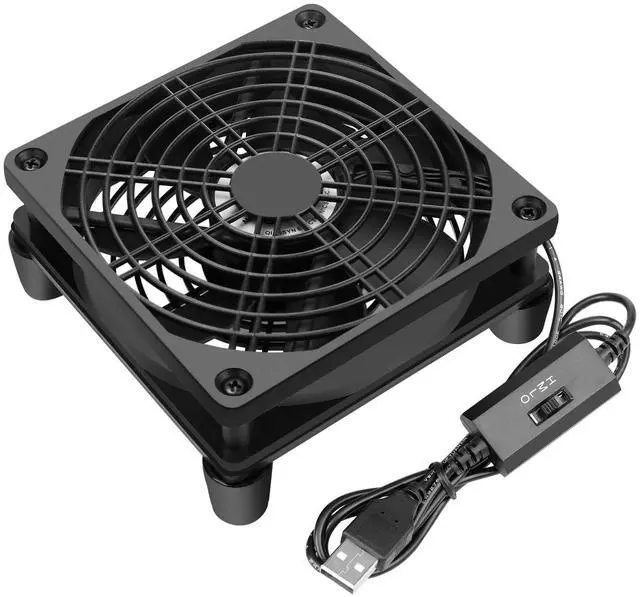
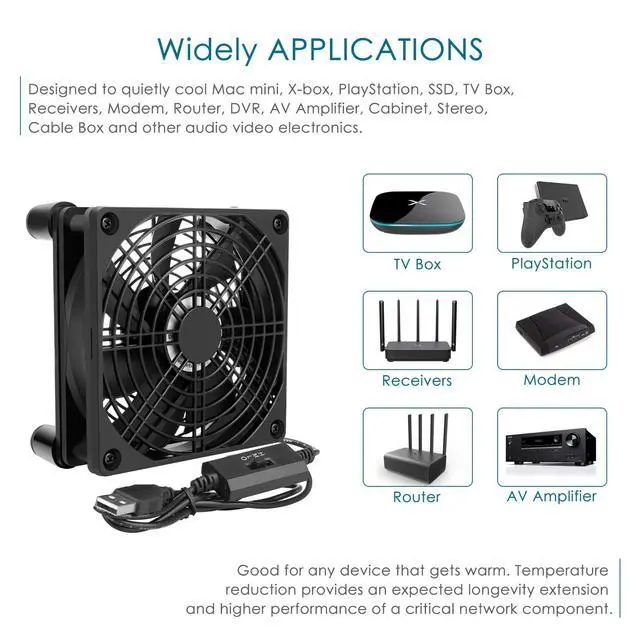


120mm 5V USB FAN
It works great for cabinet, x-box, SSD, Modem, DVR, Receiver, Streaming boxes, Security Camera NVR, android box, stereo, T-Mobile gateway cooling
Buyers' Voice
- I put the Modem on top of this fan and my speeds during the day doubled. I noticed the SNR went down during the day and this fan kept the temperature down and the SNR got better.
- This fits perfectly under an Eero Pro 6 router. I measured temps using an infrared thermometer. Prior to the fan, the bottom of the router was in the 130s. After a couple hours on top of the fan, the bottom of the router is now in the lows 90s to high 80s.
- Since using this fan,I solved the problem of the WiFi connection between the T Mobile home Internet gateway and my mobile phone. and throughput speeds are definitely increased.
- I purchased this for my network router which is always on and very hot. Within a few minutes it was no longer warm to the touch. love the speed controls. I'm very impressed and happy so far.
- I originally bought this fan to sit on top of my xbox series x and it was helping to pull the hot air out of the unit but I was still experiencing network lag so I put it under my router instead and now my xbox isn't having connection issues.
- My modem was running hot, causing it to occasionally lock up. I put this under the modem and I have not had any issues. The modem no longer runs hot to the touch and no longer locks up.


Router Cooling Fan
Specifications
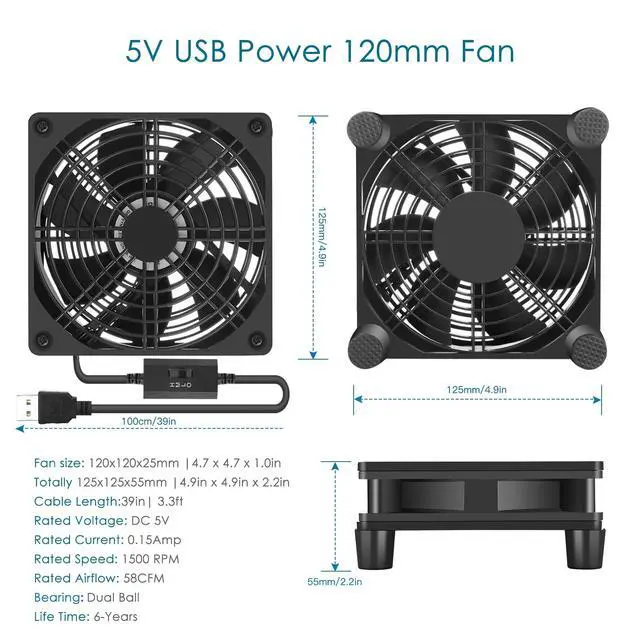
- Fan size:4.7 x 4.7 x 1 inch
- Totally size:4.9 x 4.9 x 2.2 inch
- Voltage:5 Volt
- Speed: 1500 RPM
- Airflow: 58 CFM
- Current: 0.15 Amp
- Power: 0.75 Watt
- Connector: USB
Accessory Informations
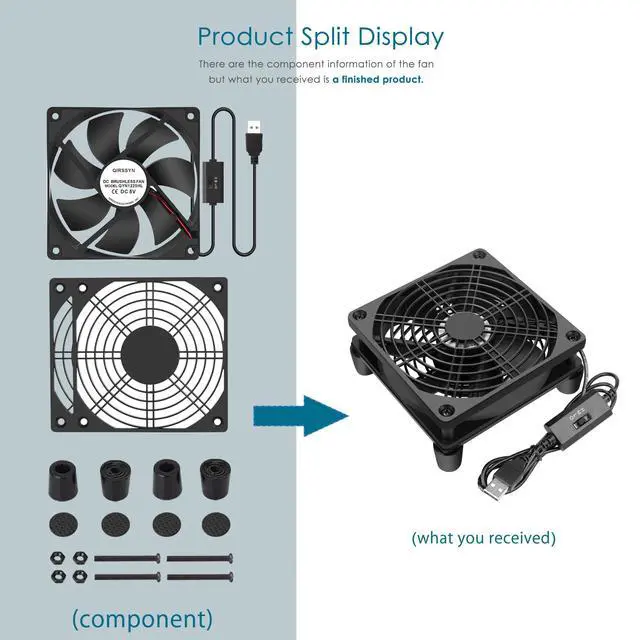
- 1* 120mm usb fan / 2* Dust filters
- 4* Fixed screws / 4* Damping pads
- 4* feet that optimize air flow
Key Features of fan
- Circulate Air
- Plug and Play
- USB Power Plug
- Moves Enough Air
- Easy to use & Set up
- Fan Speed Adjustable
- Reduced the Temperature

Key Features of Speed Controller
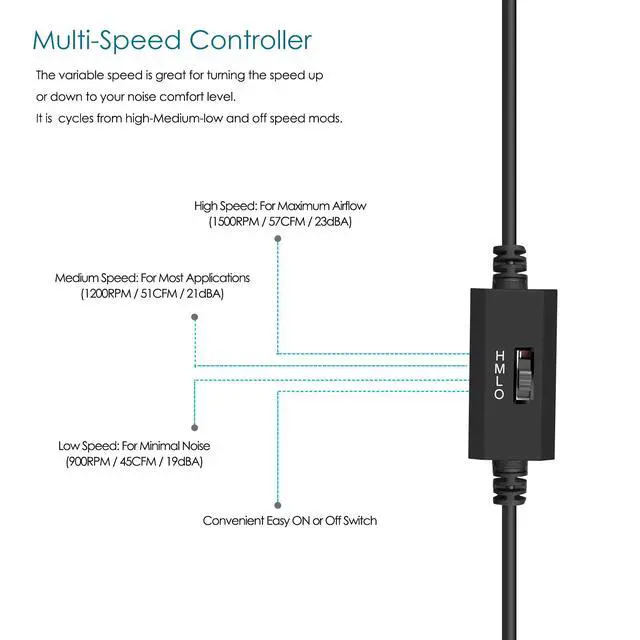
Parameters of Speed/3
- Low (Current: 0.1 A / Speed: 1100 RPM / Airflow: 52 CFM / 0.5W / 19 dBA)
- Middle (Current: 0.13 A / Speed: 1300 RPM / Airflow: 54 CFM / 0.6W / 21 dBA)
- High (Current: 0.15 A / Speed: 1500 RPM / Airflow: 56 CFM / 0.7W / 23 dBA)
The Difference Between Other Speed Controller
- Our speed controller will run when the unit is turn on, and will automatically turn off when the unit is turned off. Others speed controller is that you need to manually operate the on/off buttons on this unit to make it turn on even if the unit is turned on.
Accessory Informations

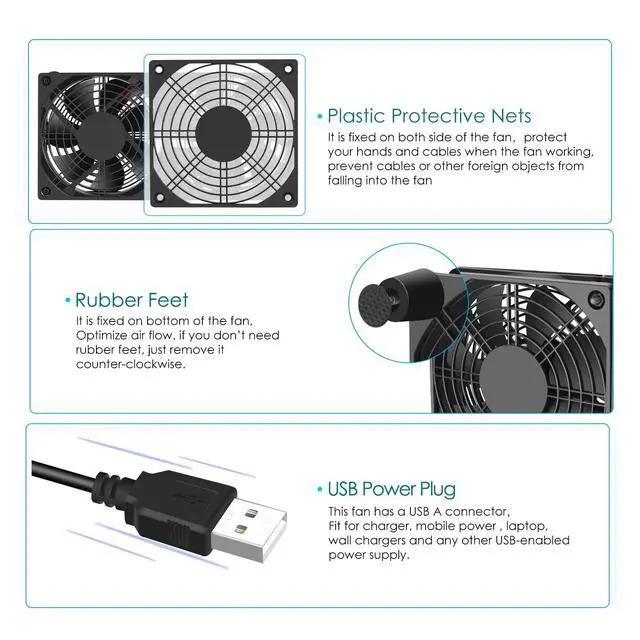
Dust filters
It is fixed on both side of the fan,protect
your hands and cables when the fan working,
prevent cables or other foreign objects from
falling into the fan.

Rubber Feet
It is fixed on bottom of the fan,
Optimize air flow. if you don’t need
rubber feet, just remove it
counter-clockwise.

USB Power Plug
This fan has a USB A connector,
Fit for charger, mobile power , laptop,
wall chargers and any other USB-enabled
power supply.
 USB-QYN1225 |  USB-LYR120A1 |  1225USB-A1 |  QYN1225MG-A1 |  QYN1225BSP | |
|---|---|---|---|---|---|
| Customer Reviews | — | — | — | — | — |
| Price | — no data | — no data | — | — no data | — |
| Voltage | 5V | 5V | 5V | 5V | 12V |
| Speed | 1500RPM | 1500RPM | 1500RPM | 1500RPM | 3000RPM |
| Speed Controller | Off/L/M/H | Off/L/M/H | Off/L/M/H | Off/L/M/H | 3V to 12V |
| Protective net cover | Metal grill both on bottom and top of the fan. | Metal grill both on bottom and top of the fan. | Dust filters both on bottom and top of the fan. | Metal grill both on bottom and top of the fan. | Metal grill both on bottom and top of the fan. |
| Life | 6-Years | 6-Years | 5-Years | 6-Years | 6-Years |




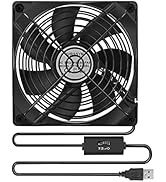
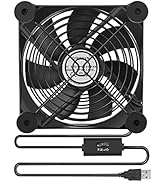
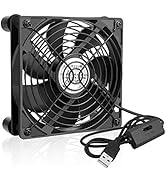
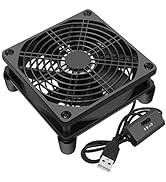
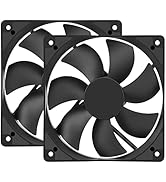
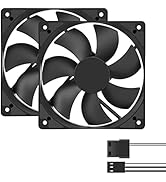
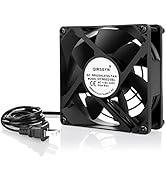
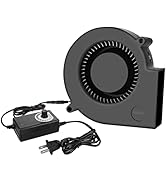
Qirssyn is committed to providing customers with high-quality products and best service to solve the problems of DIY heat dissipation of electronic products.
As we grow and our technology evolves, our desire remains unchanged.
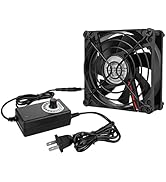
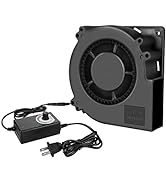
variable speed fan
usb fan
more cooling fans
120mm 5V USB FAN
It works great for cabinet, x-box, SSD, Modem, DVR, Receiver, Streaming boxes, Security Camera NVR, android box, stereo, T-Mobile gateway cooling
Buyers' Voice
- I put the Modem on top of this fan and my speeds during the day doubled. I noticed the SNR went down during the day and this fan kept the temperature down and the SNR got better.
- This fits perfectly under an Eero Pro 6 router. I measured temps using an infrared thermometer. Prior to the fan, the bottom of the router was in the 130s. After a couple hours on top of the fan, the bottom of the router is now in the lows 90s to high 80s.
- Since using this fan,I solved the problem of the WiFi connection between the T Mobile home Internet gateway and my mobile phone. and throughput speeds are definitely increased.
- I purchased this for my network router which is always on and very hot. Within a few minutes it was no longer warm to the touch. love the speed controls. I'm very impressed and happy so far.
- I originally bought this fan to sit on top of my xbox series x and it was helping to pull the hot air out of the unit but I was still experiencing network lag so I put it under my router instead and now my xbox isn't having connection issues.
- My modem was running hot, causing it to occasionally lock up. I put this under the modem and I have not had any issues. The modem no longer runs hot to the touch and no longer locks up.
Router Cooling Fan
Specifications
- Fan size:4.7 x 4.7 x 1 inch
- Totally size:4.9 x 4.9 x 2.2 inch
- Voltage:5 Volt
- Speed: 1500 RPM
- Airflow: 58 CFM
- Current: 0.15 Amp
- Power: 0.75 Watt
- Connector: USB
Accessory Informations
- 1* 120mm usb fan / 2* Dust filters
- 4* Fixed screws / 4* Damping pads
- 4* feet that optimize air flow
Key Features of fan
- Circulate Air
- Plug and Play
- USB Power Plug
- Moves Enough Air
- Easy to use & Set up
- Fan Speed Adjustable
- Reduced the Temperature
Key Features of Speed Controller
Parameters of Speed/3
- Low (Current: 0.1 A / Speed: 1100 RPM / Airflow: 52 CFM / 0.5W / 19 dBA)
- Middle (Current: 0.13 A / Speed: 1300 RPM / Airflow: 54 CFM / 0.6W / 21 dBA)
- High (Current: 0.15 A / Speed: 1500 RPM / Airflow: 56 CFM / 0.7W / 23 dBA)
The Difference Between Other Speed Controller
- Our speed controller will run when the unit is turn on, and will automatically turn off when the unit is turned off. Others speed controller is that you need to manually operate the on/off buttons on this unit to make it turn on even if the unit is turned on.
Accessory Informations
Dust filters
It is fixed on both side of the fan,protect
your hands and cables when the fan working,
prevent cables or other foreign objects from
falling into the fan.
Rubber Feet
It is fixed on bottom of the fan,
Optimize air flow. if you don’t need
rubber feet, just remove it
counter-clockwise.
USB Power Plug
This fan has a USB A connector,
Fit for charger, mobile power , laptop,
wall chargers and any other USB-enabled
power supply.
USB-QYN1225 | USB-LYR120A1 | 1225USB-A1 | QYN1225MG-A1 | QYN1225BSP | |
|---|---|---|---|---|---|
| Customer Reviews | — | — | — | — | — |
| Price | — no data | — no data | — | — no data | — |
| Voltage | 5V | 5V | 5V | 5V | 12V |
| Speed | 1500RPM | 1500RPM | 1500RPM | 1500RPM | 3000RPM |
| Speed Controller | Off/L/M/H | Off/L/M/H | Off/L/M/H | Off/L/M/H | 3V to 12V |
| Protective net cover | Metal grill both on bottom and top of the fan. | Metal grill both on bottom and top of the fan. | Dust filters both on bottom and top of the fan. | Metal grill both on bottom and top of the fan. | Metal grill both on bottom and top of the fan. |
| Life | 6-Years | 6-Years | 5-Years | 6-Years | 6-Years |