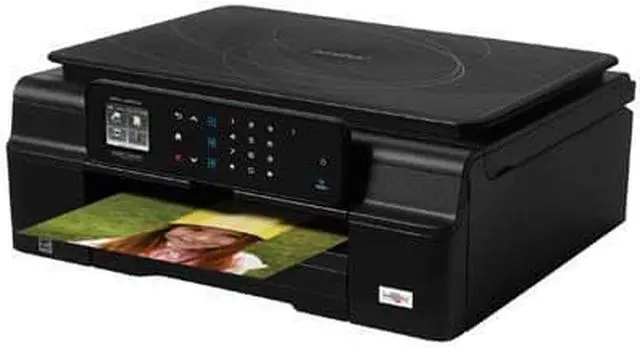
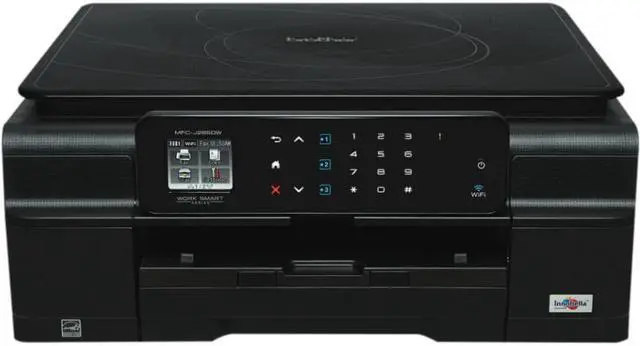
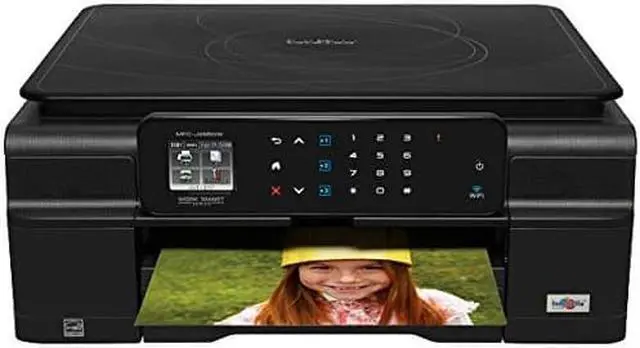
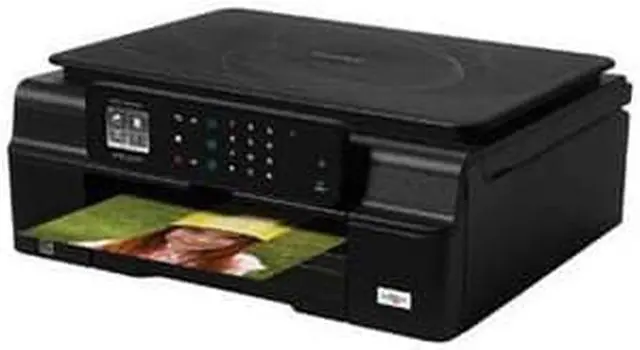
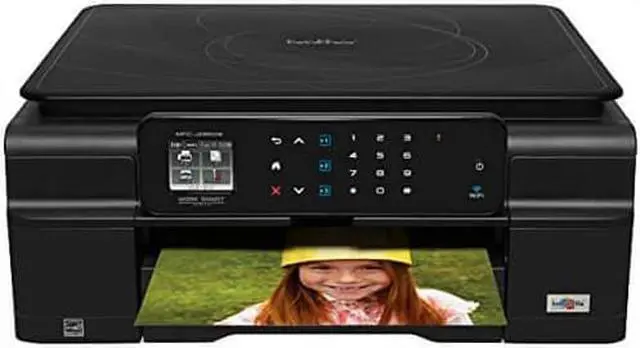
Color Inkjet All-in-One for your Home or Home Office If you're looking for an easy-to-use, economical color inkjet all-in-one that won't waste valuable workspace, the Brother Work Smart Series MFC-J285DW may be exactly what you need. In addition to its budget-friendly purchase price, it offers a lower total cost of operation thanks to high-yield replacement ink cartridges and paper-saving duplex printing. Features like the intuitive 1.8 TouchScreen Display with Touch Panel, wireless setup assistant, mobile device printing, and free Brother Cloud Apps make this all-in-one an excellent choice for your home/home office.
The easy-to-use Brother Work Smart Series MFC-J285DW is perfect for the home office looking for an economical, compact color inkjet all-in-one with wireless and cloud connectivity and an intuitive 1.8 TouchScreen display. When youre selecting a color inkjet all-in-one for your home or home office, you want a machine thats going to offer you easy, intuitive operation, plenty of connectivity options, and fast print speeds - all without breaking your budget. The Brother MFC-J285DW, part of the new Work Smart Series, may be exactly what youre looking for! It helps improve your productivity with print speeds up to 33ppm black/27ppm color in fast mode and ISO print speeds up to 12ppm black/10ppm color1.
Its compact, so it wont waste your valuable work space, holds up to 100 sheets in the paper tray, and makes it easy to print, copy, scan and fax your important business documents. You never imagined setting up, using, and maintaining a color all-in-one could be this easy. When you remove your MFC-J285DW from the box, youll discover that connecting to a wireless network couldnt be easier, thanks to the wireless assistant that completely walks you through set up. Its so simple - you dont need a USB cable, and you wont even need to know your wireless network password.
Share the machine with others on a network using 802.11 b/g/n, wired Ethernet networking, or connect to a single computer using a USB cable2 via Hi-Speed USB port. Using the machine is equally easy. The 1.8 color TouchScreen Display and intelligent TouchPanel that only displays the keys you need make navigating your machines robust functionality completely intuitive. Youll also appreciate how simple the MFC-J285DW is to maintain, thanks to the easy-access, front-loading ink cartridges. Wireless printing and web connectivity help you easily share information. The MFC-J285DW gives you lots of choices for connecting to Apple, Android, Kindle Fire, Windows Phone, or Blackberry mobile devices.
It supports wireless printing from your mobile device via3: AirPrint, Google Cloud Print, Brother iPrint & Scan, and Cortado Workplace. Access popular web services directly from your internet-connected MFC-J285DW using the WebConnect4 interface. You can upload to or download from specific web services without using a computer. Access FACEBOOK, PICASA Web Albums, FLICKR, EVERNOTE GOOGLE DRIVE, BOX, SKYDRIVE and DROPBOX. Free Brother Cloud Apps add a new dimension of functionality to your color inkjet all-in-one. The MFC-J285DW comes with a suite of pre-installed, innovative Brother Cloud Apps5 that you access directly from the machines TouchScreen Display. Youll be amazed by the functionality of these all-new exclusive document management and sharing apps. The Brother Cloud Apps suite is expandable, and Brother is developing new apps that will become available for download as they are finished. The initial line-up of apps includes: -
Outline & Copy: This app lets you make a physical copy of only selected portions of an existing hard copy document.
- Outline & Scan: This app enables you to select parts of a physical document and scan just those parts into a digital file on a transparent background.
- Outline & Remove: This app lets you remove selected portions of a hard copy document with a red outline, and then produces a physical copy of the remaining