





BUNUD External CD DVD Drive
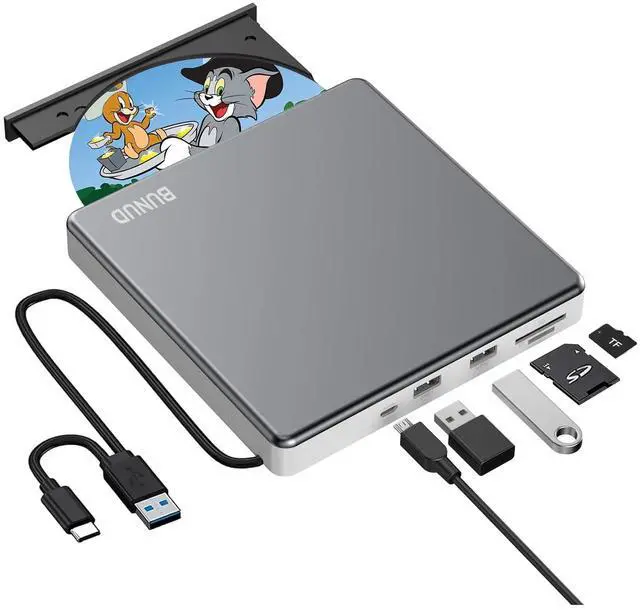
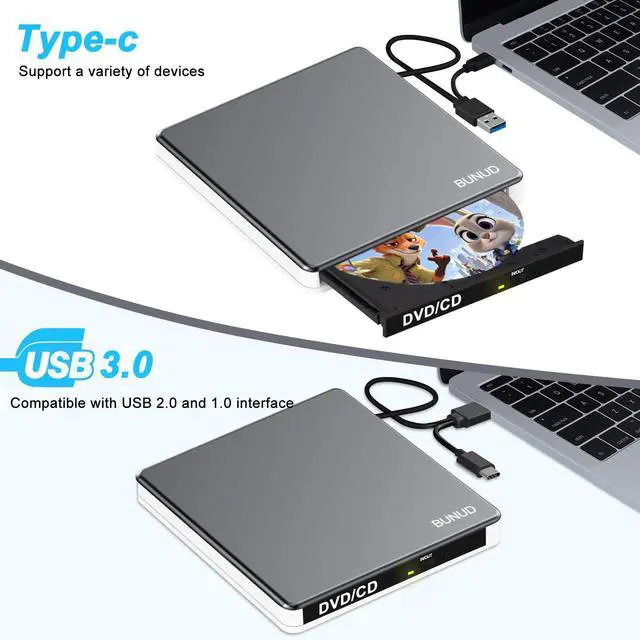
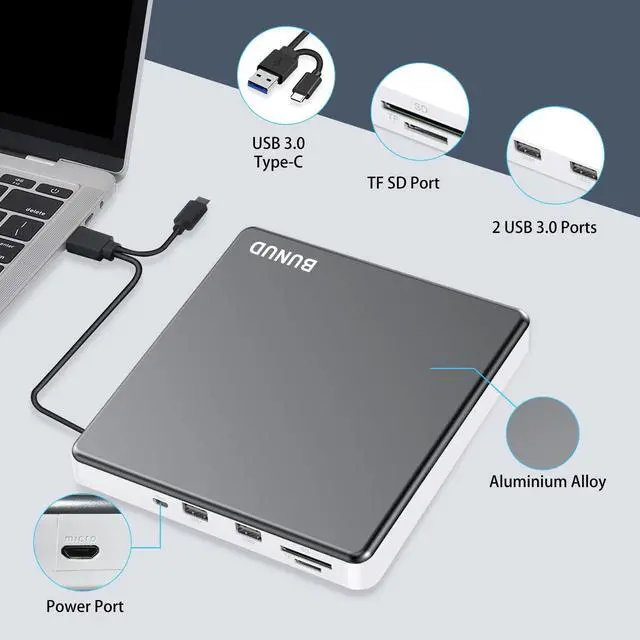
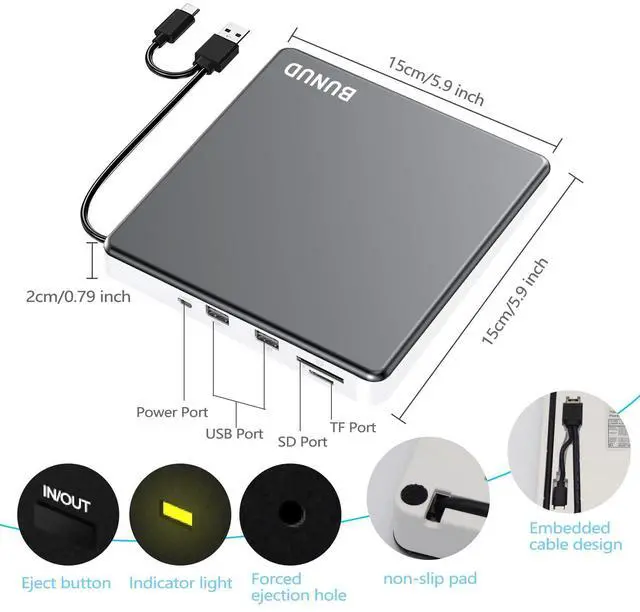
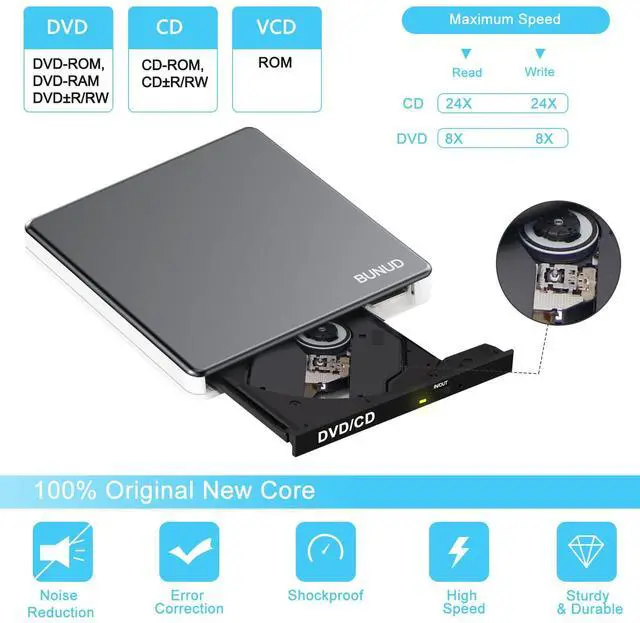
BUNUD External CD DVD Drive makes your life easier and the 5-in-1 function is like a mini hub, which let you more convienient.

Business Scope
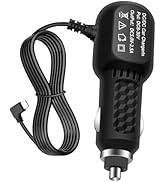
The company specializes in the production of optical drive series, 5 in 1 external cd drive, external bluray drive, handheld steamer, usb-c car charger etc.
Quality
We are committed to the development of magneto-optical technology to meet the needs of customers at home and abroad.
We strictly control product quality and abide by the commitment to customers and would like establish long-term partnership with customers.
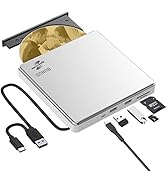
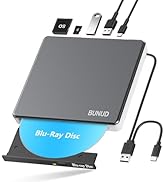
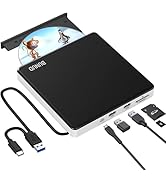
5 in 1 External CD DVD Drive
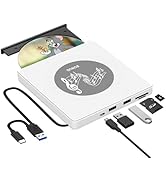

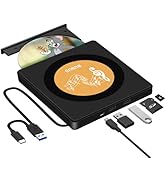
Product of BUNUD






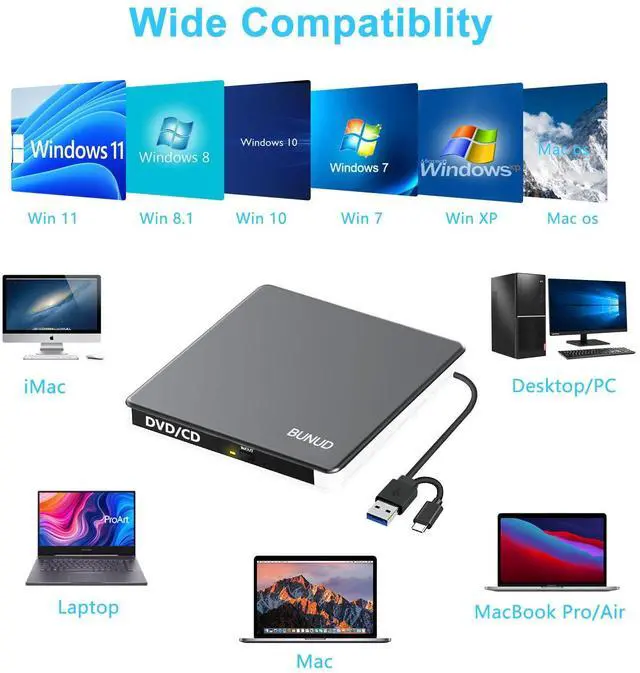
Compatible with Mac OS/Windows/Linux for Laptop/Desktop/Mac/MacBook/iMac
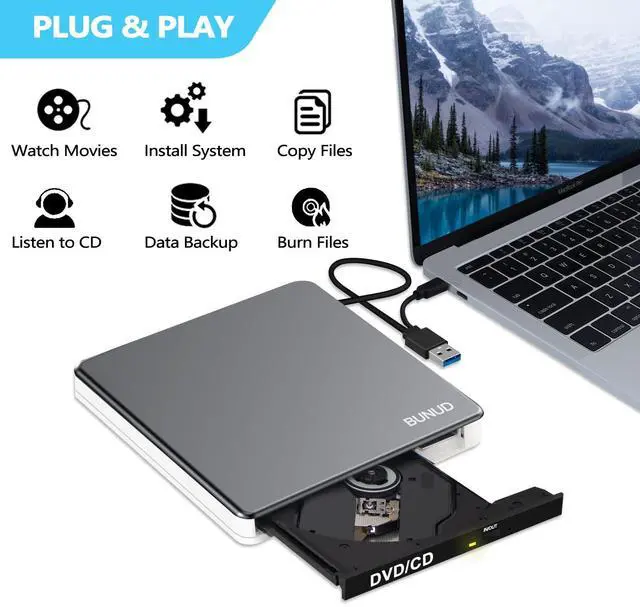
BUNUD DVD drive for mac is wide compatible with Windows and all versions of Mac OS. We can use this DVD player for laptop on almost all computers including MacBook Pro, MacBook Air, iMac, Mac Mini, Windows laptop, ASUS, Lenovo, HP, LG, Thinkpad and desktop PCs, etc. Only if there are equipped with Windows OS, Mac OS and Linux OS, this CD burner for pc will quickly show up on your computer.
NOTE: Before you buy, please know that this external CD/DVD drives can only start working after it is connected it to a laptop/desktop.
1. This DVD external drive for pc won't work with iPad/Tablet/Projector/TV/Chrome OS/Car/Smart Phone/Blu-ray Disc. Remember to set the DVD Region to United States on the player – "Properties" – click "Hardware Tab" – click "Properties button" – then choose "country Region" (US is 1) and OK to apply. Remember you can only reset the country 5 times.
2. Your computer does not natively support DVD movie playback, so you will need to download and install a third-party application, such as VLC, to watch DVDs with this disc reader for laptop. You could download one of the many burning software utilities available on the Internet.
Knowledge of Using This DVD drive for Mac:
1. How to play a DVD movie on your laptop? You need to make sure your laptop has a DVD playback program or application. Unlike some of its predecessors, Windows 10 no longer comes with a built-in DVD player. Click the "Start" button on your laptop's desktop. Search for "Windows Media Player" to start it. * Connect this usb CD/DVD drive external to your laptop using a data cable and insert the DVD disc into the disk reader for laptop. * Select your DVD disc and click the "Play" button. Now you can watch the DVD movie on your laptop.
2. For Mac OS computers, when this external CD drive for pc is playing a disc for CD/DVD, if you want to eject the disc, please click the icon of "Eject" icon in the playback software or from the computer system. It is invalid to eject the disc directly by pressing the eject button on of the front panel.
3. Please note--When connecting the cd drive to Mac system:
1)The computer will not automatically recognize the dvd burner external
2)Please insert the disc first. After inserting the disc, the computer will automatically play the disc once it has been successfully recognized.

Great Gift for your Families and Friends


Compatible with Mac OS/Windows/Linux for Laptop/Desktop/Mac/MacBook/iMac
BUNUD DVD drive for mac is wide compatible with Windows and all versions of Mac OS. We can use this DVD player for laptop on almost all computers including MacBook Pro, MacBook Air, iMac, Mac Mini, Windows laptop, ASUS, Lenovo, HP, LG, Thinkpad and desktop PCs, etc. Only if there are equipped with Windows OS, Mac OS and Linux OS, this CD burner for pc will quickly show up on your computer.
NOTE: Before you buy, please know that this external CD/DVD drives can only start working after it is connected it to a laptop/desktop.
1. This DVD external drive for pc won't work with iPad/Tablet/Projector/TV/Chrome OS/Car/Smart Phone/Blu-ray Disc. Remember to set the DVD Region to United States on the player – "Properties" – click "Hardware Tab" – click "Properties button" – then choose "country Region" (US is 1) and OK to apply. Remember you can only reset the country 5 times.
2. Your computer does not natively support DVD movie playback, so you will need to download and install a third-party application, such as VLC, to watch DVDs with this disc reader for laptop. You could download one of the many burning software utilities available on the Internet.
Knowledge of Using This DVD drive for Mac:
1. How to play a DVD movie on your laptop? You need to make sure your laptop has a DVD playback program or application. Unlike some of its predecessors, Windows 10 no longer comes with a built-in DVD player. Click the "Start" button on your laptop's desktop. Search for "Windows Media Player" to start it. * Connect this usb CD/DVD drive external to your laptop using a data cable and insert the DVD disc into the disk reader for laptop. * Select your DVD disc and click the "Play" button. Now you can watch the DVD movie on your laptop.
2. For Mac OS computers, when this external CD drive for pc is playing a disc for CD/DVD, if you want to eject the disc, please click the icon of "Eject" icon in the playback software or from the computer system. It is invalid to eject the disc directly by pressing the eject button on of the front panel.
3. Please note--When connecting the cd drive to Mac system:
1)The computer will not automatically recognize the dvd burner external
2)Please insert the disc first. After inserting the disc, the computer will automatically play the disc once it has been successfully recognized.

Great Gift for your Families and Friends

BUNUD External CD DVD Drive
BUNUD External CD DVD Drive makes your life easier and the 5-in-1 function is like a mini hub, which let you more convienient.
Business Scope
The company specializes in the production of optical drive series, 5 in 1 external cd drive, external bluray drive, handheld steamer, usb-c car charger etc.
Quality
We are committed to the development of magneto-optical technology to meet the needs of customers at home and abroad.
We strictly control product quality and abide by the commitment to customers and would like establish long-term partnership with customers.
5 in 1 External CD DVD Drive
Product of BUNUD