






Product Description:
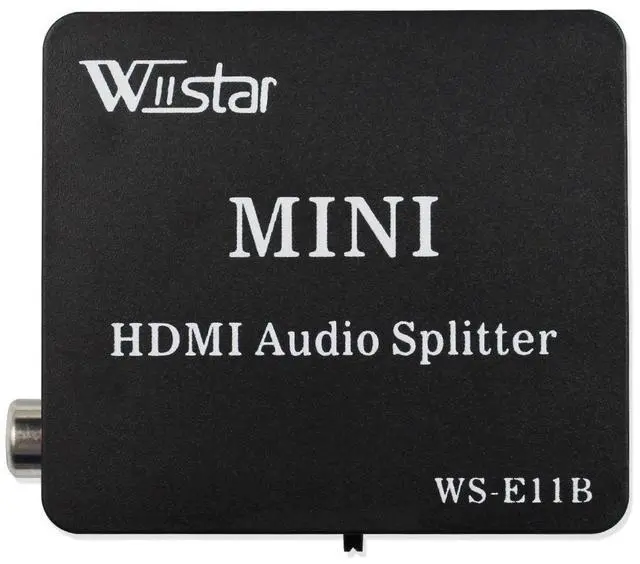
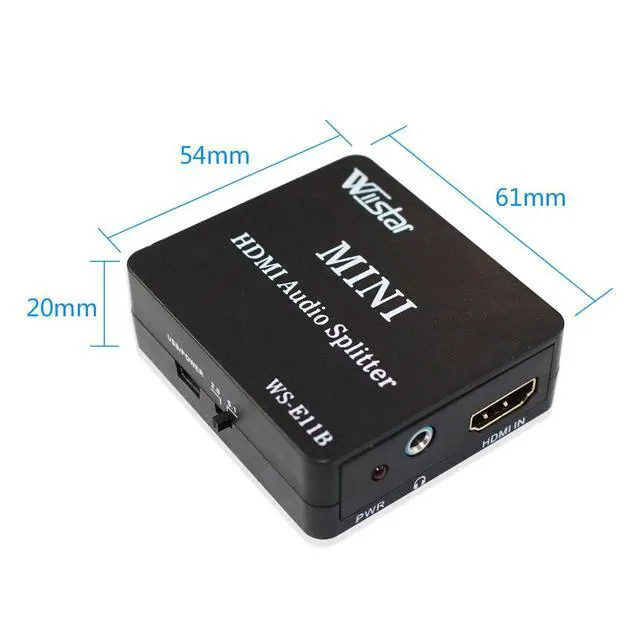
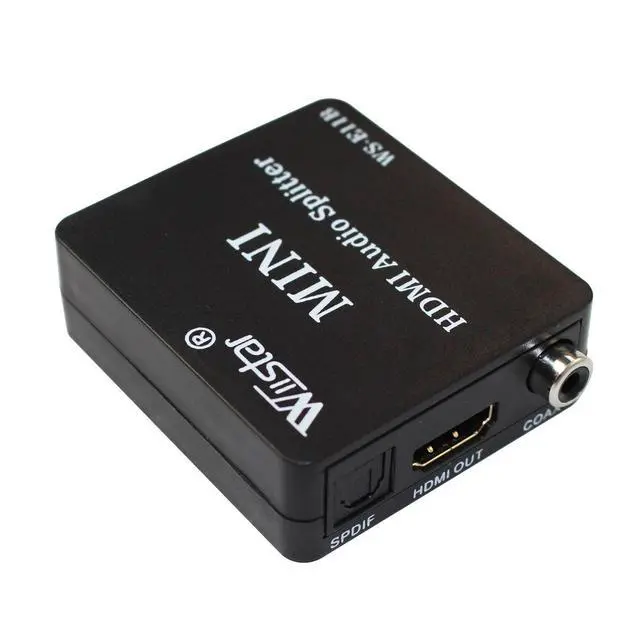
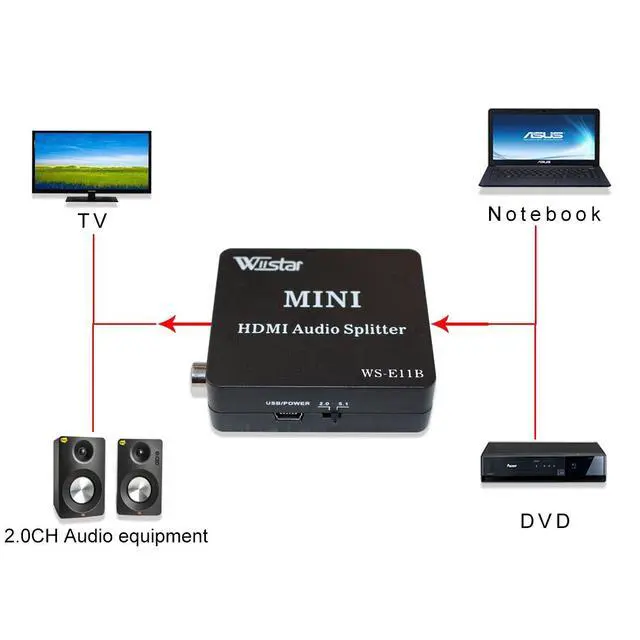
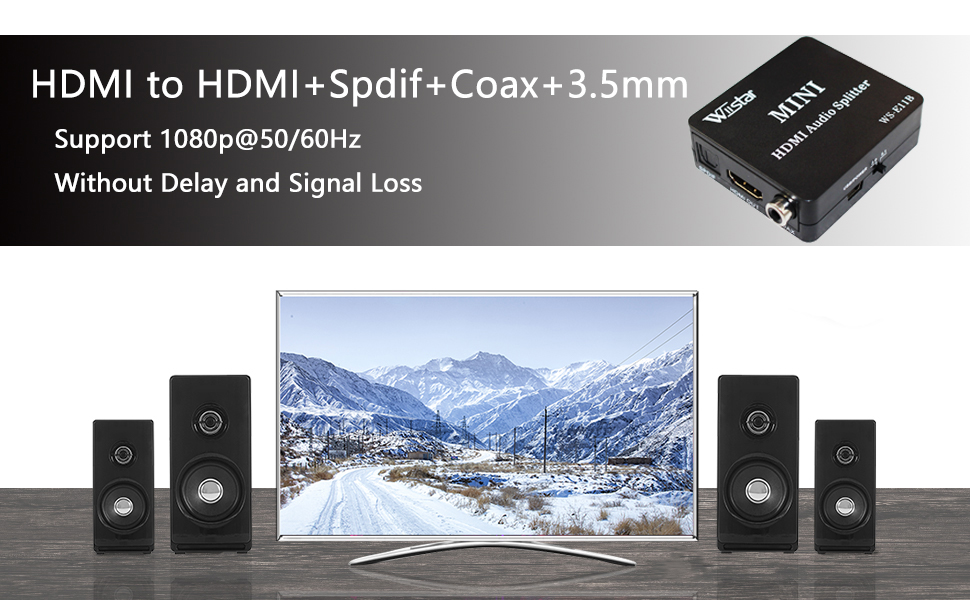
- This Wiistar HDMI Audio Splitter can extract the audio signal embedded in HDMI sources and convert it to 3.5 mm analog audio output and spdif output at the same time. The spdif out supports both 2CH audio and 5.1CH audio including Digital 5.1CH and DTS 5.1CH.
Features:
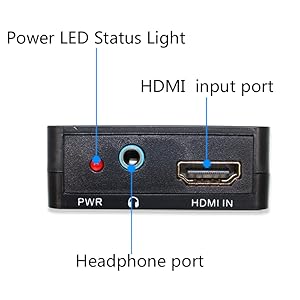
- Input: HDMI x 1
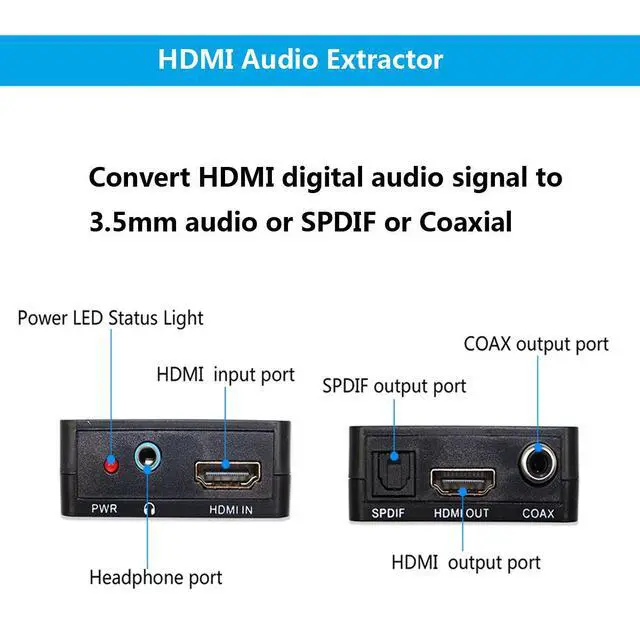
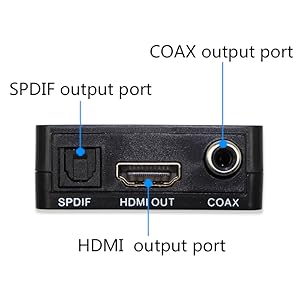
- Output: HDMI x 1; Spdif x 1; Coax x 1; Audio x 1
- HDMI Resolution:480i/480p/576i/576p/720p/1080i/1080p
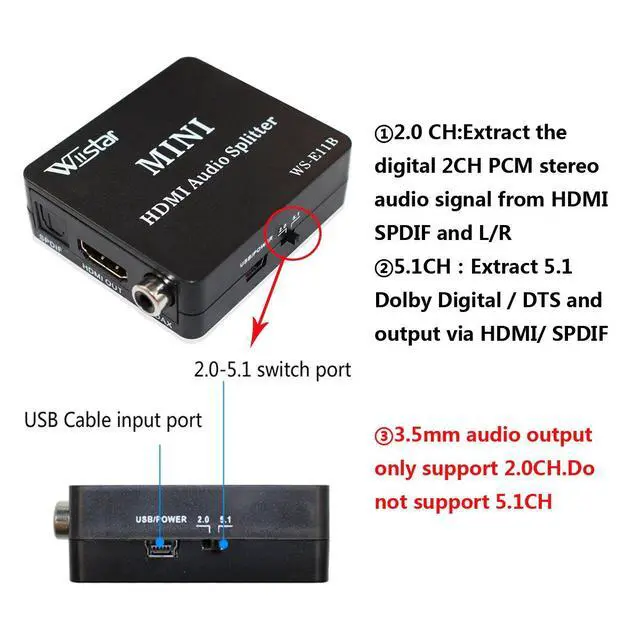
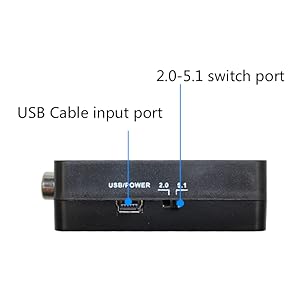
- 2.0CH Mode: Source device will send 2CH PCM stereo audio in HDMI which can be converted to 2CH analog stereo and output via RCA L/R (SPDIF and HDMI also have stereo audio output at the same time)
- 5.1CH Mode: Set EDID to 5.1CH for source device to send Digital / DTS which can be extracted via SPDIF out; The RCA L/R output will not have sound if incoming audio is multi-channel audio (>2CH). SPDIF does NOT support 5.1 Digital Plus. 5.1 Digital Plus in HDMI signal will not be extracted and SPDIF will not have sound. Please use Stereo Mode for audio extraction for Roku and Chromecast.
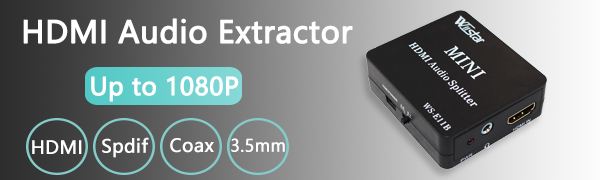
HDMI Audio Extractor
HDMI Audio Extractor FAQ
Q1: Connected with HDMI output, TV has image, but no sound.
- A: Please turn the switch button to 2.0 mode and restart the audio splitter to see if it is normal.
- B: If step A does not work, please check the hdmi audio output mode of the HDMI source device, make sure to set to PCM or Auto mode
- C: If the above steps are not effective, please connect the HDMI source device directly to the TV and observe whether it is normal.
Q2: Why is there no sound from the optical fiber output?
- A: Observe the fiber launch port, is there a red light? If not, please check the cable connection, or try to replace the hdmi source device. Under normal situation, the optical fiber transmitting port will have red light.
- B: Please turn the switch button to 2.0 mode and restart the audio splitter to see if it is normal.
- C: If step B is invalid, please check the hdmi audio output mode of the HDMI source device, make sure to set to PCM or Auto mode. Then try step B
Q3: No sound or noise from the headphone output.
This is because the front-end signal is a 5.1-format audio signal.
- A: Please turn the switch button to 2.0 mode and restart the audio splitter to see if it is normal.
- B: If step A does not work, please check the hdmi audio output mode of the HDMI source device, make sure to set to PCM or Auto mode
Q4: Why doesn't the fiber output 5.1 signal?
If you want to output 5.1 signal, you need to make corresponding settings on the front-end equipment.
- A: Please turn the switch button to 5.1 mode and restart the audio splitter to see if it is normal.
- B: If Step A is invalid, please check the HDMI audio output mode of the HDMI source device. Please make sure to set to RAW Data or Auto mode, and then try Step A.
Q5: Why is the headphone output noisy under 5.1 signal condition?
- A: Because this product only has pcm2.0 decoding function, no DTS and 5.1 signal decoding function.
HDMI Audio Extractor
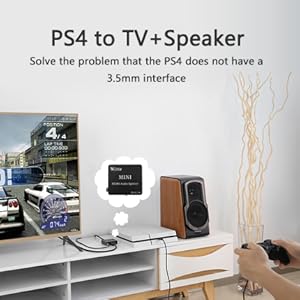
Note:
- Turn Off Digital Plus:
Because optical port does not support Digital Plus, you need to turn off Digital Plus function of the input devices. Then the sound can go through the extractor.
- Headphone port only support 2.0 CH
If your headphones do not have voice, please turn the mode to 2.0CH.
Package Contents
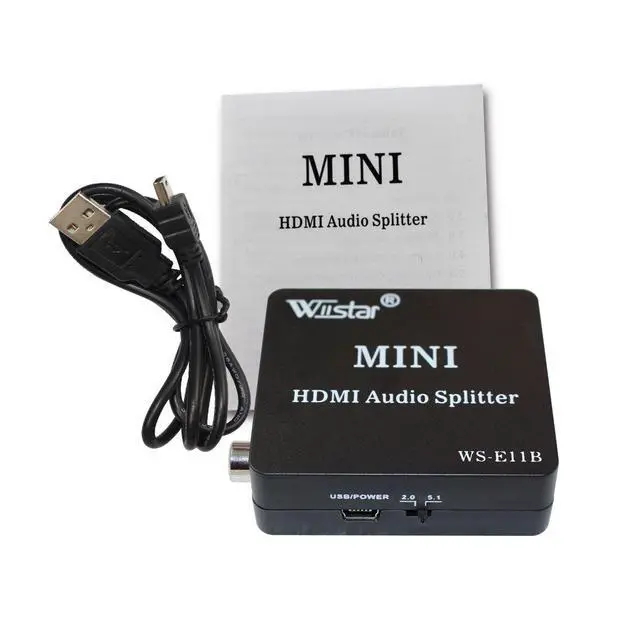
- 1x HDMI Audio Extractor
- 1x USB cable
- 1x User Manual
Product Description:
- This Wiistar HDMI Audio Splitter can extract the audio signal embedded in HDMI sources and convert it to 3.5 mm analog audio output and spdif output at the same time. The spdif out supports both 2CH audio and 5.1CH audio including Digital 5.1CH and DTS 5.1CH.
Features:
- Input: HDMI x 1
- Output: HDMI x 1; Spdif x 1; Coax x 1; Audio x 1
- HDMI Resolution:480i/480p/576i/576p/720p/1080i/1080p
- 2.0CH Mode: Source device will send 2CH PCM stereo audio in HDMI which can be converted to 2CH analog stereo and output via RCA L/R (SPDIF and HDMI also have stereo audio output at the same time)
- 5.1CH Mode: Set EDID to 5.1CH for source device to send Digital / DTS which can be extracted via SPDIF out; The RCA L/R output will not have sound if incoming audio is multi-channel audio (>2CH). SPDIF does NOT support 5.1 Digital Plus. 5.1 Digital Plus in HDMI signal will not be extracted and SPDIF will not have sound. Please use Stereo Mode for audio extraction for Roku and Chromecast.
HDMI Audio Extractor
HDMI Audio Extractor FAQ
Q1: Connected with HDMI output, TV has image, but no sound.
- A: Please turn the switch button to 2.0 mode and restart the audio splitter to see if it is normal.
- B: If step A does not work, please check the hdmi audio output mode of the HDMI source device, make sure to set to PCM or Auto mode
- C: If the above steps are not effective, please connect the HDMI source device directly to the TV and observe whether it is normal.
Q2: Why is there no sound from the optical fiber output?
- A: Observe the fiber launch port, is there a red light? If not, please check the cable connection, or try to replace the hdmi source device. Under normal situation, the optical fiber transmitting port will have red light.
- B: Please turn the switch button to 2.0 mode and restart the audio splitter to see if it is normal.
- C: If step B is invalid, please check the hdmi audio output mode of the HDMI source device, make sure to set to PCM or Auto mode. Then try step B
Q3: No sound or noise from the headphone output.
This is because the front-end signal is a 5.1-format audio signal.
- A: Please turn the switch button to 2.0 mode and restart the audio splitter to see if it is normal.
- B: If step A does not work, please check the hdmi audio output mode of the HDMI source device, make sure to set to PCM or Auto mode
Q4: Why doesn't the fiber output 5.1 signal?
If you want to output 5.1 signal, you need to make corresponding settings on the front-end equipment.
- A: Please turn the switch button to 5.1 mode and restart the audio splitter to see if it is normal.
- B: If Step A is invalid, please check the HDMI audio output mode of the HDMI source device. Please make sure to set to RAW Data or Auto mode, and then try Step A.
Q5: Why is the headphone output noisy under 5.1 signal condition?
- A: Because this product only has pcm2.0 decoding function, no DTS and 5.1 signal decoding function.
HDMI Audio Extractor
Note:
- Turn Off Digital Plus:
Because optical port does not support Digital Plus, you need to turn off Digital Plus function of the input devices. Then the sound can go through the extractor.
- Headphone port only support 2.0 CH
If your headphones do not have voice, please turn the mode to 2.0CH.
Package Contents
- 1x HDMI Audio Extractor
- 1x USB cable
- 1x User Manual