Are you an E-Blast Insider?

Shop without retyping payment details. Secure shopping made faster.
Check out with PayPal.
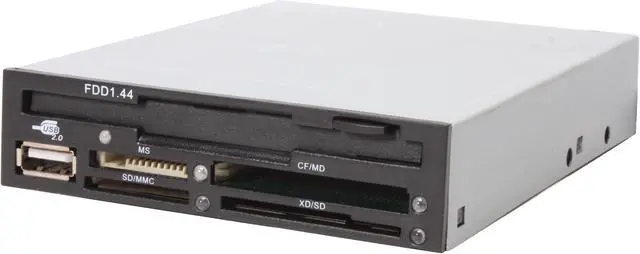
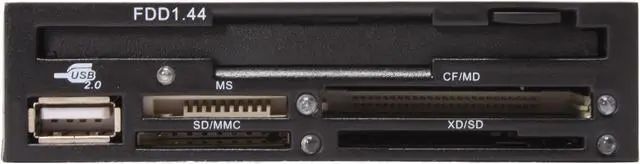
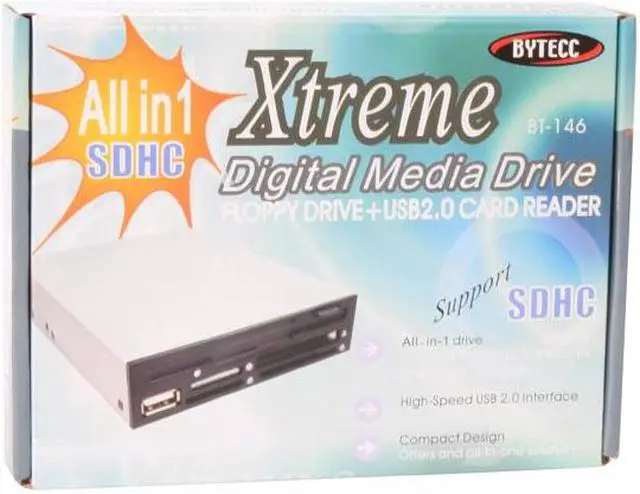
BYTECC BT-146 All-in-one Internal USB 2.0 3.5" Drive Bay Card Reader w/ Floppy Drive
OUT OF STOCK.
- USB 2.0
- Internal 3.5" Drive Bay
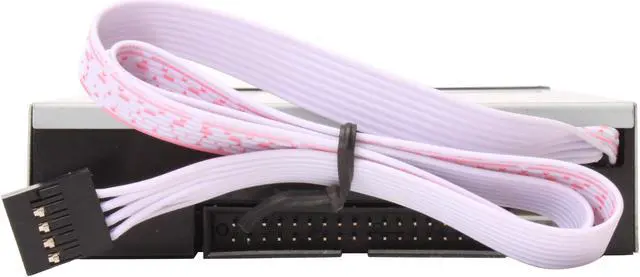
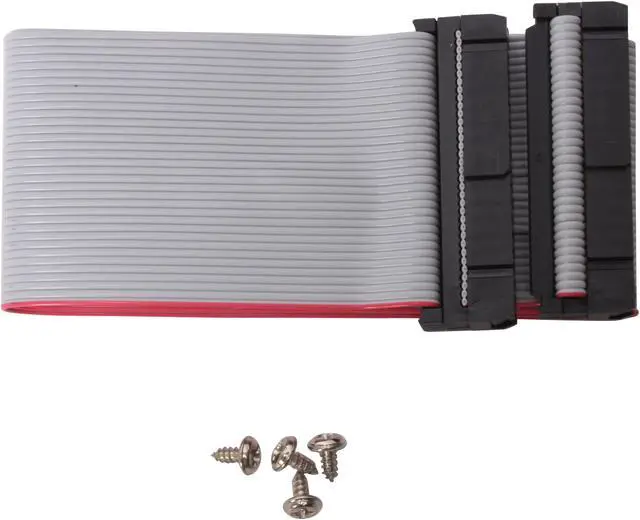
- Floppy interface connector
- 4-pin power supply connector
- Support SDHC
Specs
Reviews
Learn more about the BYTECC INC BT-146
| Brand | BYTECC |
|---|---|
| Model | BT-146 |
| Type | All-in-one |
|---|---|
| Installation Type | Internal |
| Interface | Internal USB2.0 connector |
| Support - Compact Flash | Yes |
| Support - Memory Stick | Yes |
| Support - MMC | Yes |
| Support - SD | Yes |
| Support - xD | Yes |
| Features | USB interface connector Floppy interface connector 4-pin power supply connector Support SDHC Support Windows 98/SE/2000/XP/Vista Support Mac OS V8.6 and above |
|---|
| Date First Available | September 26, 2008 |
|---|
Warranty & Returns
Warranty, Returns, And Additional Information
Return Policies
- Return for refund within: 30 days
- Return for replacement within: 30 days
- This item is covered by Newegg.com's Standard Return Policy
Manufacturer Contact Info
- Manufacturer Product Page
- Manufacturer Website
- Support Phone: 1-909-930-3700
- Support Website
- View other products from BYTECC INC
LOADING...
LOADING...


Pros: 5 stars, not for best or fastest, but because it does exactly what it advertised it would. Plugged right up, works fine with SDHC, MS, USB and floppy so far. The body of the device is a somewhat flexible plastic, and the conveniently placed holes took the screws I put in to secure it quite nicely.
Cons: Minimal cognitive skills are required to purchase the proper unit for your machine. Avoid this media reader if you do not have the intelligence to recognize an MFM-floppy cable from a USB cable in a photograph, or be prepared to RMA like the others.
Overall Review: It should also be noted that floppy disks inserted into a floppy drive, do not typically initiate the autoplay pop-up, and may not even show up in the basic explorer menu. You actually have to click on the [Computer] icon and then select your floppy from the menu panel to the left. I really hate to add my name in here behind all those ahead of me, who were not quite sharp enough to notice the MFM-floppy slot on the back of the reader, and the quite obvious cable in the pictures. Someone needs to point out the obvious though. Shame on them for wasting Newegg resources to RMA for their error, and by this raising Newegg overhead and ultimately, the cost of my next purchase.