

Your Browsing History

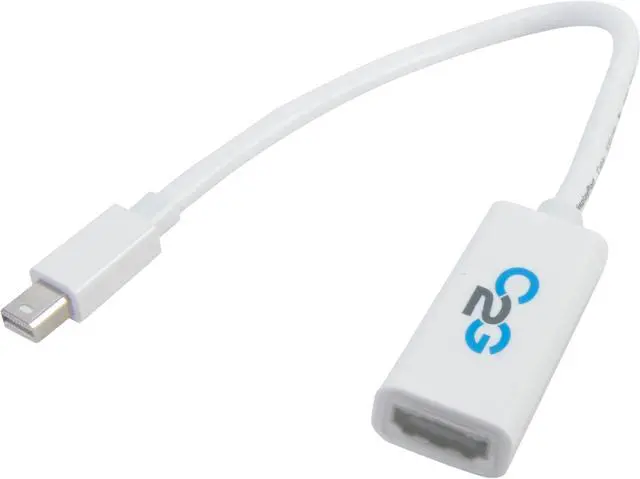
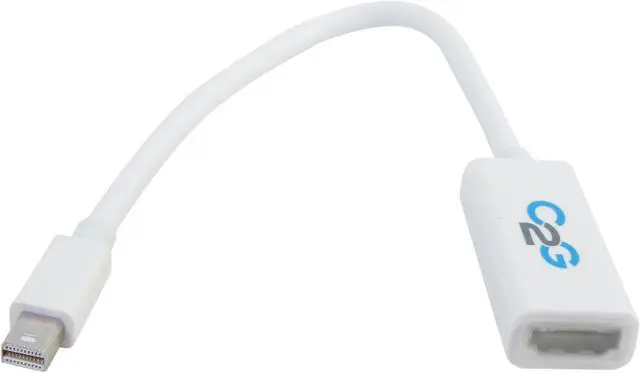
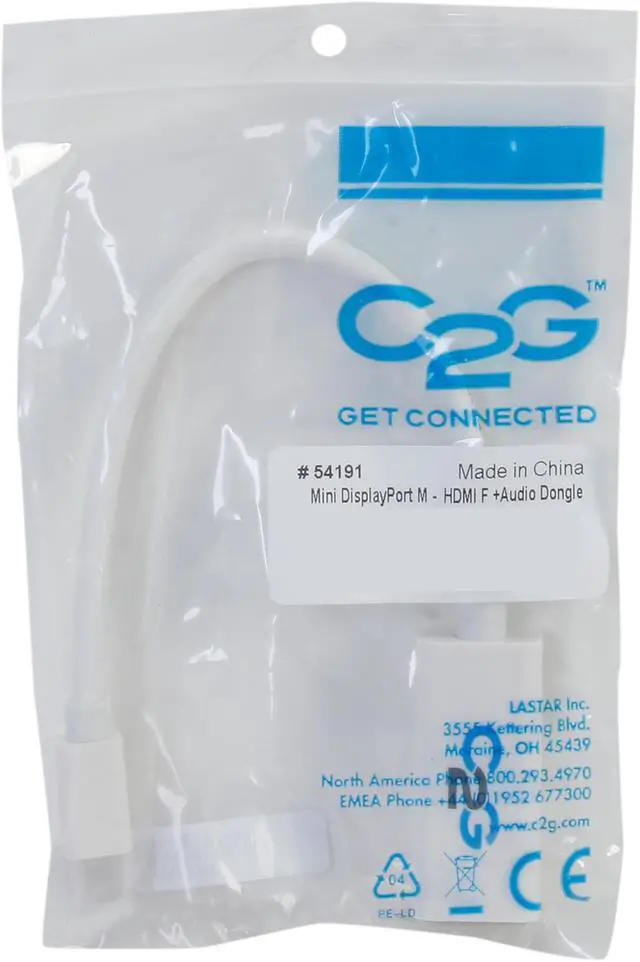


C2G 54191 Mac-Compatible Mini DisplayPort 1.1 Male to HDMI Female Adapter Cable with Audio
Overview
Specs
Reviews

Any questions? Our AI mode will help you find out quickly.
Try me now
Apple's latest iMac computers and LED Cinema Displays utilize a new type of video connector called Mini DisplayPort. This adapter cable converts a Mini DisplayPort signal for video and audio viewing on an HDMI-equipped display. Connect the adapter cable directly to the computer. Then use your HDMI cable between the adapter and the display, and enjoy computer video content on virtually any high-definition digital video display which supports full HD resolution (1080p @ 60 Hz).
Please note that MiniDisplayPort TO HDMI Adapter Audio pass-through has now been enabled for the following apple computer models: MacBook Pro 13/15/17’’ mid-2010 release, iMac 21.5/27’’ early-2010 release. Previous generation MacBook and iMac models only supports video output through miniDP.
 Apple white color coordinationConnect your Mac or other computer with a Mini DisplayPort video output to an HDMI monitor. This white adapter cable matches your Mac computer perfectly.
 Quality-madeThe Cables To Go 54191 features high quality Shielded Twisted Pair (STP) construction for reliable service and performance.
 Protective over-mold connectorThe connector is over-molded for great strain relief.
 Apple white color coordinationConnect your Mac or other computer with a Mini DisplayPort video output to an HDMI monitor. This white adapter cable matches your Mac computer perfectly.
 Quality-madeThe Cables To Go 54191 features high quality Shielded Twisted Pair (STP) construction for reliable service and performance.
 Protective over-mold connectorThe connector is over-molded for great strain relief.
Warranty & Returns
Warranty, Returns, And Additional Information
Warranty
- Limited Warranty period (parts): Lifetime
- Limited Warranty period (labor): Lifetime
- Read full details
Return Policies
- Return for refund within: 30 days
- Return for replacement within: 30 days
- This item is covered by Newegg.com's 30-Day Return Policy.
- Read full return policy for details.
Manufacturer Contact Info
- Manufacturer Product Page
- Manufacturer Website
- Support Phone: 1-937-224-8646
- Support Email: [email protected]
- Support Website
- View other products from Cables To Go
LOADING...