here!
here!
I’m your shopping assistant for PC builds, upgrades, and everything tech.
Got questions? Ask away!
Start a conversation
here!
I’m your shopping assistant for PC builds, upgrades, and everything tech.
Got questions? Ask away!
Start a conversation



Any questions? Ask CelesteSM will help you find out quickly.


Cable Matters, with headquarters in Southborough, Massachusetts, offers a complete line of cables, adapters, docking stations, and networking products for the home, office, and data center. Cable Matters offers first-class, quality, and affordable products backed by an exceptional customer experience.
![Cable Matters Braided USB C to Micro USB Cable - 3.3ft, [3A/15W Charging, 480Mbps Data] MicroUSB ...](http://c1.neweggimages.com/sellingpilot/modules/product/a-plus/5c7d39516f75c8fb4e9a6d3b07bc6c64b8998e2247630b6cee6e0c8da4baf719.jpg)
Stunning Visuals for Mac
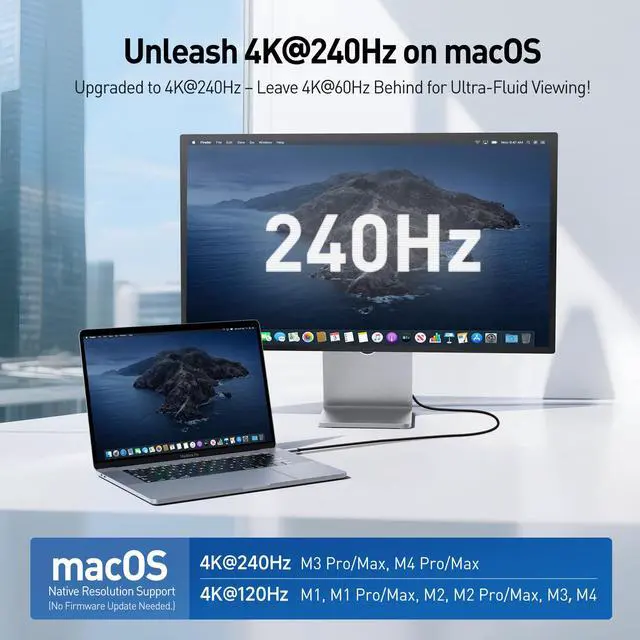
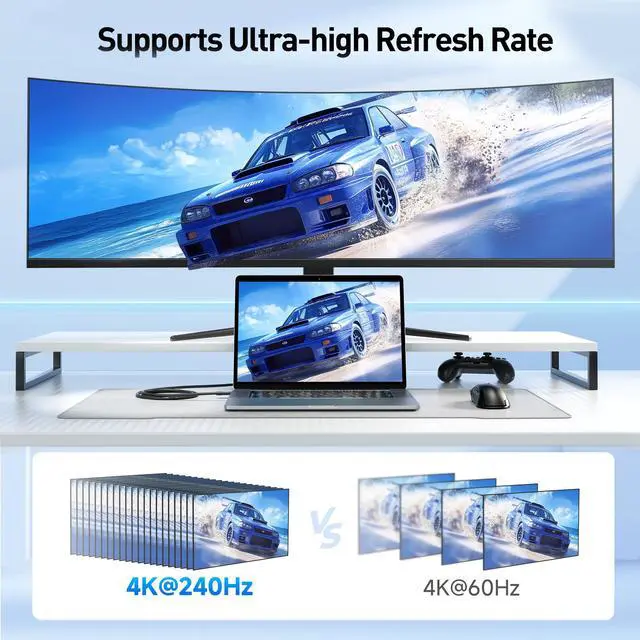
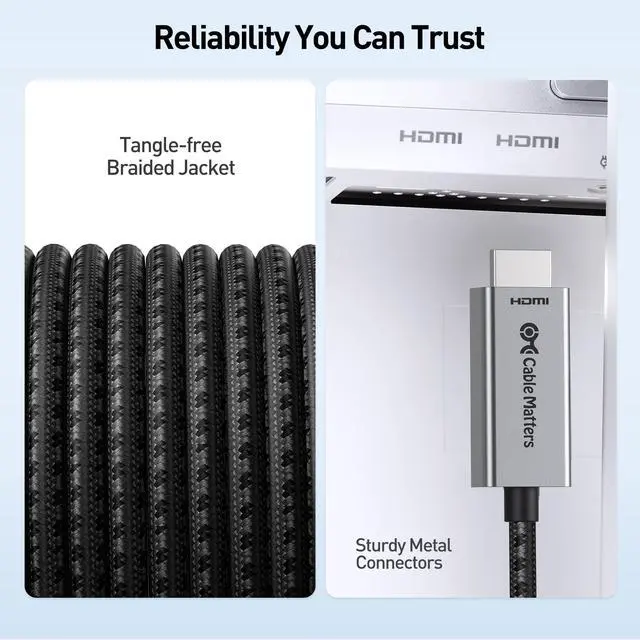
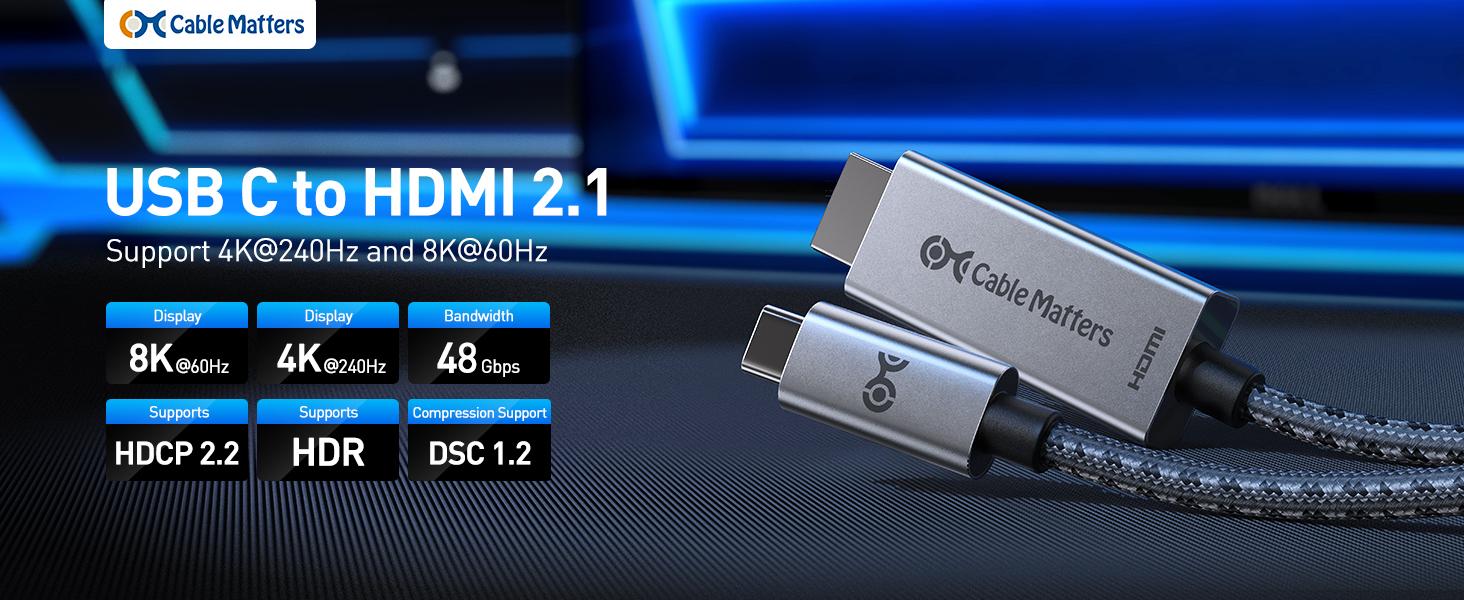
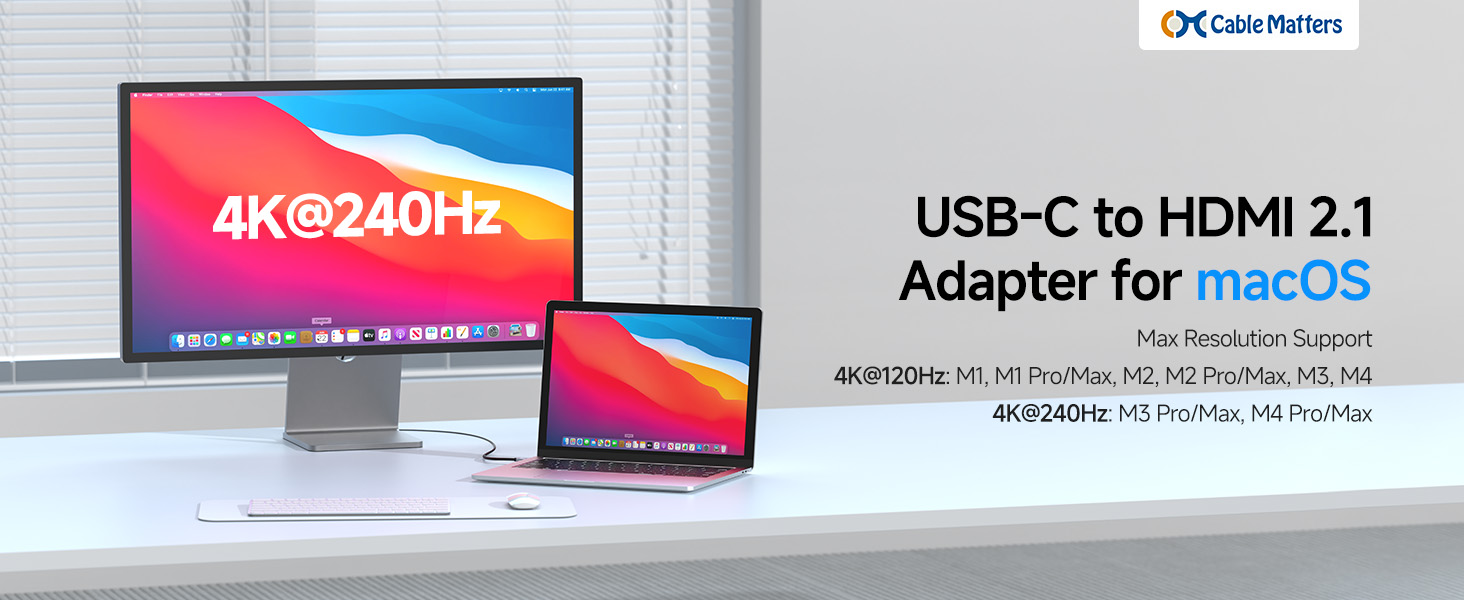
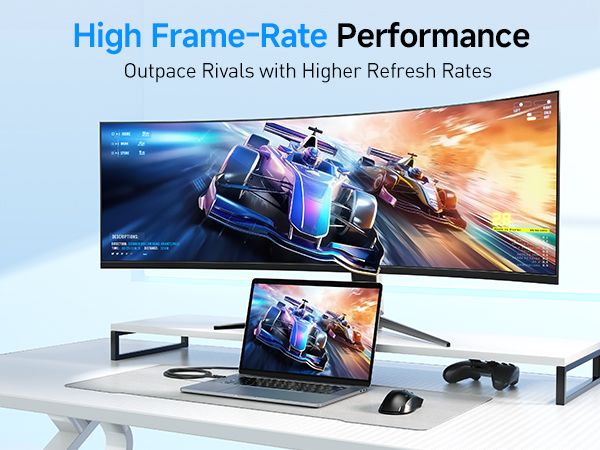
Experience exceptional visuals on your Mac with our USB-C to HDMI 2.1 cable. Designed with custom firmware, it’s optimized specifically for Mac users to deliver outstanding performance. Enjoy 4K@120Hz on M1, M1 Pro/Max, M2, M2 Pro/Max, M3 and M4 models, and 4K@240Hz on M3 Pro/Max and M4 Pro/Max models. Perfect for gaming, video editing, and streaming.
Important Notes
Is this cable compatible with my MacBook?
Yes. Supports 4K@120Hz on Apple M1, M1 Pro/Max, M2, M2 Pro/Max, M3 and M4, and 4K@240Hz on M3 Pro/Max and M4 Pro/Max. No firmware update is needed.
I’m not getting a signal or the screen flickers. What should I check?
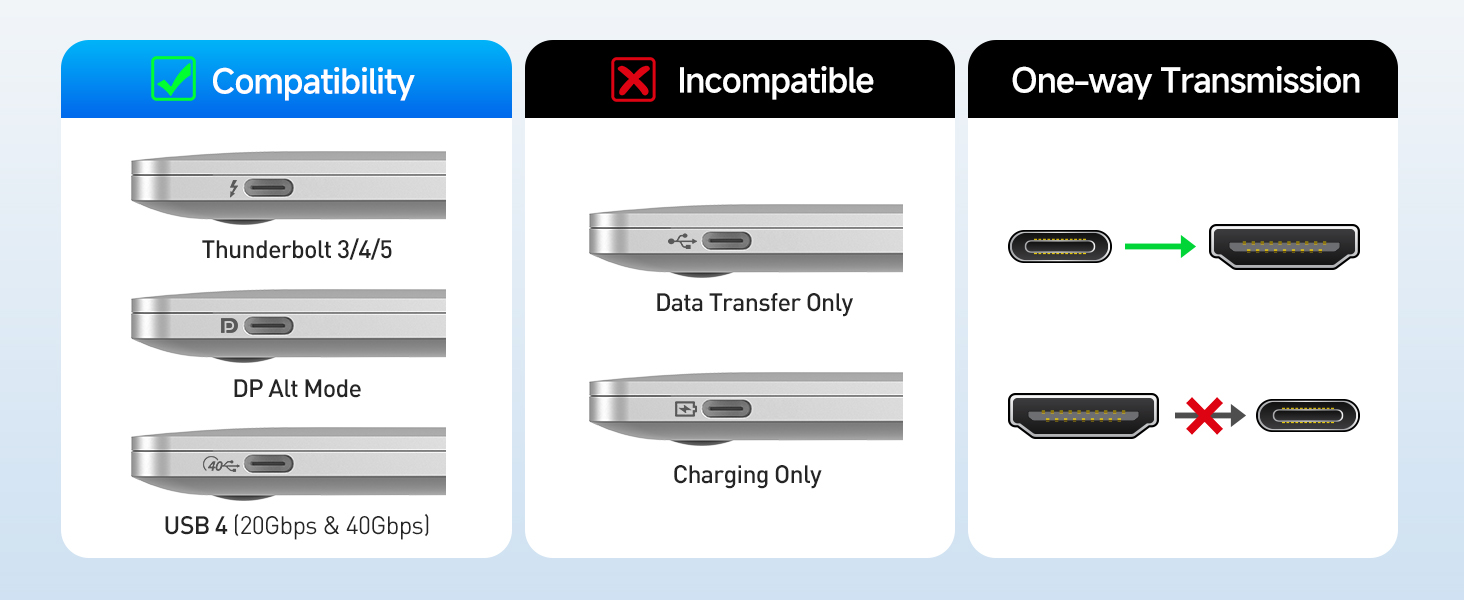
Connect directly to a USB-C with DP alt mode or Thunderbolt 3/4/5 port, ensure the monitor supports the chosen resolution/refresh rate, and avoid adapters or docks during testing.
Why am I not getting the resolution I expected on my Mac?
This cable supports the listed resolutions on compatible Macs. Check your display settings and verify your monitor supports that resolution and refresh rate.
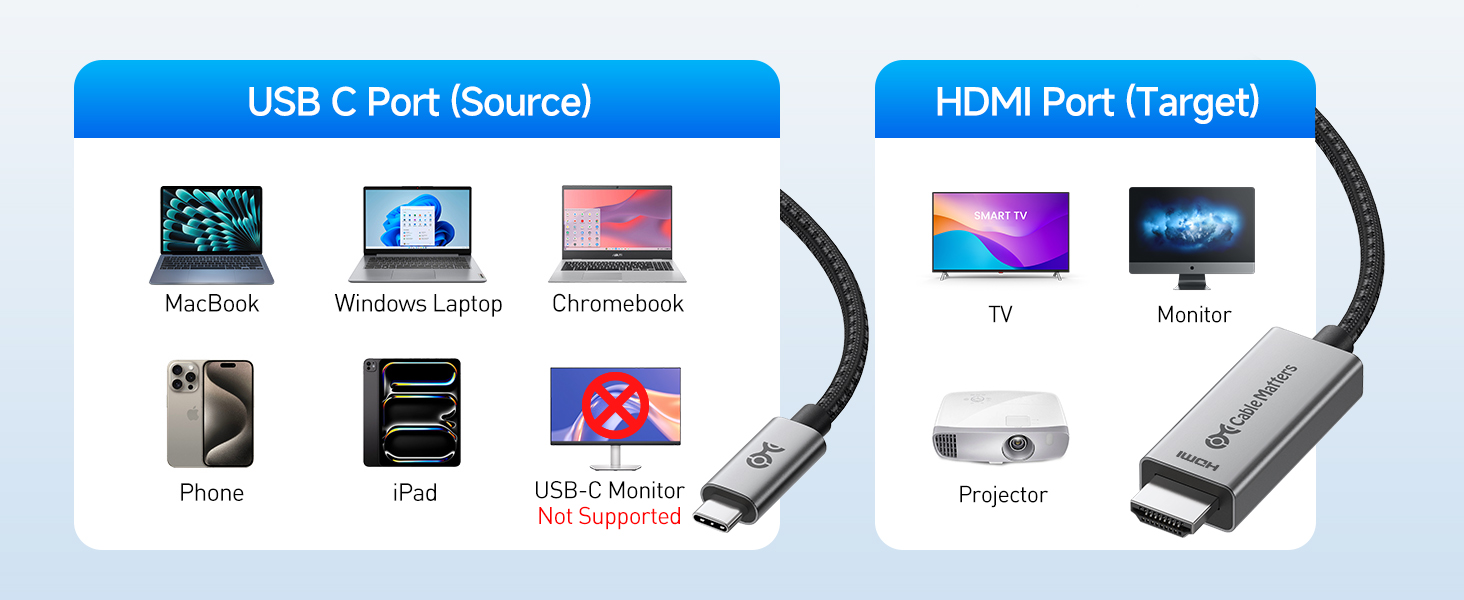
Will this cable work with Windows laptops or other USB-C devices?
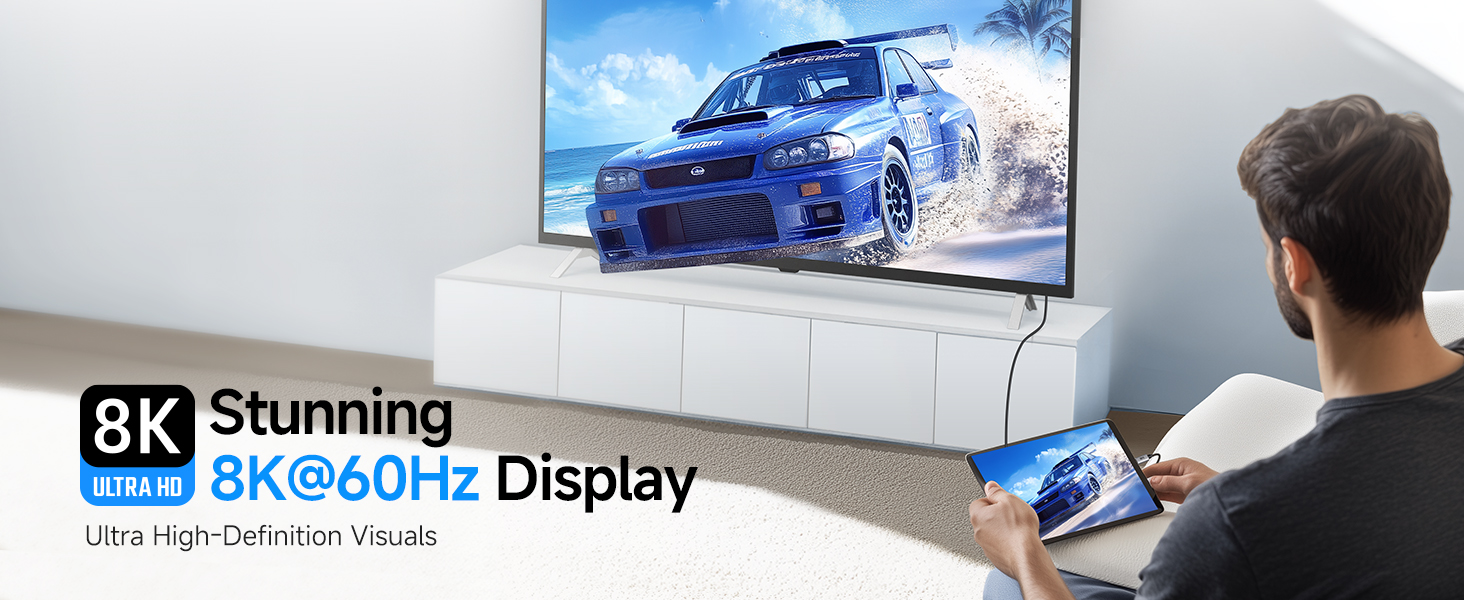
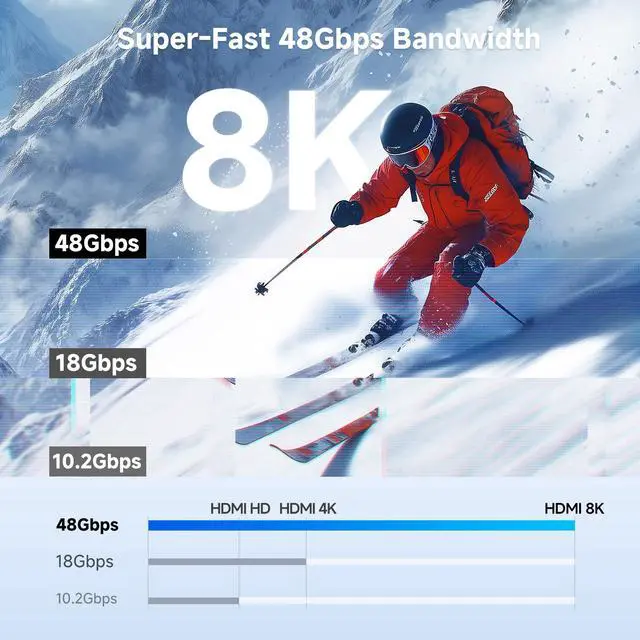
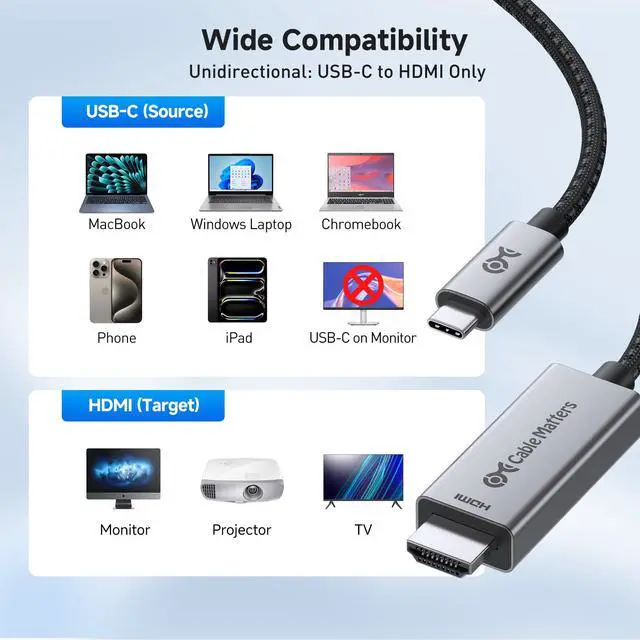
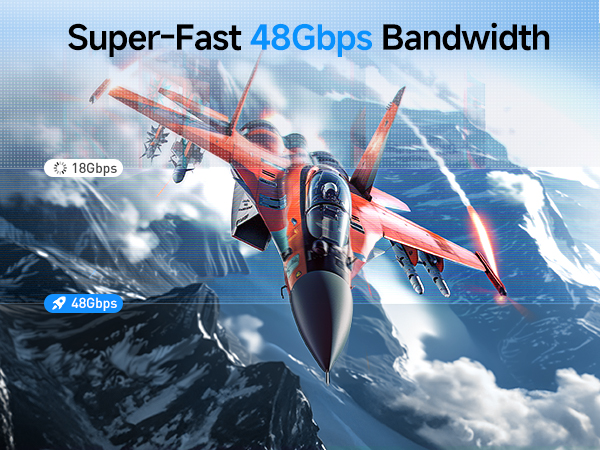
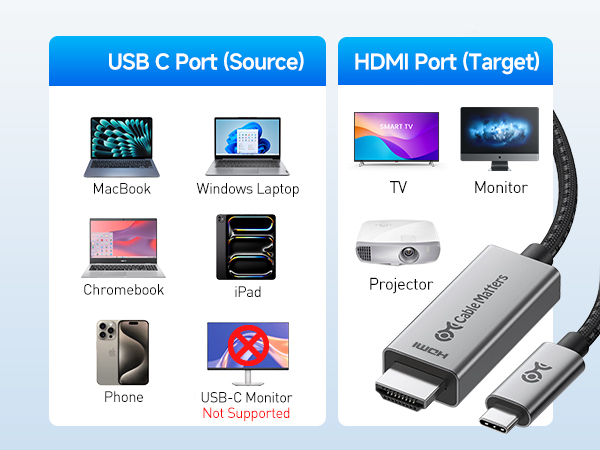
Yes. Works with USB-C, USB4, and Thunderbolt 3/4/5 devices with DP Alt Mode, up to 8K@60Hz or 4K@240Hz with a compatible display.
Can I use this cable to connect an HDMI device like a PS5 to a USB-C monitor?
No. It’s unidirectional — from a USB-C or Thunderbolt 3/4/5 source to an HDMI display only. It cannot send HDMI to a USB-C display.
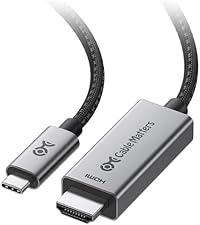 USB-C to 8K HDMI Cable |  USB C to HDMI 2.1 Adapter | 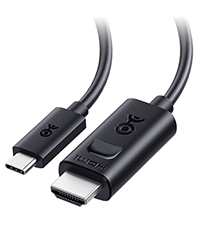 USB C to HDMI 2.1 Cable |  16K USB-C to DP Adapter | 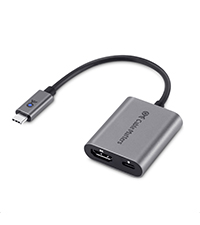 USB C to 8K HDMI with PD | 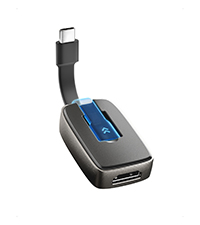 Foldable HDMI Adapter | 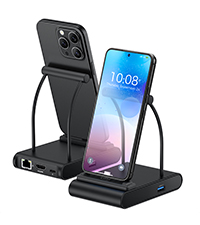 USB-C Charging Dock | |
|---|---|---|---|---|---|---|---|
Customer Reviews | — | — | — | — | — | — | — |
Price | — | — | — | — | — | — | — |
Max Resolution | 8K@60Hz/4K@240Hz | 8K@60Hz/4K@240Hz | 8K@60Hz/4K@240Hz | 16K60Hz/8K@240Hz/4K@960Hz | 8K@60Hz/4K@240Hz | 8K@60Hz/4K@240Hz | 4K@60Hz |
PD Charging | N/A | N/A | N/A | N/A | 100W | N/A | 100W |
Braided Cable | ? | ? | ? | ? | ? | ? | ? |
Thunderbolt 4/5 Compatible | ? | ? | ? | ? | ? | ? | ? |
Model Number | 201462 | 201488 | 201392 | 201386 | 201428 | 201398 | 201350 |
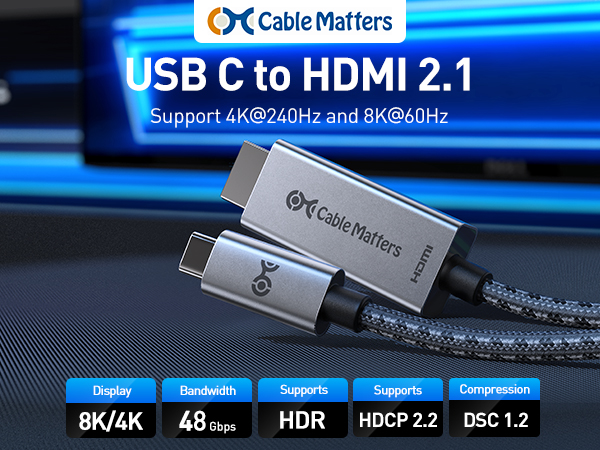
Stunning Visuals for Mac
Experience exceptional visuals on your Mac with our USB-C to HDMI 2.1 cable. Designed with custom firmware, it’s optimized specifically for Mac users to deliver outstanding performance. Enjoy 4K@120Hz on M1, M1 Pro/Max, M2, M2 Pro/Max, M3 and M4 models, and 4K@240Hz on M3 Pro/Max and M4 Pro/Max models. Perfect for gaming, video editing, and streaming.
Important Notes
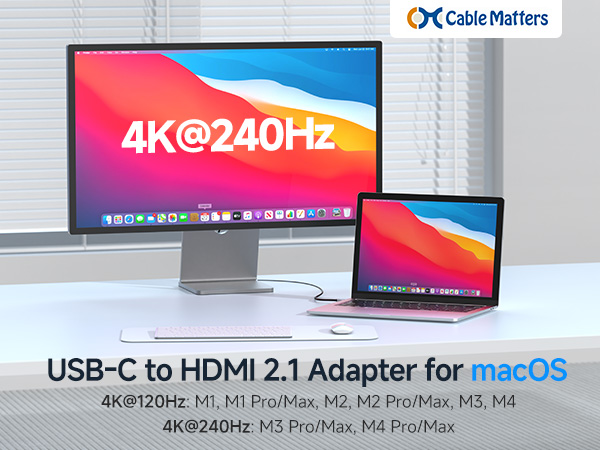
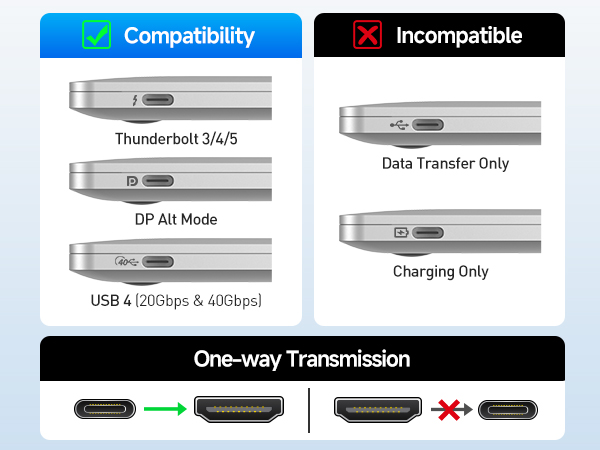
Is this cable compatible with my MacBook?
Yes. Supports 4K@120Hz on Apple M1, M1 Pro/Max, M2, M2 Pro/Max, M3 and M4, and 4K@240Hz on M3 Pro/Max and M4 Pro/Max. No firmware update is needed.
I’m not getting a signal or the screen flickers. What should I check?
Connect directly to a USB-C with DP alt mode or Thunderbolt 3/4/5 port, ensure the monitor supports the chosen resolution/refresh rate, and avoid adapters or docks during testing.
Why am I not getting the resolution I expected on my Mac?
This cable supports the listed resolutions on compatible Macs. Check your display settings and verify your monitor supports that resolution and refresh rate.
Will this cable work with Windows laptops or other USB-C devices?
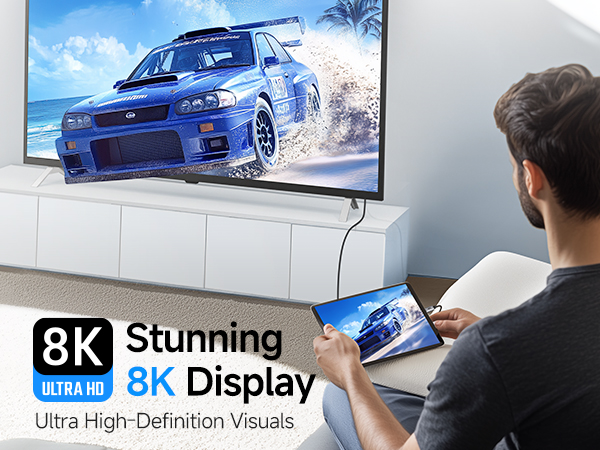
Yes. Works with USB-C, USB4, and Thunderbolt 3/4/5 devices with DP Alt Mode, up to 8K@60Hz or 4K@240Hz with a compatible display.
Can I use this cable to connect an HDMI device like a PS5 to a USB-C monitor?
No. It’s unidirectional — from a USB-C or Thunderbolt 3/4/5 source to an HDMI display only. It cannot send HDMI to a USB-C display.
USB-C to 8K HDMI Cable | USB C to HDMI 2.1 Adapter | USB C to HDMI 2.1 Cable | 16K USB-C to DP Adapter | USB C to 8K HDMI with PD | Foldable HDMI Adapter | USB-C Charging Dock |
|---|---|---|---|---|---|---|
| Customer Reviews | ||||||
| — | — | — | — | — | — | — |
| Price | ||||||
| — | — | — | — | — | — | — |
| Max Resolution | ||||||
| 8K@60Hz/4K@240Hz | 8K@60Hz/4K@240Hz | 8K@60Hz/4K@240Hz | 16K60Hz/8K@240Hz/4K@960Hz | 8K@60Hz/4K@240Hz | 8K@60Hz/4K@240Hz | 4K@60Hz |
| PD Charging | ||||||
| N/A | N/A | N/A | N/A | 100W | N/A | 100W |
| Braided Cable | ||||||
| ? | ? | ? | ? | ? | ? | ? |
| Thunderbolt 4/5 Compatible | ||||||
| ? | ? | ? | ? | ? | ? | ? |
| Model Number | ||||||
| 201462 | 201488 | 201392 | 201386 | 201428 | 201398 | 201350 |
Cable Matters, with headquarters in Southborough, Massachusetts, offers a complete line of cables, adapters, docking stations, and networking products for the home, office, and data center. Cable Matters offers first-class, quality, and affordable products backed by an exceptional customer experience.