


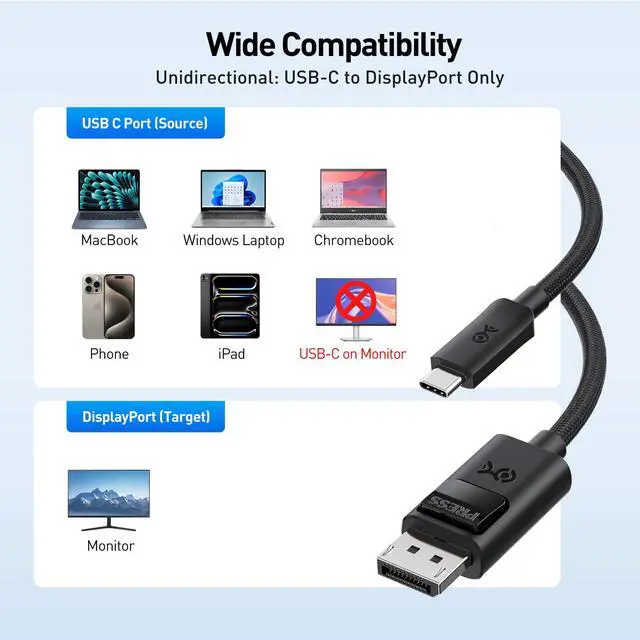



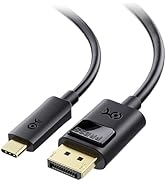
Will this work with any USB-C port?
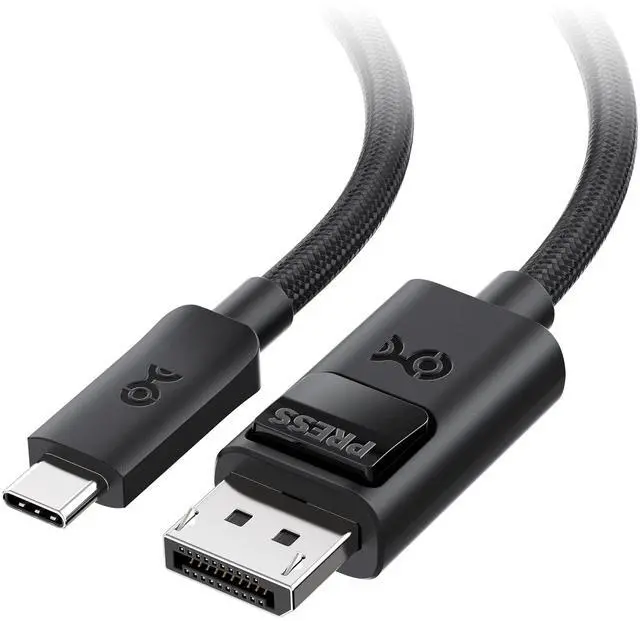
Only with USB-C/USB4/Thunderbolt 5/4 ports that support DisplayPort Alt Mode (video output). Charging-only or data-only USB-C ports will not output video.
Will it work in reverse (DisplayPort source to USB-C monitor), or with a portable USB-C monitor?
No. This cable is unidirectional (USB-C source ? DisplayPort display only) and is not for USB-C monitor input or portable USB-C monitors.
Why can’t I get 8K@165Hz or 4K@480Hz?
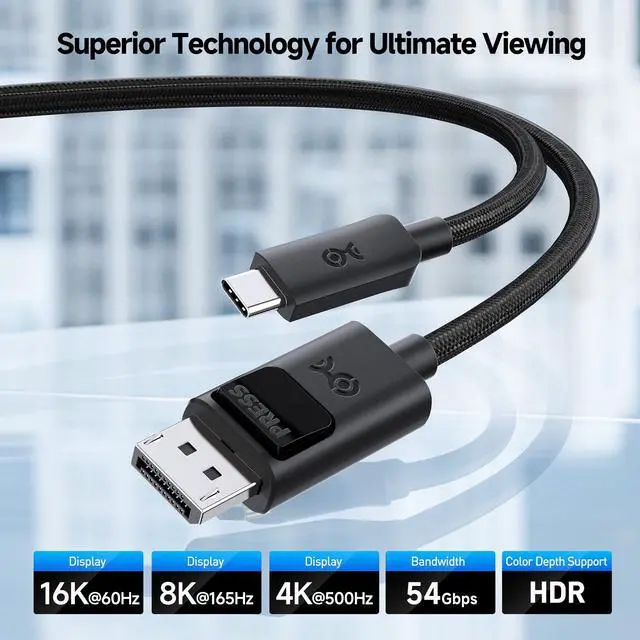
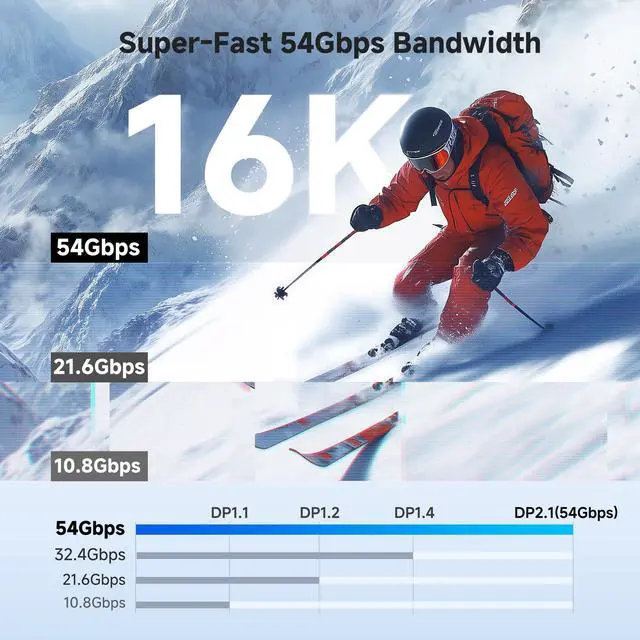
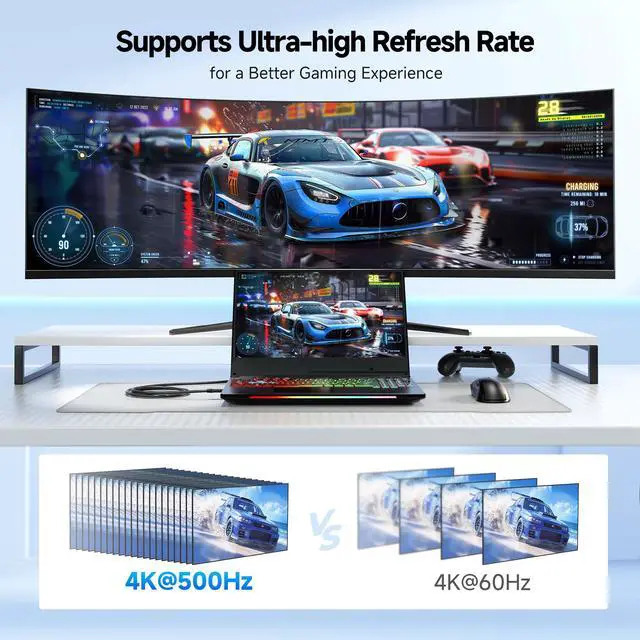
These modes require both a host that outputs DP 2.1 over USB-C (DP54/UHBR13.5) and a DisplayPort monitor that supports the same mode. Otherwise it will fall back to a lower mode (often via DSC).
I’m getting “No Signal” or flickering—what should I check first?
Set the monitor to the correct DisplayPort input, update GPU drivers/firmware, reseat both ends, and avoid adapters/docks that may not support the required DP bandwidth.
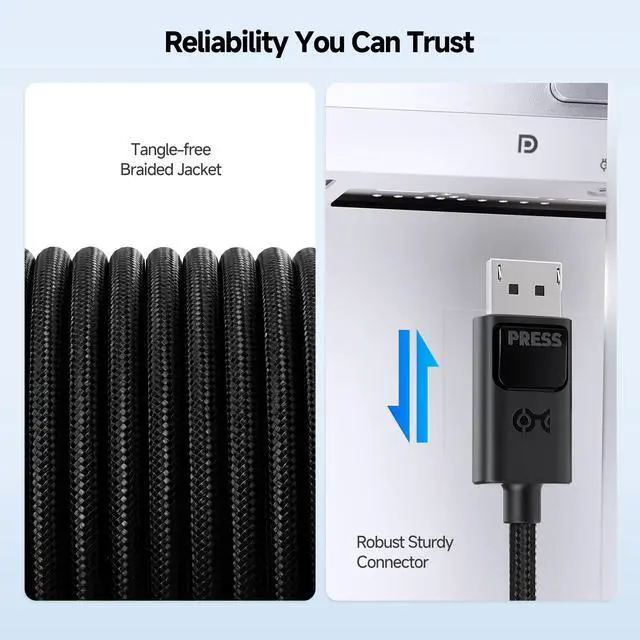
My DisplayPort connector won’t unplug easily—is something wrong?
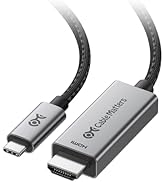
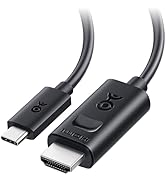
This cable has a locking DisplayPort latch. Press the release button before unplugging to protect the port.
Comparison Products
 54G USB C to DP Cable |  40G USB C to DP Cable |  USB C to HDMI 2.1 Cable |  USB C to DP 2.1 |  USB C to HDMI 2.1 Adapter |  DisplayPort 2.1 Cable |  Long 8K HDMI Cable | |
|---|---|---|---|---|---|---|---|
Customer Reviews | — | — | — | — | — | — | — |
Price | — | — | — | — | — | — | — |
Video Resolution | 16K@60Hz, 8K@165Hz, 4K@500Hz | 8K@120Hz , 4K@480Hz | 8K@60Hz / 4K@240Hz | 8K@120Hz , 4K@480Hz | 8K@60Hz | 16K@60Hz, 8K@240Hz | 8K@60Hz, 4K@240Hz |
HDR Support | ? | ? | ? | ? | ? | ? | ? |
Braided Cable | ? | - | - | ? | ? | - | - |
TB5/4/3 Compatible | ? | ? | ? | ? | ? | - | - |
Model No | 201456 | 201436 | 201392 | 201386 | 201488 | 102095 | 300029 |


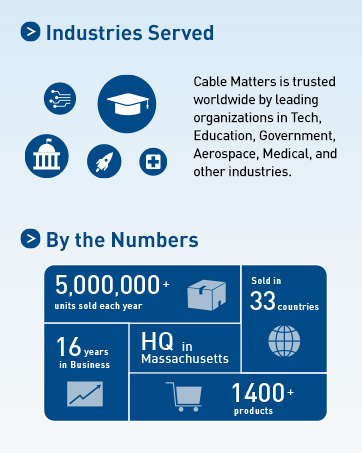
Cable Matters, with headquarters in Southborough, Massachusetts, offers a complete line of cables, adapters, docking stations, and networking products for the home, office, and data center. Cable Matters offers first-class, quality, and affordable products backed by an exceptional customer experience.
USB-C Cables & Hubs & Adapters
![Cable Matters Braided USB C to Micro USB Cable - 3.3ft, [3A/15W Charging, 480Mbps Data] MicroUSB ...](//c1.neweggimages.com/sellingpilot/modules/product/a-plus/5c7d39516f75c8fb4e9a6d3b07bc6c64b8998e2247630b6cee6e0c8da4baf719.jpg)
USB-C Cables & Hubs & Adapters
![Cable Matters Braided USB C to Micro USB Cable - 3.3ft, [3A/15W Charging, 480Mbps Data] MicroUSB ...](http://c1.neweggimages.com/sellingpilot/modules/product/a-plus/5c7d39516f75c8fb4e9a6d3b07bc6c64b8998e2247630b6cee6e0c8da4baf719.jpg)


Will this work with any USB-C port?
Only with USB-C/USB4/Thunderbolt 5/4 ports that support DisplayPort Alt Mode (video output). Charging-only or data-only USB-C ports will not output video.
Will it work in reverse (DisplayPort source to USB-C monitor), or with a portable USB-C monitor?
No. This cable is unidirectional (USB-C source ? DisplayPort display only) and is not for USB-C monitor input or portable USB-C monitors.
Why can’t I get 8K@165Hz or 4K@480Hz?
These modes require both a host that outputs DP 2.1 over USB-C (DP54/UHBR13.5) and a DisplayPort monitor that supports the same mode. Otherwise it will fall back to a lower mode (often via DSC).
I’m getting “No Signal” or flickering—what should I check first?
Set the monitor to the correct DisplayPort input, update GPU drivers/firmware, reseat both ends, and avoid adapters/docks that may not support the required DP bandwidth.
My DisplayPort connector won’t unplug easily—is something wrong?
This cable has a locking DisplayPort latch. Press the release button before unplugging to protect the port.
Comparison Products
54G USB C to DP Cable | 40G USB C to DP Cable | USB C to HDMI 2.1 Cable | USB C to DP 2.1 | USB C to HDMI 2.1 Adapter | DisplayPort 2.1 Cable | Long 8K HDMI Cable |
|---|---|---|---|---|---|---|
| Customer Reviews | ||||||
| — | — | — | — | — | — | — |
| Price | ||||||
| — | — | — | — | — | — | — |
| Video Resolution | ||||||
| 16K@60Hz, 8K@165Hz, 4K@500Hz | 8K@120Hz , 4K@480Hz | 8K@60Hz / 4K@240Hz | 8K@120Hz , 4K@480Hz | 8K@60Hz | 16K@60Hz, 8K@240Hz | 8K@60Hz, 4K@240Hz |
| HDR Support | ||||||
| ? | ? | ? | ? | ? | ? | ? |
| Braided Cable | ||||||
| ? | - | - | ? | ? | - | - |
| TB5/4/3 Compatible | ||||||
| ? | ? | ? | ? | ? | - | - |
| Model No | ||||||
| 201456 | 201436 | 201392 | 201386 | 201488 | 102095 | 300029 |
Cable Matters, with headquarters in Southborough, Massachusetts, offers a complete line of cables, adapters, docking stations, and networking products for the home, office, and data center. Cable Matters offers first-class, quality, and affordable products backed by an exceptional customer experience.
USB-C Cables & Hubs & Adapters
USB-C Cables & Hubs & Adapters