



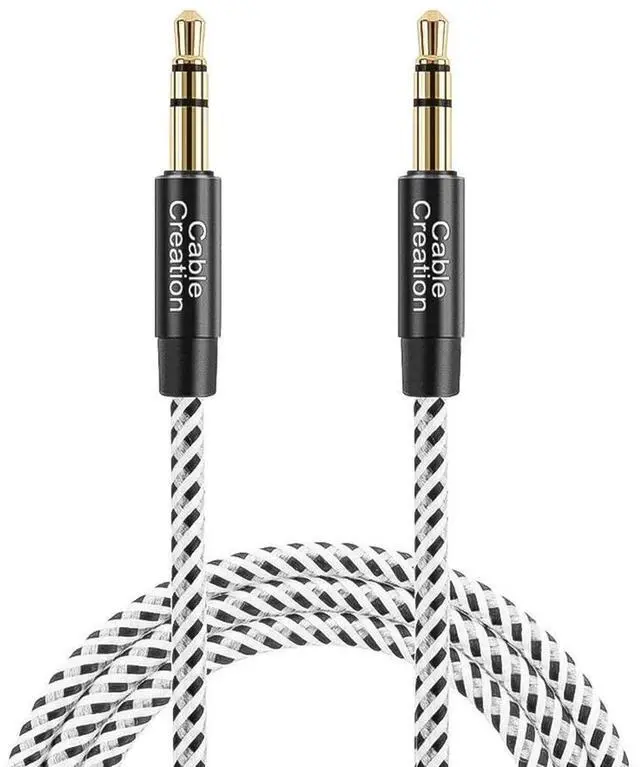
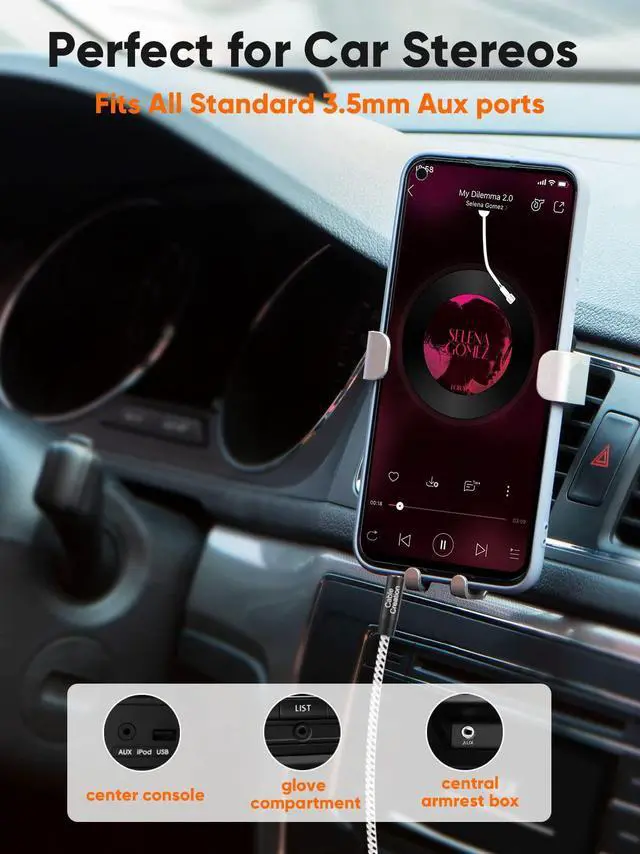
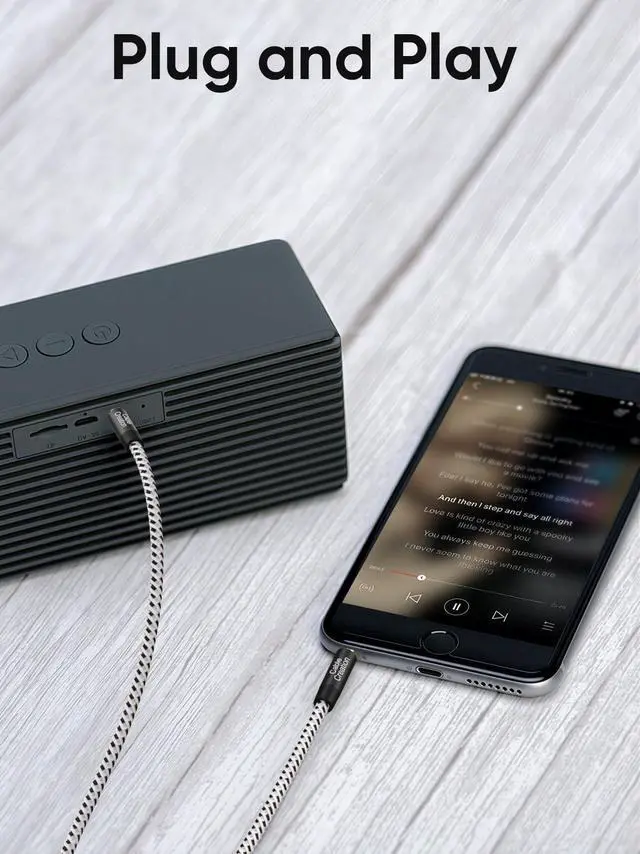


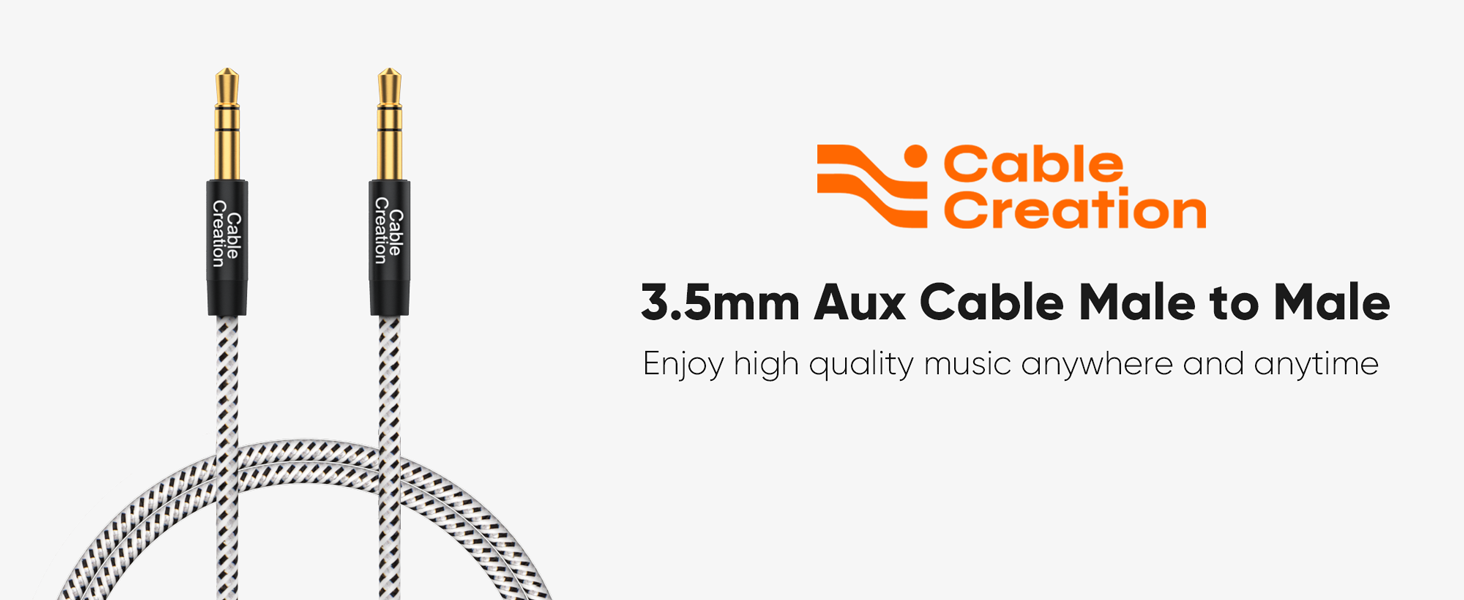
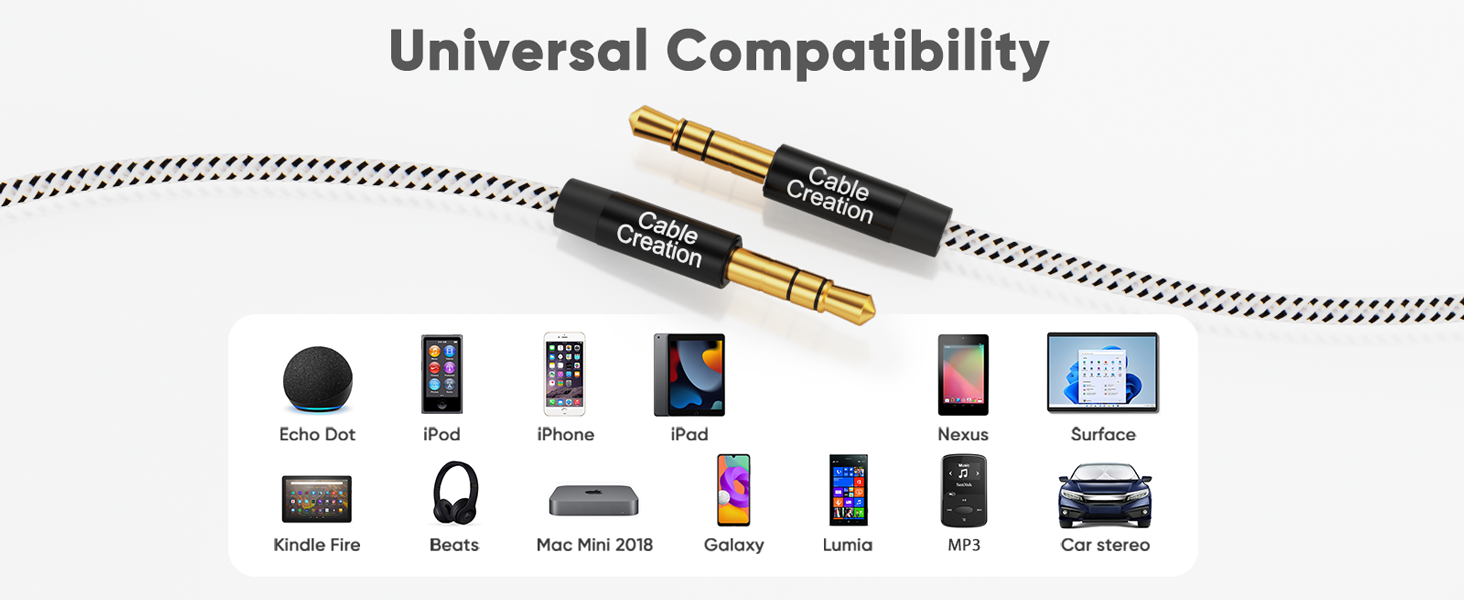
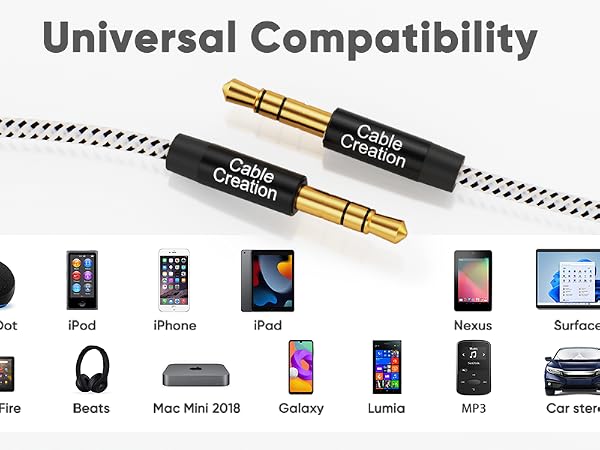
This 3.5mm male-to-male cable is widely compatible with all standard 3.5mm audio jacks
Kindly Note: This audio cable is a 3-pole TRS jack which does not support the microphone function
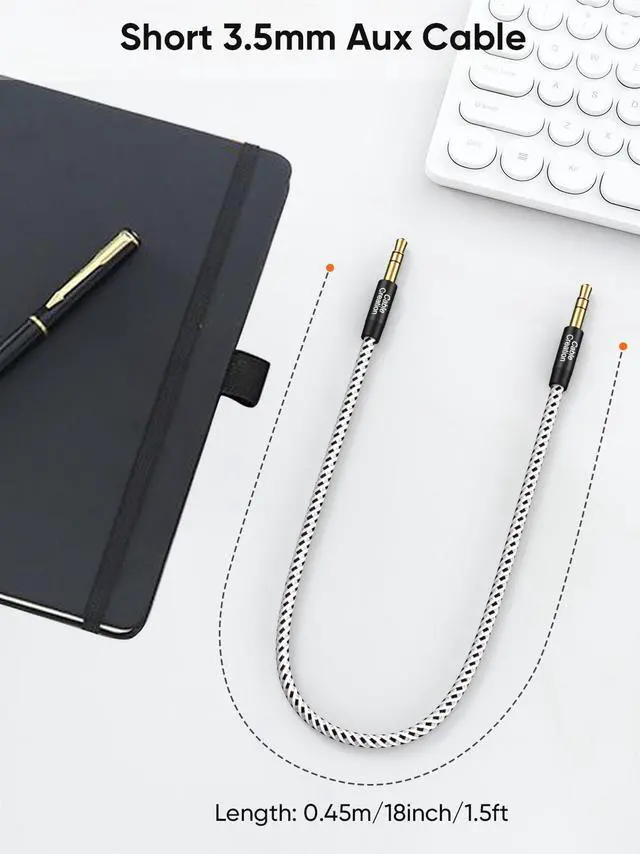
About Length: This cable is a short audio cable, only 45cm(18in), suitable for speakers and car audio.
Why Choose CableCreation 3.5mm Male Aux Jack Cable ?
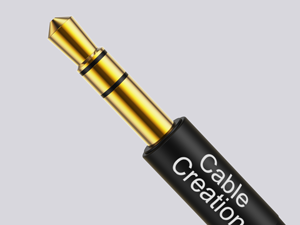
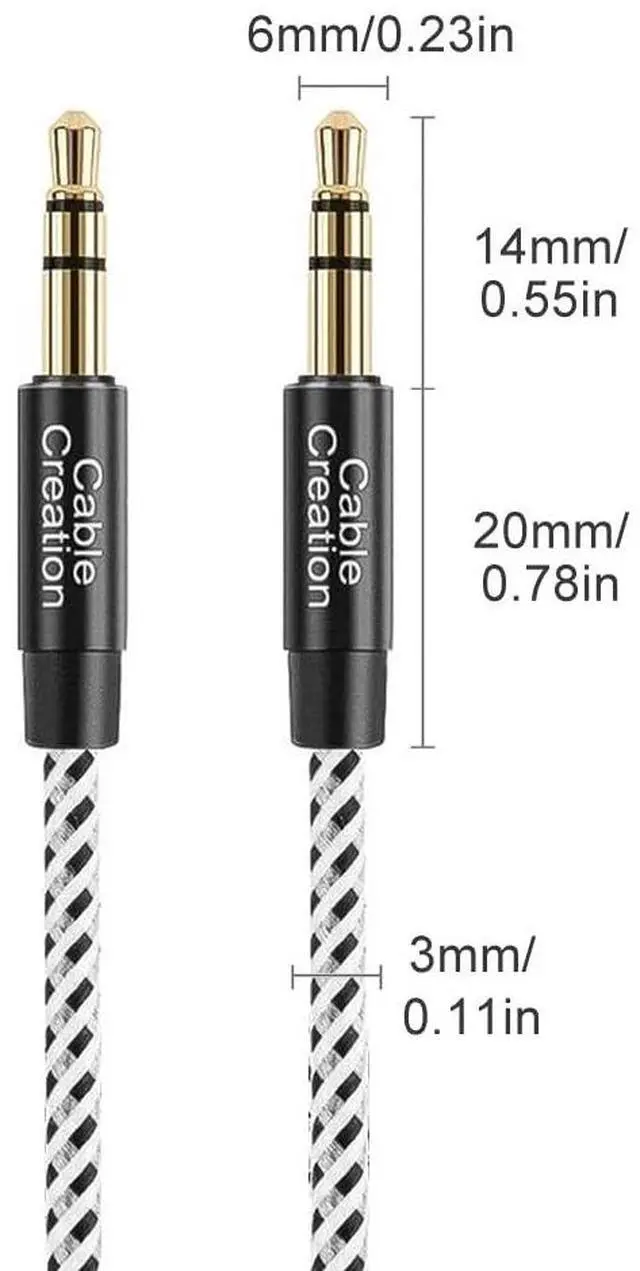
24K Gold-Plated
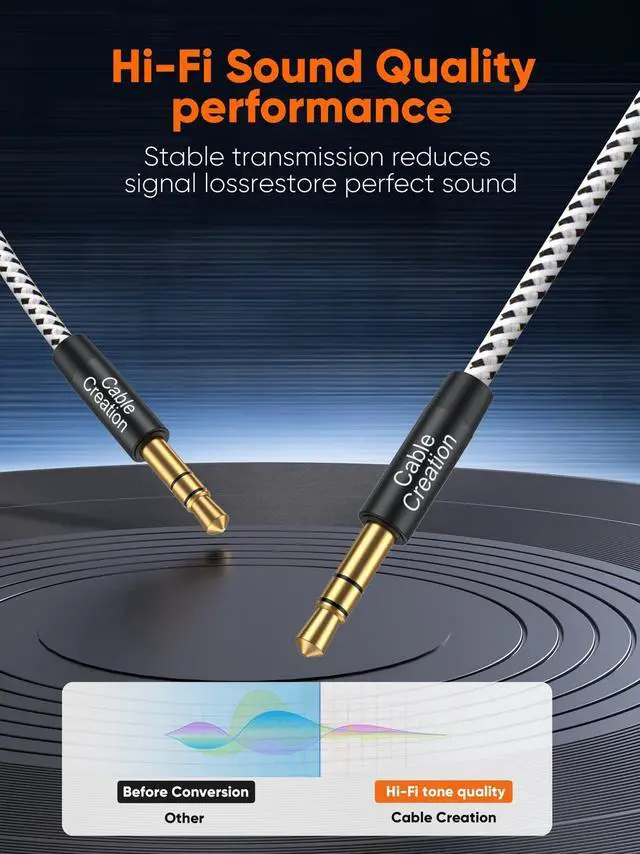
Premium Aluminum Alloy Case for Shielding to Protect your Signal from Interference.
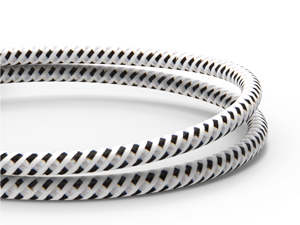
Cotton Braided Jacket
Soft Cotton Braided Keeps Cable Tangle-Free
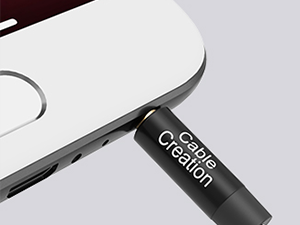
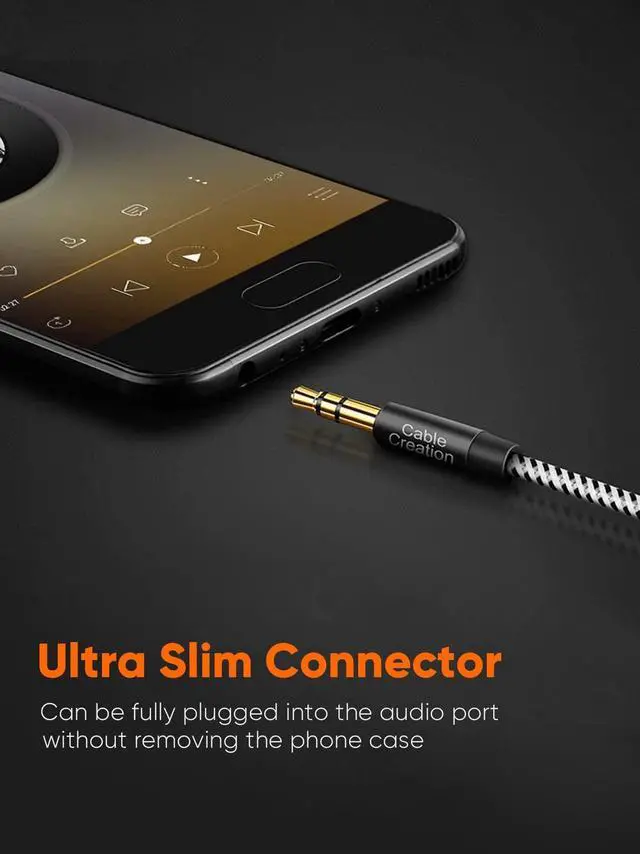
Ultra Slim Connector
Fits with All Standard 3.5mm Aux Port, don't Need to Take Off the Phone Case
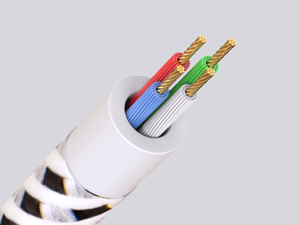
Multilayer shielding
Protect your Signal from Interference.


45cm / 18 inches Short 3.5mm TRS Audio Cable (No Microphone)
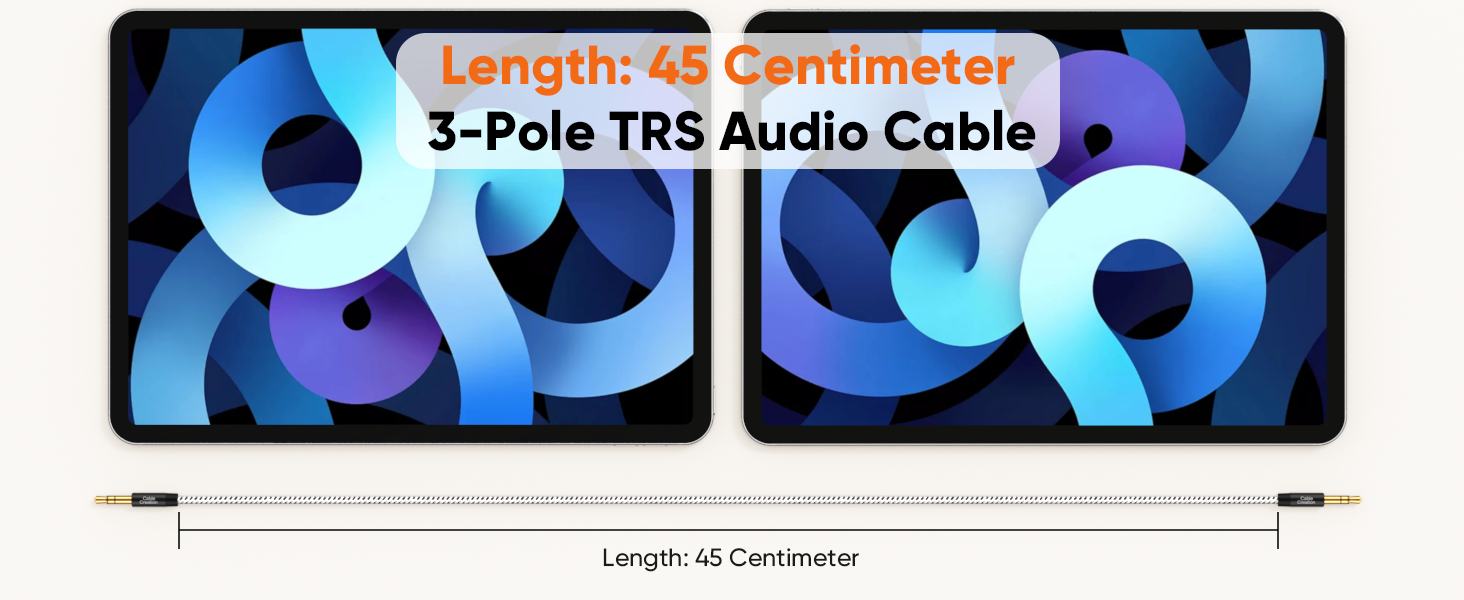
It's only 45 centimeters(1.5ft / 18 in), it's a short cable and not suitable for long-distance use.
Make sure you choose the right length before you buy. If you need a longer one, please consider other size one from the same variant.
Is this cable suitable for long-distance use?
No. Please confirm the length before purchasing. This 3.5mm aux cable is short and thin.
It's only 45 centimeters(1.5ft / 18 inches), it's a short aux cord and not suitable for long-distance use.
Does this audio cable support microphone functionality?
No, it does not.
It only supports listening, no microphones. You cannot make calls through this cable.
What precautions should be taken before use?
Make sure that the plug is plugged in tightly and the connection is stable, so as to avoid noise or no work due to poor contact.
Please pay attention to the port position when using it. If it is plugged into the wrong port, it will not work.
Are system freezes and audio dropouts common while gaming?
Under normal circumstances, it doesn't happen.
If occur:
Update or reinstall your sound card driver to the latest version.
Open your sound settings, verify that the default output device is correct (speakers), and disable any unused output devices.
What should I do if the system freezes and audio is interrupted, and the above steps are ineffective?
If the above steps fail, disable overclocking and perform a clean boot to rule out lag caused by other background programs or hardware usage
In addition, try using a different audio cable to see if the problem persists. If it does, please let us know
More Choice from frequently
 3.5mm Aux Cord | 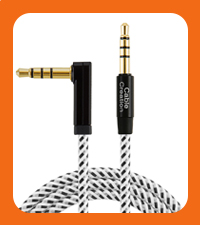 90 Degree3.5mm Aux Cable | 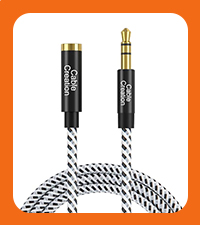 3.5mm Extension Cable | 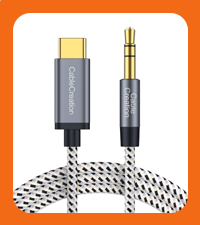 Type C to 3.5mm Cable | 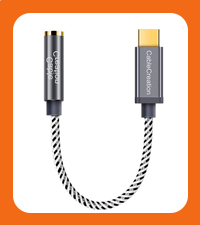 USB C to 3.5mm Adapter | 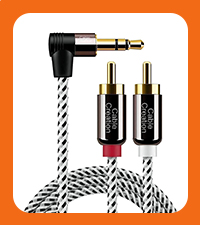 3.5mm to RCA Cable | 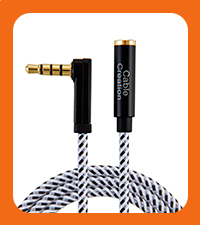 90 Degree Extension Cable | |
|---|---|---|---|---|---|---|---|
Customer Reviews | — | — | — | — | — | — | — |
Price | — | — | — | — | — | — | — |
Connector | 3.5mm Male to Male | 3.5mm Male to Male | 3.5mm Male to Female | USB C to 3.5mm Male | USB C to 3.5mm Female | 3.5mm to RCA Male | 3.5mm Male to Female |
microphone | ? | ? | ? | ? | ? | ? | ? |
Hi-Fi Stereo Sound | ? | ? | ? | ? | ? | ? | ? |
Color Option | Black,Pink,Gray | Black | Black | Gray | Gray | Black | Black |
Length Option | 1.5ft-20ft | 1.5ft-10ft | 1.5ft-20ft | 4ft | 0.33ft | 1.6ft-10ft | 3ft-15ft |



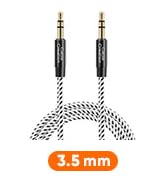



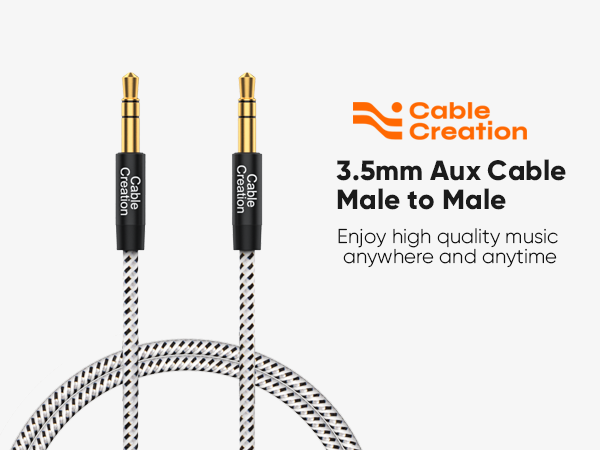
This 3.5mm male-to-male cable is widely compatible with all standard 3.5mm audio jacks
Kindly Note: This audio cable is a 3-pole TRS jack which does not support the microphone function
About Length: This cable is a short audio cable, only 45cm(18in), suitable for speakers and car audio.
Why Choose CableCreation 3.5mm Male Aux Jack Cable ?
24K Gold-Plated
Premium Aluminum Alloy Case for Shielding to Protect your Signal from Interference.
Cotton Braided Jacket
Soft Cotton Braided Keeps Cable Tangle-Free
Ultra Slim Connector
Fits with All Standard 3.5mm Aux Port, don't Need to Take Off the Phone Case
Multilayer shielding
Protect your Signal from Interference.
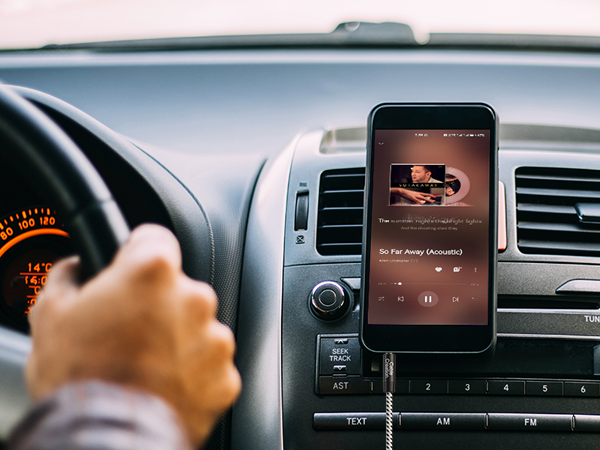

45cm / 18 inches Short 3.5mm TRS Audio Cable (No Microphone)
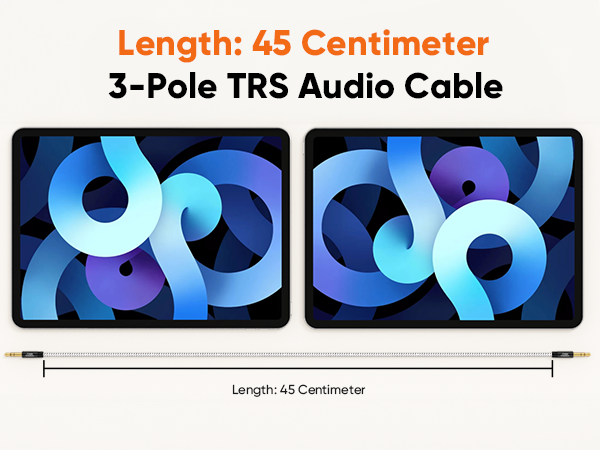
It's only 45 centimeters(1.5ft / 18 in), it's a short cable and not suitable for long-distance use.
Make sure you choose the right length before you buy. If you need a longer one, please consider other size one from the same variant.
Is this cable suitable for long-distance use?
No. Please confirm the length before purchasing. This 3.5mm aux cable is short and thin.
It's only 45 centimeters(1.5ft / 18 inches), it's a short aux cord and not suitable for long-distance use.
Does this audio cable support microphone functionality?
No, it does not.
It only supports listening, no microphones. You cannot make calls through this cable.
What precautions should be taken before use?
Make sure that the plug is plugged in tightly and the connection is stable, so as to avoid noise or no work due to poor contact.
Please pay attention to the port position when using it. If it is plugged into the wrong port, it will not work.
Are system freezes and audio dropouts common while gaming?
Under normal circumstances, it doesn't happen.
If occur:
Update or reinstall your sound card driver to the latest version.
Open your sound settings, verify that the default output device is correct (speakers), and disable any unused output devices.
What should I do if the system freezes and audio is interrupted, and the above steps are ineffective?
If the above steps fail, disable overclocking and perform a clean boot to rule out lag caused by other background programs or hardware usage
In addition, try using a different audio cable to see if the problem persists. If it does, please let us know
More Choice from frequently
3.5mm Aux Cord | 90 Degree3.5mm Aux Cable | 3.5mm Extension Cable | Type C to 3.5mm Cable | USB C to 3.5mm Adapter | 3.5mm to RCA Cable | 90 Degree Extension Cable |
|---|---|---|---|---|---|---|
| Customer Reviews | ||||||
| — | — | — | — | — | — | — |
| Price | ||||||
| — | — | — | — | — | — | — |
| Connector | ||||||
| 3.5mm Male to Male | 3.5mm Male to Male | 3.5mm Male to Female | USB C to 3.5mm Male | USB C to 3.5mm Female | 3.5mm to RCA Male | 3.5mm Male to Female |
| microphone | ||||||
| ? | ? | ? | ? | ? | ? | ? |
| Hi-Fi Stereo Sound | ||||||
| ? | ? | ? | ? | ? | ? | ? |
| Color Option | ||||||
| Black,Pink,Gray | Black | Black | Gray | Gray | Black | Black |
| Length Option | ||||||
| 1.5ft-20ft | 1.5ft-10ft | 1.5ft-20ft | 4ft | 0.33ft | 1.6ft-10ft | 3ft-15ft |
More Choice
New Arrivals
USB C Hub
Charging Cables
Video Cables
Audio Cables
USB Adapters
Others
Limited-time Monthly Specials
