






What problem are we solving?
CAVACHEW offers a wide range of products, including Terrariums, Lighting, Decor, Thermostat etc.
What makes our products unique?
At CAVACHEW we take reptile welfare very seriously which is why you'll find everything you need to create the ideal environment for your reptile to thrive. From housing to heating and hydration as well as a range of inspiring décor that will allow you to be as adventurous as you want to be.
CAVACHEW's Goals and Mission!
Helping reptile enthusiasts provide a beautiful home for their reptiles.
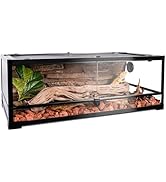
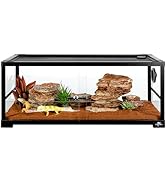
Best Tank for Reptiles
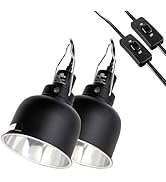
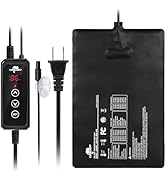
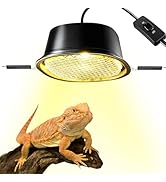
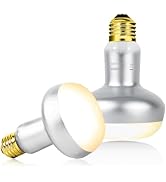
Reptile Heater
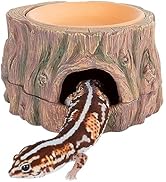
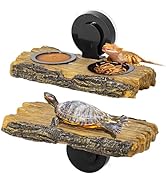
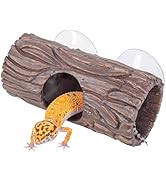
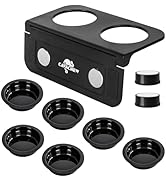
Reptile Hide & Feeder
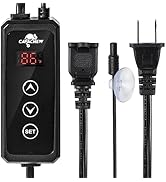
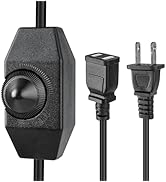
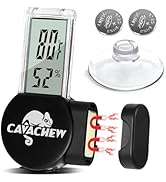
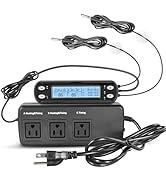
Thermostat & Thermometer
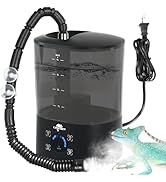
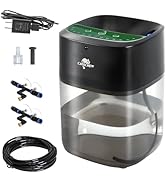
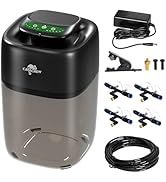
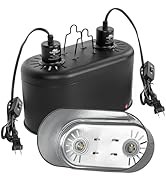
Humidifier & Mister
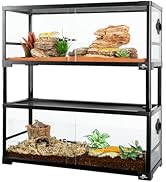
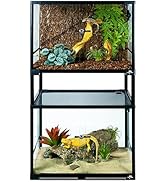
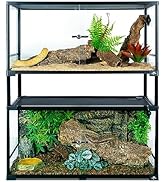
Double Stacked Tank
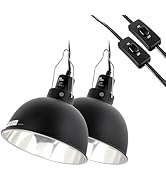
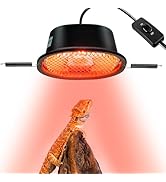
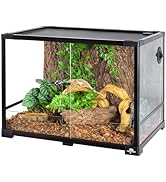
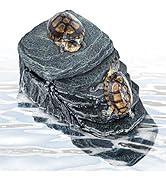
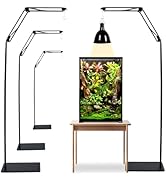
Other Popular

Thanks for Trust & Support!


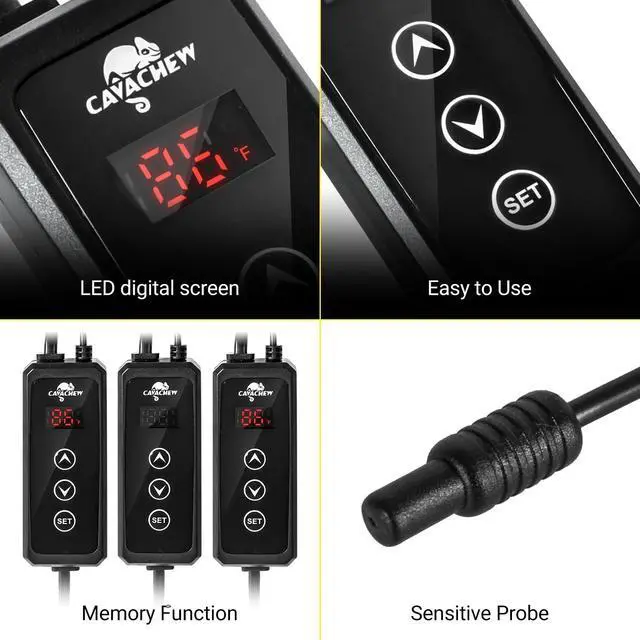
Clear LED Display
Convenient to read the current temperature value clearly even if you stand far away from the thermostat.

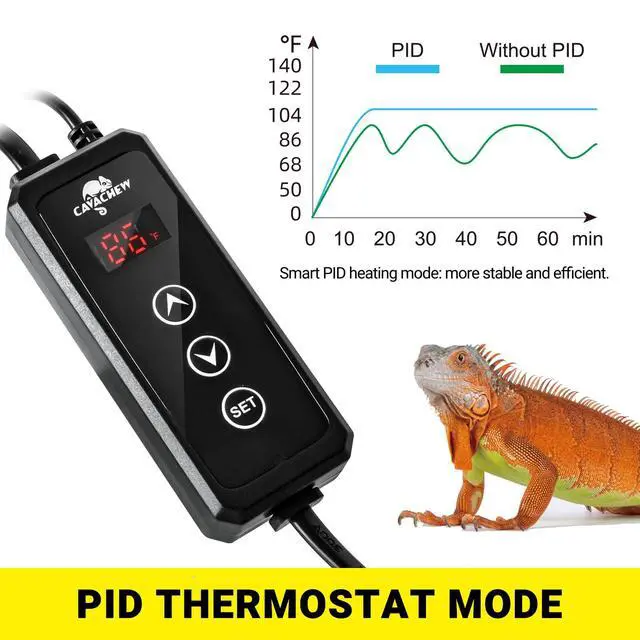
More Stable and Efficient
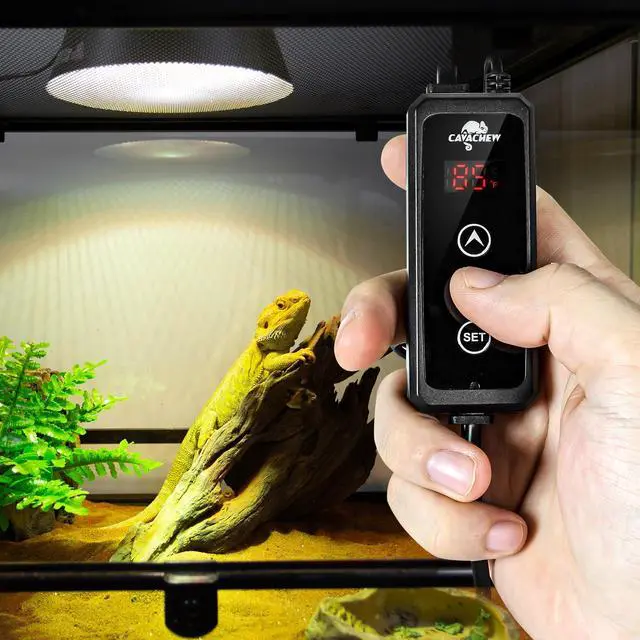
CAVACHEW reptile dimming thermostat uses PID technology to accurately control the output power of the device to control the temperature, more stable and efficient, reducing the impact of sudden temperature changes on reptiles.

Standard Interface
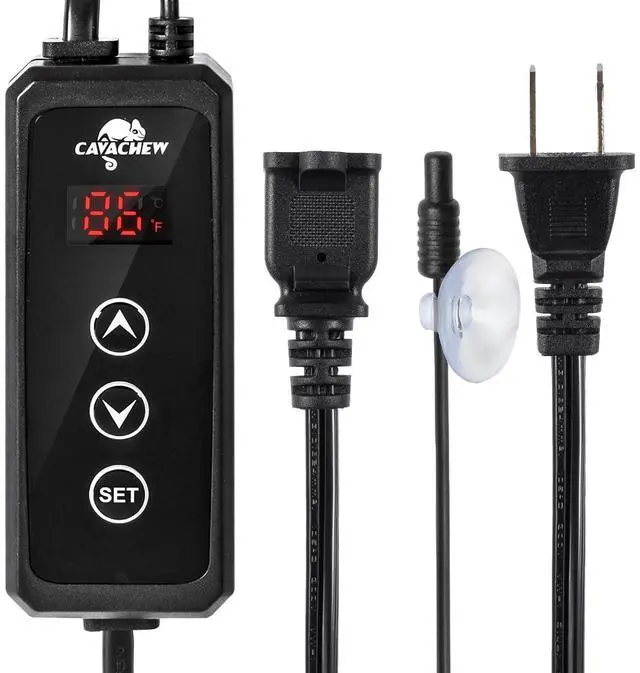
Suit for connecting devices such as heat bulbs, heating pads and other heaters.

High Sensitivity Probes
1. Sensitively detect the real-time temperature of reptile habitat and make adjustments.
2. The probe is waterproof, also can be placed in water.
3. Powerful suction cup is convenient for fixing the probe in the terrarium.

Temperature Warning Display
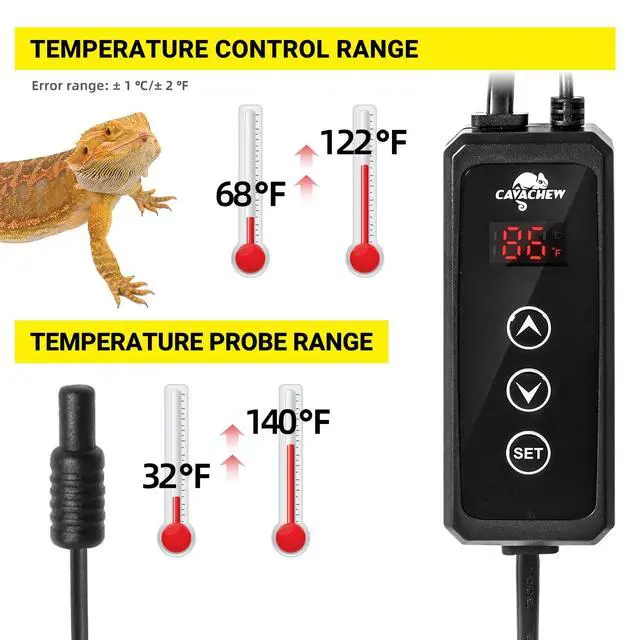
1. This reptile rhermostat will display "LL" when the temperature is below 0 degrees and display "HH" when the temperature is above 60 degrees.
2. Please refer to the manual to use.

Long Power Cord
1. Convenient connection of heating bulbs and heating mats.
2. Please read all safety information before use.
Attention: this Reptile Thermostatcan not load sunlamp, LED light and energy-saving lamps.

Note:
1. In setting mode, the temperature setting value cannot exceed the control range. Otherwise, it will be invalid when you pressing the ? or ? button.
2. In working mode, press the ? or ? button to query the temperature set value. At this time, the setting value and the temperature unit will flash slowly for 3 times and then exit query status.
3. In working mode, if environment temperature is less than the temperature setting value for 3 degrees and no press on buttons, the temperature value will flash continuously to alarm that the current environment temperature is too low.
4. When the temperature sensor is short-circuited or open loop, the product will enter the sensor fault mode and cancel all actions. At the same time, the LED digital tube will display ”--”. After the fault is solved, the product will return to normal working state.
5. It will display "LL" when the temperature is below 0 degrees and display "HH" when the temperature is above 60 degrees.
6. Don't immerse controller or probe into water.

Operating Instructions:
1. First connect the product to power supply and connect the heating device to the power socket. Then turn on the switch of the heating device.
2. Place the temperature probe to the area that need monitoring.
3. Set the temperature parameters on the control box.
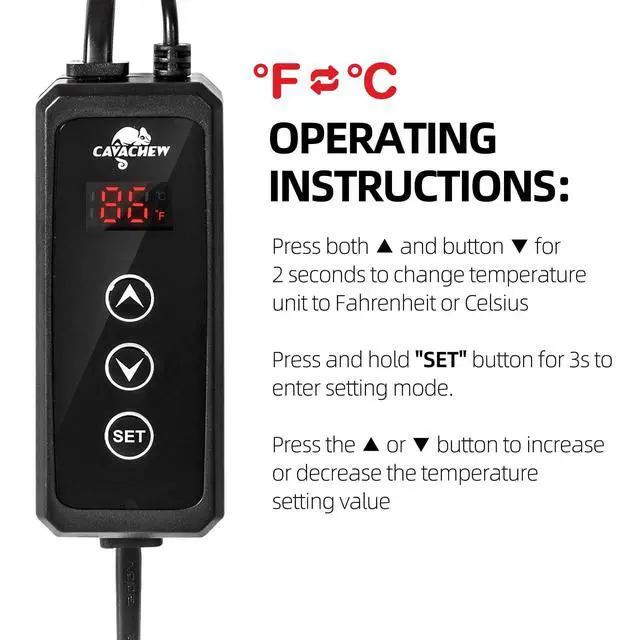
3.1 Before setting, confirm whether the temperature unit is applicable. If not, press both ? and button ? for 2 seconds to change temperature unit to Fahrenheit or Celsius.
3.2 In working mode, long press the SET button for 3 seconds, and the last digit of the temperature value will flash. At this time, it means the product enter setting mode. Press the ? or ? button to increase or decrease the temperature setting value.
3.3 After set the temperature value, press SET button again to exit the setting mode. Or it will exit setting mode automatically and enter the working mode after no operation for 15 seconds.
 4L Reptile Fogger Top Fill |  2 Pack Reptile Light Fixture |  Reptile Heat Pad with Dimming Thermostat |  3 in 1 Reptile Hide Cave |  Adjustable Reptile Lamp Stand |  50 Gallon Reptile Tank | |
|---|---|---|---|---|---|---|
| Customer Reviews | — | — | — | — | — | — |
| Price | — no data | — | — | — | — no data | — |
| Fit for Reptiles | Bearded Dragon, Gecko, Lizard, Snake etc. | Bearded Dragon, Gecko, Lizard, Snake etc. | Bearded Dragon, Gecko, Lizard, Snake etc. | Bearded Dragon, Gecko, Lizard, Snake etc. | Bearded Dragon, Gecko, Lizard, Snake etc. | Bearded Dragon, Gecko, Lizard, Snake etc. |
What problem are we solving?
CAVACHEW offers a wide range of products, including Terrariums, Lighting, Decor, Thermostat etc.
What makes our products unique?
At CAVACHEW we take reptile welfare very seriously which is why you'll find everything you need to create the ideal environment for your reptile to thrive. From housing to heating and hydration as well as a range of inspiring décor that will allow you to be as adventurous as you want to be.
CAVACHEW's Goals and Mission!
Helping reptile enthusiasts provide a beautiful home for their reptiles.
Best Tank for Reptiles
Reptile Heater
Reptile Hide & Feeder
Thermostat & Thermometer
Humidifier & Mister
Double Stacked Tank
Other Popular
Thanks for Trust & Support!
Clear LED Display
Convenient to read the current temperature value clearly even if you stand far away from the thermostat.
More Stable and Efficient
CAVACHEW reptile dimming thermostat uses PID technology to accurately control the output power of the device to control the temperature, more stable and efficient, reducing the impact of sudden temperature changes on reptiles.
Standard Interface
Suit for connecting devices such as heat bulbs, heating pads and other heaters.
High Sensitivity Probes
1. Sensitively detect the real-time temperature of reptile habitat and make adjustments.
2. The probe is waterproof, also can be placed in water.
3. Powerful suction cup is convenient for fixing the probe in the terrarium.
Temperature Warning Display
1. This reptile rhermostat will display "LL" when the temperature is below 0 degrees and display "HH" when the temperature is above 60 degrees.
2. Please refer to the manual to use.
Long Power Cord
1. Convenient connection of heating bulbs and heating mats.
2. Please read all safety information before use.
Attention: this Reptile Thermostatcan not load sunlamp, LED light and energy-saving lamps.
Note:
1. In setting mode, the temperature setting value cannot exceed the control range. Otherwise, it will be invalid when you pressing the ? or ? button.
2. In working mode, press the ? or ? button to query the temperature set value. At this time, the setting value and the temperature unit will flash slowly for 3 times and then exit query status.
3. In working mode, if environment temperature is less than the temperature setting value for 3 degrees and no press on buttons, the temperature value will flash continuously to alarm that the current environment temperature is too low.
4. When the temperature sensor is short-circuited or open loop, the product will enter the sensor fault mode and cancel all actions. At the same time, the LED digital tube will display ”--”. After the fault is solved, the product will return to normal working state.
5. It will display "LL" when the temperature is below 0 degrees and display "HH" when the temperature is above 60 degrees.
6. Don't immerse controller or probe into water.
Operating Instructions:
1. First connect the product to power supply and connect the heating device to the power socket. Then turn on the switch of the heating device.
2. Place the temperature probe to the area that need monitoring.
3. Set the temperature parameters on the control box.
3.1 Before setting, confirm whether the temperature unit is applicable. If not, press both ? and button ? for 2 seconds to change temperature unit to Fahrenheit or Celsius.
3.2 In working mode, long press the SET button for 3 seconds, and the last digit of the temperature value will flash. At this time, it means the product enter setting mode. Press the ? or ? button to increase or decrease the temperature setting value.
3.3 After set the temperature value, press SET button again to exit the setting mode. Or it will exit setting mode automatically and enter the working mode after no operation for 15 seconds.
4L Reptile Fogger Top Fill | 2 Pack Reptile Light Fixture | Reptile Heat Pad with Dimming Thermostat | 3 in 1 Reptile Hide Cave | Adjustable Reptile Lamp Stand | 50 Gallon Reptile Tank | |
|---|---|---|---|---|---|---|
| Customer Reviews | — | — | — | — | — | — |
| Price | — no data | — | — | — | — no data | — |
| Fit for Reptiles | Bearded Dragon, Gecko, Lizard, Snake etc. | Bearded Dragon, Gecko, Lizard, Snake etc. | Bearded Dragon, Gecko, Lizard, Snake etc. | Bearded Dragon, Gecko, Lizard, Snake etc. | Bearded Dragon, Gecko, Lizard, Snake etc. | Bearded Dragon, Gecko, Lizard, Snake etc. |