here!
here!
I’m your shopping assistant for PC builds, upgrades, and everything tech.
Got questions? Ask away!
Start a conversation
here!
I’m your shopping assistant for PC builds, upgrades, and everything tech.
Got questions? Ask away!
Start a conversation




Any questions? Ask CelesteSM will help you find out quickly.
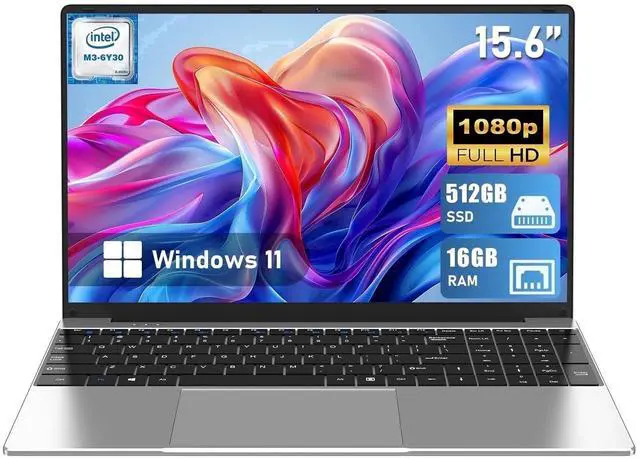
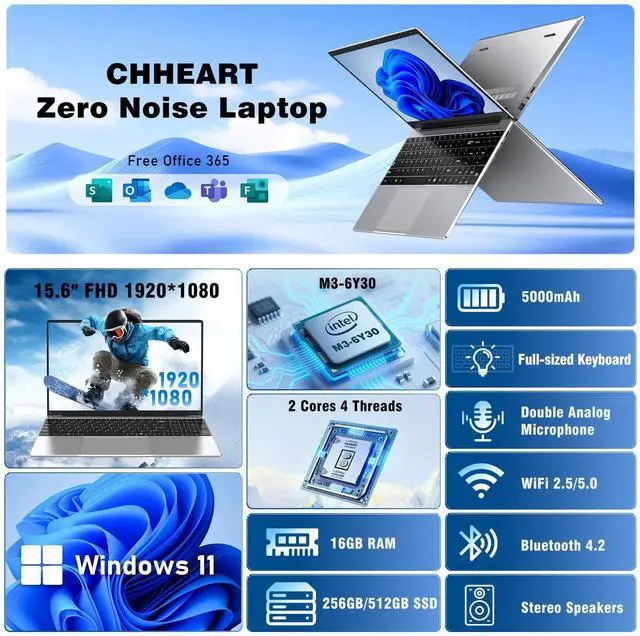
The Chheart 15.6-inch laptop is an everyday Windows 11 Pro computer with an M3-6Y30 processor, 16GB RAM, and a 512GB SSD. It is suitable for students, office users, remote work, web browsing, documents, and light multitasking, with a 6-hour battery and numeric keypad.
Q: Is this Chheart laptop better than a similar 8GB RAM and 256GB SSD model?
A: Choose this Chheart configuration when you want more multitasking capacity and storage. Its 16GB RAM is better suited to running many browser tabs and office apps, while the 512GB SSD provides twice the listed storage of a 256GB model. CPU performance remains essentially the same if both versions use the Intel Core m3-6Y30 processor.
Q: Should I choose this laptop or a newer Intel N100 laptop?
A: Choose this Chheart model when its 16GB RAM, 512GB SSD, two-year warranty, and 15.6-inch screen are the main priorities. Choose an Intel N100 laptop when you want a newer low-power platform with stronger current benchmark performance and more modern memory and graphics support. The Core m3-6Y30 is a two-core processor introduced in 2015, while the N100 launched in 2023 with four cores; both are intended primarily for basic work, browsing, streaming, and school tasks.
Q: Is this laptop suitable for heavier work than web browsing and office apps?
A: For heavier multitasking, frequent video editing, software development, or sustained processing, choose a laptop with a newer processor such as the AMD Ryzen 3 7320U or Intel Core i3-N305. This Chheart model is better matched to documents, email, web browsing, video playback, and light school or business use. Its 16GB RAM helps multitasking, but the older two-core Core m3-6Y30 remains the main performance limit.
Q: Is this a good choice for portability or should I buy a smaller laptop?
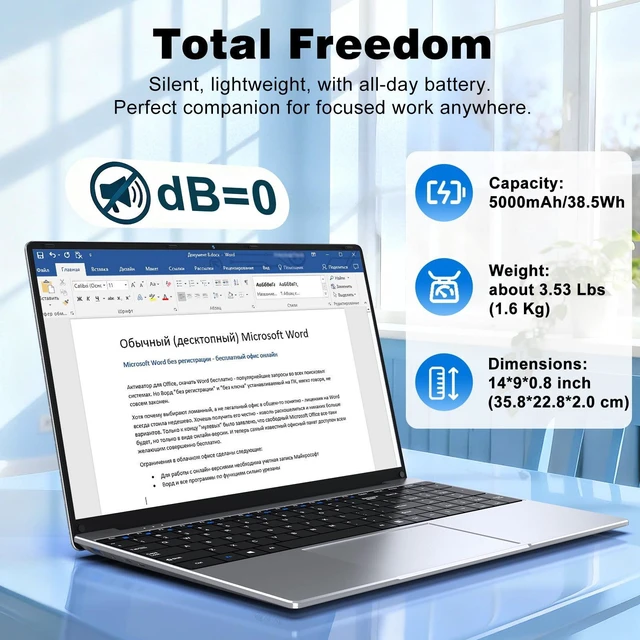
A: Choose this model when you prefer a larger 15.6-inch FHD workspace and a numeric keypad. At 3.61 pounds and 0.77 inches thick, it is reasonably portable for a full-size laptop but is not optimized for frequent travel. A 13- or 14-inch laptop is the better fit when lower carrying weight and a smaller footprint matter more than screen size and keypad access.
Q: Is this laptop suitable for school, note-taking, office work, and online meetings?
A: Yes. It is suitable for everyday school and office tasks such as web browsing, document editing, note-taking, email, and multitasking. The built-in webcam supports video meetings, while the 15.6-inch FHD display and numeric keypad are useful for productivity. It is not positioned for demanding creative workloads or high-end gaming.
Q: Is this laptop a good choice for travel or mobile work?
A: It is reasonably portable for a 15.6-inch laptop, weighing 3.61 pounds and measuring 0.77 inches thick. The listed six-hour battery life can support shorter work sessions, but travelers who need all-day unplugged use should plan to carry the charger because actual runtime varies with workload, brightness, wireless use, and applications.
Q: Can this laptop handle multitasking with multiple browser tabs and office applications?
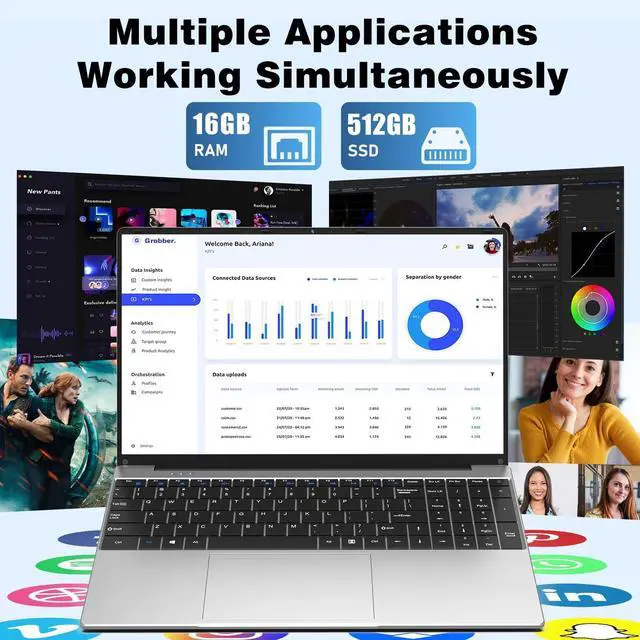
A: Yes, the 16GB of memory and 512GB SSD are appropriate for common multitasking, including web browsing, word processing, spreadsheets, video calls, and file storage. The energy-efficient M3-6Y30 processor is intended for everyday productivity rather than intensive video editing, advanced 3D work, or demanding gaming.
Q: Is the display suitable for reading documents, spreadsheets, and streaming video?
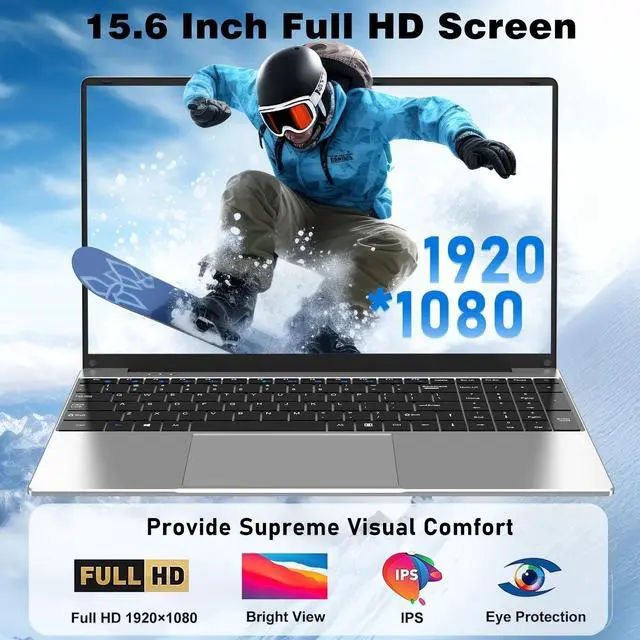
A: Yes. The 15.6-inch 1920×1080 FHD non-touch display provides a spacious workspace for documents, spreadsheets, web pages, and video. Buyers who specifically want pen input, touchscreen navigation, or tablet-style use should note that this model is non-touch.
Q: What type of connectivity and peripherals can this laptop support?
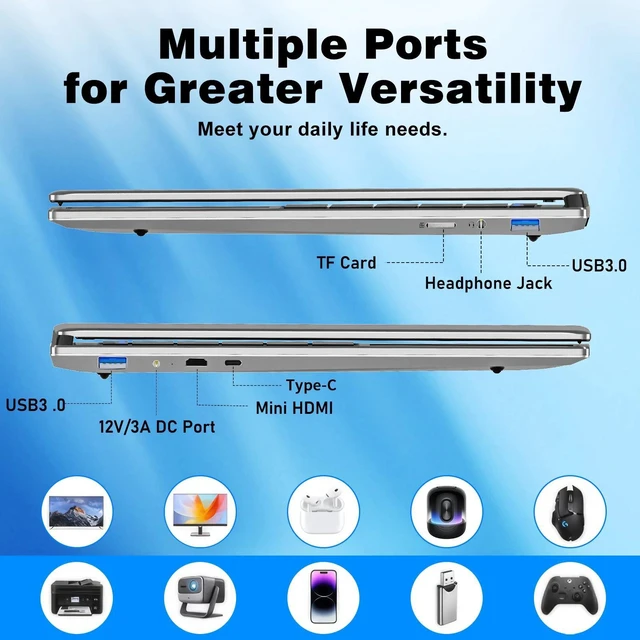
A: It includes Wi-Fi 5, Bluetooth 4.2, two USB 3.0 ports, Mini HDMI output, and TF card support. These connections cover common accessories, external displays, and removable storage. Buyers who require newer wireless standards, USB-C, or a full-size HDMI port should verify their accessory requirements before purchasing.
Q: Is this laptop suitable for school, note-taking, and everyday work?
A: Yes, it is best suited to web browsing, documents, email, video playback, note-taking, and other light office tasks. The 16GB RAM and 512GB SSD support multitasking, but the M3-6Y30 processor is a low-power chip, so demanding applications may feel slow.
Q: Is this laptop good for gaming?
A: No, it should not be chosen for modern or graphics-intensive gaming. Discussions about laptops using the M3-6Y30 report weak performance in games, while less demanding or older titles may be more appropriate.
Q: Is this laptop a good choice for travel or mobile work?
A: It is reasonably suited to travel because it weighs 3.61 pounds, is 0.77 inches thick, and has a claimed six-hour battery life. Actual runtime will vary with brightness, applications, and battery condition, so it is better for short mobile sessions than guaranteed all-day use.
Q: What are the main trade-offs of buying this laptop?
A: The main advantages are 16GB RAM, a 512GB SSD, a Full HD display, a numeric keypad, and a lightweight design. The main trade-offs are the entry-level M3-6Y30 processor, older Wi-Fi 5 and Bluetooth 4.2 standards, a non-touch display, and limited suitability for gaming or demanding creative software.