






Cimetech emerges as a beacon of innovation, youthfulness, fashion, and quality. Born from a fusion of cutting-edge technology and contemporary style.
We blend ergonomic designs with cutting-edge technology to enhance user experience, focusing on precision, durability, and comfort. Our passion drives us to exceed expectations, making every product a symbol of excellence and innovation.
With Cimetech, the future is at your fingertips.

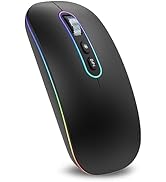
Worldwide?Technology?durable



Coffee shop?Library?Office

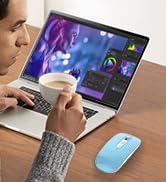
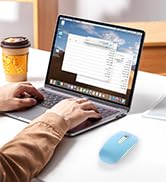
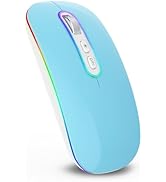
Programmer?Designer?Writer
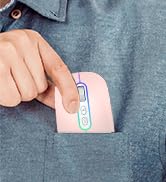
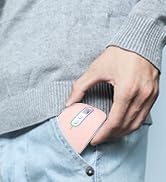
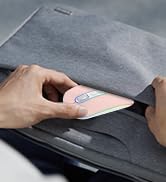
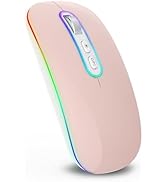
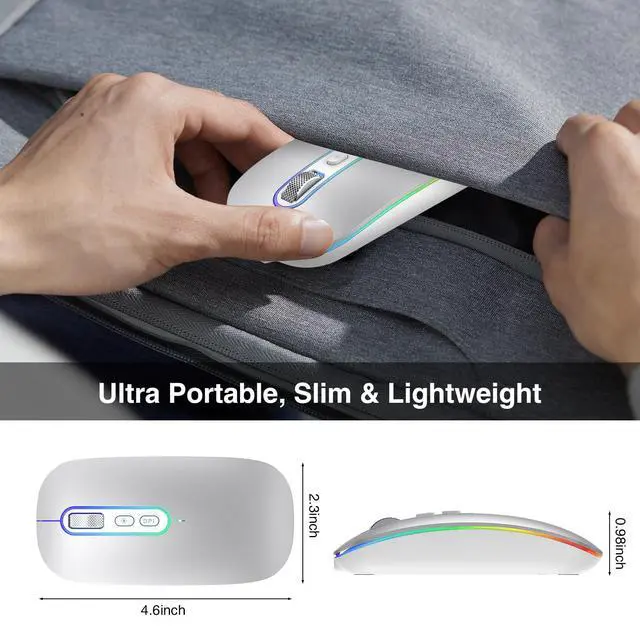
Top /Jeans Pocket?Computer Bag
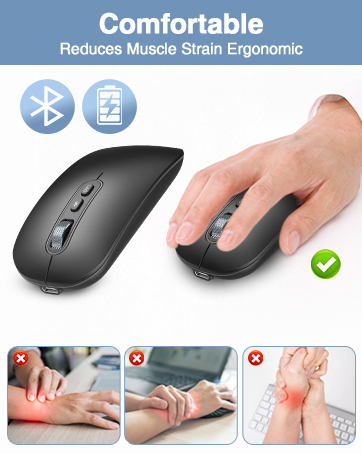
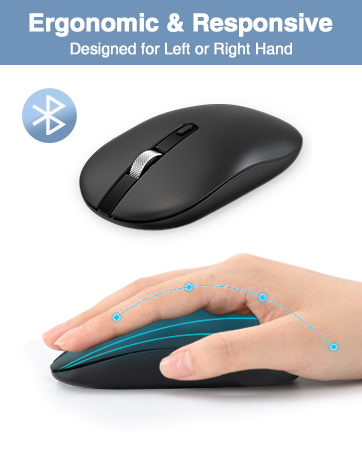
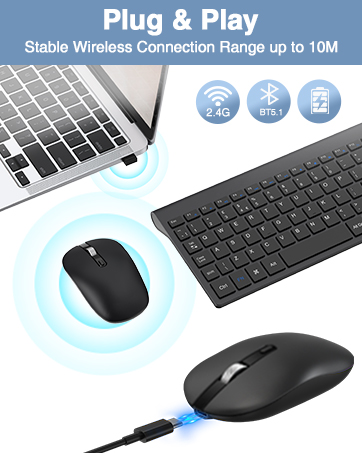
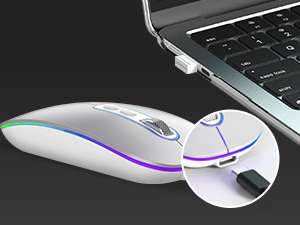
Type-C Charge
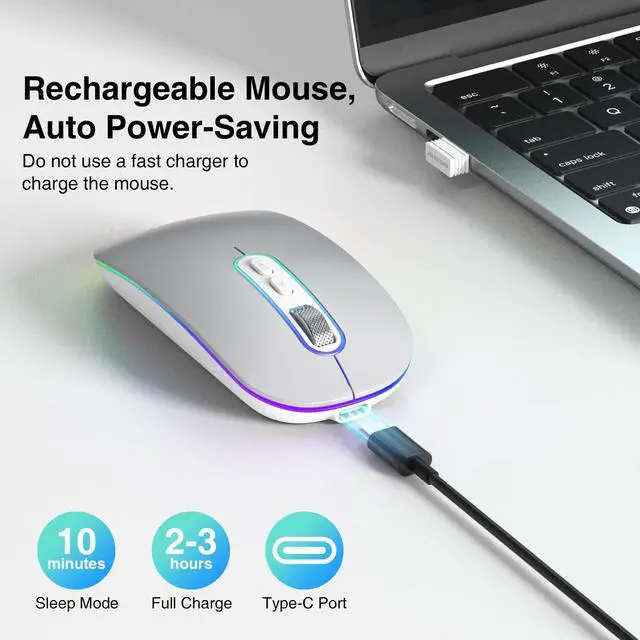
The rechargeable mouse can be easily charged via the included Type-C cable, say goodbye to disposable batteries and enjoy energy-saving lifestyle.
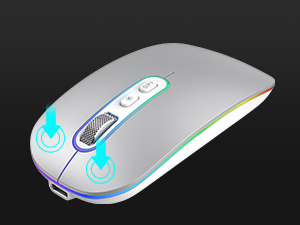
Click And Scroll In Silence
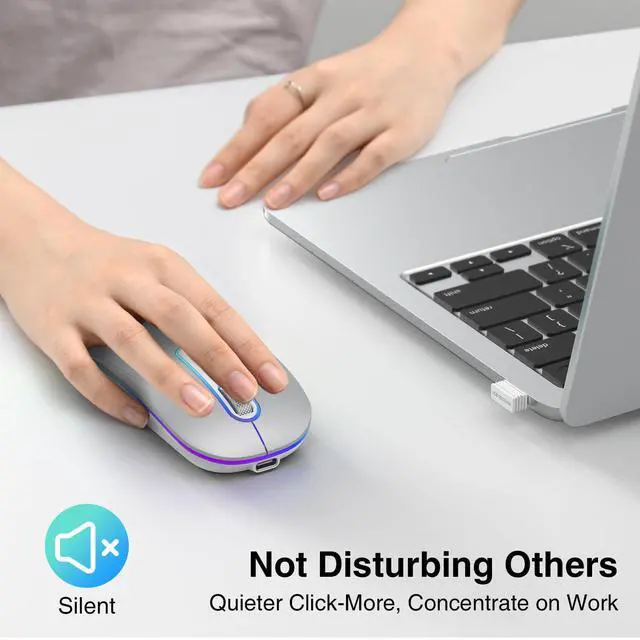
Stay focused on your work without disturbing others with the silent buttons and fast scroll wheel of this mouse.
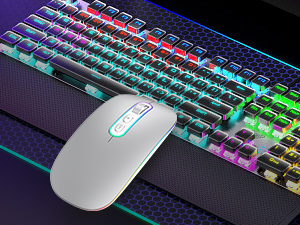
More Vibrant RGB, More Fun
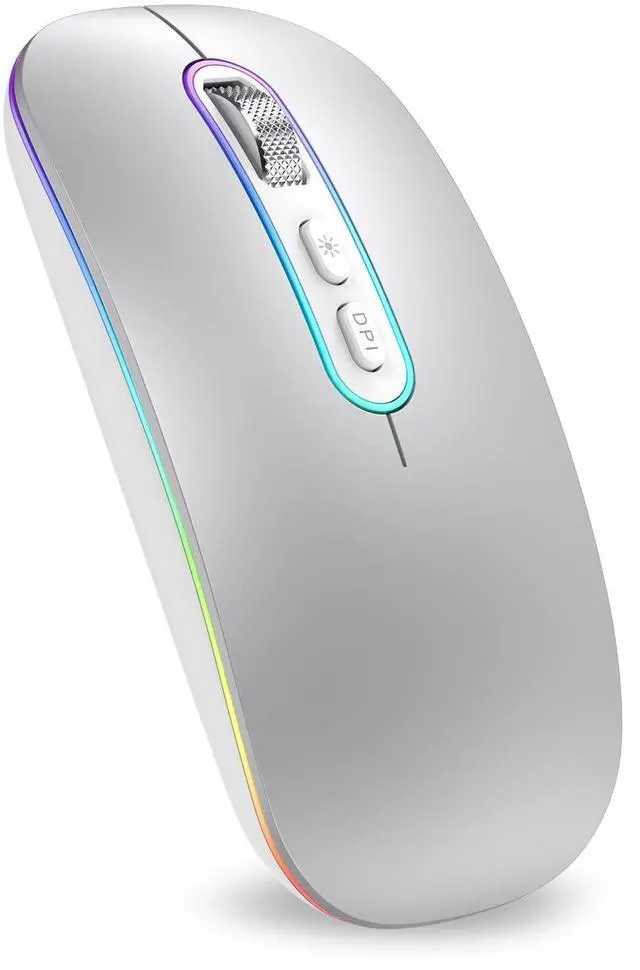
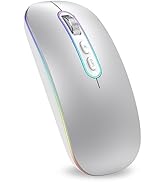
Pure and brilliant RGB lighting change alternately makes your desktop a beautiful landscape. (Can not be set to one specific color)
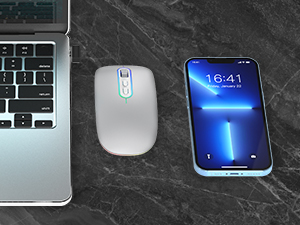
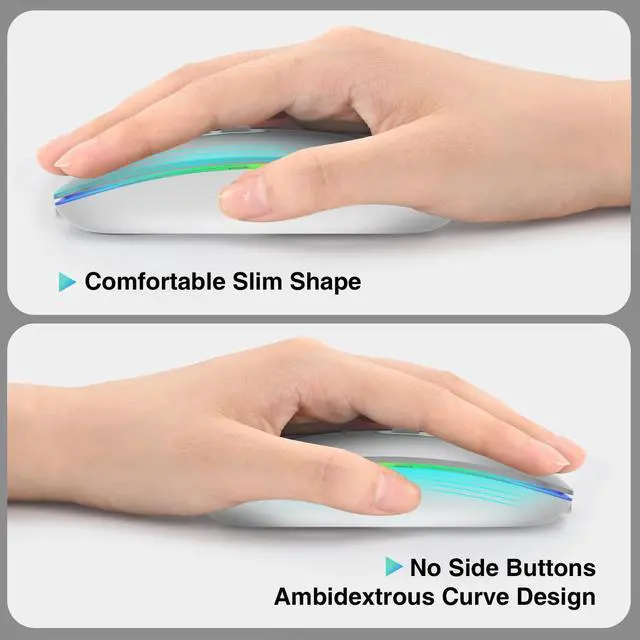
Lightweight & Compact Design
This computer mouse is perfect for laptops and tablets, easily portable in your computer bag. Ideal for home, office, and travel use.
How to charge the wireless mouse and know its charging state?
1.lt is recommended to use the USB interface of the computer to charge the mouse. (Do not charge with a fast charger)
2.The charging indicator light at the wheel turns red when charging, and turns off when fully charged. lt will take about 3 hours.
The wireless mouse pointer suddenly does not work.
1.The mouse may enter sleep mode. You can click any button to wake it up.
2.The mouse may be out of power. If the power is low, please charge in time.
3.Check whether the power switch on the back of the mouse is in the channel you are using.
The pointer moves slowly when moving the mouse.
It is necessary to check whether the DPI button is pressed by mistake. If the maximum DPI still fails to meet the usage requirements, check whether the computer cursor speed is adjusted too low (Computer-Settings-Mouse Settings-Cursor Speed).
Does it consume power when not in use?
You can turn off the power switch located at the bottom when not in use. The M01 mac mouse enters sleep mode 10 minutes after you last used the mouse. lf you need to use the mouse, you can wake it up by clicking the key.
Is this mouse compatible with Windows 10?
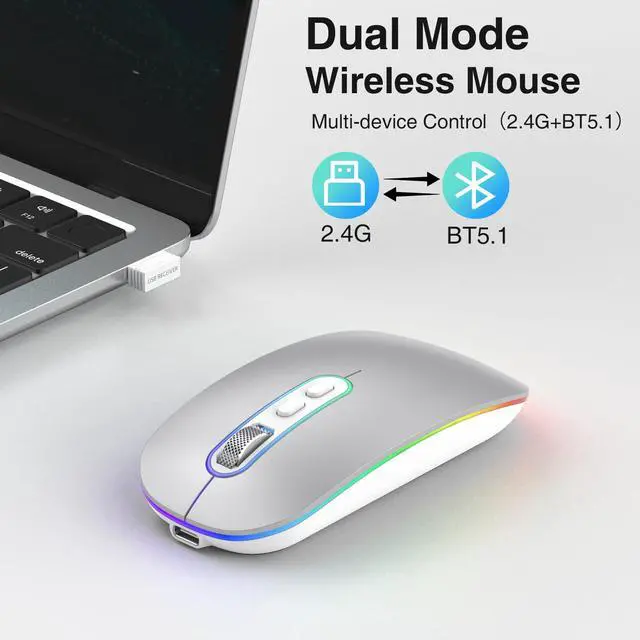
Yes, our wireless mouse is compatible with Windows 2000/ XP / Vista / 7 / 8/ 10 / Mac / Linux. Works with Notebook, Chromebook, PC, Laptop, Computer, iPad and more.
Type-C Charge
The rechargeable mouse can be easily charged via the included Type-C cable, say goodbye to disposable batteries and enjoy energy-saving lifestyle.
Click And Scroll In Silence
Stay focused on your work without disturbing others with the silent buttons and fast scroll wheel of this mouse.
More Vibrant RGB, More Fun
Pure and brilliant RGB lighting change alternately makes your desktop a beautiful landscape. (Can not be set to one specific color)
Lightweight & Compact Design
This computer mouse is perfect for laptops and tablets, easily portable in your computer bag. Ideal for home, office, and travel use.
How to charge the wireless mouse and know its charging state?
1.lt is recommended to use the USB interface of the computer to charge the mouse. (Do not charge with a fast charger)
2.The charging indicator light at the wheel turns red when charging, and turns off when fully charged. lt will take about 3 hours.
The wireless mouse pointer suddenly does not work.
1.The mouse may enter sleep mode. You can click any button to wake it up.
2.The mouse may be out of power. If the power is low, please charge in time.
3.Check whether the power switch on the back of the mouse is in the channel you are using.
The pointer moves slowly when moving the mouse.
It is necessary to check whether the DPI button is pressed by mistake. If the maximum DPI still fails to meet the usage requirements, check whether the computer cursor speed is adjusted too low (Computer-Settings-Mouse Settings-Cursor Speed).
Does it consume power when not in use?
You can turn off the power switch located at the bottom when not in use. The M01 mac mouse enters sleep mode 10 minutes after you last used the mouse. lf you need to use the mouse, you can wake it up by clicking the key.
Is this mouse compatible with Windows 10?
Yes, our wireless mouse is compatible with Windows 2000/ XP / Vista / 7 / 8/ 10 / Mac / Linux. Works with Notebook, Chromebook, PC, Laptop, Computer, iPad and more.
Cimetech emerges as a beacon of innovation, youthfulness, fashion, and quality. Born from a fusion of cutting-edge technology and contemporary style.
We blend ergonomic designs with cutting-edge technology to enhance user experience, focusing on precision, durability, and comfort. Our passion drives us to exceed expectations, making every product a symbol of excellence and innovation.
With Cimetech, the future is at your fingertips.
Worldwide?Technology?durable
Coffee shop?Library?Office
Programmer?Designer?Writer
Top /Jeans Pocket?Computer Bag