


Your Browsing History

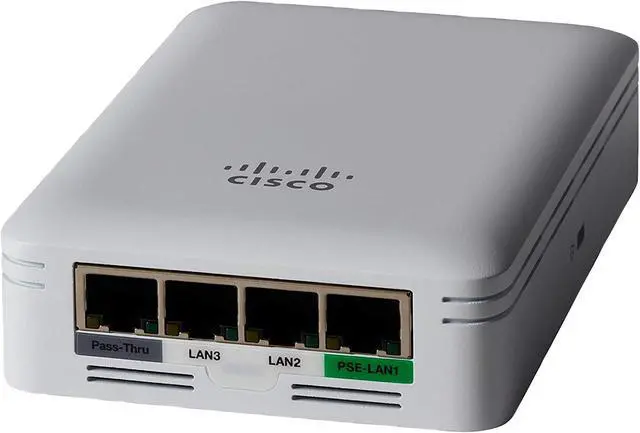
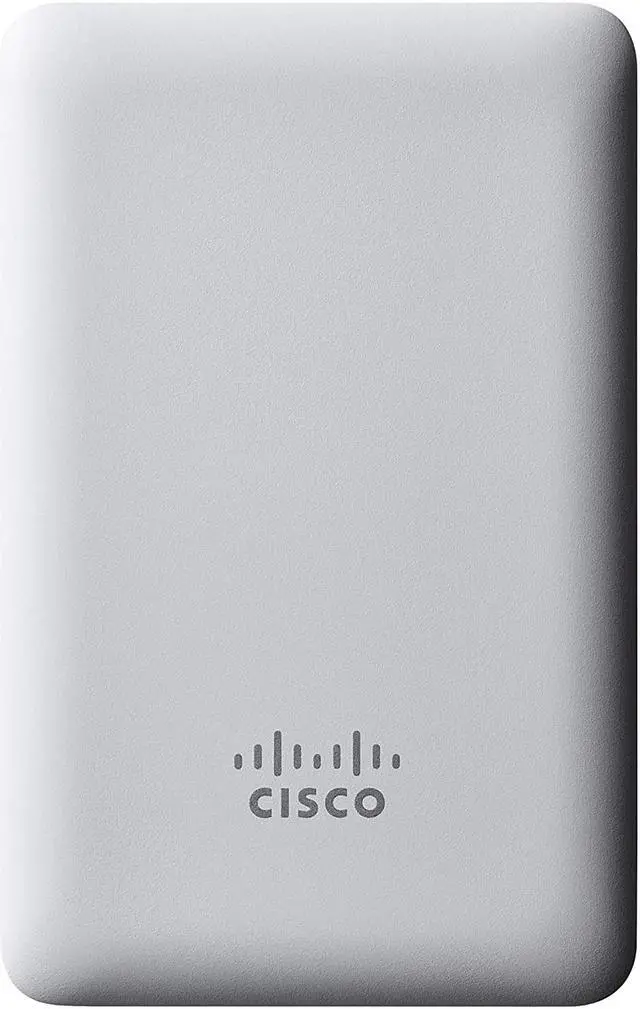
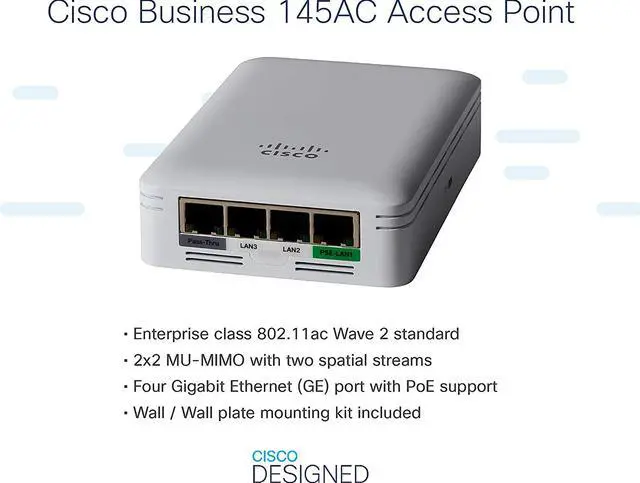



Cisco 145AC IEEE 802.11ac 1 Gbit/s Wireless Access Point
- With IEEE 802.11ac network technology and data transfer rate of up to 1 Gbit/s, enjoy superior HD media playback and lag-free gaming
- Up to 10x faster than standard Ethernet connectivity for your wired network
- PoE (RJ-45) Ports eliminates the need of installing additional electrical wiring
- 1 Gbit/s wireless transmission speed provides high and efficient communication with maximum efficiency
- Wall Mountable form factor for your usage convenience and better reliance
- Create a reliable wireless business network with this wireless access point that features a high-speed data transfer rate
Specs
Reviews

Any questions? Our AI mode will help you find out quickly.
Try me now
Learn more about the Cisco Systems, Inc. CBW145AC-B
| Brand | CISCO |
|---|---|
| Series | Business 145AC |
| Model | CBW145AC-B |
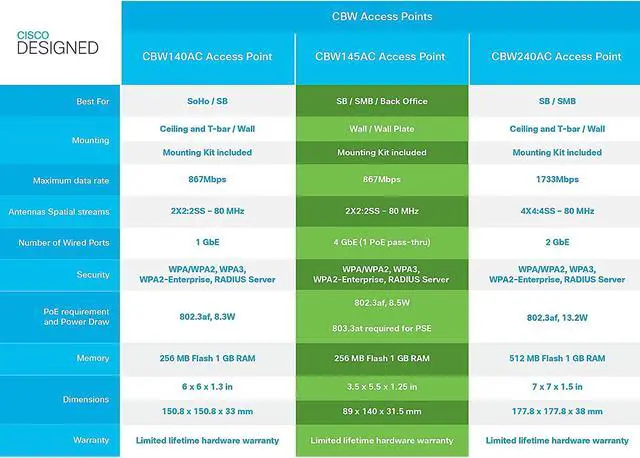
| Standards | IEEE 802.11a/b/g, 802.11n, 802.11h, 802.11d IEEE 802.11ac |
|---|---|
| Wireless Data Rates | 802.11a: 6, 9, 12, 18, 24, 36, 48, and 54 Mbps 802.11b/g: 1, 2, 5.5, 6, 9, 11, 12, 18, 24, 36, 48, and 54 Mbps 802.11n data rates on 2.4 GHz: 6.5 to 300 Mbps (MCS0-MCS15, HT 20/40) 802.11ac data rates on 5 GHz: 6.5 to 867 Mbps (MCS0-MCS9) |
| Security | 802.11i, WPA2, WAP3, WPA 802.1X AES |
| Antenna | Integrated antennas 2.4 GHz, gain 2 dBi 5 GHz, gain 3 dBi |
| Transmitted Power | 2.4 GHz - Up to 20 dBm 5 GHz - Up to 20 dBm |
| Interface | 1 x Gigabit Ethernet uplink (10/100/1000BASE-T autosensing), PoE 3 x Gigabit Ethernet local ports (10/100/1000BASE-T), including one PoE out port: PoE out provides 802.3af (Class 0) when access point is powered by 802.3at, or no output when powered by 802.3af One passive pass-through port, RJ-45 (back to bottom) |
| LEDs | Status LED indicates boot loader status, association status, operating status, boot loader warnings, boot loader errors |
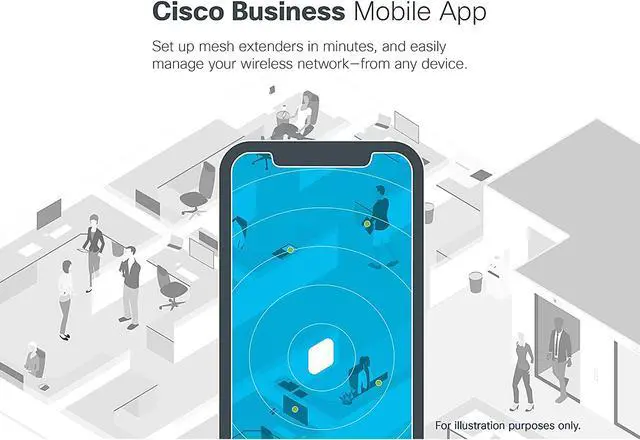
| Features | MU-MIMO Multi-User (MU) Multiple-Input Multiple-Output (MU-MIMO) technology allows transmission of data to multiple 802.11ac Wave 2 - capable clients simultaneously to improve the client experience. Prior to MU-MIMO, 802.11n and 802.11ac Wave 1 access points could transmit data to only one client at a time. This was typically referred to as Single-User MIMO (SU-MIMO). Gigabit Ethernet ports Three local Gigabit Ethernet ports are available to securely connect wired devices to the network. Traffic from wired devices can be tunneled back to Master AP or be locally switched by the access point. One of these Ethernet ports can also provide Power over Ethernet (PoE) out to power a device such as an IP phone or a security camera. Simplified management Deploy and configure multiple Cisco Business access points and mesh extenders easily without a physical controller, using Cisco Business Mobile app. Optional multisite remote management is available through the Cisco FindIT Network Management. Mesh technology support Mix and match Cisco Business mesh extenders or access points to increase WiFi coverage throughout your business. Flexible deployment Flexible deployment models supporting multiple concurrent use cases required by small businesses, including point of sale systems, surveillance cameras, guest access, and more. |
|---|
| Dimensions | Access point (without mounting bracket): 1.25" x 3.50" x 5.50" |
|---|---|
| Weight | Access point without mounting bracket or any other accessories: 10.00 oz. |
| Temperature | Operating: 32° to 104°F (0° to 50°C) Nonoperating (storage and transportation): -22° to 158°F (-30° to 70°C) |
|---|---|
| Humidity | 10% - 90%, Non-Condensing |
| First Listed on Newegg | July 15, 2020 |
|---|
Warranty & Returns
Warranty, Returns, And Additional Information
Warranty
- Limited Warranty period (parts): Lifetime
- Limited Warranty period (labor): Lifetime
- Read full details
Return Policies
- Return for refund within: 30 days
- Return for replacement within: 30 days
- This item is covered by Newegg.com's 30-Day Return Policy.
- Read full return policy for details.
Manufacturer Contact Info
- Manufacturer Product Page
- Manufacturer Website
- Support Phone: 1-800-553-6387
- Support Website
- View other products from Cisco Systems, Inc.
LOADING...