




 here!
here!
I’m your shopping assistant for PC builds, upgrades, and everything tech.
Got questions? Ask away!
Start a conversation
here!
I’m your shopping assistant for PC builds, upgrades, and everything tech.
Got questions? Ask away!
Start a conversation



Any questions? Ask CelesteSM will help you find out quickly.

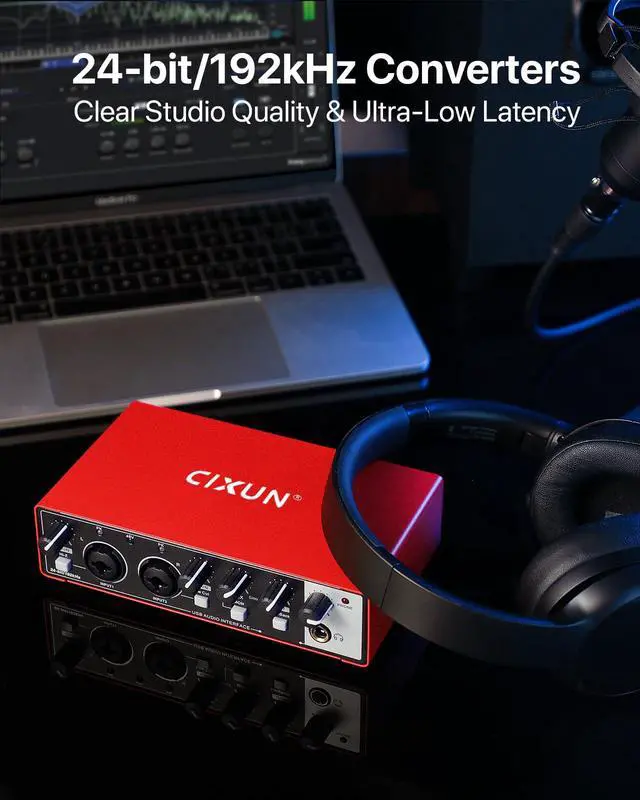
CIXUN is the essential bridge for modern music creation.
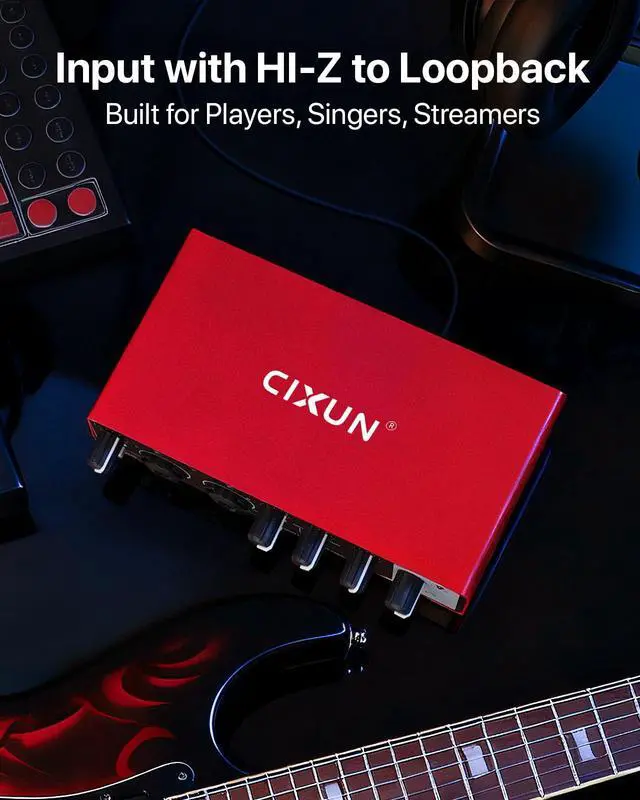
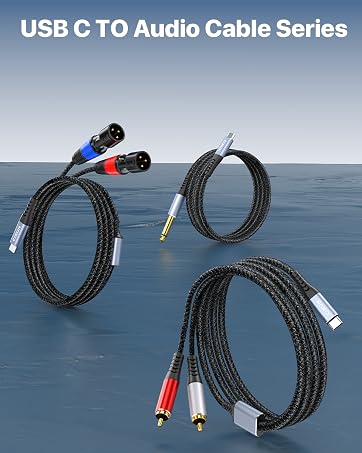
We specialize in high-fidelity audio interfaces and versatile USB-C-centric connectivity solutions—from professional XLR and RCA cables to robust Guitar cables—ensuring your sound is captured and transmitted with absolute clarity.
We eliminate the barrier between digital and analog, empowering your limitless creativity.
Listen Closely to you.
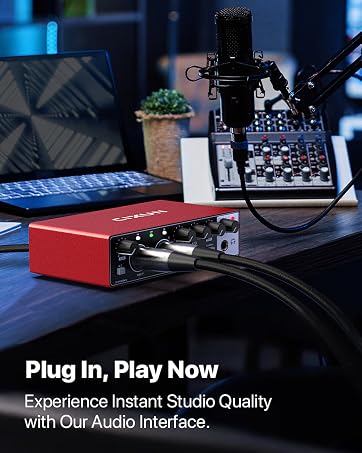
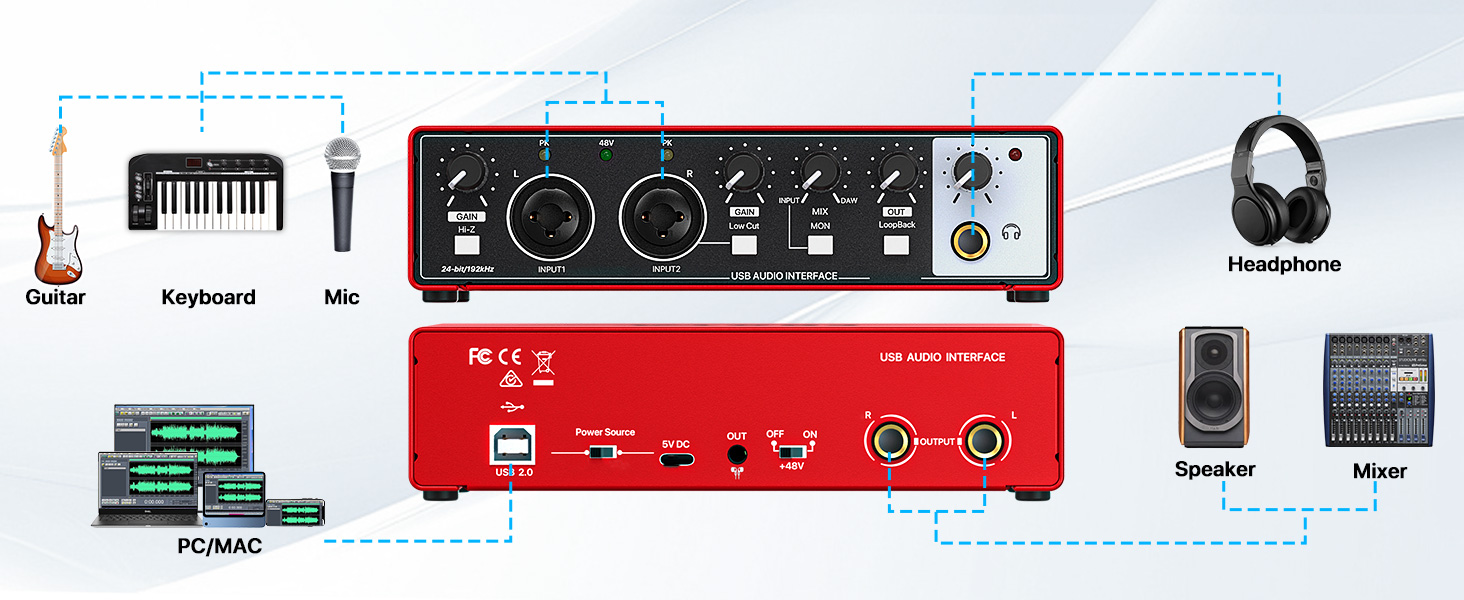
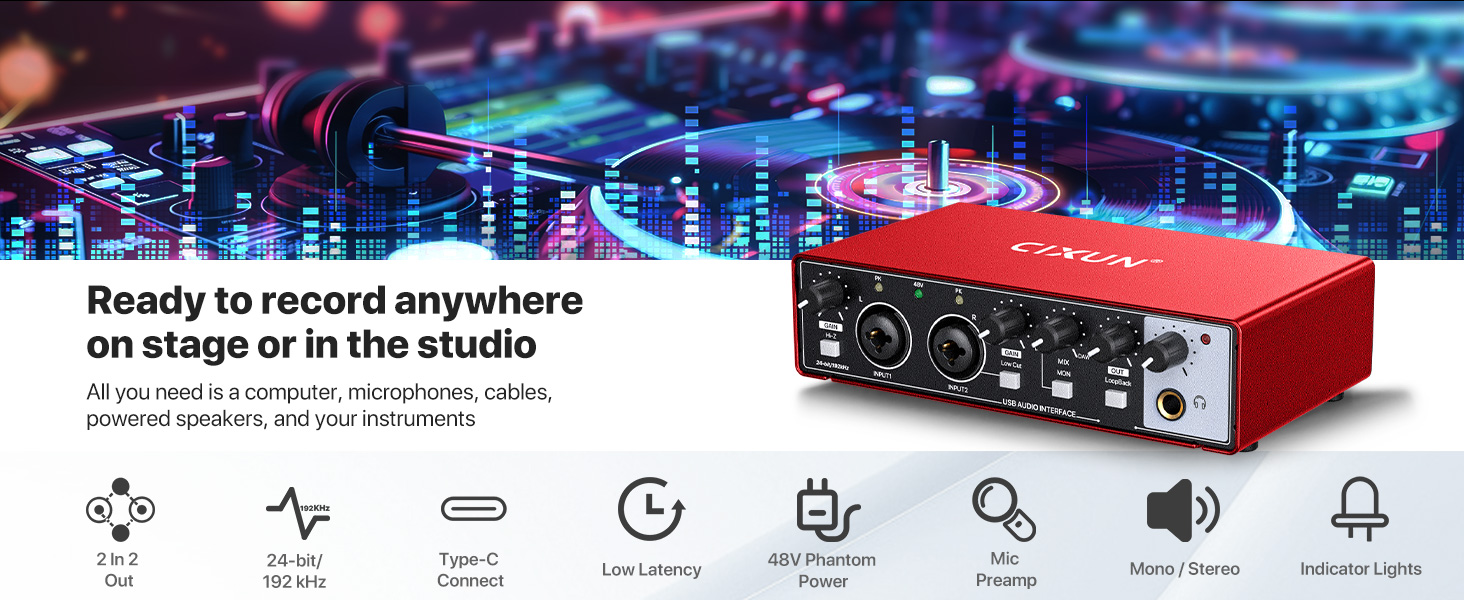
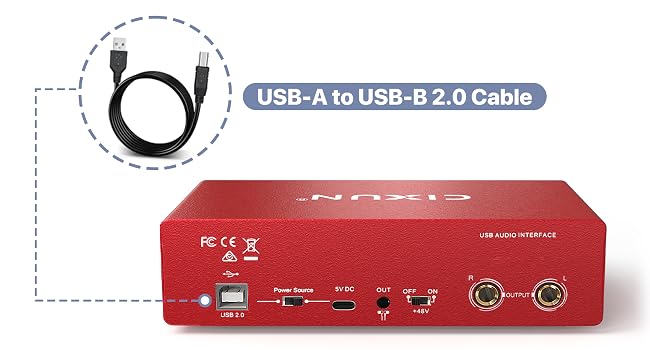
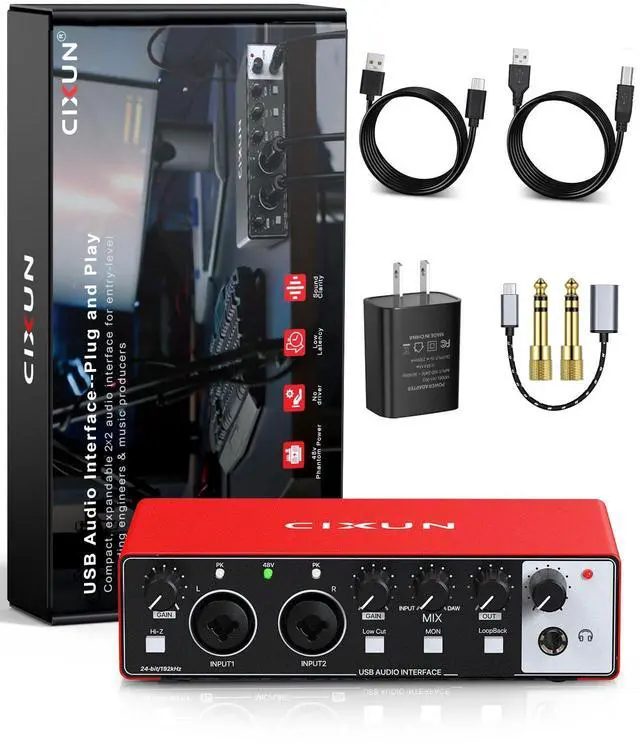
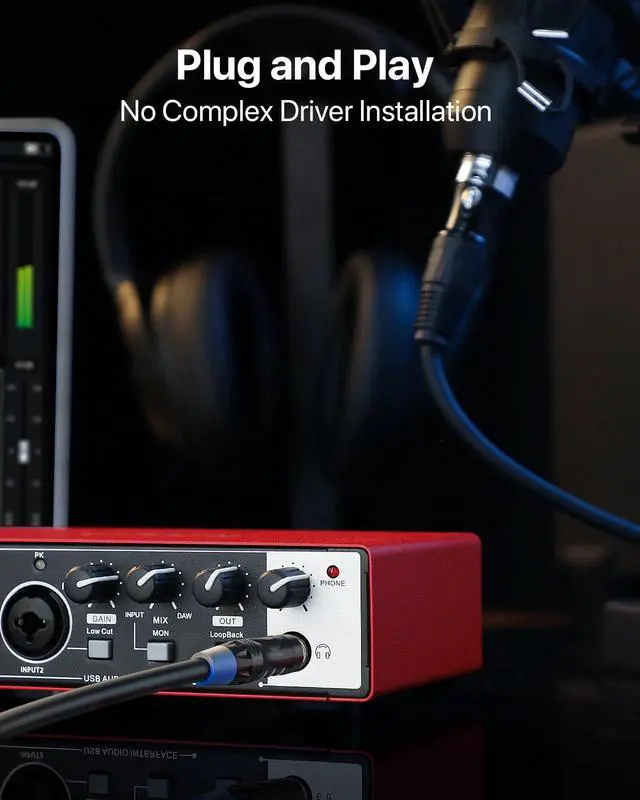
This port is for data transfer only and cannot power the interface. Use the provided USB 2.0 cable to connect it to your computer.
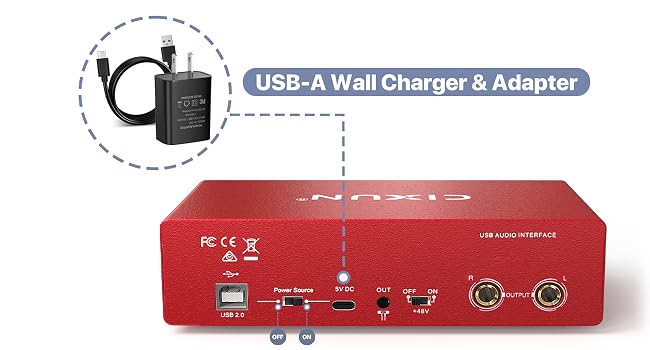
To turn on the unit, connect the provided Type-C cable from the interface to a 5V USB power adapter plugged into a wall outlet. Then, slide the power switch to the right.
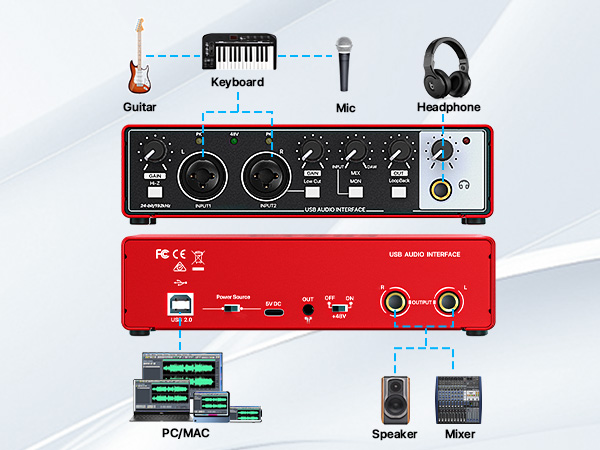
This port is for data transfer only and cannot power the interface. Use the provided USB 2.0 cable to connect it to your computer.
To turn on the unit, connect the provided Type-C cable from the interface to a 5V USB power adapter plugged into a wall outlet. Then, slide the power switch to the right.
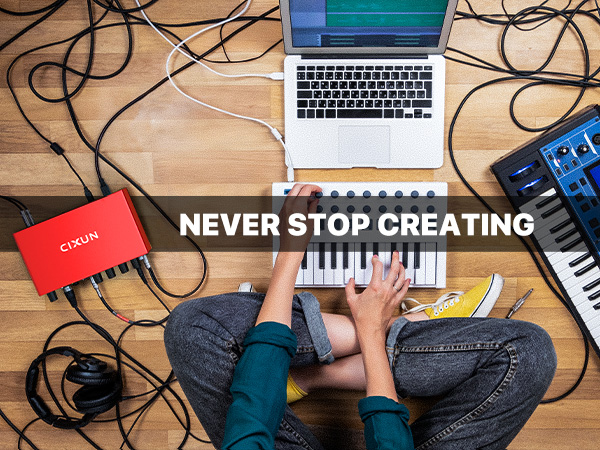
CIXUN is the essential bridge for modern music creation.
We specialize in high-fidelity audio interfaces and versatile USB-C-centric connectivity solutions—from professional XLR and RCA cables to robust Guitar cables—ensuring your sound is captured and transmitted with absolute clarity.
We eliminate the barrier between digital and analog, empowering your limitless creativity.
Listen Closely to you.


