






EMEET PIXY — Next-Gen Webcam

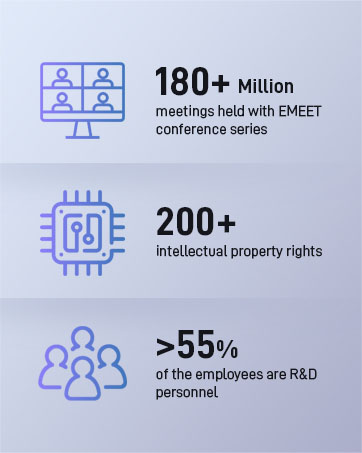
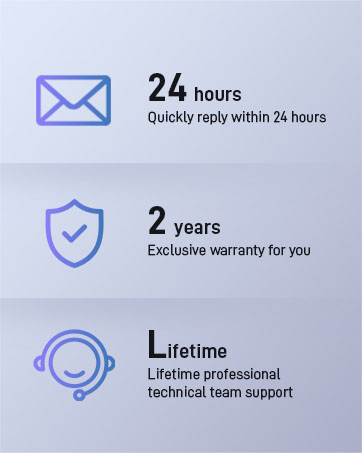
EMEET values the contributions of every individual in meetings and knows that everyone should be heard and seen. Established in August 2016, with the mission of "better communication, better world", we endeavored to create an intelligent mobile collaboration space. Today, EMEET is a prominent global company, specializing in R&D, production, and sales of AI-driven intelligent audio and video communication products and cloud services.
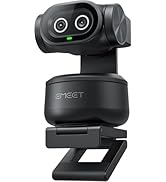
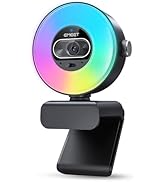

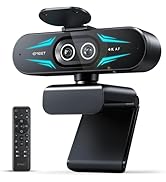
EMEET New Release
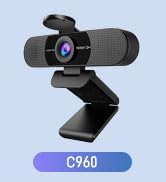
EMEET Best Sellers
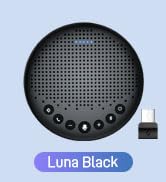

Speakerphones Cost-Effective
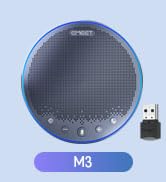
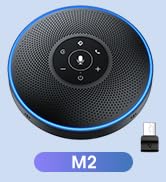
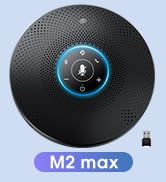
Speakerphones High-End
1080P Webcams
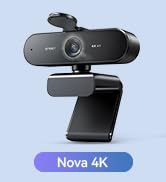
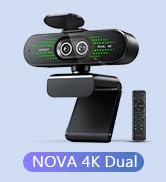
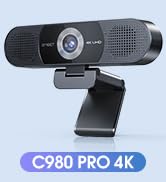
4K Webcams For Conference
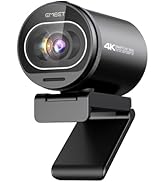
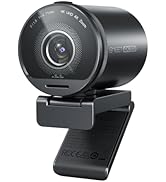
4K Webcams for Streaming
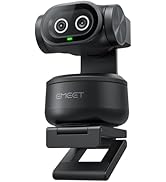
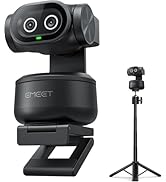

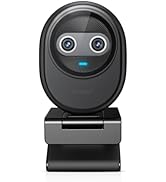
4K Webcams P-Series Family
Webcams with Tripod
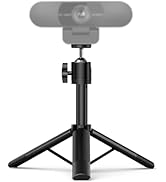
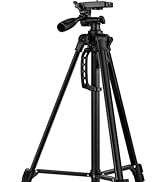

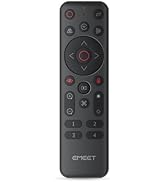
EMEET Accessories
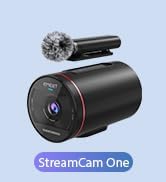
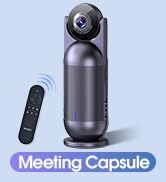
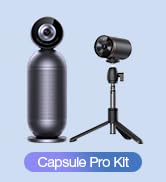
Other Choices
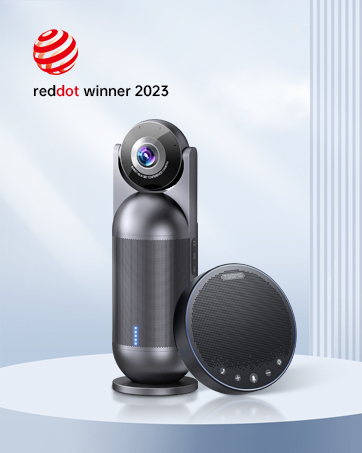
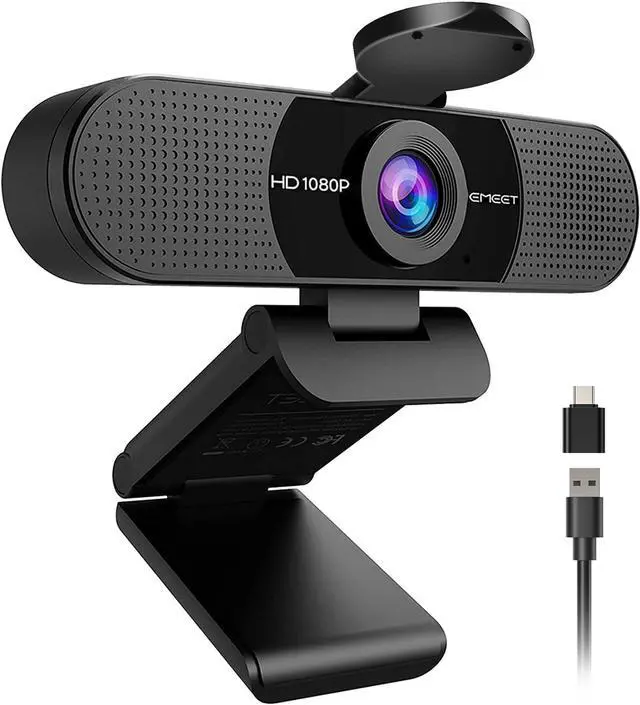
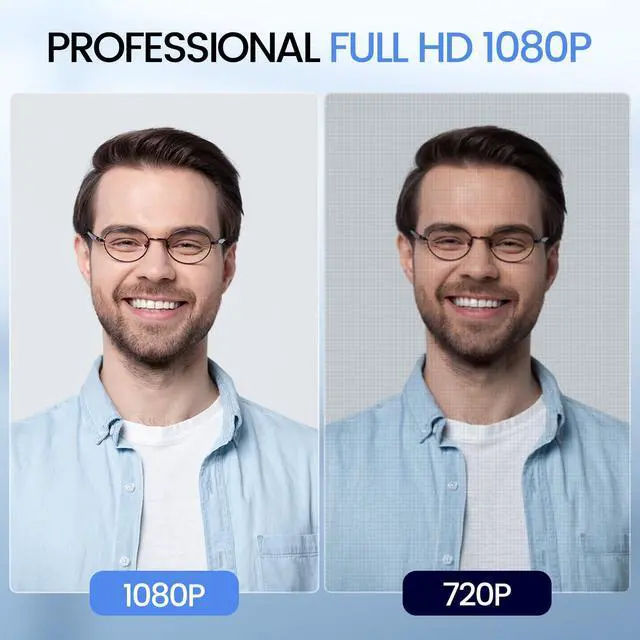
EMEET C960 1080P FHD Webcam for PC
EMEET C960 1080P Webcam with Microphone
Merchant Video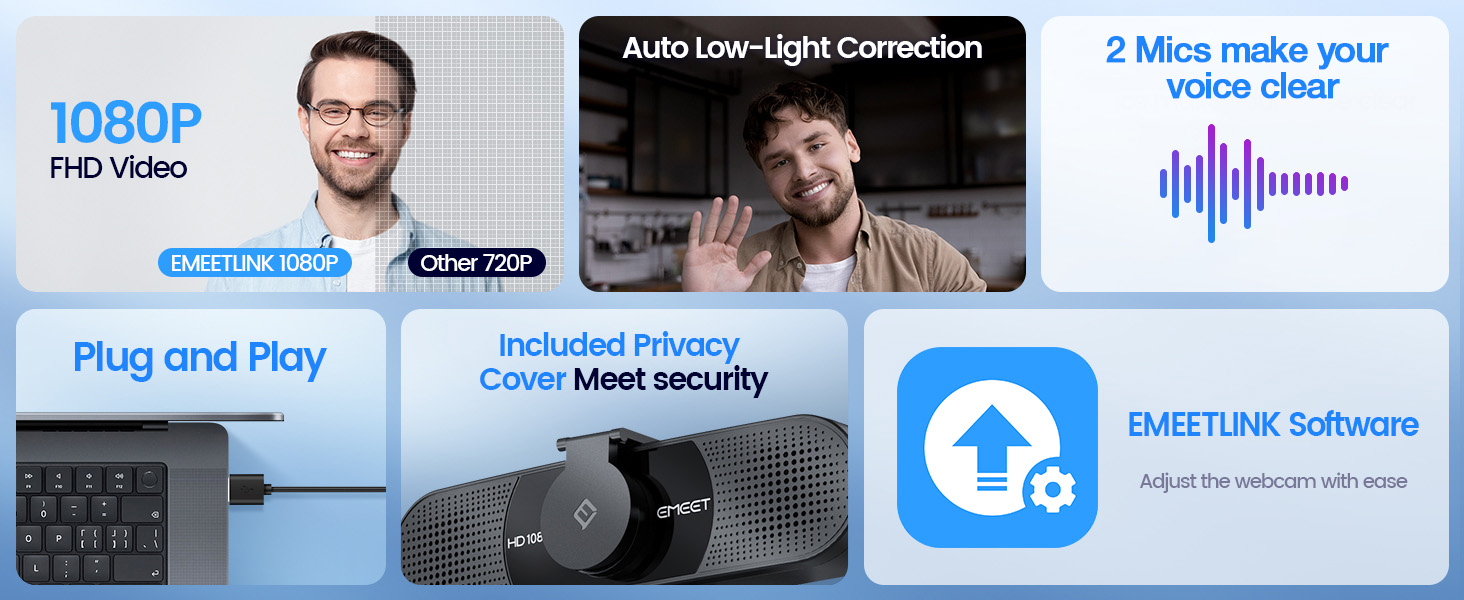

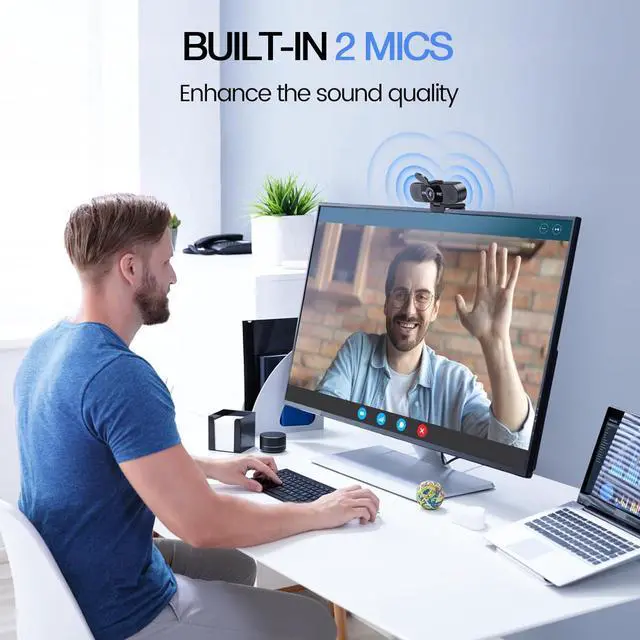
2 Built-in Microphones
With 2 mics, the USB webcam picks up and delivers your voice clearly and accurately.

Wider Field of View
With a wider 90° FOV, this web camera can accommodate more participants.
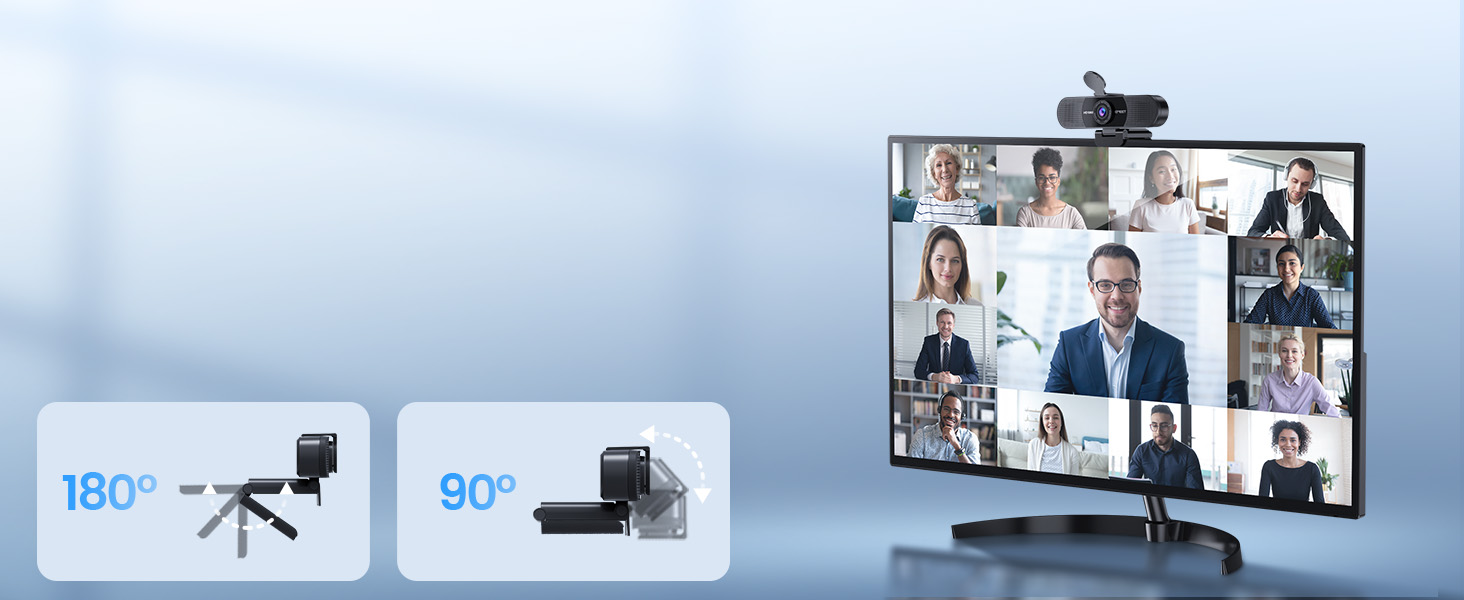
Adjustable Base and Head
Both the base and head of the EMEET smartcam C960 are flexible for better coverage of attendees.


Choose Your Preferred EMEET Webcam
 C960 2025 Version |  PIXY PTZ Dual-Camera |  S600L Webcam with Light |  EMEET NOVA 4K Dual-Camera |  NOVA 4K Webcam |  C960 4K Webcam |  S600 4K Webcam | |
|---|---|---|---|---|---|---|---|
Customer Reviews | — | — | — | — | — | — | — |
Price | — | — | — | — | — | — | — |
Max. Resolution | 1080P | 4K | 4K | 4K | 4K | 4K | 4K |
Camera | Single | Main&Auxiliary Dual cameras | Single Camera with Ring Light | Wide-Angle&Telephoto 2 Cameras | Single | Single | Single |
Max. Frame Rate | 30 FPS | 4K@30FPS and 1080P@60FPS | 4K@30FPS and 1080P@60FPS | 4K@30FPS and 1080P@60FPS | 30 FPS | 30 FPS | 4K@30FPS and 1080P@60FPS |
Focus Type | Fixed Focus | PDAF and AI fast Autofocus | 0.2S PDAF Autofocus | PDAF Autofocus | PDAF Autofocus | PDAF Autofocus | PDAF Autofocus |
Field of View | 90° | Adjustable | 73° | Adjustable | 73° | 73° | 40°-73° |
Microphone and Speaker | 2 Mics | 3 Mics with 3 Sound Modes | 2 Mics | 2 Mics | 2 Mics | 2 Mics | 2 Mics |
Tripod Suitable | Yes | Yes | Yes | Yes | Yes | Yes | Yes |
Privacy Cover | External push-pull cover | Built-in privacy mode | Built-in privacy cover slide | External push-pull cover | External push-pull cover | External push-pull cover | Built-in rotary privacy cover |
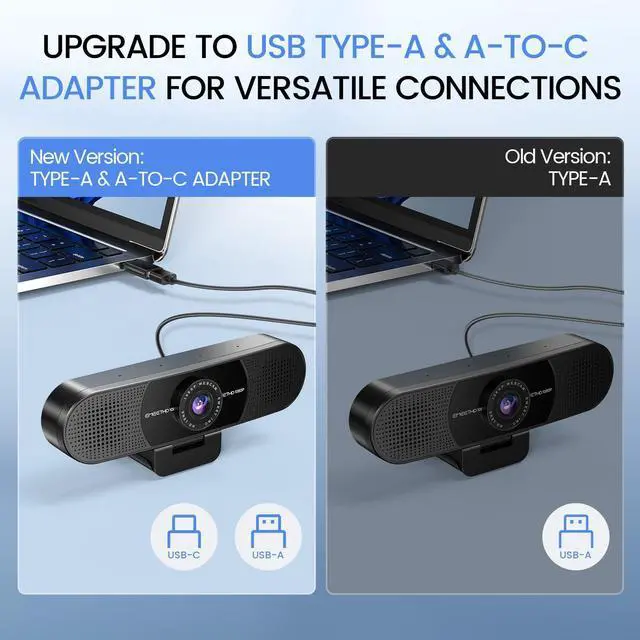
USB Connection | Type-A & A-to-C Adapter | Type-C & C-to-A Adapter | Type-C & C-to-A Adapter | Type-C & C-to-A Adapter | Type-A | Type-A | Type-C |
AI Tracking | NO | YES | NO | NO | NO | NO | NO |
Remote Control | NO | YES(Buy Separately) | NO | YES(Already Included) | NO | NO | NO |
Why is my webcam not working or not detected?
Connect the EMEET C960 webcam directly to a USB port, not hubs. Enable camera/mic permissions in Windows/macOS. Select the webcam in Zoom, Teams, Facetime, or other apps. Restart apps after permission changes for proper detection.
Why does my webcam show no video in Zoom or Teams?
Ensure EMEET C960 webcam is the active camera in software. Enable system camera/mic permissions. Avoid hubs, close other apps using the camera, and keep the subject within the fixed focal length (11.8–118.1 in) for clear video.
Why is the video quality not as clear as expected?
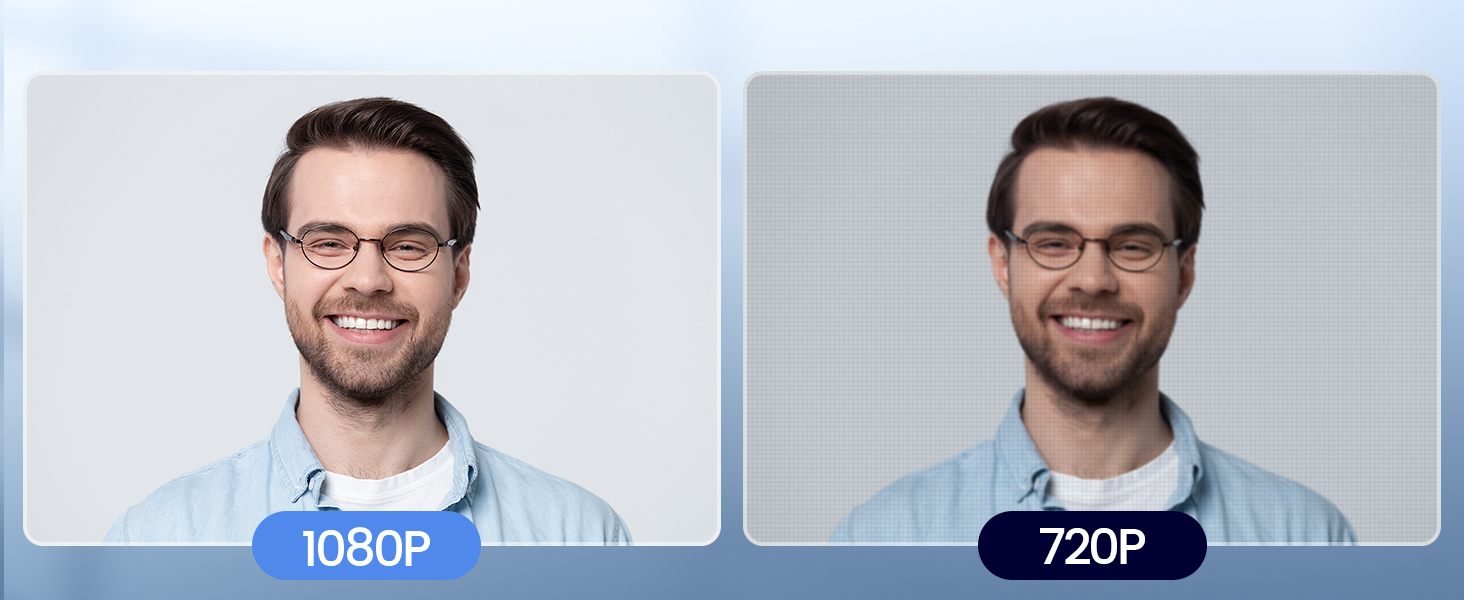
Check application settings for 1080P. Place the webcam in bright/normal light within 11.8–118.1 in. Automatic exposure and color boost help in dim light. Proper positioning ensures sharp, realistic video for streaming, meetings, or teaching.
Does this webcam work well in low-light environments?
The EMEET C960 webcam has auto exposure, low-light boost, and color optimization. Best results are in normal or bright lighting. Avoid harsh backlight or very dark rooms. Keep subject in the focal range for clear images.
Can I use this webcam with a USB hub or docking station?
Yes, but connect directly to a USB port for stability. Hubs may cause intermittent video. Use the included Type-A/Type-C adapters. The upgraded USB cable and foldable design allow flexible, stable setup for streaming or calls.
EMEET C960 1080P FHD Webcam for PC
EMEET C960 1080P Webcam with Microphone
Merchant Video
2 Built-in Microphones
With 2 mics, the USB webcam picks up and delivers your voice clearly and accurately.
Wider Field of View
With a wider 90° FOV, this web camera can accommodate more participants.
Adjustable Base and Head
Both the base and head of the EMEET smartcam C960 are flexible for better coverage of attendees.


Enterprise-level security
Built-in Privacy Cover


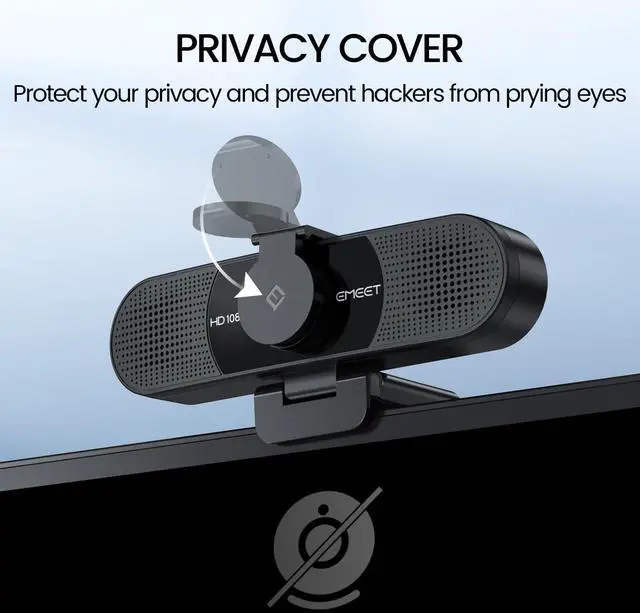
The C960 webcam for PC has a built-in privacy cover to protect your privacy and prevent hackers from prying eyes.

Choose Your Preferred EMEET Webcam
 C960 2025 Version | PIXY PTZ Dual-Camera | S600L Webcam with Light | EMEET NOVA 4K Dual-Camera | NOVA 4K Webcam | C960 4K Webcam | S600 4K Webcam |
|---|---|---|---|---|---|---|
| Customer Reviews | ||||||
| — | — | — | — | — | — | — |
| Price | ||||||
| — | — | — | — | — | — | — |
| Max. Resolution | ||||||
| 1080P | 4K | 4K | 4K | 4K | 4K | 4K |
| Camera | ||||||
| Single | Main&Auxiliary Dual cameras | Single Camera with Ring Light | Wide-Angle&Telephoto 2 Cameras | Single | Single | Single |
| Max. Frame Rate | ||||||
| 30 FPS | 4K@30FPS and 1080P@60FPS | 4K@30FPS and 1080P@60FPS | 4K@30FPS and 1080P@60FPS | 30 FPS | 30 FPS | 4K@30FPS and 1080P@60FPS |
| Focus Type | ||||||
| Fixed Focus | PDAF and AI fast Autofocus | 0.2S PDAF Autofocus | PDAF Autofocus | PDAF Autofocus | PDAF Autofocus | PDAF Autofocus |
| Field of View | ||||||
| 90° | Adjustable | 73° | Adjustable | 73° | 73° | 40°-73° |
| Microphone and Speaker | ||||||
| 2 Mics | 3 Mics with 3 Sound Modes | 2 Mics | 2 Mics | 2 Mics | 2 Mics | 2 Mics |
| Tripod Suitable | ||||||
| Yes | Yes | Yes | Yes | Yes | Yes | Yes |
| Privacy Cover | ||||||
| External push-pull cover | Built-in privacy mode | Built-in privacy cover slide | External push-pull cover | External push-pull cover | External push-pull cover | Built-in rotary privacy cover |
| USB Connection | ||||||
| Type-A & A-to-C Adapter | Type-C & C-to-A Adapter | Type-C & C-to-A Adapter | Type-C & C-to-A Adapter | Type-A | Type-A | Type-C |
| AI Tracking | ||||||
| NO | YES | NO | NO | NO | NO | NO |
| Remote Control | ||||||
| NO | YES(Buy Separately) | NO | YES(Already Included) | NO | NO | NO |
Why is my webcam not working or not detected?
Connect the EMEET C960 webcam directly to a USB port, not hubs. Enable camera/mic permissions in Windows/macOS. Select the webcam in Zoom, Teams, Facetime, or other apps. Restart apps after permission changes for proper detection.
Why does my webcam show no video in Zoom or Teams?
Ensure EMEET C960 webcam is the active camera in software. Enable system camera/mic permissions. Avoid hubs, close other apps using the camera, and keep the subject within the fixed focal length (11.8–118.1 in) for clear video.
Why is the video quality not as clear as expected?
Check application settings for 1080P. Place the webcam in bright/normal light within 11.8–118.1 in. Automatic exposure and color boost help in dim light. Proper positioning ensures sharp, realistic video for streaming, meetings, or teaching.
Does this webcam work well in low-light environments?
The EMEET C960 webcam has auto exposure, low-light boost, and color optimization. Best results are in normal or bright lighting. Avoid harsh backlight or very dark rooms. Keep subject in the focal range for clear images.
Can I use this webcam with a USB hub or docking station?
Yes, but connect directly to a USB port for stability. Hubs may cause intermittent video. Use the included Type-A/Type-C adapters. The upgraded USB cable and foldable design allow flexible, stable setup for streaming or calls.
EMEET PIXY — Next-Gen Webcam
EMEET values the contributions of every individual in meetings and knows that everyone should be heard and seen. Established in August 2016, with the mission of "better communication, better world", we endeavored to create an intelligent mobile collaboration space. Today, EMEET is a prominent global company, specializing in R&D, production, and sales of AI-driven intelligent audio and video communication products and cloud services.
EMEET New Release
EMEET Best Sellers
Speakerphones Cost-Effective
Speakerphones High-End
1080P Webcams
4K Webcams For Conference
4K Webcams for Streaming
4K Webcams P-Series Family
Webcams with Tripod
EMEET Accessories
Other Choices