





Every old VHS tape, camcording, or vintage gaming moment holds a story worth saving.
With a simple one-touch operation, DigitPro converter turns analog videos into lasting digital files—no computer, no complicated setup. A built-in screen lets you preview and play back your recordings instantly, while HDMI output makes it easy to share on a bigger screen when you’re ready.
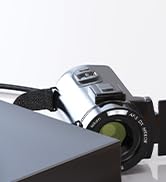
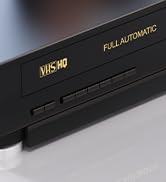
VHS to Digital Converter 2.0
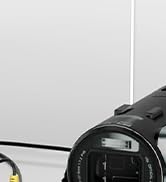
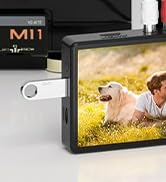
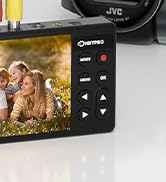
5" VHS to Digital Converter
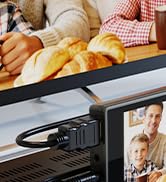

4K VHS to Digital Converter
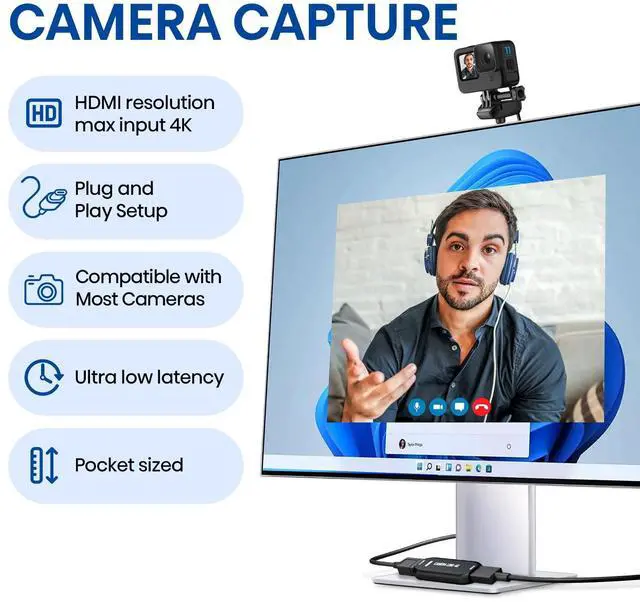
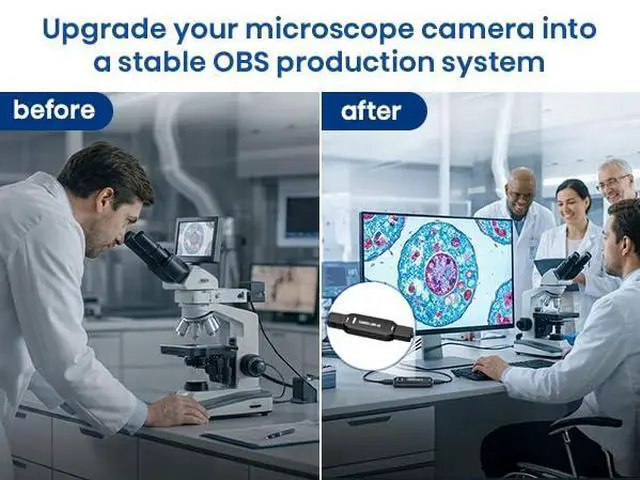
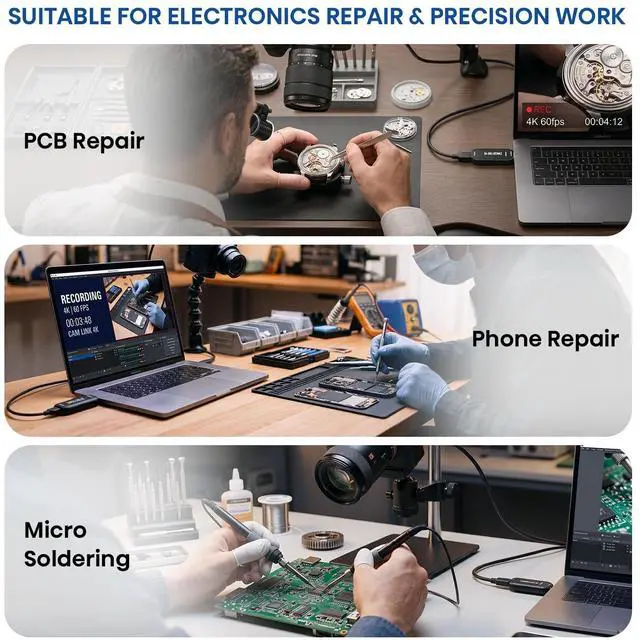
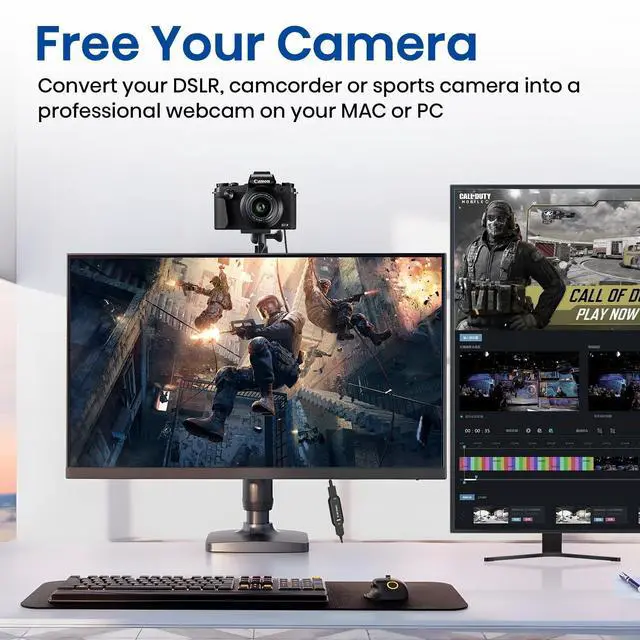
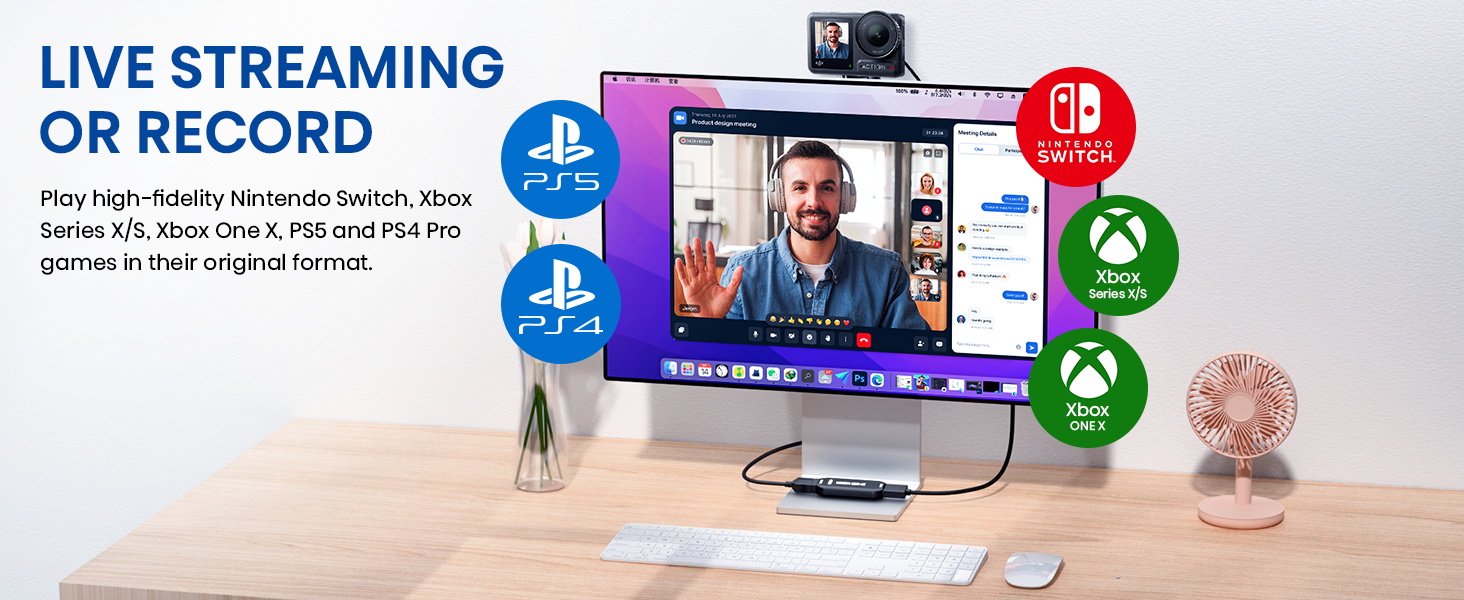
Turn Your Camera into a Pro Webcam
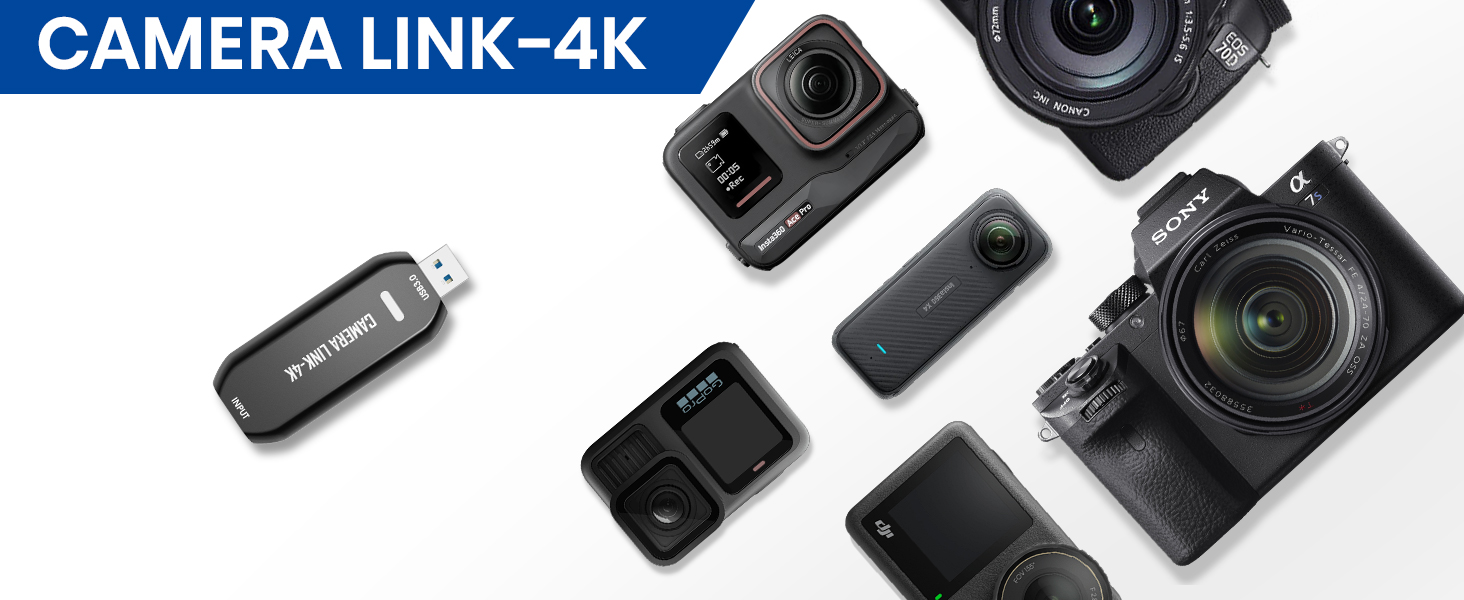
Upgrade your DSLR, camcorder, or action cam for streaming, calls, and online events — all with one simple HDMI connection.
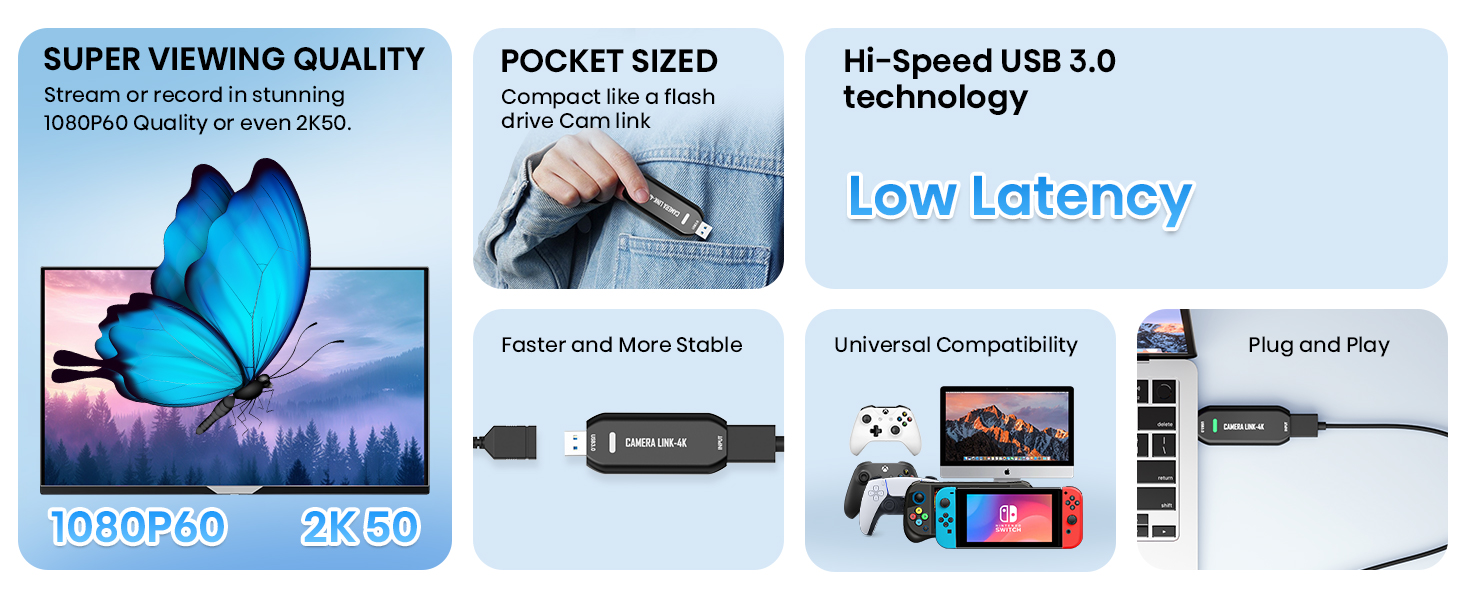


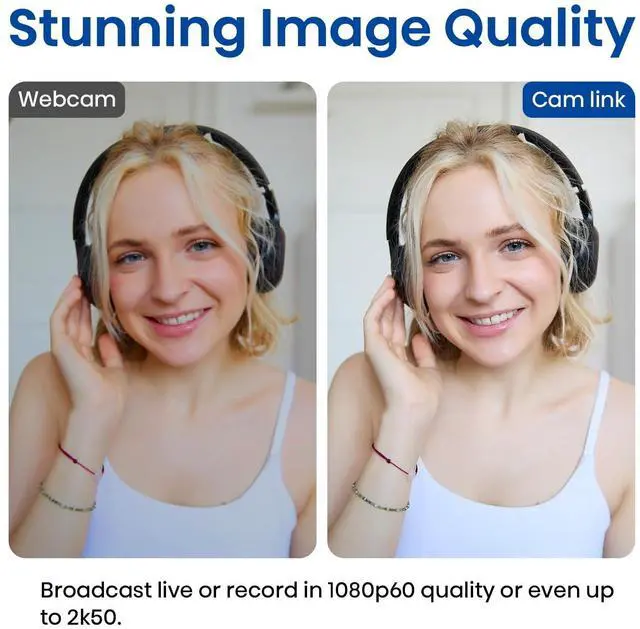
Stunning Image Quality up to 2K50

Stream and record in smooth 1080p60 or ultra-detailed 2K50. Perfect for creators who demand sharp, vibrant visuals.
Does Cam Link 4K support 4K video input or output?
Cam Link 4K supports up to 4K HDMI input, but the maximum output resolution is 2K. It captures video at 1080p/60fps or ultra-detailed 2K50fps, delivering smooth, high-quality output that's perfect for live streaming, gaming, and video conferencing.
Do I need any other equipment?
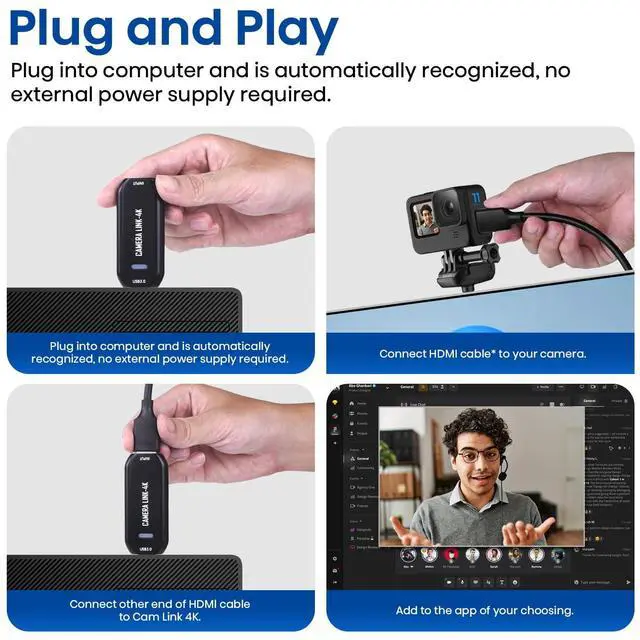
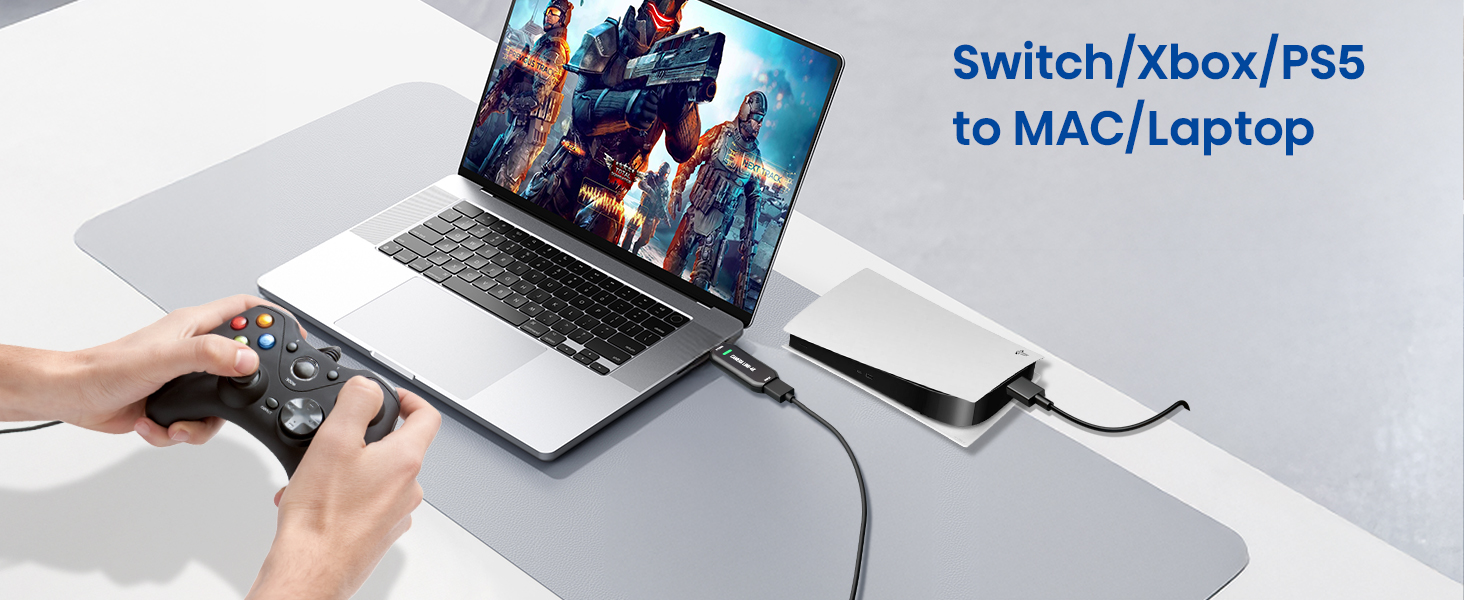
To connect to Cam Link 4K, you may need a Micro HDMI to HDMI cable or a Mini HDMI to HDMI cable depending on your camera model. Depending on your computer's ports, you may also need a USB-C to USB-A adapter.
Note: HDMI to HDMI cable (included)
Can I use any USB port?
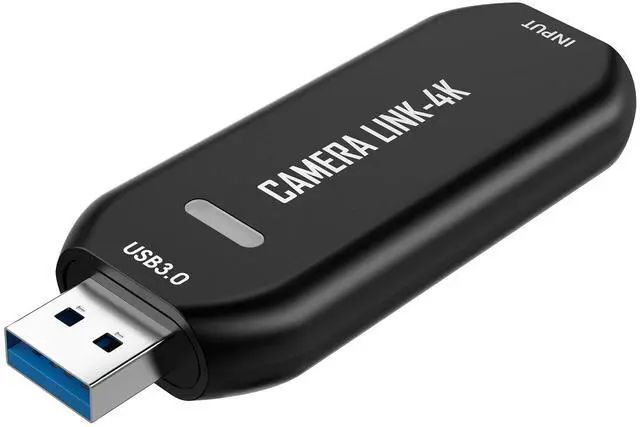
Cam Link 4K features a USB-A port and requires connection to a USB 3.0 or higher port to achieve optimal performance.
What should I do if the device fails to recognize/work when using Cam Link 4K?
Perhaps your drivers are out of date. After connecting via USB, check Device Manager to confirm that "USB 3.0 Video" appears under camera drivers. If you see a yellow exclamation mark, please use the Driver Update Tool to update.
Turn Your Camera into a Pro Webcam
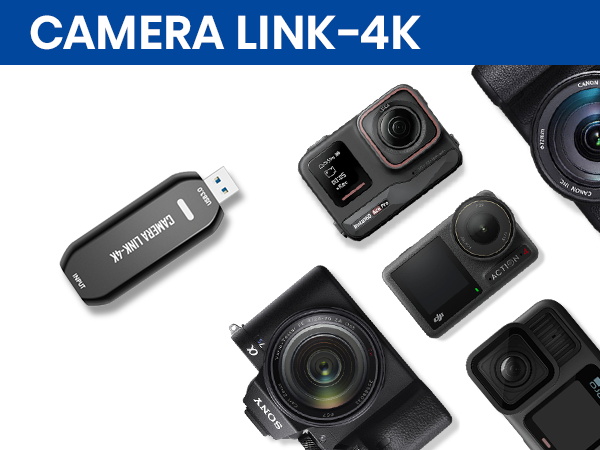
Upgrade your DSLR, camcorder, or action cam for streaming, calls, and online events — all with one simple HDMI connection.
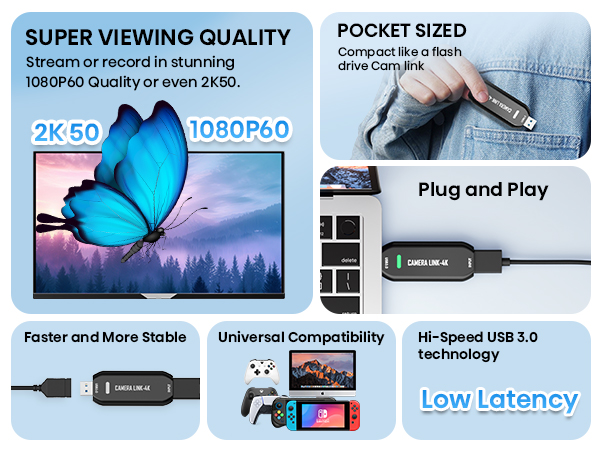


Stunning Image Quality up to 2K50
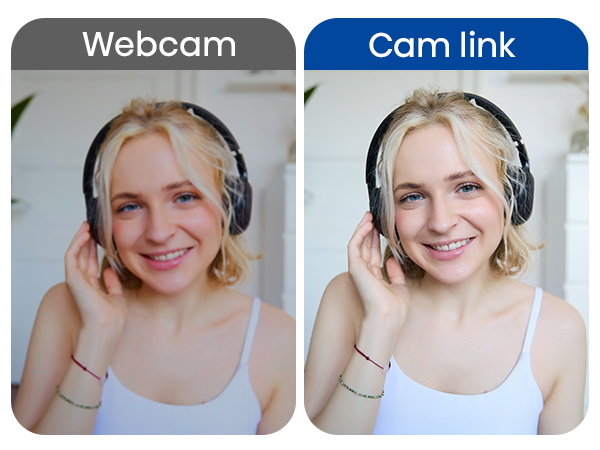
Stream and record in smooth 1080p60 or ultra-detailed 2K50. Perfect for creators who demand sharp, vibrant visuals.
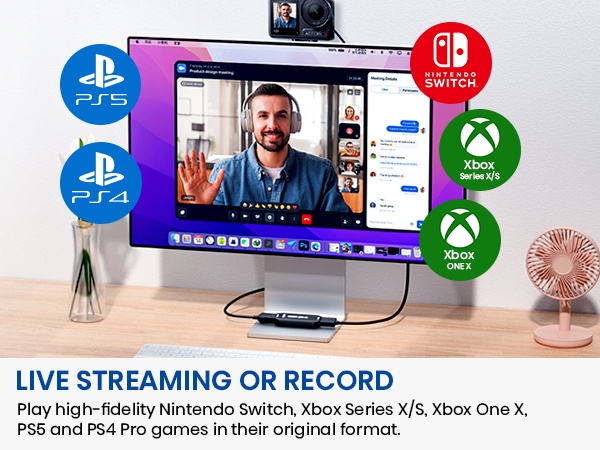
Does Cam Link 4K support 4K video input or output?
Cam Link 4K supports up to 4K HDMI input, but the maximum output resolution is 2K. It captures video at 1080p/60fps or ultra-detailed 2K50fps, delivering smooth, high-quality output that's perfect for live streaming, gaming, and video conferencing.
Do I need any other equipment?
To connect to Cam Link 4K, you may need a Micro HDMI to HDMI cable or a Mini HDMI to HDMI cable depending on your camera model. Depending on your computer's ports, you may also need a USB-C to USB-A adapter.
Note: HDMI to HDMI cable (included)
Can I use any USB port?
Cam Link 4K features a USB-A port and requires connection to a USB 3.0 or higher port to achieve optimal performance.
What should I do if the device fails to recognize/work when using Cam Link 4K?
Perhaps your drivers are out of date. After connecting via USB, check Device Manager to confirm that "USB 3.0 Video" appears under camera drivers. If you see a yellow exclamation mark, please use the Driver Update Tool to update.
Every old VHS tape, camcording, or vintage gaming moment holds a story worth saving.
With a simple one-touch operation, DigitPro converter turns analog videos into lasting digital files—no computer, no complicated setup. A built-in screen lets you preview and play back your recordings instantly, while HDMI output makes it easy to share on a bigger screen when you’re ready.
VHS to Digital Converter 2.0
5" VHS to Digital Converter
4K VHS to Digital Converter