here!
I’m your shopping assistant for PC builds, upgrades, and everything tech.
Got questions? Ask away!
Start a conversation
here!
I’m your shopping assistant for PC builds, upgrades, and everything tech.
Got questions? Ask away!
Start a conversation



Any questions? Ask CelesteSM will help you find out quickly.
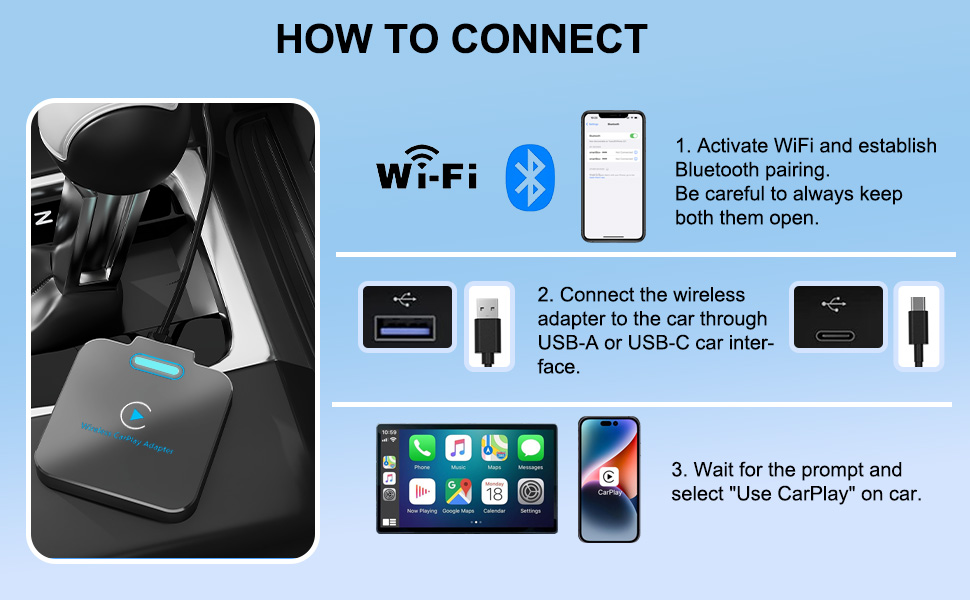
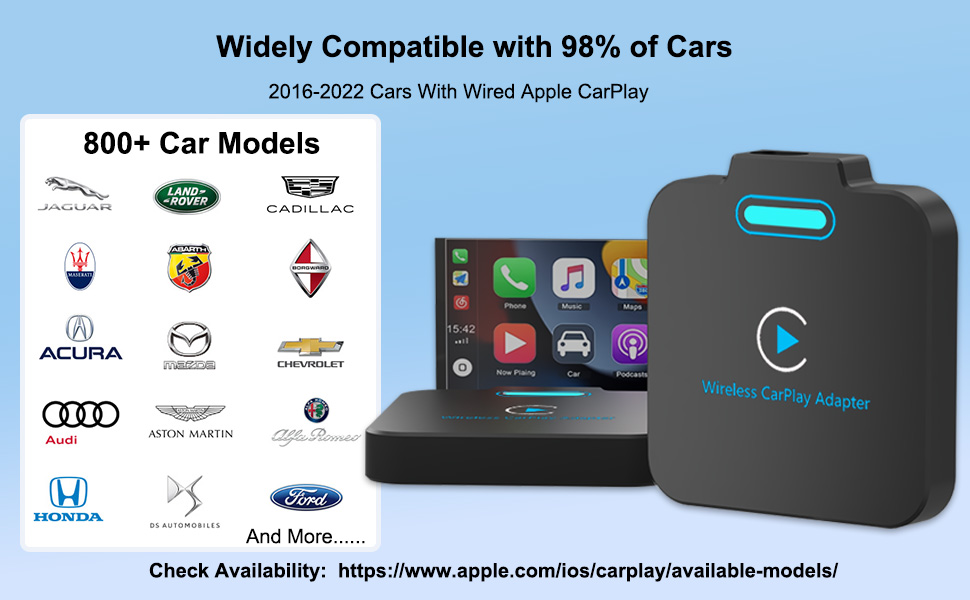
Incompatible Car Models: This Wireless Carplay is not supported due to the Lack of Power supply for Japanese Automobile Carplay.
1. BMW
2. Tesla
3. 2016 Buick LaCrosse
4. 2019 Honda CRV
5. 2019 Honda Odyssey
6. 2021 Honda Civic
7. 2020 Nissan Rogue
8. ACURA RDX
9. Mitsubishi
10. Etc
Q: The USB cable won't plug into the wireless Carplay adapter port?
-----A: When installing the USB cable on the carplay side please use a little pressure, To prevent the adapter from falling out, we have specially designed to hold the cable very tightly.
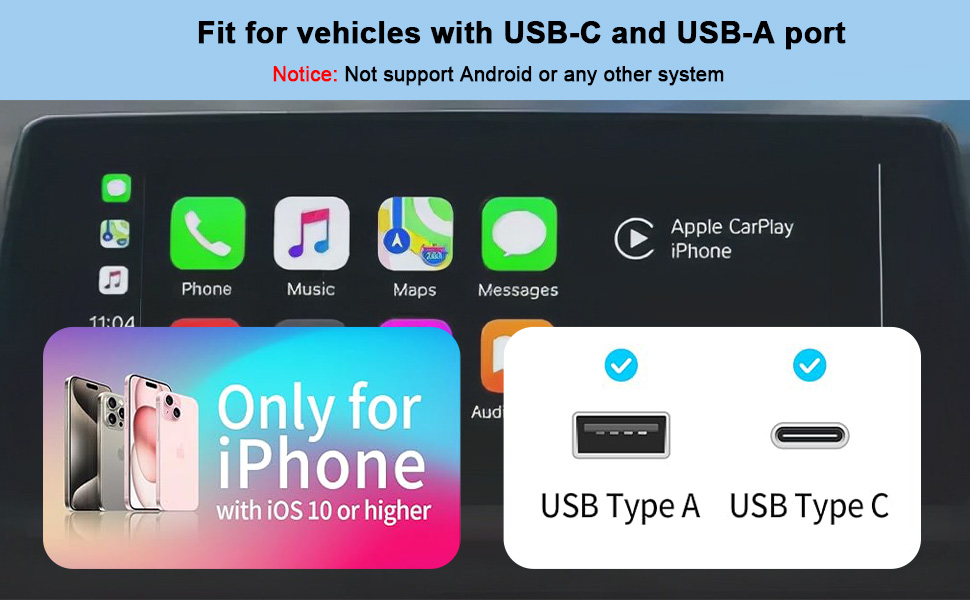
Q: Is this wireless Carplay adapter compatible with Android phones?
-----A: No, this wireless Carplay adapter only works with iPhone and iOS 10 or higher.
Q: Disconnect?
-----A: Once connected, your phone's Wi-Fi will be occupied by the wireless CarPlay program. Connection interruptions are usually caused by Wi-Fi interference. Other Wi-Fi networks may need to be ignored when using the adapter.
Q: Can the adapter be paired with more than one phone?
-----A: Yes, it can pair with multiple phones, but only one device can be connected at a time. When pairing with a new phone, please cancel the current connection first. By default, it will only automatically connect back to the last phone used.
Q: What car models is this carplay wireless adapter compatible with?
-----A: The carplay wireless adapter works with all cars equipped with factory wired Apple CarPlay.
Q: Problems with audio input or output when using this wireless Carplay adapter: call rejected or goes to voicemail/no sound/microphone not working.
-----A: Please check if your phone's Bluetooth is connected to another device. If so, please ignore other automatically connected Bluetooth devices or simply turn off Bluetooth.
Q: What should I do if my iPhone doesn't automatically connect to the wireless carplay adapter after my car has been restarted?
-----A: Please restart the wireless carplay adapter by unplugging and re-plugging it into your car.
Incompatible Car Models: This Wireless Carplay is not supported due to the Lack of Power supply for Japanese Automobile Carplay.
1. BMW
2. Tesla
3. 2016 Buick LaCrosse
4. 2019 Honda CRV
5. 2019 Honda Odyssey
6. 2021 Honda Civic
7. 2020 Nissan Rogue
8. ACURA RDX
9. Mitsubishi
10. Etc
Q: The USB cable won't plug into the wireless Carplay adapter port?
-----A: When installing the USB cable on the carplay side please use a little pressure, To prevent the adapter from falling out, we have specially designed to hold the cable very tightly.
Q: Is this wireless Carplay adapter compatible with Android phones?
-----A: No, this wireless Carplay adapter only works with iPhone and iOS 10 or higher.
Q: Disconnect?
-----A: Once connected, your phone's Wi-Fi will be occupied by the wireless CarPlay program. Connection interruptions are usually caused by Wi-Fi interference. Other Wi-Fi networks may need to be ignored when using the adapter.
Q: Can the adapter be paired with more than one phone?
-----A: Yes, it can pair with multiple phones, but only one device can be connected at a time. When pairing with a new phone, please cancel the current connection first. By default, it will only automatically connect back to the last phone used.
Q: What car models is this carplay wireless adapter compatible with?
-----A: The carplay wireless adapter works with all cars equipped with factory wired Apple CarPlay.
Q: Problems with audio input or output when using this wireless Carplay adapter: call rejected or goes to voicemail/no sound/microphone not working.
-----A: Please check if your phone's Bluetooth is connected to another device. If so, please ignore other automatically connected Bluetooth devices or simply turn off Bluetooth.
Q: What should I do if my iPhone doesn't automatically connect to the wireless carplay adapter after my car has been restarted?
-----A: Please restart the wireless carplay adapter by unplugging and re-plugging it into your car.
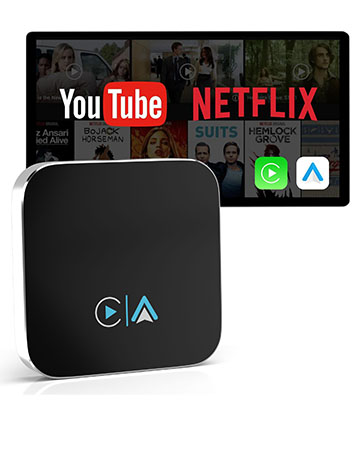
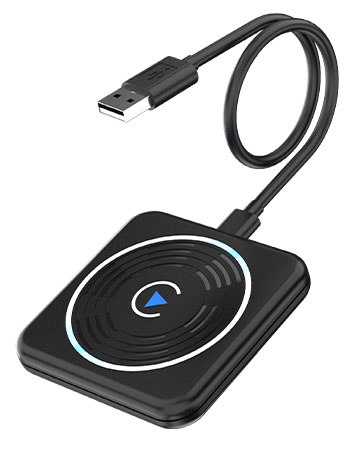
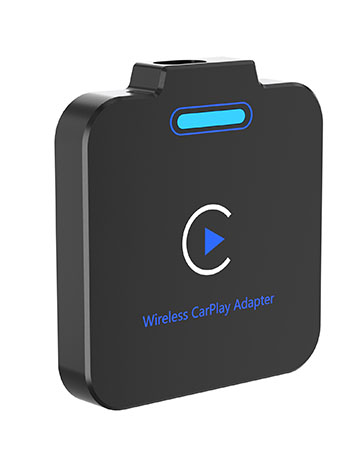
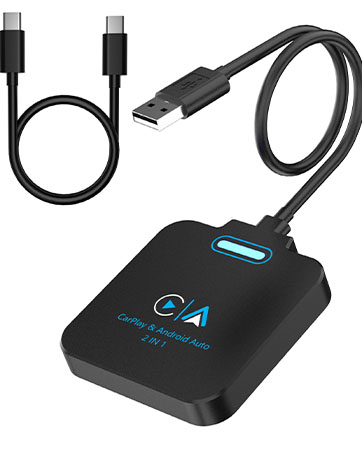
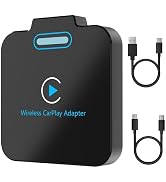
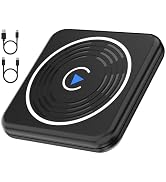
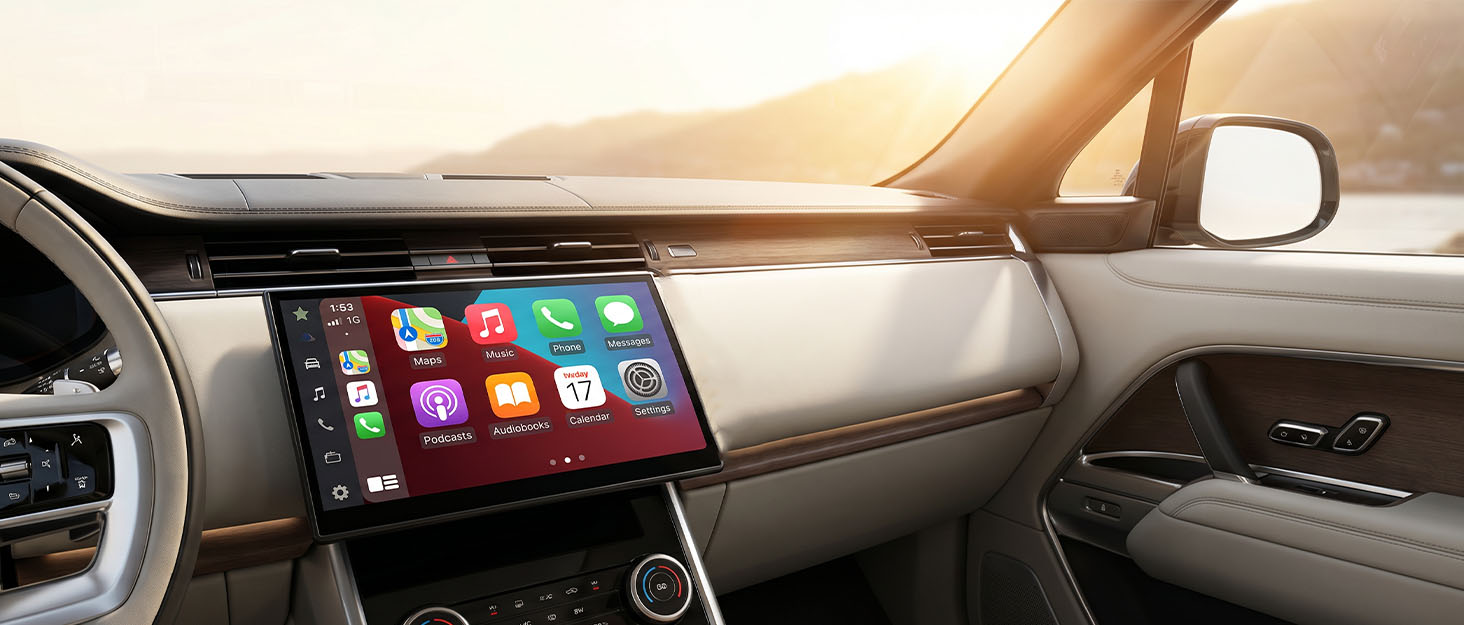
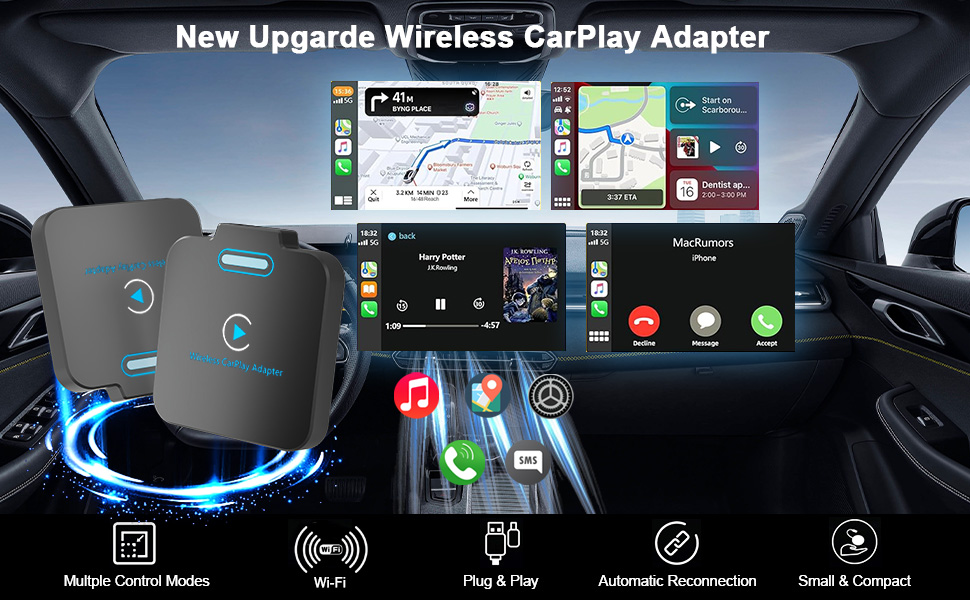
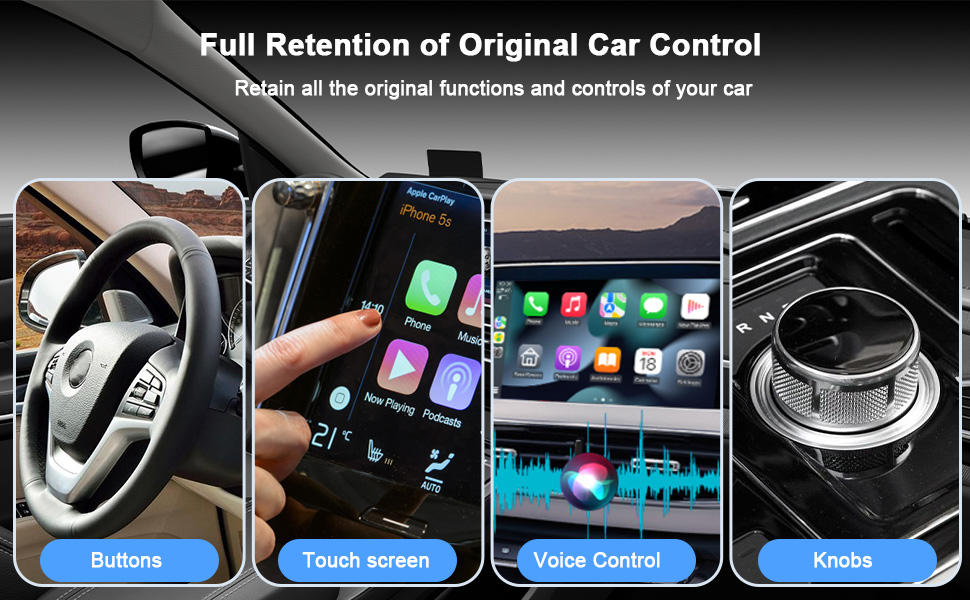
The CarPlay adapter helps you convert wired CarPlay to a Wireless CarPlay adapter. You can enjoy full CarPlay functionality and keep the original car operation, such as navigation, phone calls, music playing, Siri assistant etc. The wireless car adapter frees your cell phone from tangles and enhances the driving experience. (Compatible with iPhone only, not for Android Auto or other systems)
| Compatible Devices | iPhone models with iOS 10 or higher, cars with built-in wired Apple CarPlay |
| Connector Type | Lightning |
| Color | Black |
| Item dimensions L x W x H | 2.6 x 2.4 x 0.4 inches |
| Brand | Closs |
| Number of Ports | 1 |
| Power Plug Type | Type A - 2 pin (North American) |
| Model Number | WirelessCarPlayAdapterForApple |
| Manufacturer | Closs |
| Built-In Media | USB-A Cables, USB-C Cables, Wireless CarPlay Adapter |
| Item Type Name | Wireless CarPlay Adapter |
| Mfr Part Number | WirelessCarPlayAdapterForApple |
| Warranty Description | 12 Month Manufacturer |
| Item Dimensions | 2.6 x 2.4 x 0.4 inches |
| Item Weight | 2.88 ounces |
| Package Quantity | 1 |
| Unit Count | 1 Count |
| Number of Items | 1 |
| Warranty Type | Limited |