


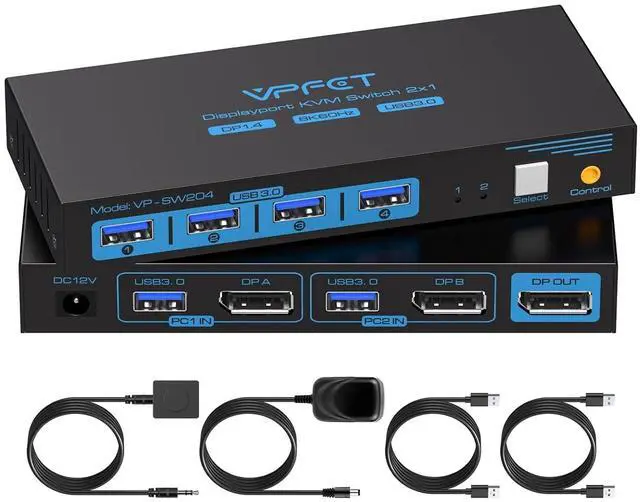
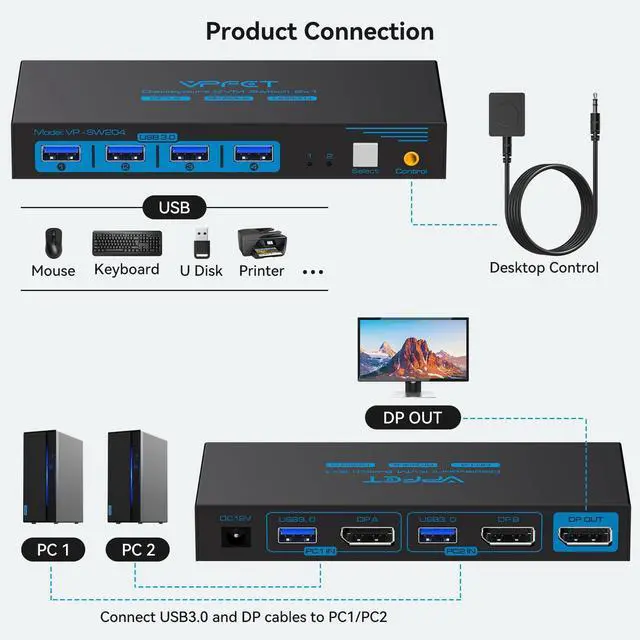
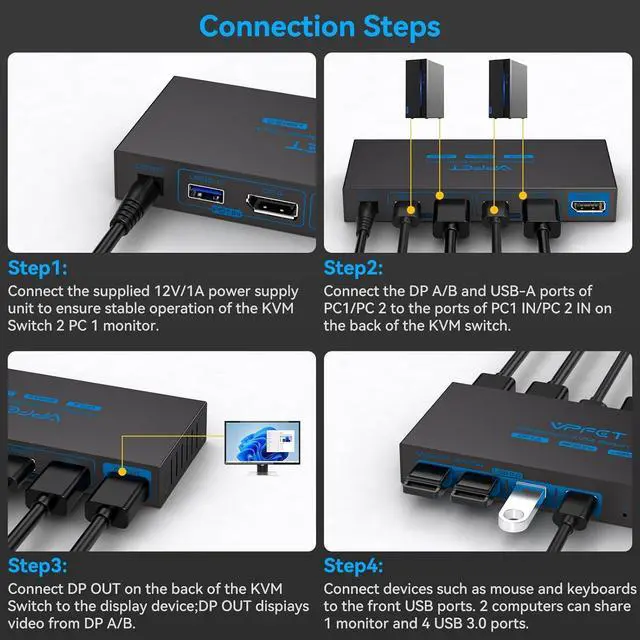
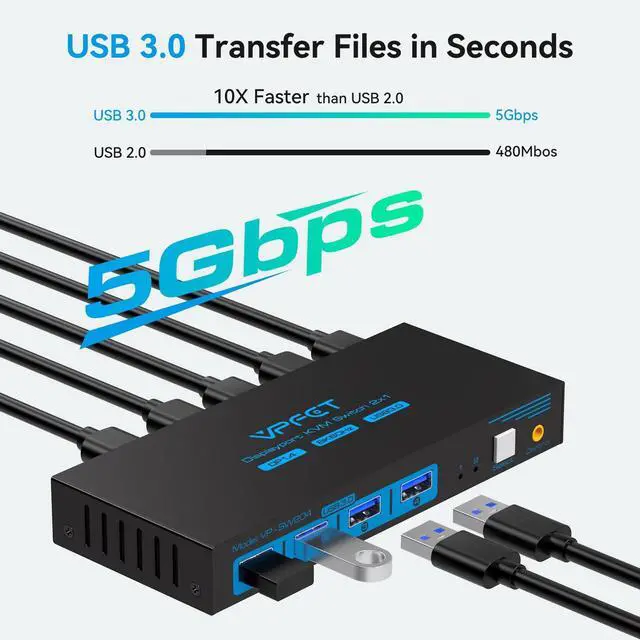


CMSTEDCD is a high-tech enterprise integrating innovation, R&D and manufacturing. Core products include KVM/USB/HDMI switches, HDMI extenders, and various other video/audio transmission devices. We have our own factory and a dedicated R&D team as well as a comprehensive after-sales service system, ensuring that our customers receive the assistance and support they need.
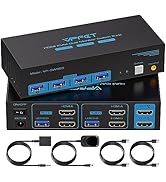
KVM Switch Dual Monitor
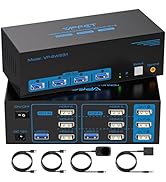
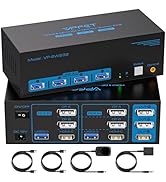
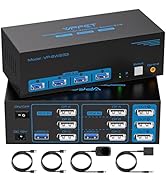
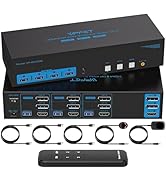
KVM Switch 3 Monitors
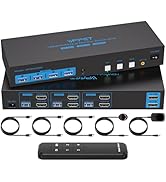
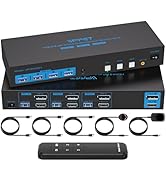
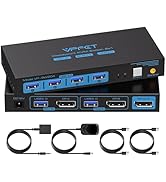
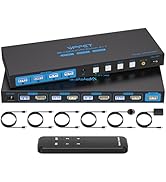
Multi-PC 2 monitors/1 monitor
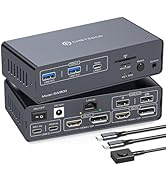
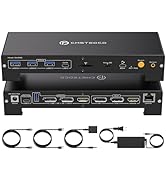
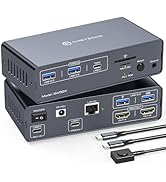
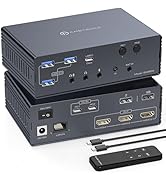
KVM Docking Station laptops
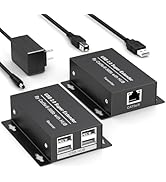
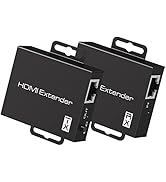
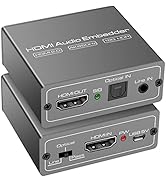
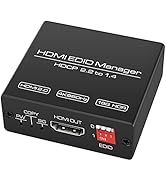
Extender/Embedder/Manager
USB not working
Please confirm that 1.the USB 3.0 cable is properly connected between the computer and the KVM;
2. the computer's USB port is functioning properly;
3. that the latest USB driver is installed on the computer.
Display has no image
1.Confirm switch & KVM video ports match.
2.Confirm PC to KVM input cables connected correctly; Input A = OUT-A display, Input B = OUT-B display.
3. Please use high-quality 3.3ft video cables,conversion cables are not supported.
4. If an adapter is required, please use an active adapter.
Displayport Kvm Switch 1 Monitors 2 Computers
Merchant Video


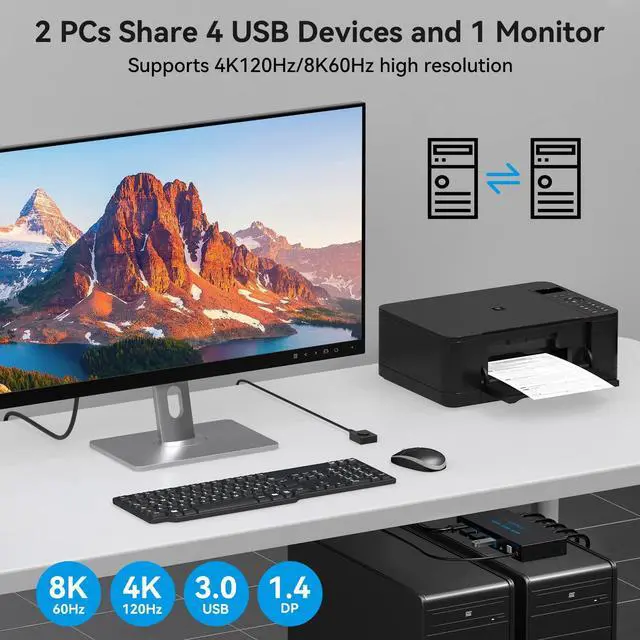
Can KVM switches support up to 4K@120Hz?
Our KVM can support up to 4K@120Hz, but the prerequisite is that the cable and Hub you use must support 4K@120Hz.
Can the two functions of USB Switch and HDMI Switch be used independently?
Yes, you can think of the KVM switch as a USB+HDMI Switch. These two functions not only support simultaneous use, but can also be used separately.
What is the maximum power of peripherals it can drive?
To drive peripherals with a maximum power of 10W, we use a 12V/1A power adapter, which can provide a more powerful and stable drive. Other KVM switches only support 5V/1A adapters. When using high-power
Is it really possible to replace a new product within two years?
Yes, if there are any problems with the product within two years, we will solve it for you, including replacing it with a new KVM.
Do I have to connect the 12V/1A power adapter to use it?
Make sure your computer supports multi-screen display, you can connect two screens directly to the computer and check if there are images display.
Product performance comparison
 8K DP KVM 1 Monitor |  8K DP KVM 2 Monitor |  8K HDMI+DP KVM 2 Monitor |  8K DP KVM 3 Monitor |  8K HDMI KVM 2 Monitor |  4K HDMI KVM 2 Monitor |  HDMI KVM 4 PC 1 Monitor | |
|---|---|---|---|---|---|---|---|
Customer Reviews | — | — | — | — | — | — | — |
Price | — | — | — | — | — | — | — |
USB standard | USB3.0*4 | USB3.0*4 | USB3.0*4 | USB3.0*4 | USB3.0*4 | USB3.0*4 | USB3.0*4 |
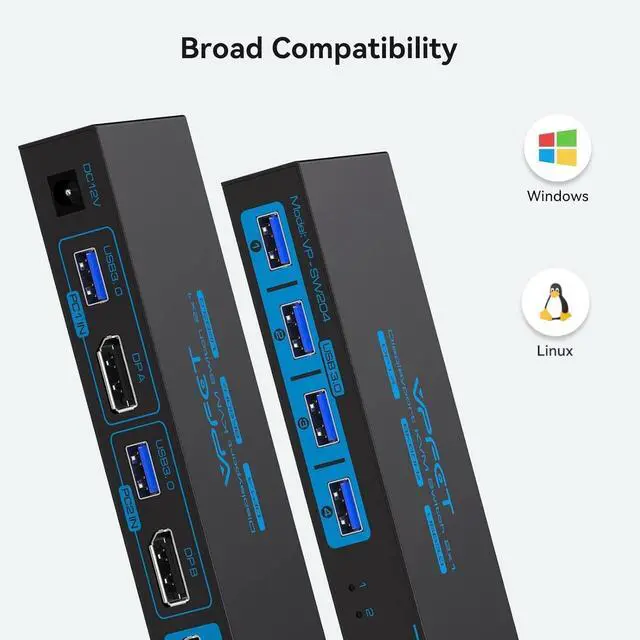
Input | Per PC: DP1.4*1+USB | Per PC: DP1.4*2+USB | Per PC: DP1.4*1+HDMI2.1*1+USB | Per PC: DP1.4*3+USB | Per PC: HDMI2.1*2+USB | Per PC: HDMI2.0*2+USB | Per PC: HDMI2.1*4+USB |
Output | DP1.4*1 | DP1.4*2 | DP1.4*1+HDMI2.1*1 | DP1.4*3 | HDMI2.1*2 | HDMI2.0*2 | HDMI2.1*1 |
Quantity of signal sources | 2 Computers | 2 Computers | 2 Computers | 2 Computers | 2 Computers | 2 Computers | 4 Computers |
Maximum resolution | 8K@60Hz | 8K@60Hz | 8K@60Hz | 8K@60Hz | 8K@60Hz | 4K@60Hz | 8K@60Hz |
Features | 2 PC share 1 monitor | 2 PC share 2 monitor | 2 PC share 2 monitor | 2 PC share 3 monitor | 2 PC share 2 monitor | 2 PC share 2 monitor | 4 PC share 1 monitor |
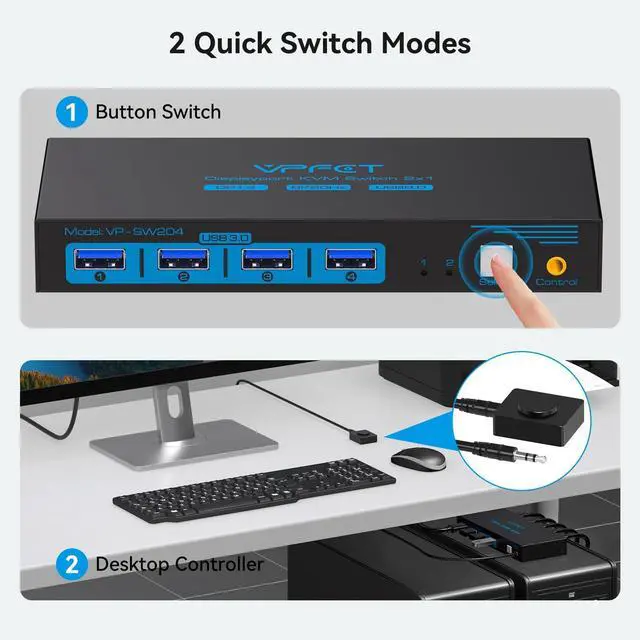
wired control switch | support | support | support | support | support | support | support |
Plug and Play | ? | ? | ? | ? | ? | ? | ? |
Displayport Kvm Switch 1 Monitors 2 Computers
Merchant Video


Can KVM switches support up to 4K@120Hz?
Our KVM can support up to 4K@120Hz, but the prerequisite is that the cable and Hub you use must support 4K@120Hz.
Can the two functions of USB Switch and HDMI Switch be used independently?
Yes, you can think of the KVM switch as a USB+HDMI Switch. These two functions not only support simultaneous use, but can also be used separately.
What is the maximum power of peripherals it can drive?
To drive peripherals with a maximum power of 10W, we use a 12V/1A power adapter, which can provide a more powerful and stable drive. Other KVM switches only support 5V/1A adapters. When using high-power
Is it really possible to replace a new product within two years?
Yes, if there are any problems with the product within two years, we will solve it for you, including replacing it with a new KVM.
Do I have to connect the 12V/1A power adapter to use it?
Make sure your computer supports multi-screen display, you can connect two screens directly to the computer and check if there are images display.
Product performance comparison
8K DP KVM 1 Monitor | 8K DP KVM 2 Monitor | 8K HDMI+DP KVM 2 Monitor | 8K DP KVM 3 Monitor | 8K HDMI KVM 2 Monitor | 4K HDMI KVM 2 Monitor | HDMI KVM 4 PC 1 Monitor |
|---|---|---|---|---|---|---|
| Customer Reviews | ||||||
| — | — | — | — | — | — | — |
| Price | ||||||
| — | — | — | — | — | — | — |
| USB standard | ||||||
| USB3.0*4 | USB3.0*4 | USB3.0*4 | USB3.0*4 | USB3.0*4 | USB3.0*4 | USB3.0*4 |
| Input | ||||||
| Per PC: DP1.4*1+USB | Per PC: DP1.4*2+USB | Per PC: DP1.4*1+HDMI2.1*1+USB | Per PC: DP1.4*3+USB | Per PC: HDMI2.1*2+USB | Per PC: HDMI2.0*2+USB | Per PC: HDMI2.1*4+USB |
| Output | ||||||
| DP1.4*1 | DP1.4*2 | DP1.4*1+HDMI2.1*1 | DP1.4*3 | HDMI2.1*2 | HDMI2.0*2 | HDMI2.1*1 |
| Quantity of signal sources | ||||||
| 2 Computers | 2 Computers | 2 Computers | 2 Computers | 2 Computers | 2 Computers | 4 Computers |
| Maximum resolution | ||||||
| 8K@60Hz | 8K@60Hz | 8K@60Hz | 8K@60Hz | 8K@60Hz | 4K@60Hz | 8K@60Hz |
| Features | ||||||
| 2 PC share 1 monitor | 2 PC share 2 monitor | 2 PC share 2 monitor | 2 PC share 3 monitor | 2 PC share 2 monitor | 2 PC share 2 monitor | 4 PC share 1 monitor |
| wired control switch | ||||||
| support | support | support | support | support | support | support |
| Plug and Play | ||||||
| ? | ? | ? | ? | ? | ? | ? |
CMSTEDCD is a high-tech enterprise integrating innovation, R&D and manufacturing. Core products include KVM/USB/HDMI switches, HDMI extenders, and various other video/audio transmission devices. We have our own factory and a dedicated R&D team as well as a comprehensive after-sales service system, ensuring that our customers receive the assistance and support they need.
KVM Switch Dual Monitor
KVM Switch 3 Monitors
Multi-PC 2 monitors/1 monitor
KVM Docking Station laptops
Extender/Embedder/Manager
USB not working
Please confirm that 1.the USB 3.0 cable is properly connected between the computer and the KVM;
2. the computer's USB port is functioning properly;
3. that the latest USB driver is installed on the computer.
Display has no image
1.Confirm switch & KVM video ports match.
2.Confirm PC to KVM input cables connected correctly; Input A = OUT-A display, Input B = OUT-B display.
3. Please use high-quality 3.3ft video cables,conversion cables are not supported.
4. If an adapter is required, please use an active adapter.