



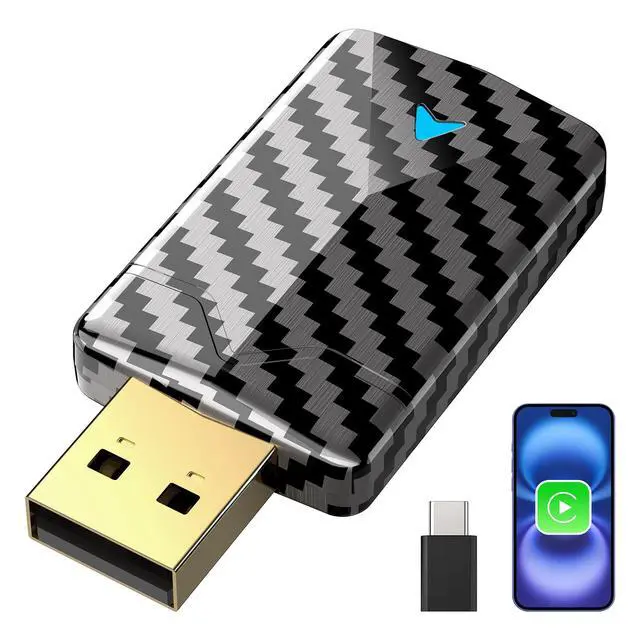
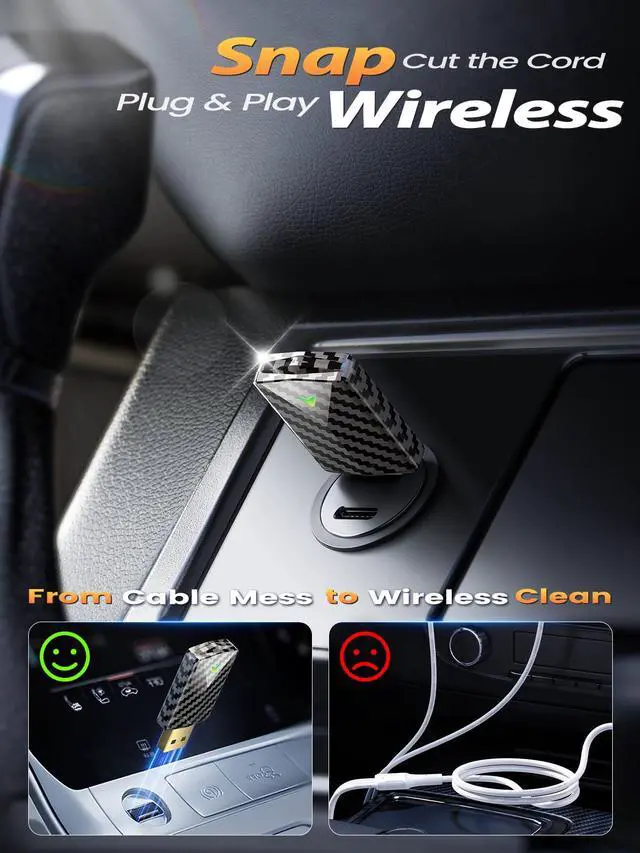
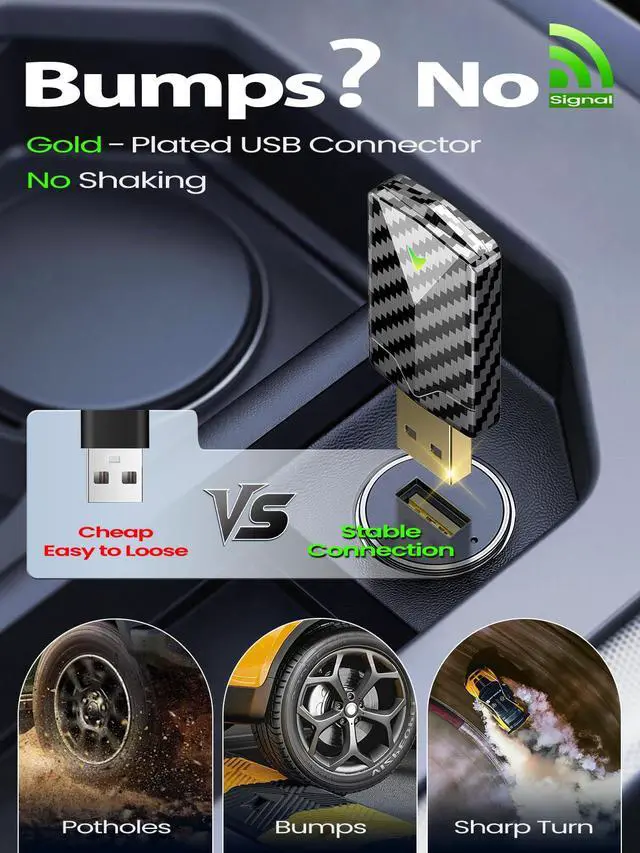
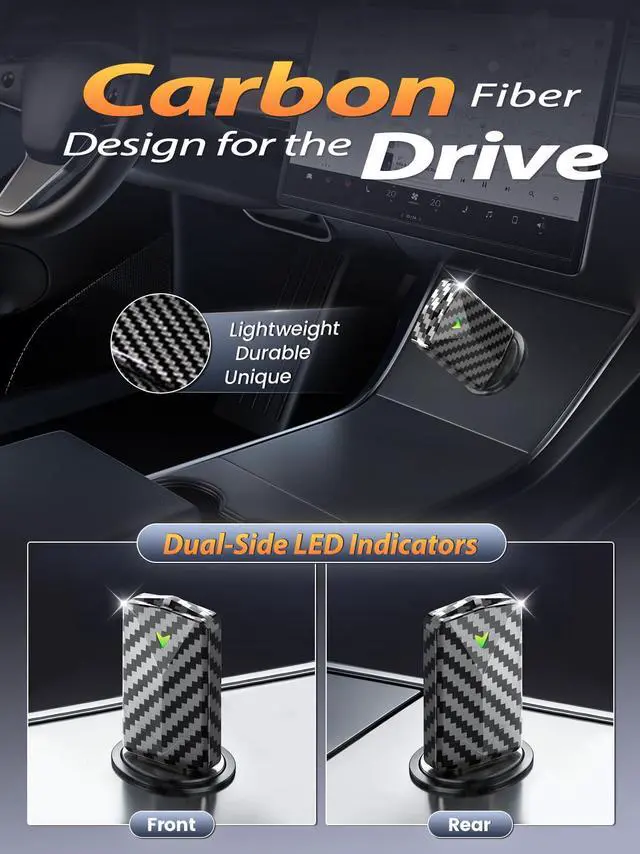


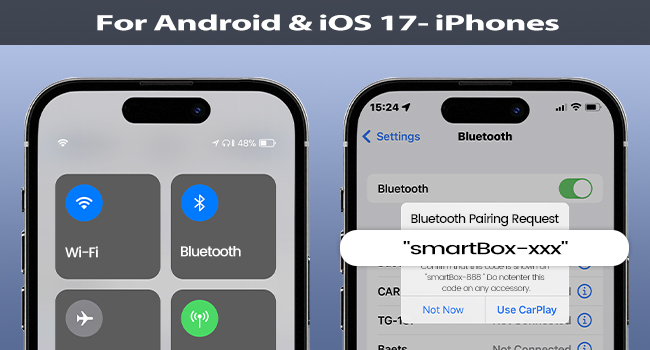
For Android Phones & iPhones on iOS 17 or below
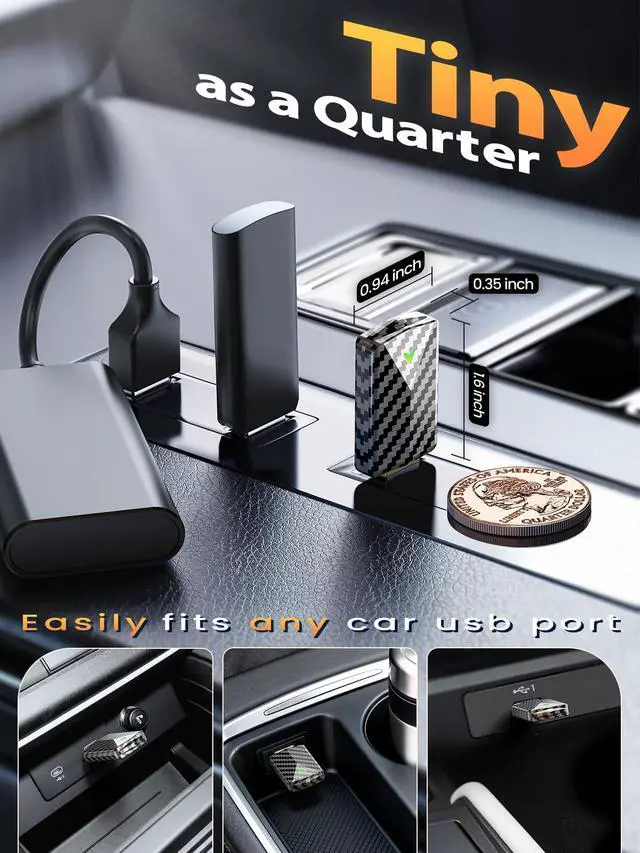
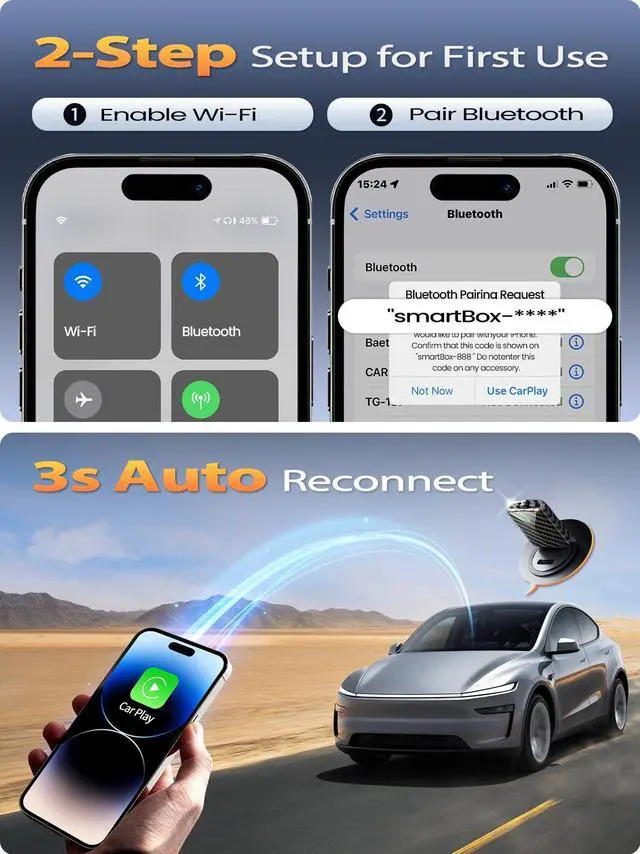
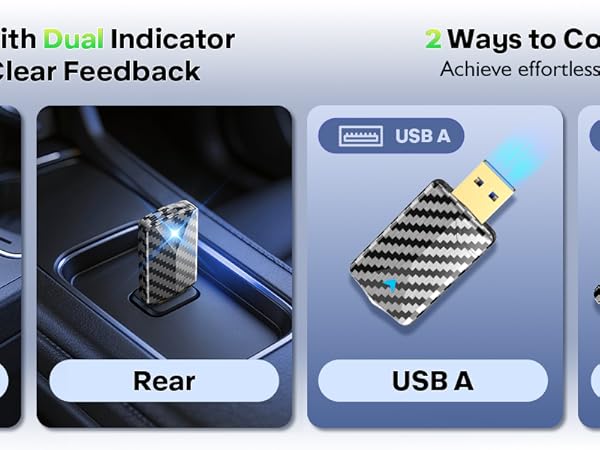
- Plug into car's USB data port
- Turn on your phone's Wi-Fi & Bluetooth, ensure Wi-Fi is unoccupied
- Pair with the adapter Bluetooth (smartBox-xxxx)
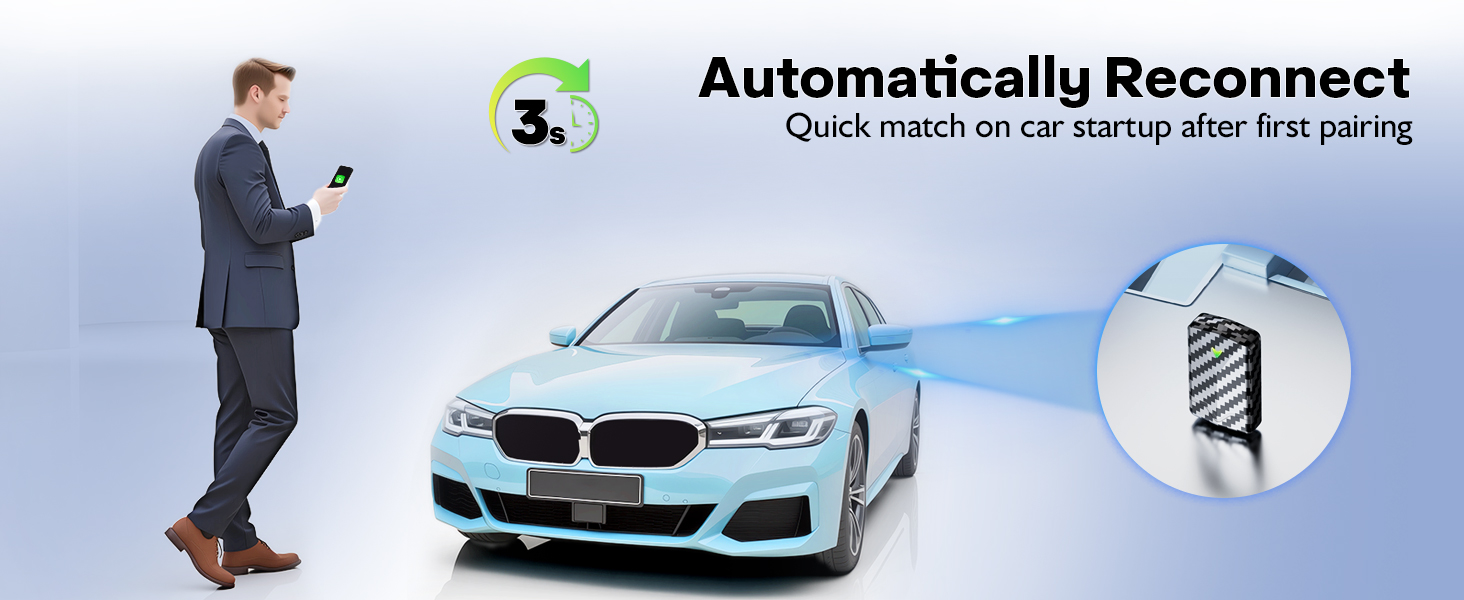
- Upon success, Wi-Fi auto-connects (no password needed)
- Caution: Since the adapter uses your phone’s Wi-Fi, your phone gets internet only via SIM
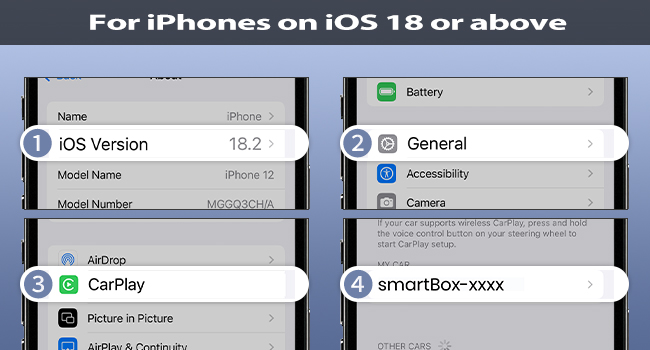
For iPhones on iOS 18 or above
- Plug into car's USB data port
- Turn on your phone's Wi-Fi & Bluetooth, ensure Wi-Fi is unoccupied
- CarPlay Pairing: Settings > General > CarPlay > smartBox-xxxx
- Upon success, Wi-Fi auto-connects (no password)
- Caution: If the adapter uses the phone’s Wi-Fi, your phone gets internet only via SIM
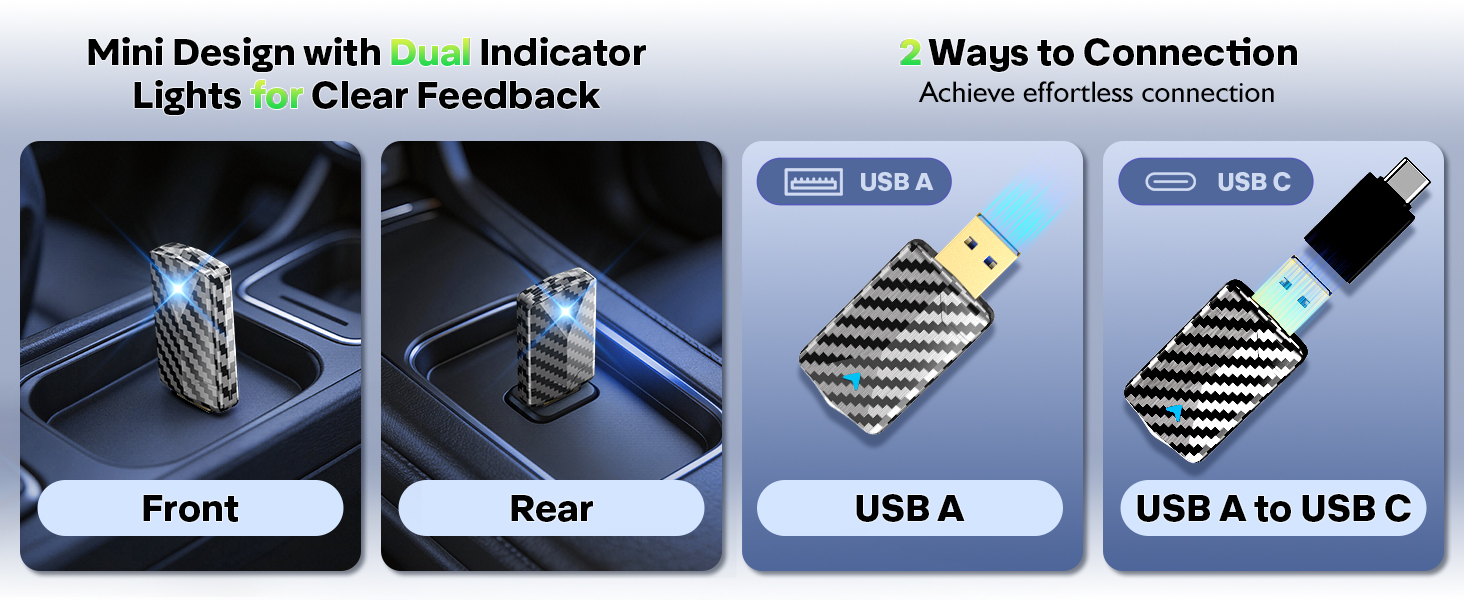
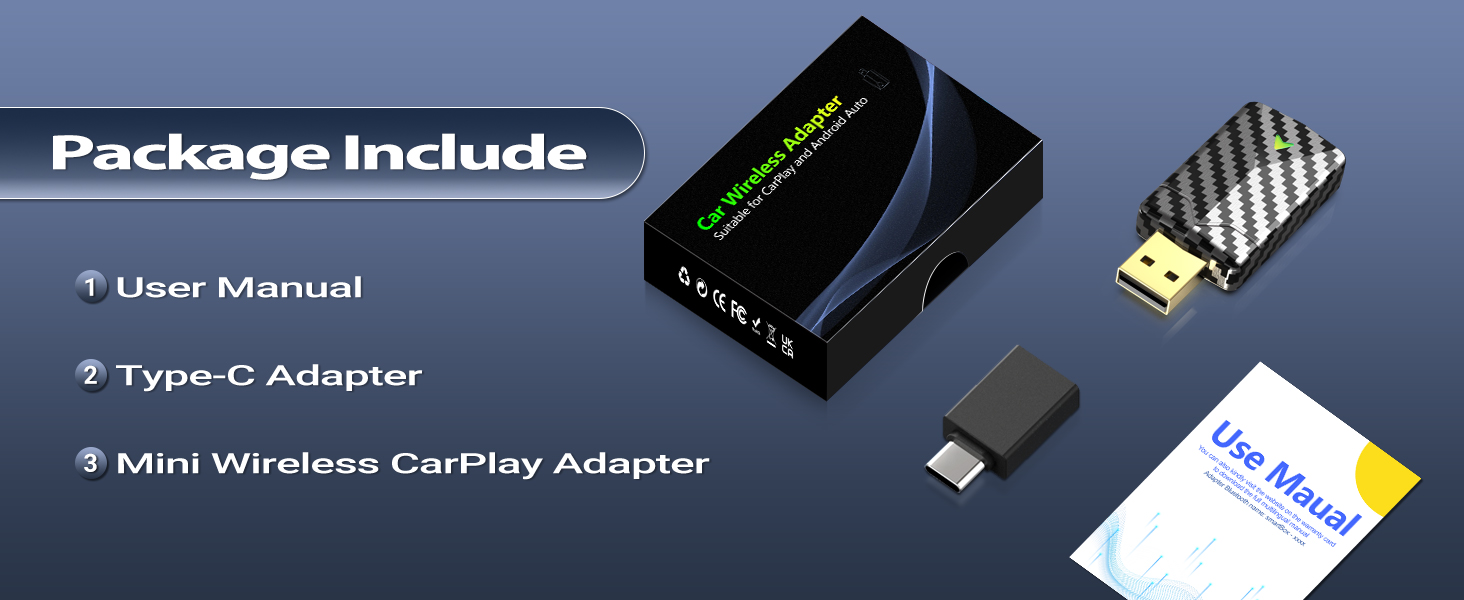
Is it easy to set up and do I need a WiFi password?
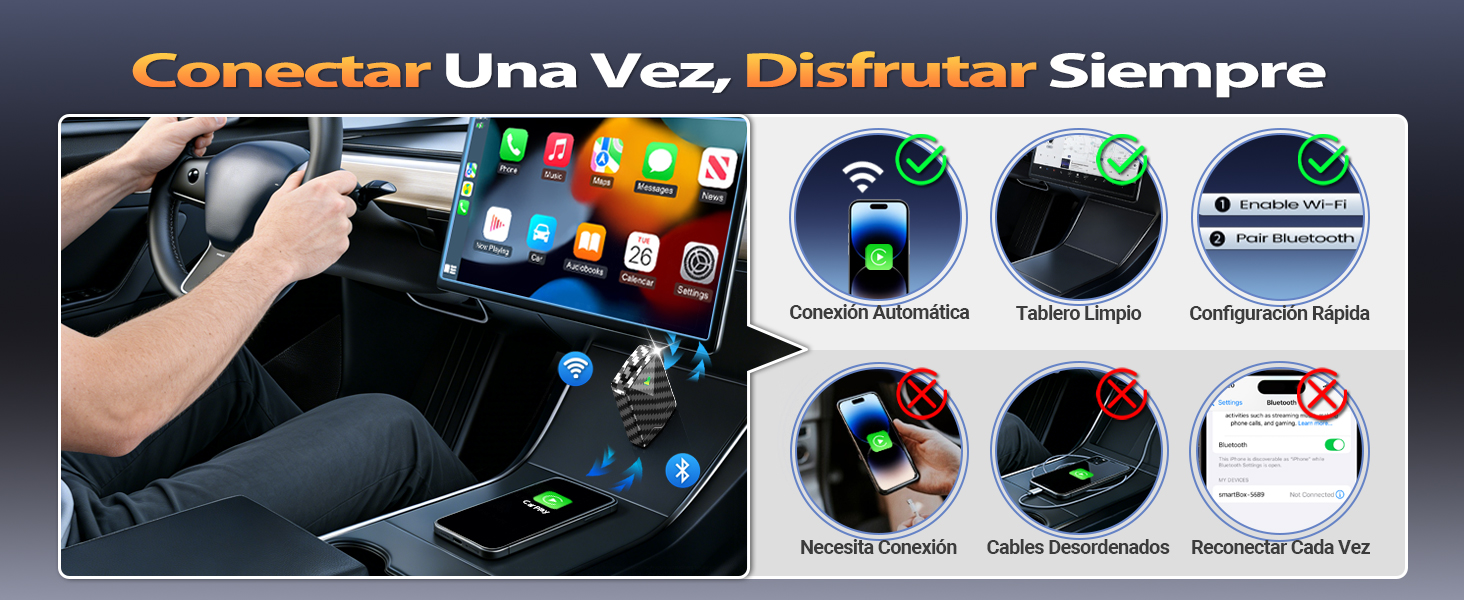
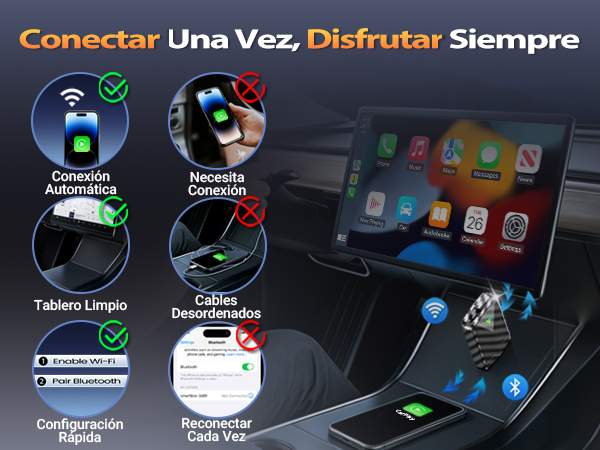
The wireless adapter is easy to use. No APP installation, internet connection or extra subscription is needed. You don’t have to enter a WiFi password; just keep WiFi on and unoccupied. It will auto-connect after Bluetooth pairing successfully.
Can it be used with Android phone or paired with multiple phones?
The adapter works with CarPlay, fitting all iOS phones,and it is also supports pairing with multiple Phones, but only one can be paired at a time.
What should I be aware of when purchasing this device and is it compatible with all car models?
Before buying, connect your phone to your car's USB port with a data cable to confirm your vehicle supports wired Apple CarPlay. The adapter is not compatible with all cars, only for cars with built-in wired CarPlay.
Does it support video apps (YouTube, TikTok, Netflix, etc.) and voice commands?
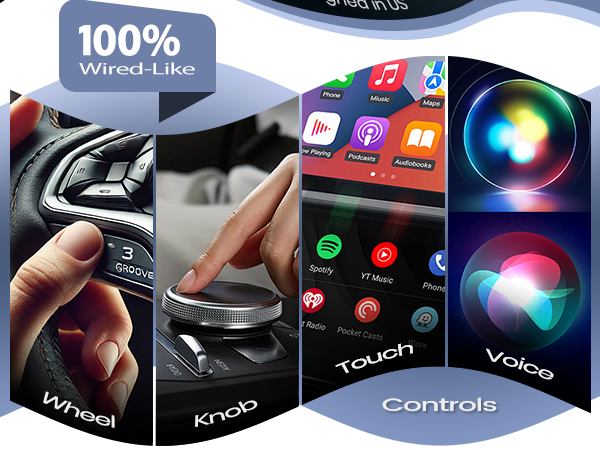
For safety , CarPlay do not support video apps. However, when you play videos on your phone, the audio can still play through your car’s stereo. Voice commands are fully supported, Both Siri work seamlessly.
Does this adapter require any additional software to function?
No, this adapter requires no additional software or apps—it’s plug-and-play.
For Android Phones & iPhones on iOS 17 or below
- Plug into car's USB data port
- Turn on your phone's Wi-Fi & Bluetooth, ensure Wi-Fi is unoccupied
- Pair with the adapter Bluetooth (smartBox-xxxx)
- Upon success, Wi-Fi auto-connects (no password needed)
- Caution: Since the adapter uses your phone’s Wi-Fi, your phone gets internet only via SIM
For iPhones on iOS 18 or above
- Plug into car's USB data port
- Turn on your phone's Wi-Fi & Bluetooth, ensure Wi-Fi is unoccupied
- CarPlay Pairing: Settings > General > CarPlay > smartBox-xxxx
- Upon success, Wi-Fi auto-connects (no password)
- Caution: If the adapter uses the phone’s Wi-Fi, your phone gets internet only via SIM

Is it easy to set up and do I need a WiFi password?
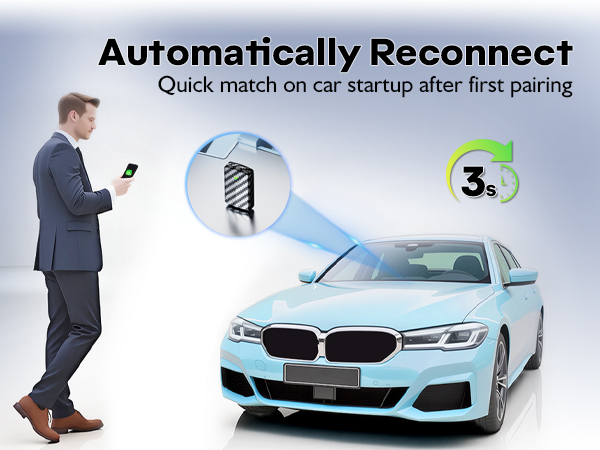
The wireless adapter is easy to use. No APP installation, internet connection or extra subscription is needed. You don’t have to enter a WiFi password; just keep WiFi on and unoccupied. It will auto-connect after Bluetooth pairing successfully.
Can it be used with Android phone or paired with multiple phones?
The adapter works with CarPlay, fitting all iOS phones,and it is also supports pairing with multiple Phones, but only one can be paired at a time.
What should I be aware of when purchasing this device and is it compatible with all car models?
Before buying, connect your phone to your car's USB port with a data cable to confirm your vehicle supports wired Apple CarPlay. The adapter is not compatible with all cars, only for cars with built-in wired CarPlay.
Does it support video apps (YouTube, TikTok, Netflix, etc.) and voice commands?
For safety , CarPlay do not support video apps. However, when you play videos on your phone, the audio can still play through your car’s stereo. Voice commands are fully supported, Both Siri work seamlessly.
Does this adapter require any additional software to function?
No, this adapter requires no additional software or apps—it’s plug-and-play.