






Be friends with users
Create high-quality comfortable lighting
Colorpanda is dedicated to developing best Lighting Products to customer.
Our team, with over 20 years of specialized experience in lighting development and production, We hope that we can design and produce high-quality and valuable lighting for consumers.

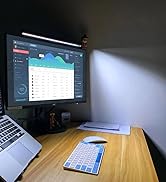
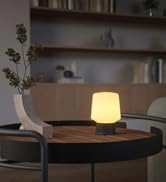
Decorate table with lights
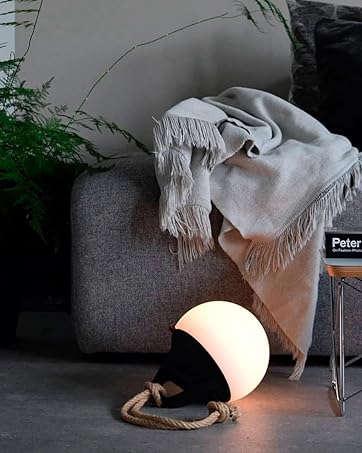
Rechargeable Products
- Design in Denmark
- Specialized spectrum
- High-quality batteries
Which app should I use?
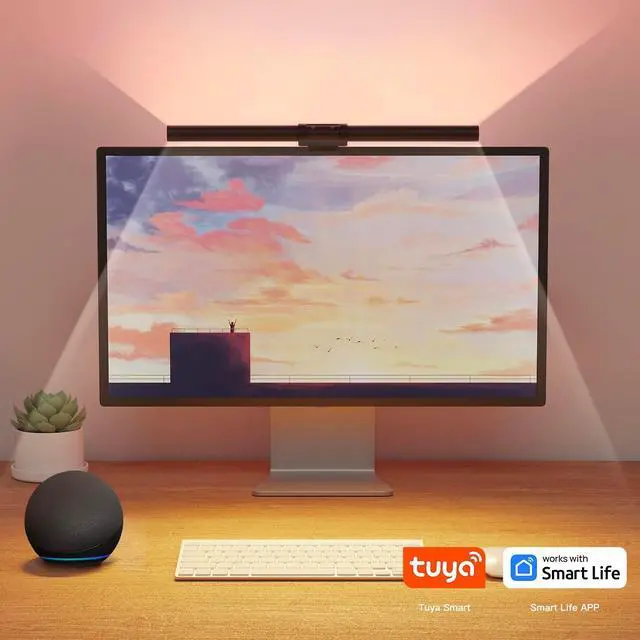
Smart Life,Tuya Smart or Colorpanda(APP in Google play is under updating) ----Recommend Smart Life
I Can't connect to internet?
1, Check if the Wifi is 2.4G, only support 2.4G WiFi 2,Make sure the app has the right to use Bluetooth. 3,Check if the lamp is in pairing mode. The backlight is pale blue and breathing. If not, please replug the lamp 3 times. Then try it in-app
How to connect to Google Assistant?
Open Google Assistant APP?set up a device?work with Google?Search for the name corresponding to the app (example, "SmartLife") and click on the name ?click 'Link' You can enter the account and password of the app to complete the authorization.
How To connect to Alexa?
Open the Alexa App? click "More" ?Click "Skills & Games" ? search the skill name smart life? Click the SmartLife skill to enter the skill details page (ENABLE TO USE)?"Agree and link"?return to Alexa App.5. Click "CLOSE" ? click "DISCOVER DEVICES"
Can I use Siri control it?
Click “Add to Siri” on the bottom right corner of the “Scene” page(make sure you have created a one-touch)?On the “Add to Siri” page, you can set custom phrase for Siri to trigger your “Tap-to-Run”(Only available for iOS system over12.0)


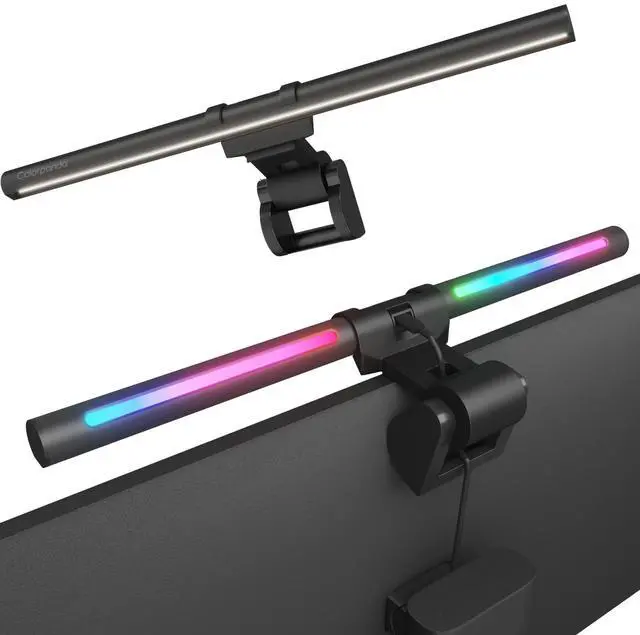
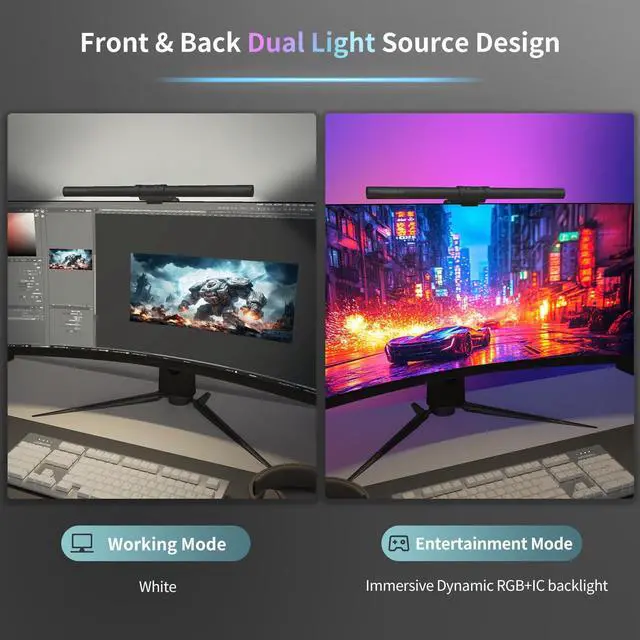
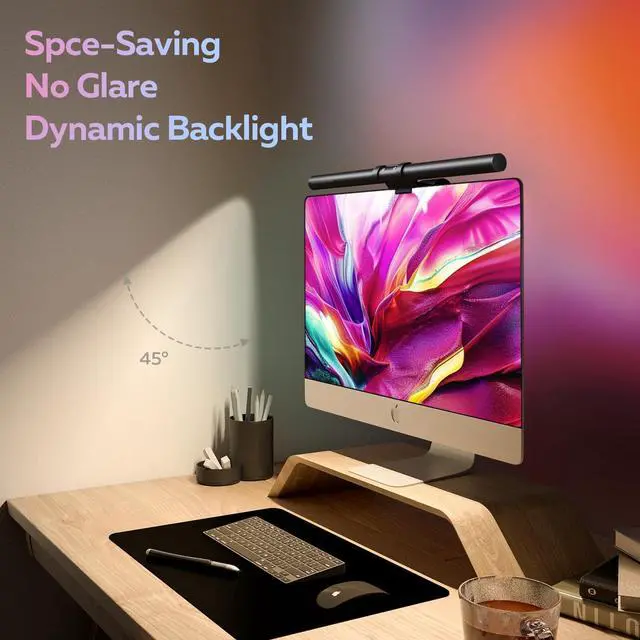
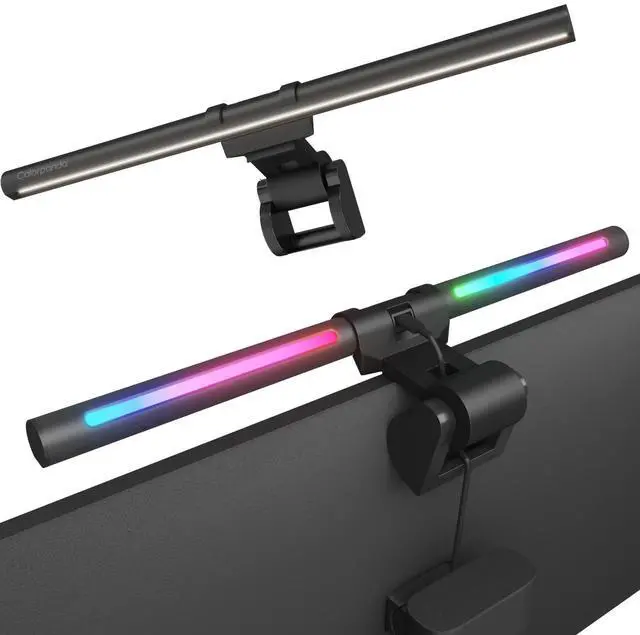
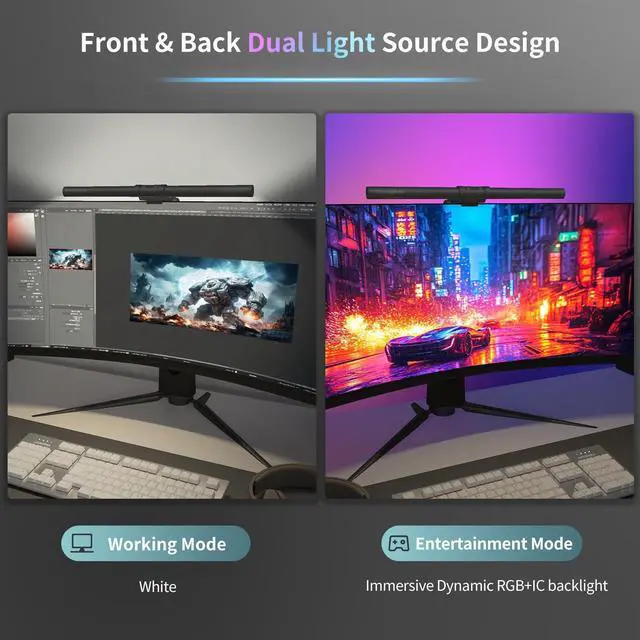
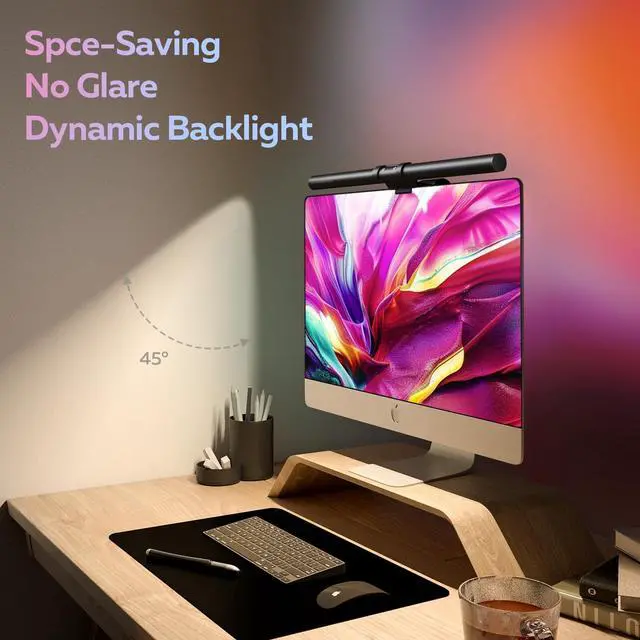
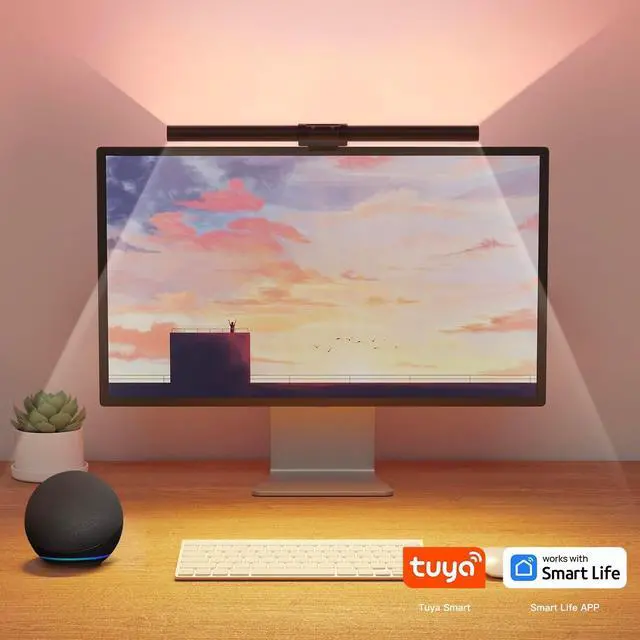
Compared to other LED monitor lights that only have front lamps,Colorpanda screen lamp has brilliant backlight to reduce pressure and irritation of the dark surroundings around the eyes,offer the highest level of lighting comfort when reading,gaming or working.

Caution: 1 Check if the Wifi is 2.4G, it can only support 2.4G WiFi 2. Turn on the Bluetooth of your Phone. make sure the app has the right to use Bluetooth. 3. Check if the lamp is in pairing mode. The backlight is pale blue and breathing. If not, please replug the lamp 3 times. Then try it in-app


Sensitive Touch Switch
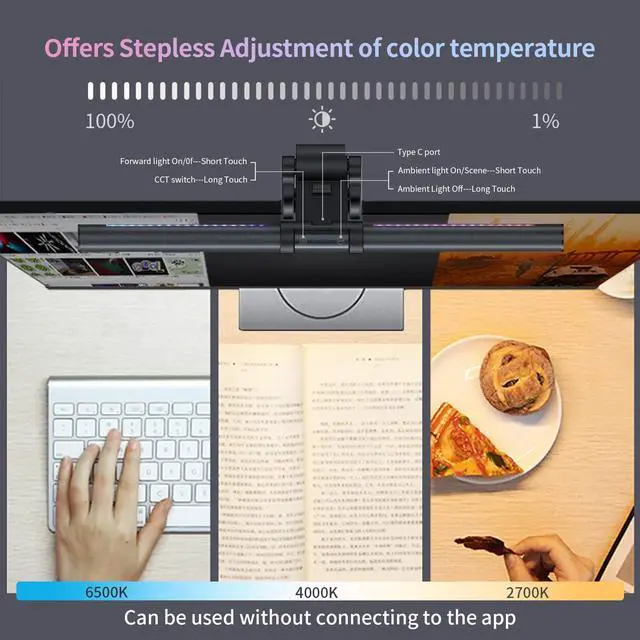
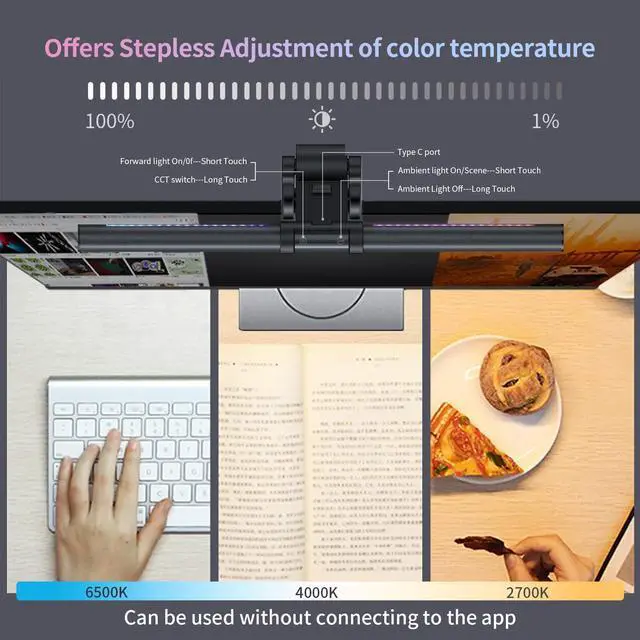
Touch Contorl - There are two touch switches on the top of light. One is for front light, and the other is to control backlit.

No-Slip Silicone Pad
Unique clamp design makes it stable on the computer screen without taking up any valuable space.

What You Will Get?
1 x Colorpanda Light Bar
1 x Adjustbale Clamp
1 x Adapter (4.92ft)
1 x User Guide

Perfect Gift
It's a good choice to give it to your family and friends as a gift.
Which app should I use?
Smart Life,Tuya Smart or Colorpanda(APP in Google play is under updating) ----Recommend Smart Life
I Can't connect to internet?
1, Check if the Wifi is 2.4G, only support 2.4G WiFi 2,Make sure the app has the right to use Bluetooth. 3,Check if the lamp is in pairing mode. The backlight is pale blue and breathing. If not, please replug the lamp 3 times. Then try it in-app
How to connect to Google Assistant?
Open Google Assistant APP?set up a device?work with Google?Search for the name corresponding to the app (example, "SmartLife") and click on the name ?click 'Link' You can enter the account and password of the app to complete the authorization.
How To connect to Alexa?
Open the Alexa App? click "More" ?Click "Skills & Games" ? search the skill name smart life? Click the SmartLife skill to enter the skill details page (ENABLE TO USE)?"Agree and link"?return to Alexa App.5. Click "CLOSE" ? click "DISCOVER DEVICES"
Can I use Siri control it?
Click “Add to Siri” on the bottom right corner of the “Scene” page(make sure you have created a one-touch)?On the “Add to Siri” page, you can set custom phrase for Siri to trigger your “Tap-to-Run”(Only available for iOS system over12.0)
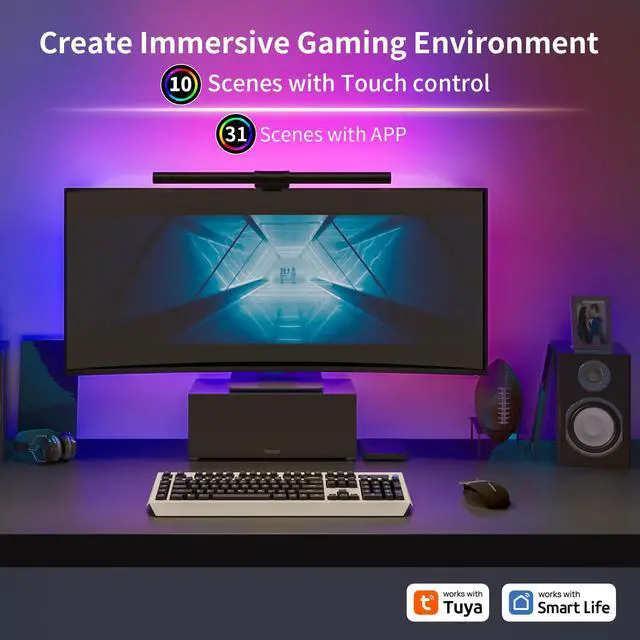
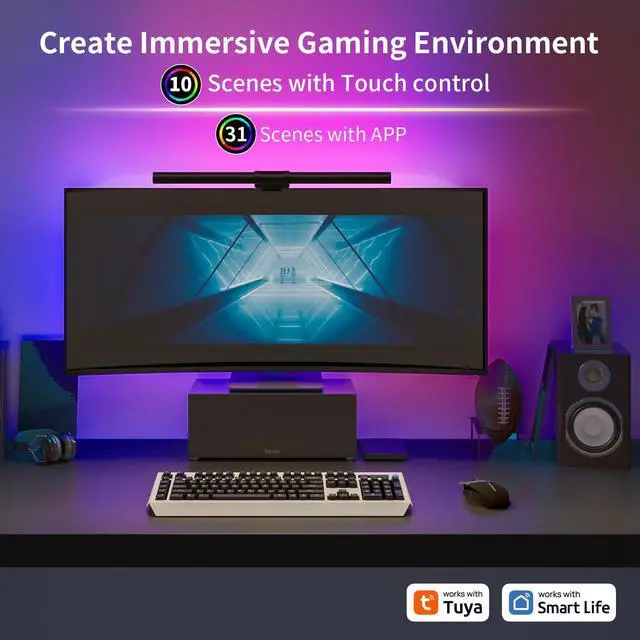
Provide 16 million colors for you to diy the atmosphere you want.


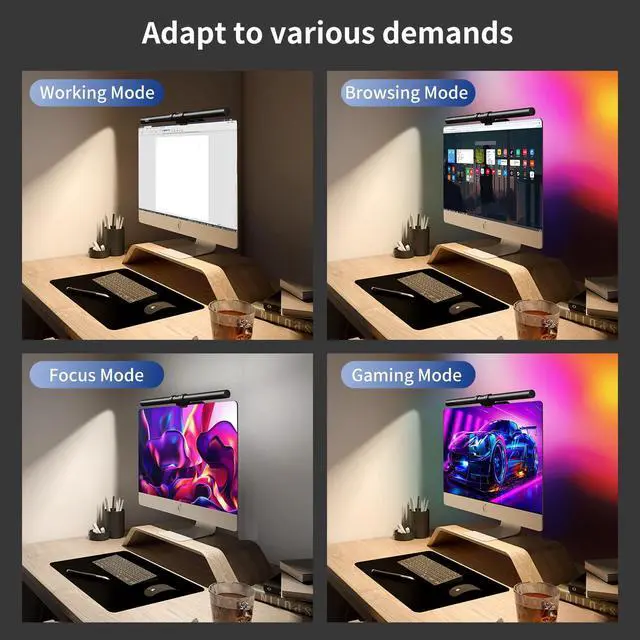
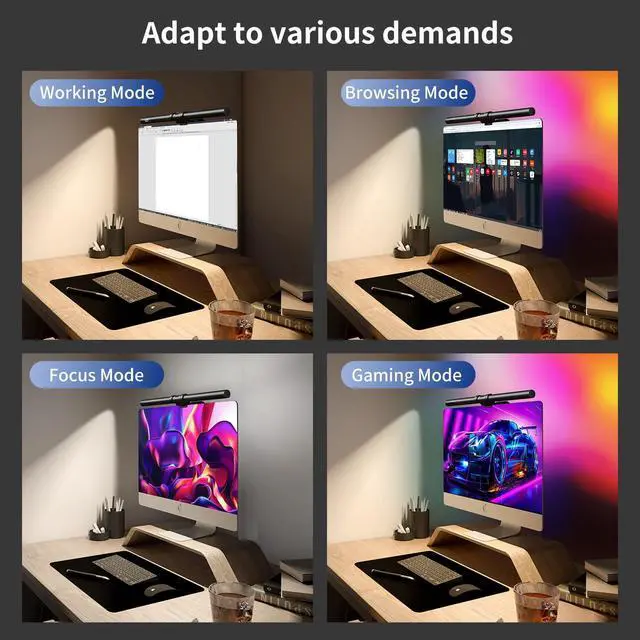
Built-in 30+ scenes, you can choose the lighting effect that suits you, such as focus, party, rainbow,cozy,sunset etc.Turn on the music mode or game mode, the light will sync with it and bring you an immersive experience.

Compared to other LED monitor lights that only have front lamps,Colorpanda screen lamp has brilliant backlight to reduce pressure and irritation of the dark surroundings around the eyes,offer the highest level of lighting comfort when reading,gaming or working.

Caution: 1 Check if the Wifi is 2.4G, it can only support 2.4G WiFi 2. Turn on the Bluetooth of your Phone. make sure the app has the right to use Bluetooth. 3. Check if the lamp is in pairing mode. The backlight is pale blue and breathing. If not, please replug the lamp 3 times. Then try it in-app


Sensitive Touch Switch
Touch Contorl - There are two touch switches on the top of light. One is for front light, and the other is to control backlit.
No-Slip Silicone Pad
Unique clamp design makes it stable on the computer screen without taking up any valuable space.
What You Will Get?
1 x Colorpanda Light Bar
1 x Adjustbale Clamp
1 x Adapter (4.92ft)
1 x User Guide
Perfect Gift
It's a good choice to give it to your family and friends as a gift.
Be friends with users
Create high-quality comfortable lighting
Colorpanda is dedicated to developing best Lighting Products to customer.
Our team, with over 20 years of specialized experience in lighting development and production, We hope that we can design and produce high-quality and valuable lighting for consumers.
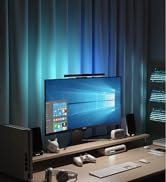
Decorate table with lights
Rechargeable Products
- Design in Denmark
- Specialized spectrum
- High-quality batteries
