



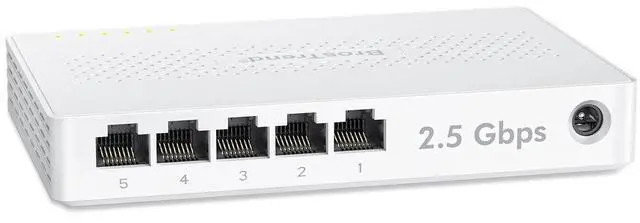
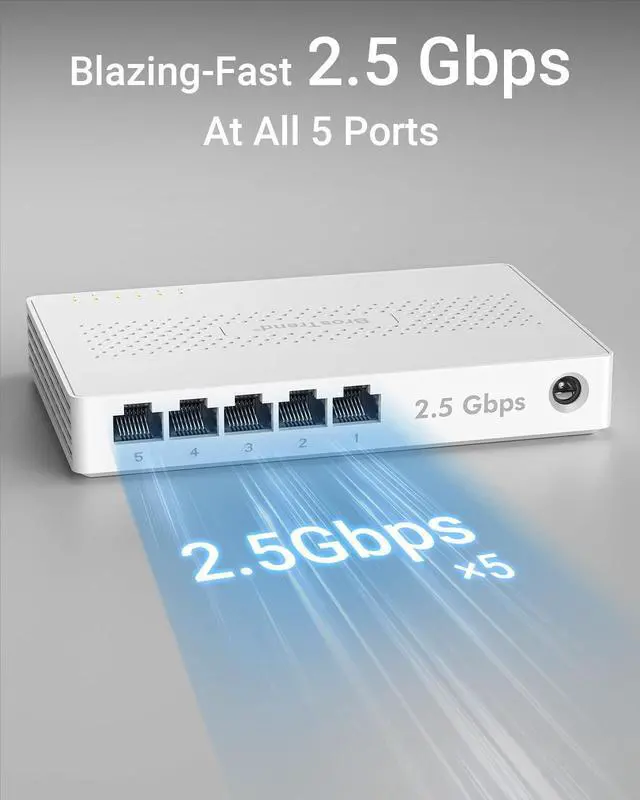
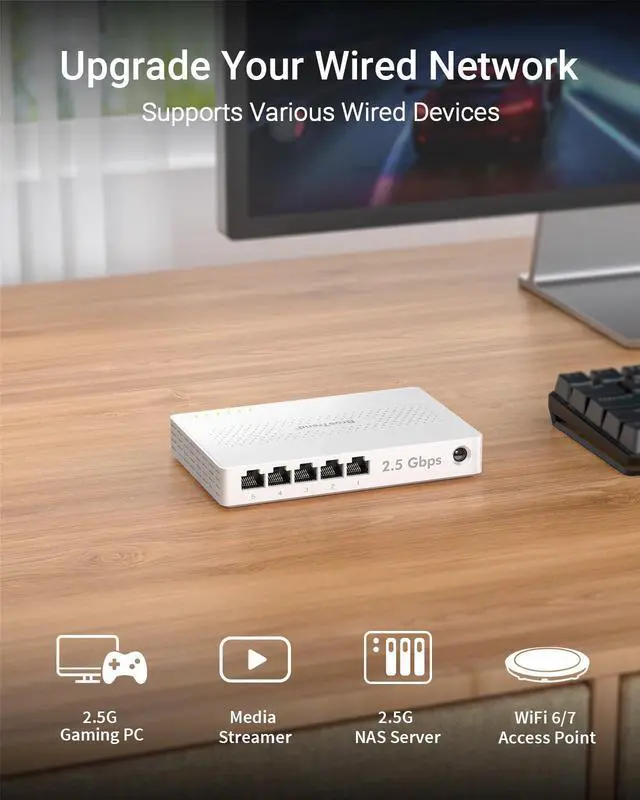
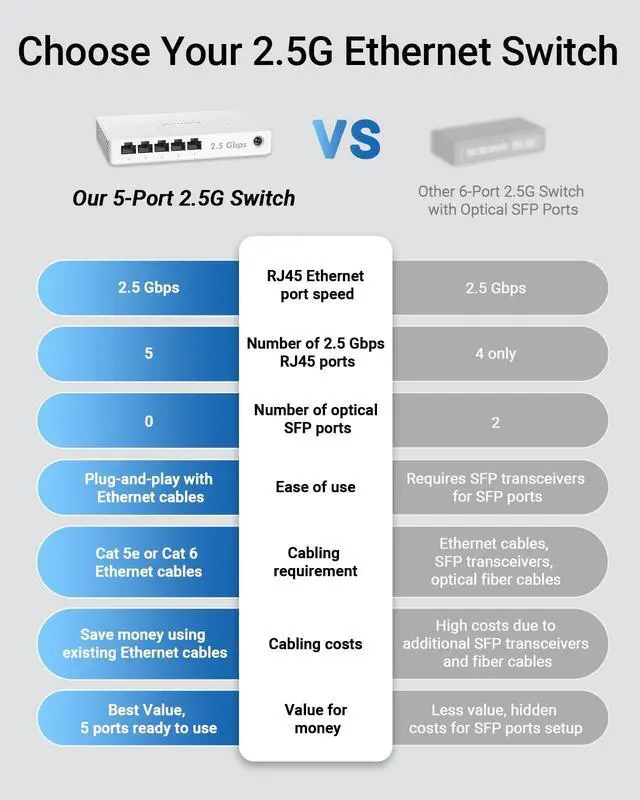
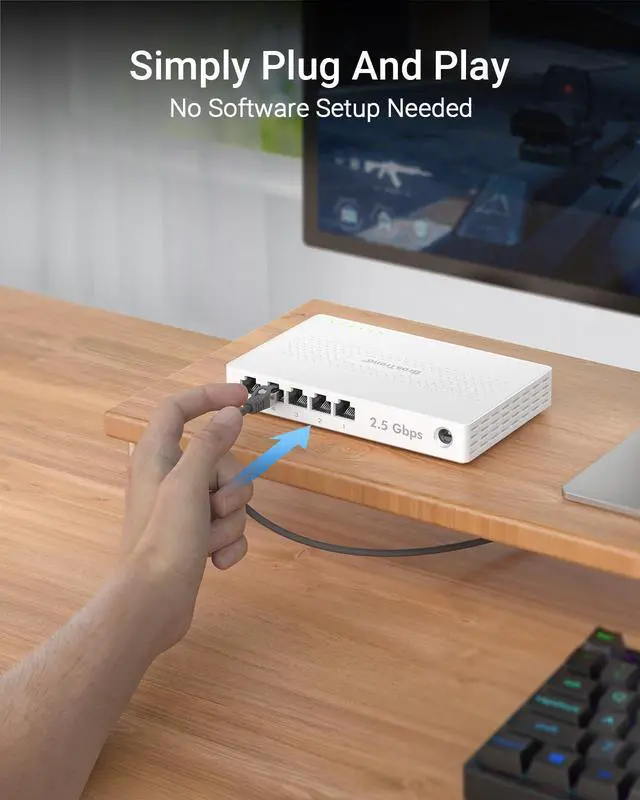

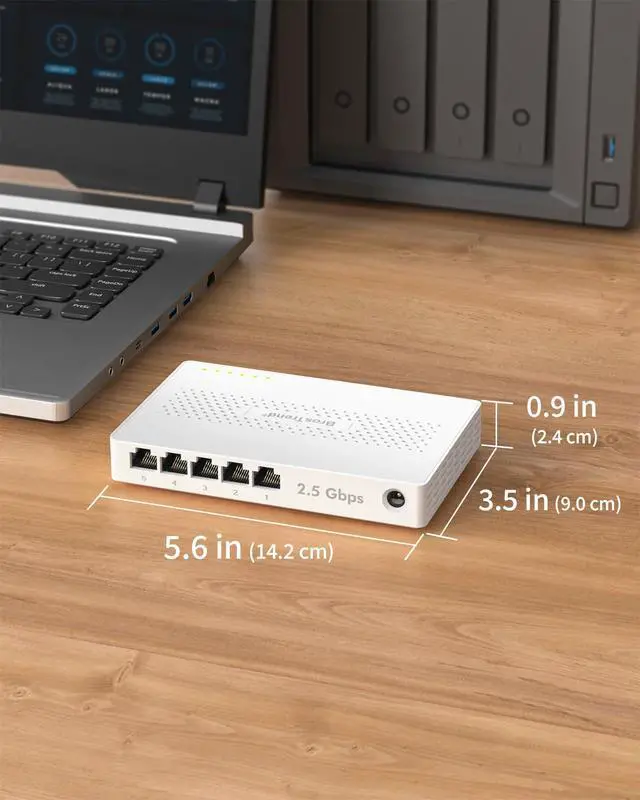


BrosTrend 5 Port 2.5G Ethernet Switch


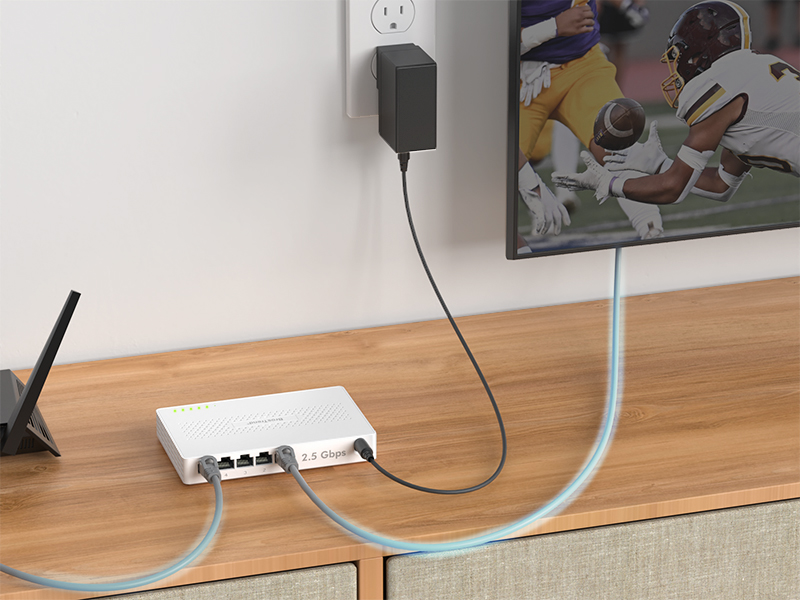
Plug-and-Play Setup
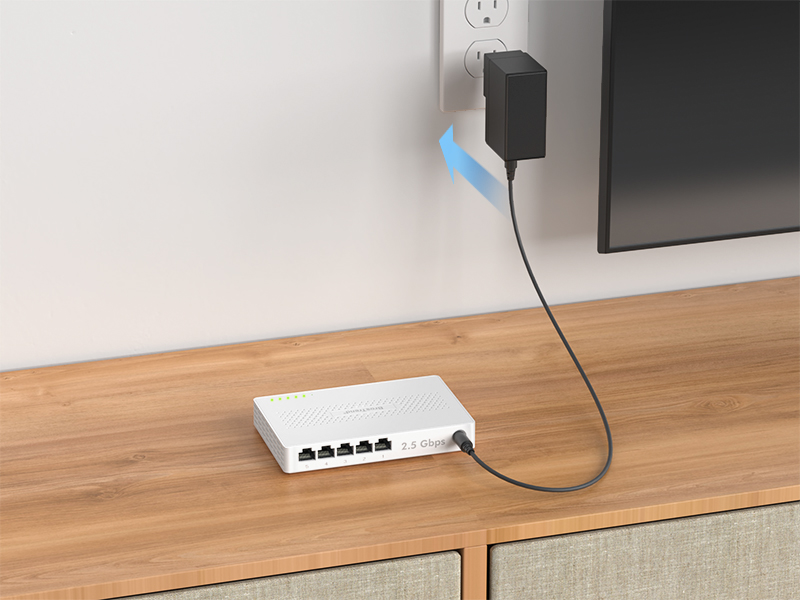
Step 1
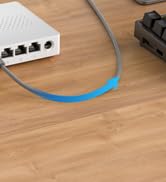
Connect the power adapter to the Ethernet switch to power it up.
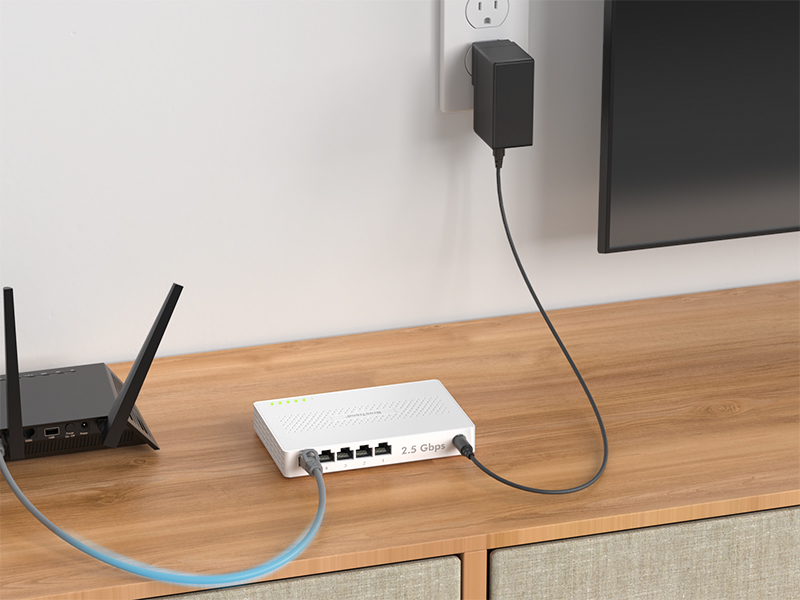
Step 2
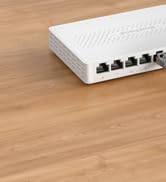
Any of the Ethernet ports of the switch can function as an uplink. Connect any port to the Ethernet (LAN) port of your router using an Ethernet cable.
Step 3
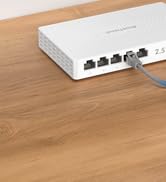
Connect the Ethernet port of your other devices to the network switch. To keep it running at its best, place the switch in a well-ventilated space for stable 2.5G performance.
2.5G Ethernet Switch
Switches Comparison
5 × 2.5G RJ45 Ports | Interface | 8 × 2.5G RJ45 Ports |
25 Gbps | Capacidad Switching | 40 Gbps |
Realtek | Chip Brand | MaxLinear |
Plastic Casing | Case Material | Plastic Casing |
Yes | Standard Mode | Yes |
- | SLA Mode | - |
- | VLAN Mode | - |
5 × 2.5G RJ45 Ports | Interface | 8 × 2.5G RJ45 Ports |
25 Gbps | Capacidad Switching | 40 Gbps |
Realtek | Chip Brand | MaxLinear |
Plastic Casing | Case Material | Metal Casing |
Yes | Standard Mode | Yes |
- | SLA Mode | Yes |
- | VLAN Mode | Yes |



Founded in 2011, BrosTrend dedicates itself to premium network products which deliver fast and reliable connections.
With more than 10 years of experience in the networking industry, BrosTrend never stops innovating and is ready to bring a smoother online experience for everyone.


8-Port 2.5G Ethernet Switch



5-Port 2.5G Ethernet Switch


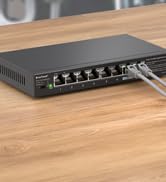
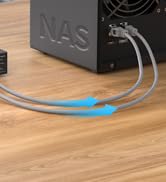
8-Port 2.5G Ethernet Switch
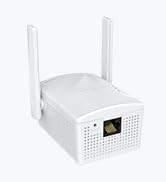
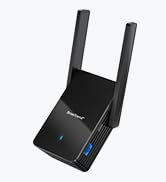
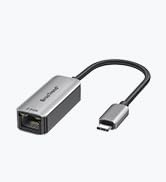
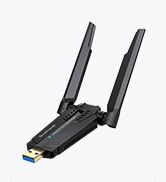
Popular WiFi Devices

BrosTrend 5 Port 2.5G Ethernet Switch


Plug-and-Play Setup


Step 1
Connect the power adapter to the Ethernet switch to power it up.
Step 2
Any of the Ethernet ports of the switch can function as an uplink. Connect any port to the Ethernet (LAN) port of your router using an Ethernet cable.
Step 3
Connect the Ethernet port of your other devices to the network switch. To keep it running at its best, place the switch in a well-ventilated space for stable 2.5G performance.
Switches Comparison
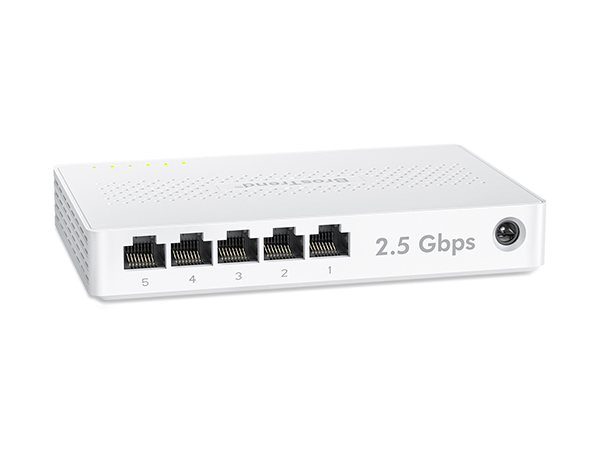
2.5G Ethernet Switch
Interface
5 × 2.5G RJ45 Ports
Capacidad Switching
25 Gbps
Chip Brand
Realtek
Case Material
Plastic Casing
Standard Mode
Yes
SLA Mode
-
VLAN Mode
-
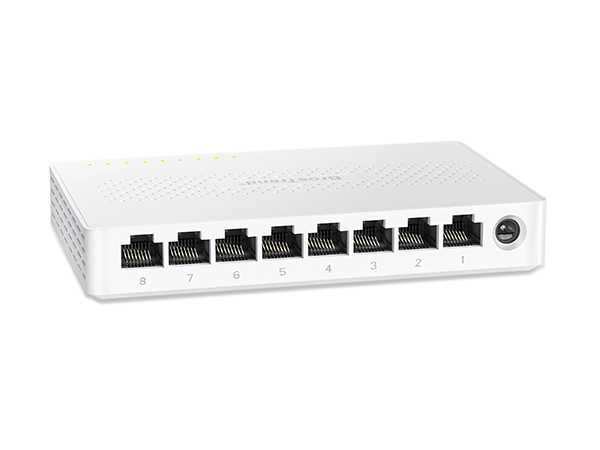
2.5G Ethernet Switch
Interface
8 × 2.5G RJ45 Ports
Capacidad Switching
40 Gbps
Chip Brand
MaxLinear
Case Material
Plastic Casing
Standard Mode
Yes
SLA Mode
-
VLAN Mode
-
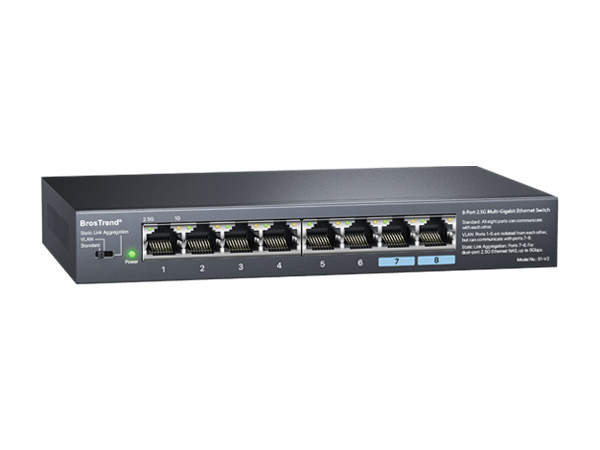
2.5G Network Switch
Interface
8 × 2.5G RJ45 Ports
Capacidad Switching
40 Gbps
Chip Brand
MaxLinear
Case Material
Metal Casing
Standard Mode
Yes
SLA Mode
Yes
VLAN Mode
Yes
Founded in 2011, BrosTrend dedicates itself to premium network products which deliver fast and reliable connections.
With more than 10 years of experience in the networking industry, BrosTrend never stops innovating and is ready to bring a smoother online experience for everyone.
8-Port 2.5G Ethernet Switch
5-Port 2.5G Ethernet Switch
8-Port 2.5G Ethernet Switch
Popular WiFi Devices