







![TP-Link USB C To Ethernet Adapter(UE300C), RJ45 To USB C [Thunderbolt 3/4 Compatible] Type-C Giga...](http://c1.neweggimages.com/sellingpilot/modules/product/a-plus/d3b73d1080ba871b9ce33dfcd472bc379173170d5eda27b171fb3093b95419fc.jpg)


Extend Your Internet Connection Using Your Electrical System?
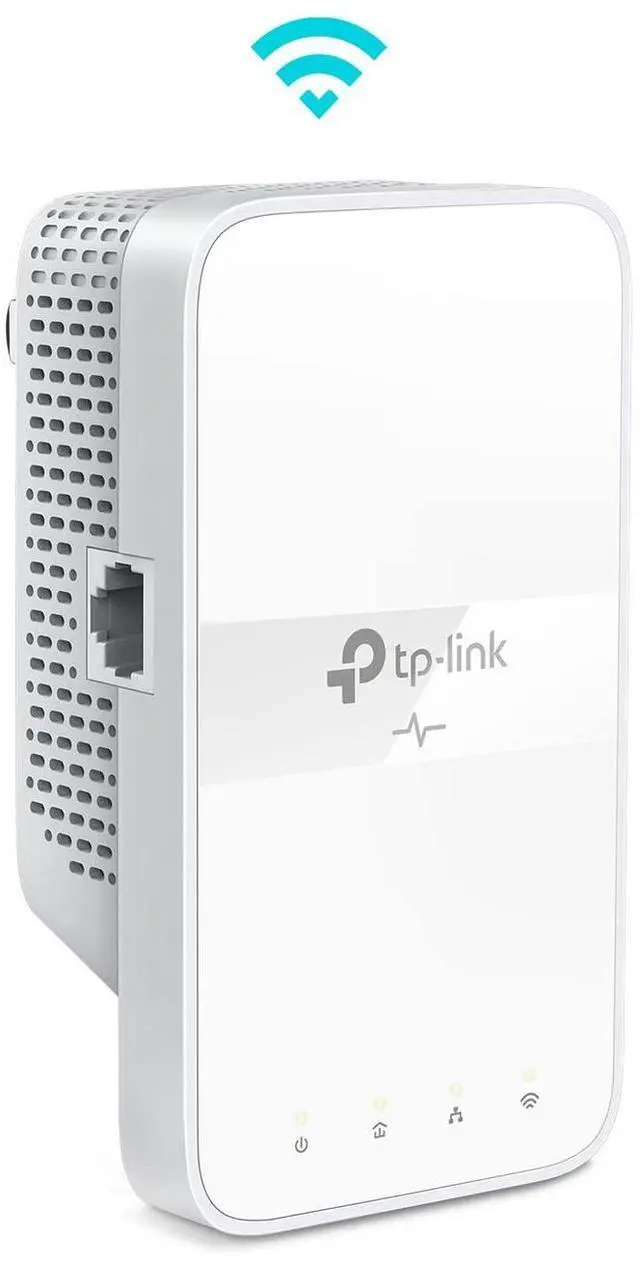
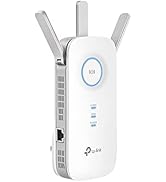
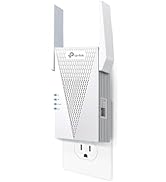
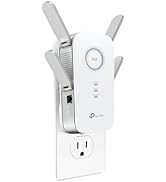
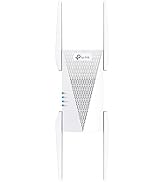
Unable to extend your network connection with a router or range extender in certain areas of your home? Your thick walls are most likely the reason. This product connects through your electrical wiring, delivering wired and wireless connectivity.
Advisory:
•Must deploy the devices in sets of 2 or more on the same electrical circuit. Avoid placing large appliances on that circuit.
•Do not plug into surge protectors. Speeds cannot exceed your internet plan’s limit.
Gigabit Ethernet for Reliable Connections
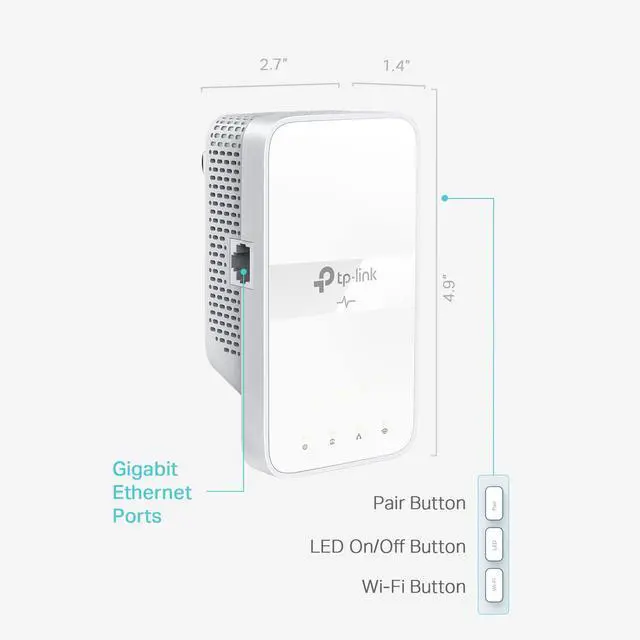
One Gigabit Ethernet port provides wired connections for 4K HD streaming, lag-free gaming, and more.
*Two Ethernet cables are included in the box.


Plug, Pair, and Play, No Configuration Required
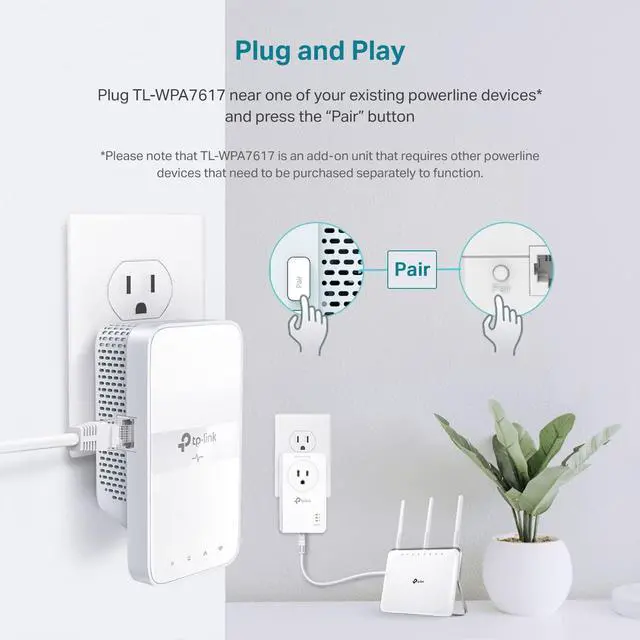
Ditch the complicated setup process for good and get started with powerline in just 3 steps:
- Make sure your existing powerline adapter is connected to your router.?
- Plug in the TL-WPA7617 to wherever you need extended coverage. ?
- Press the Pair button on both adapters.
One-Touch Wi-Fi Configuration
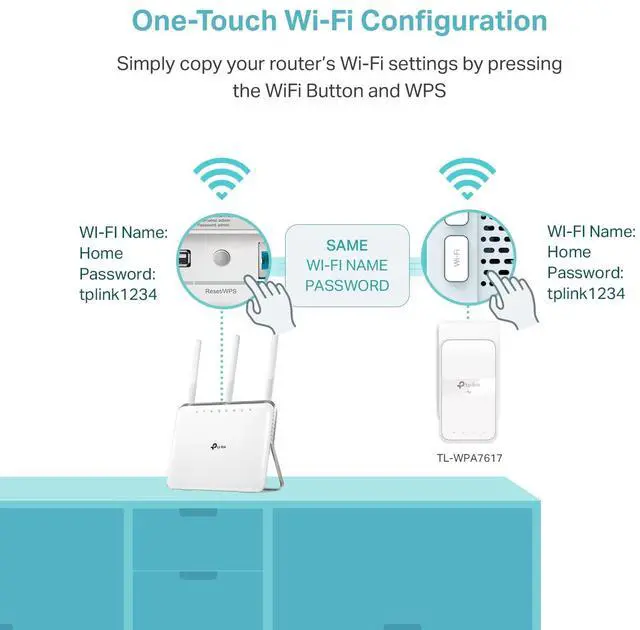
Instantly copies the wireless network name (SSID) and password from your router by pressing the WiFi Clone button.
Besides, any changes made to the WiFi settings of any powerline adapter will be automatically applied across the entire Powerline network.

OneMesh for Seamless Whole-Home Streaming

With OneMesh technology, you can effortlessly create a Mesh network with a single network name for uninterrupted streaming when moving from room to room. Connect the TL-WPA7617 to a OneMesh router for seamless roaming experience managed from the TP-Link Tether app.

Powerline Management on Your Smartphone
Manage your powerline Wi-Fi through tpPLC app from your smartphone(Android, iOS), or download new tpPLC utility on PCs to manage the powerline network
• View real time powerline speed
• LED control (also controlled by LED on/off button)
• Guest network

No Drilling or Wire Installation Needed
Extend Your Internet Connection Using Your Electrical System?
Unable to extend your network connection with a router or range extender in certain areas of your home? Your thick walls are most likely the reason. This product connects through your electrical wiring, delivering wired and wireless connectivity.
Advisory:
•Must deploy the devices in sets of 2 or more on the same electrical circuit. Avoid placing large appliances on that circuit.
•Do not plug into surge protectors. Speeds cannot exceed your internet plan’s limit.
Gigabit Ethernet for Reliable Connections
One Gigabit Ethernet port provides wired connections for 4K HD streaming, lag-free gaming, and more.
*Two Ethernet cables are included in the box.
Plug, Pair, and Play, No Configuration Required
Ditch the complicated setup process for good and get started with powerline in just 3 steps:
- Make sure your existing powerline adapter is connected to your router.?
- Plug in the TL-WPA7617 to wherever you need extended coverage. ?
- Press the Pair button on both adapters.
One-Touch Wi-Fi Configuration
Instantly copies the wireless network name (SSID) and password from your router by pressing the WiFi Clone button.
Besides, any changes made to the WiFi settings of any powerline adapter will be automatically applied across the entire Powerline network.
OneMesh for Seamless Whole-Home Streaming

With OneMesh technology, you can effortlessly create a Mesh network with a single network name for uninterrupted streaming when moving from room to room. Connect the TL-WPA7617 to a OneMesh router for seamless roaming experience managed from the TP-Link Tether app.
Powerline Management on Your Smartphone
Manage your powerline Wi-Fi through tpPLC app from your smartphone(Android, iOS), or download new tpPLC utility on PCs to manage the powerline network
• View real time powerline speed
• LED control (also controlled by LED on/off button)
• Guest network
Wi-Fi 7 Mesh
Wi-Fi 7 Routers
Mesh Wi-Fi
Wi-Fi Routers
Access Points
Range Extenders
WiFi USB Adapters
PCIe Cards
Network Switches
![TP-Link USB C To Ethernet Adapter(UE300C), RJ45 To USB C [Thunderbolt 3/4 Compatible] Type-C Giga...](//c1.neweggimages.com/sellingpilot/modules/product/a-plus/d3b73d1080ba871b9ce33dfcd472bc379173170d5eda27b171fb3093b95419fc.jpg)
USB BT + Ethernet
Festa Networking