



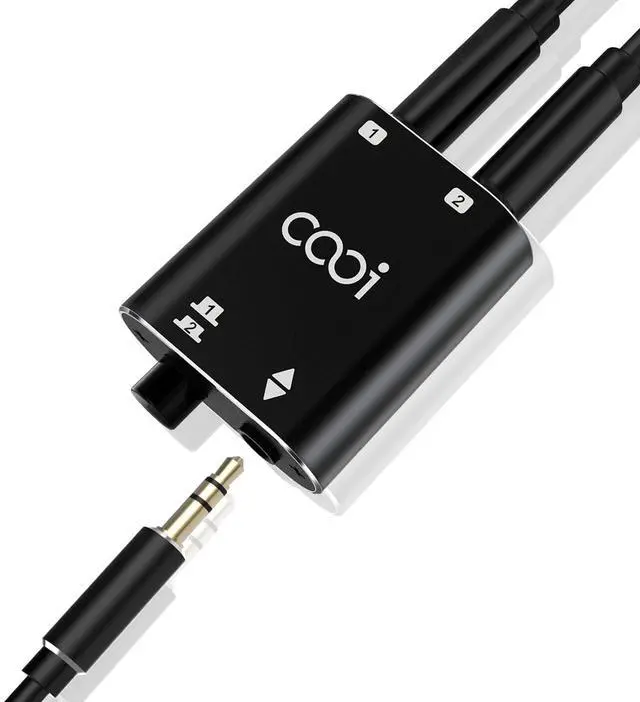


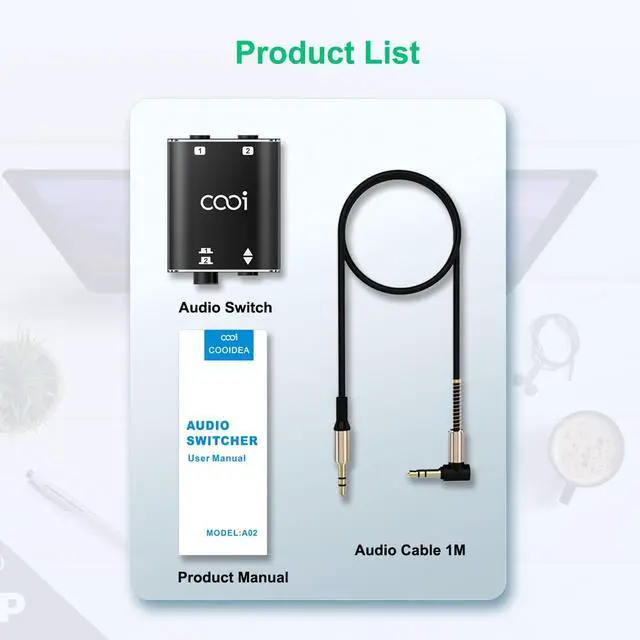


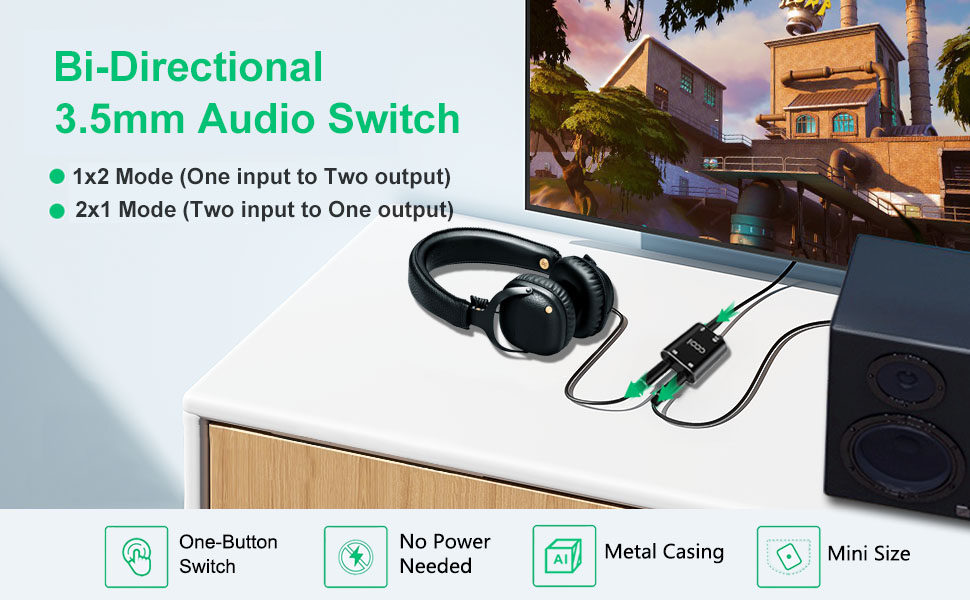
The cooidea audio switcher is a small and delicate 3.5mm audio interface bi-directional switcher that allows users to conveniently switch between 2 audio sources/playback devices.
By simply pressing a button,you can easily choose to connect the common channel to either channel 1 or channel 2.
This audio switcher boasts a low-impedance design that delivers high-fidelity audio reproduction while minimizing cable noise. The device also features a high-quality headphone jack with gold-plated contacts for reliable performance.
This device supports the use of a three-segment headphone jack. If you use a four-segment headphone jack with microphone functionality, it can be used to play audio, but microphone functionality is not supported.
Modes and Usage:
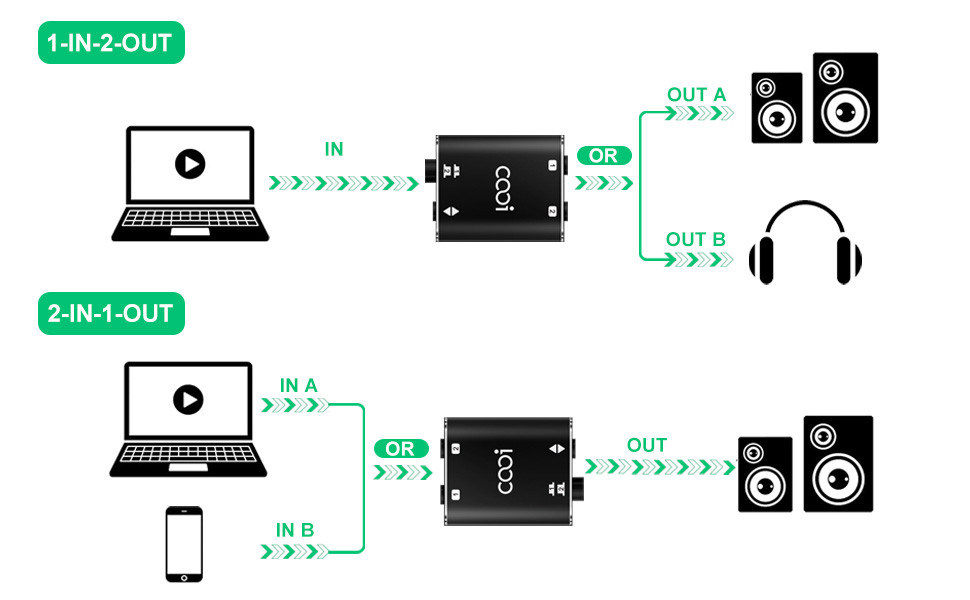
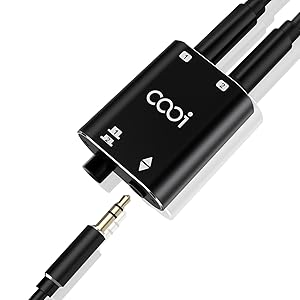
It features a common port and two channels: Channel 1, Channel 2.
Two operational modes are available:
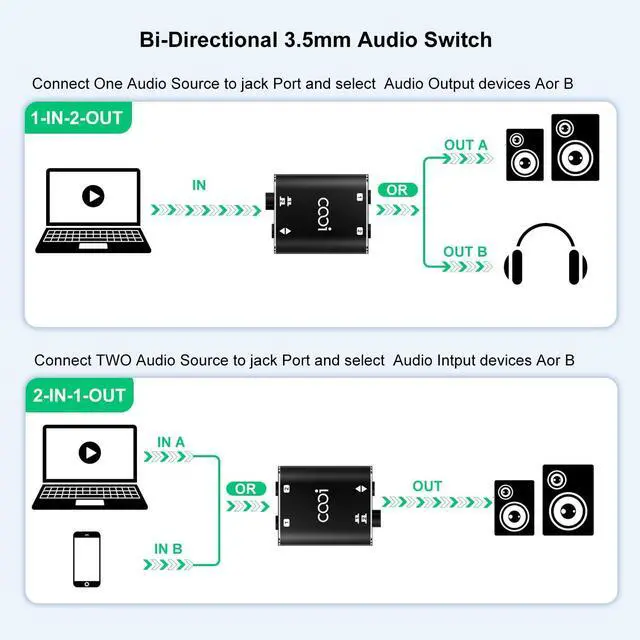
A.1x2 Mode (One input to Two output):
1.Connect the audio source (such as mobile phone, computer, audio player, etc.) to the common port;
2.Connect two audio receiving devices (such as headphones, speakers, amplifier inputs, etc.) to Channel 1 and Channel 2, respectively;
3.Press the switch on the switcher to toggle the audio output channel.
B.2x1 Mode (Two input to One output):
1.Connect two audio sources (such as mobile phone, computer, audio player, etc.) to Channel 1 and Channel 2, respectively;
2.Connect an audio receiving device (such as headphones, speakers, amplifier inputs, etc.) to the common port;
3.Press the switch on the switcher to toggle the audio source.
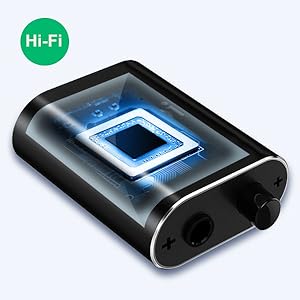
Low Impedance,Hi-Fi Quality
This audio switcher boasts a low-impedance design that delivers high-fidelity audio reproduction while minimizing cable noise.
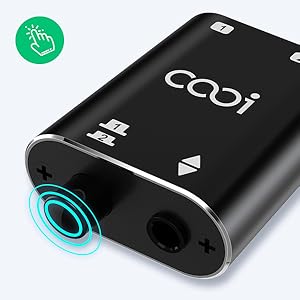
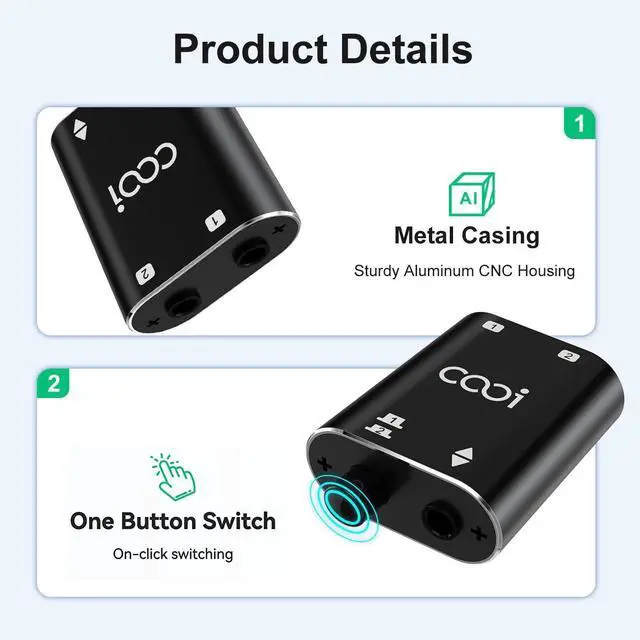
One-Press Switch
By pressing the selection button, you can switch between two playback devices.
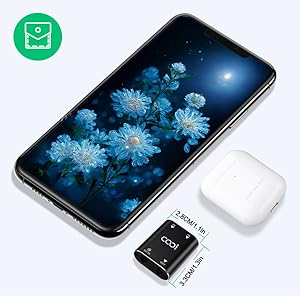
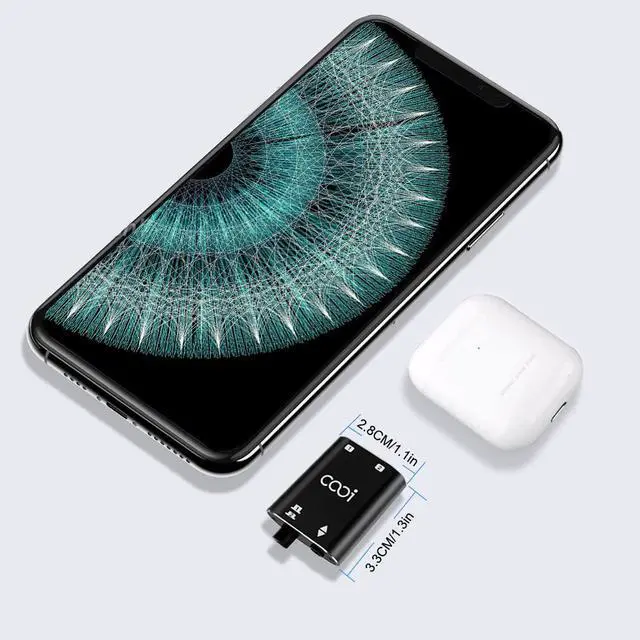
Mini Size
Small size, making it easy to place and doesn’t take up space, perfect for use on desktops and in offices.
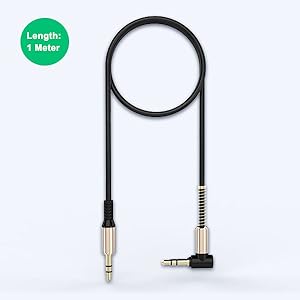
1-meter-long audio cable
Product comes with a 1-meter-long audio cable.
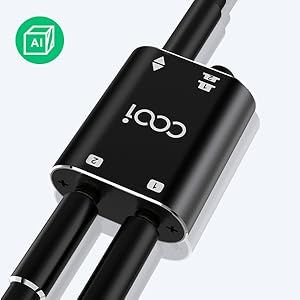
Metal Casing
This PC switch features an aluminum alloy casing with anodizing and sandblasting processes, resulting in a beautiful appearance
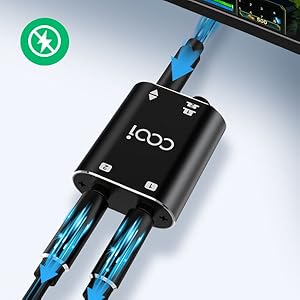
No Power Required
Simply plug and play no extra power required. single push of the button to switch the devices
Tips:
In practicalapplications, there may be occasional fluctuations in theground" signal between devices due to wiring, power supply, andother factors,which can cause buzzing noises.lf you encounter this situation, you can try the following methods:
1.Change the power connection position of the devices (audio source, speakers, amplifiers, etc.) to different outlets. For example, for devices powered by USB, consider using a separate adapter for powerinstead of relying on the USB port of a computer or other devices
2.Use an audio isolator. This method usually solves the problem effectively but may add cost and require additional space.
If you get stuck, no problem - help is always available via Q&A or by contacting us directly.
Specifications:
Size:3.3cm*2.8cm*1.3cm
Material: Aluminum alloy
Weight:14g
The cooidea audio switcher is a small and delicate 3.5mm audio interface bi-directional switcher that allows users to conveniently switch between 2 audio sources/playback devices.
By simply pressing a button,you can easily choose to connect the common channel to either channel 1 or channel 2.
This audio switcher boasts a low-impedance design that delivers high-fidelity audio reproduction while minimizing cable noise. The device also features a high-quality headphone jack with gold-plated contacts for reliable performance.
This device supports the use of a three-segment headphone jack. If you use a four-segment headphone jack with microphone functionality, it can be used to play audio, but microphone functionality is not supported.
Modes and Usage:
It features a common port and two channels: Channel 1, Channel 2.
Two operational modes are available:
A.1x2 Mode (One input to Two output):
1.Connect the audio source (such as mobile phone, computer, audio player, etc.) to the common port;
2.Connect two audio receiving devices (such as headphones, speakers, amplifier inputs, etc.) to Channel 1 and Channel 2, respectively;
3.Press the switch on the switcher to toggle the audio output channel.
B.2x1 Mode (Two input to One output):
1.Connect two audio sources (such as mobile phone, computer, audio player, etc.) to Channel 1 and Channel 2, respectively;
2.Connect an audio receiving device (such as headphones, speakers, amplifier inputs, etc.) to the common port;
3.Press the switch on the switcher to toggle the audio source.
Low Impedance,Hi-Fi Quality
This audio switcher boasts a low-impedance design that delivers high-fidelity audio reproduction while minimizing cable noise.
One-Press Switch
By pressing the selection button, you can switch between two playback devices.
Mini Size
Small size, making it easy to place and doesn’t take up space, perfect for use on desktops and in offices.
1-meter-long audio cable
Product comes with a 1-meter-long audio cable.
Metal Casing
This PC switch features an aluminum alloy casing with anodizing and sandblasting processes, resulting in a beautiful appearance
No Power Required
Simply plug and play no extra power required. single push of the button to switch the devices
Tips:
In practicalapplications, there may be occasional fluctuations in theground" signal between devices due to wiring, power supply, andother factors,which can cause buzzing noises.lf you encounter this situation, you can try the following methods:
1.Change the power connection position of the devices (audio source, speakers, amplifiers, etc.) to different outlets. For example, for devices powered by USB, consider using a separate adapter for powerinstead of relying on the USB port of a computer or other devices
2.Use an audio isolator. This method usually solves the problem effectively but may add cost and require additional space.
If you get stuck, no problem - help is always available via Q&A or by contacting us directly.
Specifications:
Size:3.3cm*2.8cm*1.3cm
Material: Aluminum alloy
Weight:14g