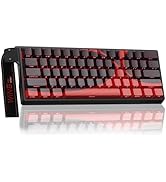
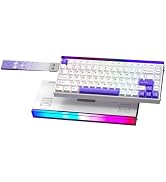
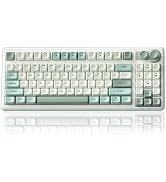
here!
here!
I’m your shopping assistant for PC builds, upgrades, and everything tech.
Got questions? Ask away!
Start a conversation
here!
I’m your shopping assistant for PC builds, upgrades, and everything tech.
Got questions? Ask away!
Start a conversation



Any questions? Ask CelesteSM will help you find out quickly.


Is this a full-size keyboard?
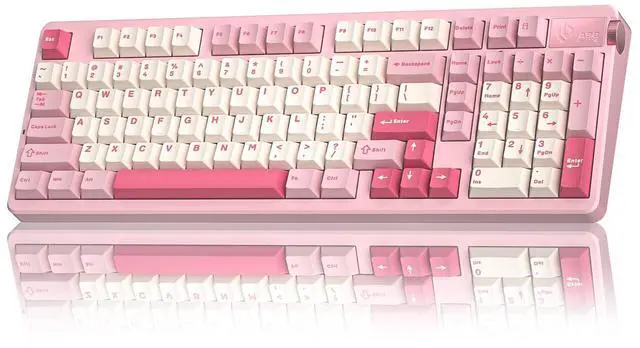
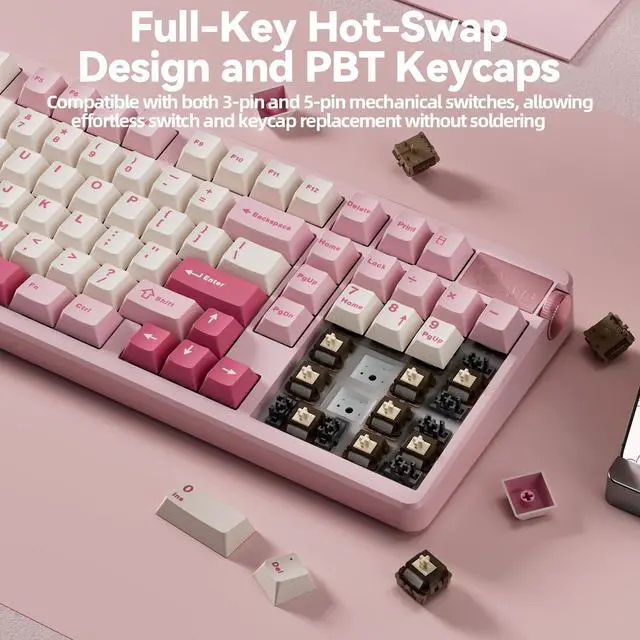
This is a 96% compact layout. It keeps the number-pad with some keys repositioned.
What typing sound does this keyboard produce?
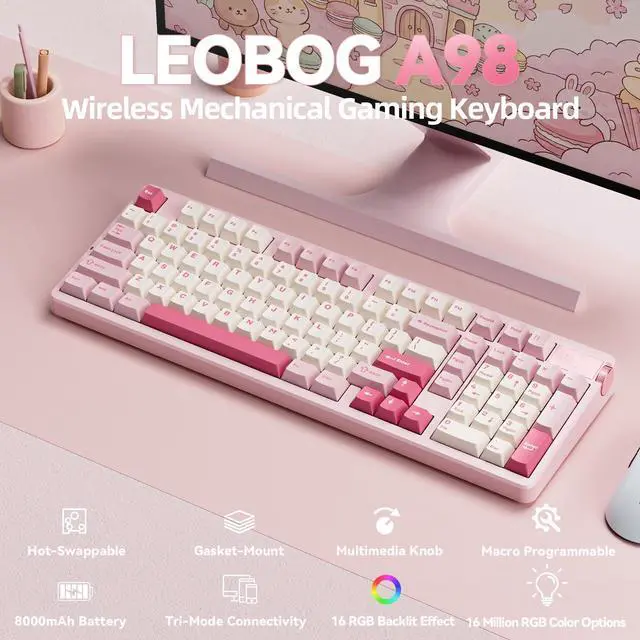
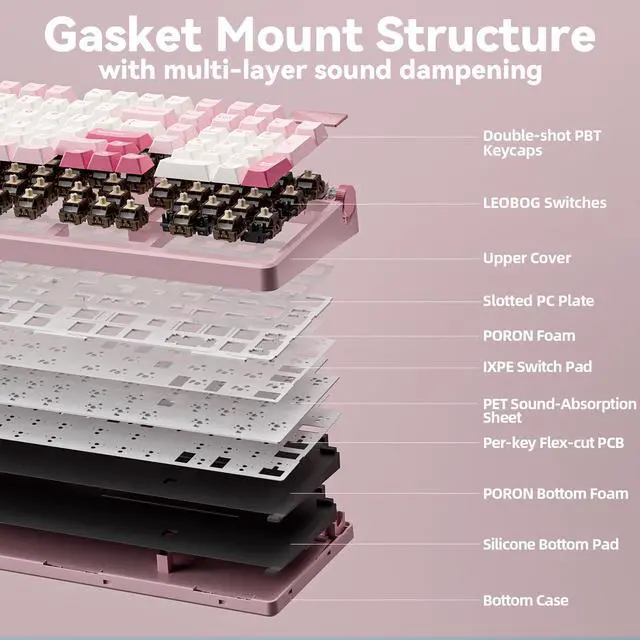
It delivers popular creamy thocky sound with gasket-mount mechanical switches. Sound may have slight differences from online videos due to recording environment. The larger spacebar has its own unique tone.
Where to download the customization software?
Download software from: bit.ly/m/corbobo for key remap, RGB and macro settings. Full features require Windows + USB-C wired connection.
Does it work with Mac? How to switch system mode?
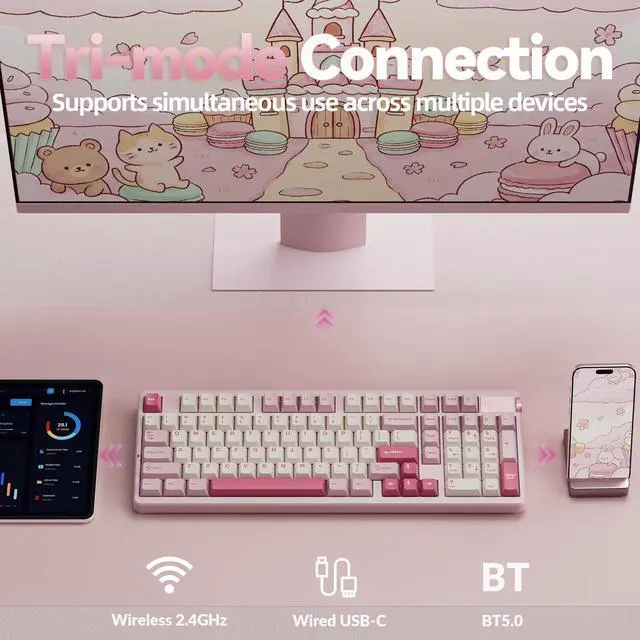
It supports Windows, Mac and Android via BT, 2.4G and USB-C wired.Press FN+W for Windows mode, FN+E for Mac mode, FN+Q for Android mode.
How to get stable connection for this triple-mode keyboard?
Wired: Use data USB-C cable to rear PC USB port
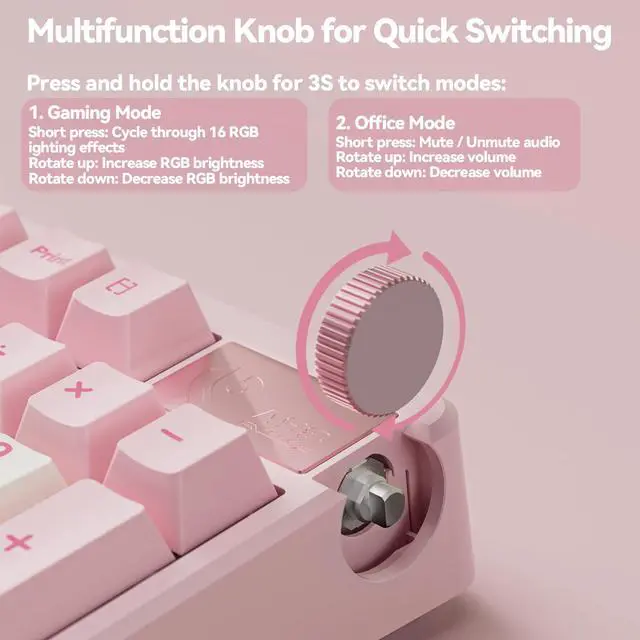
2.4G: Plug the dongle stored near the knob into rear PC USB port for better stability
BT: FN+1/2/3 for 3-device pairing, clear old records for better stability
Switch modes for troubleshooting.

CORBOBO keyboards grace desktops worldwide, a testament to our dedication to delivering superior typing solutions. We continue to innovate, ensuring every stroke reflects our promise of excellence. We stand by our motto:Designed for Performance, Crafted for Elegance. And as we move forward, we continue to innovate, ensuring that every keyboard is a testament to our legacy—a blend of functionality and art that transcends time.

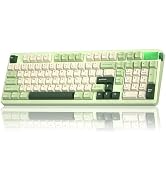

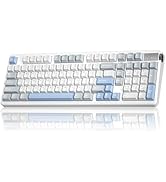
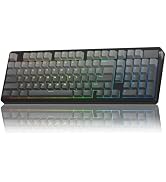
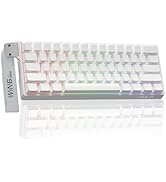
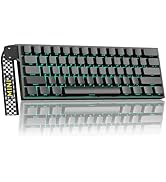
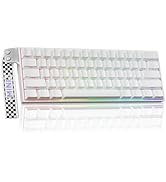
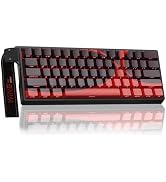
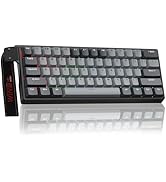
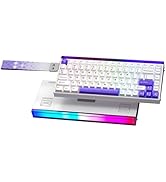
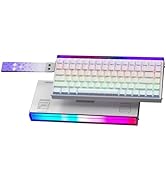
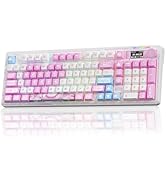
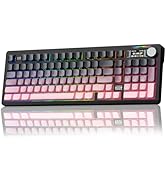
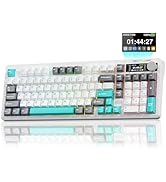
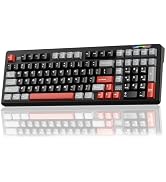
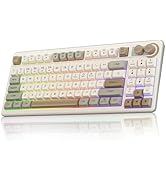
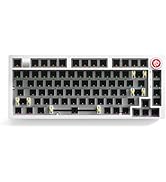


Is this a full-size keyboard?
This is a 96% compact layout. It keeps the number-pad with some keys repositioned.
What typing sound does this keyboard produce?
It delivers popular creamy thocky sound with gasket-mount mechanical switches. Sound may have slight differences from online videos due to recording environment. The larger spacebar has its own unique tone.
Where to download the customization software?
Download software from: bit.ly/m/corbobo for key remap, RGB and macro settings. Full features require Windows + USB-C wired connection.
Does it work with Mac? How to switch system mode?
It supports Windows, Mac and Android via BT, 2.4G and USB-C wired.Press FN+W for Windows mode, FN+E for Mac mode, FN+Q for Android mode.
How to get stable connection for this triple-mode keyboard?
Wired: Use data USB-C cable to rear PC USB port
2.4G: Plug the dongle stored near the knob into rear PC USB port for better stability
BT: FN+1/2/3 for 3-device pairing, clear old records for better stability
Switch modes for troubleshooting.
CORBOBO keyboards grace desktops worldwide, a testament to our dedication to delivering superior typing solutions. We continue to innovate, ensuring every stroke reflects our promise of excellence. We stand by our motto:Designed for Performance, Crafted for Elegance. And as we move forward, we continue to innovate, ensuring that every keyboard is a testament to our legacy—a blend of functionality and art that transcends time.