here!
here!
I’m your shopping assistant for PC builds, upgrades, and everything tech.
Got questions? Ask away!
Start a conversation
here!
I’m your shopping assistant for PC builds, upgrades, and everything tech.
Got questions? Ask away!
Start a conversation










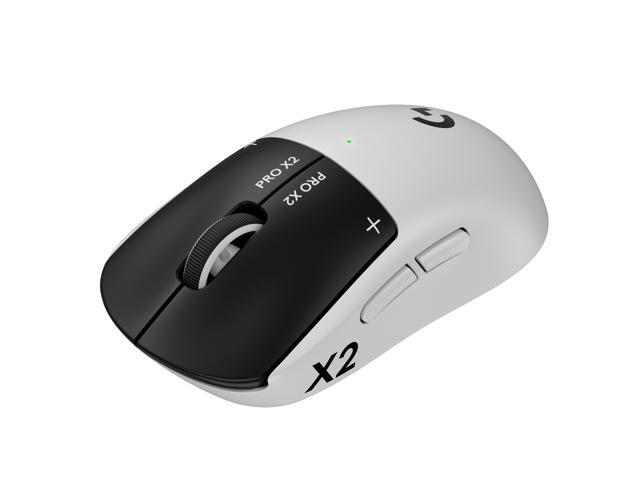
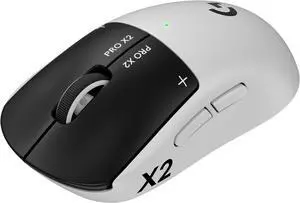
PRO X2 SUPERSTRIKE is a breakthrough in ultra-low click-latency technology. The revolutionary Haptic Inductive Trigger System (HITS) accelerates click speed with tunable actuation and rapid trigger reset points for both main mouse keys.
Stay ahead of the game even when it changes. Built on 17 years of MMO mastery, the Razer Naga V3 Pro is the ultimate wireless MMO gaming mouse: featuring 3 swappable side plates that adapt to any genre you play. Now more customisable, faster and more precise than ever, the multi-genre master is reforged for MMO, Battle Royale, FPS, MOBA and beyond.
+ $15 off w/ promo code FTTF8228, limited offer
Save even more w/ combo purchase, limited offer
+ $13 off w/ promo code FTTF8229, limited offer

+ $20 off w/ promo code FTTF882, limited offer
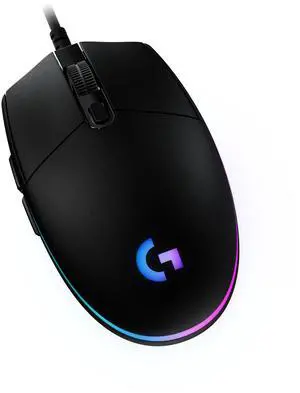
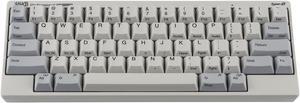
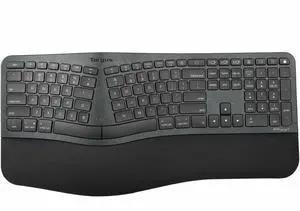

Explore a wide selection of mechanical, wireless, Bluetooth, and ergonomic keyboards and mice designed for gaming and productivity. Compare keyboard and mouse combos, find the latest wireless gaming setups, and choose the right accessories to fit your needs.
Among all technical specs, the type of key switch is often the game-changer in how a keyboard feels and performs. Mechanical switches provide distinct actuation points and tactile feedback that membrane or scissor switches can’t match. This results in more precise typing, faster response times, and overall better durability — essential for both gamers and heavy typists. Within mechanical options, you’ll find variations like linear, tactile, or clicky switches catering to different preferences. Paired with features like high polling rates, these keyboards enable lightning-fast input recognition that can be crucial during competitive play. Explore our Gaming Keyboards selection for prime examples of mechanical tech optimized for esports and intense gaming scenarios.
For professionals juggling more than one machine, whether in software development, creative production, or IT management, a standard keyboard and mouse setup might not cut it. Integrating a KVM Switch allows you to control multiple computers using a single keyboard and mouse without the clutter or inconvenience of multiple peripherals. This setup saves desk space, reduces cable chaos, and provides a smooth workflow—ideal for complex, multi-device environments where quick switching is essential.
Newegg shopping tip: When choosing a keyboard and mouse, consider your primary use—whether it's gaming, office work, or casual browsing—as this affects the ideal features like key type, DPI settings, and ergonomics. Also, decide if wireless convenience outweighs the slight input lag sometimes found in gaming setups. Checking compatibility with your device and the type of connection (Bluetooth vs. USB receiver) can save frustration later.
Mechanical switches with high polling rates power these keyboards, delivering ultra-responsive keystrokes for esports and fast-paced play.
From membrane to mechanical, find options with varying actuation points and layouts for typing or casual use.
Precision sensors with adjustable DPI and customizable buttons put esports-level control right in your palm.
If you're new to shopping for computer peripherals, selecting the right keyboard and mouse can seem overwhelming. Start by considering your primary use—whether it’s everyday typing, casual browsing, or occasional gaming. For straightforward typing needs, explore a variety of Keyboards that suit your preferred typing feel and layout. Pair this with a comfortable Mouse optimized for smooth tracking to complete your setup. Wireless options let you keep your desk clutter-free, while wired models ensure no input lag if you prioritize responsiveness.
Competitive and casual gamers alike benefit from equipment designed to enhance speed, accuracy, and customization. Mechanical switches with ultra-fast response times make Gaming Keyboards essential for quick reflex actions and durability. Combine this with a Gaming Mouse featuring customizable DPI settings and programmable buttons to tailor controls for your favorite titles. Wireless gaming combos maximize desk space and freedom of movement without sacrificing performance.
Spending long hours at the computer calls for peripherals that reduce strain and support efficiency. Ergonomic keyboards come in various shapes—such as split or angled layouts—to maintain natural hand positioning and prevent discomfort. Look for options with quiet keys and full-size layouts to keep workflow smooth. Complement your choice with an ergonomic Mouse that fits your hand shape perfectly and supports precise tracking, helping you stay focused and comfortable through demanding work sessions.
Research more: When choosing a keyboard and mouse, think about how you’ll use them—whether it’s for gaming, work, or casual browsing. Newegg Insider offers detailed guides that break down options like wireless setups, mechanical switches, and ergonomic designs to help you find the right fit.
Last Updated: October 2026 | Newegg Keyboard & Mouse Buying Guide
Gaming keyboards usually have faster response times, customizable keys, and RGB lighting, which can enhance gameplay, whereas regular keyboards focus more on general typing comfort and durability without specialized features.
Wireless mice offer more freedom of movement and less cable clutter, making them ideal for casual use, but wired mice tend to have lower latency and more consistent responses, which can matter if you want precision and no battery concerns.
Mechanical keyboards use individual switches under each key, offering tactile feedback and durability, while membrane keyboards have a softer feel with rubber domes beneath the keys and are usually quieter. Mechanical ones tend to last longer and are preferred for gaming and typing.
Most wireless mice connect via Bluetooth or a USB receiver and should work with any computer that supports those connections. Just make sure your device is compatible with the mouse’s connection type before buying.
Think about where you’ll use them most—wired tends to be more reliable with no lag, perfect for gaming or heavy typing, while wireless offers more freedom and less clutter on your desk.
Focus on basic functionality and durability rather than extras like RGB lighting or programmable keys; many affordable sets deliver solid performance for everyday work and casual use.
Many gaming keyboards and mice are built to last, but common issues include key chattering or mouse sensor drift. Check reviews for mentions of durability and consistent performance over time before buying.
Wireless devices can sometimes have lag or dropouts, especially in crowded signal areas. Look for reviews where users talk about stable wireless range and battery life to avoid models with frequent disconnects.
Start by inserting the batteries into both devices, then plug in the wireless receiver to your PC’s USB port. Your computer should automatically recognize them, but if not, check for any required drivers or use the included setup software.
Regularly clean the keyboard and mouse to prevent dust buildup—use compressed air for the keyboard and a soft cloth for the mouse surface. Also, keep the mouse sensor area clear and update device firmware through the manufacturer’s software if available.
“ When I first find this keyboard online I immediately loved the design and before I never used any special keyboards but just regular ones. ”
ASUS ROG Strix Morph 96 Wireless Gaming Keyboard, Mechanical Switches, 2.4GHz/Bluetooth, Compact 96% Layout, RGB, PC“ This keyboard has exceeded all my expectations. ”
RGB Gaming Keyboard, Wired 104-Key Full Size Keyboard with Mechanical Feel, Metal Panel, Phone Holder, IP57 Waterproof, Ultra Responsive & Quiet Typing, Computer Keyboard for PC/Mac Gamers“ This is everything I ever wanted from a mechanical keyboard in 2026. ”
ASUS ROG Strix Morph 96 Wireless Gaming Keyboard, Mechanical Switches, 2.4GHz/Bluetooth, Compact 96% Layout, RGB, PC“ Overall this a great keyboard at a fair price. ”
MSI Forge GK600 TKL Wireless Gaming Keyboard - Mechanical Linear Switches, Dye-Sublimated PBT Keycaps, Anti-Slip Base, RGB, USB 2.0, Bluetooth, 2.4 GHz - White“ I had been eyeing some wireless keyboards for a while and when I saw this I made up my mind almost immediately. ”
MSI Gaming Gear Bundle FRIEREN Edition, Wireless Mouse and Keyboard, Mechanical Linear Switches, TKL, Long-Range 2.4Ghz Wireless, Rechargable Power, Optical Sensor, 26000 DPI“ If you like thocky/creamy-sounding keyboards, this is as good as it gets for a reason. ”
EPOMAKER TH87 Wireless Mechanical Keyboard with 10000mAh Battery, BT/2.4GHz/Wired, Hot Swappable Custom, PBT Keycap, RGB Backlit, Gasket, TKL Gaming Keyboard for PC/Mac (Creamy Jade Switch)“ I was looking for a keyboard for my kid and found this product. ”
MSI FORGE GK600 TKL Wireless Gaming Keyboard – MARS Edition, Hot-Swappable 5-Pin, Tri-Mode (2.4GHz/Bluetooth/USB-C), Linear Mechanical Switches, RGB“ Key touch better than roll out/fold out keyboards ”
Logitech K400 Plus Wireless Touch Keyboard with Built-In Touchpad, TV Keyboard for Smart TV, PC, HTPC