
Your Browsing History
 Holiday Shipping Details & Extended Holiday Returns


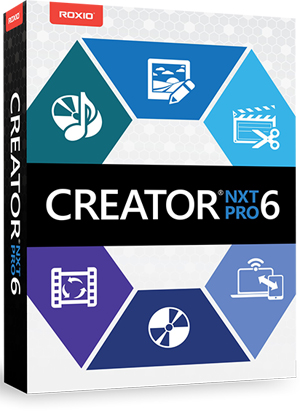
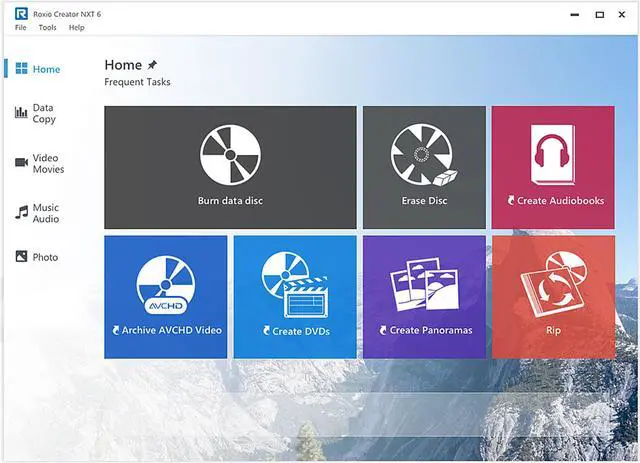
Introducing Roxio Creator NXT Pro 6, the multimedia suite re-designed to create pro-like projects using industry-leading burning tools, complete with 20+ popular Roxio applications to help you capture, copy, convert, edit, burn, and share your media. Record your screen and capture video with NEW MultiCam Capture, use enhanced video editing software with new effects, then playback your favorite footage or blockbuster with WinDVD 12. Also includes PaintShop Pro X9, for all your photo editing and graphic design needs, and Roxio Burn 4, to burn, copy, and encrypt files on disc or USB. Creator NXT Pro 6 is the complete power pack for all of your digital needs!
Data + Copy
Burn it. Copy it. Preserve it.
Roxio Burn 4 with Encryption PRO Exclusive
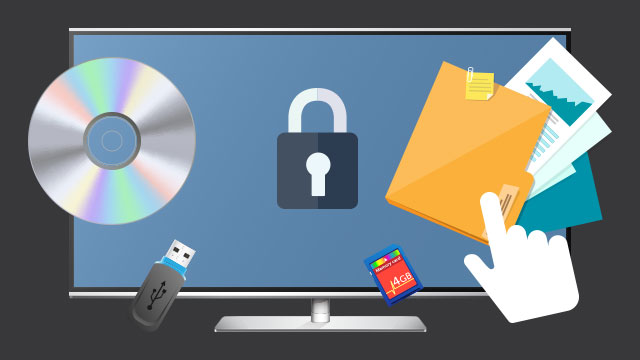
Secure your data and burn to disc or save to USB with drag-and-drop controls using banking-level encryption technology! Protect data and control your settings for powerful encryption and passwords for secure sharing. Ensure your files never get misplaced or corrupted.
Encryption Controls PRO Exclusive
Control passwords and encryption settings and set up a master password to encrypt and decrypt data.
Secure Your Data PRO Exclusive
Encrypt data on disc or USB--even view activity logs to keep track of what you burn and when.
Drag. Drop. Burn. Copy.
Easily burn, archive and copy* your media on disc or USB--even copy to multiple devices at once. (* Does not copy or convert copyrighted or protected videos.)
The Industry Standard for Burning
Delivering the best and easiest tools for archiving and sharing your irreplaceable media files on CD or DVD.
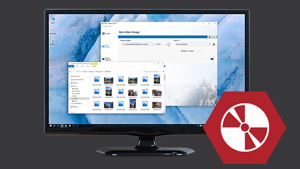
Burn a DVD from an ISO Image File
To make multiple DVD copies, or to archive your DVD productions, consider outputting an ISO image file to your hard drive.
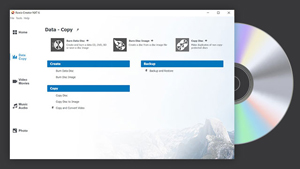
Create Custom DVD Compilations
Maximize disc space and create custom DVD compilations with up to 4 hours of DVD video on a single disc.
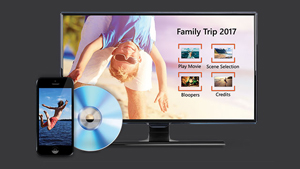
Roxio MyDVD
Turn your videos into professional-looking discs with Roxio MyDVD™. Burn to DVD with customizable menus and music. Get polished results with 100+ themed templates and easily combine multiple movies onto one disc.
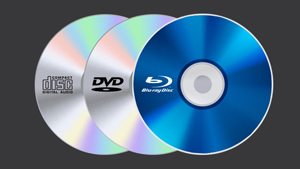
Copy and Burn CDs
Easily create a copy* of your CDs, DVDs, and Blu-ray discs. Whatever the original disc is, Creator NXT can copy it*. You may also copy and convert discs to digital files to playback on your favorite devices. (* Does not copy or convert copyrighted or protected videos.)

File Backup & Archive
With Roxio BackOnTrack 4, easily backup your files to CD, DVD, Blu-ray disc or network drive. Schedule unattended backups or do it manually. Or, easily archive your files with Roxio AVCHD Archive.
Video + Movies
Fast and powerful HD video editing
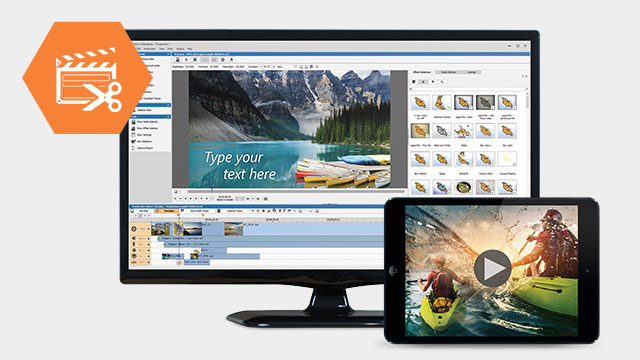
Easy and Versatile Video Editing
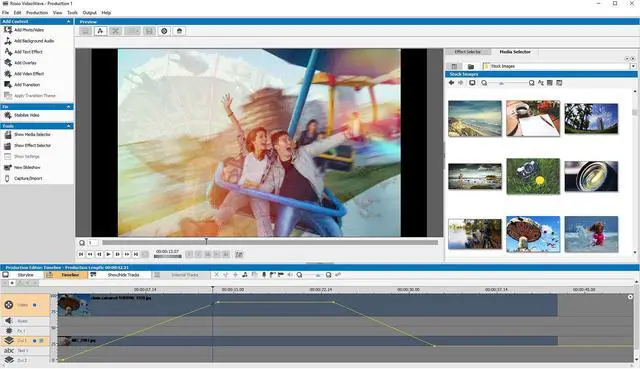
Edit and create HD videos with VideoWave, the enhanced video editing software. Add video filters, titles, scrolling credits, or create picture-in-picture effects. Rotate video with one click, trim video or auto-adjust color, brightness, and contrast. Even fix shaky video footage and play with the Green Screen effect!
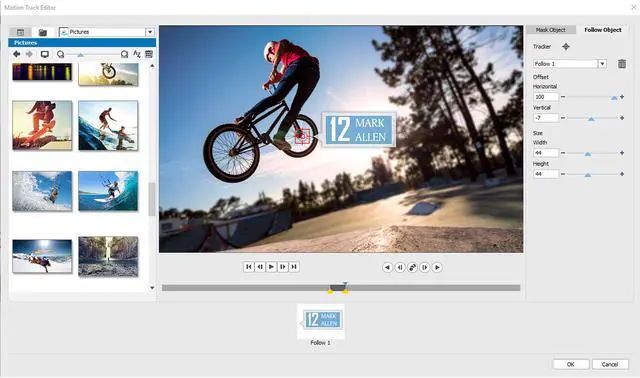
Motion Tracking
Track, label, or blur out an object with new Motion Tracking.
Track Transparency
Create a superimposed effect or custom fade transitions.
Create a superimposed effect or custom fade transitions.
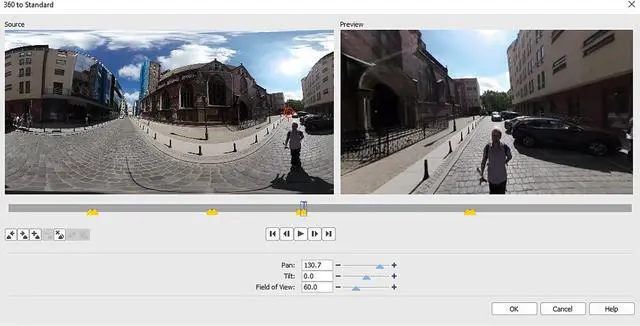
Convert 360 video for play back on standard devices and control what angle your audience sees.
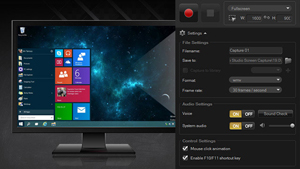
Live Screen Capture
Record your screen and capture picture, computer audio, and even voiceover. Select your screen, window, or define an area to capture. It's the fast and easy way to create presentations or how-to and tech support videos.
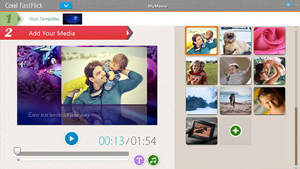
Photo and Video Slideshows
Make a movie or slideshow in three easy steps with Corel FastFlick™. Select a template, add your photos and videos, and share your movie to Facebook, YouTube, Flickr, Vimeo, or to a variety of video formats.
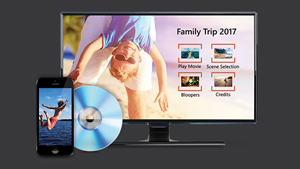
Pro-Quality DVD Burning
Give your video pro-quality packaging and create stylish DVDs with customizable chapters and menus using Roxio MyDVD. Experience a new and easy way to burn DVDs and AVCHD. Choose from 100+ themed templates.
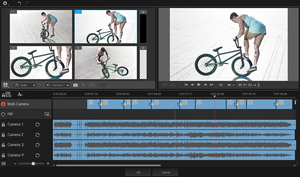
Multi-Camera Editor
Work with footage from two cameras to create more dynamic videos. The Multi-Camera video editor lets you align clips automatically with Audio Syncing, and easily view, edit, and switch camera angles to tell your story.
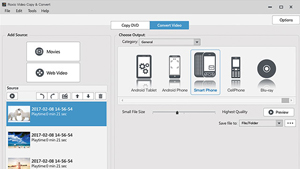
Capture and Convert Video and Audio
Convert* video and audio from discs, the web, or older devices or file types into your preferred format for easy playback on popular devices, including smart phone, tablet, game console, or other favorite device. Whatever the source—if you can hear it, you can capture it. (* Does not copy or convert copyrighted or protected videos.)

Enhance Video with Music
VideoWave video editing software gives you access to the ScoreFitter music library, offering a wide variety of original, royalty-free songs and effects to enhance the mood of your movies. ScoreFitter automatically adjusts the track to match the length of your movie.
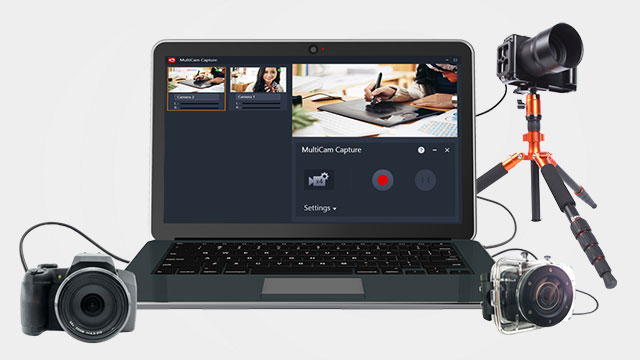
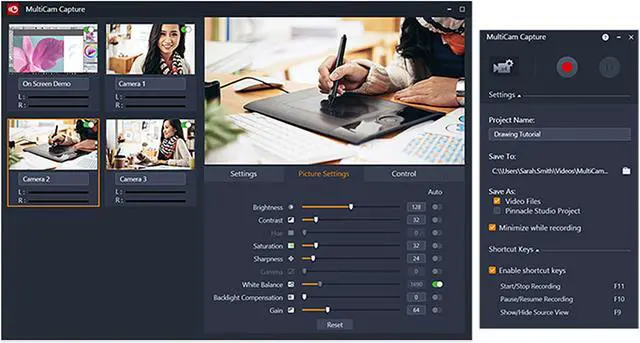
MultiCam Capture
Plug in your cameras and record your screen and capture video from multiple devices simultaneously. Stream your connected devices in one place and even adjust the camera's image to calibrate the color and brightness of each feed. From software training to unboxing videos, capture completely synced video and audio from multiple devices that's ready to edit at the click of a button.
Perfect for Video Makers and YouTube
From software tutorials to unboxing videos, this is the perfect tool to help you capture video.
Connect with Your Audience
Setup multiple camera angles and record engaging videos. Create picture-in-picture effects to show multiple angles.
Bring It Together in the MultiCam Editor
With perfectly synced video recorded, simply select the angle you wish to show in the Multi-camera editor.
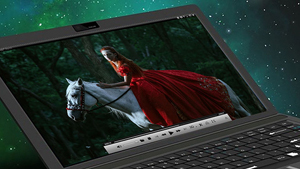
WinDVD 12 PRO Exclusive
Bring Hollywood home with the leading video playback, DVD software. From high-resolution 4K videos to DVDs, enjoy a huge range of formats with stunning quality, Dolby sound, and more. Intuitive controls in an updated, modern interface let you easily fine-tune video and audio like a pro.
Music + Audio
Rip, mix, burn and share your audio and music
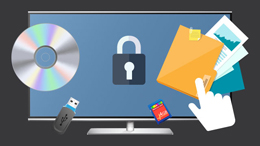
Create Audio CDs
Create music playlists for any occasion and burn audio CDs for your next road trip! And, to keep everybody dancing, Creator's beat matching feature will automatically synchronize the rhythm to transition from song to song.
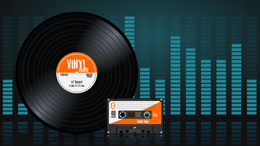
Preserve old LPs and Tapes
Digitize your classic analog LPs and cassette tapes—even clean up pops and hissing. Convert to your preferred format and enjoy on your favorite device. Creator even identifies your audio and adds title, artist, and genre information to your audio files automatically.
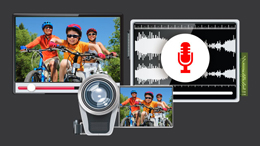
Capture Audio
Capture audio from the web or older devices, camcorder, even YouTube video. Simply extract it, then quickly edit the file, trim unwanted parts and save it into a format that you can play on your iPhone or other portable player.
Photo + Sharing
Extraordinary results with easy photo editing and creative design
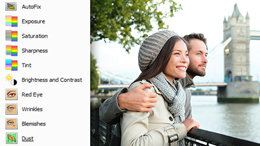
Edit Your Photos
Edit multiple images at the same time. Easily make adjustments and quick fixes: remove red eye, erase wrinkles and blemishes, correct color and brightness.

Restore Photos
Restore old photos and easily remove scratches and dust from a photo, adjust exposure, crop ragged edges, straighten a photo and adjust color. Even stitch together photos to create your own panoramas.

Create and Share
Easily create collages, greeting cards, slideshows and more. Save to your PC, print, or share with friends and family and upload to Facebook, YouTube, and more!
Now includes double the photo-editing power!
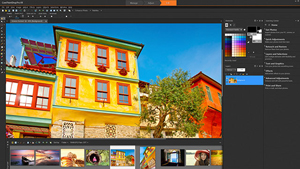
Corel PaintShop Pro X9 PRO Exclusive
Finesse your photos and create striking graphic design projects with the easy-to-use tools in PaintShop Pro X9. Seamlessly remove unwanted elements from photos and easily crop, straighten, retouch, and enhance images. Get creative with brushes, textures, layers, and drawing tools. The intuitive interface guides you and built-in training tools make learning easy.
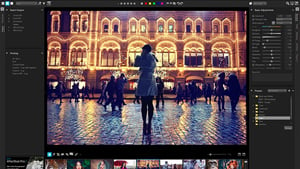
Corel AfterShot 3
Create unforgettable photos and and manage even very large photo collections with Corel AfterShot™ 3. Corrections and enhancements are fast and easy with tools to recover detail in overexposed photos, boost color, fix distortion, and more. Batch processing lets you apply adjustments to one or thousands of photos at once for dramatically faster photo processing.