Out of stock
This item is currently out of stock and it may or may not be restocked.
Add to wish list(Found on 3 wish lists)
Sold by Newegg

Shipped by Newegg

Shop it at NeweggBusiness.

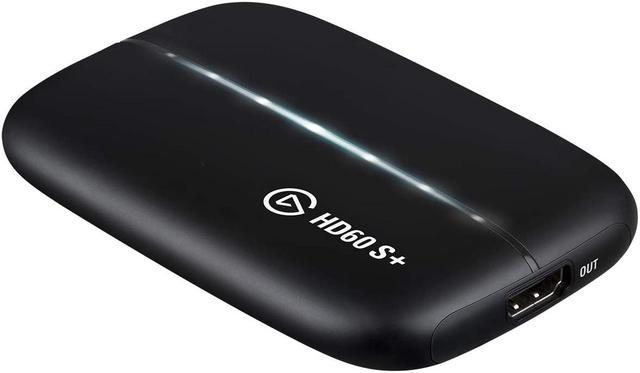
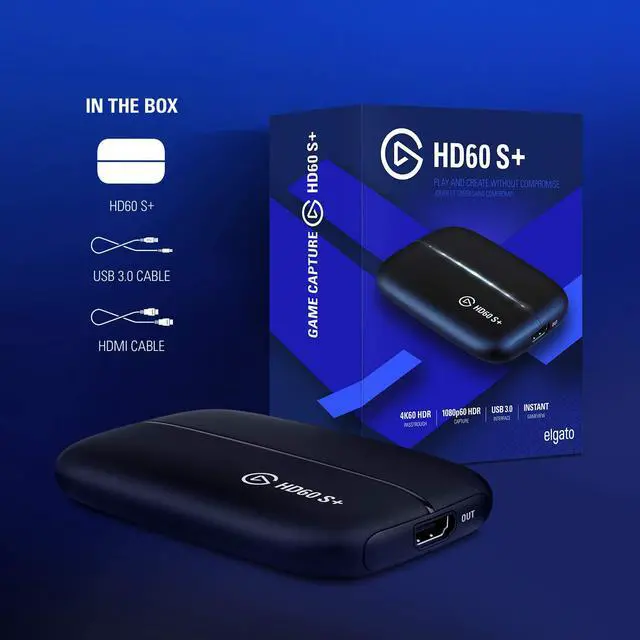
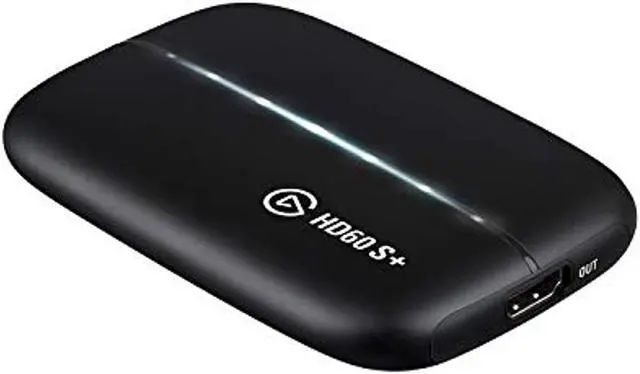
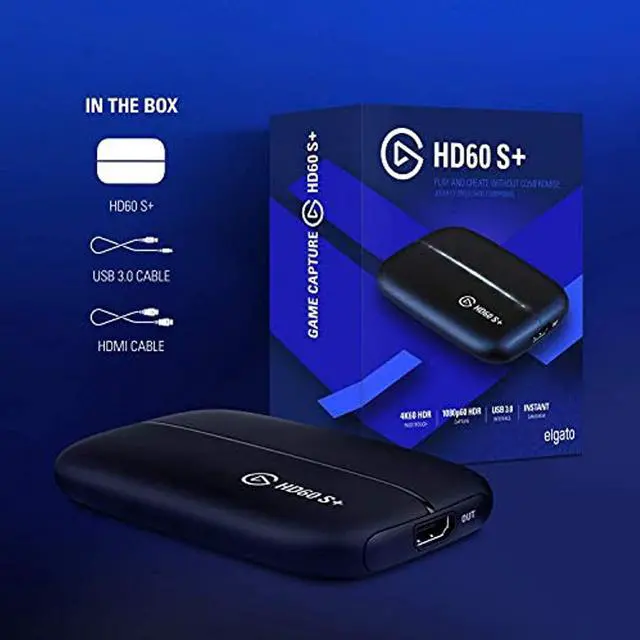
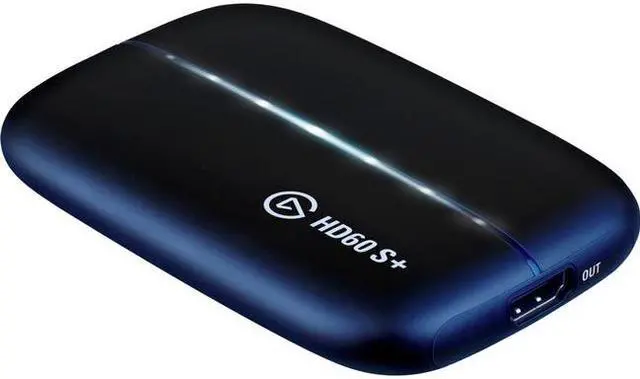
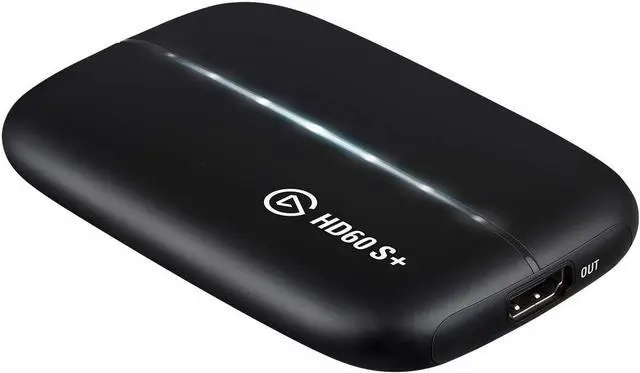
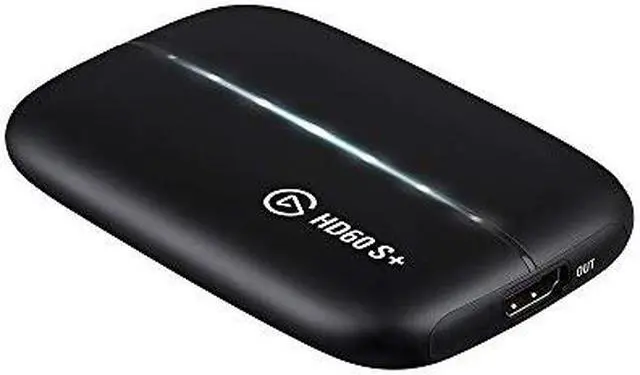
Elgato HD60 S+, External Capture Card, Stream and Record in 1080p60 HDR10 or 4K60 HDR10 with ultra-low latency on PS5, PS4/Pro, Xbox Series X/S, Xbox One X/S, in OBS and more, works with PC and Mac

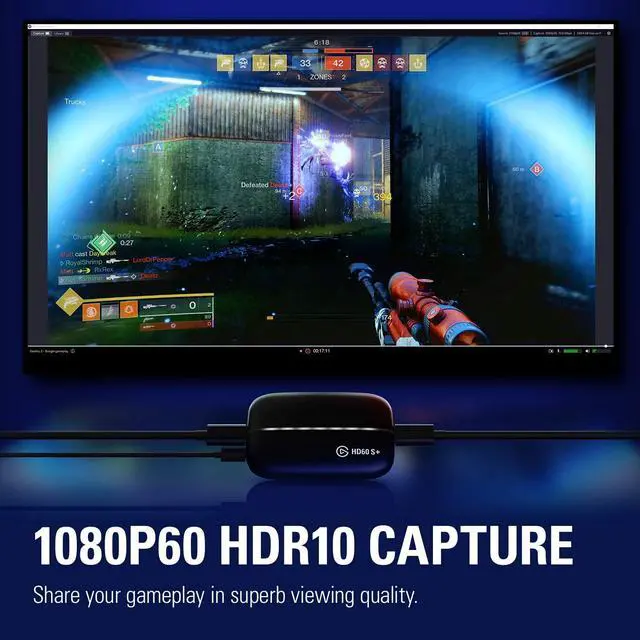
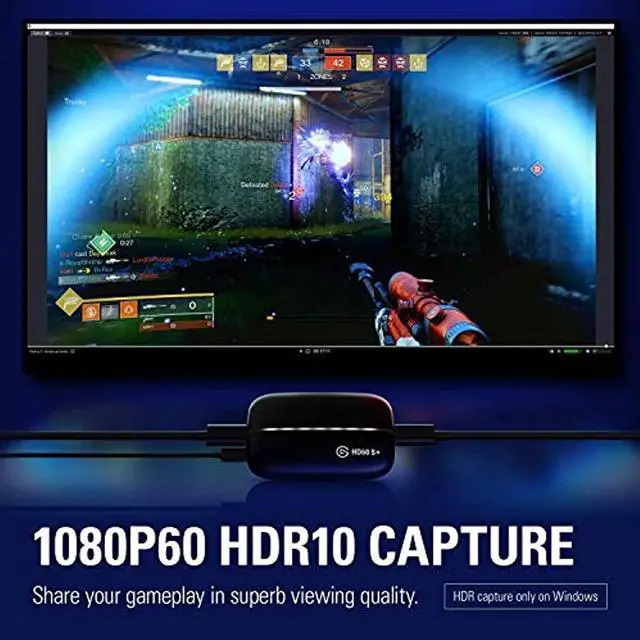
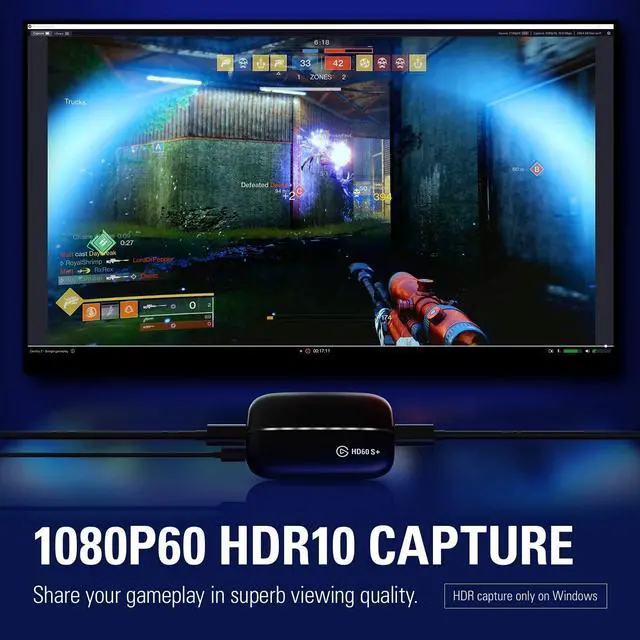
  • 1080p60 HDR10 Capture: share your gameplay in superb viewing quality.
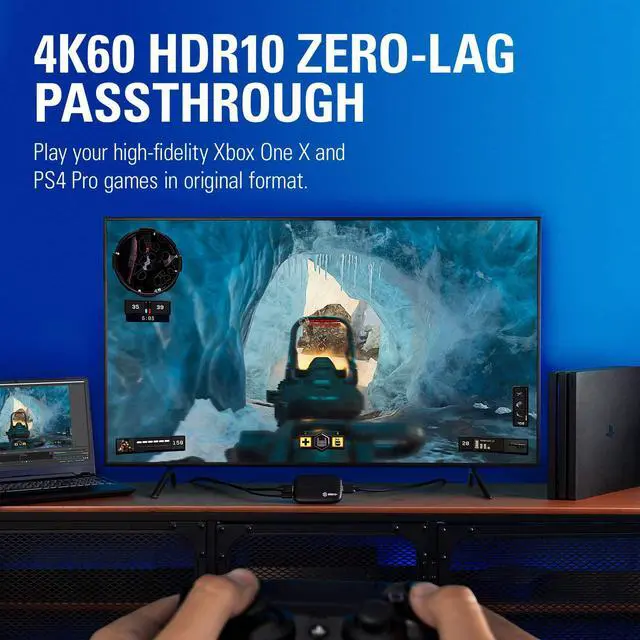
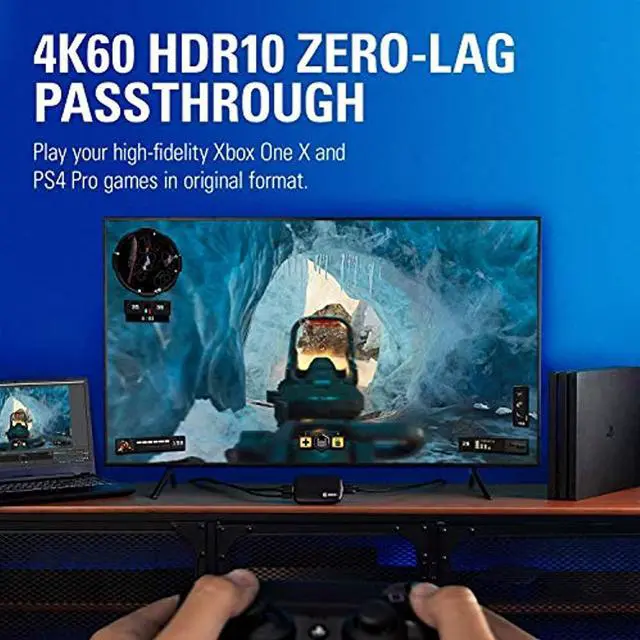
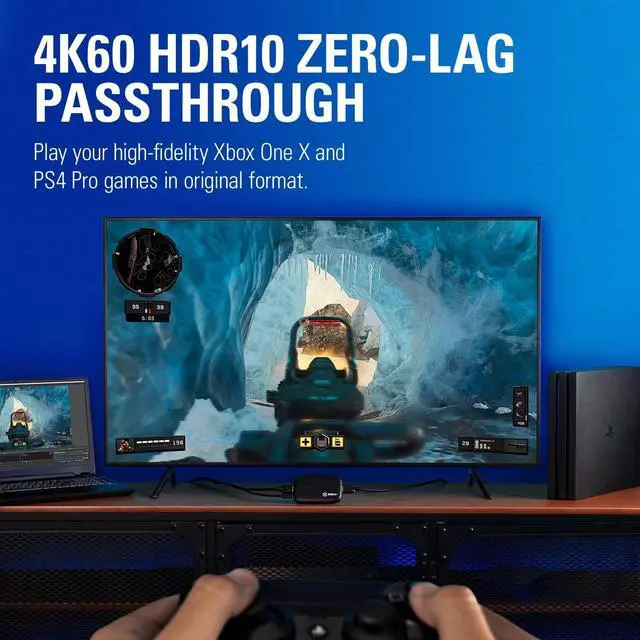
  • 4K60 HDR10 Zero-Lag Passthrough: play your high-fidelity Xbox Series X/S, Xbox One X, PS5 and PS4 Pro games in original format.
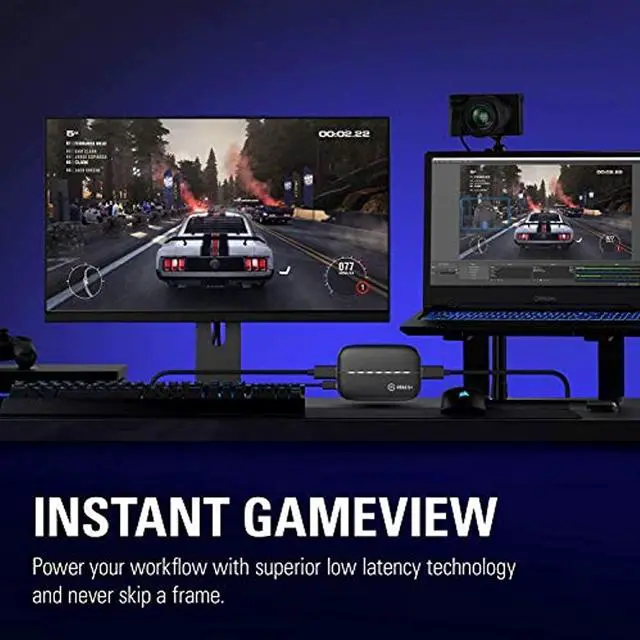
  • Instant Gameview: power your workflow with ultra-low-latency technology.
  • Unlimited Capture: record hours of footage directly to your hard drive.
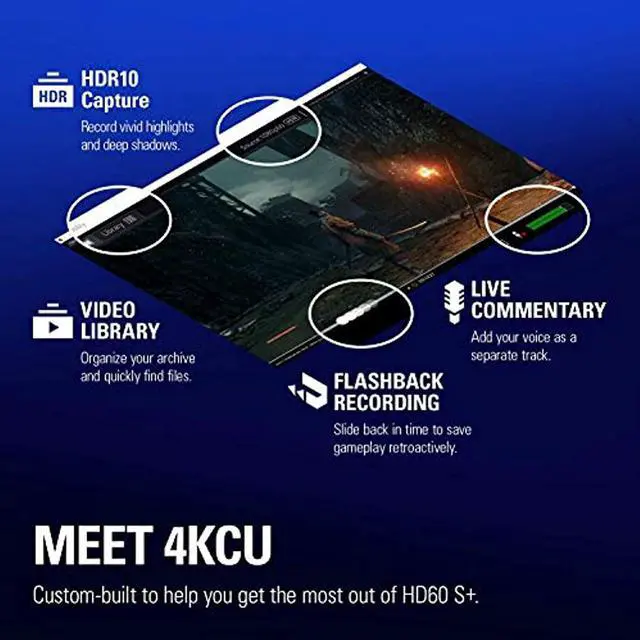
  • Flashback Recording: slide back in time to save epic moments retroactively.
Overview
Specs
Reviews (2)
avatar

Any questions? Our AI beta will help you find out quickly.

Elgato Game Capture HD60

HD60 S+
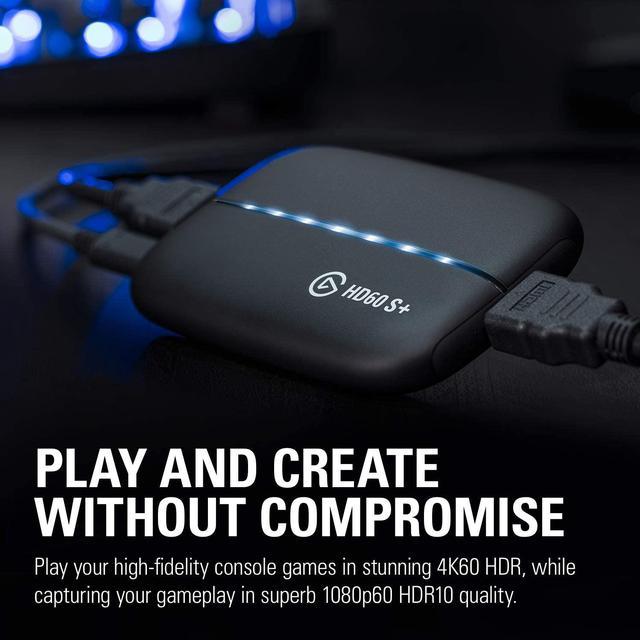
Play and Create Without Compromise

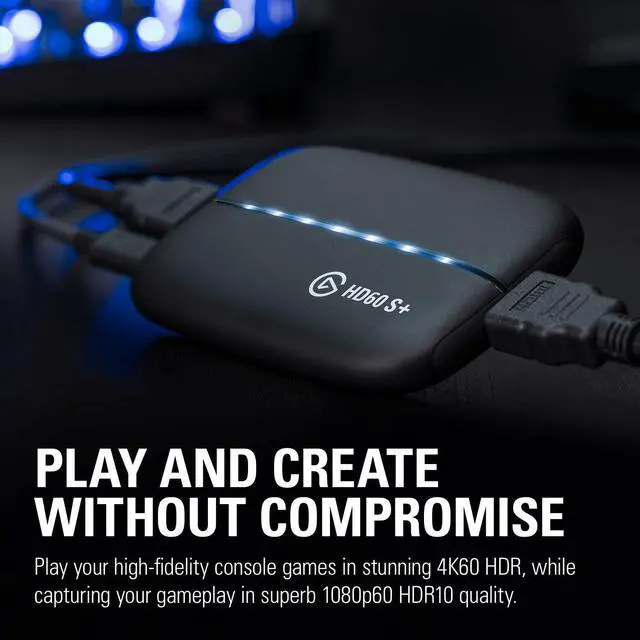
HD60 S+ is an external solution that lets you play high-fidelity console games in 4K60 HDR10, while capturing your gameplay in superb 1080p60 HDR10 quality.

Elgato Game Capture HD60

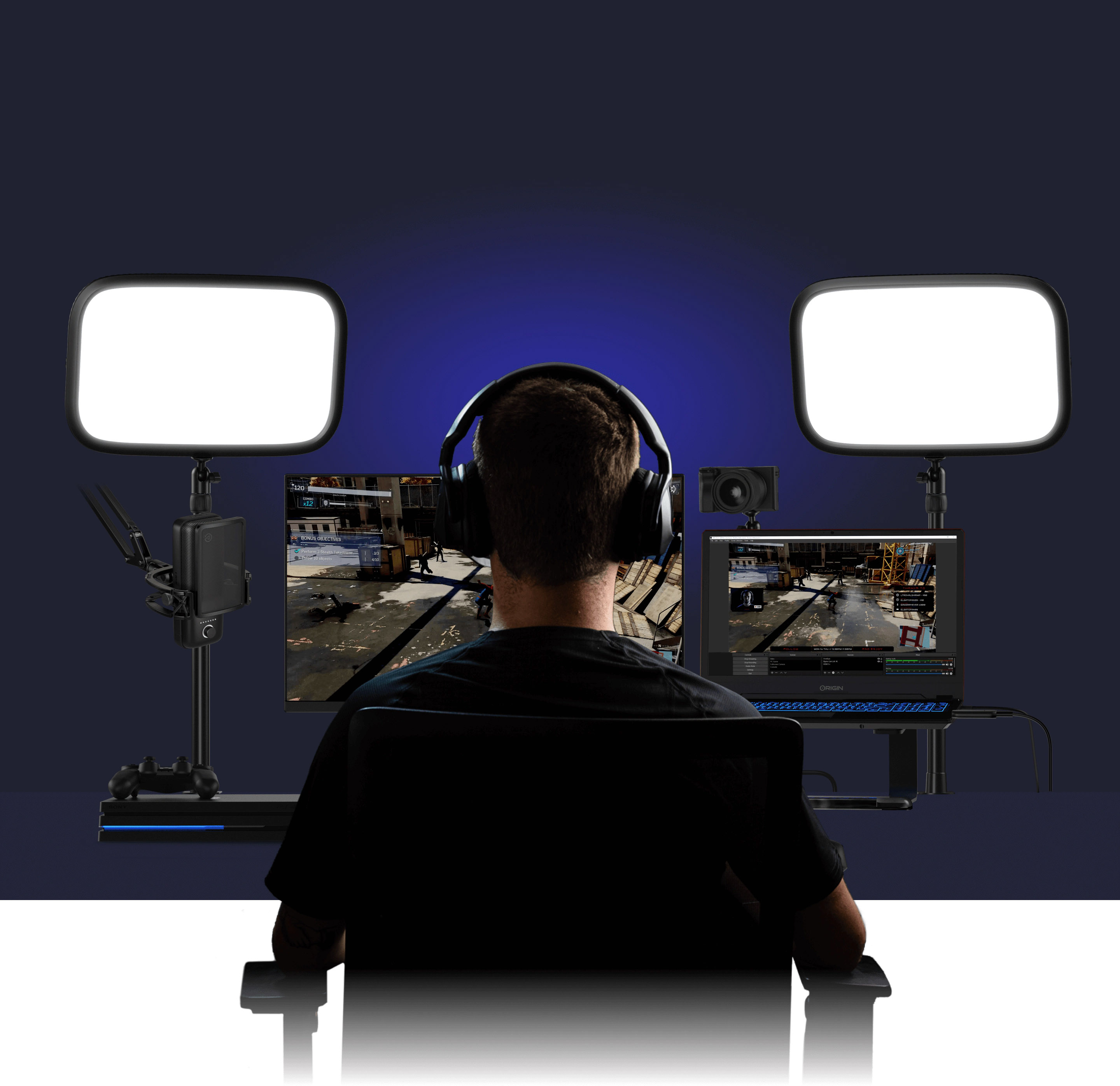
YOU LIVE TO PLAY AND LOVE TO CREATE

With HD60 S+, enjoy your triple-A titles in all their graphic glory, and easily elevate your production value.

Elgato Game Capture HD60

Plug and Play

Elgato Game Capture HD60

1080p60 HDR Capture

Elgato Game Capture HD60

4K60 HDR 10 Passthrough

Elgato Game Capture HD60

INSTANT GAMEVIEW

Elgato Game Capture HD60

Flashback recording

Elgato Game Capture HD60

Live Commentary

Elgato Game Capture HD60

Unlimited Capture

Elgato Game Capture HD60 Elgato Game Capture HD60

PLUG AND PLAY

Hook up your console and computer. Get creating. It’s that simple. No tedious setup or complicated software. Just you, your game and your audience. Instantly connected via HD60 S+.

Elgato Game Capture HD60

Professional Capture

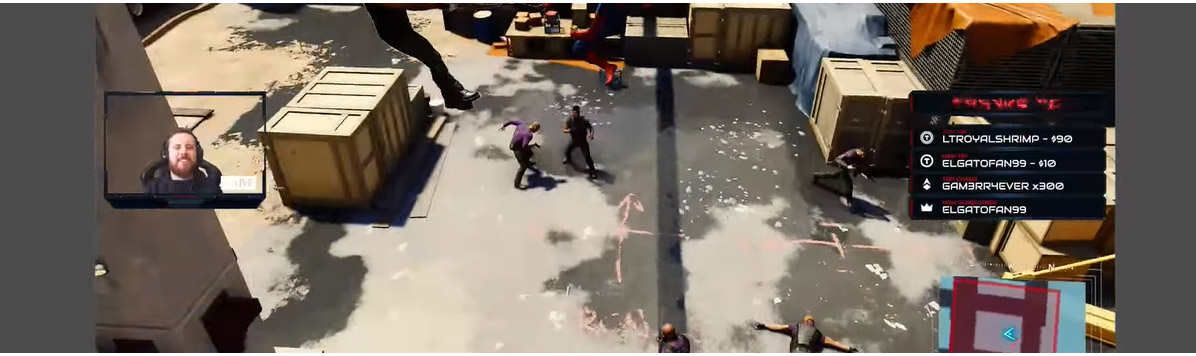
HD60 S+ gets you live on any platform in record time, streaming in superb 1080p resolution at a fluid 60 fps. Plus it works with OBS Studio, Streamlabs OBS, XSplit, and every other tool you use.
Elgato Game Capture HD60

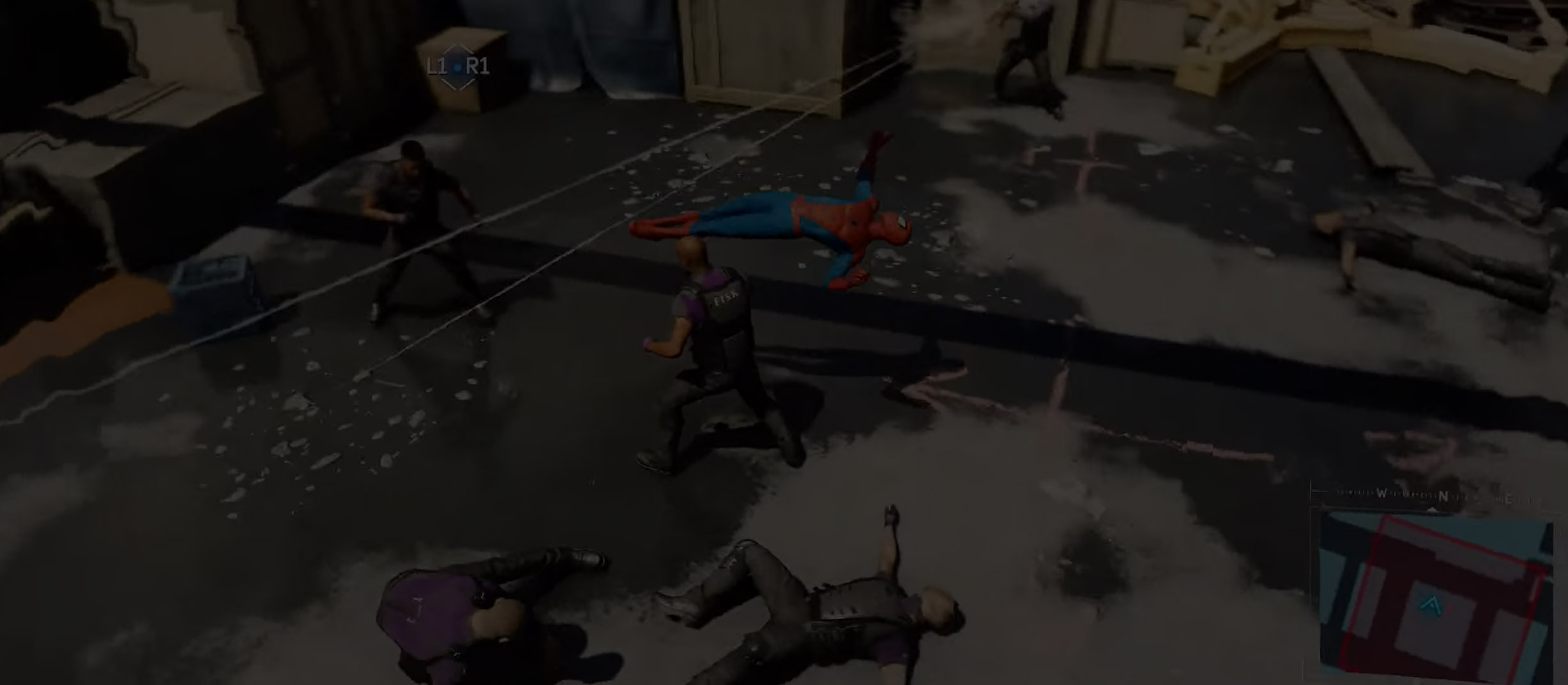
TRUE PASSTHROUGH

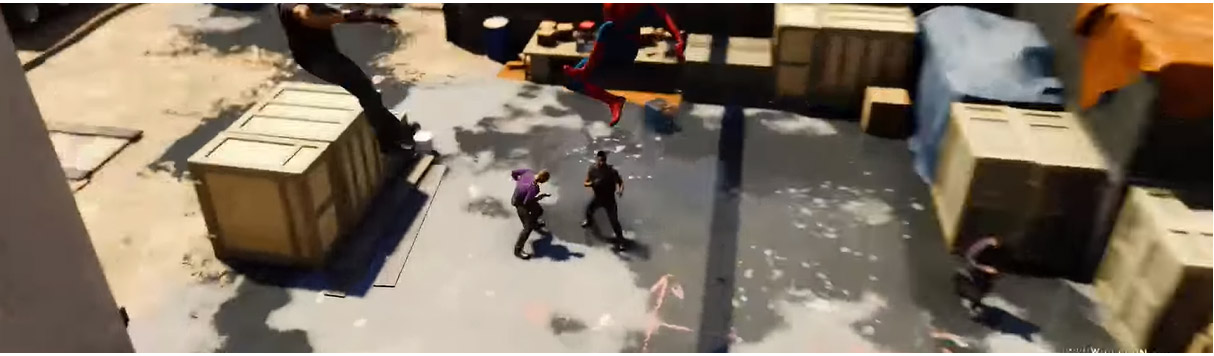
While streaming to Twitch or recording for YouTube, HD60 S+ lets you play your high-fidelity Xbox Series X/S, Xbox One X, PS5 and PS4 Pro games as intended – in stunning 4K60 HDR10 quality with absolute zero latency.
Elgato Game Capture HD60

Passthrough

Elgato Game Capture HD60

Capture

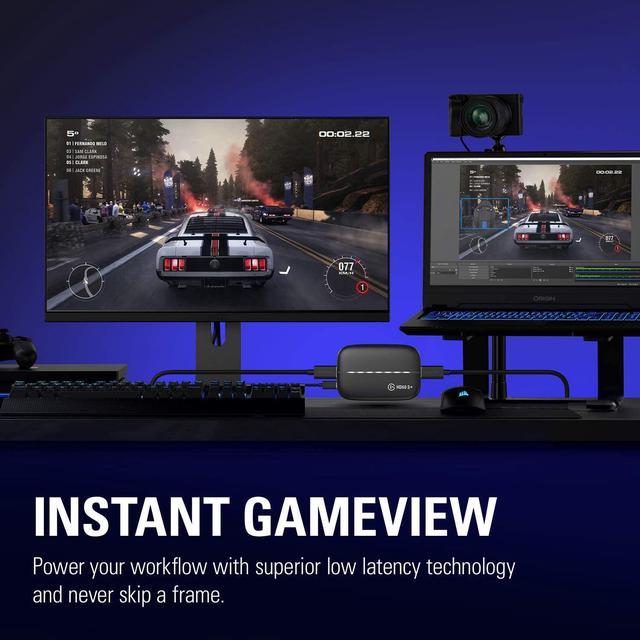
INSTANT GAMEVIEW

Now your workflow is powered by ultra-low latency technology. Even when pushing an incredible number of pixels, you remain on point and never skip a frame.

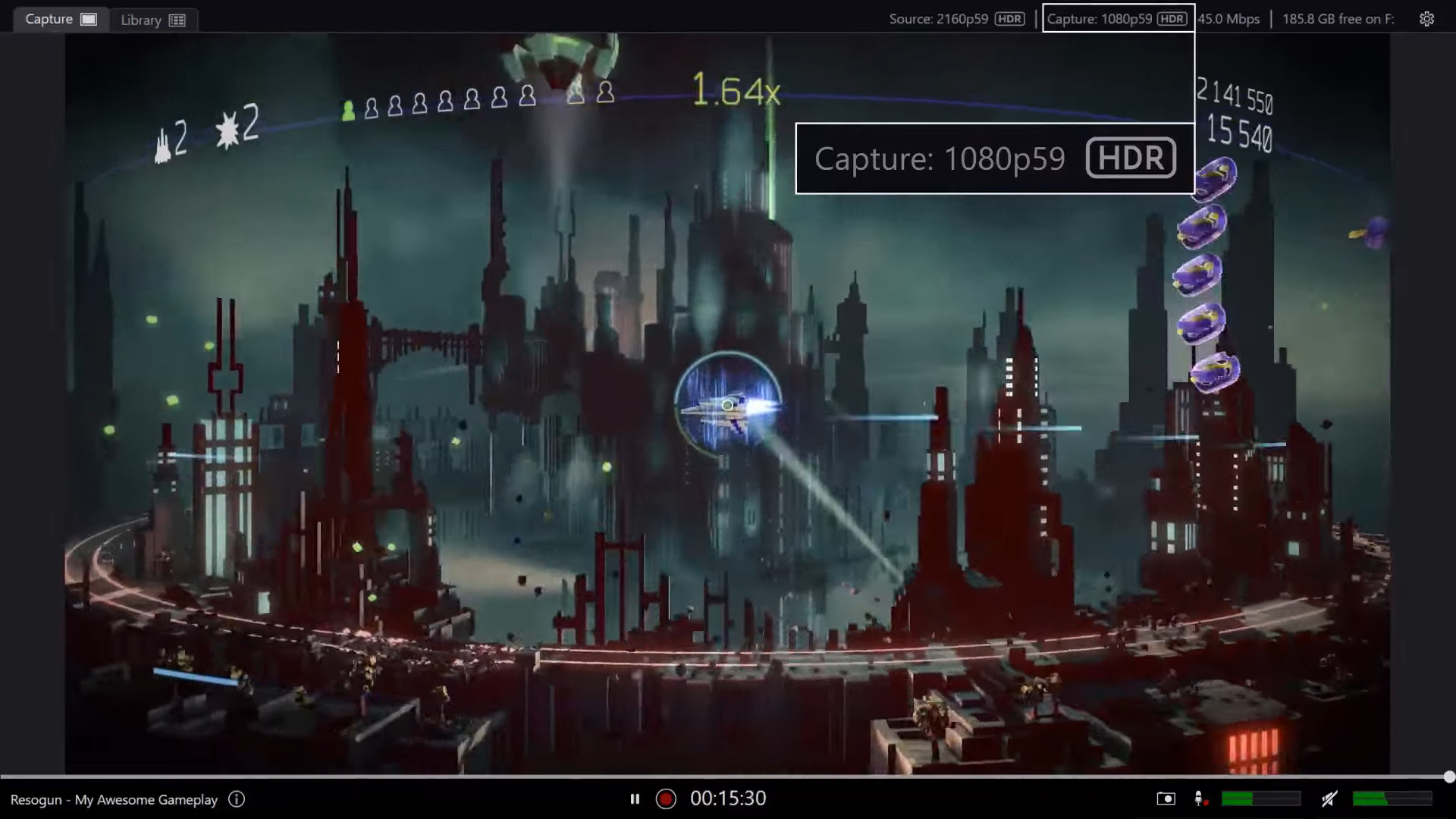
YOUR PRODUCTION POWERHOUSE

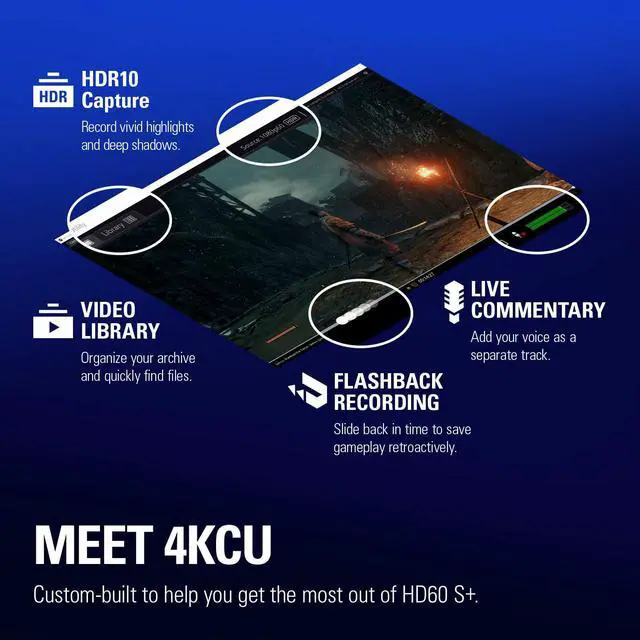
Dedicated software for maximum performance. Powerful yet easy to use. Meet 4KCU: custom-built to help you get the most out of HD60 S+.
Elgato Game Capture HD60
HD60 S+ lets you play your high-fidelity console games in stunning 4K60 HDR, while capturing your gameplay in superb 1080p60 HDR10 quality. Compatibility with any streaming software gives you full creative control, and Instant Gameview powers your workflow with ultra-low-latency technology. You’re on Twitch or YouTube in record time, instantly captivating your audience. Or sliding back in time with Flashback Recording to save epic moments for effortless post production. Simply connect your console and computer, and get creating. No tedious setup or complicated software. It’s just you, your game and your viewers.

Instantly connected via HD60 S+.
Technical Specs:
Input: HDMI (unencrypted)
Output: HDMI (lag-free pass-through)
Passthrough resolutions: up to 2160p60
Capture resolutions: 2160p30, 1080p60, 1080p30, 1080i, 720p60, 576p, 480p
HDR: HDR 10 bit for passthrough and capture (HDR capture is currently only available on Windows)
Requirements: Windows 10 (64-bit), macOS 10.13 (or later) 4th generation quad core Intel Core i5 CPU (i5-4xxx or comparable) NVIDIA GeForce GTX 10xx (or better) 4 GB RAM, built-in USB 3.0 port Internet connection

Warranty & Returns

Warranty, Returns, And Additional Information

Return Policies

Manufacturer Contact Info

LOADING...
LOADING...