Are you an E-Blast Insider?

Shop without retyping payment details. Secure shopping made faster.
Check out with PayPal.


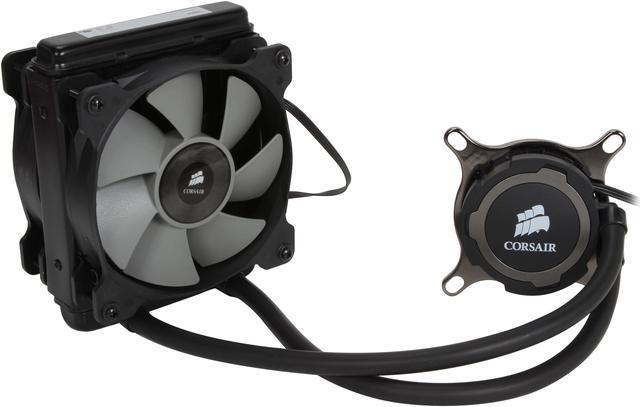
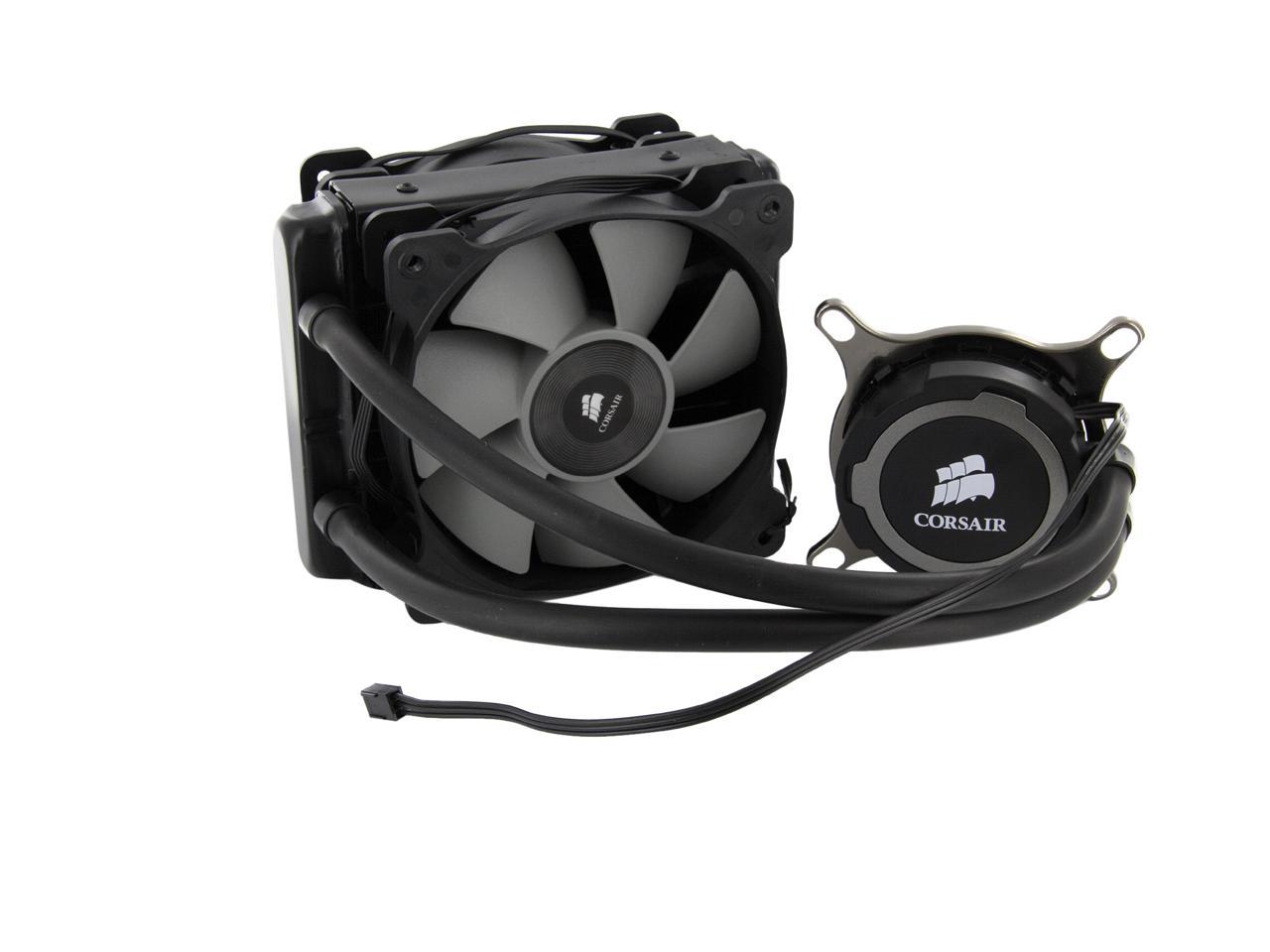
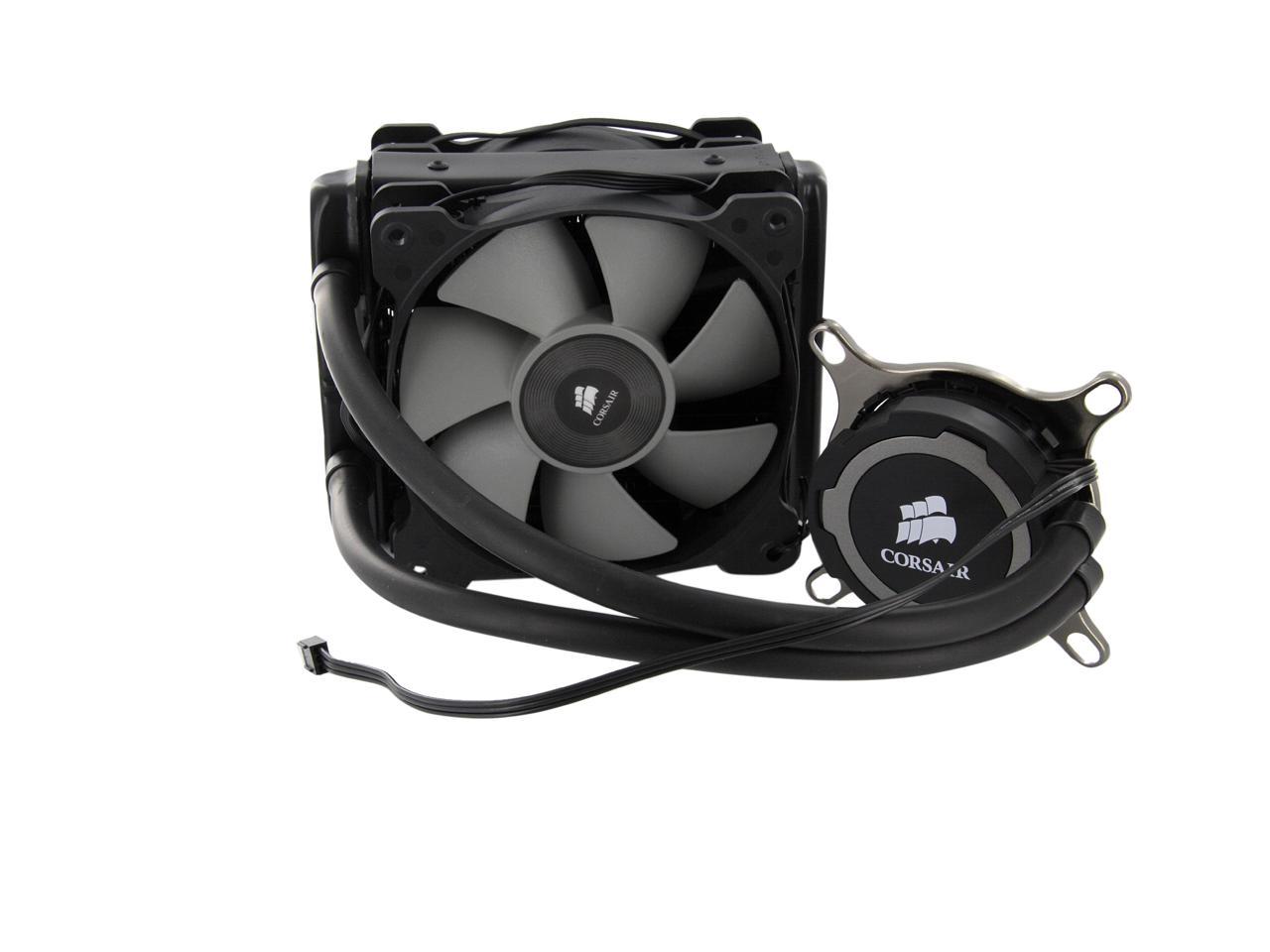
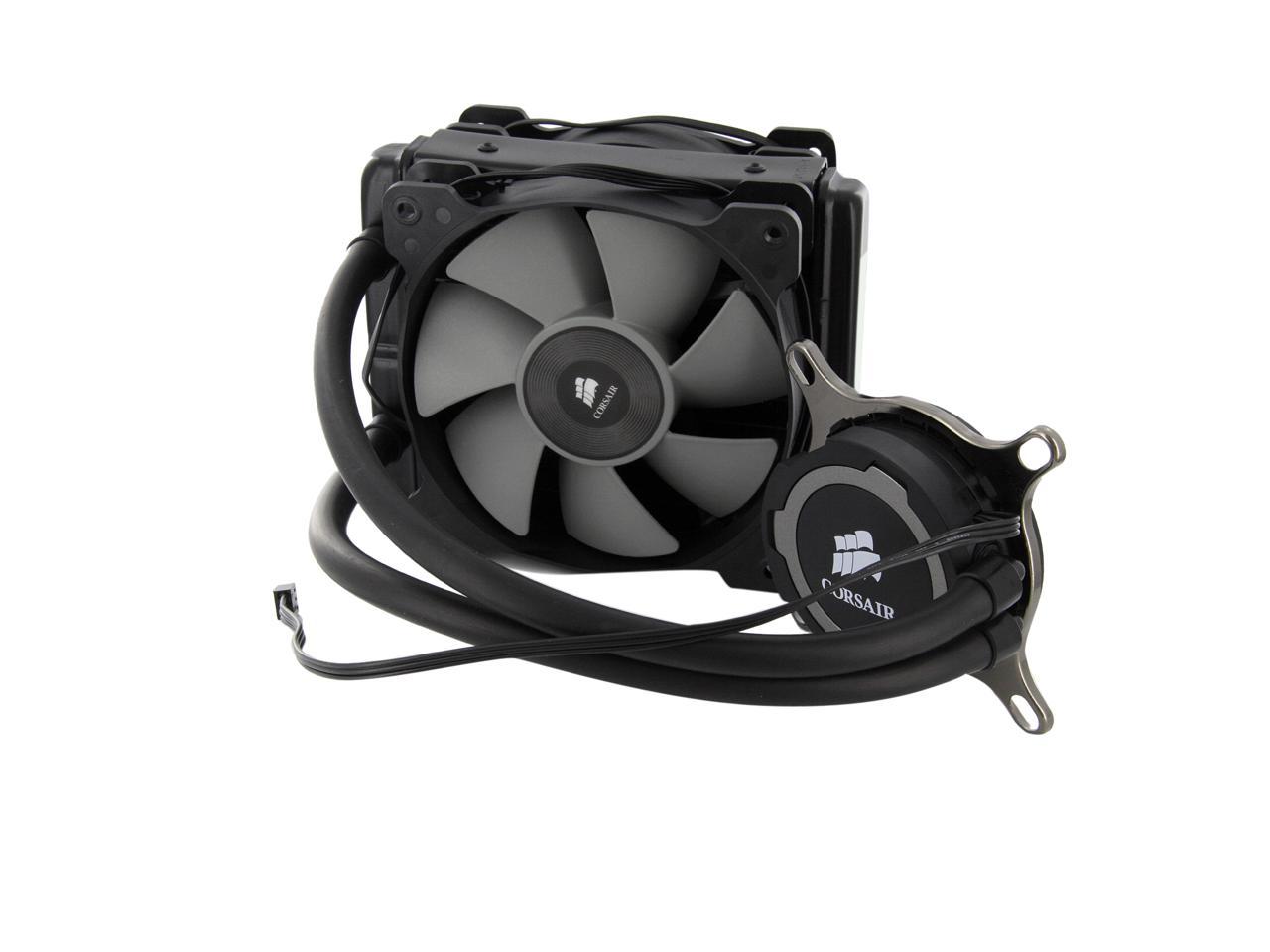
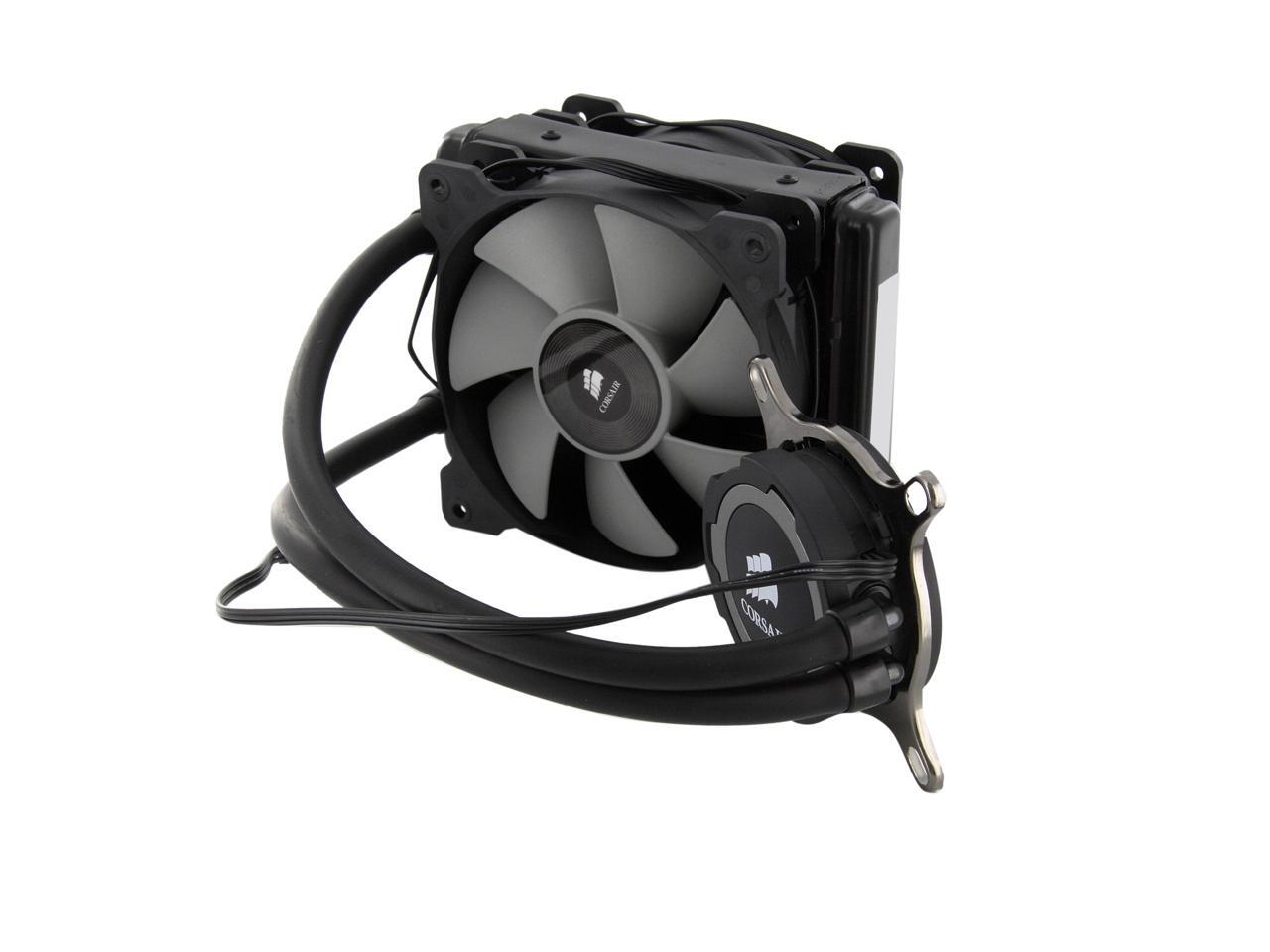
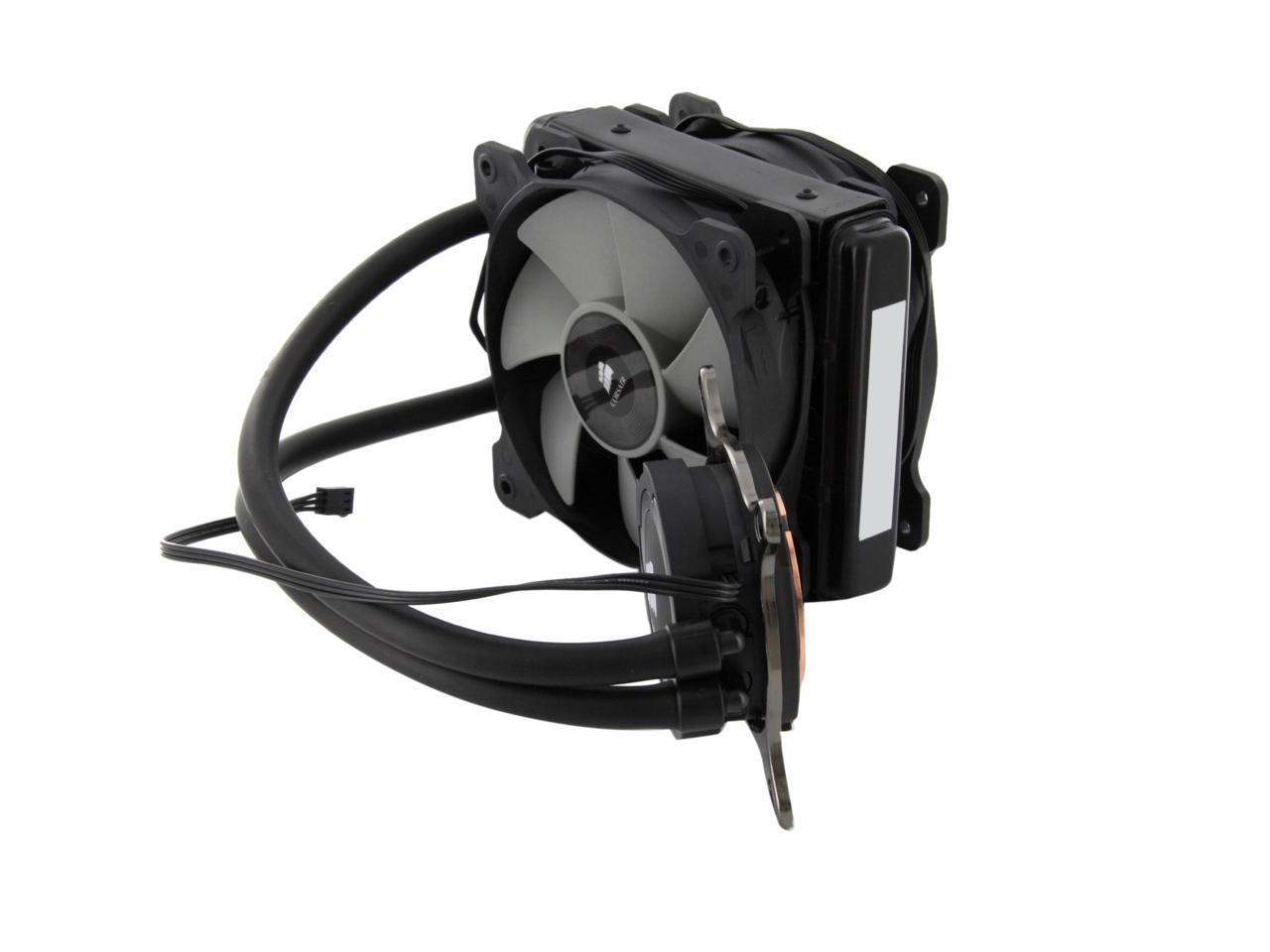
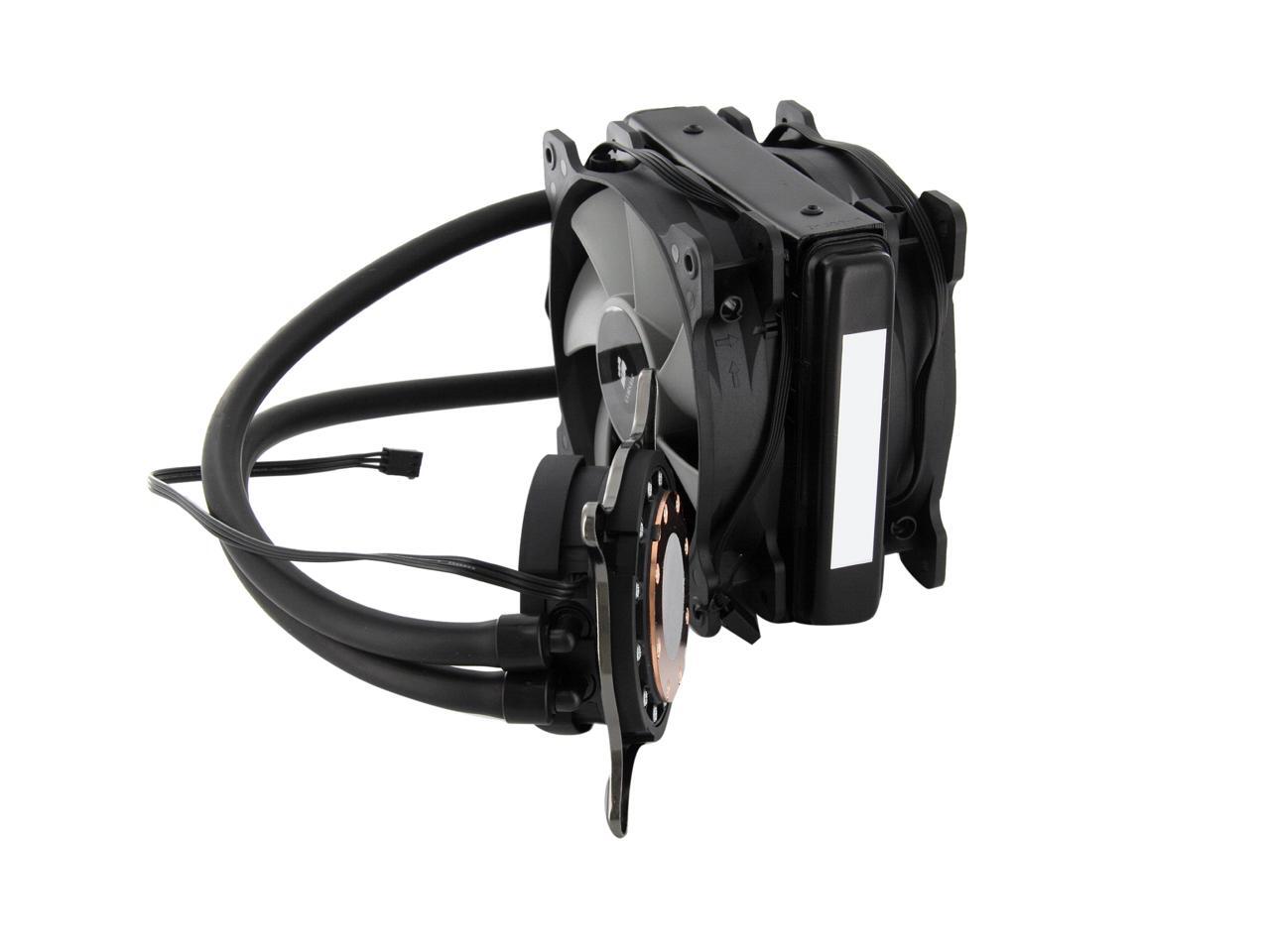
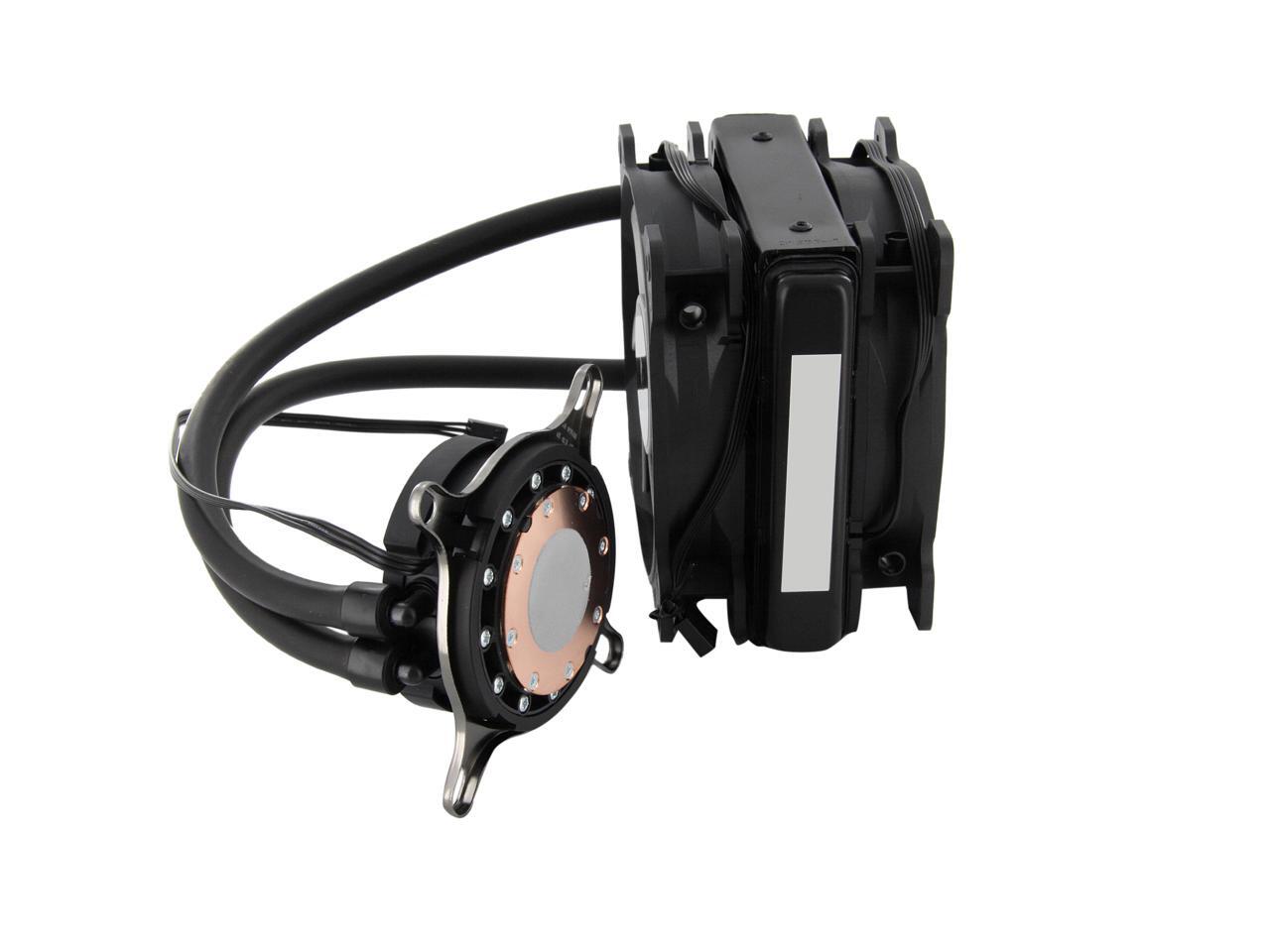
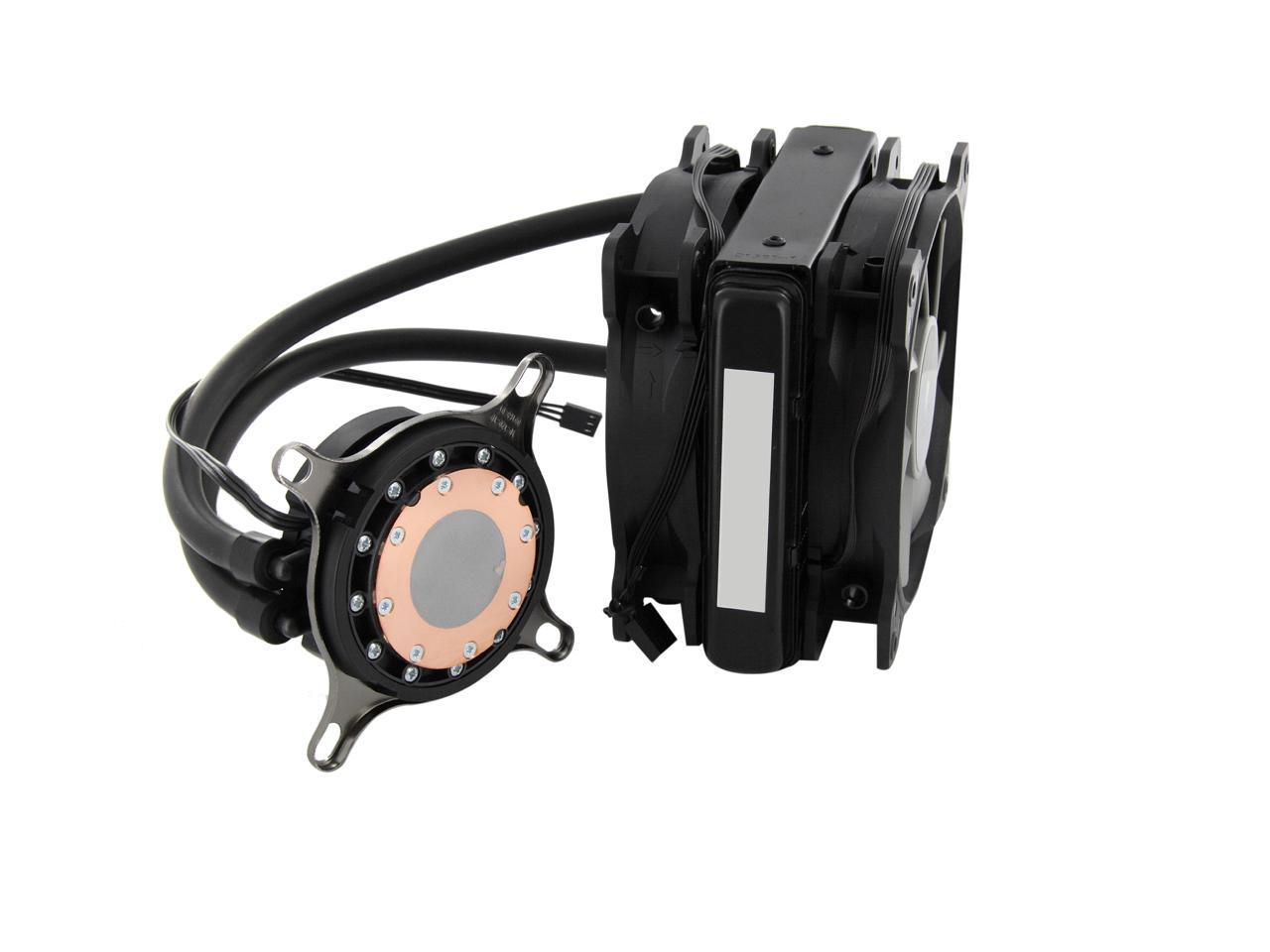
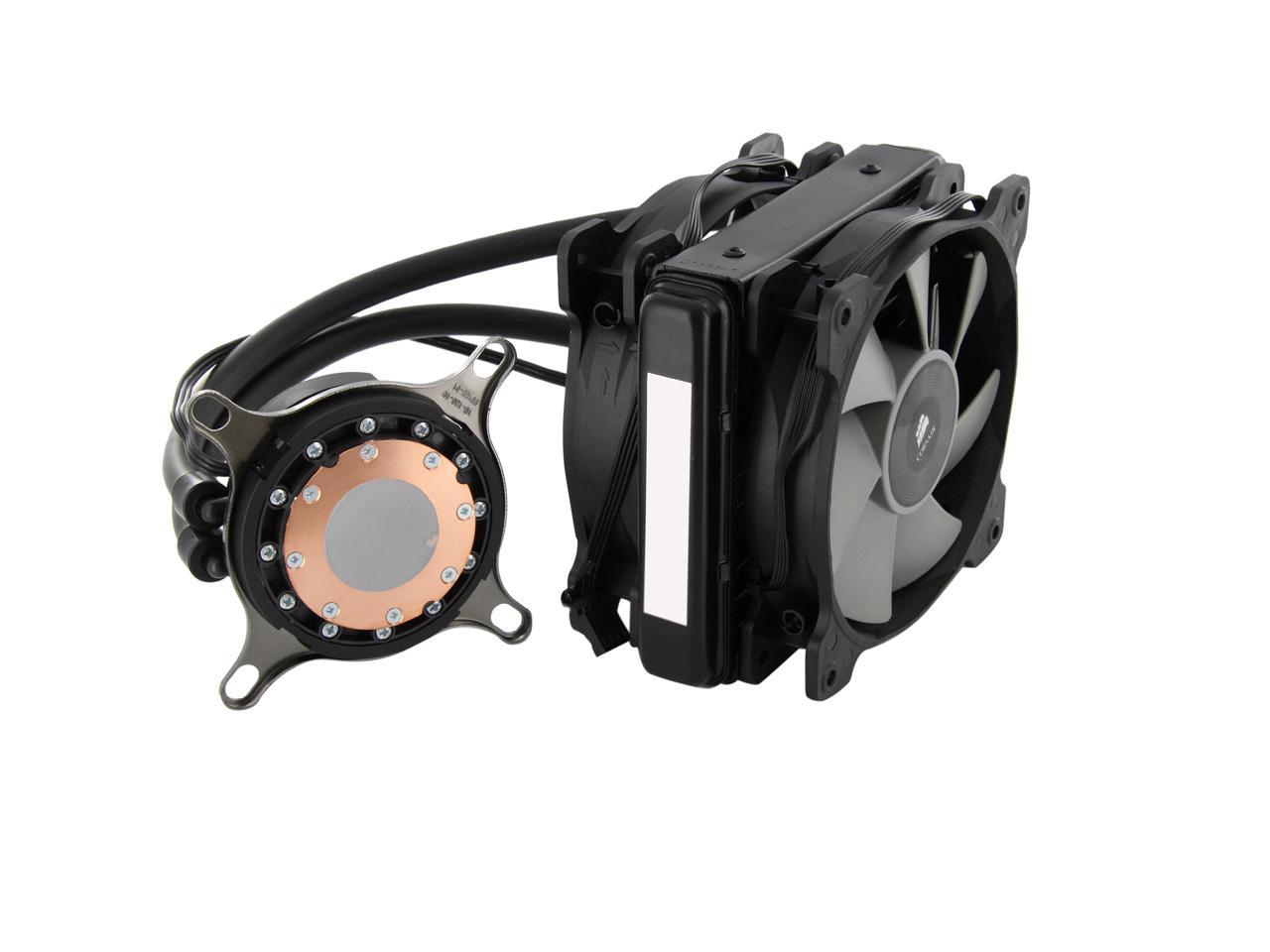
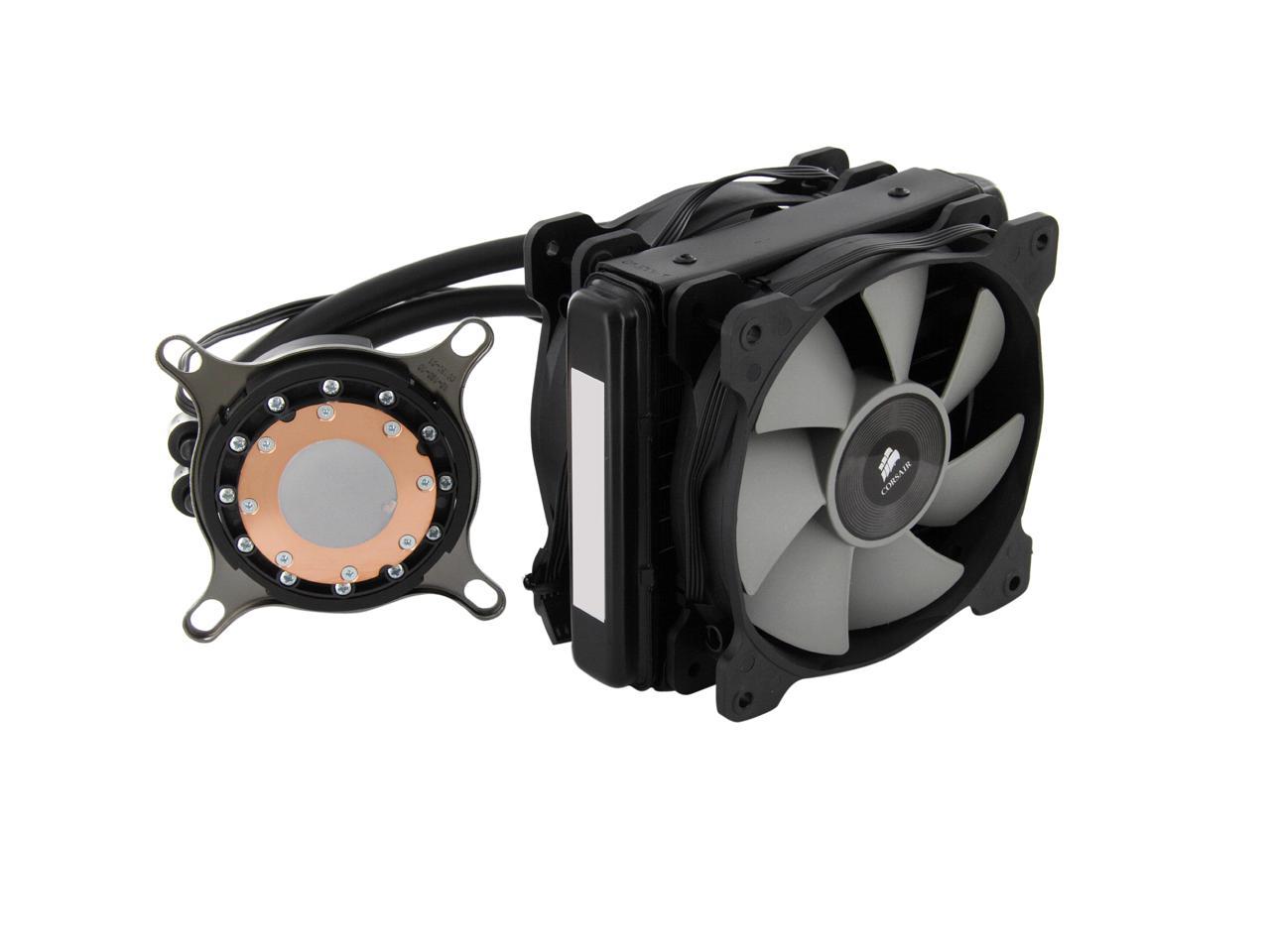
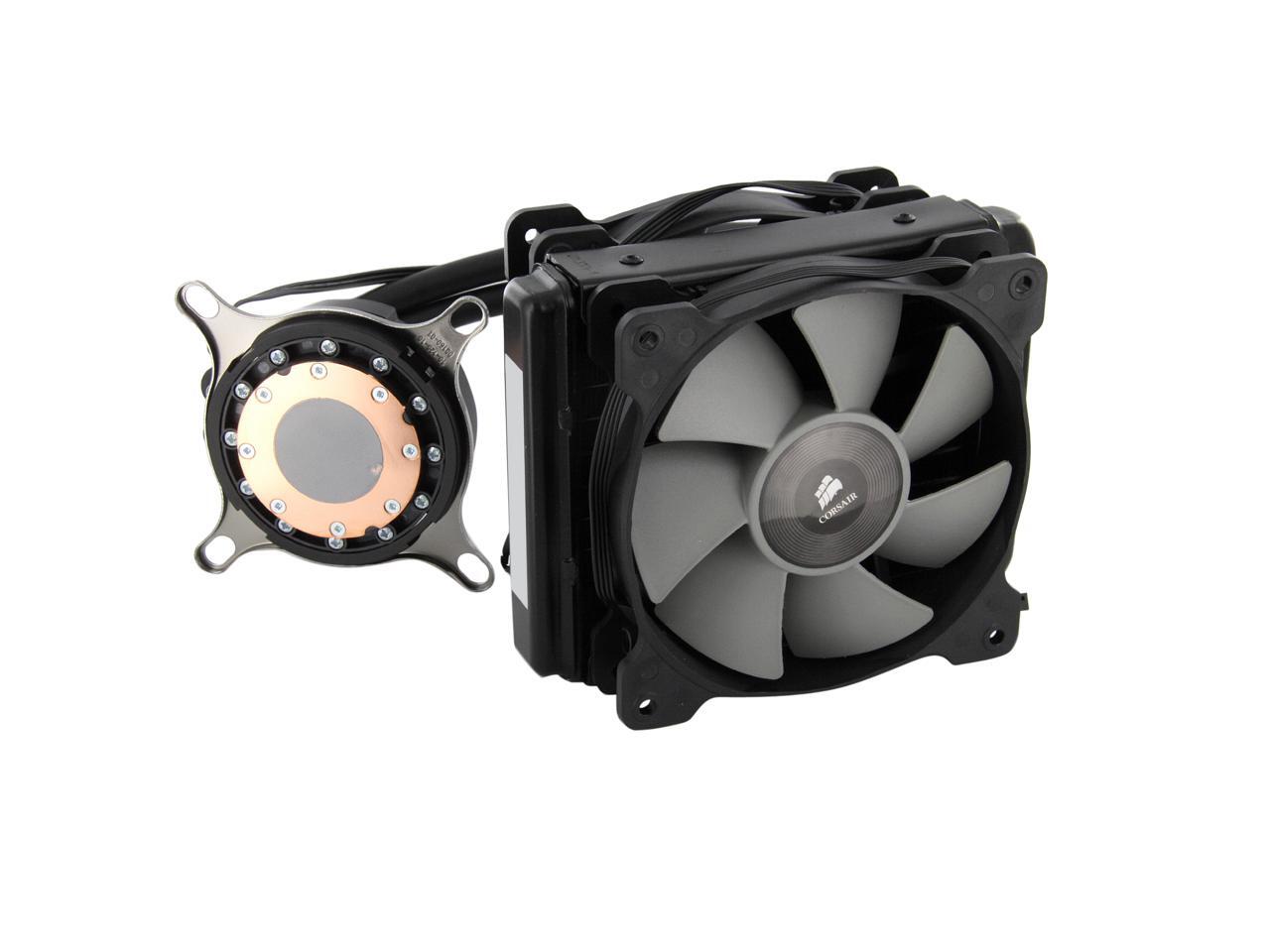
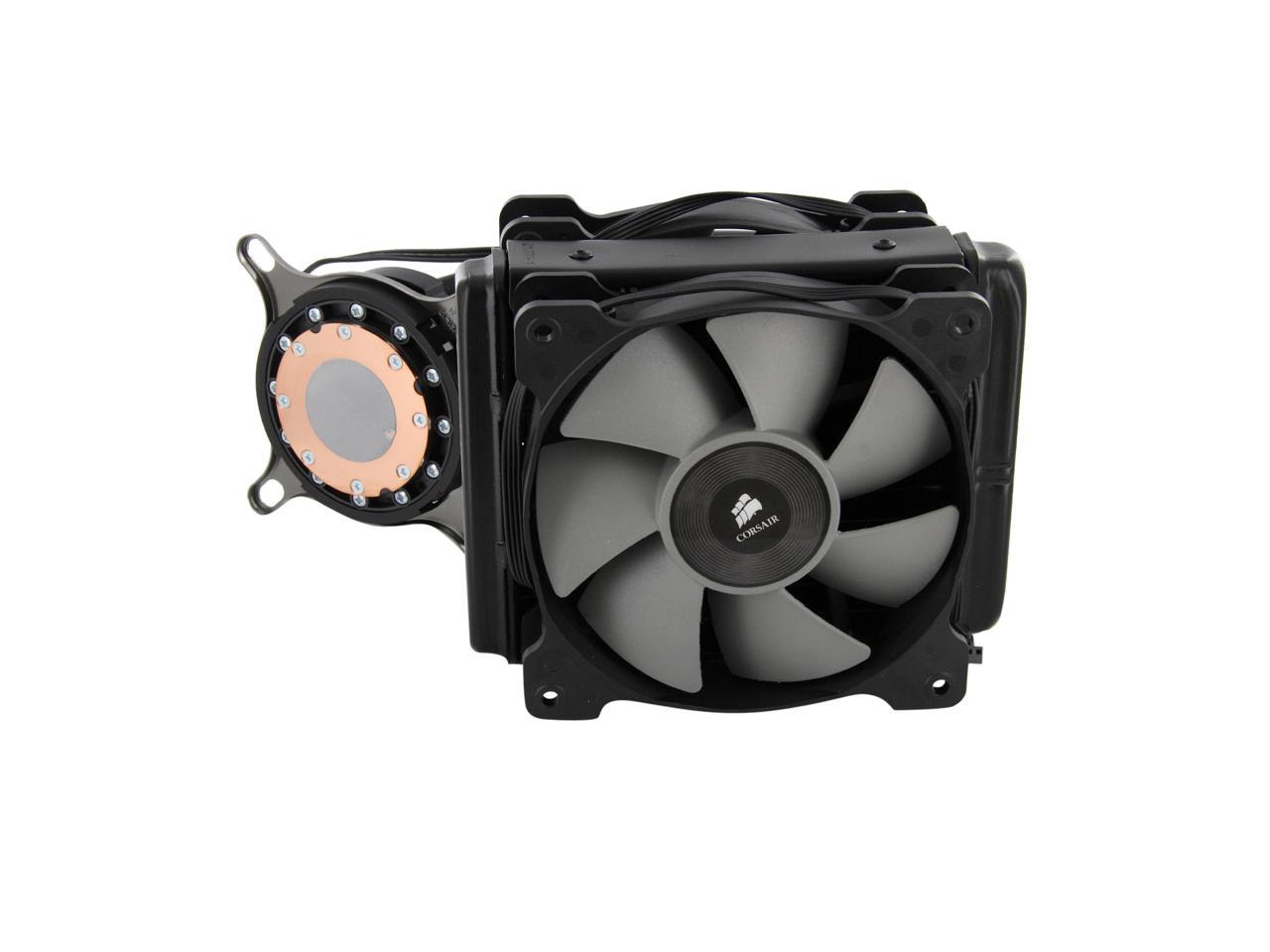
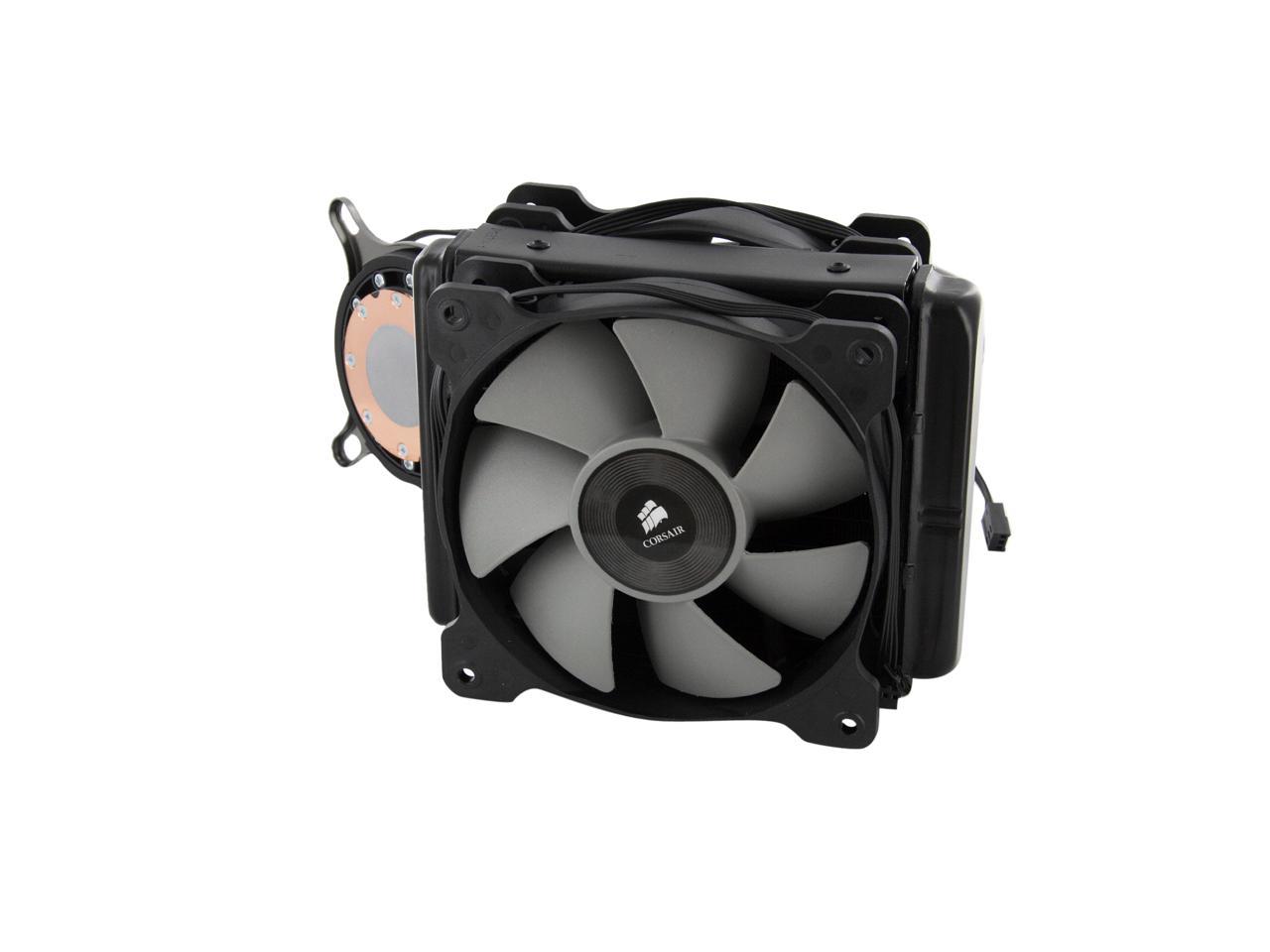
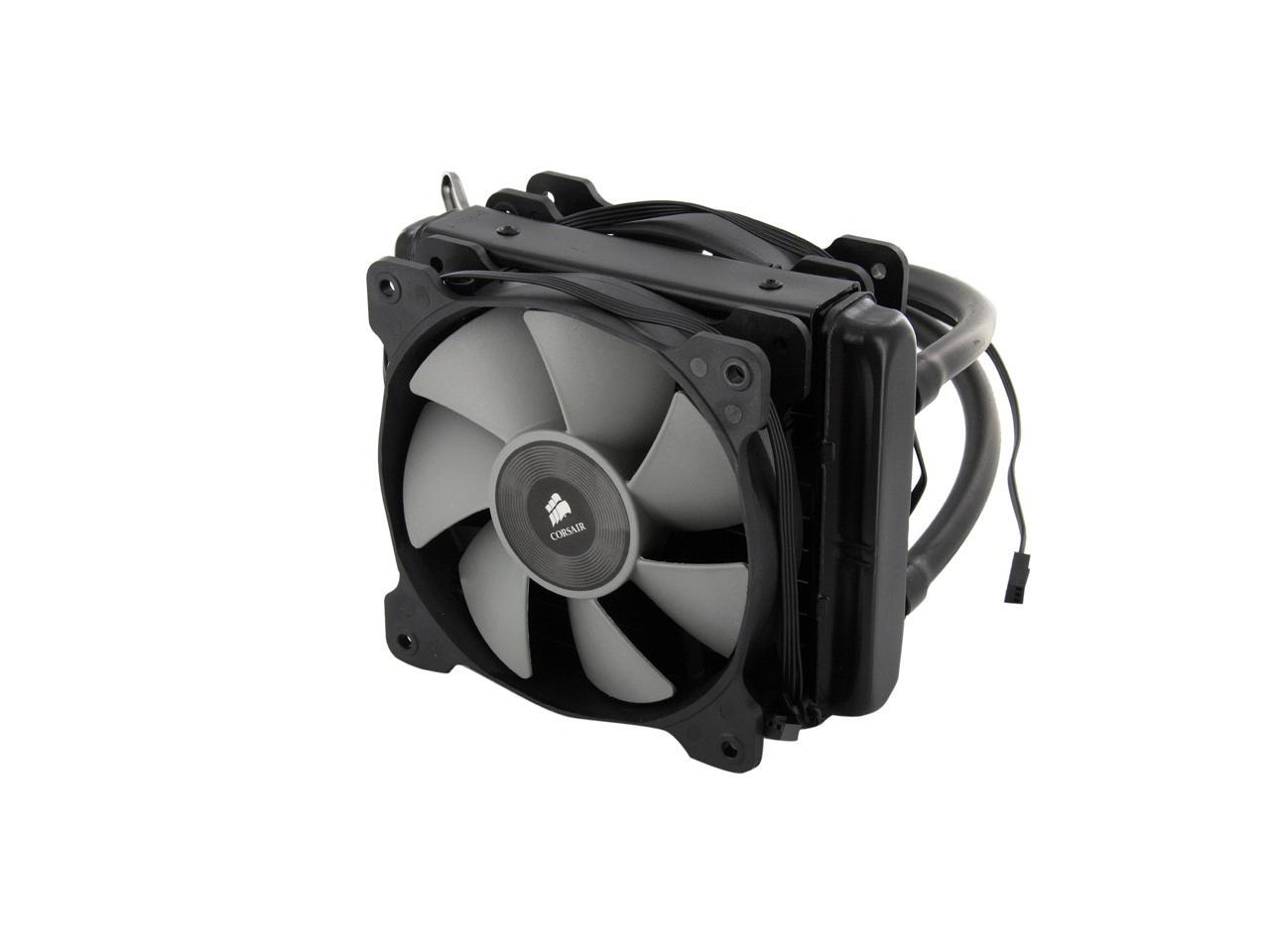
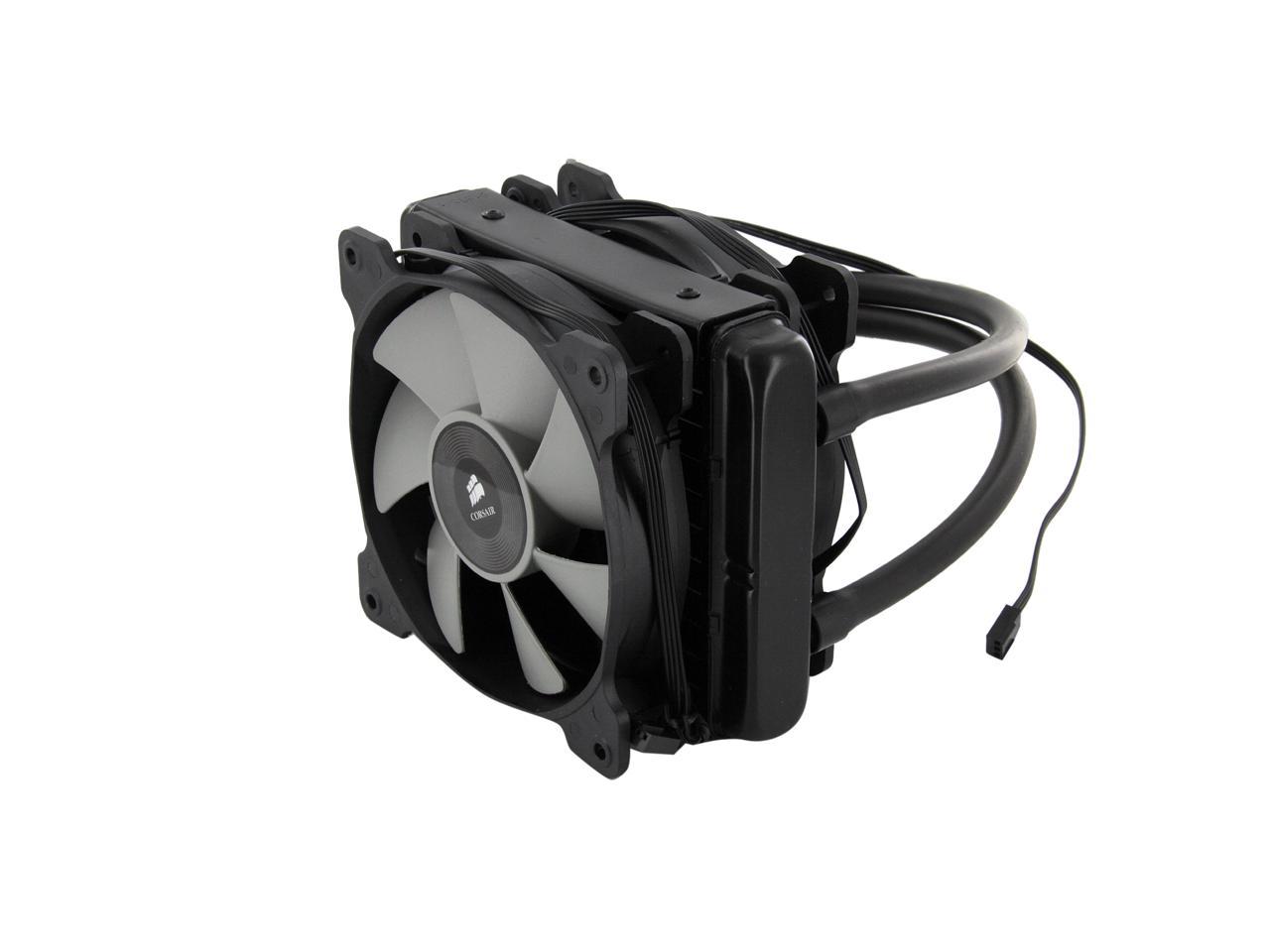
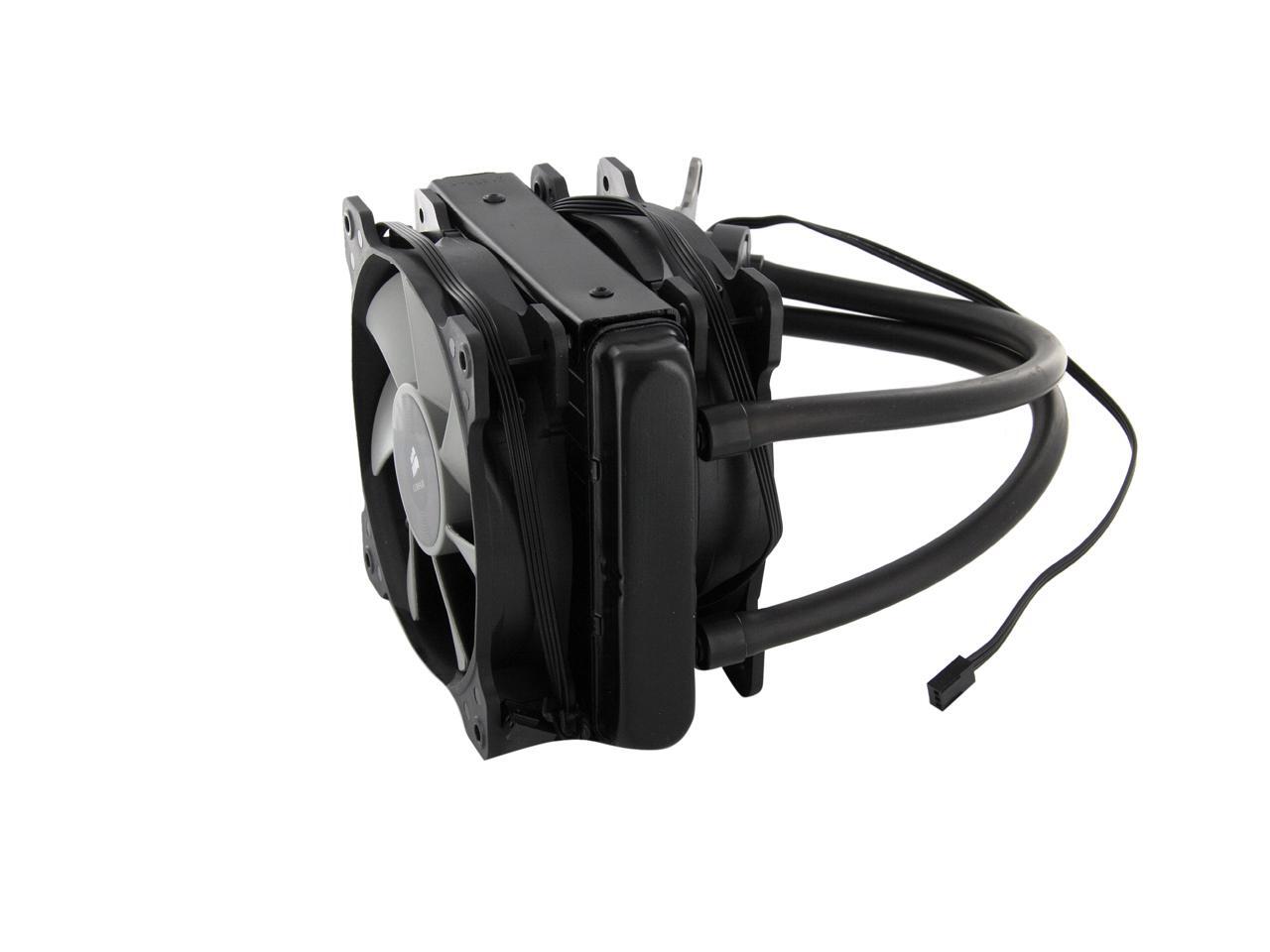
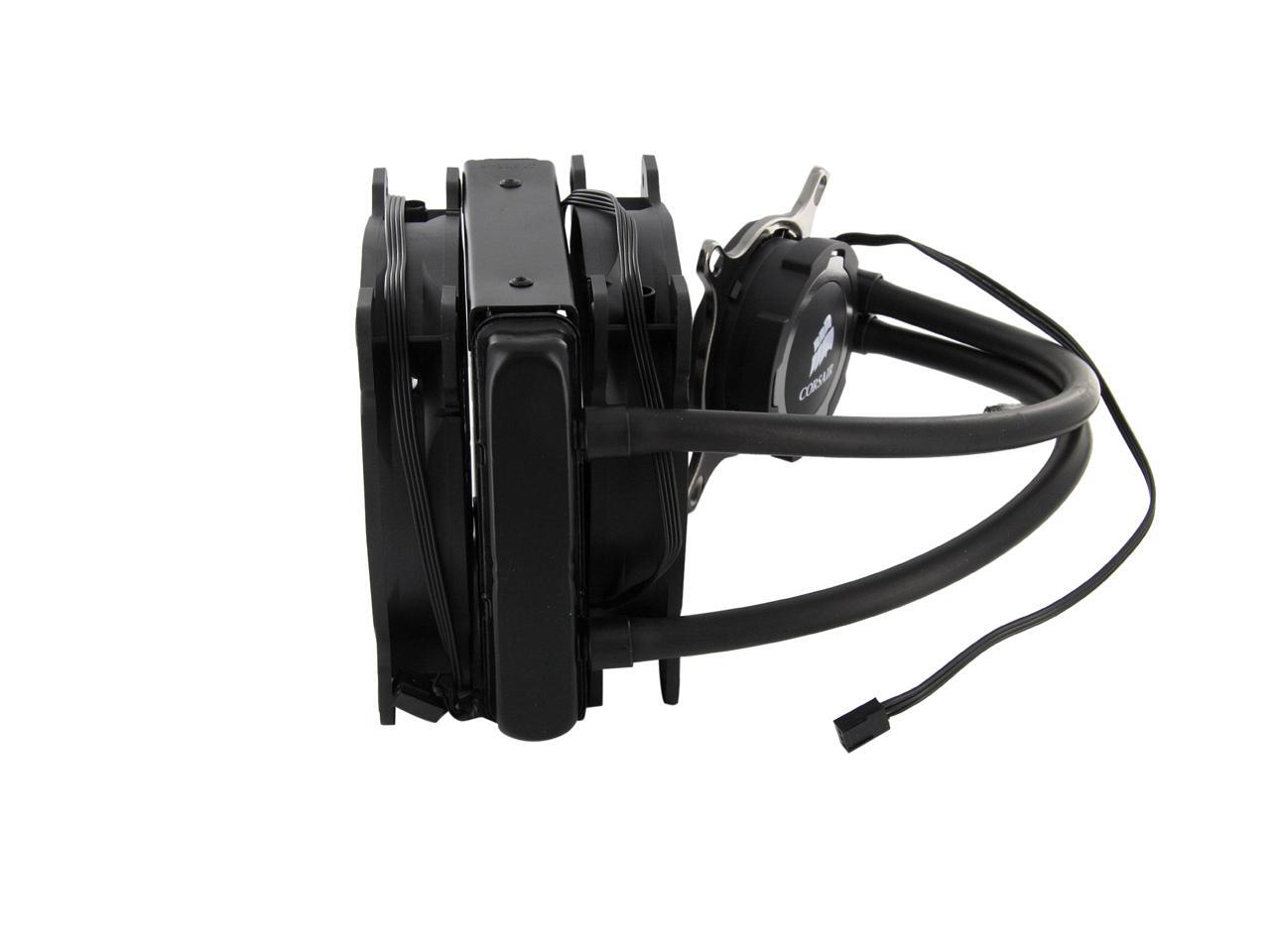
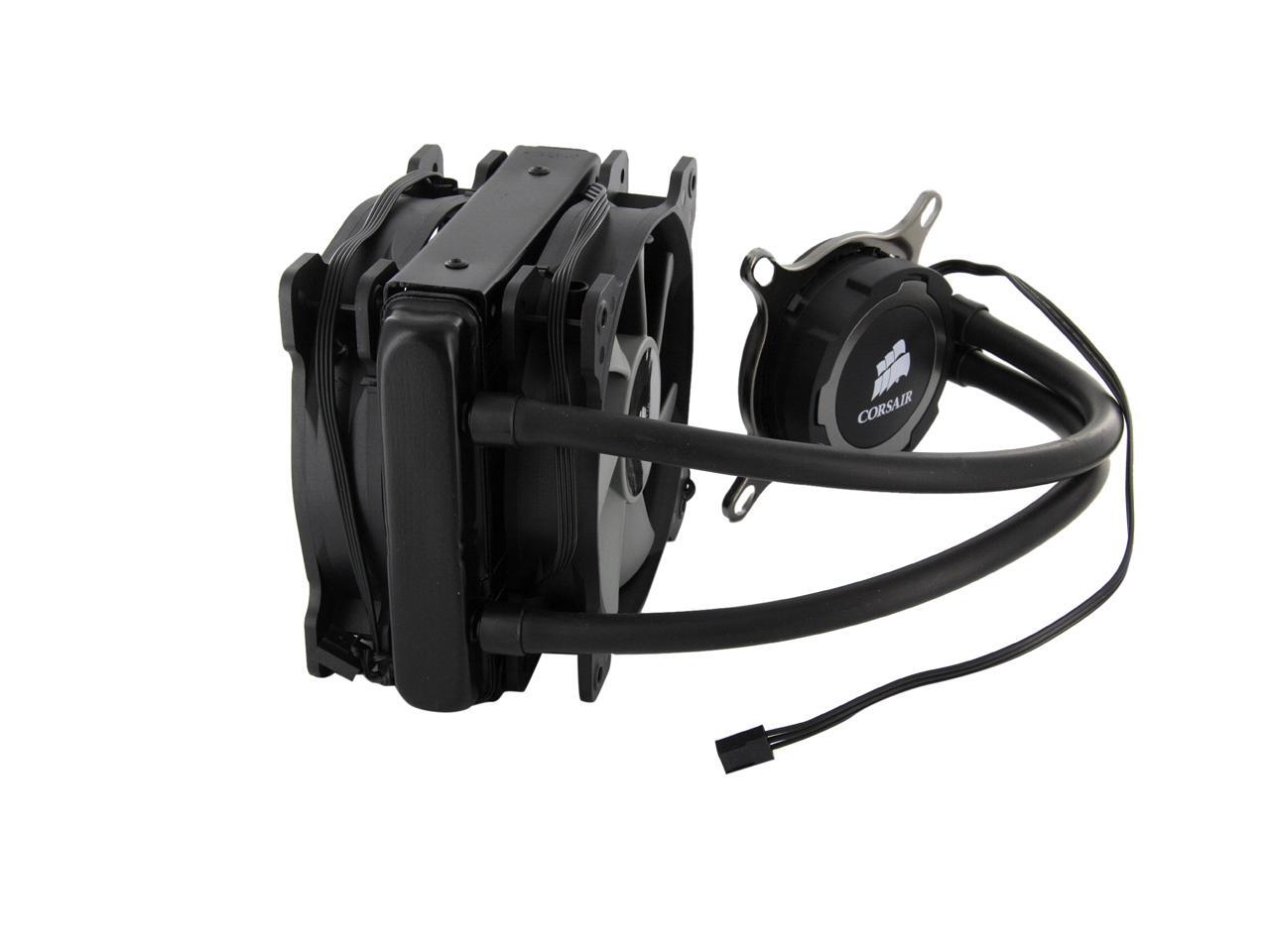
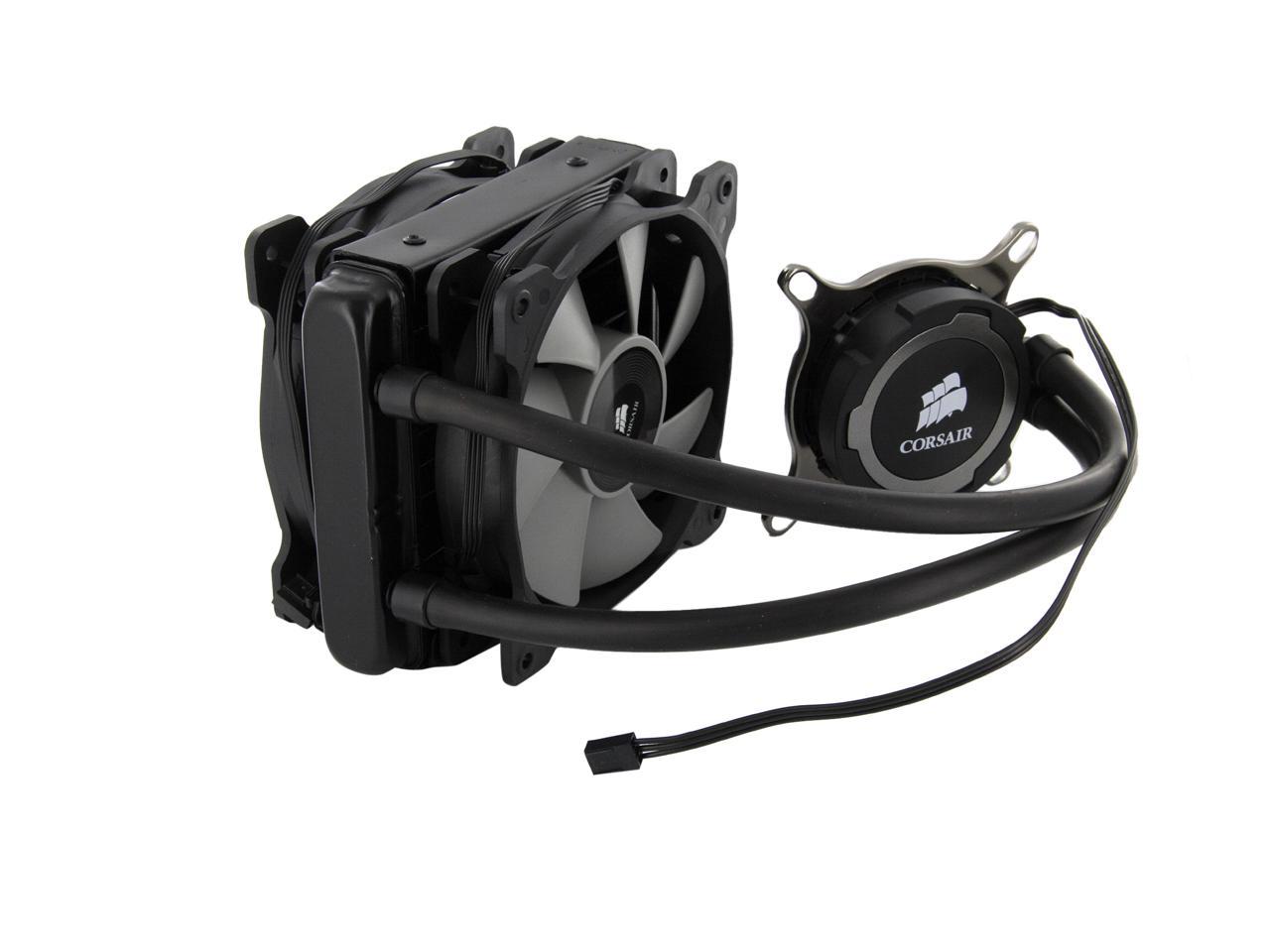
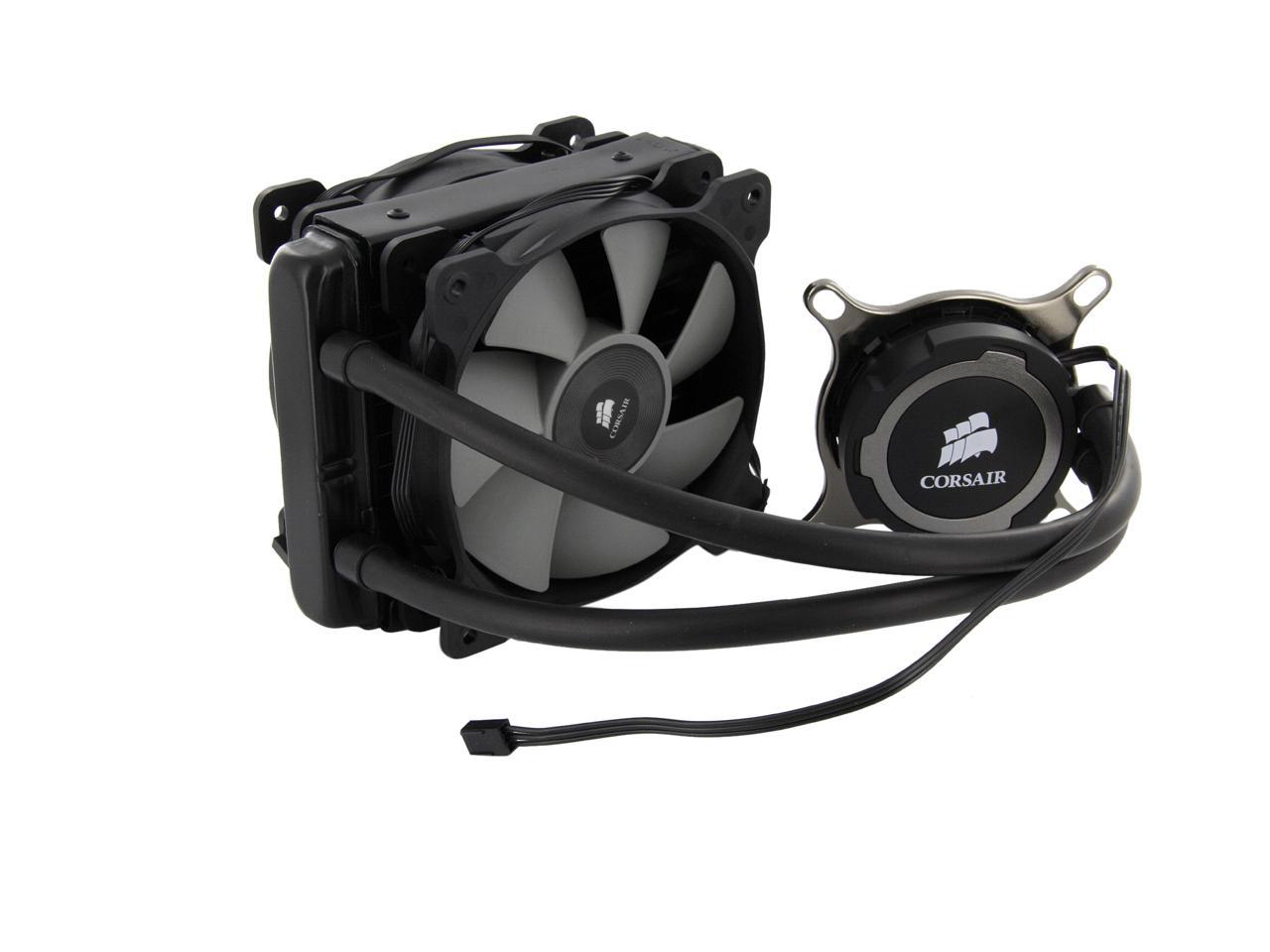
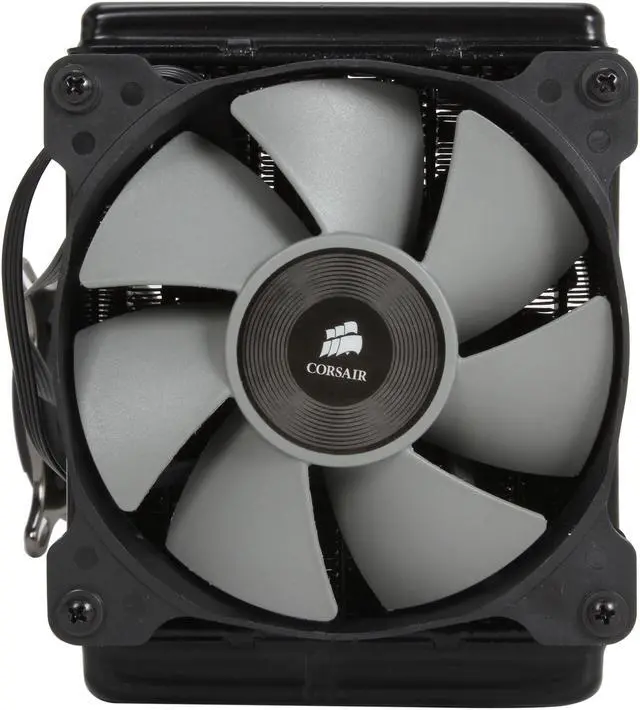
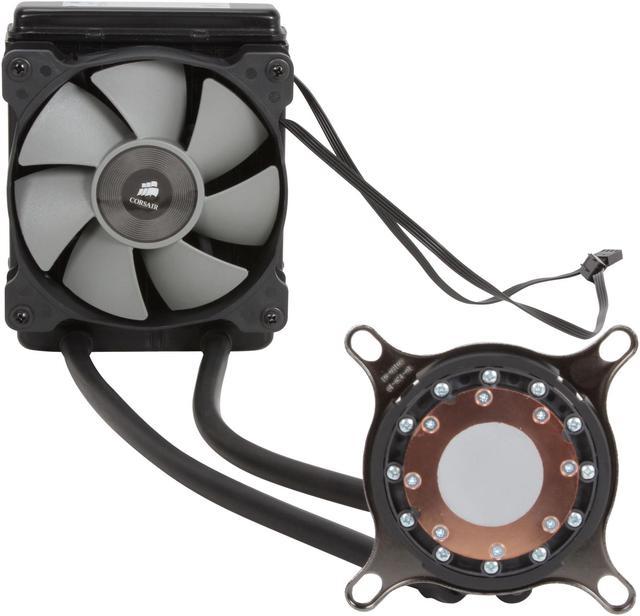
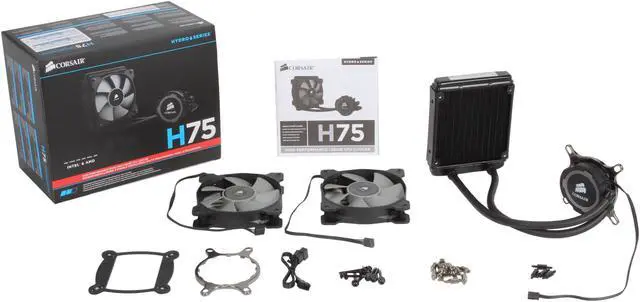
CORSAIR Hydro Series H75 CW-9060015-WW 120mm Water / Liquid CPU Cooler
- 2000 RPM 54 CFM
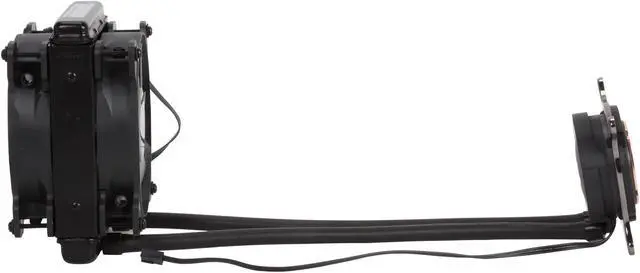
- Radiator Dim. 120.00 x 152.00 x 25.00mm
- Fan Dim. 120.00 x 120.00 x 25.00mm
- Fan Noise 31.4 dBA
Learn more about the Corsair H75 (CW-9060015-WW)
| Brand | CORSAIR |
|---|---|
| Model | H75 (CW-9060015-WW) |
| Type | Liquid Cooling System |
| Block Compatibility | Intel LGA 2066 / 2011-v3 / 2011 / 1366 / 1156 / 1155 / 1151 / 1150 AMD Socket AM3 / AM2 / FM2 / FM1 |
|---|
| Pump Bearing | ceramic bearing |
|---|
| Radiator Dim. | 120.00 x 152.00 x 25.00mm |
|---|---|
| Radiator Material | Aluminum |
| Fan Size | 2 Fan Slots (120mm) |
|---|---|
| Fan Dim. | 120.00 x 120.00 x 25.00mm |
| Fan RPM | 2000 RPM |
| Fan Air Flow | 54 CFM |
| Fan Noise | 31.4 dBA |
| Tube Material | Standard diameter, kink-resistant tubing |
|---|
| Features | 25mm thick radiator core (29mm including housing) for enhanced compatibility with small cases. Copper microfin coldplate with high quality, quiet ceramic bearing pump. Easy to use tool-free black nickel finish mounting brackets for modern CPUs. Dual SP120L PWM fans for great performance and adjustable noise levels. |
|---|
| Package Contents | Hydro Series H75 Liquid CPU Cooler Mounting Hardware Dual SP120L 120mm PWM fans User Installation Guide Warranty Leaflet |
|---|
| Date First Available | November 05, 2013 |
|---|
Pros: The system is very quiet and it keeps my 4790K at about 40 degrees Celsius during normal usage.
Cons: I broke the plastic bracket that is positioned behind the motherboard, but I went to Home Depot to buy some 6-32 nuts with nylon inserts and rubber washers and everything worked out. After a bit of grief, I figured out that I was incorrectly using the AMD screws for my Intel motherboard, so I am shamefully taking one point off my Tech Knowledge.
Overall Review: So far it has been a great cooler for the price.
Pros: Has good cooling...I'm using an Asus Maximum VI Hero with a i7-4770k and I get about 28c-30c in CPU temperature idle - with no other case fans in my Corsair Obsidian 650D...The Corsair video makes it easy to assemble and you can forget about having to read the small manual
Cons: Stripped screws on the backplate! Needless to say, I was p issed that I kept trying to screw in the standoff screws and they would not tighten! I ended up having to take off the CPU cooler (the plastic cover came off too; I had to snap back in place), apply Artic Silver (because their thermal pad is bulls hit for enough CPU protection) and then get a pair of plyers to hold the screws in place while tightening with my screwdriver. Thankfully, I got two of the backplate screw holes to tighten enough near the processor so I didn't damage any capacitors on the m/b. I called Corsair about this and spoke to Jacob in tech support. Corsair IS aware of the issue but have no fix for it yet. Legitreviews did a review on this cooler and had the same problem as I did with the backplate.
Overall Review: The product should be pulled from the market until Corsair gets their s hit together. What should have been an easy install turned into a nightmare!
Pros: Installation was easy for me. Keeps my i7 6700k Skylake cool even when running GTA 5.
Cons: Non
Overall Review: My specs Fractal Design Define R5 i7-6700K 8M Skylake Quad-Core 4.0 GHz MSI Z170A SLI Plus LGA 1151 CORSAIR Hydro Series H75 HyperX Savage 16GB CORSAIR RMx RM750X 750W SAMSUNG 850 PRO 512GB SATA III 3-D Vertical + 4TB HDD EVGA GeForce GTX 970 4GB FTW+ TP-LINK TL-WDN4800 wireless adapter
Pros: Idle around 37 Celsius, under load of heavy gaming is around 48 Celsius, quieter than other i have use
Cons: Hard to install, took some 20 minute, the pump from inside fail me if i turn on my power saving mode.
Overall Review: My mobo is M5A97 R2. Processor AMD 8320 overclock to 4.2 ghz
Pros: Quiet
Cons: Leaks TERRIBLE customer service
Overall Review: Had it for 2 years and the other day my PC wouldn't turn on. I opened it up and there was fluid everywhere. Corsair's website says that it takes 3-5 days for an RMA which is a complete lie. Corsair will keep asking ridiculous questions and only send one email a day. Here is my email conversation. Corsair (07/19/2018) I'm sorry to hear you're having issues with our product. Let us see if there's something we can do to help. Please upload a copy of your invoice and a picture of the label at the back as to verify the model. Please upload a picture of the system after the leak. Me: Pictures sent. Corsair (07/23/2018) Is this a request for RMA for the corsair product or an RMA for 3rd party products? Me: Obviously for your product 🤦🏻♂️ It would be great if you replaced my $300 motherboard too. Corsair (07/24/2018) We can replace the product. Or we can check and compensate if the unit damaged your other products but that would take longer, and you will need to send all damaged items to our warehouse for study. If you proceed with replacement, then you will not be able to file for damage claim anymore. Do take note that if the findings are negative, you will be shouldering shipping the items back to you. We would like to know what you would want to proceed.
Pros: - Cooler works great and havent had any issues - Little expensive, but overall not a bad price
Cons: - Fans are LOUD! Fans sounded like a jet taking off. Bought different fans after only having the unit for a week.
Pros: Keeps my i5-6600k at 27 degrees C. Whisper quiet. Came with a y cable for the 2 push pull radiator fans to plug into one port.
Cons: you will need a motherboard with 2 cpu fan headers. I used the second for the water pump, and the primary for the 2 fans as per instructions in my gigabyte z170 board. This does not have rgb color, but great for price.
Warranty & Returns
Warranty, Returns, And Additional Information
Warranty
- Limited Warranty period (parts): 5 years
- Limited Warranty period (labor): 5 years
- Read full details
Return Policies
- Return for refund within: 30 days
- Return for replacement within: 30 days
- This item is covered by Newegg.com's Standard Return Policy
Manufacturer Contact Info
- Manufacturer Product Page
- Manufacturer Website
- Support Phone: 1-510-657-8747
- Support Website
- View other products from Corsair


Eggxpert Review
Pros: Please do not listen to the review below. The H75 cannot cause jummpy temps. He has applied thermal paste wrong or something. Also anyone who knows about liquid cooling know the most important stat for a radiator fan is static pressure not CFM. Yes I kow something about 120mm fans. If you are using for a case fan then CFM is what you should pay attention to. These fans are great, I have them on 3 coolers, are there better, yes but at a high cost. The pump is very silent and unless you need to really stress your CPU the fans run relatively quiet at the lower end of the RPM spectrum.
Cons: None
Overall Review: If you have a CPU that creates a lot of heat like a FX 8350/8320 and want to overclock it to the extreme I recommend the H100/H100i/H110 but if not this will keep any other CPU cool in any other situation and do it quietly for the most part