





We've always believed in the power of sound. In 1989, we changed how people experienced audio with sound blaster. For the first time, computers had a voice.
Today, we carry that legacy forward. Our headphones, speakers, and sound cards are designed for how people live, work, and create. Whether it's a quiet moment alone or a shared experience that matters, we build audio that inspires.
Audio that becomes part of your story.
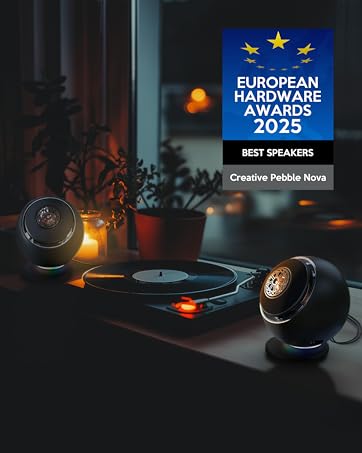
Pebble Series
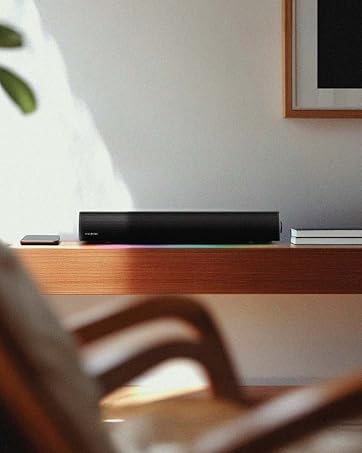
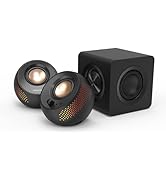
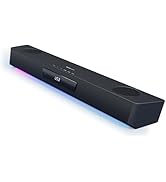
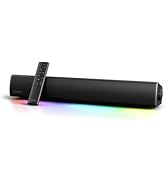
Soundbars & Speakers
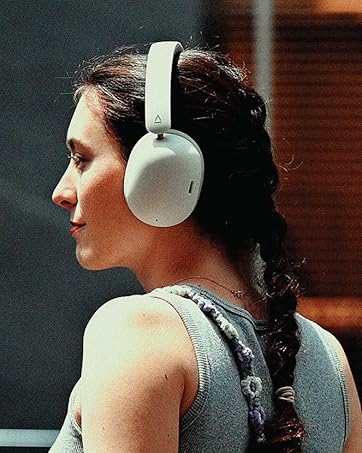
Headphones
True Wireless
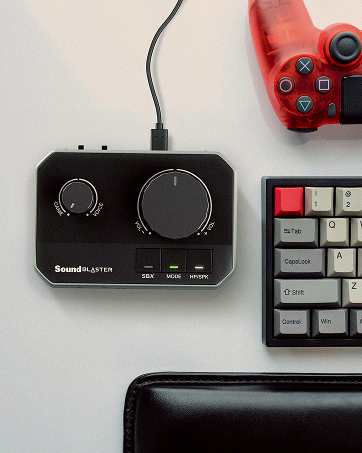
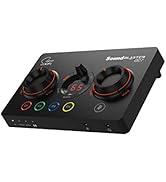
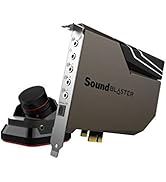
Sound Blasters
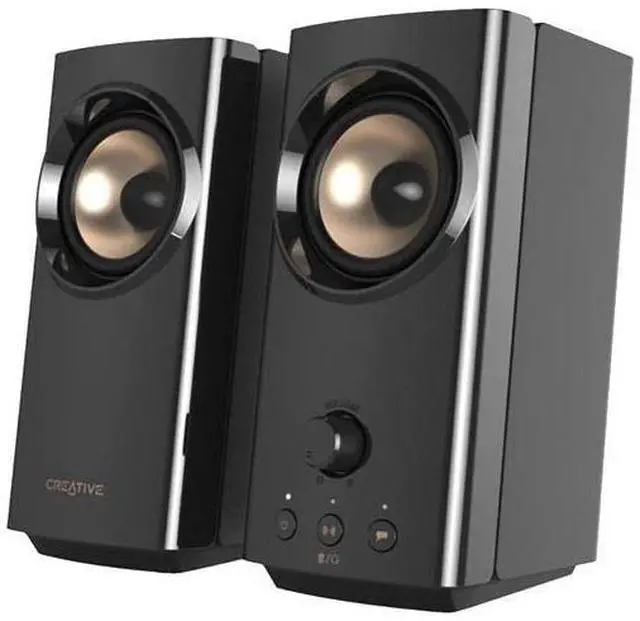
Upgrade Your Desktop Sound with Creative T60
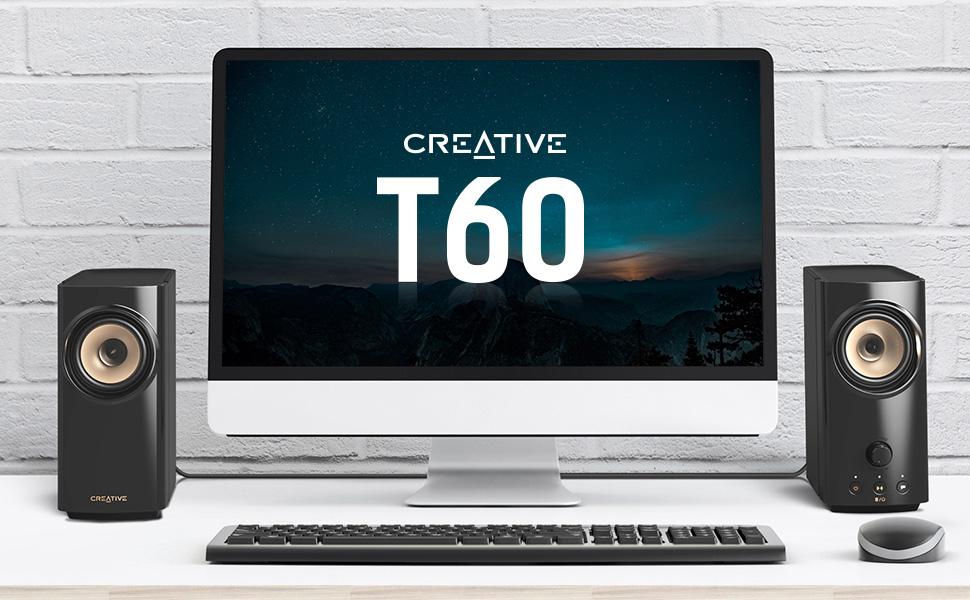
Compact Hi-Fi 2.0 Desktop Speakers with Clear Dialog and Surround by Sound Blaster for Computers and Laptops
Are you still settling for the default sound that comes with your PC setup? Despite having your volume level at the highest, do you find yourself straining to hear the spoken dialogs of the show’s characters or your co-workers during an online call because it’s too muffled? Joining the Creative T100 in the T-series speaker line-up, the Creative T60 is here to put a stop to that.
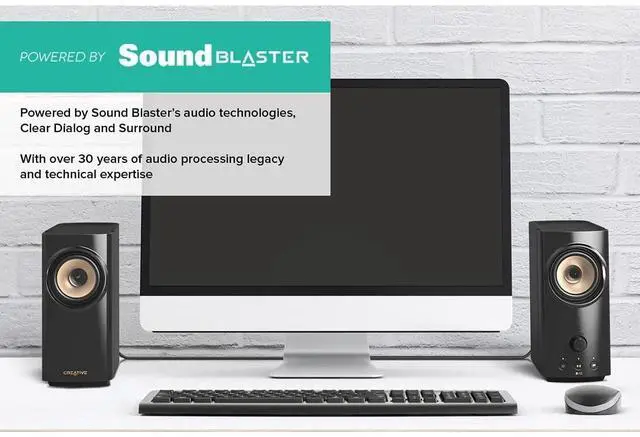
The Creative T60 features Clear Dialog and Surround, our audio technologies that are powered by Sound Blaster’s audio expertise, to deliver clearer spoken dialogs and enhanced surround sound for greater immersion. Backed by powerful acoustics performance with a built-in digital amplifier and our BasXPort technology that further enhances bass performance, your desktop movie experience will be changed forever.
Above all, the Creative T60 also comes with a plethora of connectivity options including USB-C audio to your gaming consoles, built-in headset and microphone jacks for when you need to attend an online work call, and a convenient speaker and headphones switch button that is easily within reach.
There’s really no better time than now to upgrade your default PC audio.
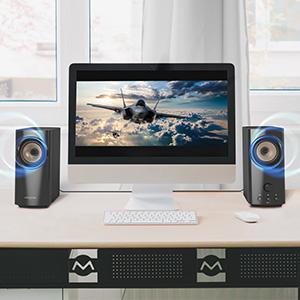
Your Desktop Audio, Powered by Sound Blaster
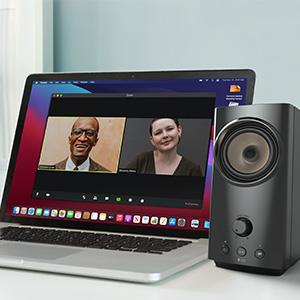
Clear Dialog
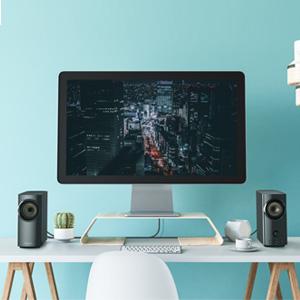
Surround
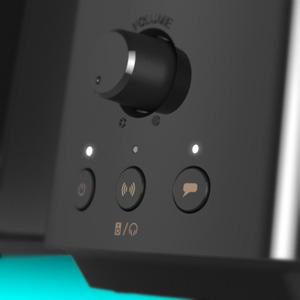
Toggle On and Off
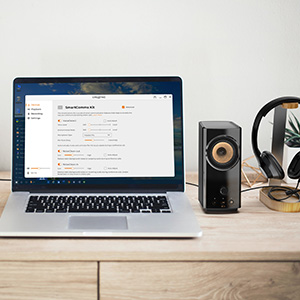
SmartComms Kit
VoiceDetect
NoiseClean
Setting up Creative app
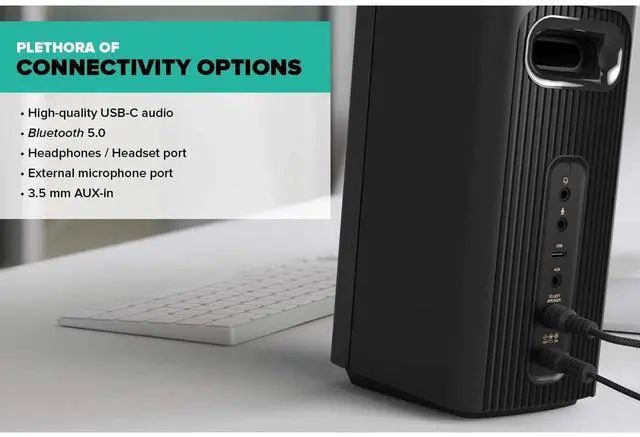
Plethora of Connectivity Options
USB-C Audio
High-quality audio streaming with your laptop and even gaming consoles like PS4, PS5, and even Nintendo Switch.
Bluetooth 5.0
Stream wirelessly from your mobile devices directly to the Creative T60 for effortless music listening.

Headphones / Headset
Plug in your headphones or headsets and enjoy audio or pick up a work call in private.
External Mic Port
Connect an external microphone to the Creative T60 and hold your meetings or communicate with your team in-game.
Speaker and Headphones Switch
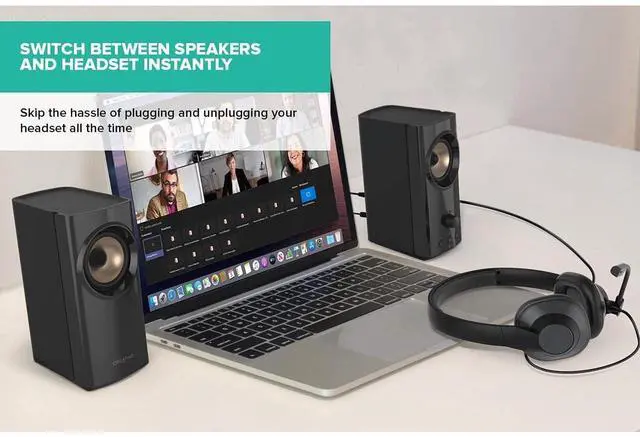
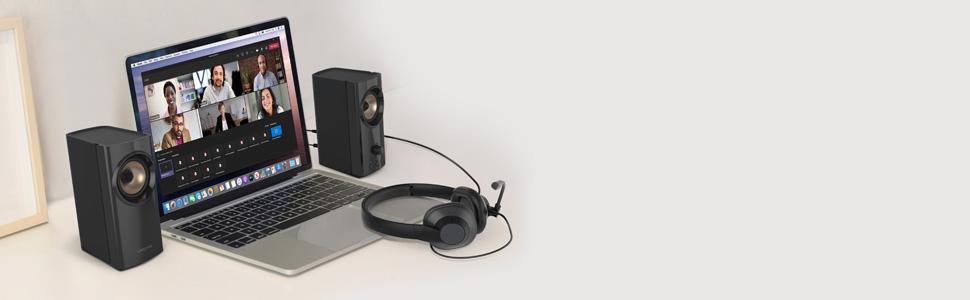
Switch between audio playback from the Creative T60 to your headset instantly with just a button press and skip the hassle of having to plug and unplug your headset all the time.
Easy-to-reach Buttons
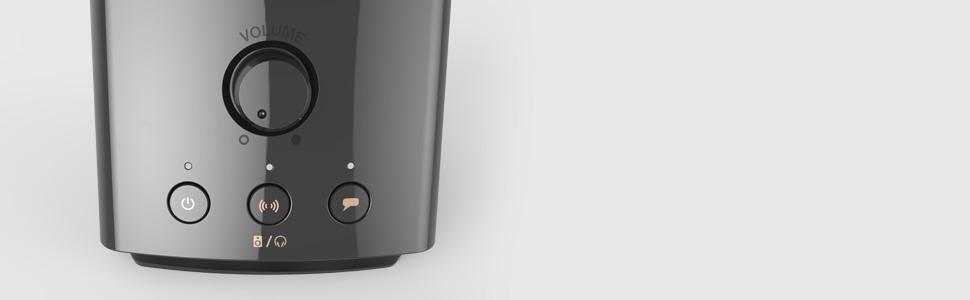
On the right speaker, you’ll find a volume knob to make volume adjustments, the Clear Dialog and Surround buttons to activate the audio technologies with a button press, and the power button to turn on the speaker or switch between the audio sources.
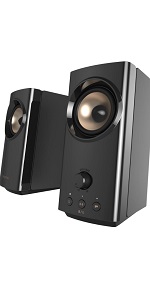 Creative T60 | 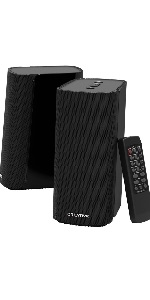 Creative T100 | |
|---|---|---|
| Customer Reviews | — | — |
| Price | — | — |
| Clear Dialog and Surround, Powered by Sound Blaster | Yes | No |
| EQ Modes: Music, Cinema, Concert, Gaming | No | Yes, via IR remote |
| Connectivity Options | USB-C audio, Bluetooth 5.0, 3.5 mm Headphones / Headset port, 3.5 mm Mic-in port, 3.5 mm AUX-in port | Optical-in, lossless USB FLAC playback, Bluetooth 5.0, 3.5 mm AUX-in port |
| Audio Performance | Up to 30 RMS and 60W Peak power | Up to 40 RMS and 80W Peak power |
| Dimensions (L x W x H) | Left Satellite: 147 x 92 x 199 mm / 5.79 x 3.62 x 7.84 inches, Right Satellite: 157 x 92 x 199 mm / 6.18 x 3.62 x 7.84 inches | Left Satellite: 130 x 93 x 208 mm / 5.12 x 3.66 x 8.19 inches, Right Satellite: 130 x 93 x 208 mm / 5.12 x 3.66 x 8.19 inches |
| Weight | 1.9 kg / 4.18 lb | 2 kg / 4.4 lb |
| Accessories | Creative T60’s AC Power Adapter 18V 2A (1.5m / 4.92 ft), AC Plugs (Region-specific), 3.5 mm Stereo to Stereo Cable (1.2m / 3.94 ft), Headset Extension Cable (30 cm / 0.98 ft), USB-C to USB-C Cable (1.2m / 3.94 ft), USB-C to USB-A Converter | IR Remote Control (Batteries not included), Creative T100’s AC Power Adapter 18V 2A (1.5m / 4.92 ft), 3.5 mm Stereo to Stereo Cable (1.5m / 4.92 ft) |
| SmartComms Kit | ? | x |
Upgrade Your Desktop Sound with Creative T60
Compact Hi-Fi 2.0 Desktop Speakers with Clear Dialog and Surround by Sound Blaster for Computers and Laptops
Are you still settling for the default sound that comes with your PC setup? Despite having your volume level at the highest, do you find yourself straining to hear the spoken dialogs of the show’s characters or your co-workers during an online call because it’s too muffled? Joining the Creative T100 in the T-series speaker line-up, the Creative T60 is here to put a stop to that.
The Creative T60 features Clear Dialog and Surround, our audio technologies that are powered by Sound Blaster’s audio expertise, to deliver clearer spoken dialogs and enhanced surround sound for greater immersion. Backed by powerful acoustics performance with a built-in digital amplifier and our BasXPort technology that further enhances bass performance, your desktop movie experience will be changed forever.
Above all, the Creative T60 also comes with a plethora of connectivity options including USB-C audio to your gaming consoles, built-in headset and microphone jacks for when you need to attend an online work call, and a convenient speaker and headphones switch button that is easily within reach.
There’s really no better time than now to upgrade your default PC audio.
Your Desktop Audio, Powered by Sound Blaster
Hear what the movie’s characters are saying clearly and stay immersed in your gaming sessions!
Powered by Sound Blaster with over three decades of audio processing legacy and technical expertise, the Creative T60 features Sound Blaster’s audio technologies, Clear Dialog and Surround, to provide you with improved vocal intelligibility and wide surround experience.
Elevate your desktop movie experience and focus on the show without having to read subtitles; dive into the thick of action and stay engaged in your gaming session.
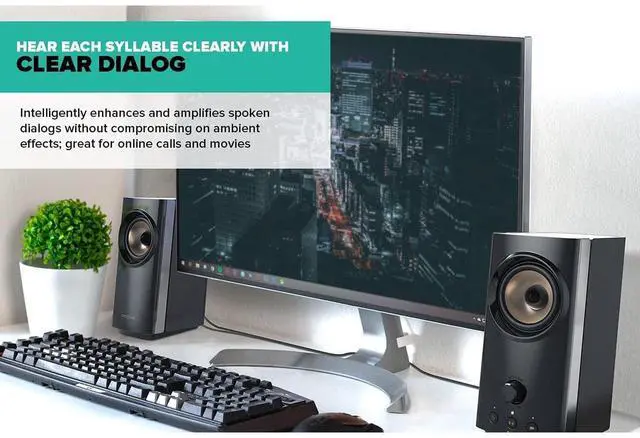
Clear Dialog, Powered by Sound Blaster
It’s not about the volume level. Sure, it's great when your movie or game comes with rich and immersive audio, but it's a total downer if the dialog gets drowned out amongst the explosive sound effects and music.
Clear Dialog extracts the vocals and spoken dialog through an audio processing technique, then intelligently enhances and amplifies them, allowing you to hear each syllable clearly, and without compromising on the other ambient effects.
Surround, Powered by Sound Blaster
Complete your experience with our Surround technology that delivers a wider soundstage to your media! Capable of identifying and enhancing the spatial information of incoming audio via Sound Blaster's audio filters, the technology optimizes the listening experience for both two-channel and multi-channel source content.
The end result:Expanded soundstage and spatialized audio from any type of audio source, including Netflix, HBO, and Prime Video; this provides you with a more realistic and comfortable listening experience that keeps you engrossed in your movies, games, and even music.
Toggle Clear Dialog and Surround on and off easily
Turn on Clear Dialog and Surround audio technologies directly via the buttons located on the speaker, and start enjoying!
Clear Dialog
- Press X1: On (LED Indicator - Solid White), Off (LED Indicator - Off)
Surround
- Press X1: On (LED Indicator - Solid White), Off (LED Indicator - Off)
Communicate Smarter with SmartComms Kit
Our SmartComms Kit was developed to fix one common issue for Windows 10 users—to simplify the way we communicate online—via a suite of smart communication features. Why fuss over mute controls or get distracted by unwanted background noises when you should be focusing on what matters instead? Plus, it can be used on any headphones with microphone, headsets, and external microphones.
VoiceDetect—Mute and Unmute Yourself Automatically
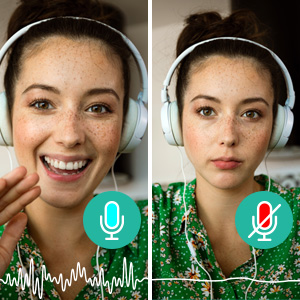
Get unmuted as you speak and mute your microphone automatically without lifting a finger. Our VoiceDetect feature controls your mute status by voice detection and frees up your hands—and mind—so you can focus on other important things, like fighting off the enemies’ attack, or your business pitch.
VoiceDetect requires your default microphone button to be unmuted in order for it to work. When unmuted, it will assume control over your microphone’s outgoing audio to automatically unmute when you speak, and mute when you stop.
NoiseClean—Two-way Noise Cancellation
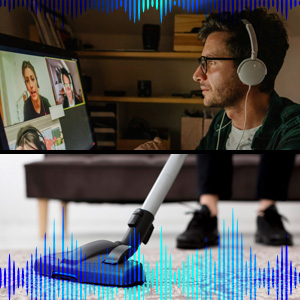
Remove unwanted noisy distractions from both ends of the conversation in real time.
NoiseClean-in detects static background noises coming from others in your online call, and suppresses the noise while retaining the vocals and spoken dialogs, so you can hear them clearly. Put simply, NoiseClean-in cleans up the noises detected from your incoming audio so that their voices are better heard.
NoiseClean-out does the same—but for your own background noise. Now, no one needs to be asked to “go on mute” anymore.
*The NoiseClean features work best for static background noises such as fans, air conditioning, air purifier, humidifiers, vacuum cleaners, hair dryers, electric shavers, and even lawn mowers.
It’s Super Easy to Setup
Plug it in, download, and go. The Creative T60 lets you communicate smarter in 3 easy steps:
- Plug in the Creative T60 to your Windows PC via the USB-C port. If your computer only has USB-A port, don’t worry, we have also included a USB-C to USB-A converter for your use.
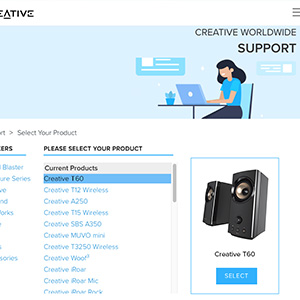
- Download and install the Creative app onto your Windows PC from our Creative Worldwide Support Page for Creative T60.
- Go to the SmartComms Kit module and make sure that it is switched on.
And voila, you’re done! To make further adjustments or control each feature individually, access the Advanced settings inside the SmartComms Kit module.
Plethora of Connectivity Options
USB-C Audio
High-quality audio streaming with your laptop and even gaming consoles like PS4, PS5, and even Nintendo Switch.
Bluetooth 5.0
Stream wirelessly from your mobile devices directly to the Creative T60 for effortless music listening.
Headphones / Headset
Plug in your headphones or headsets and enjoy audio or pick up a work call in private.
External Mic Port
Connect an external microphone to the Creative T60 and hold your meetings or communicate with your team in-game.
Speaker and Headphones Switch
Switch between audio playback from the Creative T60 to your headset instantly with just a button press and skip the hassle of having to plug and unplug your headset all the time.
Easy-to-reach Buttons
On the right speaker, you’ll find a volume knob to make volume adjustments, the Clear Dialog and Surround buttons to activate the audio technologies with a button press, and the power button to turn on the speaker or switch between the audio sources.
Creative T60 | Creative T100 | |
|---|---|---|
| Customer Reviews | — | — |
| Price | — | — |
| Clear Dialog and Surround, Powered by Sound Blaster | Yes | No |
| EQ Modes: Music, Cinema, Concert, Gaming | No | Yes, via IR remote |
| Connectivity Options | USB-C audio, Bluetooth 5.0, 3.5 mm Headphones / Headset port, 3.5 mm Mic-in port, 3.5 mm AUX-in port | Optical-in, lossless USB FLAC playback, Bluetooth 5.0, 3.5 mm AUX-in port |
| Audio Performance | Up to 30 RMS and 60W Peak power | Up to 40 RMS and 80W Peak power |
| Dimensions (L x W x H) | Left Satellite: 147 x 92 x 199 mm / 5.79 x 3.62 x 7.84 inches, Right Satellite: 157 x 92 x 199 mm / 6.18 x 3.62 x 7.84 inches | Left Satellite: 130 x 93 x 208 mm / 5.12 x 3.66 x 8.19 inches, Right Satellite: 130 x 93 x 208 mm / 5.12 x 3.66 x 8.19 inches |
| Weight | 1.9 kg / 4.18 lb | 2 kg / 4.4 lb |
| Accessories | Creative T60’s AC Power Adapter 18V 2A (1.5m / 4.92 ft), AC Plugs (Region-specific), 3.5 mm Stereo to Stereo Cable (1.2m / 3.94 ft), Headset Extension Cable (30 cm / 0.98 ft), USB-C to USB-C Cable (1.2m / 3.94 ft), USB-C to USB-A Converter | IR Remote Control (Batteries not included), Creative T100’s AC Power Adapter 18V 2A (1.5m / 4.92 ft), 3.5 mm Stereo to Stereo Cable (1.5m / 4.92 ft) |
| SmartComms Kit | ? | x |
We've always believed in the power of sound. In 1989, we changed how people experienced audio with sound blaster. For the first time, computers had a voice.
Today, we carry that legacy forward. Our headphones, speakers, and sound cards are designed for how people live, work, and create. Whether it's a quiet moment alone or a shared experience that matters, we build audio that inspires.
Audio that becomes part of your story.
Pebble Series
Soundbars & Speakers
Headphones
True Wireless
Sound Blasters