




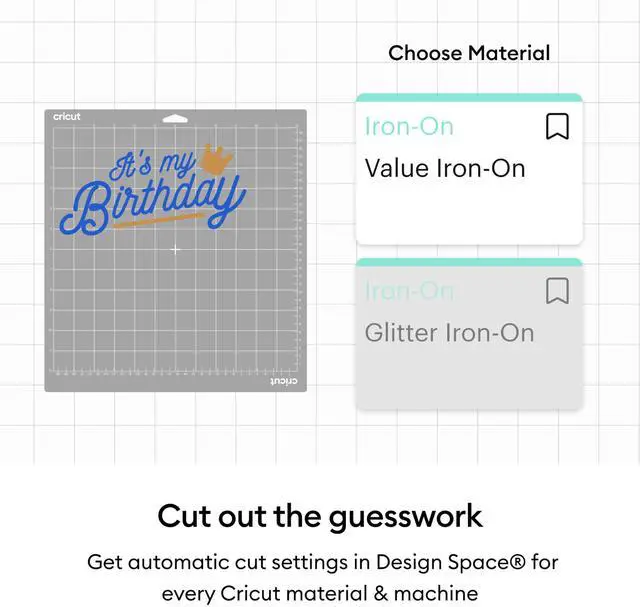



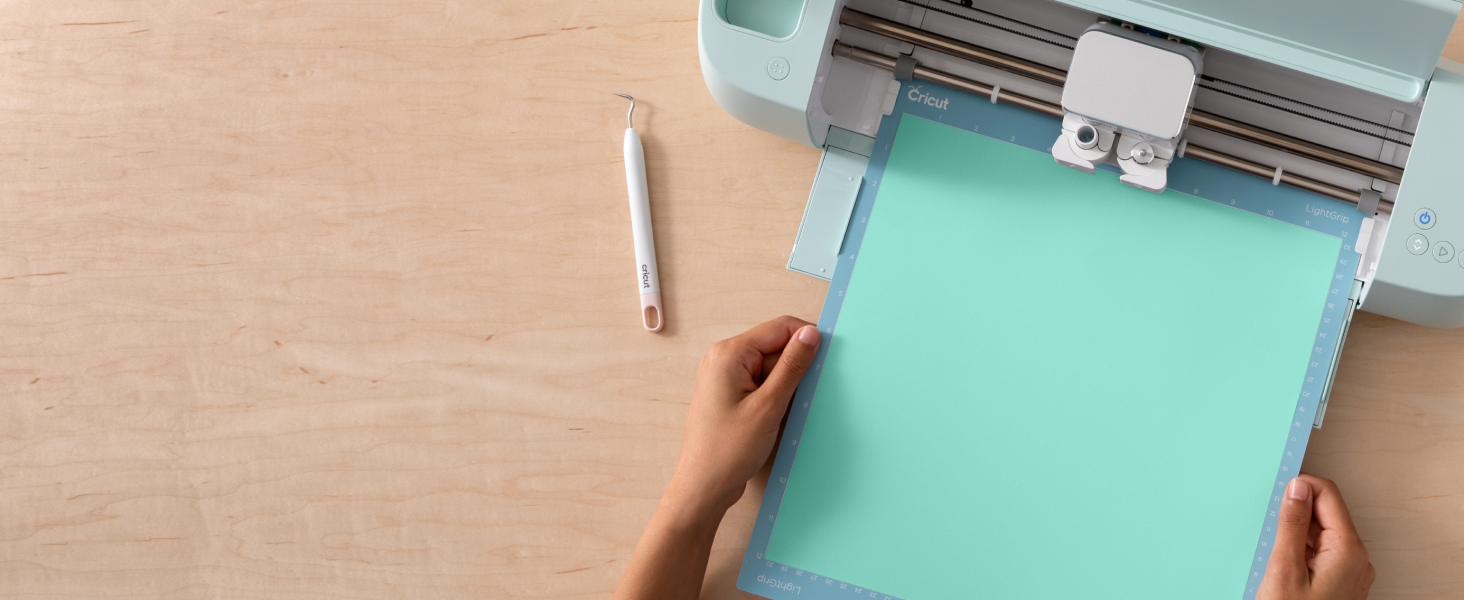
Cut out the guesswork.
Get automatic, precise cutting settings for every Cricut material, machine & project.

Create with confidence.
Every Cricut material is thoughtfully designed and rigorously tested to ensure maximum performance.

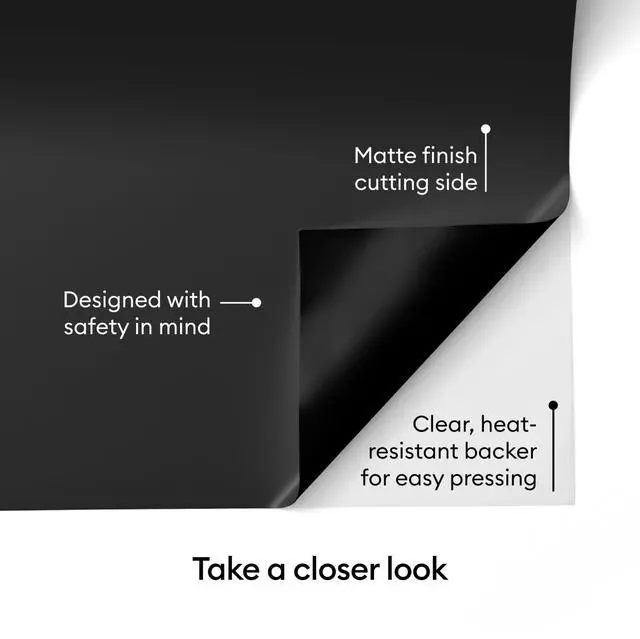
Backed with quality.
- Clear heat-resistant backer for easy pressing
- Compatible with Cricut heat presses for lasting results
Why Cricut Materials?
Creativity is an investment, that's why we invest in the best products to support your journey.

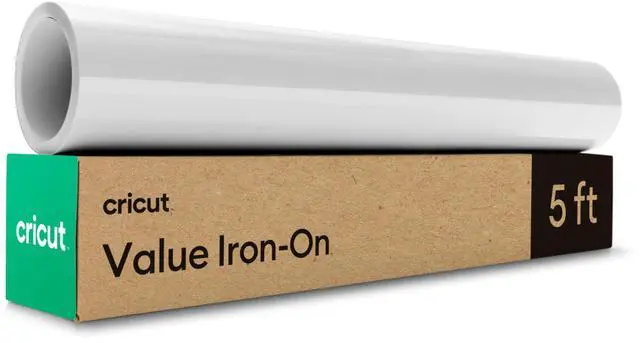
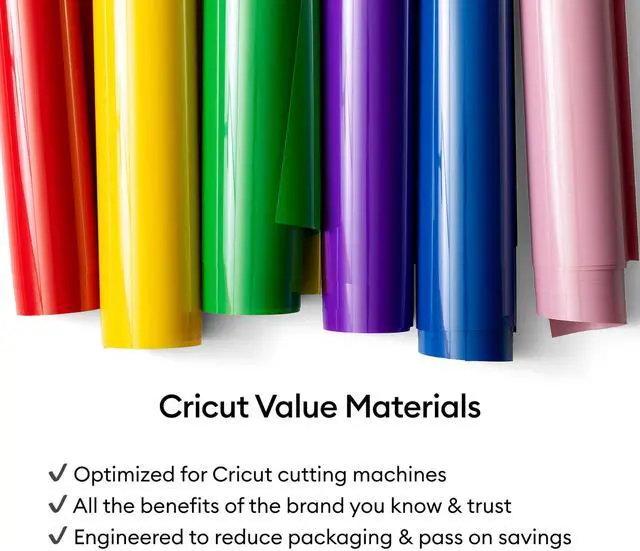
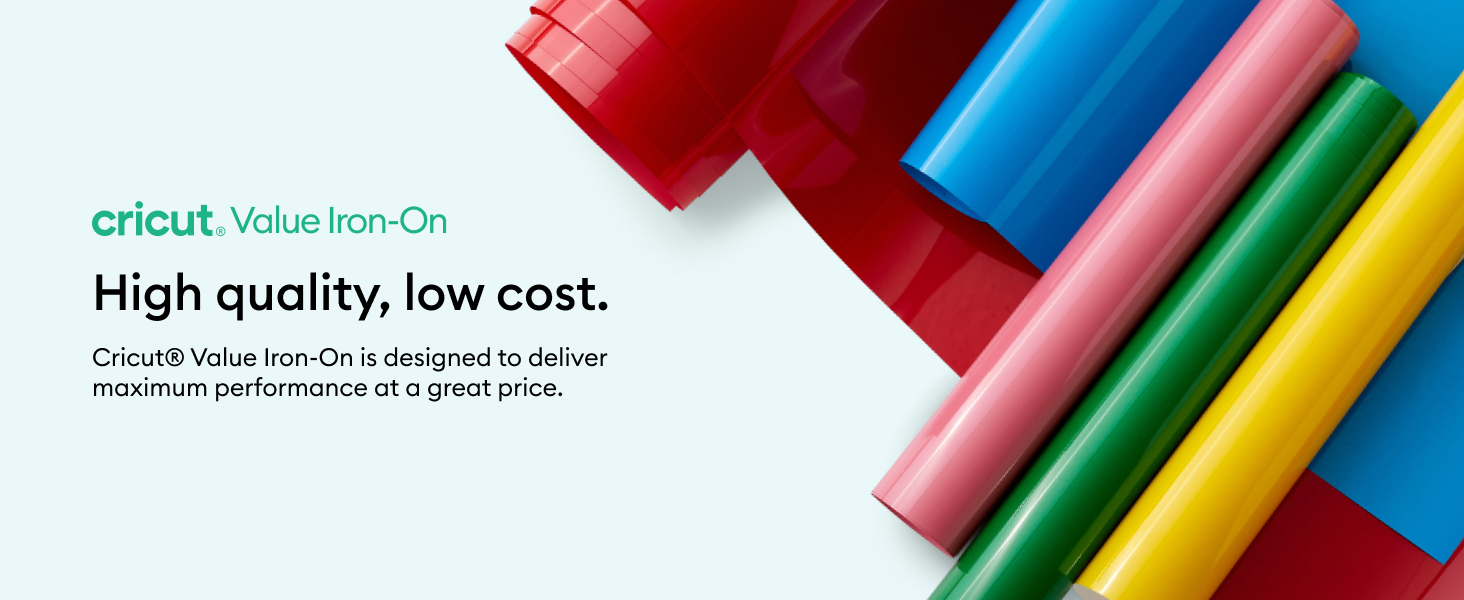
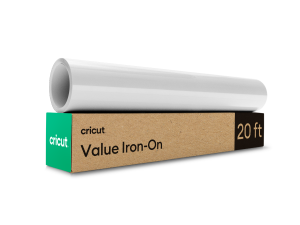
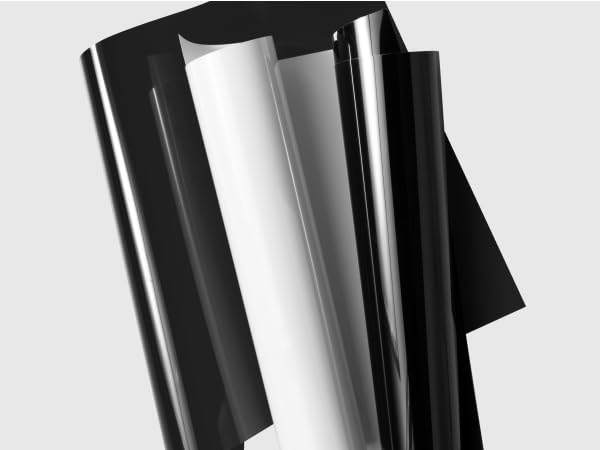
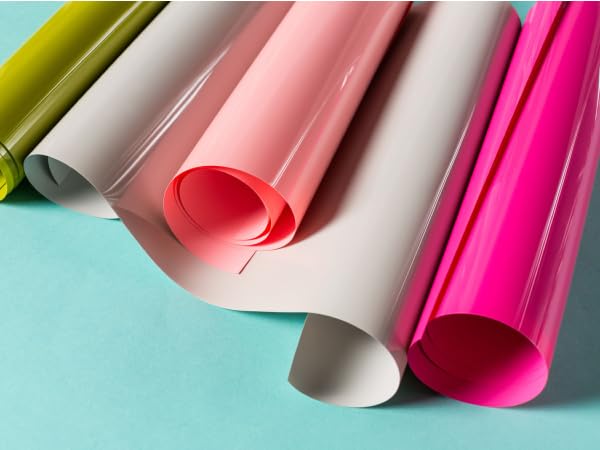
Value Iron-On
- Minimal Packaging for max savings
- Available in popular colors
- Compatible with all Cricut Machines

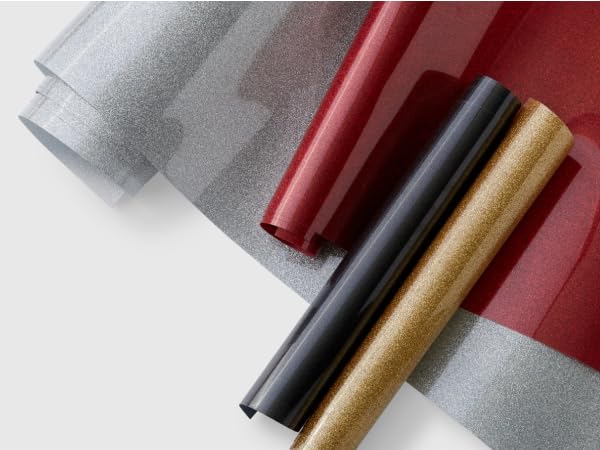
Everyday Iron-On
- Wide variety of colors
- Sleek packaging for easy storage
- Compatible with all Cricut machines
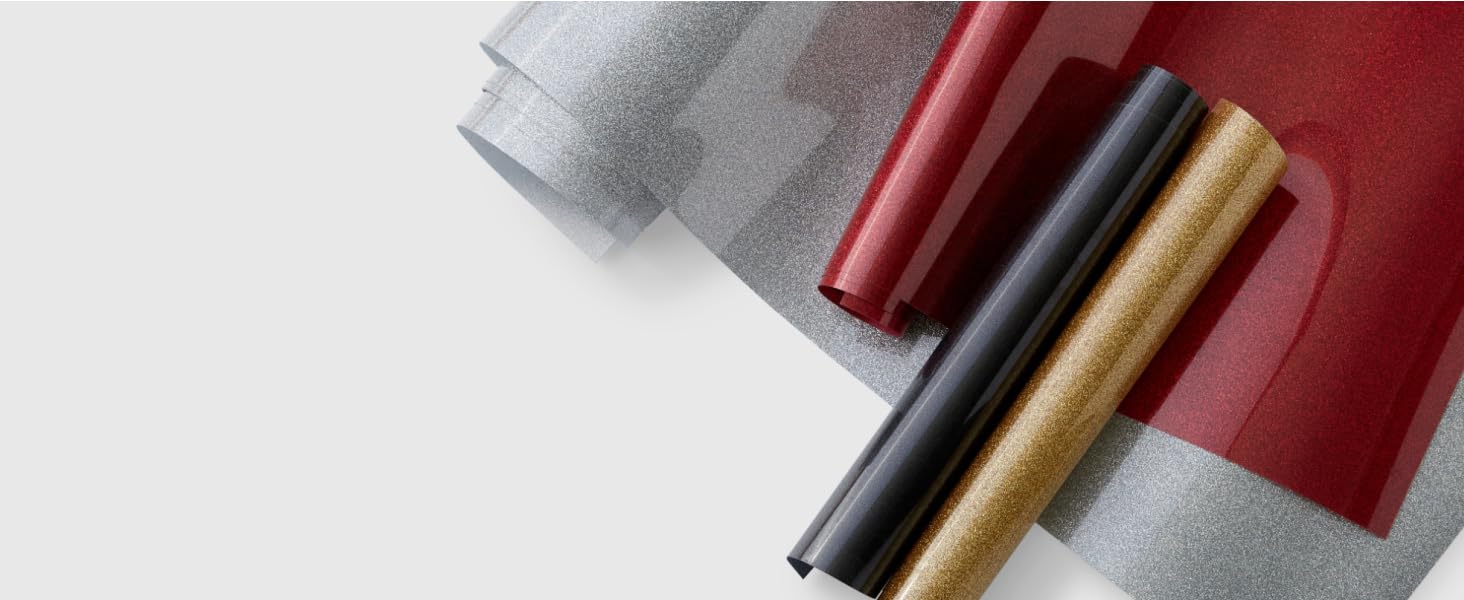
Smart Iron-On
- Mat-free cutting
- Create long, continuous cuts
- Compatible with select Cricut cutting machines
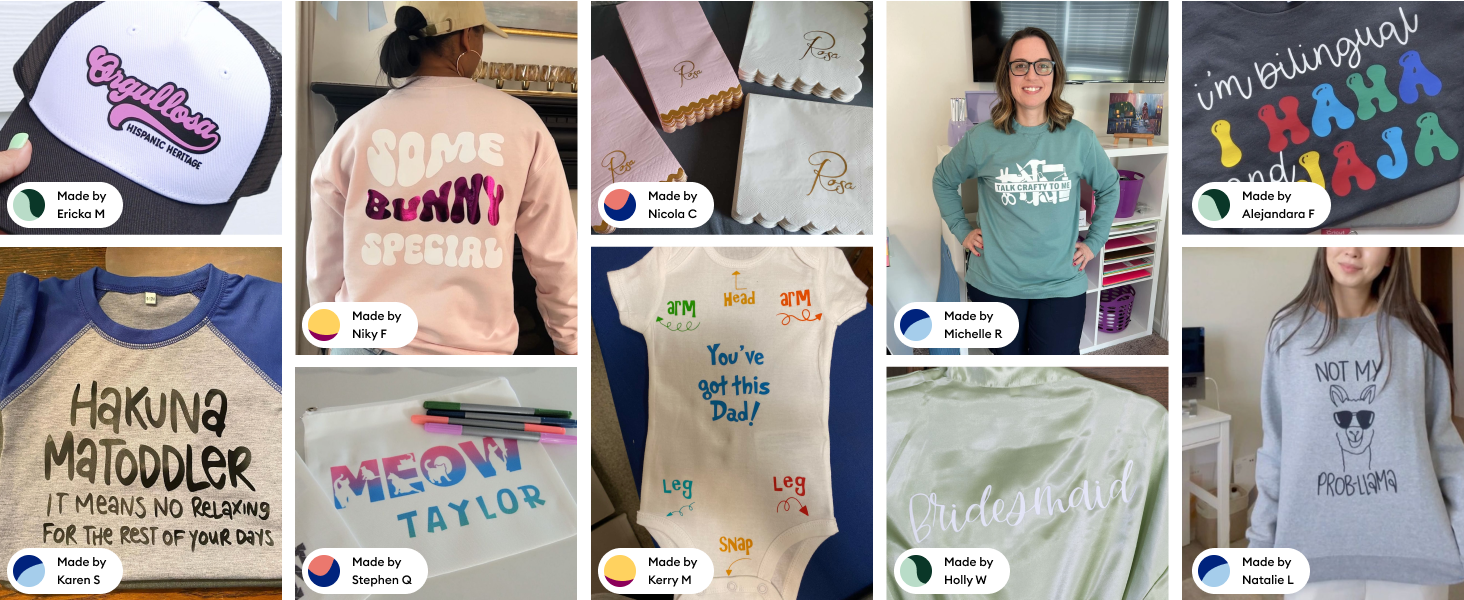
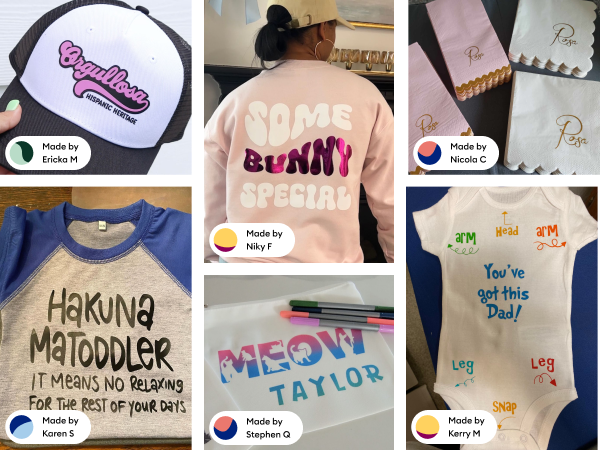
See what Cricut customers are making.
Compare Cricut Iron-On
 Cricut Value Iron-On | 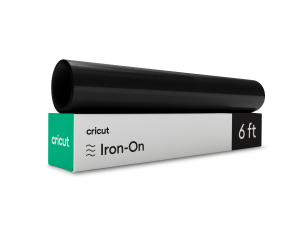 Cricut Everyday Iron-On | 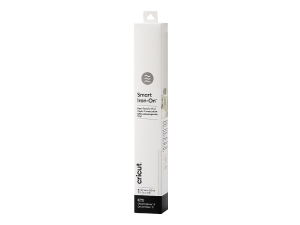 Cricut Smart Iron-On |
|---|---|---|
Lightweight Thin & lightweight for a thinner transfer application. | Variety of Colors & Finishes Loads of colors and finishes like glitter, holographic, textured & more. | Mat-Free Cutting No mat no problem! Just load & go. |
Minimal Packaging Quality product with cost savings passed down to you. | Sleek Packaging Sleek packaging for convenient storage | Long & Repeated Cuts Cut long cuts, or continuous repeated cuts without reloading a mat |
Bulk & Variety Packs Longer lengths & variety packs for more making! | Machine Compatibility All Cricut Cutting machines | Machine Compatibility Cricut Joy, Cricut Joy Extra, Cricut Maker 3, Cricut Explore 3, Cricut Venture |
Are Cricut Value materials compatible with all Cricut cutting machines?
Yes, Cricut Value Vinyl works with all of our cutting machines. It’s 12 inches (30.5 cm) wide, but can be cut down to work with smaller machines like Cricut Joy and Cricut Joy Xtra.
How do I get precise cuts with Cricut materials?
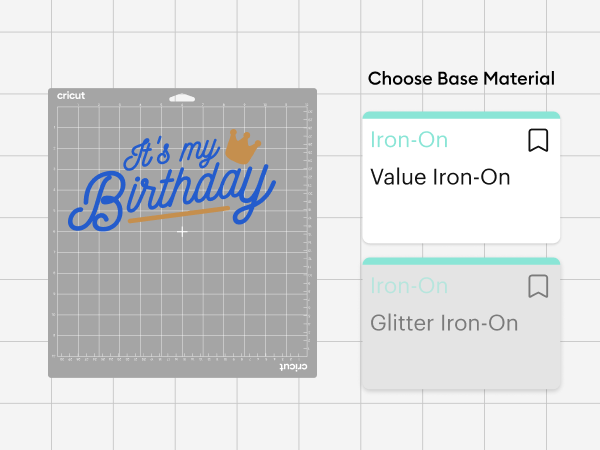
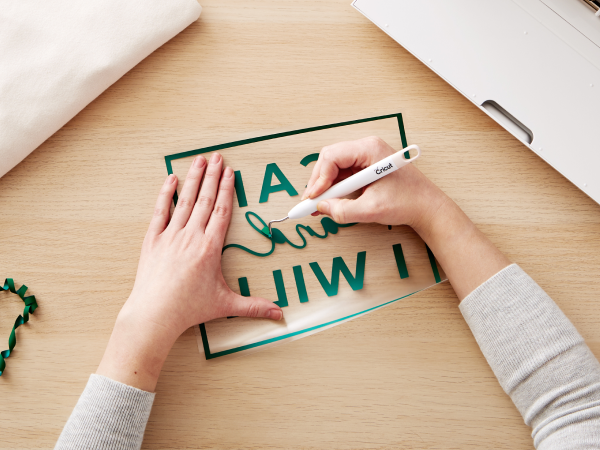
To get perfect cuts with Cricut materials, just use the Value Iron-On setting in Design Space —it’s specially callibrated for a precise cut every time. And don’t forget to mirror your design before cutting!
Does Cricut Value Iron-On need to be placed on a mat?
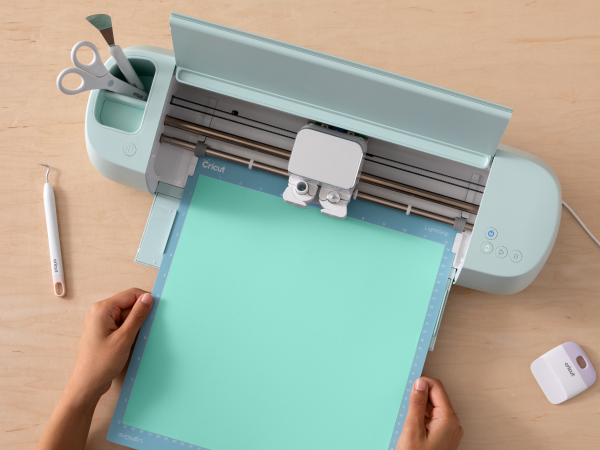
For best results, use a Standard Grip Machine Mat with Cricut Value Iron-On.
Does Cricut Value Iron-On adhere to different types of fabric?
Cricut Value Iron-On works great on a variety of fabrics, like cotton, polyester, cotton/poly blends, canvas, and more.
How do you apply heat transfer vinyl?
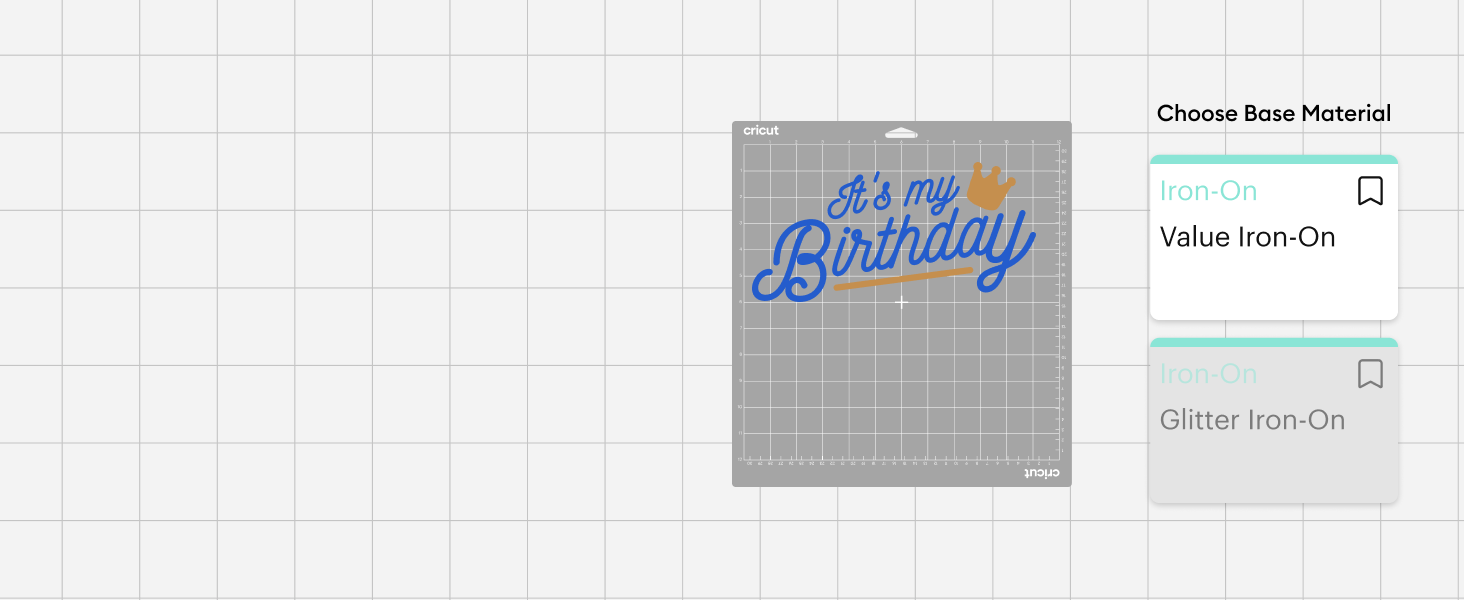
To apply heat transfer vinyl, just use the Cricut Heat Guide and select 'Value Iron-On' as your material. You’ll also choose your base material, and the guide will give you exact heat settings, pressure, and time needed for perfect results.
Cut out the guesswork.
Get automatic, precise cutting settings for every Cricut material, machine & project.
Create with confidence.
Every Cricut material is thoughtfully designed and rigorously tested to ensure maximum performance.
Backed with quality.
- Clear heat-resistant backer for easy pressing
- Compatible with Cricut heat presses for lasting results
Why Cricut Materials?
Creativity is an investment, that's why we invest in the best products to support your journey.

Value Iron-On
- Minimal Packaging for max savings
- Available in popular colors
- Compatible with all Cricut Machines
Everyday Iron-On
- Wide variety of colors
- Sleek packaging for easy storage
- Compatible with all Cricut machines
Smart Iron-On
- Mat-free cutting
- Create long, continuous cuts
- Compatible with select Cricut cutting machines
See what Cricut customers are making.
Compare Cricut Iron-On
Are Cricut Value materials compatible with all Cricut cutting machines?
Yes, Cricut Value Vinyl works with all of our cutting machines. It’s 12 inches (30.5 cm) wide, but can be cut down to work with smaller machines like Cricut Joy and Cricut Joy Xtra.
How do I get precise cuts with Cricut materials?
To get perfect cuts with Cricut materials, just use the Value Iron-On setting in Design Space —it’s specially callibrated for a precise cut every time. And don’t forget to mirror your design before cutting!
Does Cricut Value Iron-On need to be placed on a mat?
For best results, use a Standard Grip Machine Mat with Cricut Value Iron-On.
Does Cricut Value Iron-On adhere to different types of fabric?
Cricut Value Iron-On works great on a variety of fabrics, like cotton, polyester, cotton/poly blends, canvas, and more.
How do you apply heat transfer vinyl?
To apply heat transfer vinyl, just use the Cricut Heat Guide and select 'Value Iron-On' as your material. You’ll also choose your base material, and the guide will give you exact heat settings, pressure, and time needed for perfect results.