




Important Notes
1. Device Compatibility
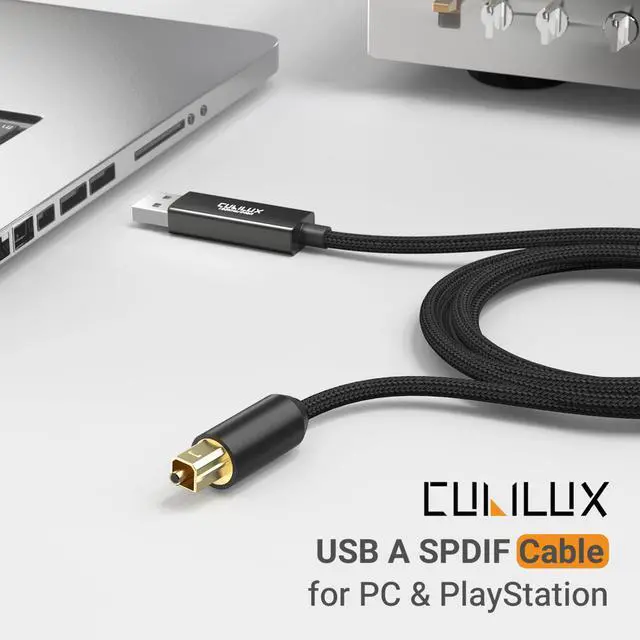
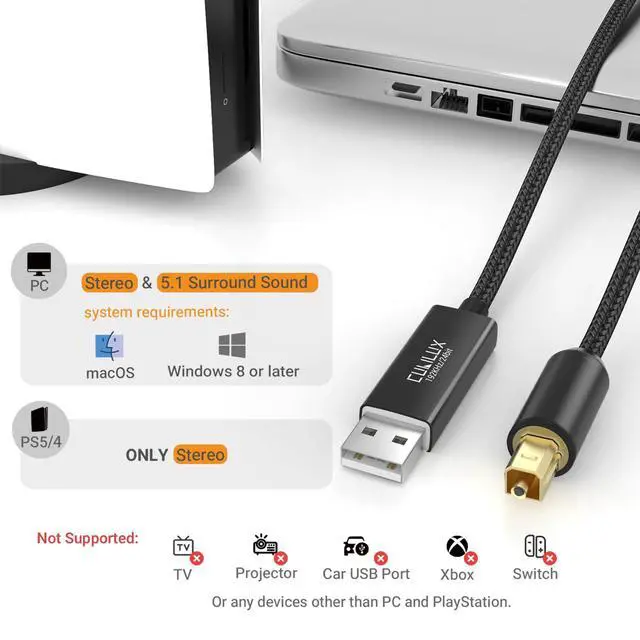
- This cable is designed ONLY for computers and PlayStation 5/4. It does NOT work with TV, Xbox, Switch, projector, or car USB ports.
2. Supported Audio Formats
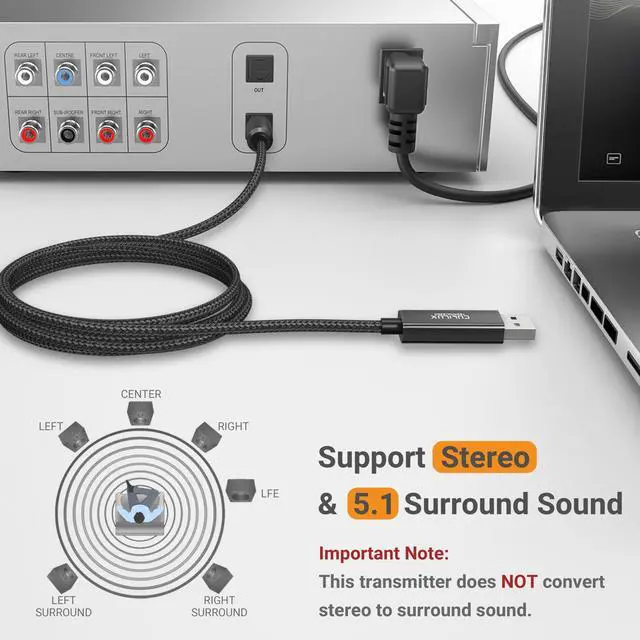
- On computers: Supports Stereo and 5.1 Surround Sound
- On PS5/PS4: Supports Stereo only
- 7.1 surround sound is NOT supported
3. Synchronization
- For optimal performance, make sure the sampling rate settings of both the output device (computer or console) and the receiving device (DAC, amplifier, or AV receiver) match. A mismatch in sampling rate may cause sound distortion, dropouts, or no output.
4. Volume Control on macOS
- When used on macOS, the volume cannot be adjusted through system settings. Please control the volume on your amplifier, DAC, or speaker directly.

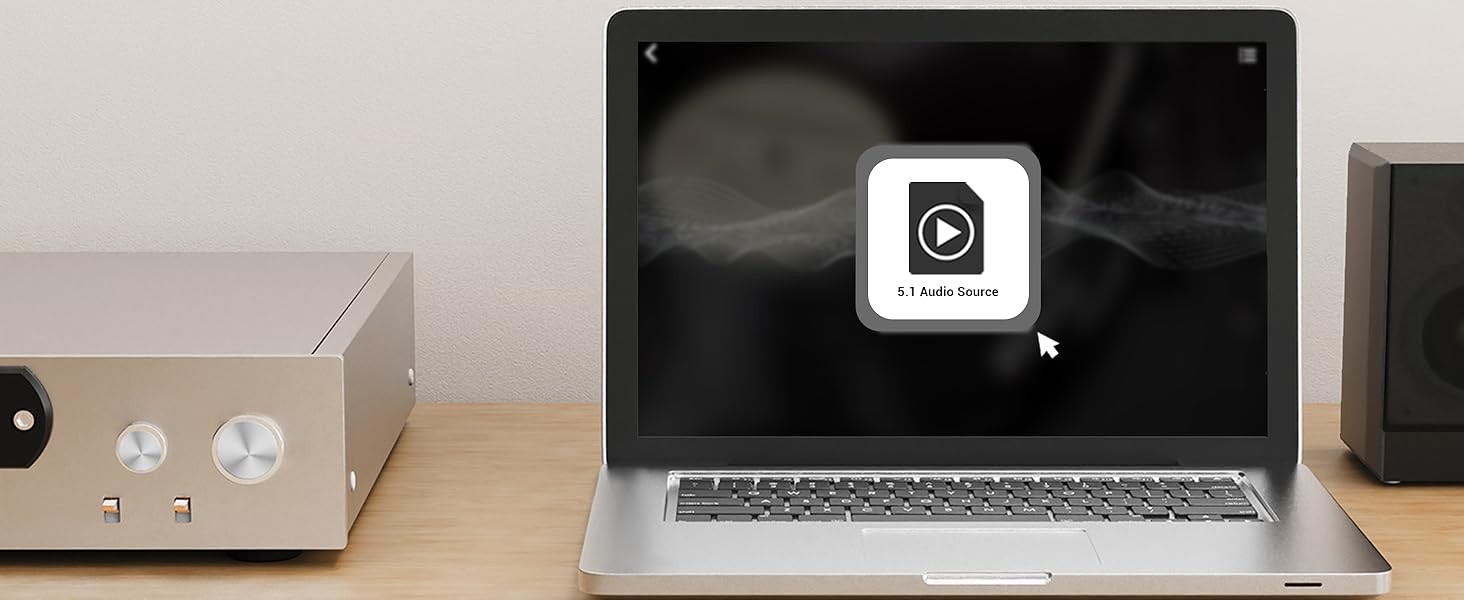
Step 1
Get a 5.1 surround sound movie or music file ready.
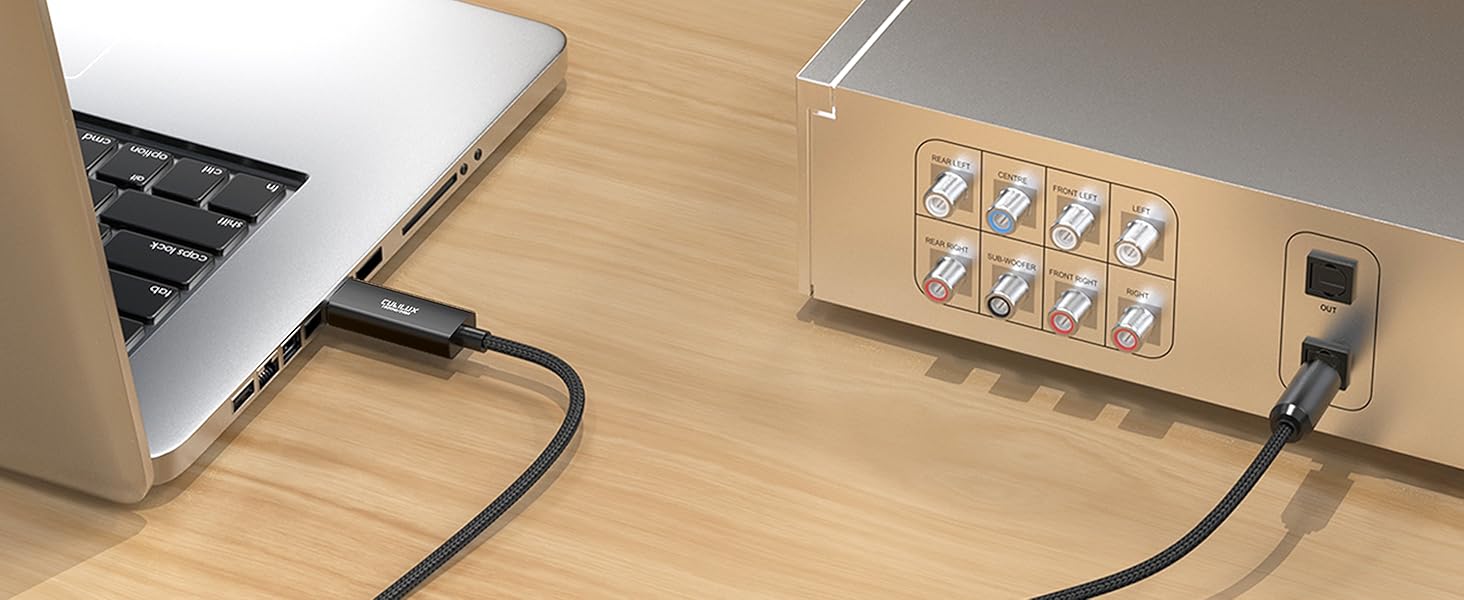
Step 2
Connect your PC to your AV receiver via the USB S/PDIF Cable.
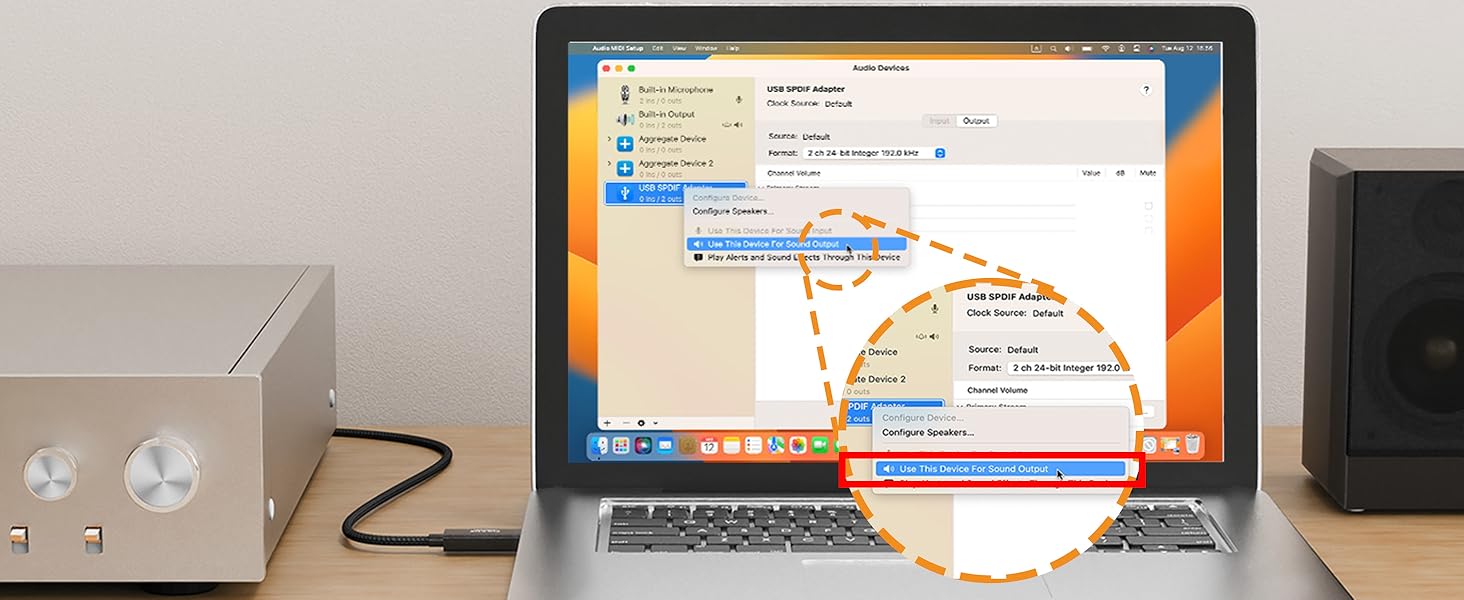
Step 3
Set the USB S/PDIF Cable as your default output device in system settings.
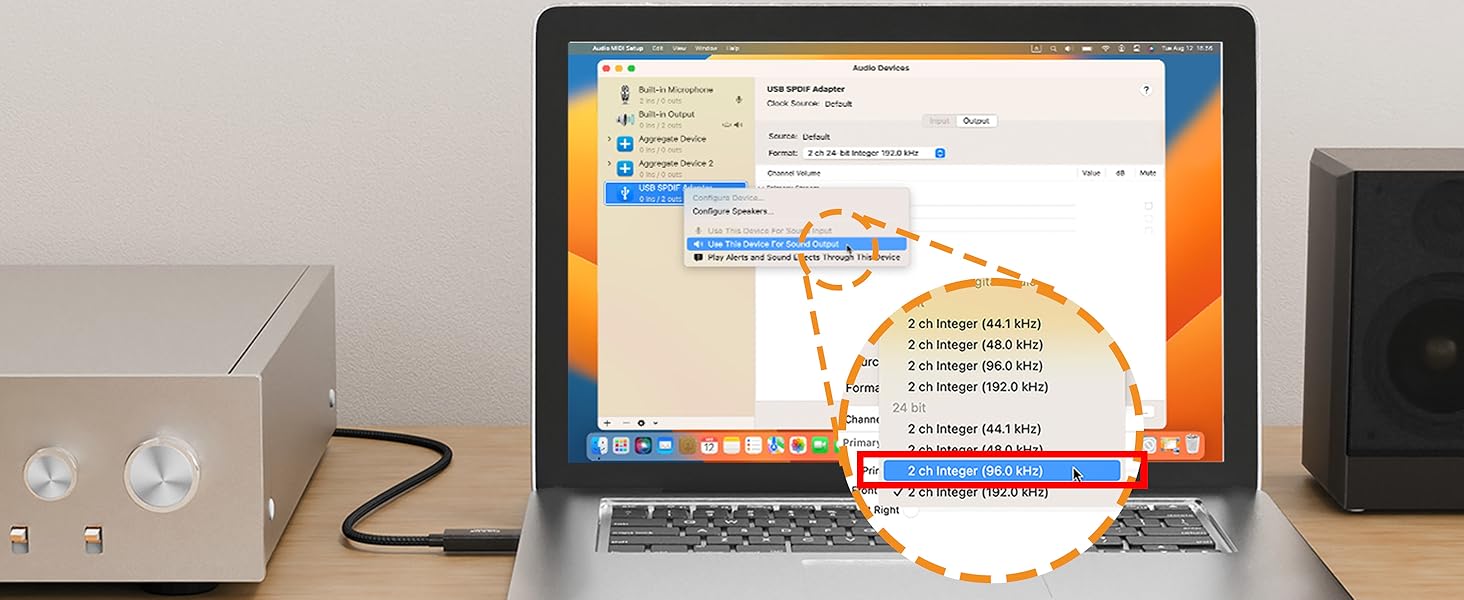
Step 4
Make sure the sampling rate of your PC matches your receiver’s supported format.
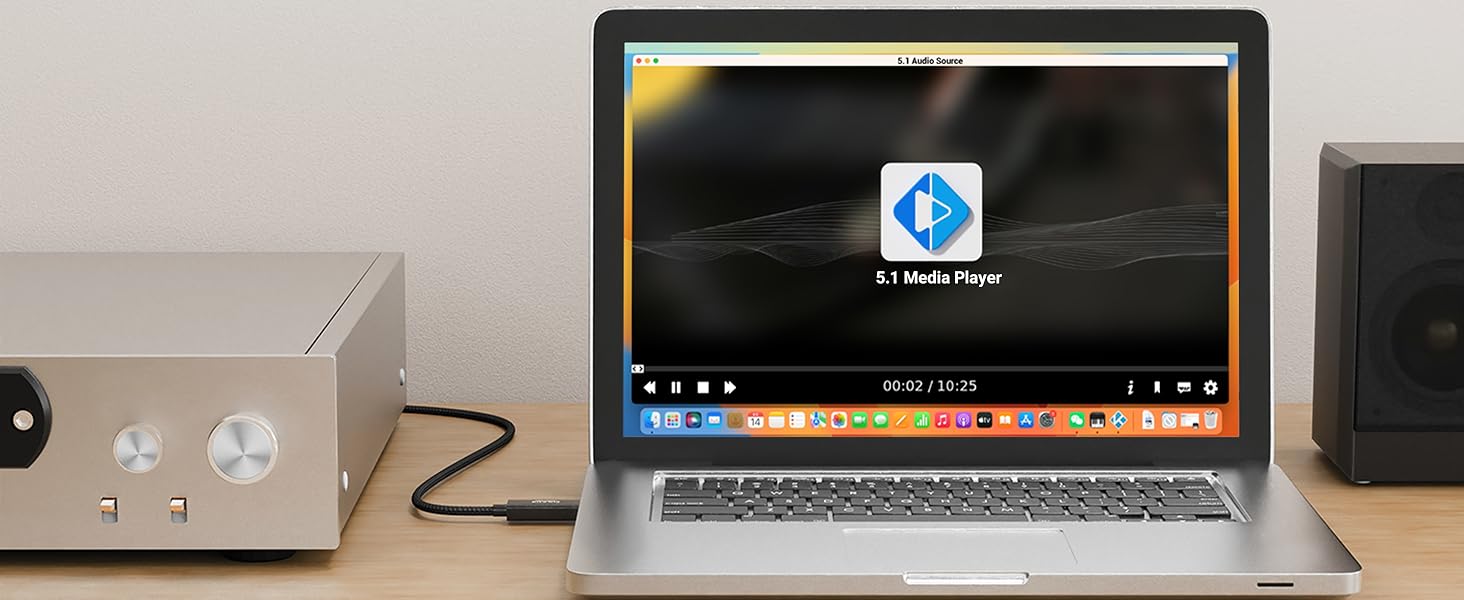
Step 5
Use a media player that supports 5.1 surround sound to enjoy immersive audio.
Quick Start Guide

Hi-Res DAC
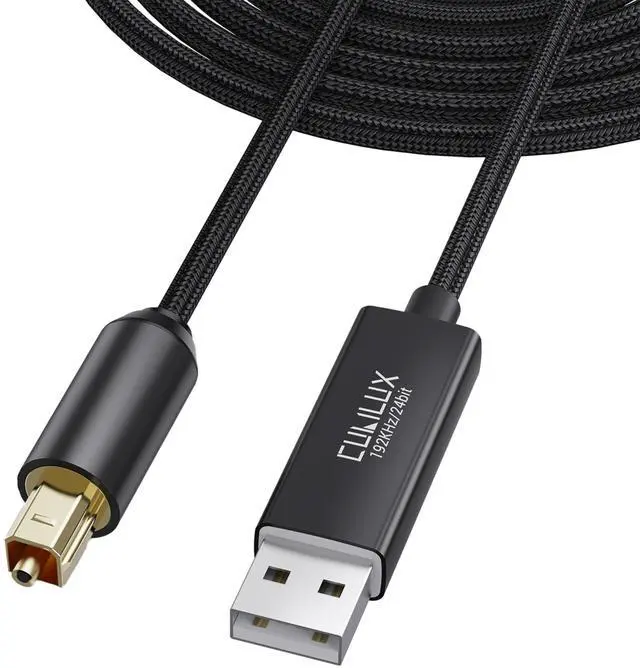
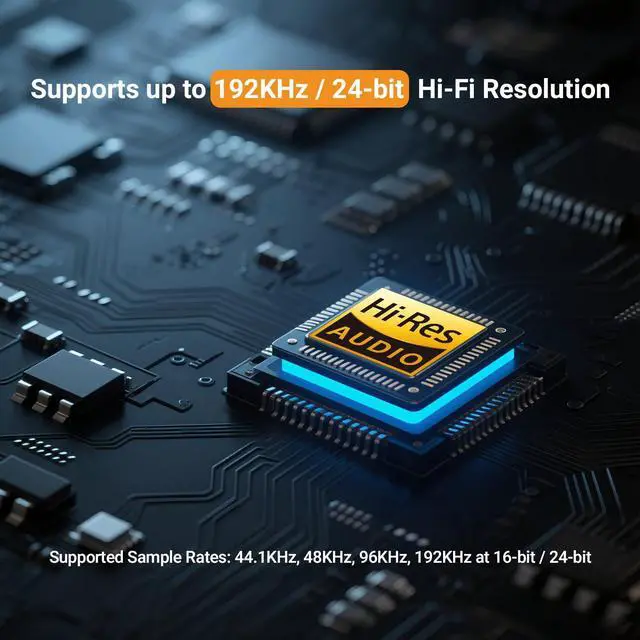
Delivers crystal-clear, low-jitter 192KHz/24-bit sound for pure, lifelike audio in every detail.

Optical Fiber
Transmits ultra-low latency and zero interference for clean, stable, and accurate digital sound.

Aluminum Alloy Case
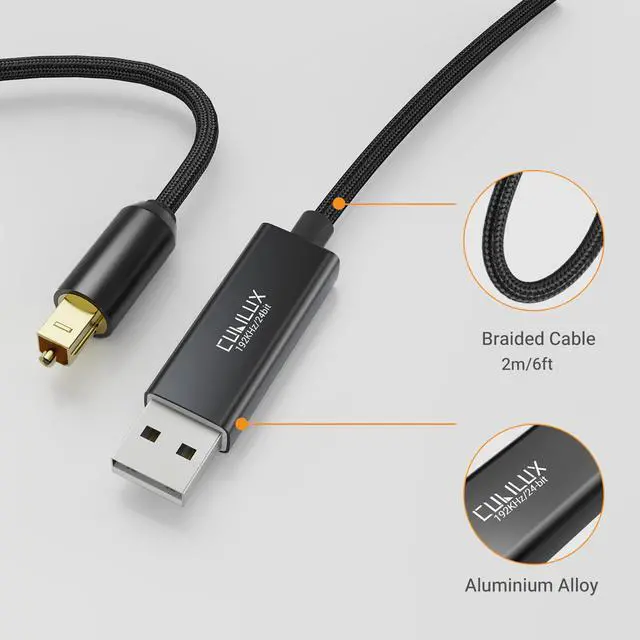
Strong aluminum shell blocks interference and enhances durability with a sleek, premium look.

Braided Cord
Tough nylon braid resists bending and tangling, ensuring flexibility and long-lasting use.
Why is there no sound output?
Please make sure the Cubilux USB SPDIF cable is selected as the default audio output device in your computer’s sound settings.
If using PS5/PS4, go to “Sound Settings ? Output Device” and select USB Audio Device.
Why doesn’t it work with my TV, Xbox, or other devices?
This optical transmitter is designed exclusively for computers and PS5/4.
It cannot extract digital audio from TVs, consoles (except PS5/4), or car USB ports because those ports do not output audio signals.
The sound is distorted, cuts off, or missing. What should I do?
This usually means the sampling rates between your computer and receiver do not match.
Please set both devices to the same sample rate (e.g. 48KHz or 96KHz).
You can adjust it under “Sound ? Playback Device ? Properties ? Advanced”.
Does it support 5.1 surround sound?
On computers, yes — but you must enable 5.1 output in your sound settings and connect to a compatible receiver.
On PS5/4, the cable supports stereo only.
Why can’t I control the volume on my computer?
On macOS, optical digital outputs bypass system-level volume control.
Please use your DAC, amplifier, or speaker volume knob for volume adjustment.
Important Notes
1. Device Compatibility
- This cable is designed ONLY for computers and PlayStation 5/4. It does NOT work with TV, Xbox, Switch, projector, or car USB ports.
2. Supported Audio Formats
- On computers: Supports Stereo and 5.1 Surround Sound
- On PS5/PS4: Supports Stereo only
- 7.1 surround sound is NOT supported
3. Synchronization
- For optimal performance, make sure the sampling rate settings of both the output device (computer or console) and the receiving device (DAC, amplifier, or AV receiver) match. A mismatch in sampling rate may cause sound distortion, dropouts, or no output.
4. Volume Control on macOS
- When used on macOS, the volume cannot be adjusted through system settings. Please control the volume on your amplifier, DAC, or speaker directly.


Quick Start Guide
Step 1
Get a 5.1 surround sound movie or music file ready.
Step 2
Connect your PC to your AV receiver via the USB S/PDIF Cable.
Step 3
Set the USB S/PDIF Cable as your default output device in system settings.
Step 4
Make sure the sampling rate of your PC matches your receiver’s supported format.
Step 5
Use a media player that supports 5.1 surround sound to enjoy immersive audio.
Hi-Res DAC
Delivers crystal-clear, low-jitter 192KHz/24-bit sound for pure, lifelike audio in every detail.
Optical Fiber
Transmits ultra-low latency and zero interference for clean, stable, and accurate digital sound.
Aluminum Alloy Case
Strong aluminum shell blocks interference and enhances durability with a sleek, premium look.
Braided Cord
Tough nylon braid resists bending and tangling, ensuring flexibility and long-lasting use.
Why is there no sound output?
Please make sure the Cubilux USB SPDIF cable is selected as the default audio output device in your computer’s sound settings.
If using PS5/PS4, go to “Sound Settings ? Output Device” and select USB Audio Device.
Why doesn’t it work with my TV, Xbox, or other devices?
This optical transmitter is designed exclusively for computers and PS5/4.
It cannot extract digital audio from TVs, consoles (except PS5/4), or car USB ports because those ports do not output audio signals.
The sound is distorted, cuts off, or missing. What should I do?
This usually means the sampling rates between your computer and receiver do not match.
Please set both devices to the same sample rate (e.g. 48KHz or 96KHz).
You can adjust it under “Sound ? Playback Device ? Properties ? Advanced”.
Does it support 5.1 surround sound?
On computers, yes — but you must enable 5.1 output in your sound settings and connect to a compatible receiver.
On PS5/4, the cable supports stereo only.
Why can’t I control the volume on my computer?
On macOS, optical digital outputs bypass system-level volume control.
Please use your DAC, amplifier, or speaker volume knob for volume adjustment.