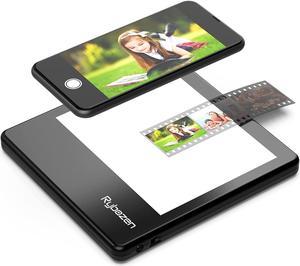
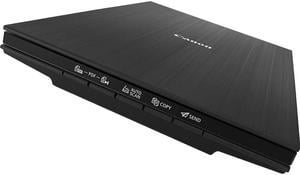
- USB 3 - FREE Canon software available - Compatible with Win 11 - 4800 dpi - FAST! - No external power supply needed (powered from USB socket) - 8.5 x 11 Flatbed - Bed cover pops up for bulky items [Windows driver/software available from Microsoft for those so inclined.]

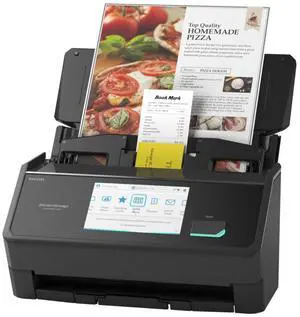
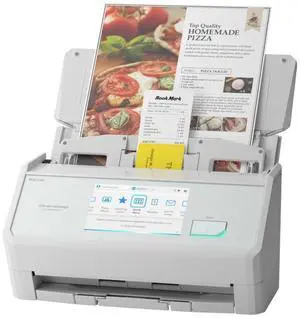
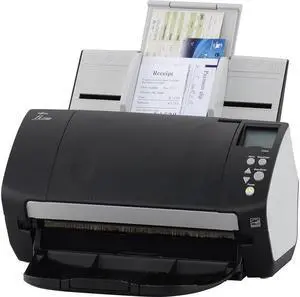
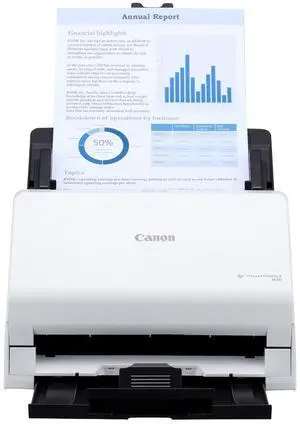
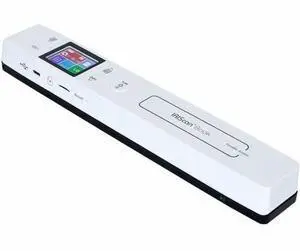
-Very fast document scanning. About 2 pages per second. -Can put <30pages at once but (will need to remove them as they come out) -Super quick setup -Using Wifi to send to the PC is instant. Very awesome. -Flat uncrumpled papers work extremely well -Small and compact
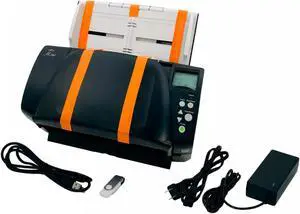
Xerox XD combo is priced as an entry level professional scanner. The build quality is fairly light, with the size being no where near compact, but standard flatbed single sheet scanner size. The weight is not heavy at all. Software installation using the DVD provided was very easy, although taking a few extra minutes. Finish setting up took almost no time. The scanner uses standard DC and USB cable as regular printers. Xerox website product support pages were easy to find. Using duplex it scans regular documents in both sides with the press of a button, sending the paper out after finishing, without having anything to do with simplex mode mechanically. It took almost no time using the recommended and very automated 300 dpi gray-scale. I had problems duplex scanning in business cards and larger sized cards, leading to paper jams because the cards won't flex far enough or are too small to pass through the paper output. Clearing out the jams were very easy. Scanning in color tends to take double amount of time at any given resolution, with the highest resolution taking about one minute to scan in gray scale. This applies to both simplex and duplex modes. The dpi goes all the way up to 1200 in the software. As for OCR, it is all done through software and takes very little time. You can save it as searchable PDF or as Word file almost instantaneously. Page orientations are adjusted automatically, immediately after the scan and before you save it. Scanning in and combining multiple sheets took a little bit more settings to go through. You had to find the other saved scanned file, which was easy to find based on the easy file path implementation. Overall this is a very easy to use, straightforward and yet very well equipped professional scanner, either by using the physical interface or by using any of the two types of software utility implementations. Several minutes after the scans the scanner enters in sleep mode. You can wake it up by simple pressing the on button. The duplex button is for using the the paper feeder process. Users could easily start with the press of the button or with Visioneer one touch software interface. The Visioneer one touch program do seem to utilize most of the Abbyy fine-reader functionalities, although being separate software utilities.


D/L the drivers from Canon's website. Works fine with Win 11, uses Win 10 driver.


Previously I used this to scan in my TOS (terms of service) agreement with Directv and had Nitro PDF Pro use its OCR (optical character recognition) convert the entire document into a "searchable" PDF. Then I used CTRL+F when viewing it to quickly search for the terms "terminate" and/or "cancel" to quickly find all the sections that spelled out exactly HOW to cancel my service without paying an early termination fee (I only had service for 5 days and was looking for a way out). VERY handy - saved nearly 2 hours of reading & researching. (DTV gives you 15 days after the install to cancel - though they hassle the heck out of you and even try blatantly lying to you and denying you have this right.) Next I used it to scan my entire 848+ page "Americas Test Kitchen Family Cookbook" into a searchable PDF. The pages are 3 ring binder style and can easily be removed. (More pros continued in the "CONS" section because there are NO NEGATIVES!)


Great Fast Machine, clear and easy to use