
Your Browsing History






Any questions? Our AI beta will help you find out quickly.
"This item is professionally refurbished by Dell through their official Dell Refurbished channel. Fully tested, cleaned, and certified to be 100% functional"
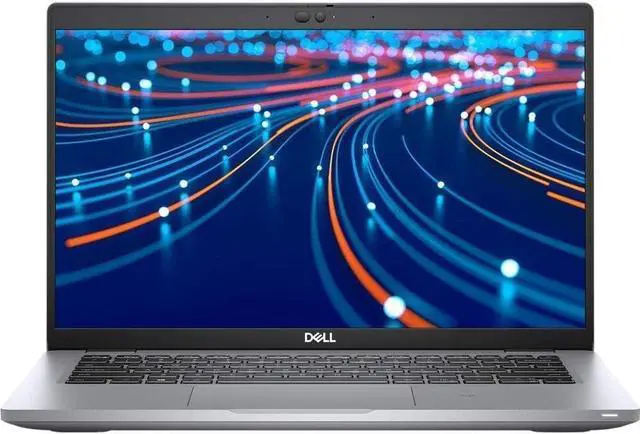
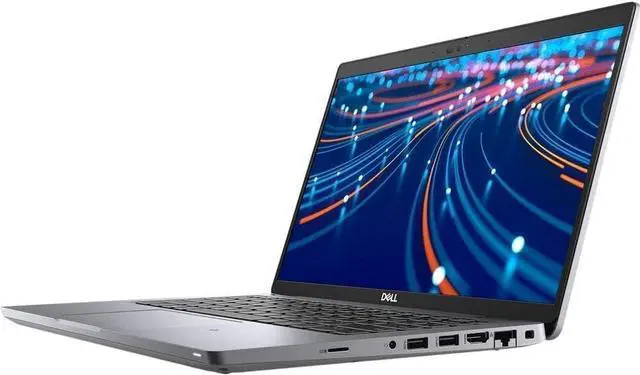
Elevate Your Professional Productivity with the Dell Latitude 5420 High-Performance 14-Inch Business Laptop in Sleek Silver
Experience the perfect harmony of power, reliability, and portability with the Dell Latitude 5420. This 14-inch professional laptop is meticulously engineered for business executives, students, and remote workers who demand a
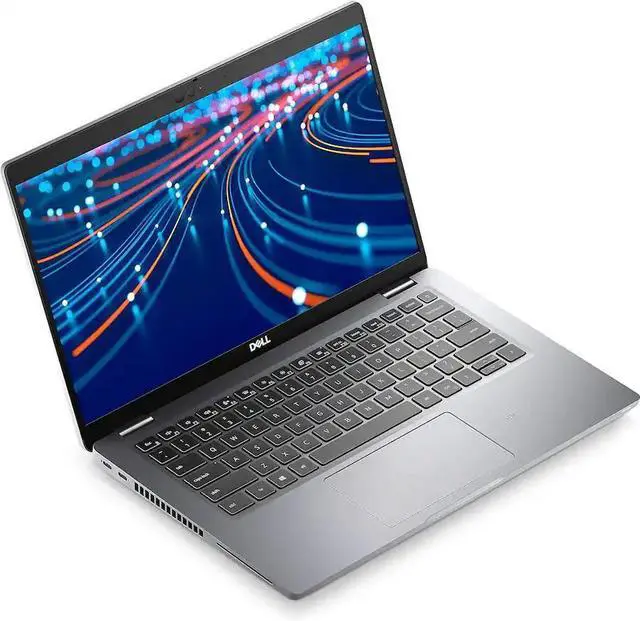
high-quality, dependable machine that can keep up with their busy schedules. Wrapped in a sleek and modern Silver chassis, the Latitude 5420 combines Dells legendary enterprise-grade build quality with cutting-edge 11th Gen performance hardware, making it the ultimate tool for conquering daily office tasks, academic projects, and professional workflows with ease.
At its core, the Latitude 5420 is powered by the efficient 11th Generation Intel Core i5-1135G7 Quad-Core processor. With its advanced architecture and intelligent power management, this CPU delivers the consistent performance needed to breeze through common business applications, from managing complex spreadsheets to running multi-tab web browsers and high-definition communication tools. Whether you are drafting detailed reports, attending virtual meetings, or coordinating with your team, the i5-1135G7 provides a smooth and incredibly responsive experience. Complementing this processing power is 8GB of high-speed RAM, providing the memory overhead required for efficient multitasking. You can effortlessly switch between your essential work applications without any lag or slowdown, ensuring you stay productive throughout your workday.
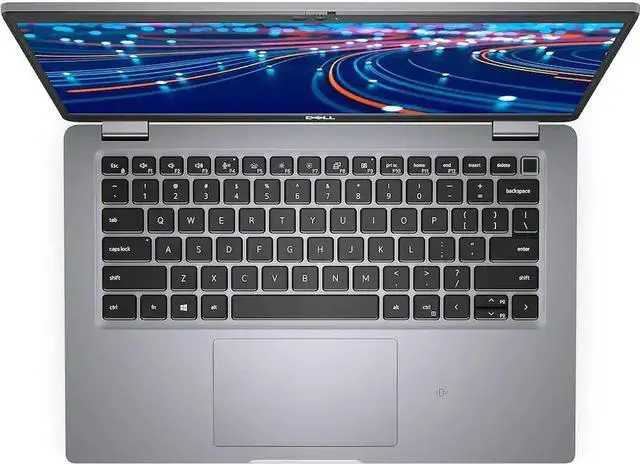
Visuals are handled by the integrated Intel Iris Xe Graphics, which delivers crisp, clear imagery and vibrant colors on the 14-inch Full HD (1920x1080) non-touchscreen display. This professional-grade screen is designed to provide a comfortable viewing experience even in brightly lit environments, making it perfect for detailed document work, data analysis, and high-definition video conferencing. For storage, the 256GB SSD ensures lightning-fast boot times and rapid access to your most important files, documents, and applications. The integrated backlit keyboard provides a comfortable and accurate typing experience in any lighting condition, ensuring you can stay productive during late-night work sessions or in dimly lit environments like airplanes or coffee shops.
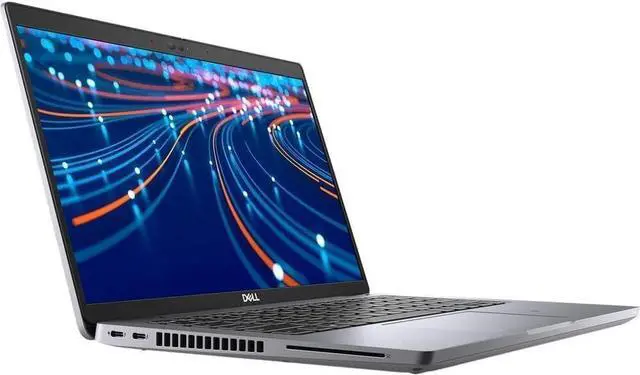
Designed for the modern, mobile professional, the Latitude 5420 runs on Windows 10 Pro, offering advanced security features and enterprise-level management tools essential for todays professional landscape. Its slim, lightweight, and durable design makes it the ultimate travel companion, fitting easily into any briefcase or backpack, while its robust connectivity optionsincluding dual USB Type-C with Thunderbolt 4 and HDMIensure you can connect to all your peripherals with ease. Whether you are a business leader, a dedicated student, or a versatile professional, the Dell Latitude 5420 is designed to help you push the boundaries of productivity and achieve your goals with confidence. Experience the perfect blend of power, professional elegance, and long-term reliability with this exceptional business laptop.
The Dell Latitude 5420 14-inch FHD Laptop (Silver) is a dependable and business-ready device designed for professionals who need reliable performance, portability, and efficiency for everyday productivity. Built by Dell, this laptop features a 14-inch Full HD (1920 × 1080) display, delivering crisp visuals and clear detail for office work, presentations, web browsing, and video conferencing. The non-touchscreen design helps improve battery life and ensures a distraction-free work experience. Powered by the Intel Core i5-1135G7 11th Gen processor, the Latitude 5420 offers smooth and efficient performance for multitasking and daily business applications. Whether you're working on documents, emails, or multiple browser tabs, it provides reliable and responsive computing. With 8GB of RAM, the laptop supports essential multitasking, allowing you to run multiple applications with ease. The 256GB SSD storage ensures fast boot times, quick file access, and dependable storage for important documents and software. Equipped with Intel integrated graphics, it handles everyday visuals, streaming, and light workloads efficiently. Running on Windows 10 Pro, the system provides advanced security features, remote desktop capabilities, and professional tools, making it ideal for business and enterprise environments. The backlit keyboard enhances usability in low-light conditions, while the sleek silver design adds a modern and professional look. Its lightweight and durable build makes it perfect for users on the go. Perfect for users searching for Dell Latitude 5420 i5 11th Gen laptop, 8GB RAM business laptop, 14 inch professional laptop, Windows 10 Pro laptop, and reliable office laptop, this model delivers solid performance and value.
Overall, the Dell Latitude 5420 is a practical and efficient laptop built for everyday business productivity.