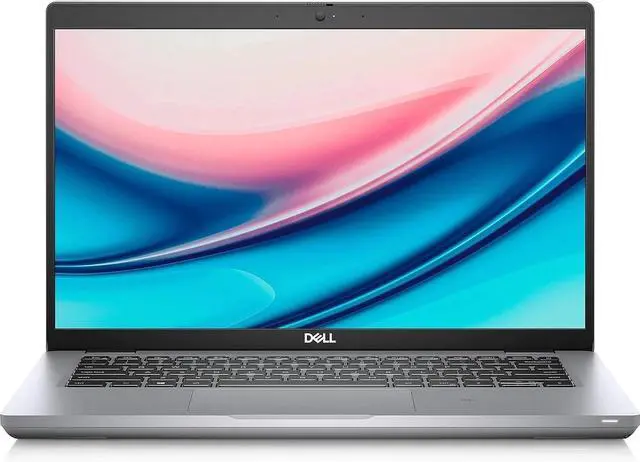
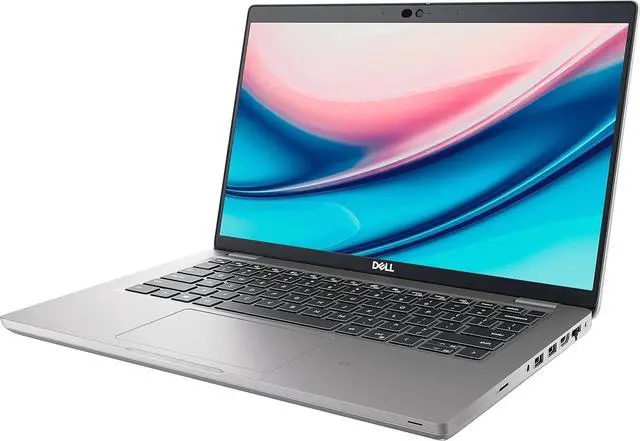
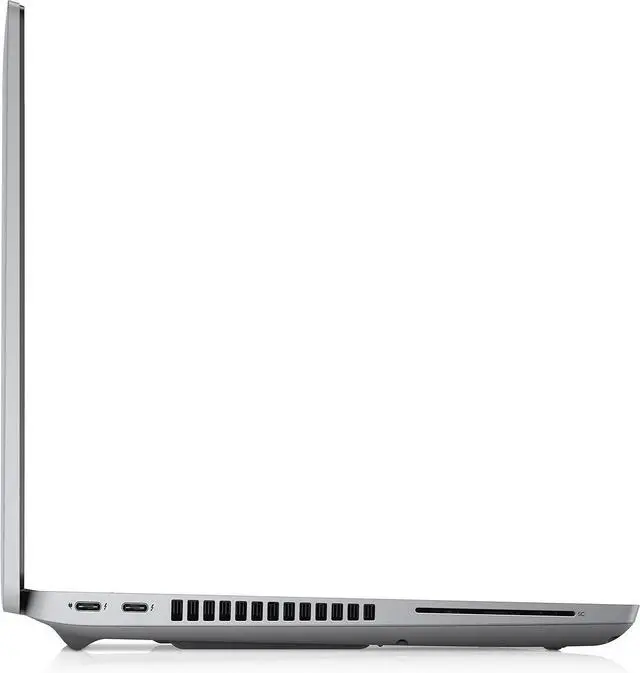
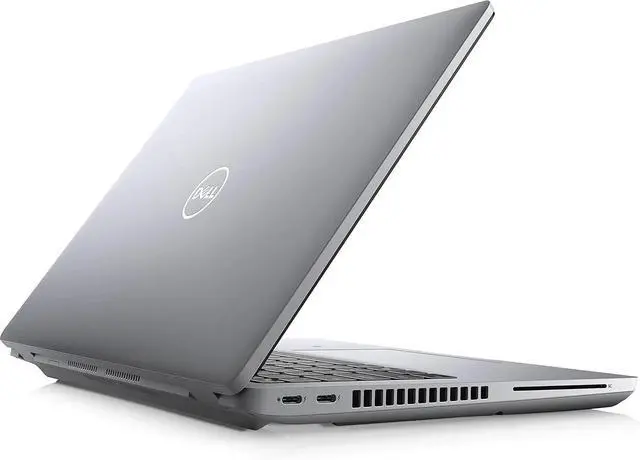
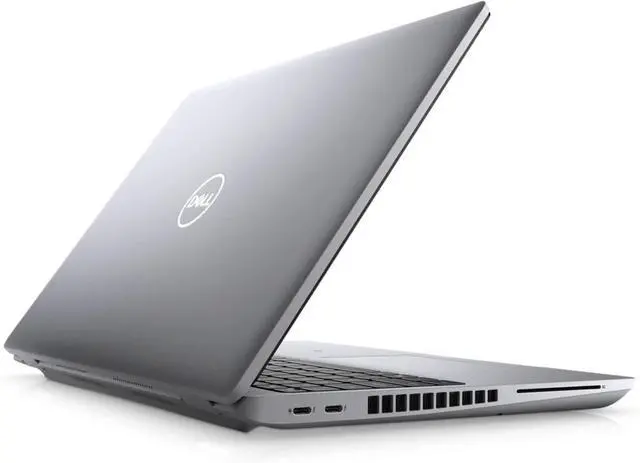
Stay ahead of the curve with the Dell Latitude 5421, a professional powerhouse that defies the traditional "business laptop" label. Unlike standard office portables, this 14-inch FHD Touchscreen model is equipped with a high-performance Intel Core i5-11500H processorthe type usually reserved for heavy-duty workstations. In 2026, it remains a top choice for users who need a mobile machine that can handle data-heavy spreadsheets, light creative work, and intensive multitasking without breaking a sweat.
Built with Dells commitment to sustainability, the Latitude 5421 features a chassis made with 21% bioplastics from trees. Its performance is bolstered by 16 GB of DDR4 RAM and a fast 256 GB NVMe SSD, ensuring that your most demanding apps open instantly. With Windows 11 Pro pre-installed, you have access to elite security features like ExpressSign-in, which uses a proximity sensor to wake the laptop and log you in via the IR camera as soon as you sit down.
The Dell Latitude 5421 is a high-performance "workhorse" laptop. Unlike the standard 5000-series Latitudes that use ultra-low-power chips, the 5421 features an "H-series" processor. This provides significantly more raw power for demanding tasks like heavy data processing, engineering software, or virtualization, all while maintaining a portable 14-inch form factor.
Specifications
- Processor: Intel® Core i5-11500H (6 Cores, 12 Threads, 2.90 GHz Base, up to 4.60 GHz Turbo, 12 MB Cache).
- Graphics: Intel® UHD Graphics for 11th Gen Intel® Processors.
- Display: 14-inch FHD (1920x1080) Touchscreen, Anti-Glare, 300 nits brightness.
- Memory: 16 GB DDR4 3200 MHz.
- Storage: 256 GB PCIe NVMe SSD
- Operating System: Windows 11 Pro.
- Keyboard: Backlit Keyboard with multi-touch trackpad.
- Wireless: Intel® Wi-Fi 6 ($802.11ax$) and Bluetooth 5.2.
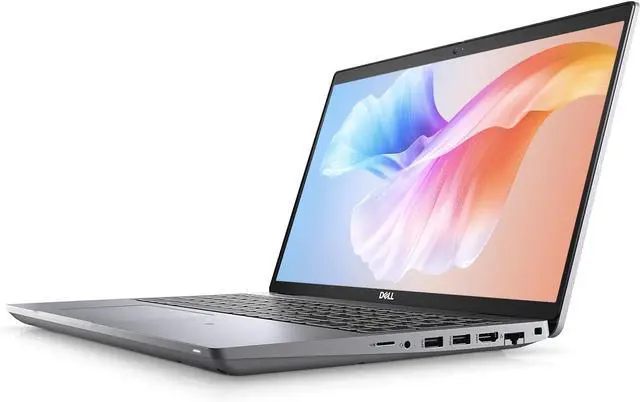
- I/O Ports:
- 2x USB 3.2 Gen 1 Type-A (one with PowerShare).
- 2x Thunderbolt 4
- 1x HDMI 2.0.
- 1x RJ-45 (Gigabit Ethernet).
- 1x microSD card reader.
- 1x Universal Audio Jack.
Key Highlights
- H-Series Performance: The i5-11500H is a 45W "High Performance" chip, making it much faster than the standard i5-1135G7 (15W) found in typical office laptops.
- Touchscreen Versatility: The 14" FHD touchscreen allows for intuitive navigation, digital signatures, and quick scrolling through complex spreadsheets.
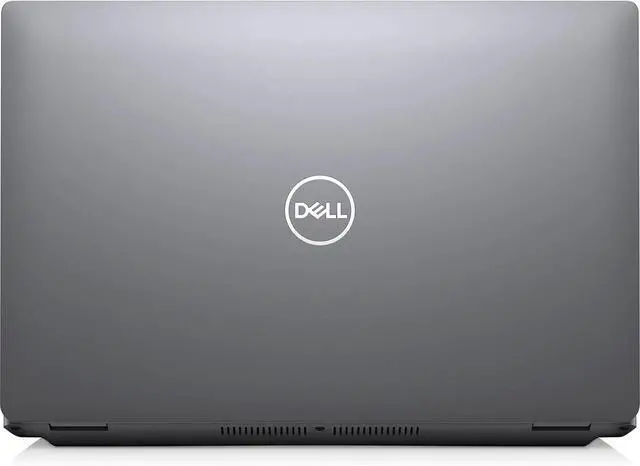
- Advanced Cooling: Because it houses a high-performance CPU, the 5421 features dual heat pipes and improved venting to maintain peak speeds without throttling.
- Scalability: Unlike many modern thin-and-light laptops, the Latitude 5421 generally allows for easy RAM and SSD upgrades, extending the machine's lifespan.
- Sustainability: Built with bio-based plastics in the lid and recycled materials throughout the chassis, aligning with modern corporate green initiatives.
Pro Tip: Maximizing Your Digital Setup
To get the most out of your high-performance Latitude 5421, consider these professional tweaks:
- Manage the "H" Power: Since the H-series processor draws more power than standard chips, use the Dell Power Manager to set the "Quiet" thermal profile during meetings to keep fans silent, or "Ultra Performance" when plugged in for maximum speed.
- Upgrade the SSD: A 256GB drive can fill up quickly with Windows 11 updates and business apps. Consider upgrading to a 1TB NVMe SSD to take full advantage of the high-speed PCIe lanes.
- Thunderbolt Efficiency: Use a Thunderbolt 4 Dock to connect two 4K monitors and all your peripherals via a single cable. This also charges the laptop at its required wattage (typically 90W or higher for H-series models).
- Privacy Shutter: Slide the mechanical camera shutter closed when not in a video call for 100% physical privacy protection.