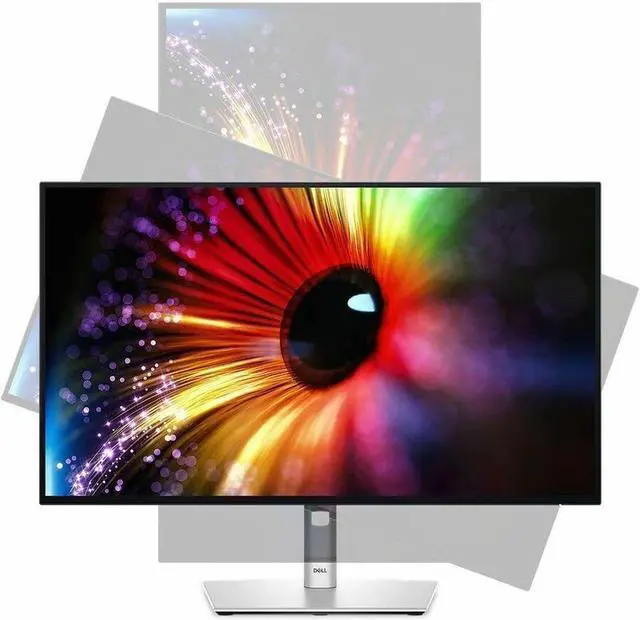
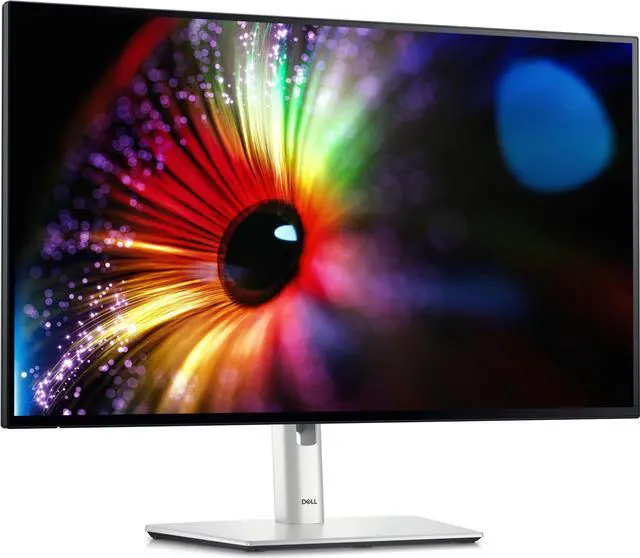
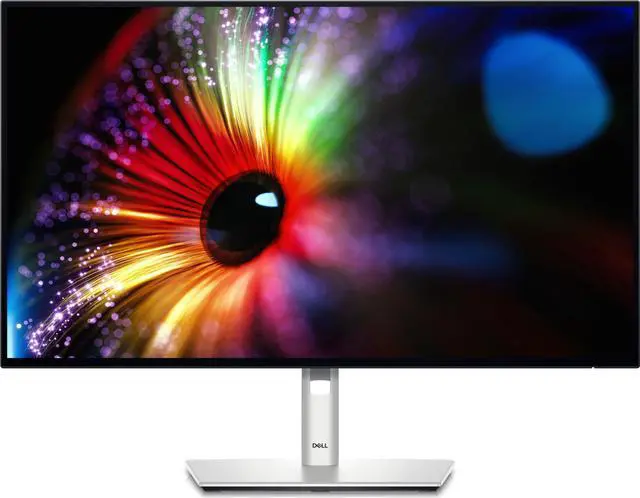
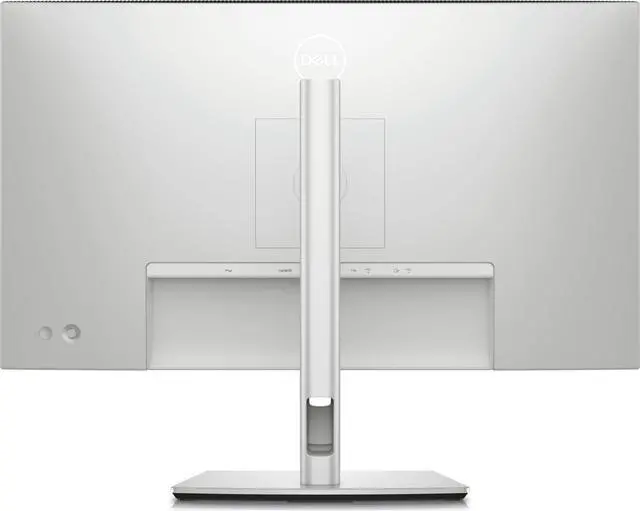
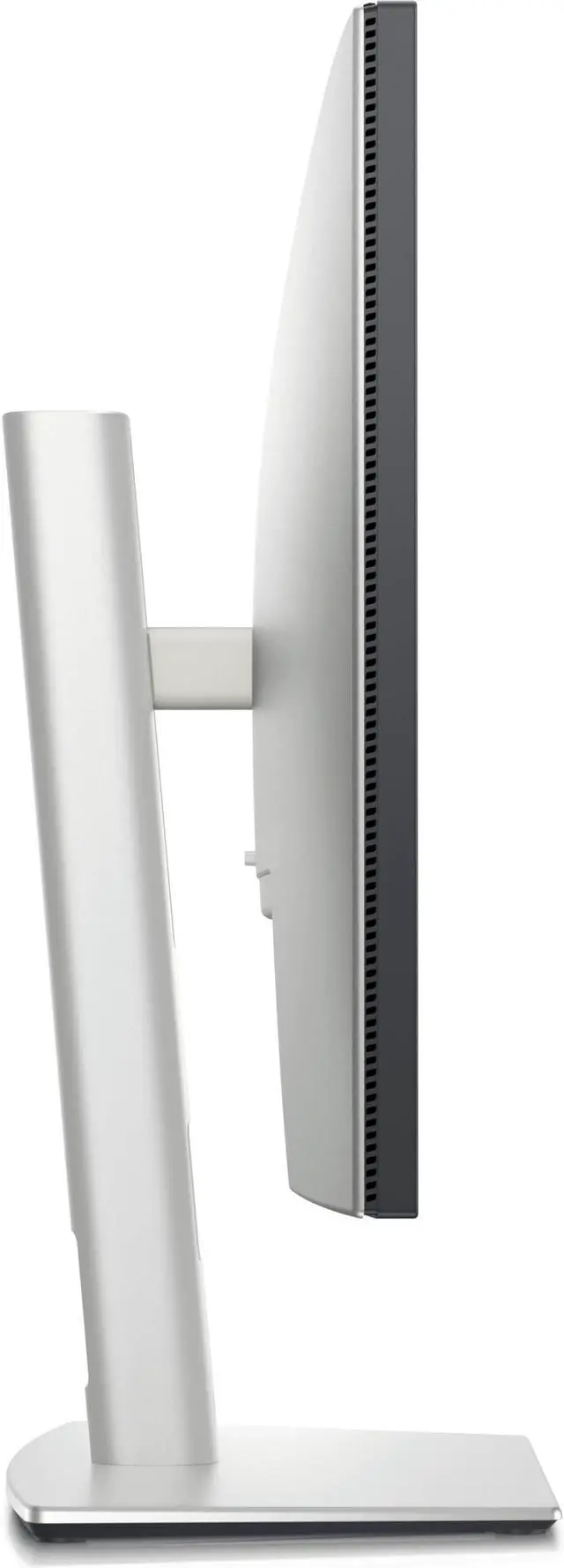
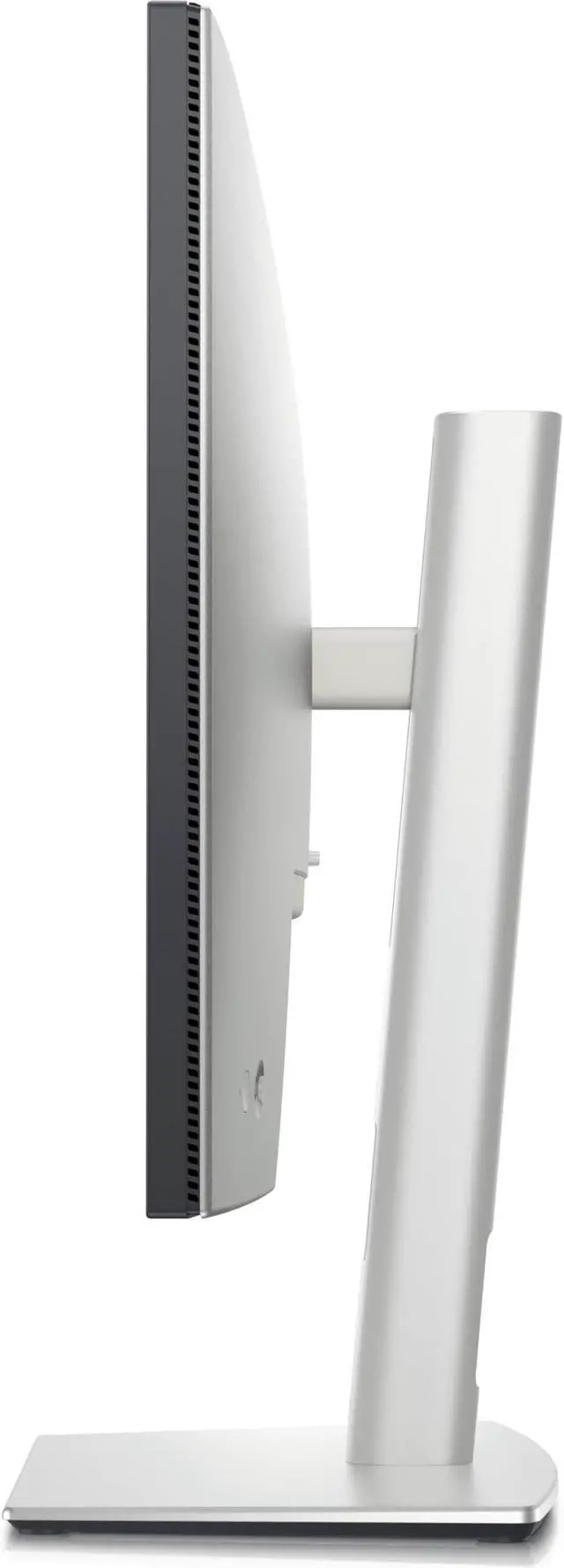
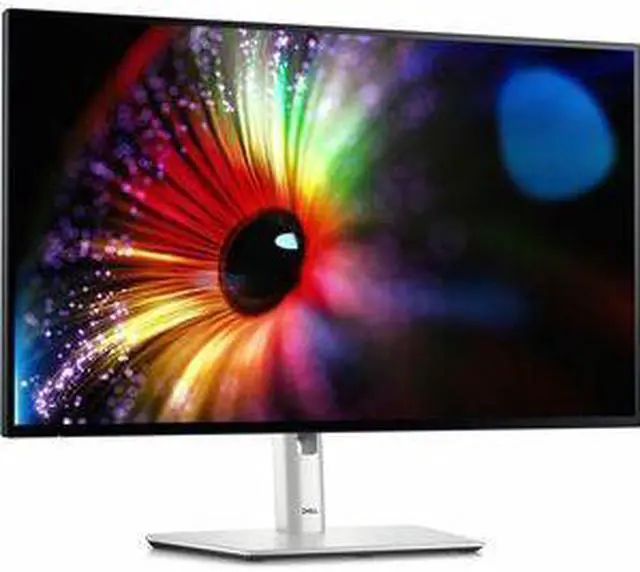
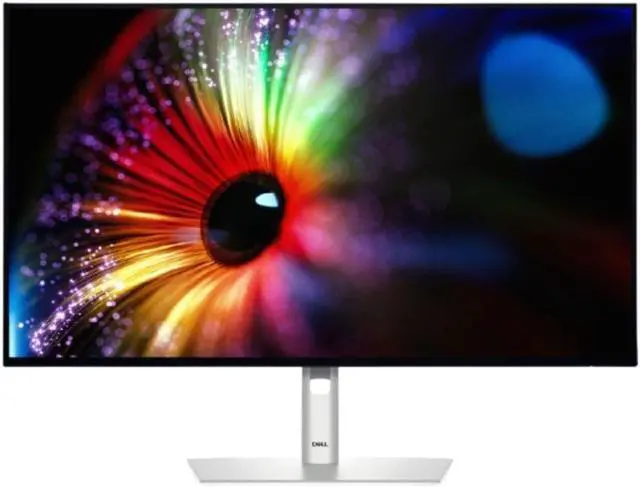
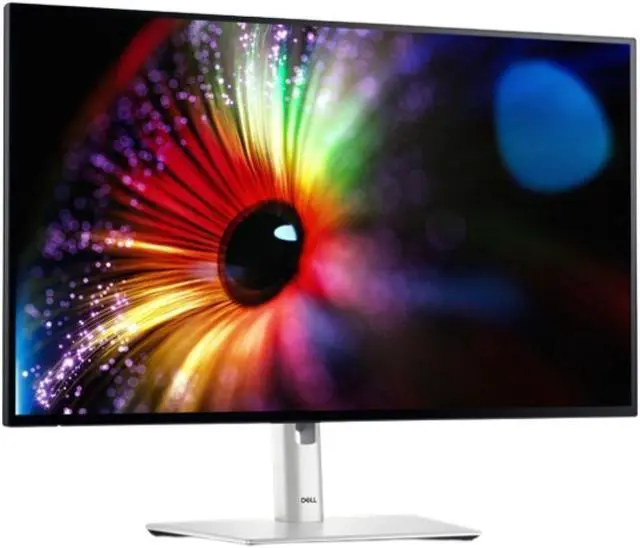
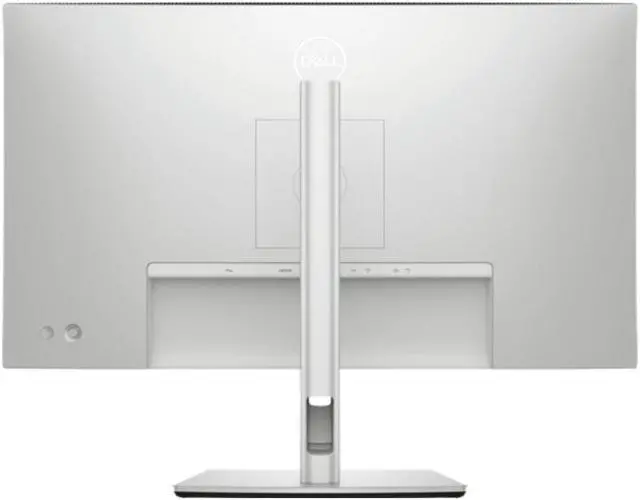
The Dell UltraSharp U2724D is a 27-inch QHD monitor certified for TÜV 5-star eye comfort, making it a suitable choice for professionals and home-office users who spend long hours working, reading, and multitasking on screen.
Recommended For
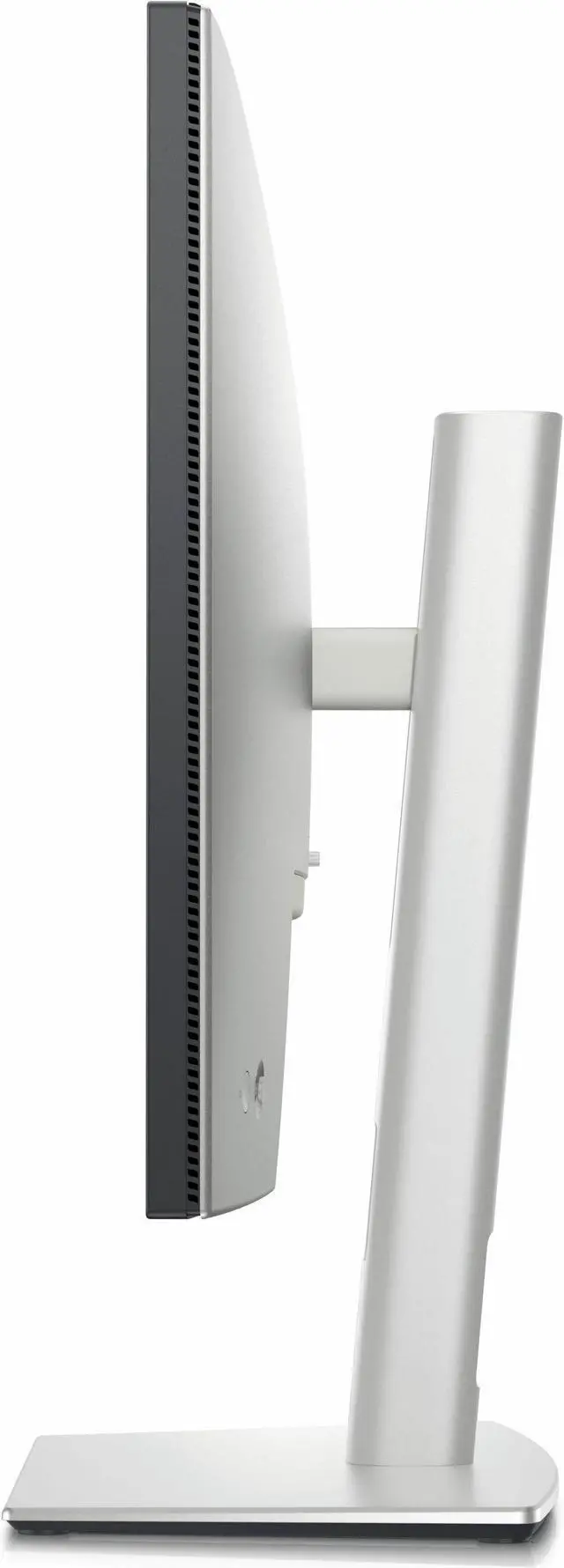
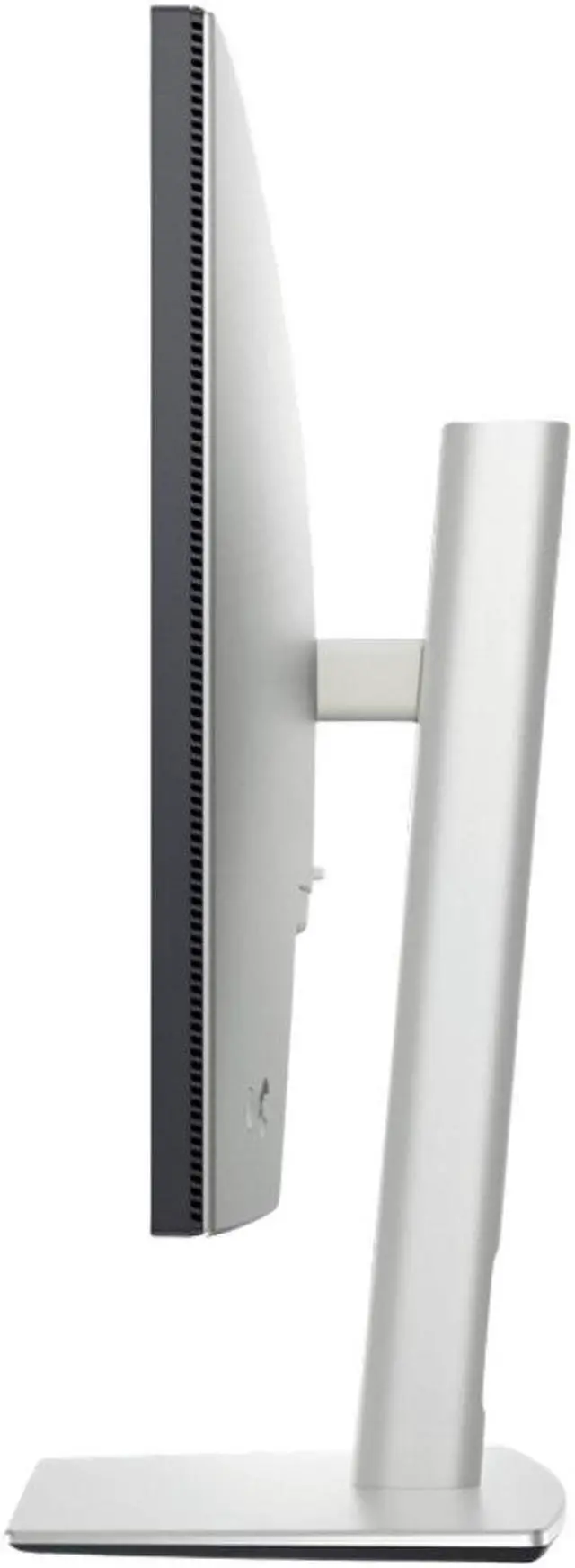
- People who spend long workdays reading documents, spreadsheets, and web pages: the adjustable stand supports height, tilt, swivel, and pivot changes, and PCWorld highlights the monitor’s ergonomic design.
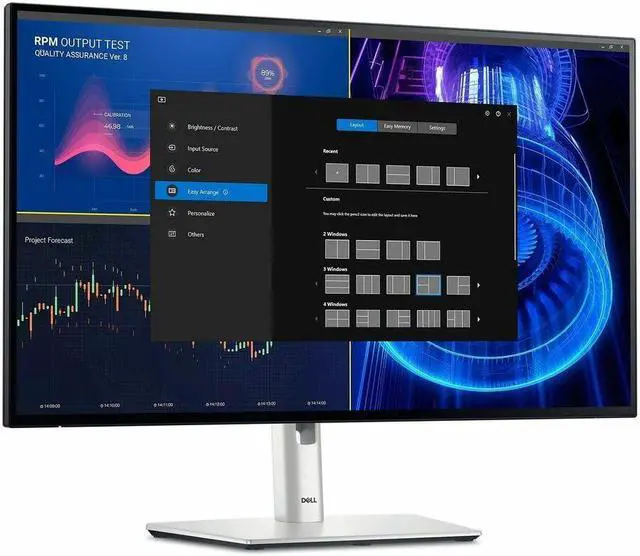
- Developers and analysts who keep code, reference material, and work apps visible together: its 27-inch QHD screen offers a practical multitasking workspace, while Dell Display Manager supports arranging windows into layouts.
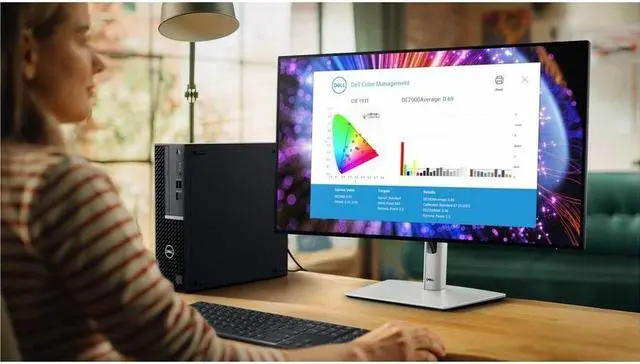
- SDR-focused designers and content creators who want a color-capable screen for everyday design, photo sorting, or web content: Dell lists broad Display P3/DCI-P3 coverage, and PCWorld reports strong color performance.
- People who mix office work with casual gaming: the 120Hz refresh rate and variable refresh rate support smoother play than a standard 60Hz office display, without making gaming the monitor’s only purpose.
Real-World Use Scenarios
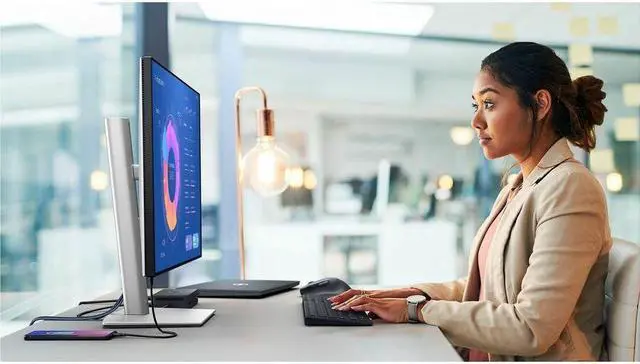
- For a home-office workday, use the screen for documents, spreadsheets, and browser tabs; PCWorld found it well suited to office productivity, with an adjustable stand for tailoring the viewing position.
- For photo or other color-focused creative work, use it to edit and review images; its broad color coverage and strong color performance make it suitable for everyday content creation, though it is not an HDR display.
- For casual gaming after work, connect a suitable PC or console and play at a smoother-feeling refresh rate than a standard 60 Hz screen; reviews describe gaming as a possible use, but frame rates depend on the connected system and game.
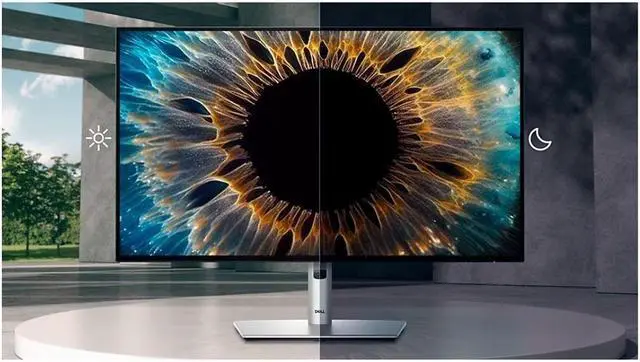
- For a long reading or writing session, work through PDFs, reports, or email with the monitor set to a comfortable height and angle; Dell highlights its eye-comfort features, while the adjustable stand helps fit different desk setups.
- For a desk shared by two computers, use Picture-by-Picture or Picture-in-Picture to view both connected sources on the same display; this can help when comparing work across devices without switching screens.




 here!