




 here!
here!
I’m your shopping assistant for PC builds, upgrades, and everything tech.
Got questions? Ask away!
Start a conversation
here!
I’m your shopping assistant for PC builds, upgrades, and everything tech.
Got questions? Ask away!
Start a conversationShipped by Hebei XG Technology Co., Ltd.





Any questions? Ask CelesteSM will help you find out quickly.
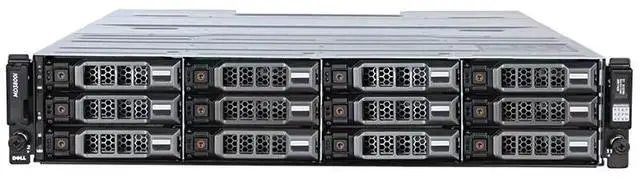
- RackSeries: 3820I (2.5-inch / 24-bay)
- RackCPU Type: None (Storage device, no CPU included)
- RackCPU Socket: None (Storage device, no CPU socket)
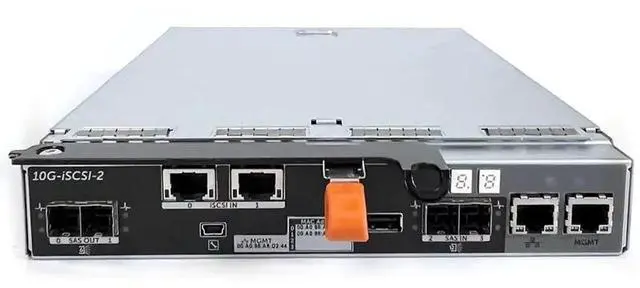
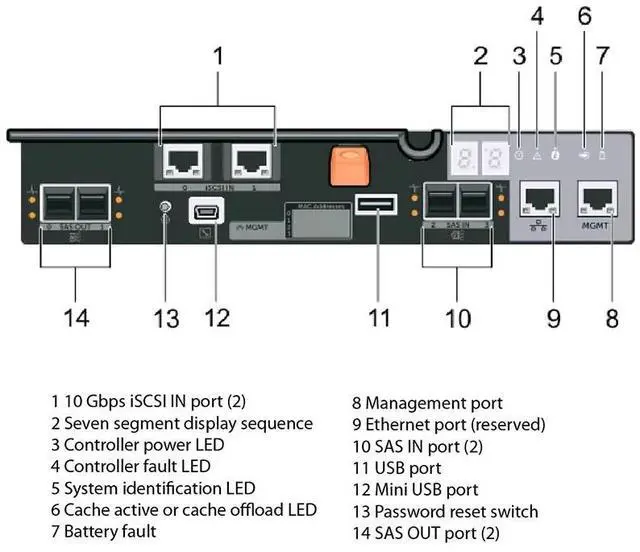
- Controller: Single-control
- Disks: No disks
- Power supply: 600W dual-power supply
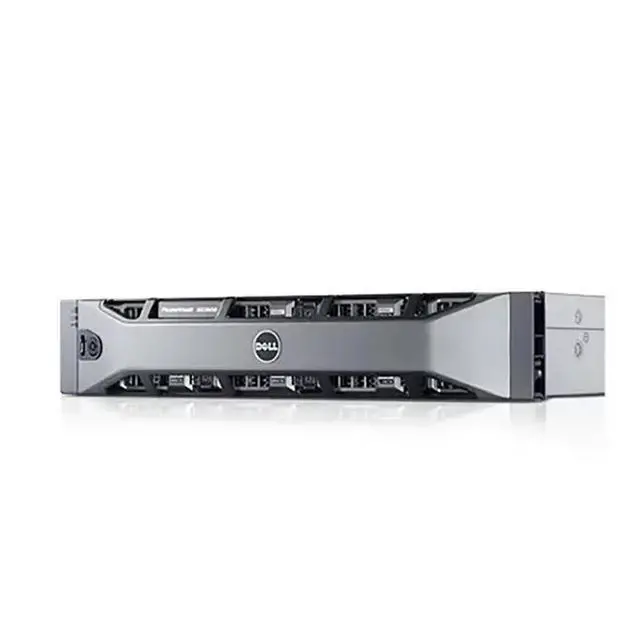
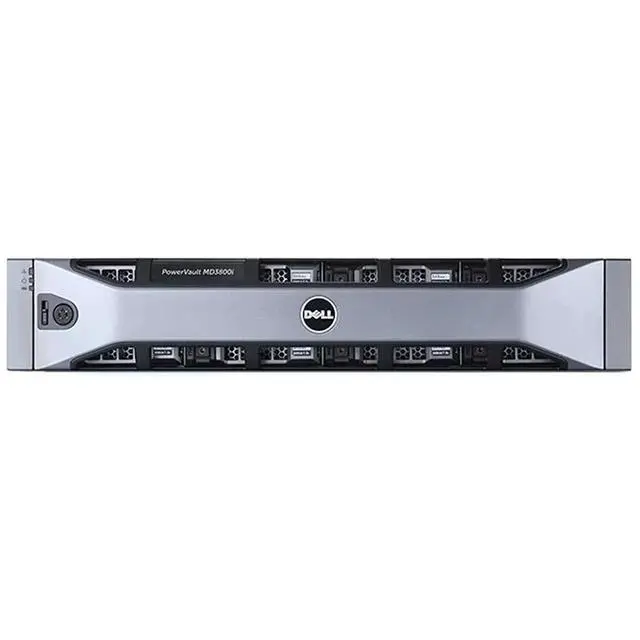
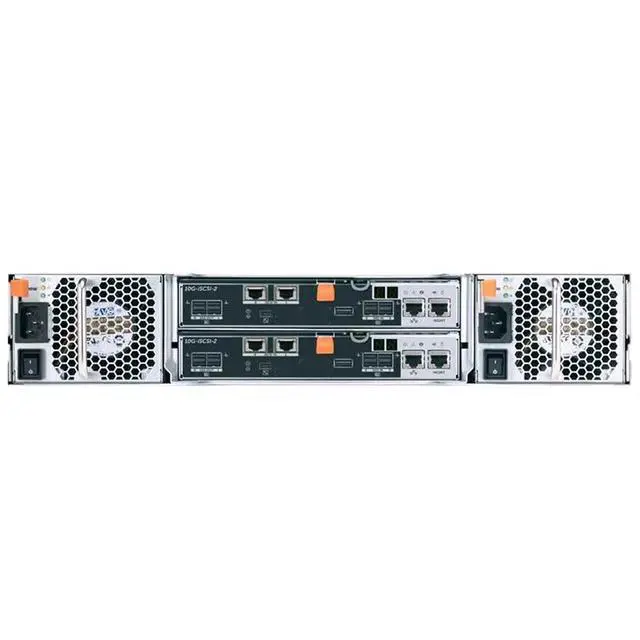
The Dell 3820I is a 24-bay 2.5-inch server barebone storage chassis with single-controller design, no CPU, no disks, and dual 600W power supplies, making it suitable for IT teams and system integrators building or expanding rack-mounted storage infrastructure around their own selected components.
| Attribute | Value |
|---|---|
| Best For | Dense 2.5-inch, 24-bay rack storage deployments that need a barebone enclosure with a single storage controller and redundant 600W power; ships without CPU or drives |
| Model Identifiers | Dell PowerEdge 3800I (model 3800I) |
| Chassis And Drive Bays | 2.5-inch drive chassis with 24 drive bays (24-bay 2.5" form factor) |
| Controller | Single-control storage controller configuration |
| Storage (Drives) | No disks included — barebone ships without drives and requires user-supplied 2.5-inch drives |
| Power And Redundancy | Redundant dual 600W power supply configuration |
| CPU And Socket | No CPU included and no CPU socket (storage barebone requires separate CPU if needed) |
Q: Should I choose this Dell 24-bay single-controller enclosure or a dual-controller Dell PowerVault ME5024?
A: Choose this 24-bay single-controller unit when you need Dell 2U/24-bay SFF storage hardware and want a simpler, lower-complexity configuration for non-redundant use cases. Choose a dual-controller PowerVault ME5024 when uptime, path redundancy, and future expansion matter more. Dell documents that single-controller ME5 configurations are not redundant, and Dell positions the dual-controller ME5 line as its standard SAN/DAS architecture for business storage.
Q: Is this 24-bay SFF Dell enclosure a better fit than a 12-bay Dell model like the ME5012 or MD1400?
A: Choose this 24-bay 2.5-inch platform when rack density and a larger count of small-form-factor drives are more important than starting small. A 12-bay Dell option is the better fit when you want a smaller initial footprint or expect a lighter drive count. Dell positions ME5012 as a 12-bay 2U base array, while 24-bay Dell SFF platforms are aimed at denser drive populations in the same 2U height.
Q: Should I buy this single-controller 24-bay enclosure or step up to a higher-capacity 84-bay Dell platform?
A: Choose this model when you want 2U density with 24 small-form-factor bays and do not need very large base capacity in one chassis. Step up to Dell's 84-bay class when your priority is maximizing drive count and raw capacity per chassis. Dell's ME5084 class is designed for much larger capacity scaling, while 24-bay 2U systems are the more compact choice for dense SFF deployments.
Q: Is this Dell barebone enclosure a better choice than an older Dell MD1420-style 24-bay shelf?
A: Choose this newer barebone option when you want a current-market Dell 24-bay chassis listing and are building around a newer deployment plan. An older MD1420-style shelf is more relevant when you specifically need compatibility with legacy 12Gb SAS Dell server-attached expansion environments. Dell's older MD literature positions the MD1420 as a 24 x 2.5-inch enclosure in the previous MD family, while current Dell messaging centers new shared storage buying around the PowerVault ME platform.
Q: Should I use this single-controller 24-bay Dell unit for expandable shared storage, or choose a configuration built for growth?
A: Choose this unit when your plan is a fixed, simpler deployment and you do not need controller redundancy or supported expansion shelves. Choose a dual-controller ME5 configuration when you expect to grow the system with additional enclosures. Dell states that ME5 expansion enclosures are not supported on systems with a single controller module, which makes dual-controller configurations the clearer choice for scale-out planning.
Q: Who is this barebone storage chassis suitable for?
A: This model is best suited to IT teams, labs, and businesses that already have a storage deployment plan and need a 24-bay rackmount chassis without CPUs or disks included. It fits buyers who want to supply their own drives and build around a single-controller storage setup, not users looking for a ready-to-run server or simple home NAS.
Q: Does this include drives, a CPU, or a complete server system?
A: No. This is a barebone storage device. The provided specifications state that it includes no disks, no CPU, and no CPU socket. Buyers should expect to provide the storage media and confirm the rest of the deployment stack separately before purchase.
Q: Is this a good choice if I want to choose my own drives?
A: Yes, if drive flexibility is part of your buying decision. Diskless storage products are commonly evaluated around drive choice, capacity planning, and compatibility. This Dell unit is intentionally sold without disks, so it is a practical fit for buyers who want to select and standardize their own 2.5-inch drive configuration, but it is less convenient for anyone wanting storage included out of the box.
Q: What is the main trade-off of buying this barebone model?
A: The main trade-off is flexibility versus simplicity. You get a 24-bay chassis with dual 600W power supplies and no bundled disks, which is useful for controlled enterprise-style deployments. In return, setup is less turnkey: capacity, drive selection, and the surrounding storage architecture must be planned by the buyer instead of being predefined in the box.
Q: Is this a good fit for high-uptime rack environments?
A: Yes, more than for casual or desktop use. The 24-bay rack-oriented design and dual 600W power supplies make it better aligned with installations where uptime, serviceability, and dense storage are priorities. It is likely overbuilt for users who only need simple local storage or a small office file box.
Q: Who is this Dell 3820I barebone actually suitable for?
A: This product is best suited to buyers who already have a separate host server, storage controller path, and their own drives. The listing describes it as a 24-bay 2.5-inch barebone storage chassis with single control, no CPU, and no disks, so it fits storage expansion use rather than a complete server build.
Q: Is this a good buy if I need a complete server out of the box?
A: No. It is a barebone storage enclosure, not a complete server. Based on the product data, it includes no CPU and no disks, and Reddit discussions around similar Dell 24-bay shelves show buyers typically pair this kind of chassis with an external HBA or RAID controller and an existing server.
Q: What are the main trade-offs of buying this 24-bay 2.5-inch chassis?
A: The main advantage is density: 24 small-drive bays in a 2U-style footprint. The trade-offs are that you must supply your own drives and supporting infrastructure, and a single-control design gives less redundancy than dual-controller shelves. For many buyers, that makes it more appropriate for lab, expansion, or cost-focused storage builds than for higher-availability deployments.
Q: Is a 24-bay 2.5-inch Dell storage shelf a sensible choice for SSD-heavy or compact storage builds?
A: Yes, if your priority is fitting many 2.5-inch drives into a compact rack footprint. Reddit discussions about similar Dell 24-bay 2.5-inch shelves repeatedly frame them as practical DAS or JBOD options for users adding many SSDs or small-form-factor drives. It is less suitable if you want large-capacity 3.5-inch drives or a self-contained server.
Q: Are there any compatibility or setup risks to consider before buying?
A: Yes. Community discussions around similar Dell 24-bay shelves repeatedly mention that setup details matter: host HBA or RAID controller choice, cabling, drive type, and SATA versus SAS behavior can affect how smoothly the shelf works. For a barebone unit like this, it is a better fit for buyers who are comfortable validating controller, backplane, and drive compatibility before purchase.


