




 here!
here!
I’m your shopping assistant for PC builds, upgrades, and everything tech.
Got questions? Ask away!
Start a conversation
here!
I’m your shopping assistant for PC builds, upgrades, and everything tech.
Got questions? Ask away!
Start a conversationShipped by Hebei XG Technology Co., Ltd.





Any questions? Ask CelesteSM will help you find out quickly.
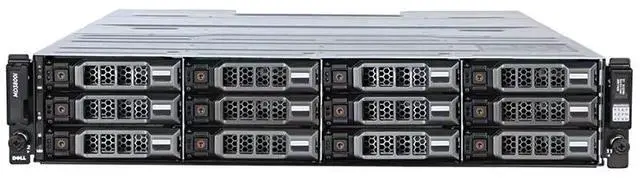
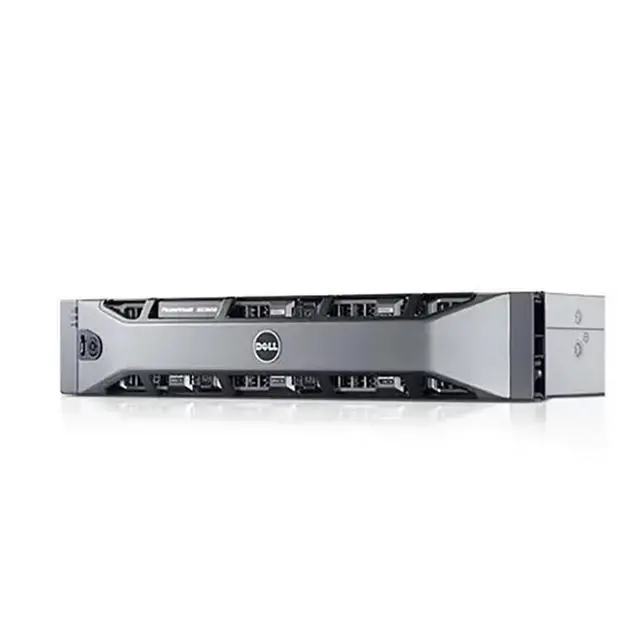
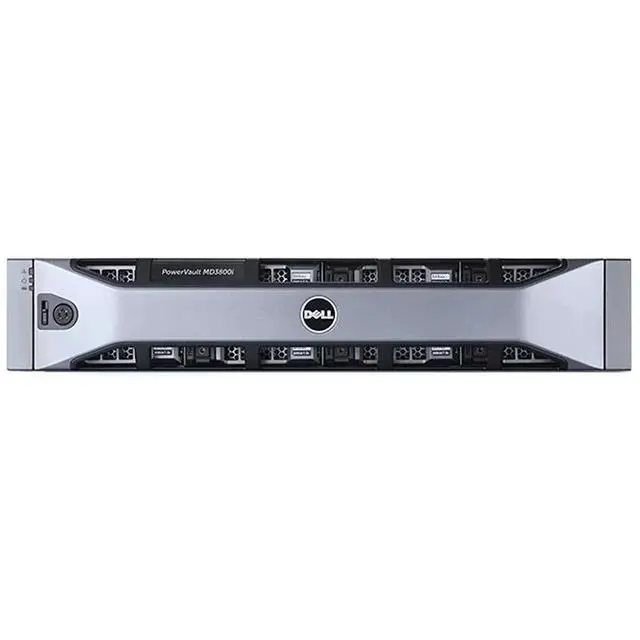
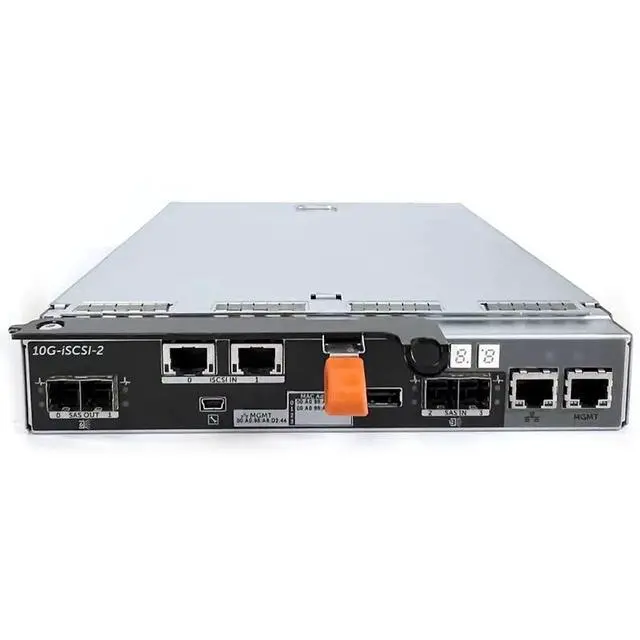
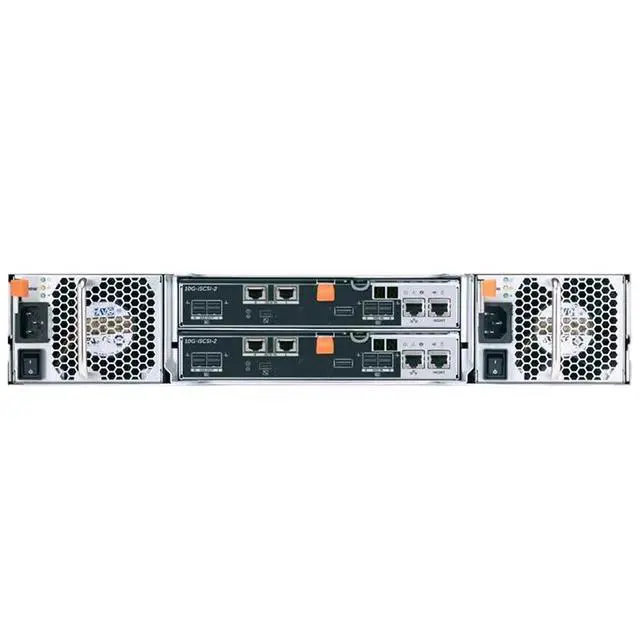
The Dell PowerEdge 3800I is a 24-bay 2.5-inch storage enclosure barebone with dual controllers and dual 600W power supplies, built for businesses and IT teams that need customizable, high-availability storage expansion in server or data center environments.
| Attribute | Value |
|---|---|
| Best For | System integrators and datacenter storage expansions that need a barebone, host‑managed storage enclosure with no onboard CPU |
| Compute Configuration | No CPU included; no CPU socket — requires an external host or controller to provide compute |
| Model Identifiers | Dell PowerEdge 3800I (Model 3800I) |
| Availability | First listed on Newegg February 04, 2026 |
Q: Should I choose the Dell 3820I or a 12-bay 3.5-inch Dell array for general storage expansion?
A: Choose the Dell 3820I when you want higher drive density in 2U and expect to use 2.5-inch SAS drives or SSDs. Choose a 12-bay 3.5-inch Dell array when capacity per drive matters more than bay count, because Dell positions the 24-bay 2.5-inch MD3820i for dense small-form-factor storage, while the 12-bay 3.5-inch MD3800i class is the better fit for larger-capacity disks.
Q: Is the Dell 3820I a better fit than a larger 60-bay Dell array?
A: The Dell 3820I is the better fit when you want a more compact 2U array with 24 front-access 2.5-inch bays and lower power requirements. A 60-bay Dell dense array makes more sense when you need much larger scale and more expansion headroom, but it trades that for a 4U chassis, substantially higher weight, and higher power draw.
Q: Should I buy the Dell 3820I barebone or a newer Dell ME-series array?
A: Buy the Dell 3820I barebone when your priority is lower upfront cost and you are comfortable building around an older enterprise platform with Dell's older management workflow. A newer Dell ME-series array is the better choice when you want a more current platform, broader long-term support expectations, and a more modern management experience. Community discussions around MD3820i commonly note that management is more software-based and less modern than newer Dell storage families.
Q: Is the Dell 3820I a better choice than a simple JBOD enclosure?
A: The Dell 3820I is the better choice when you want dual controllers, redundant power, and an array platform designed for shared storage reliability rather than basic disk attachment. A simpler JBOD enclosure is a better fit when you only need raw expansion behind another controller and want fewer array-layer features. The trade-off is that the Dell 3820I is positioned as a managed storage array, not just a passive disk shelf.
Q: Is this a complete server, or just a storage enclosure?
A: It is a storage enclosure, not a complete server. The listing indicates no CPU, no CPU socket, and no pre-installed disks. It is best suited for buyers who already have the required storage infrastructure and want a 24-bay 2.5-inch expansion chassis with dual controllers and redundant power.
Q: Who is this enclosure suitable for?
A: This enclosure is suitable for business, lab, or data-center buyers who need dense 2.5-inch storage expansion and value hardware redundancy. The 24-bay layout, dual-controller design, and dual 600W power supplies make it a better fit for managed storage environments than for casual home use or simple plug-and-play backup.
Q: Do I need to buy drives separately?
A: Yes. This listing is for the bare enclosure only and does not include any hard drives or SSDs. That makes it flexible for buyers who want to choose their own media, but it also means the total project cost will include drives and any required host-side storage connectivity.
Q: Is this a good choice if I want simple plug-and-play storage?
A: Usually no. This product is better viewed as enterprise-style storage hardware rather than a simple consumer external drive. Because it is a bare 24-bay enclosure with dual controllers, it is more appropriate for buyers who are comfortable planning drive population, storage setup, and system integration.
Q: What are the main trade-offs of buying this barebone enclosure?
A: The main trade-off is flexibility versus simplicity. You get a dense 24-bay 2.5-inch enclosure, dual controllers, and redundant dual 600W power, which supports reliability-focused deployments. In return, you do not get disks, a CPU, or an out-of-box end-user experience, so deployment is more specialized and typically more expensive overall once populated.
Q: Who is this Dell 3820I barebone enclosure suitable for?
A: This product is best suited to buyers who already have a compatible storage environment and need a 24-bay 2.5-inch expansion shelf with redundancy. It makes the most sense for SAN or DAS expansion, lab use, or business storage builds where the buyer will supply drives, controllers, and the rest of the stack. It is not a complete server and not a good fit for someone expecting CPU, RAM, or plug-and-play standalone operation.
Q: Is this a complete server or just a storage enclosure?
A: It is a storage enclosure, not a complete server. Based on the provided product data, it has no CPU and no CPU socket, and it ships without disks. A buyer should expect to add drives and use it with compatible external storage controllers or an existing storage platform.
Q: What are the main trade-offs of buying this barebone 24-bay enclosure?
A: The main trade-off is flexibility versus complexity. You get 24 small-form-factor bays, dual-controller design, and dual power supplies for redundancy, but you also need to handle drive sourcing, compatibility checks, host connectivity, and deployment. Compared with a complete server or turnkey array, it is more customizable but less convenient.
Q: Will it work well if I want maximum drive flexibility?
A: Only if you are comfortable validating compatibility before purchase. Repeated Reddit discussion around similar Dell 24-bay enclosures shows that buyers commonly worry about drive support, SAS versus SATA behavior, and controller requirements. Since this unit is barebone and dual-controller, it is a better fit for buyers who already understand their drive and cabling plan than for buyers who want broad, low-effort compatibility.
Q: Is it worth buying for home or small-office storage expansion?
A: It can be worth buying if your priority is dense 2.5-inch storage expansion with redundant hardware and you already have the supporting infrastructure. It is less compelling if you want a quiet, simple, all-in-one storage box, because similar enterprise enclosures are usually purchased as part of a larger rack setup and require more planning than consumer NAS products.


